Vue + Firebase
Building prototypes fast, cheap and maybe scalable


By Trevor Geise / Context

What We'll Cover
- Why Vue + Firebase
- How Firebase helps us
- About Firebase/Firestore
- Gotchas (Firestore)
- Cash money, how much
Why Firebase + Vue
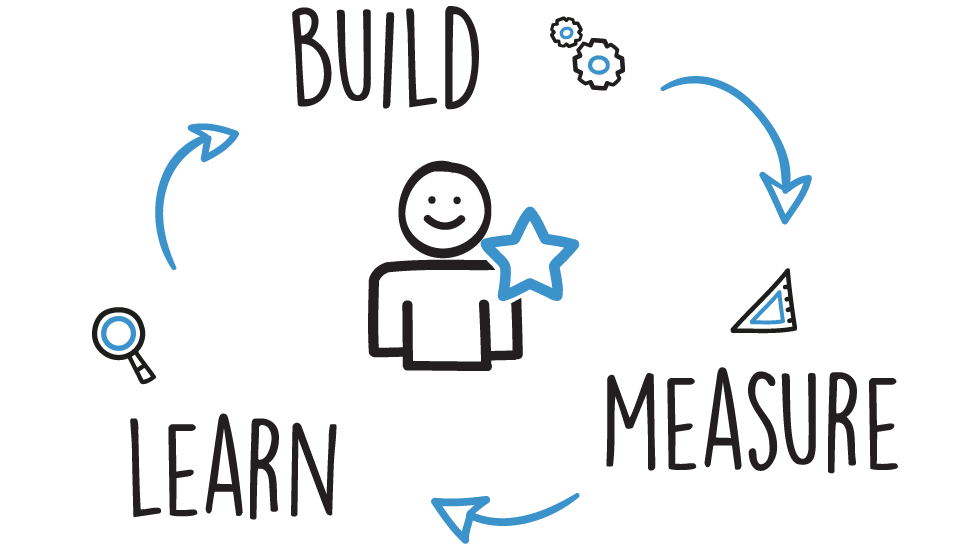
OUR #1 KPI
*Image Credit Tara Velis

Why Vue
- Awesome
- Fast and flexible
- Amazing community
- Intuitive coming from front-end/Meteor
- Angular didn't make sense
- React is uncomfortable if coming from
front-end. Also, f facebook.
Why Firebase
- Damn simple and cheap
-
Wrap your head around it
in 5 minutes
We came from

Super fast and easy to prototype.
MongoDB + NodeJs + Handlebars/Blaze
AWS -> Setup and configure a ton of disparate services

Get going with FB fast
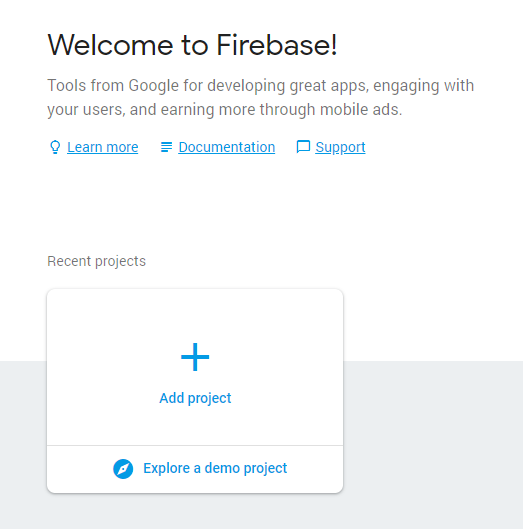
Create a Firebase project
1
$ npm install -g firebase-tools

$ npm install --save firebase

$ firebase login

$ firebase init
Install the Firebase CLI, NPM package, login and initiatlize
2
import firebase from 'firebase';
import 'firebase/firestore';

var firebaseConfig = {
  apiKey: "api-key",
  authDomain: "project-id.firebaseapp.com",
  databaseURL: "https://project-id.firebaseio.com",
  projectId: "project-id",
  storageBucket: "project-id.appspot.com",
  messagingSenderId: "sender-id",
};

firebase.initializeApp(firebaseConfig );
Import Firebase and Firestore.
3
What we get from that
- Reactive nosql database (firestore)
- Authentication
- Hosting w/ SSL
- Cloud Functions
- Cloud File storage
Why This Matters
To Us
We're building Context
A tool to organize complex knowledge,
evaluate it collaboratively in all it's uncertainty,
and effectively communicate it with others.
So we deal a lot in meaning and knowledge and psychology.


but knowledge is super complex

It's bottomless
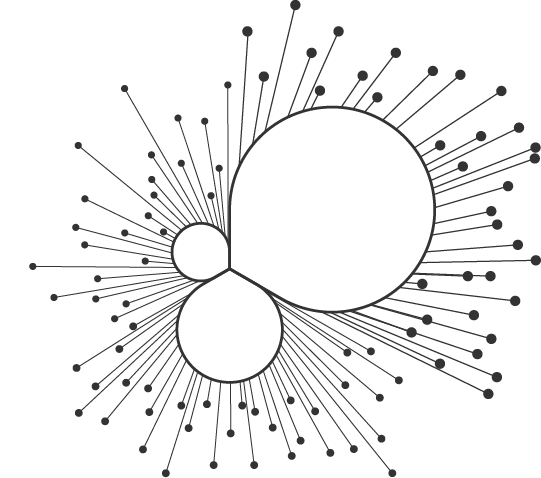
It's emergent
and we're super complex

There is “solid evidence” of recent global warming due “mostly” to “human activity such as burning fossil fuels.” [agree, disagree]
Dan Kahan, Cultural Cognition Project, Yale
So we build/measure/learn as fast as we can
because we don't know where we're going.
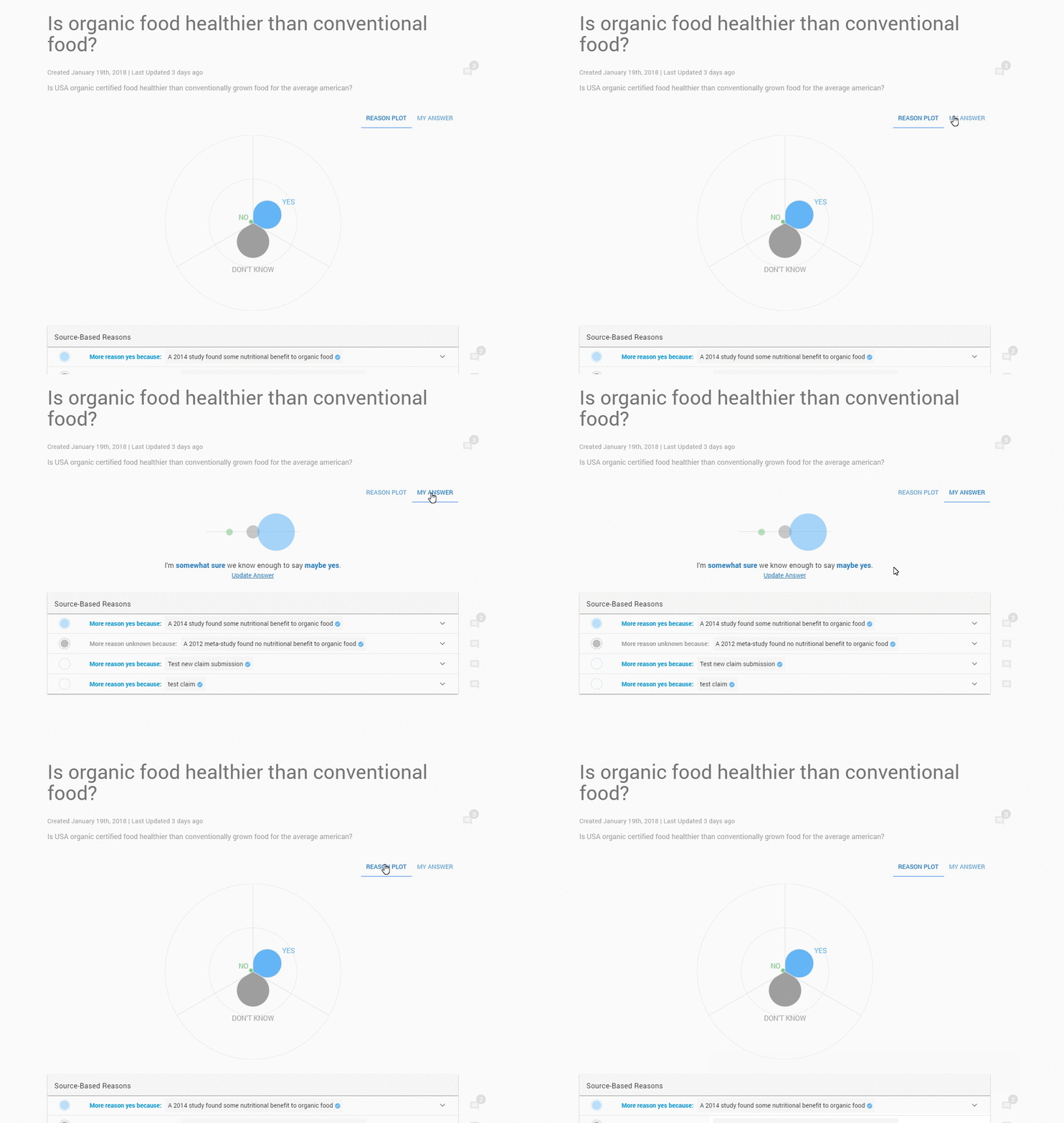
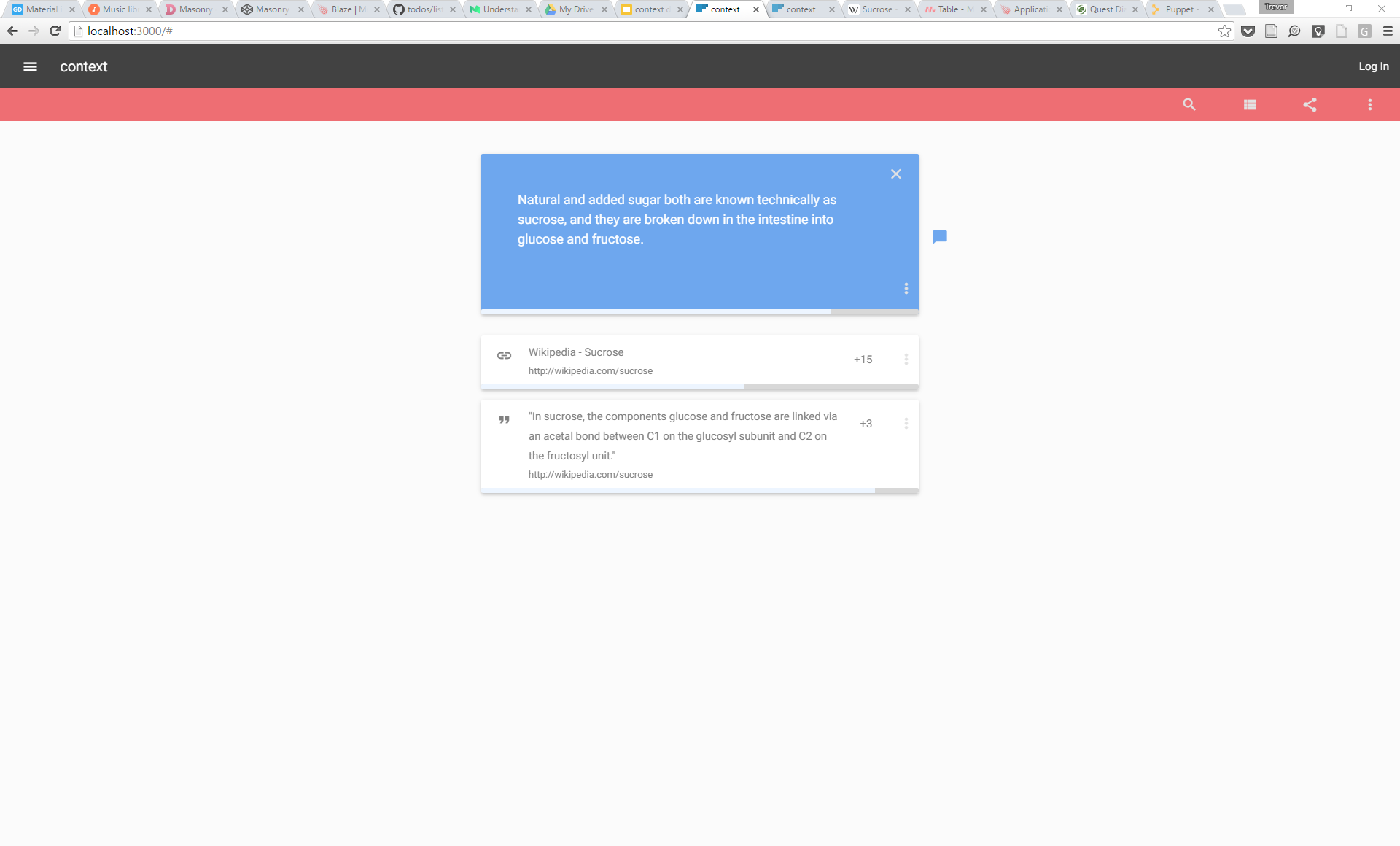
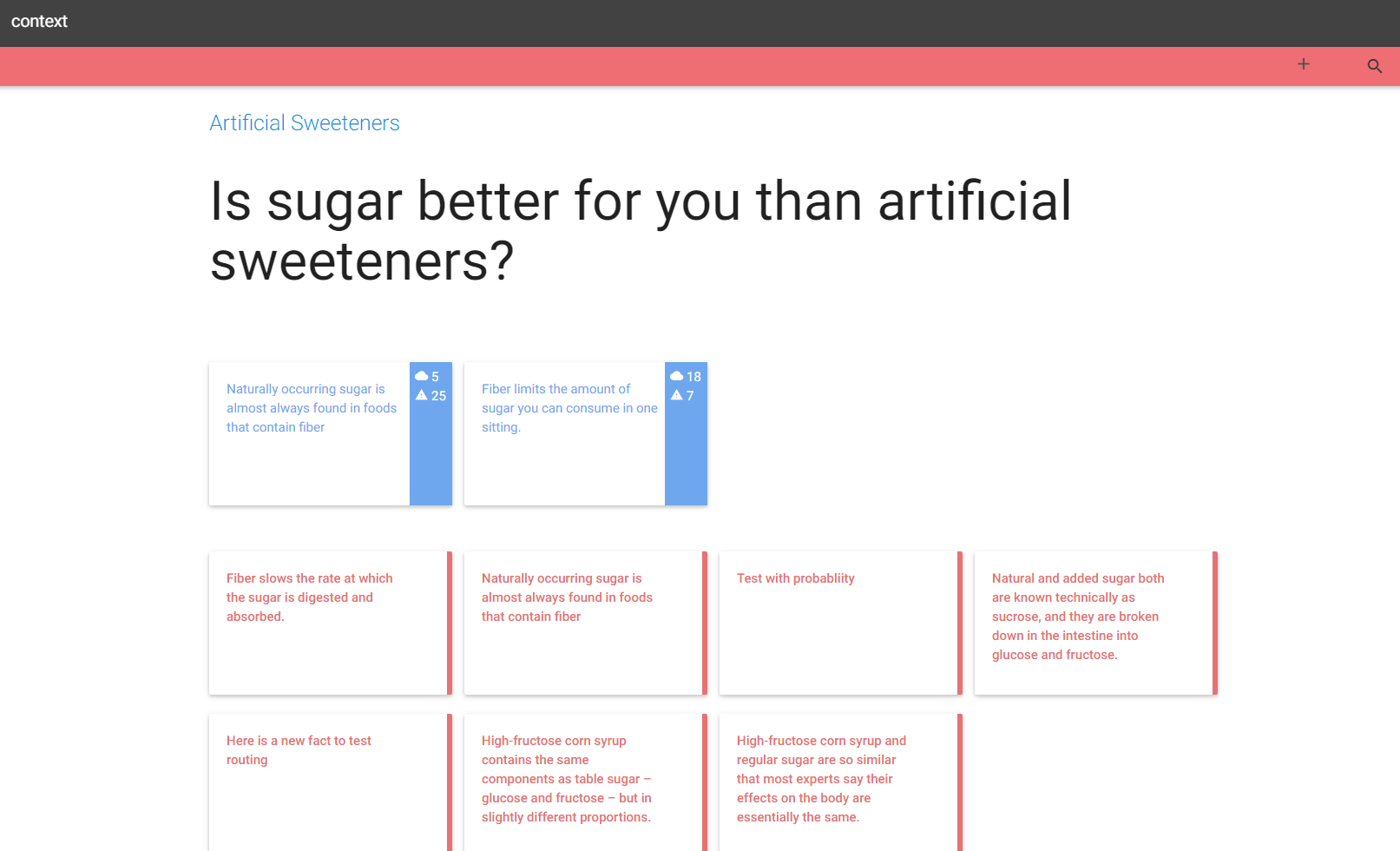
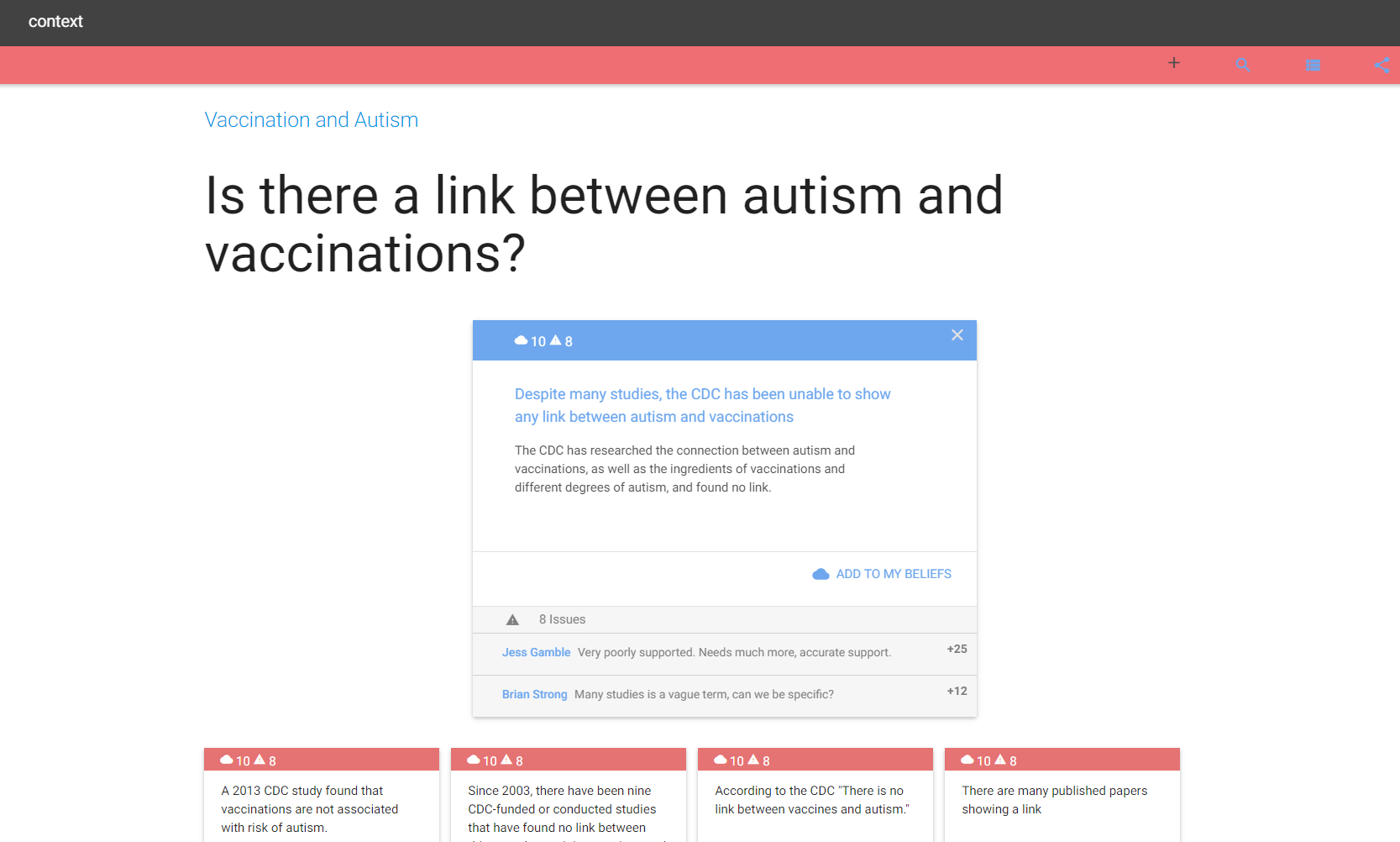
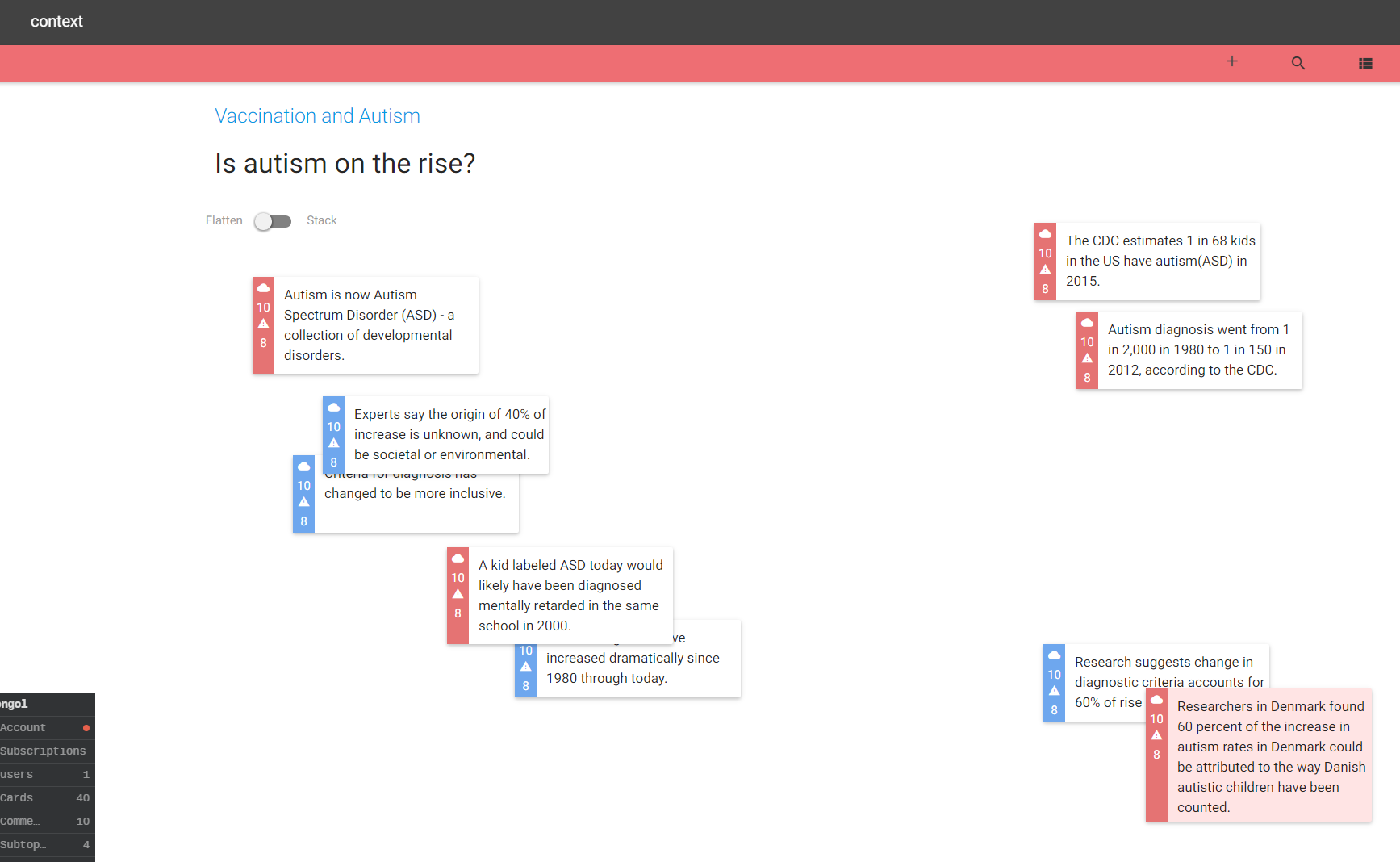
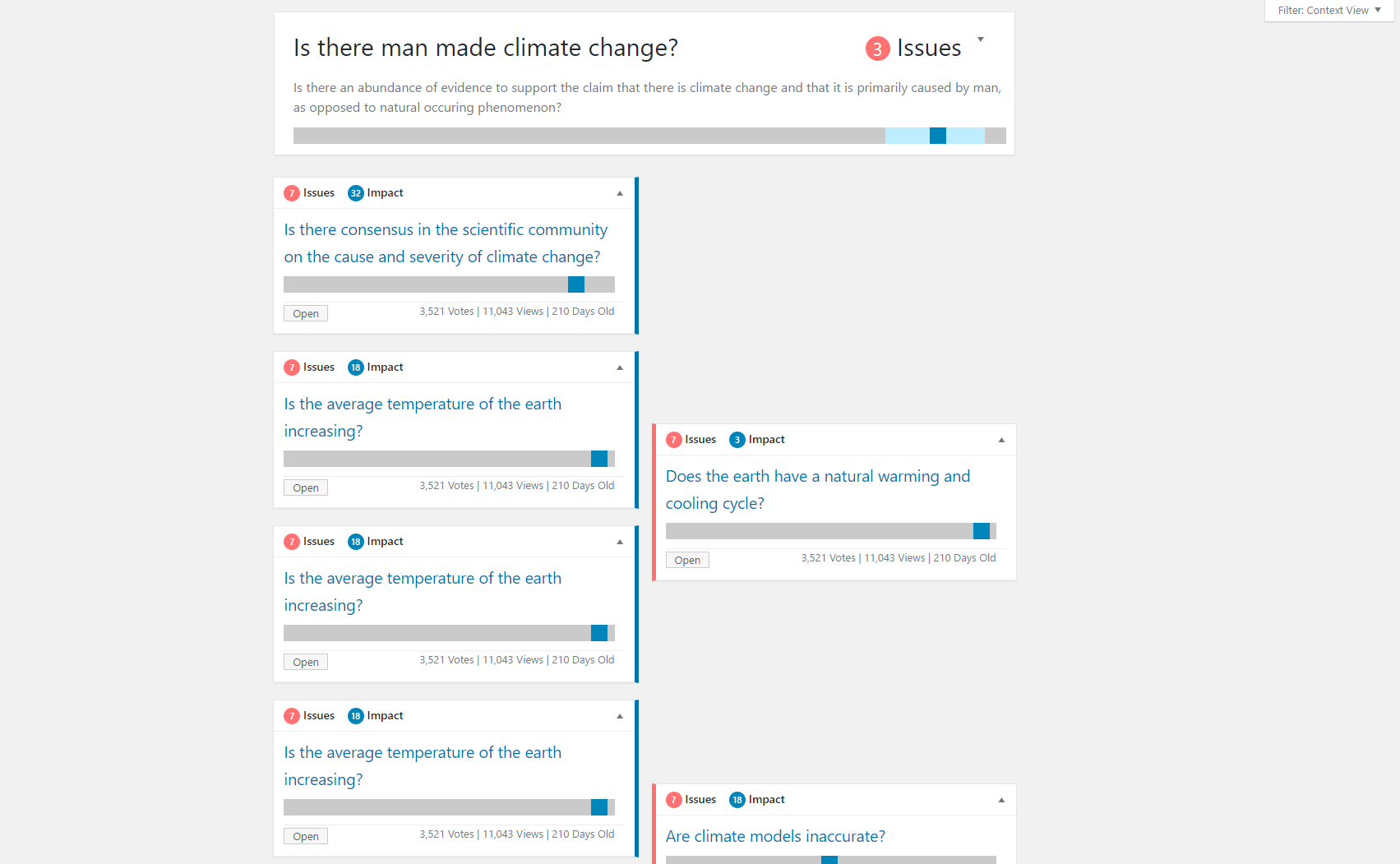
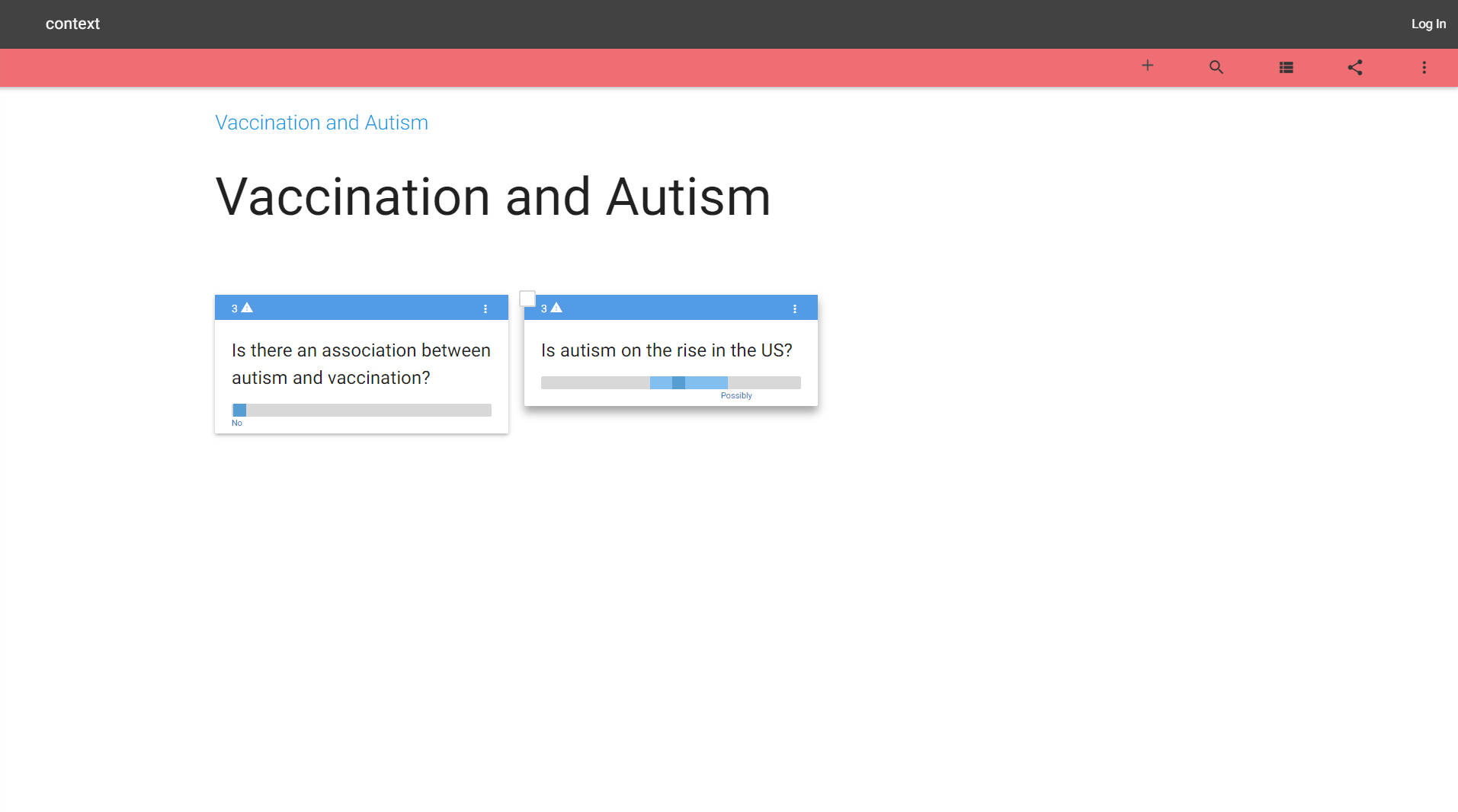
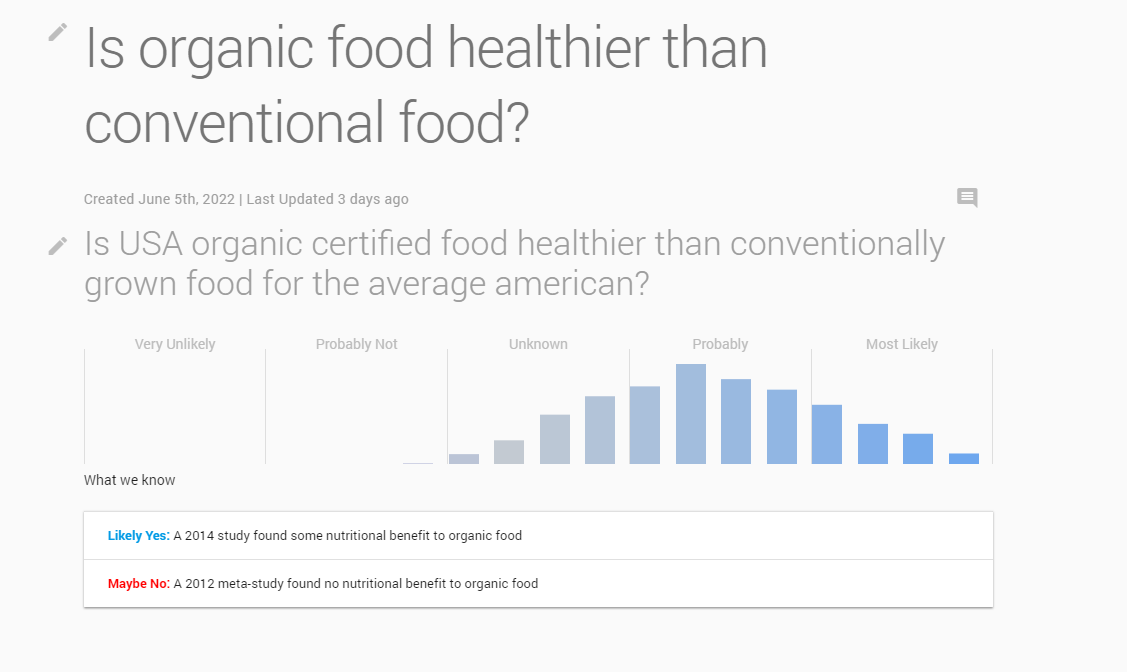
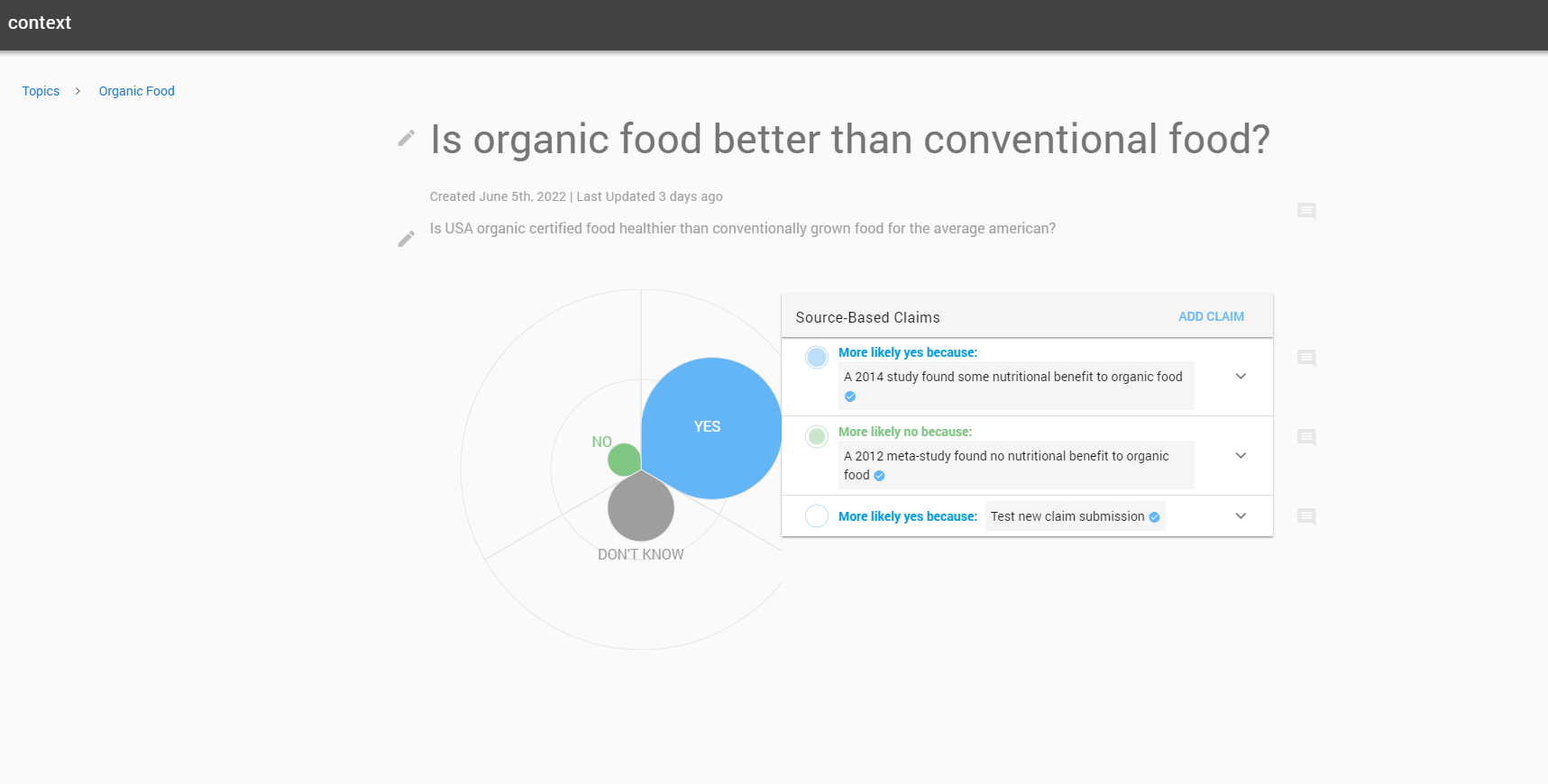
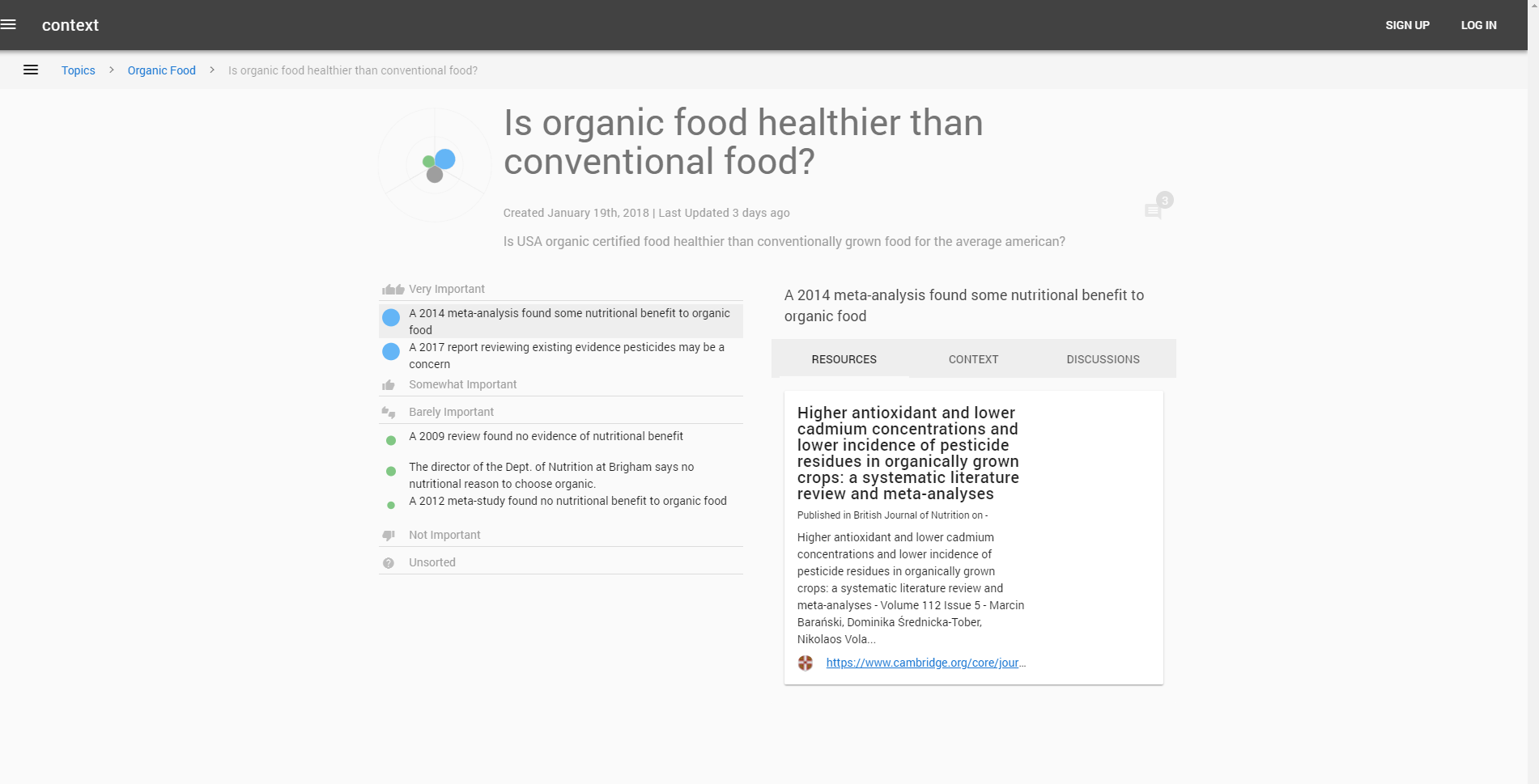
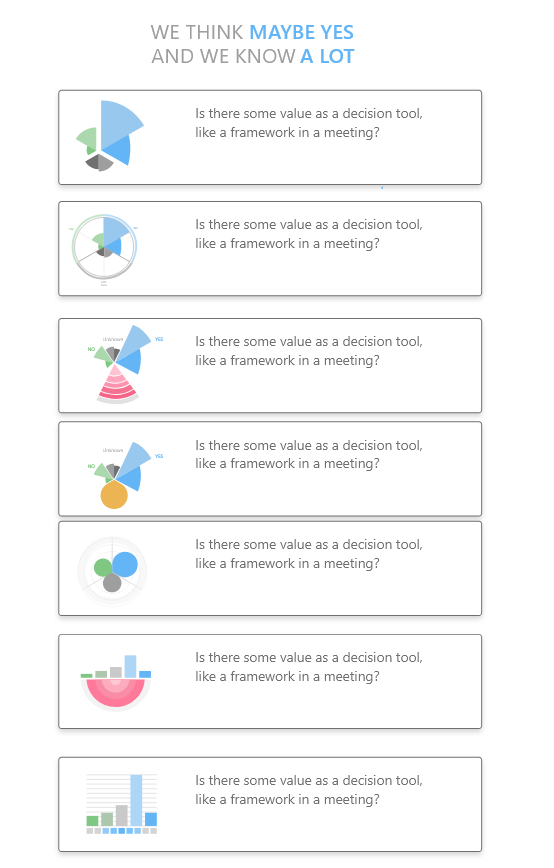
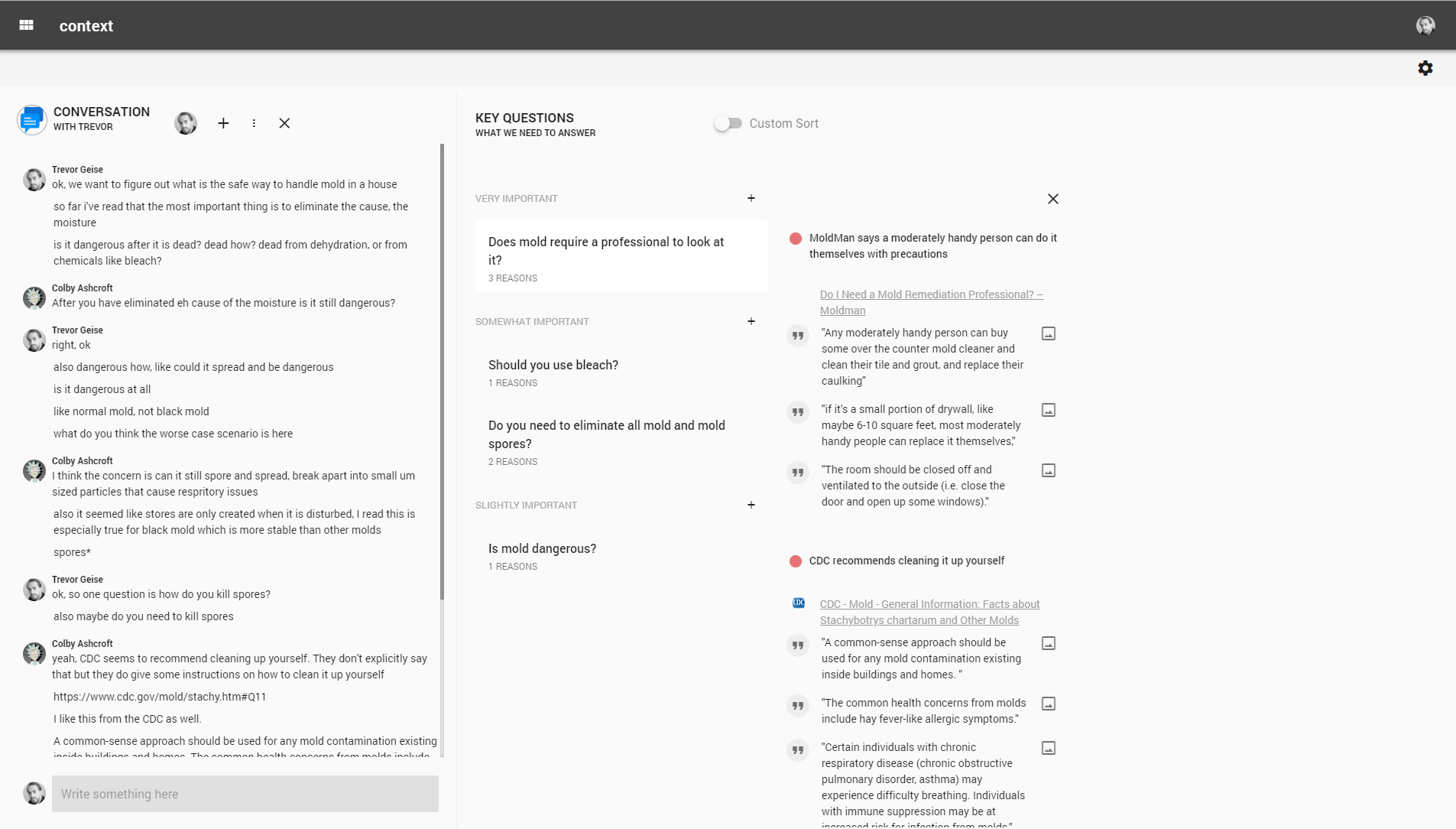
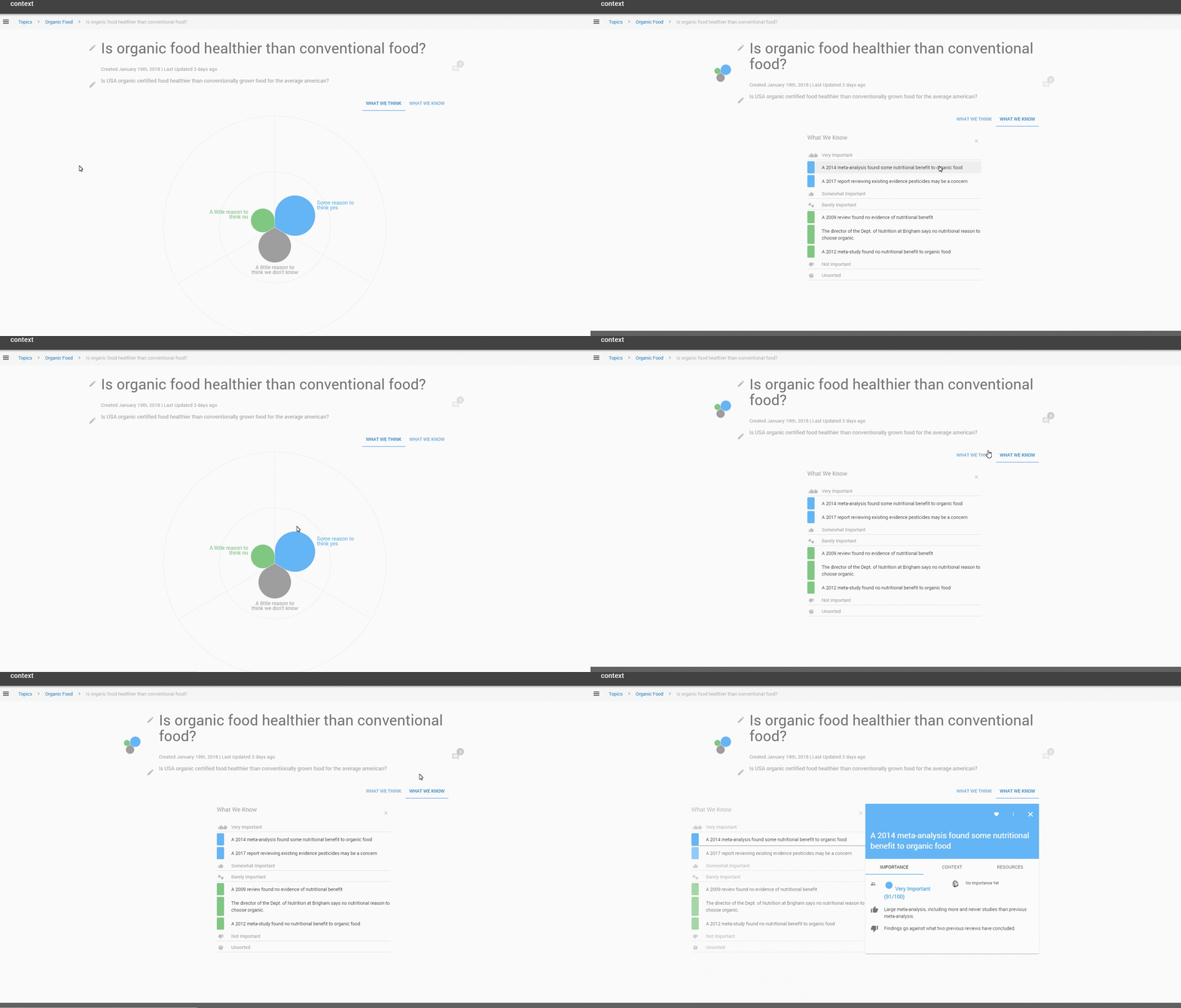
Firebase lets us fail fast
- Small team
- Zero dev-ops
- Not much lock in

Firebase
Authentication
Firebase
- Super easy
- Google/Facebook/Twitter out-of-box
- Handles forgotten passwords & email/phone verification
// main.js

let app;

firebase.auth().onAuthStateChanged(() => {
  if (!app) {
    app = new Vue({
      el: '#app',
      router,
      store,
      render: h => h(App)
    });
  }
});
// store/auth/actions.js
submitLoginForm({ dispatch, commit }, data) {
return new Promise((resolve, reject) => {
firebase.auth()
.signInWithEmailAndPassword(data.email, data.pw)
.then(user => {
commit('setCurrentUser', user.user);
dispatch('fetchUserProfile');
resolve();
})
.catch(err => {
console.log(err);
reject(err);
});
});
},Authentication
Firebase
// store/auth/actions.js
submitRegisterForm({ commit, dispatch }, formData) {
    return new Promise((resolve, reject) => {
      firebase.auth()
        .createUserWithEmailAndPassword(formData.email, formData.password)
        .then(user => {
          commit('setCurrentUser', user.user);
          // add user document
          fb.usersCollection
            .doc(user.user.uid)
            .set({
              name: fromData.name,
              // whatever data you want to set here
            })
            .then(() => {
              resolve();
            })
            .catch(err => {
              console.log(err);
              reject(err);
            });
        })
        .catch(err => {
          console.log(err);
          reject(err);
        });
    });
Hosting
Firebase
- SSL certificates
- CDN edge servers
- Custom domains
- Deploy new versions one command
- Rollback to previous versions
- Deploy different builds to different locations
$ vue-cli-service build

$ firebase deploy
Storage
Firebase
- Automatically scales
- Easy client uploads
- Integrates with Auth for rules
// Create a root reference
var storageRef = firebase.storage().ref();

// Create a reference to 'mountains.jpg'
var mountainsRef = storageRef.child('mountains.jpg');

var file = ... // use the Blob or File API

mountainsRef.put(file).then(function(snapshot) {
  console.log('Uploaded a blob or file!');
});
Functions
Firebase
- Automatically scales
- Triggers from db or auth
- zero dev ops
// The Cloud Functions for Firebase SDK to create Cloud Functions and setup triggers.
const functions = require('firebase-functions');

// The Firebase Admin SDK to access the Firebase Realtime Database.
const admin = require('firebase-admin');
admin.initializeApp();

exports.helloWold = functions.https.onRequest((req, res) => {
    res.status(200).send('hellow world');
    return;
});
firebase deploy --only functionsFunctions
Firebase
// actions.js

 testHelloWorld(undefined) {
    return new Promise(async (resolve, reject) => {
      const url = 'https://us-central1-MY_PROJECT.cloudfunctions.net/helloWorld';
      try {
        const result = await axios.post(url);
        console.log(result); // 'hello world'
        resolve(result);
      } catch (e) {
        console.log('failed', e);
        reject();
      }
    });
  },
Firestore
Firebase
- Realtime DB
- NoSQL
- zero dev ops
// Add Data

var db = firebase.firestore();

db.collection("users").add({
    first: "Ada",
    last: "Lovelace",
    born: 1815
})
.then(function(docRef) {
    console.log("Document written with ID: ", docRef.id);
})
.catch(function(error) {
    console.error("Error adding document: ", error);
});
Firestore
Firebase
// Read Data

db.collection("users").get().then((querySnapshot) => {
    querySnapshot.forEach((doc) => {
        console.log(`${doc.id} => ${doc.data()}`);
    });
});
// Reactive data with VUEX: store/actions.js
let dataSub;
const actions = {
subscribeToData({ commit, state, dispatch }, authorId) {
dataSub = db.collection('articles').where('authorId', '==', authorId).onSnapshot(
query => {
query.docChanges().forEach(function(change) {
if (change.type === 'added' || change.type === 'modified') {
const data = change.doc.data();
data.id = change.doc.id;
commit('addToArticles', data);
}
if (change.type === 'removed') {
commit('removeFromArticles', change.doc.id);
}
});
},
err => {
console.log(err);
}
);
},
unsubscribeToData({ commit }) {
commit('emptyAuthors');
dataSub(); // closes listener
}
}Vuex = cheap graphQl
VUEX
Action
Mutation
Store
UX

Firestore
Cloud Functions
Getters
Things to watch our for

Maps, not arrays
Updating an element in an array is a pain, easy for an object value.
Query limitations from array.
// Mongo query based on array
// get all messages from these three authors

db.messages.find( {
  authorId: {
    $in: ['8290fah8ac', '9a0jffk33', 'a89f03n822']
  }
})

/* In Firestore you have to write three different
queries and if you want reactive, then three
different listeners to handle. */

db.collection('messages')
  .where('authorId','==', '8290fah8ac');

// You can query an array based on an input.

db.collection('test')
  .where('authors','array-contains', authorId);

// Instead of an array of authorIds, you may want
// to save a map like so

authors: {
  8290fah8ac: { id: 8290fah8ac, name: "Janet"},
  9a0jffk33: { id: 9a0jffk33, name: "Jose"},
  a89f03n822: { id: a89f03n822, name: "Lindsey"},
}
(Maps are just objects)
Keep docs light
1MB limit
Firestore query is just as fast regardless of number of documents.
1 write/second limit
Cloud Functions Slow
Try not to chain them together
Takes a while with cold starts
You can always use a different cloud function/lambda solution (cloudflare workers)
Think through your queries
Might have to get redundant.
Format your schema based on what you'll be searching for and displaying.
Do you need data to be reactive?
Use Cloud Functions to Sync Data
exports.userUpdate = (functions, admin) => {
  return functions.firestore.document('users/{userId}').onUpdate(async (change, context) => {
    //initialize the database incase we need to do writes
    const db = admin.firestore();
    //initialize the return
    const returnPromises = [];

    // Get an object representing the current document
    const newData = change.after.data();
    // ...or the previous value before this update
    const previousData = change.before.data();
    const userId = change.after.id;

    if (previousData.name !== newData.name || previousData.avatar !== newData.avatar) {

      const messagesThatNeedUpdated = await db
        .collection('messages')
        .where(`authors.${userId}.id`, '==', userId)
        .get();

      messagesThatNeedUpdated.forEach(singleDoc => {
        //get the doc data
        const doc = singleDoc.data();
        doc.id = singleDoc.id;

        //author update document
        const authorUpdate = {
          id: userId,
          name: newData.name,
          avatar: newData.avatar
        };
        //get the update
        const update = {};
        const updateObj = authorUpdate;
        update['authors.' + userId] = updateObj;

        //make the update
        returnPromises.push(
          db
            .collection('boards')
            .doc(doc.id)
            .update(update)
        );
      });
    } else {
      return 'no documents need to be modified';
    }

    return Promise.all(returnPromises);
  });
};
Get duplicated data accurate with cloud functions triggered by the database.
What's it cost?

I have no idea

Here is what I do know
- Cost us nothing... yet
- Impossible to calculate (we don't know what we're building)
- Every time we try it seems super cheap
- There are some horror stories, so be smart
- You pay by the read/write per doc, not query
- Don't leave DB console open
- It's a reactive subscription
- You get billed for it
Thanks
(questions?)
Vue + Firebase
By trevorgeise