



Cường Trần
Cường Trần on slides.com
By Cường Trần / cuongtran3001@gmail.com
Step 01 - Register API Key vs Client ID for URL
Step 02 - Get library link with authentication
Step 03 - Initialize library
Step 04 - Call API
Document
Authentication
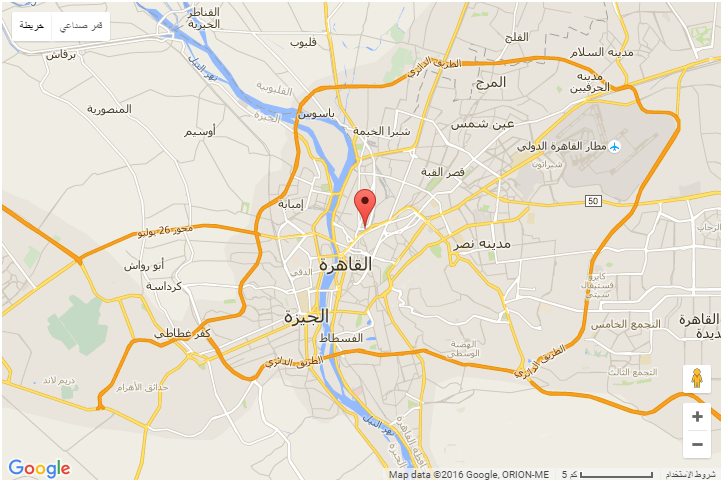
Localize Map
From loaded GMap API Link:
Map Types
4 basic map types:
ROADMAP, SATELLITE, HYBRID and TERRAIN
Customize map type:
Nissan Euro UEFA Champion League
Map Controls
Zoom, MapType, Street View, Rotate, Scale, Fullscreen
Default Map Controls UI
Disable default Map Controls UI
Adding control to Map
Custom controls
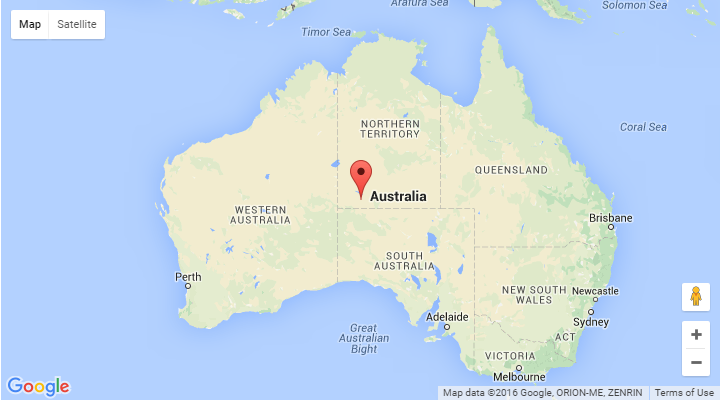
Marker
Add/remove marker
Animated marker
Custom marker
Drag marker
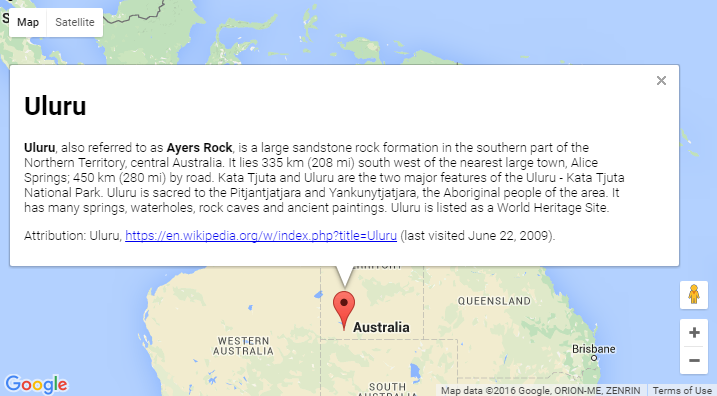
Info window
Add info window
Open info window
Close info window
Move info window
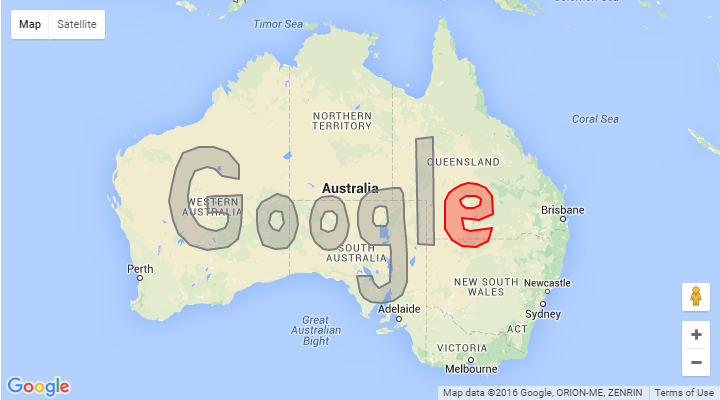
Shapes
Overlays
Data layers
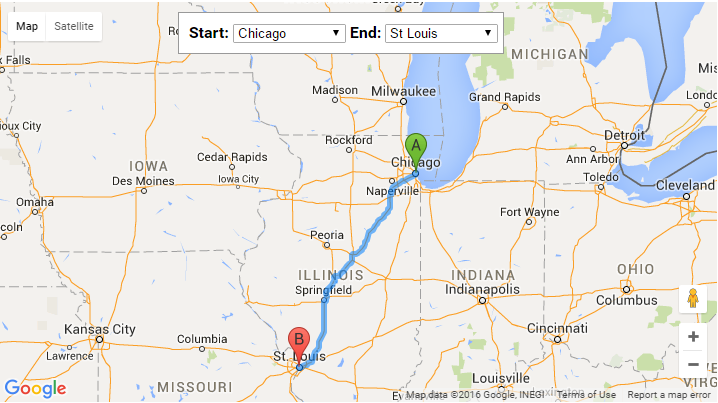
Directions
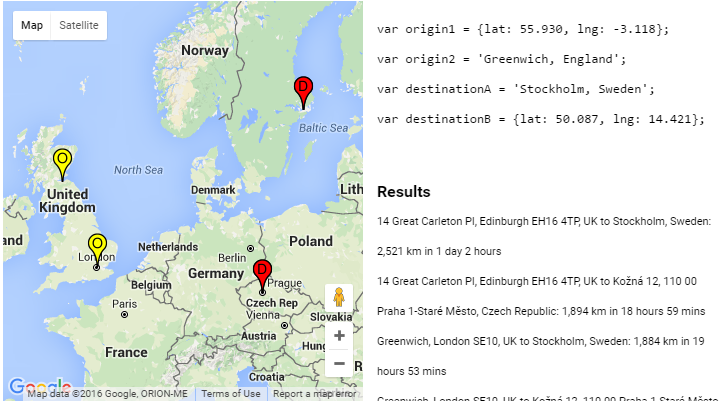
Distance
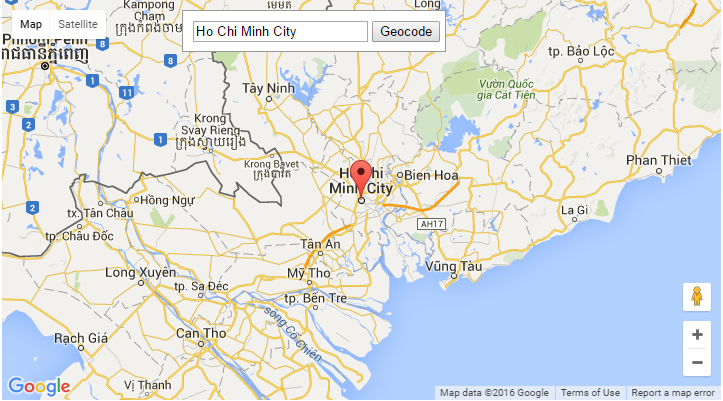
Geocoding
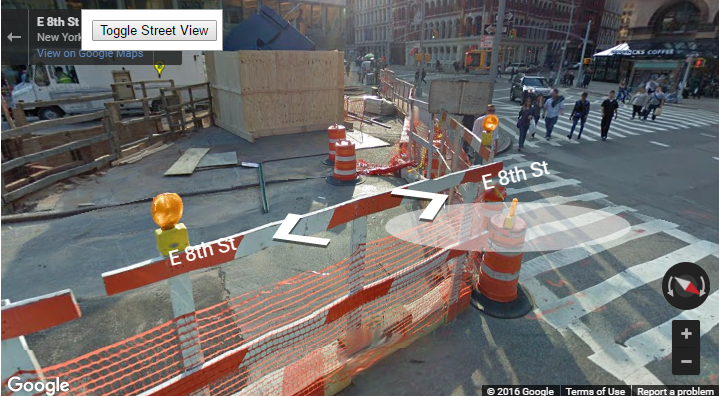
Street view
Street view
Street view location and point of view
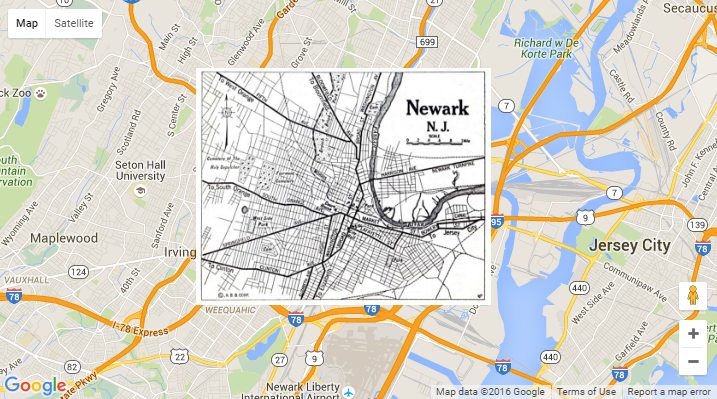
Adding overlays
Listen street view events
Street view controls
Custom street view
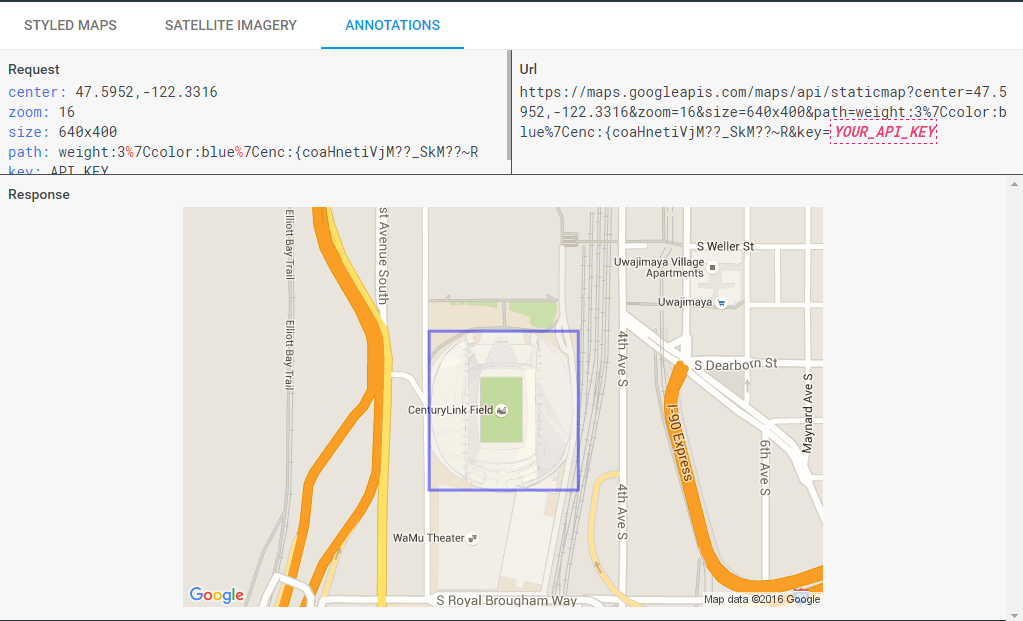
Static map & image
App domains
Roles
App review
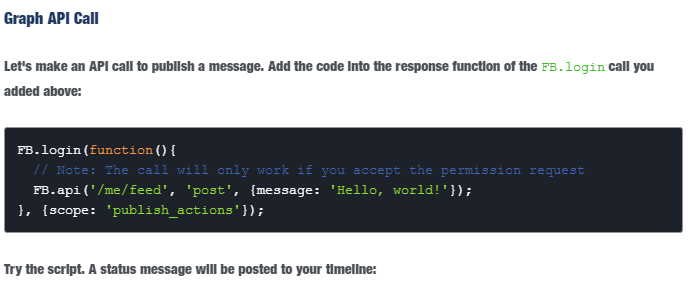
Permission: email, user_likes
Access token: user, page, app, client..
jQuery
AngulaJS
RequireJS
Step 0: Create player container
Step 1: Load iframe Play API
https://www.youtube.com/iframe_api
Step 2: Create api ready function
function onYouTubeIframeAPIReady() {
}
Step 3: Handle player ready event
Step 4: Call methods
Mobile considerations
Get auth credentical
Server-side web app
Client-side web app
Authorizing request
//Load goole client api
<script src="https://apis.google.com/js/client.js?onload=googleApiClientReady"></script>


//authorize
function googleApiClientReady() {
  gapi.auth.authorize({
    client_id: OAUTH2_CLIENT_ID,
    scope: OAUTH2_SCOPES,
    immediate: true
  }, handleAuthResult);
}

//load youtube data api
function handleAuthResult() {
    gapi.client.load('youtube', 'v3', function() {
        handleAPILoaded();
    });
}
Search by keyword
//create search request + query parameter
var request = gapi.client.youtube.search.list({
    q: q,
    part: 'snippet'
});


//handle response
request.execute(function(response) {
    //TODO
    var result = JSON.stringify(response.result);

});Playlist
//create playlist list request
var request = gapi.client.youtube.playlists.list({
    part: 'snippet,status',
    id: ''
  });

//handle response
request.execute(function(response) {
    //TODO
    var result = JSON.stringify(response.result);

});
Methods: list, insert, update, delete...
Video
Comment
Channel
Captions
Subscriptions
Thumbnails
Favorite
Rating
Live streams
... and more
Using APIs Explorer
https://developers.google.com/apis-explorer/#p/youtube/v3/
Support JS
By Cường Trần
Social Network API Introduction