Page Rendering
General Overview
- You type the URL in the browser
- You type the URL in the browser
- Browser (further Bro) parses the URL to find the protocol, host, port, and path
- You type the URL in the browser
- Browser (further Bro) parses the URL to find the protocol, host, port, and path
- Bro translates url into an IP number via DNS lookup

- You type the URL in the browser
- Browser (further Bro) parses the URL to find the protocol, host, port, and path
- Bro translates url into an IP number via DNS lookup
- Then a socket needs to be opened from the user's computer to that IP, on the port specified (most often 80)
- When the connection is opened, the HTTP GET request is sent to the host
- When the connection is opened, the HTTP request is sent to the host
- The host forwards the request to the server software (e.g. Apache) configured to listen to specified port
- When the connection is opened, the HTTP request is sent to the host
- The host forwards the request to the server software (e.g. Apache) configured to listen to specified port
- Server prepares HTTP response
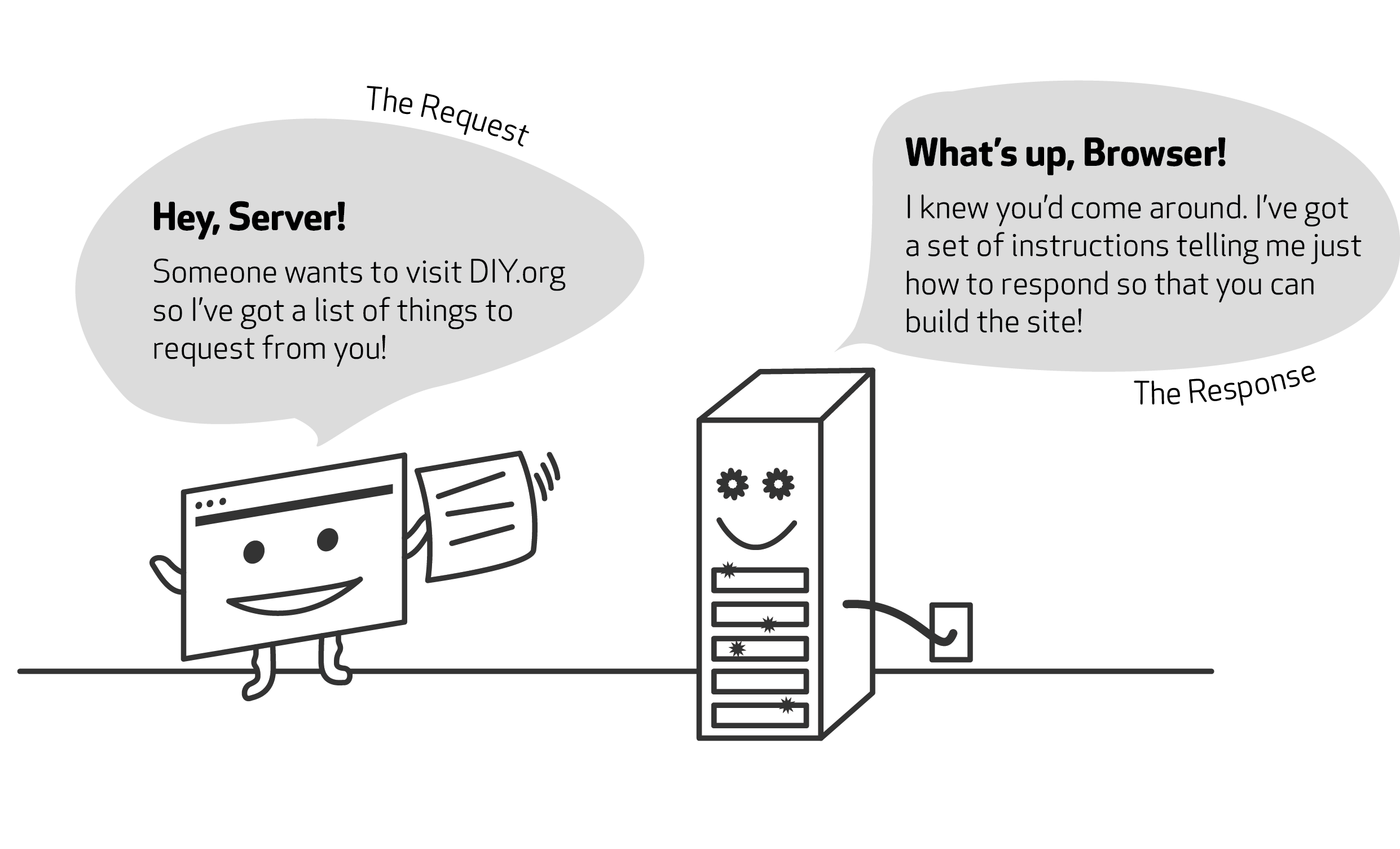
- To construct the response a database is (most likely) accessed based on params in path (or data) of the request
- To construct the response a database is (most likely) accessed based on params in path (or data) of the request
- Data from database is combined into a long string of text (probably HTML)
- To construct the response a database is (most likely) accessed based on params in path (or data) of the request
- Data from database is combined into a long string of text (probably HTML)
- Meta information is added and HTML response is sent to the Bro
- Bro receives the response and parses HTML
- Bro receives the response and parses HTML
- DOM tree is built from the HTML
- Bro receives the response and parses HTML
- DOM tree is built from the HTML
- New requests are made to the server for each new resource that is found in HTML source (images, style sheets, scripts ...)
- Bro receives the response and parses HTML
- DOM tree is built from the HTML
- New requests are made to the server for each new resource that is found in HTML source (images, style sheets, scripts ...)
- Stylesheets are parsed, and the information added to the matching node in the DOM tree
- Bro receives the response and parses HTML
- DOM tree is built from the HTML
- New requests are made to the server for each new resource that is found in HTML source (images, style sheets, scripts ...)
- Stylesheets are parsed, and the information added to the matching node in the DOM tree
- Javascript is parsed and executed
- Finally Bro renders the page according to the DOM tree and the style information for each node

- Finally Bro renders the page according to the DOM tree and the style information for each node
- You can see the page on the screen!
document.write
document.write
The document.write outputs a string directly into the page. This is the most ancient method of appending to a document.
DEMO
document.write
Restrictions
- Open document only
document.write
Restrictions
- Open document only
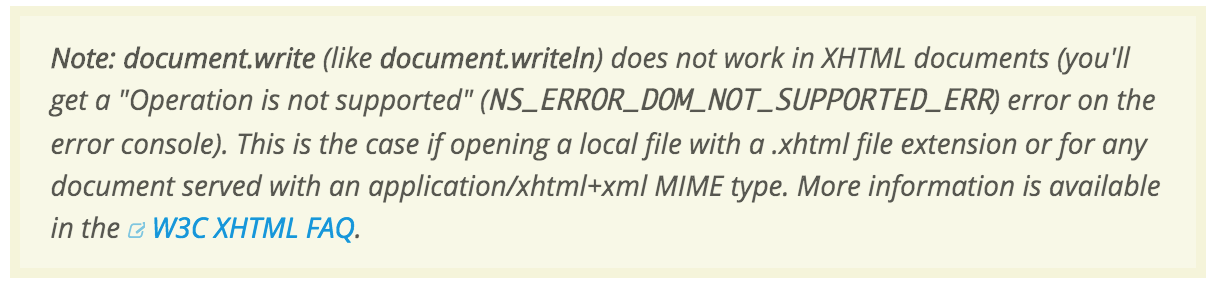
- Doesn't work in XML parsing mode
document.write
Restrictions
- Open document only
- Doesn't work in XML parsing mode
- Stops page rendering if you want to load external javascript (that can return 404)
document.write
Benefits and uses
In most cases, it is preferred to use DOM for modifications, because it is convenient, and there is innerHTML, which is almost the same.
But document.write is the fastest way to add a script-generated text into the page.
document.write
Benefits and uses
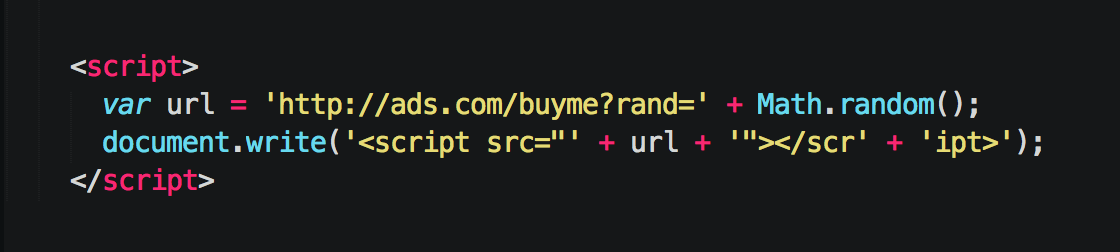
Also it is used to insert advertising scripts and counters:
document.write
Benefits and uses
- Script URL generated automatically
- Adding a random value prevents caching
- Note that the closing </script> is split. Otherwise browser would think that the script finishes right at that </script>
document.write
Summary
-
It can append arbitrary, even partial, incomplete and malformed HTML into document.
- It is very fast, because the browser doesn’t have to modify an existing DOM structure.
- Works synchronous, blocks page rendering
.appendChild
.appendChild
<script> tag attributes
<script>
(without attributes)
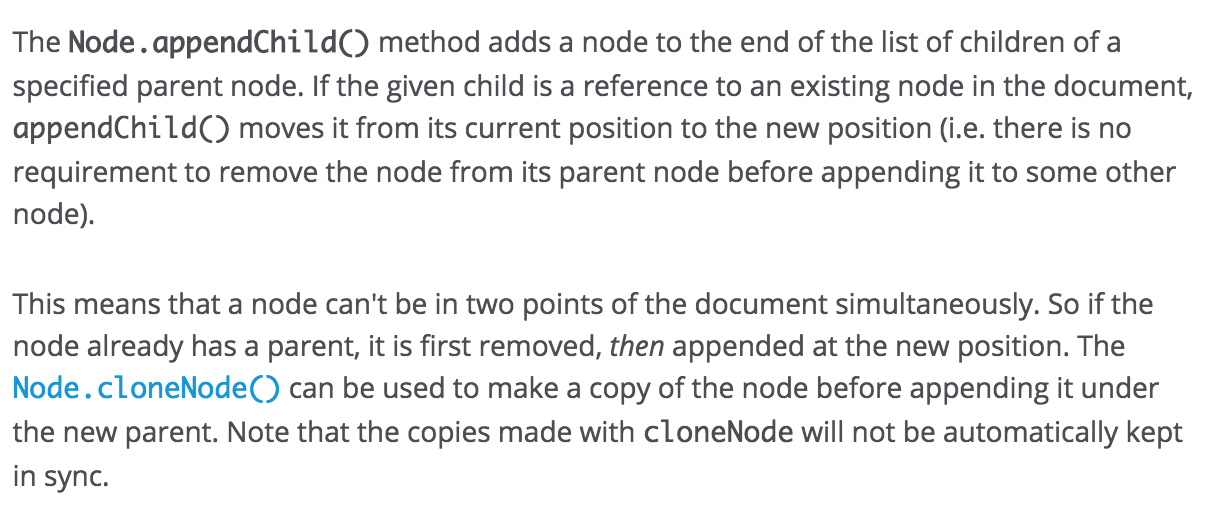
The HTML file will be parsed until the script tag will be hit. At that point parsing will stop and a request will be made to fetch the file (if it's external). The script will then be executed before parsing is resumed.
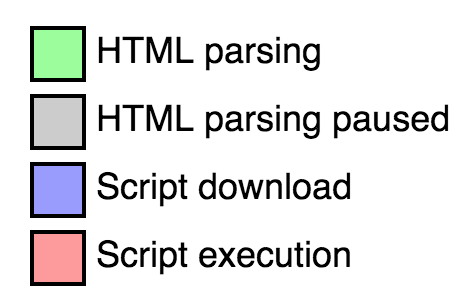

<script async>
Downloads the the file during HTML parsing
and will pause the HTML parser to execute it when it has finished downloading.

<script defer>
Downloads the the file during HTML parsing
and will only execute it after the parser has completed. defer scripts are also guaranteed to execute in the order that they appear in the document

QUESTION
Why it is important to place mmcore at the VERY bottom of the <head>?
How mmcore works?
Page Rendering
By workslon
Page Rendering
Internal Maxymiser presentation about page rendering flow. Includes very basic things