Brian Azizi

Migrate your Wordpress blog to Gatsby


👉🏼
Theodo tech blog: blog.theodo.fr
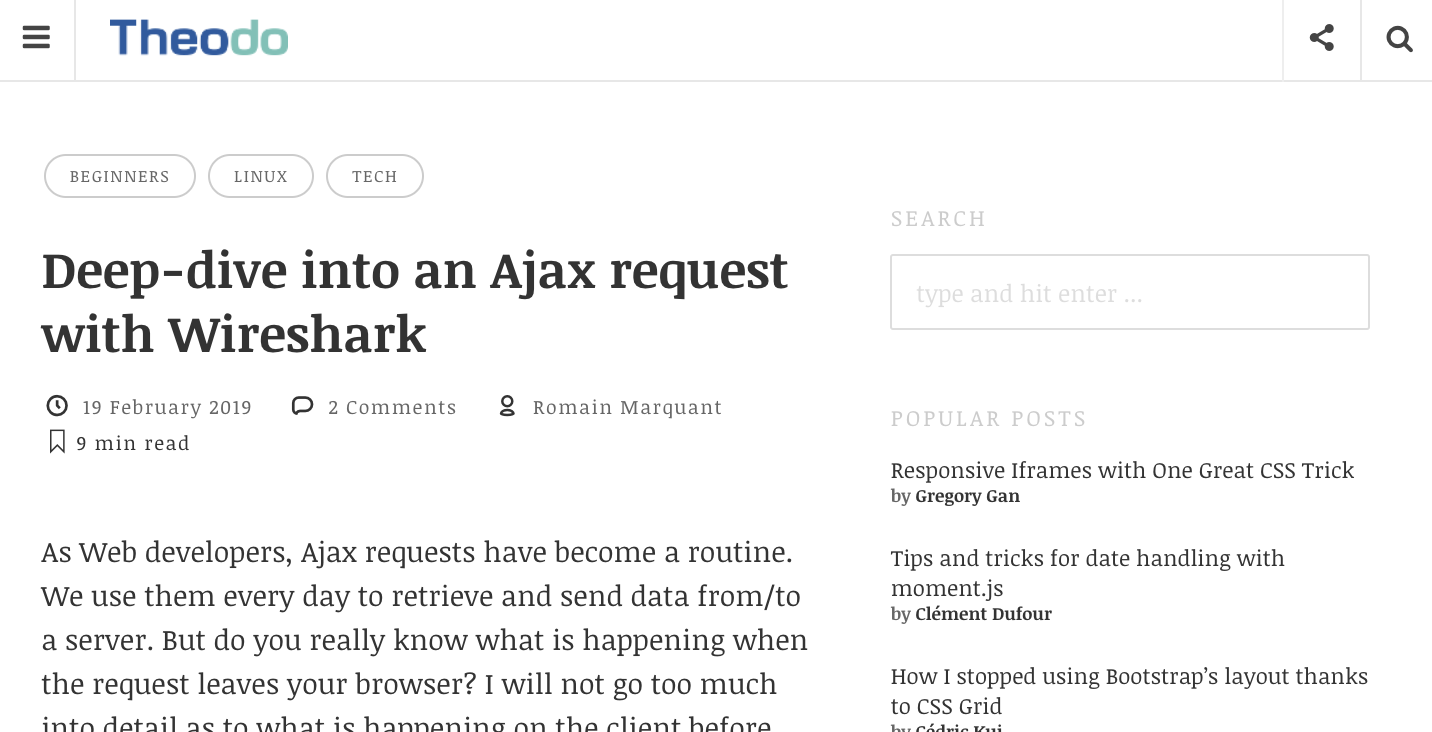
Problems with Wordpress

WP problems for Reader
-
Slow loading
-
Especially on mobile networks
-
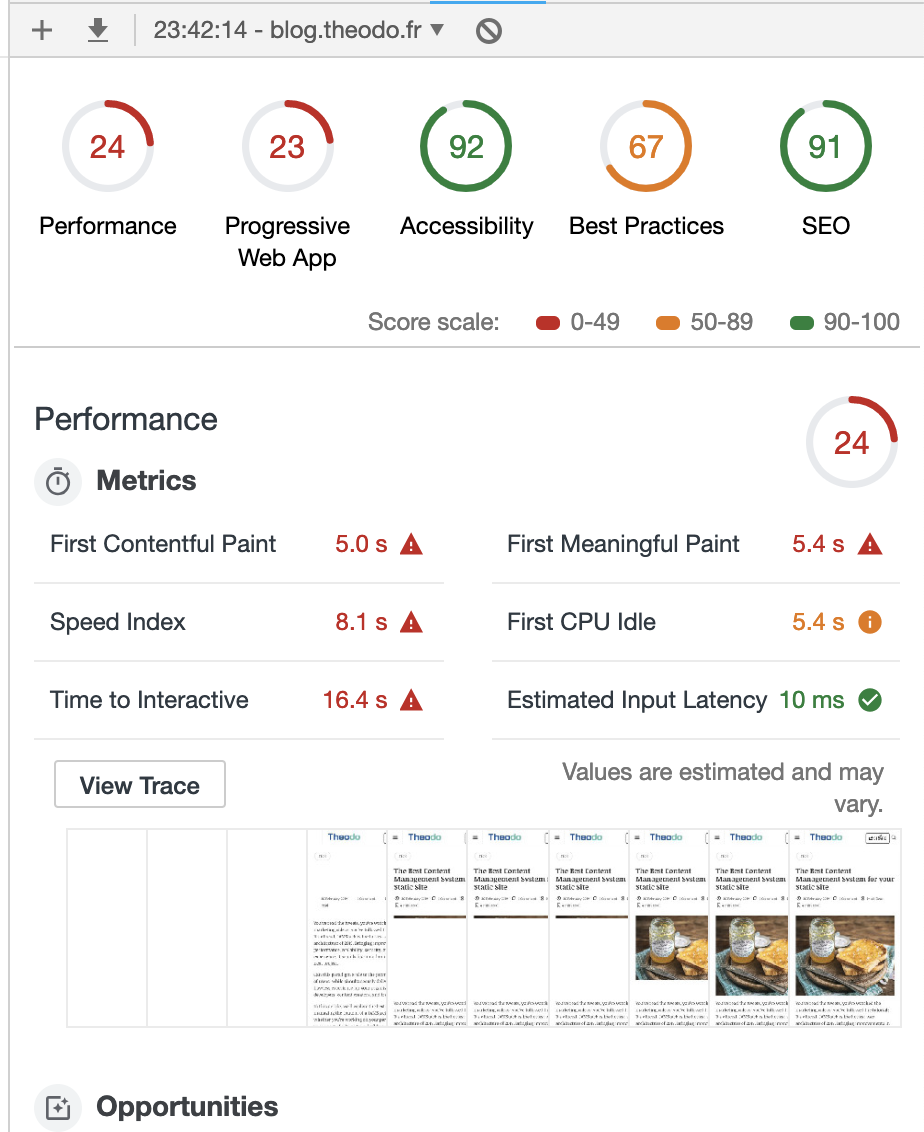
Wordpress Speed
-
Performance score: 24%
- First Contentful Paing: 5.0 s
- Time to Interactive: 16.4 s
WP problems for author
-
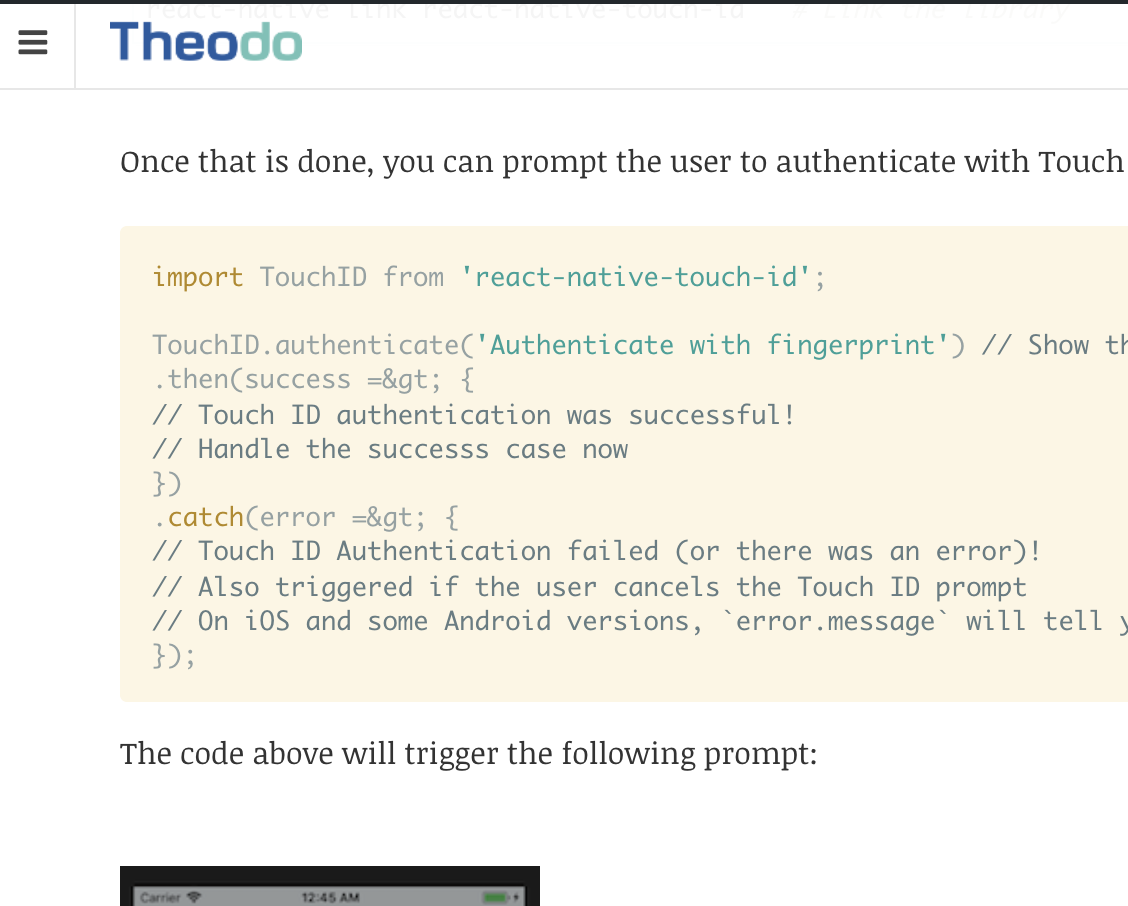
Hard to get code formatting right
No Formatting
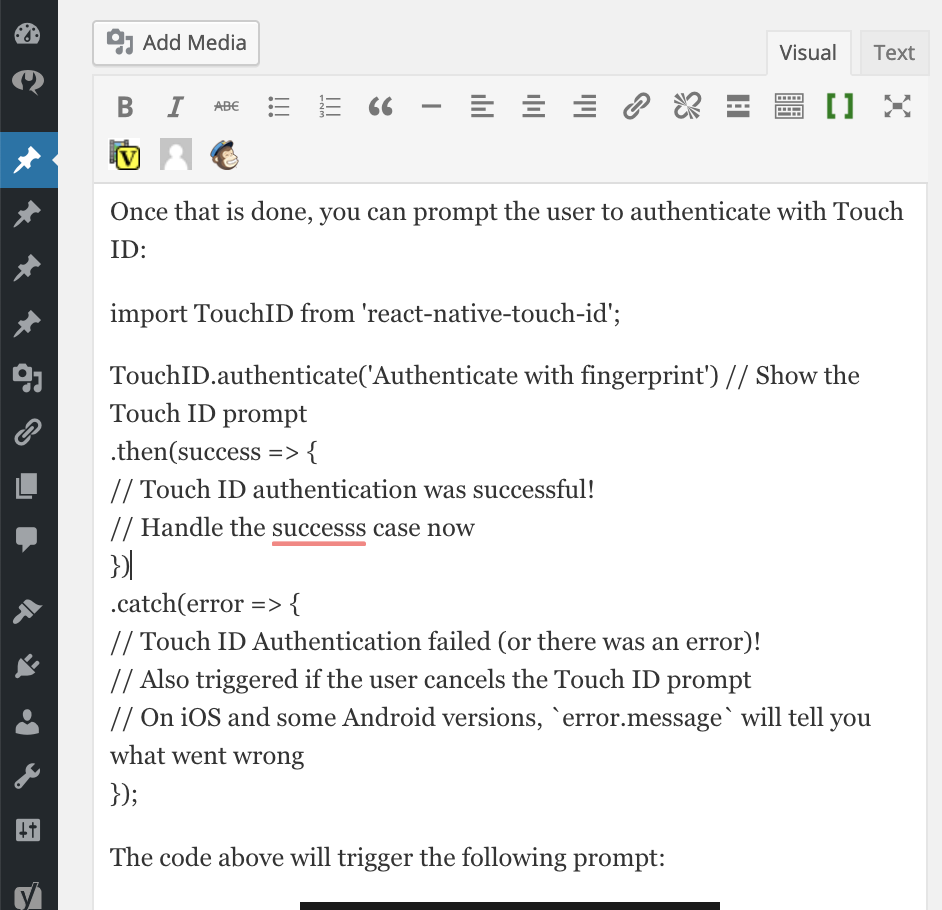
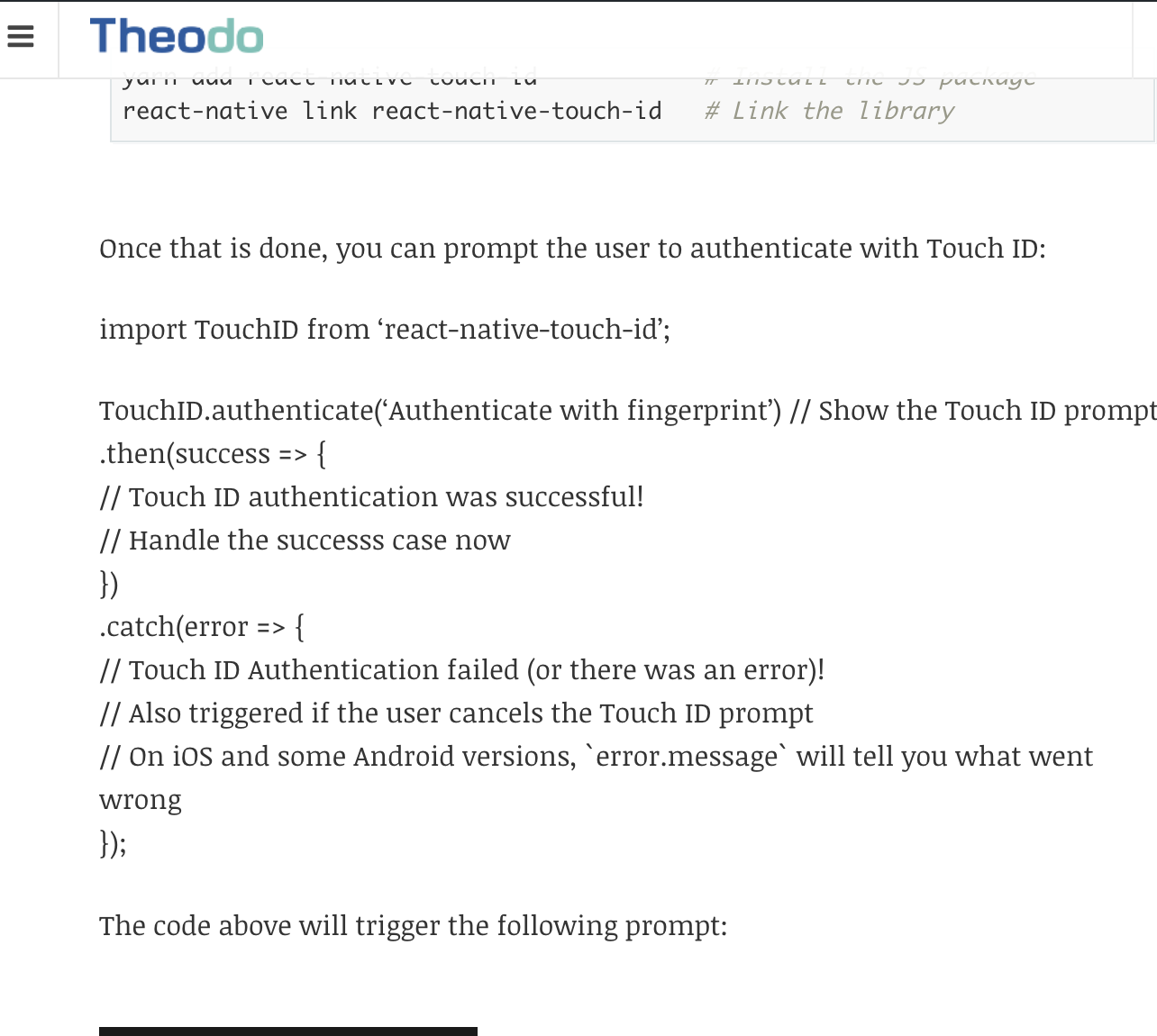
Use HTML
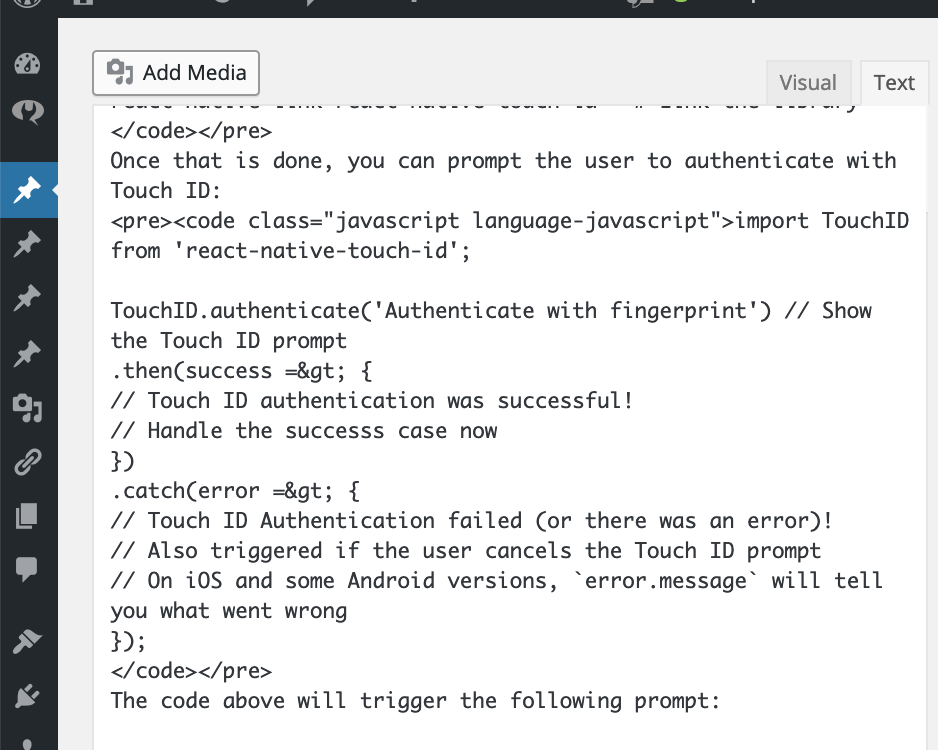
Use HTML (Result)
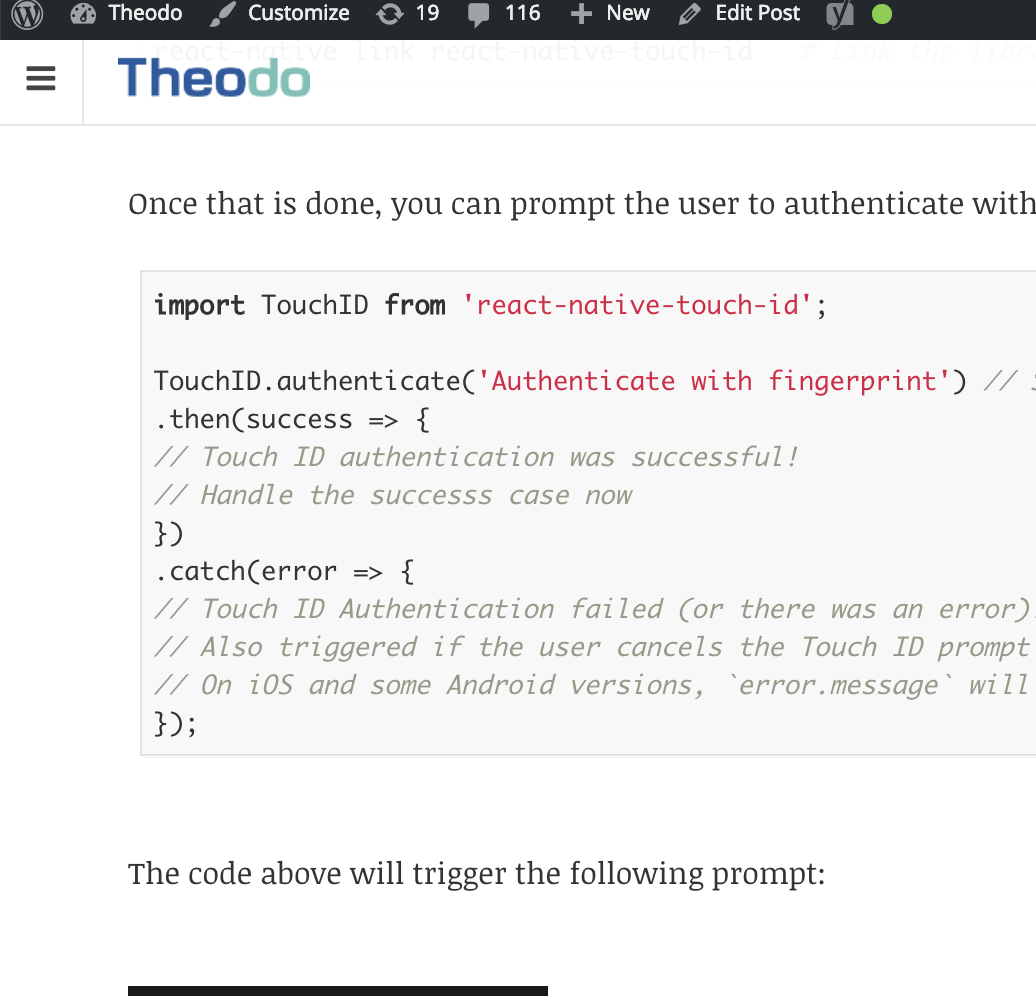
Shortcodes
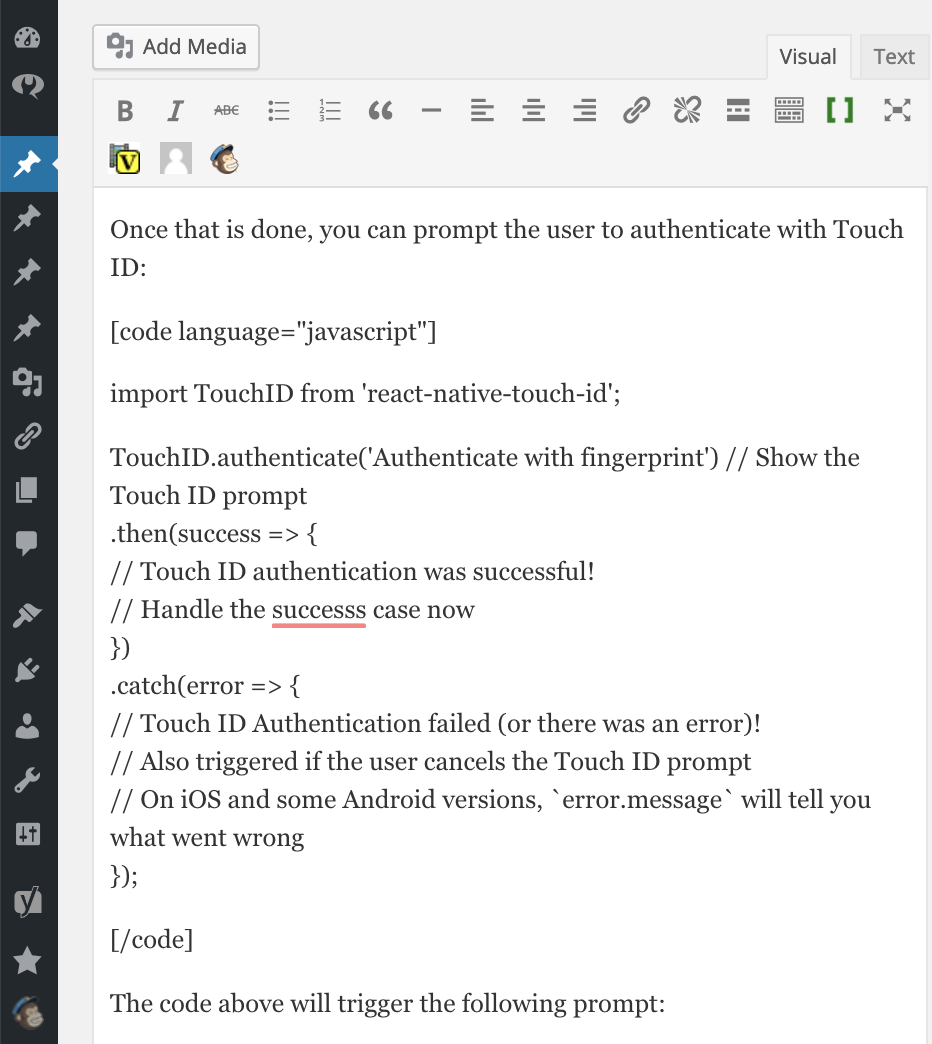
Shortcodes (Result)
As a Developer
-
Slow development process
-
Legacy code and environment
-
Wordpress Security issues
Can we do better?




+
+
Gatsby
-
Static Site Generator
-
Uses React + GraphQL
Netlify
-
Hosting provider
-
Deploys static sites to CDN
Github
-
Github as CMS: Articles are Markdown files in repo
-
Connect to Netlify for auto-deployments
So, how do you do it?
Important Sidenote: Wordpress API
- Can source directly from Wordpress Rest API
- See https://www.gatsbyjs.org/docs/wordpress-source-plugin-tutorial/
- Requires WP version >= v4.7
- Benefits:
- Keep your current CMS (no need to migrate content)
- Use Gatsby just for frontend
- Drawbacks:
- Need to manually deploy after any update in WP
- Content not in version control
1) Create a Gatsby blog
-
gatsby-starter-blog or Gatsby Tutorial
-
Main Plugins:
-
gatsby-source-filesystem
-
gatsby-transformer-remark
-
-
Setup deployment
2) Add some real content
-
Gives you a better understanding of your new blog
-
Highlight any problems early
-
Rendering Images
- gatsby-remark-images: Render images in markdown
- gatsby-remark-copy-linked-files: for SVGs and GIFs
-
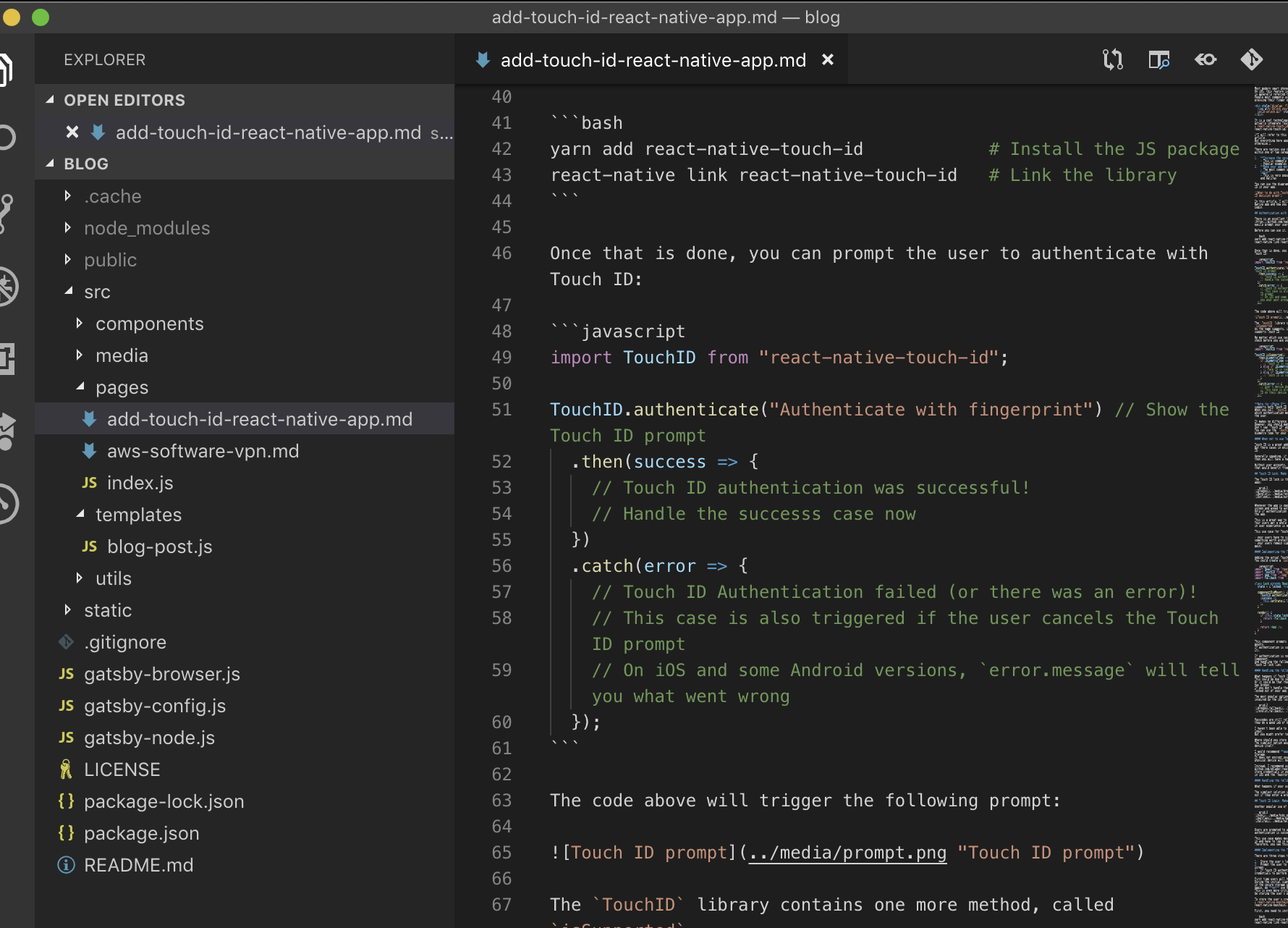
Rendering Code
- gatsby-remark-prismjs: Syntax highlighting
Some Early Problems
3) Wordpress Export
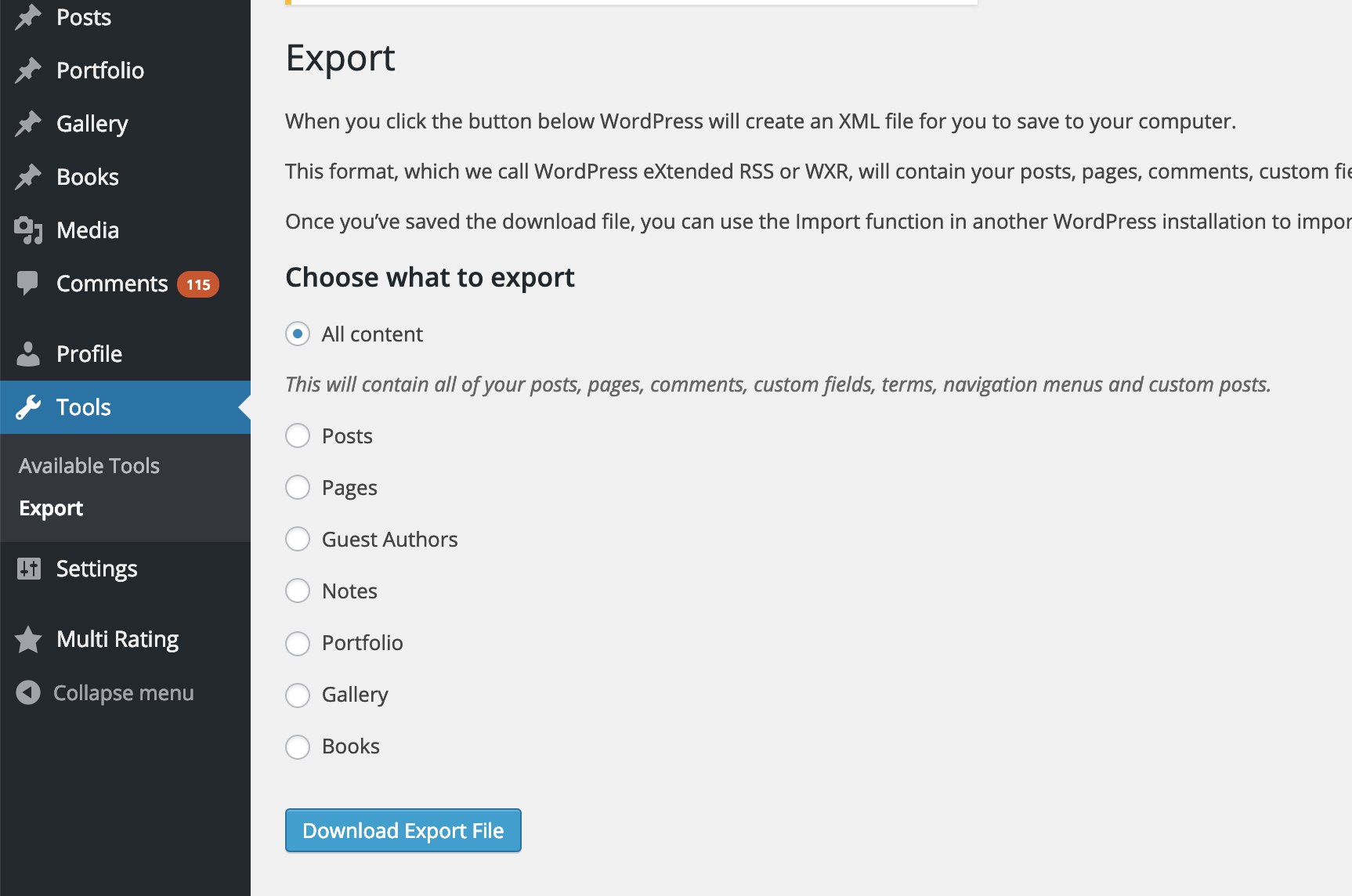
Wordpress XML Export
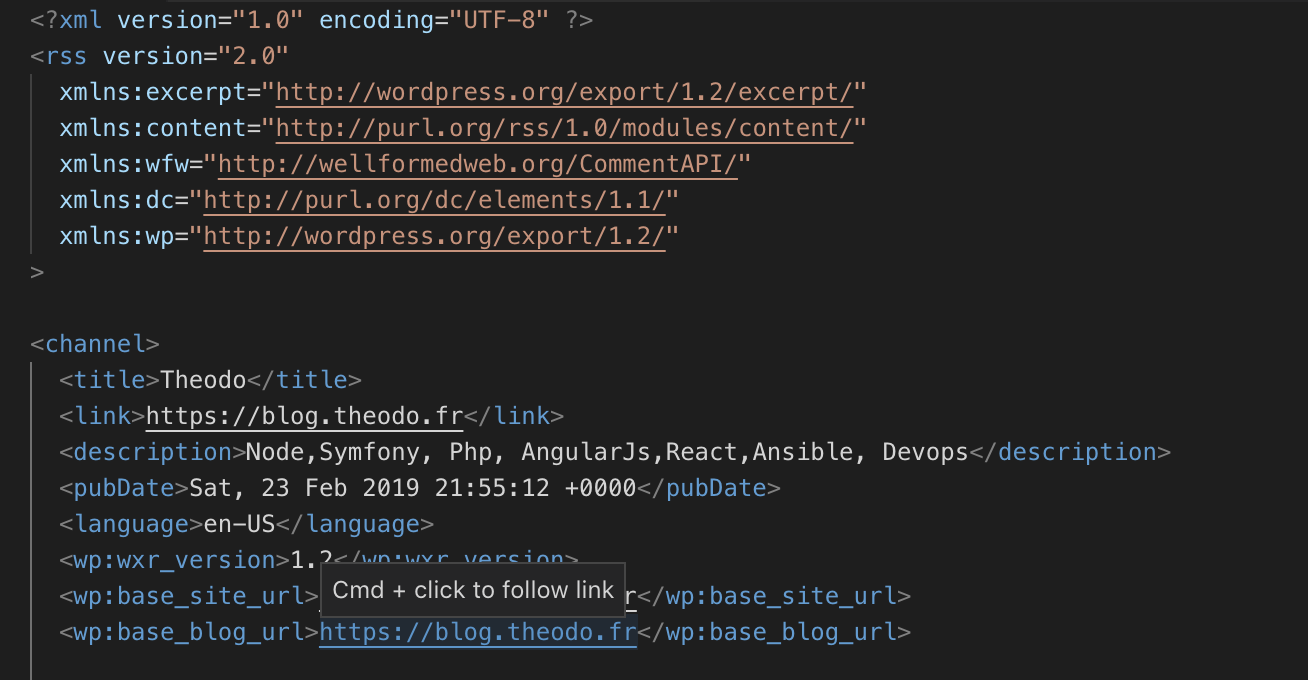
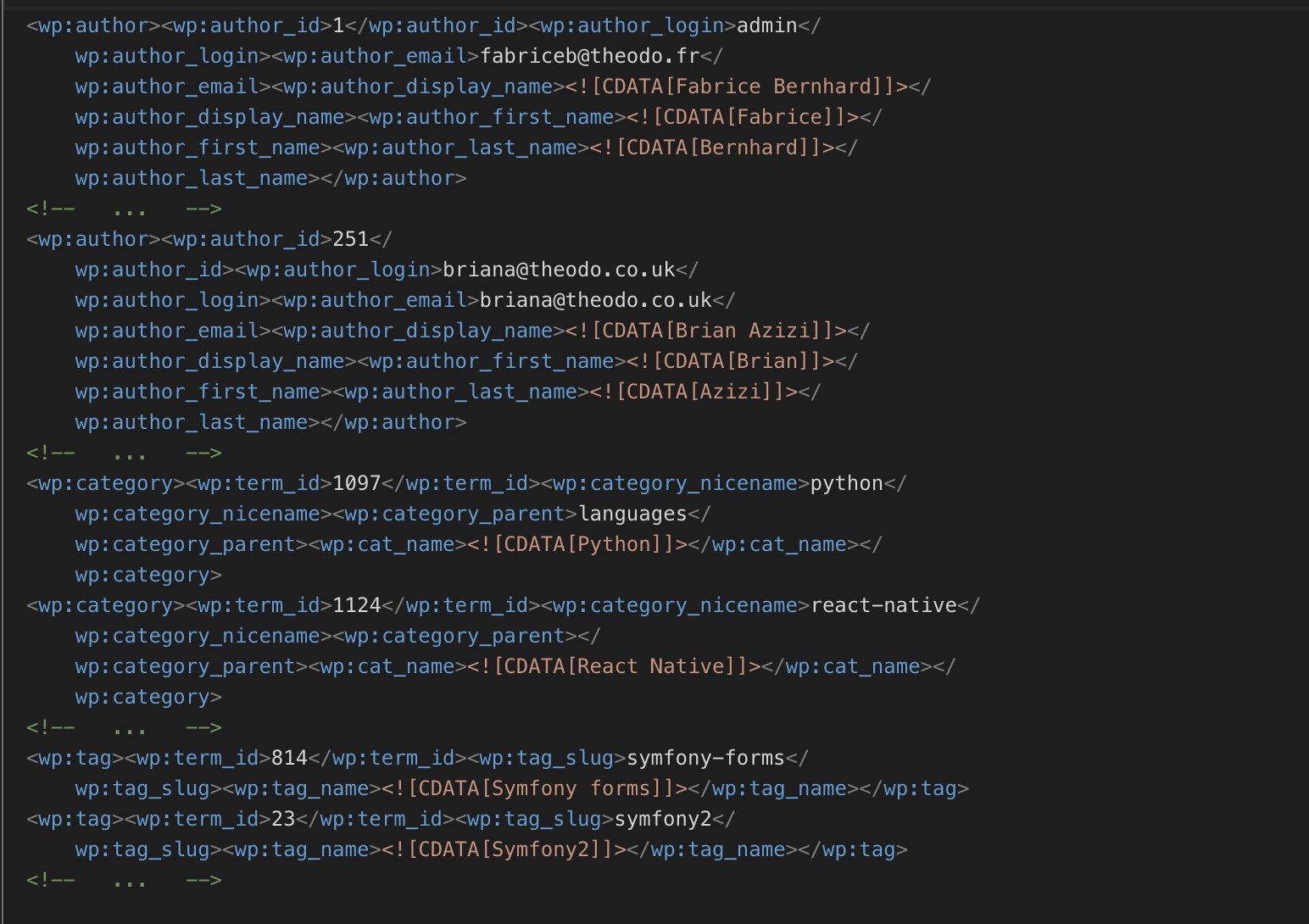
XML: authors and tags
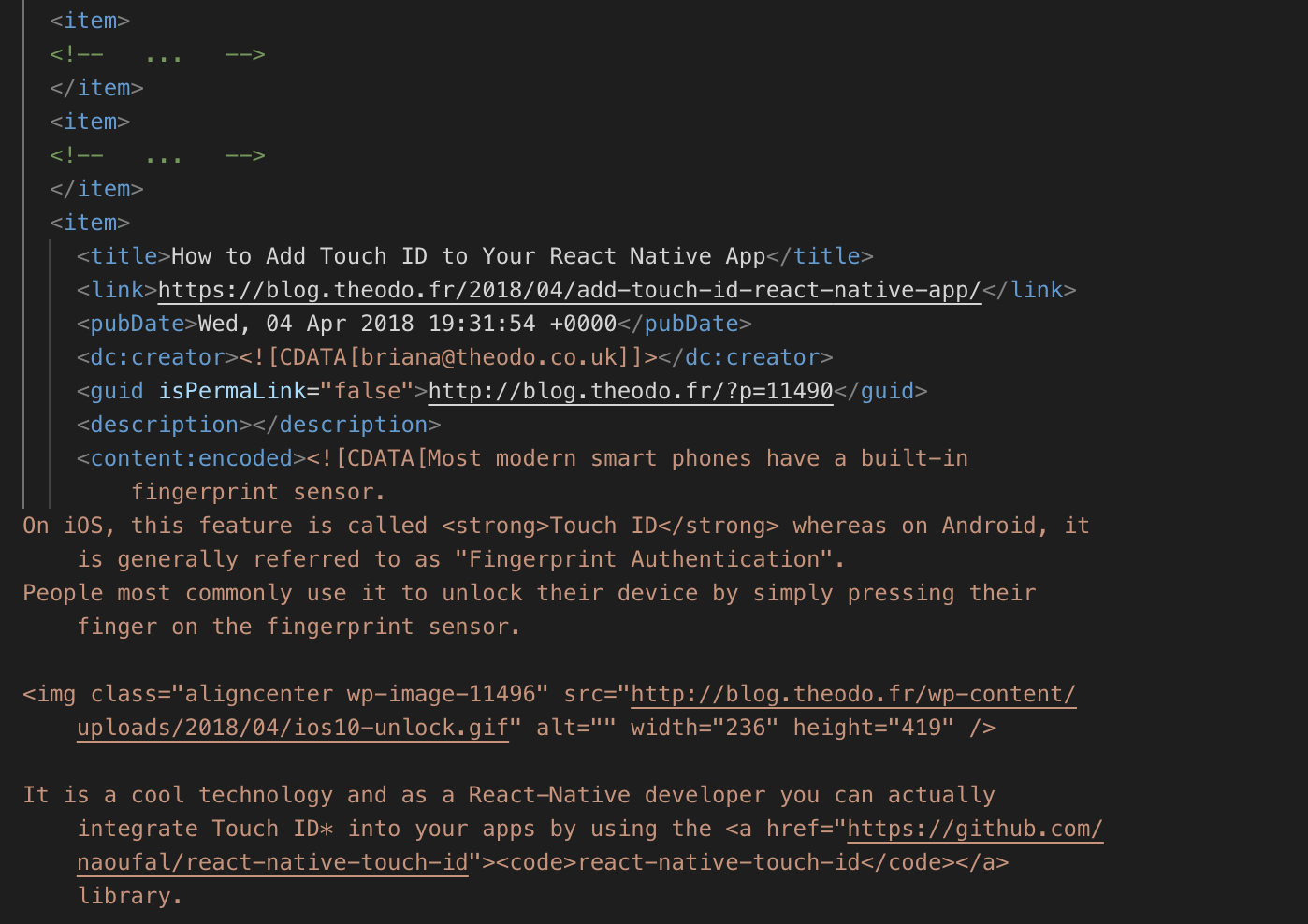
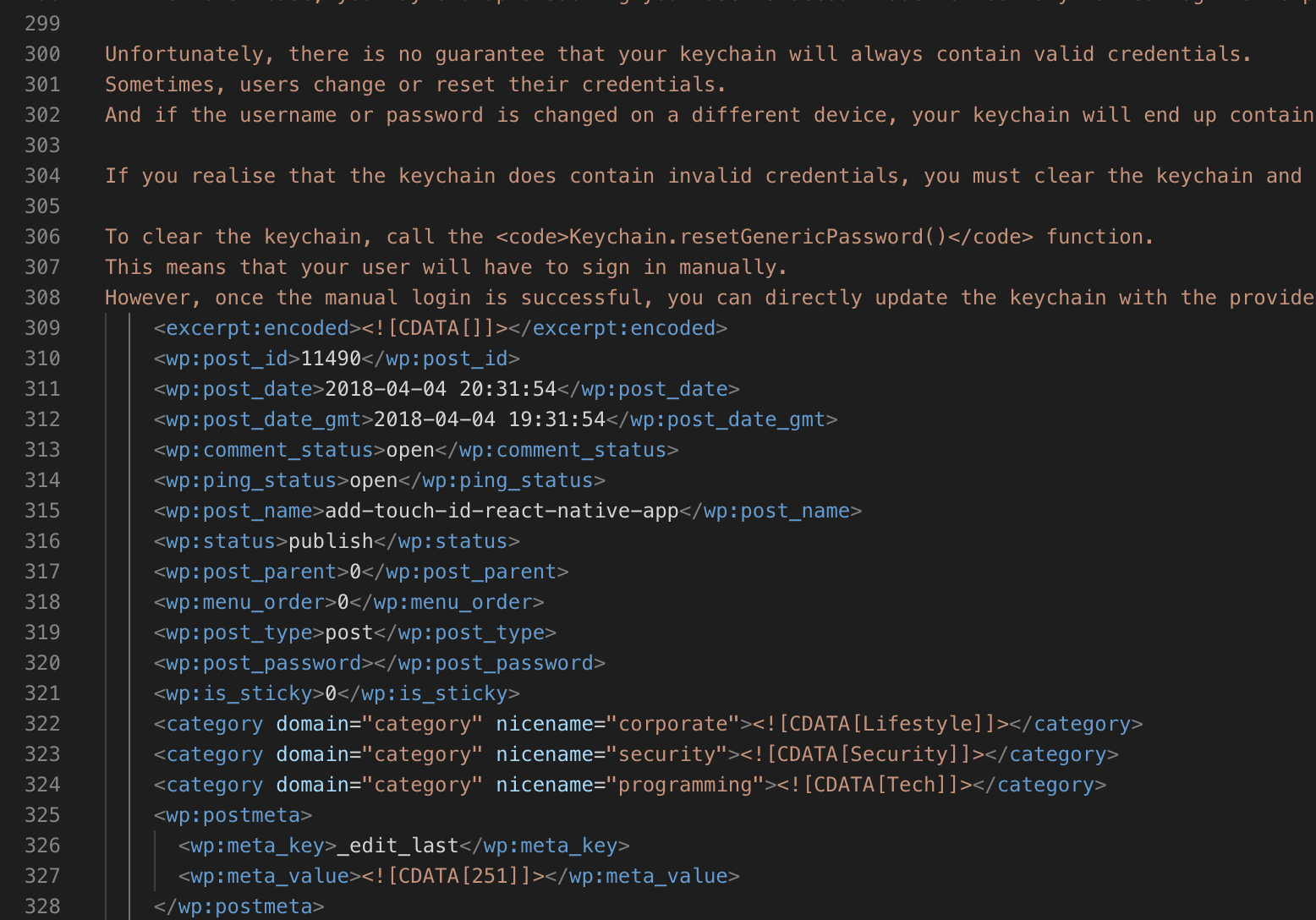
XML: Posts
4) Parse the XML
-
Loop through articles
-
Create a .md file for each article
-
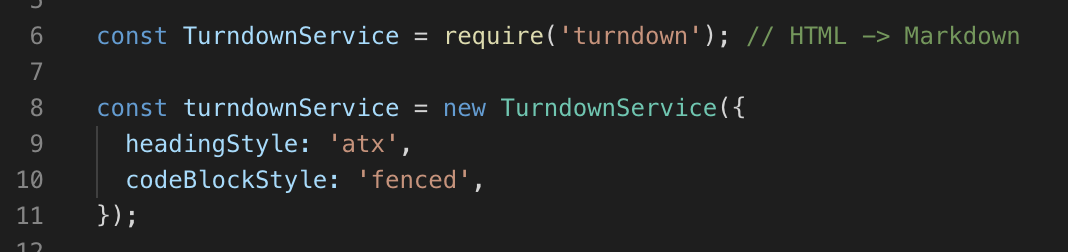
Convert HTML to markdown
-
Create Markdown headers:
-
title, date, slug, etc
-
-
Download any images:
-
Parse <img src="..." /> and download the image
-
-
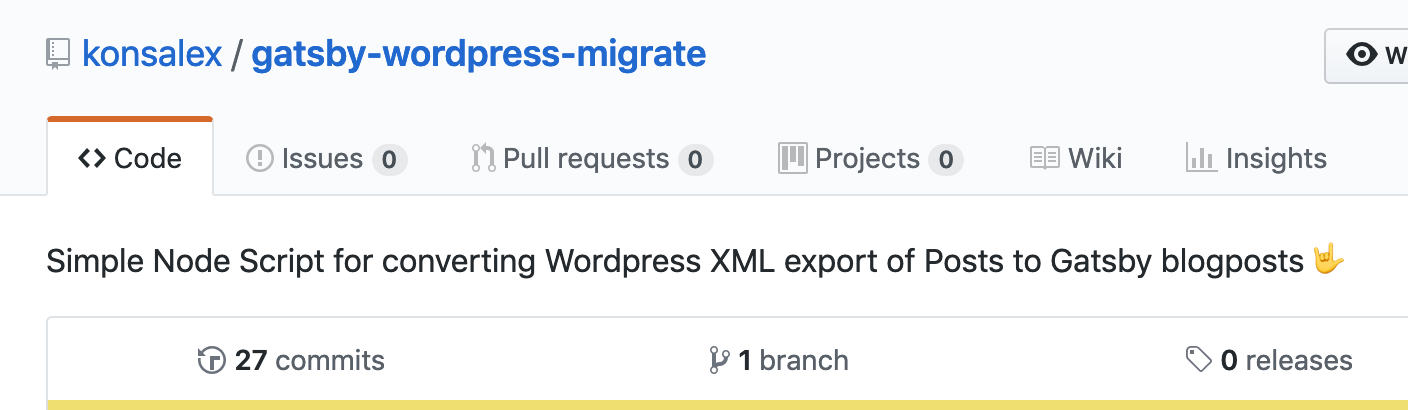
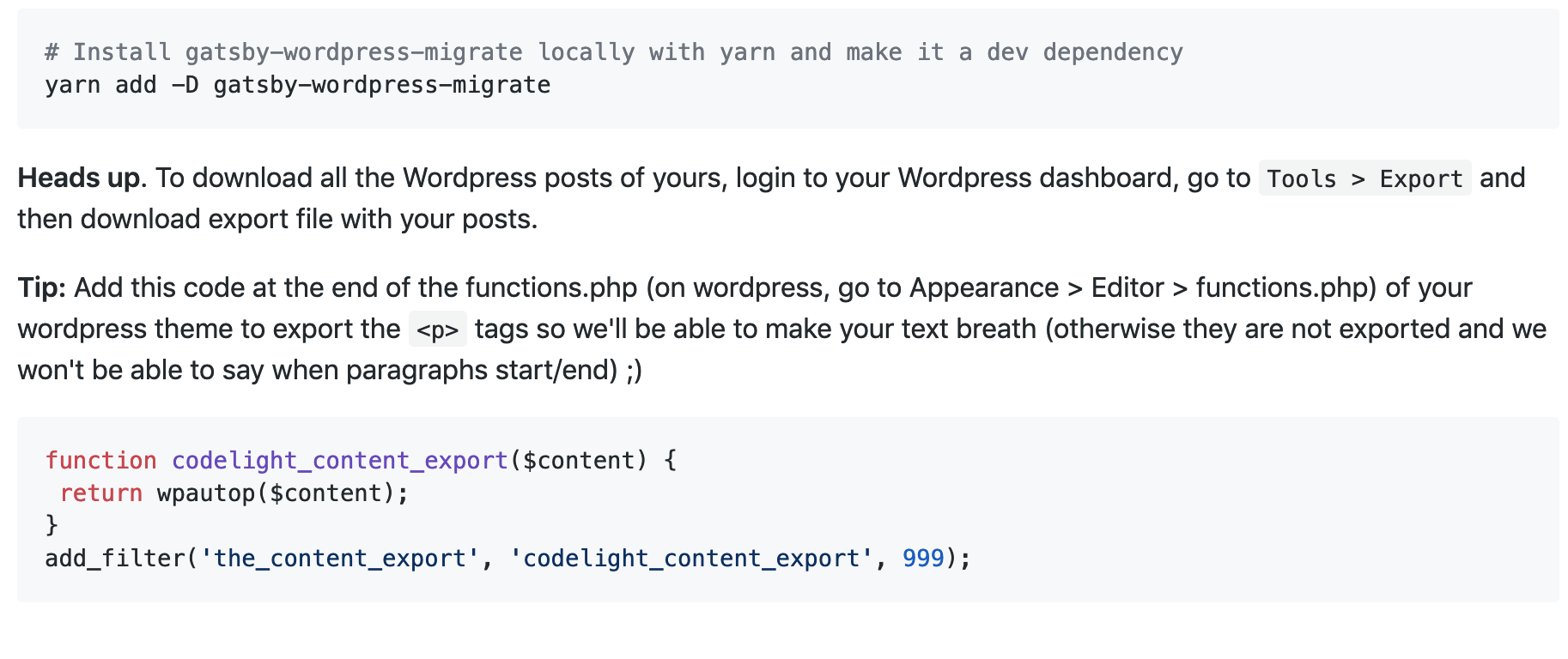
Use "gatsby-wordpress-migrate"
From this
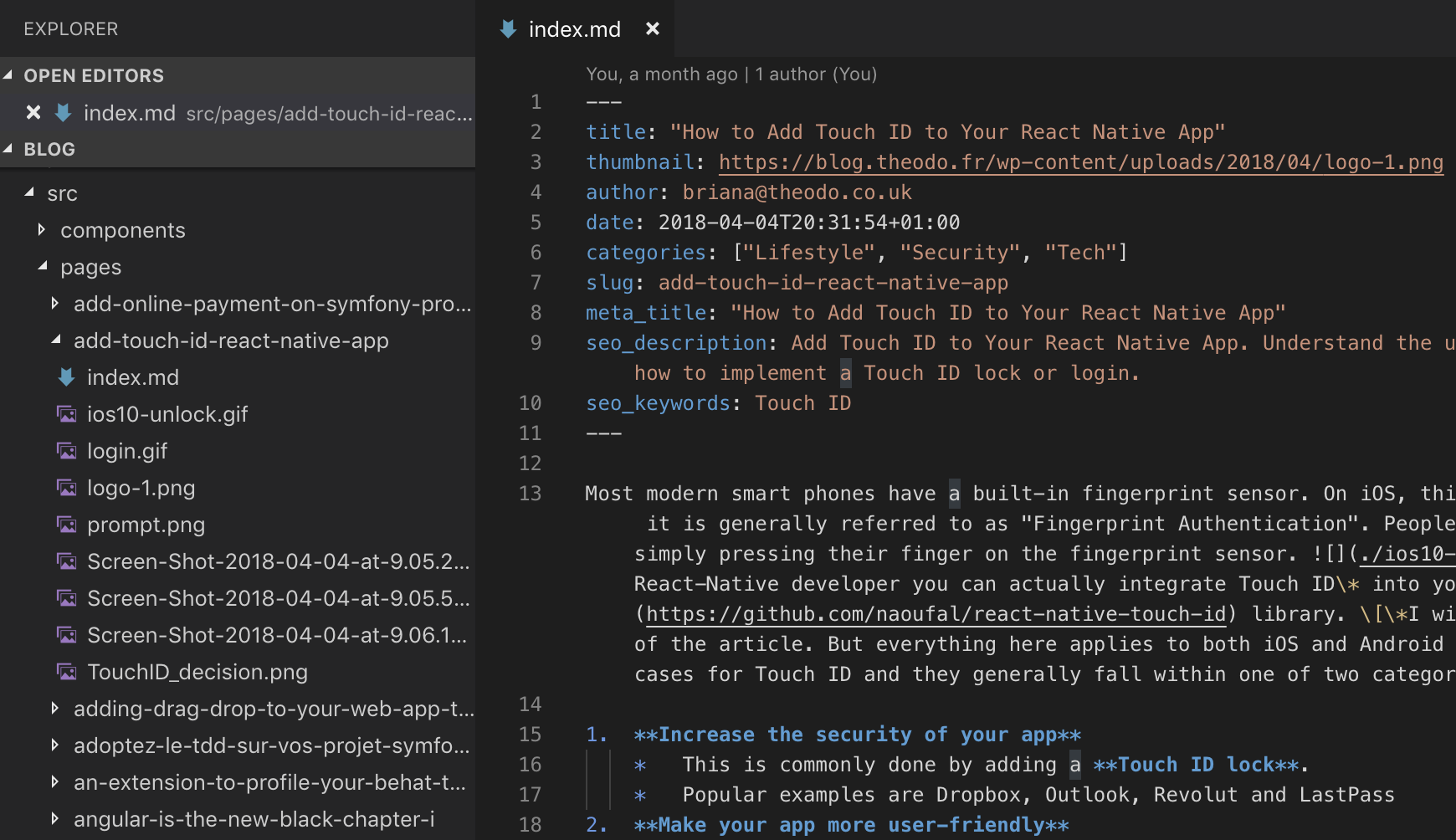
To this
How does it work?
Parse content and images
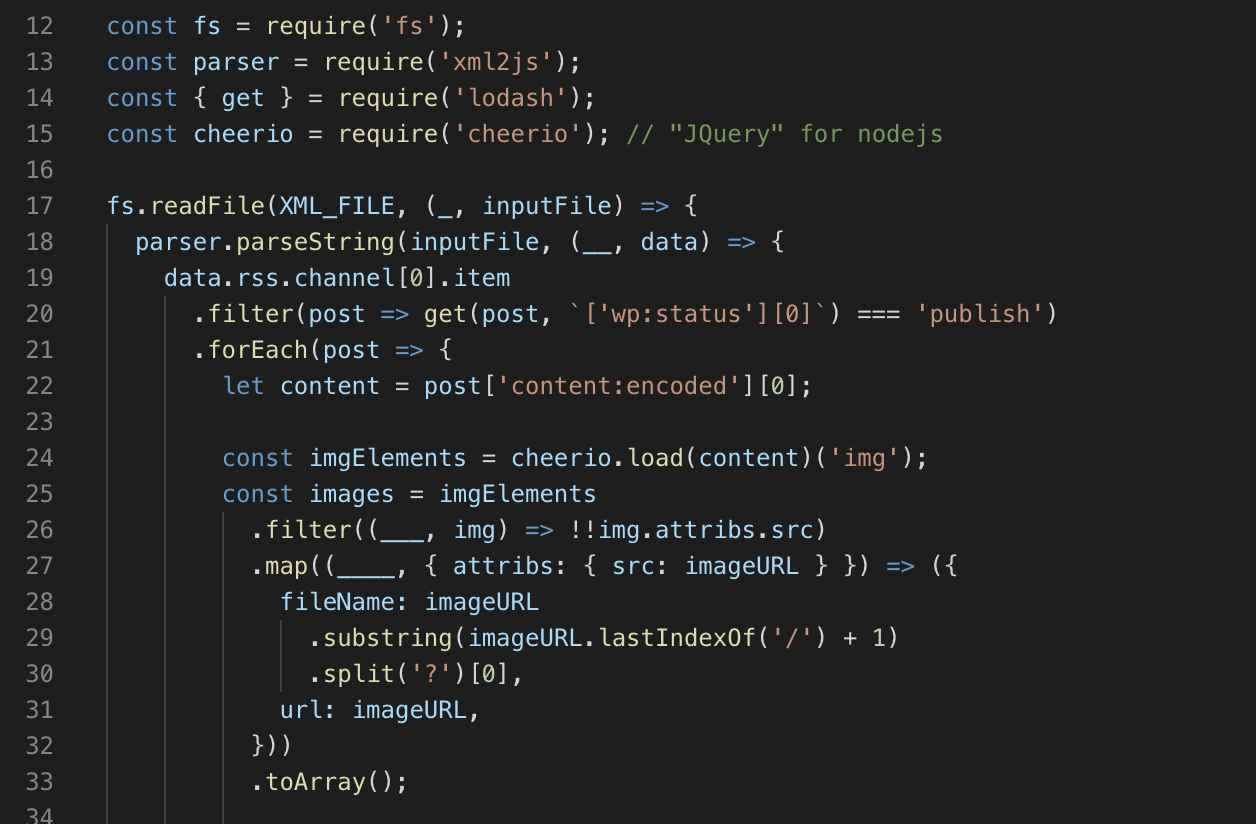
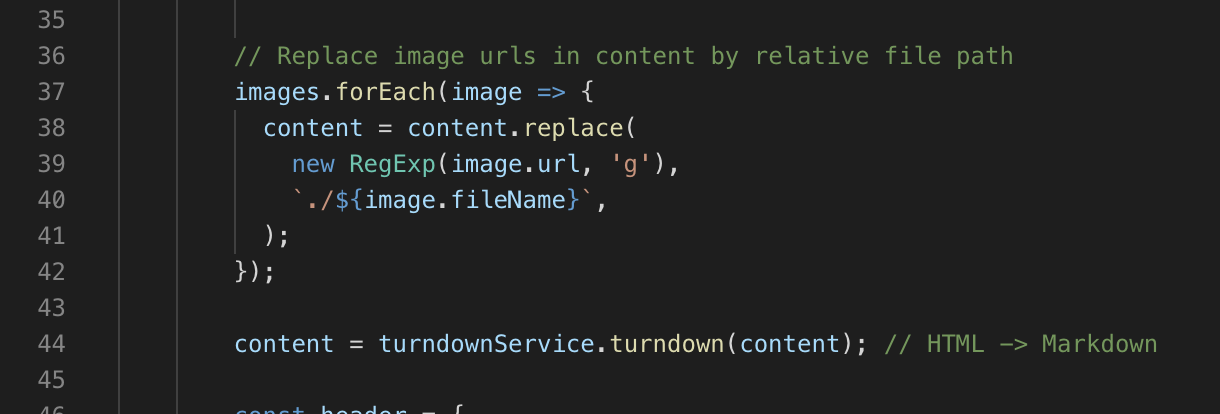
Replace image urls and transform to Markdown
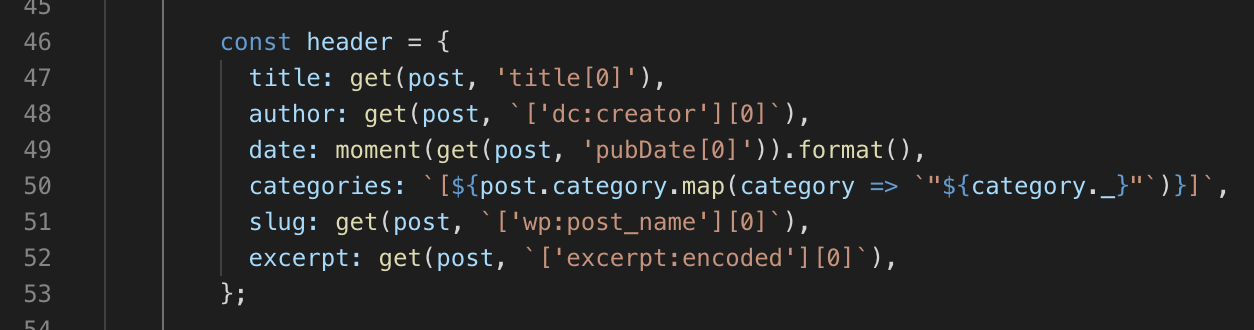
Get meta data
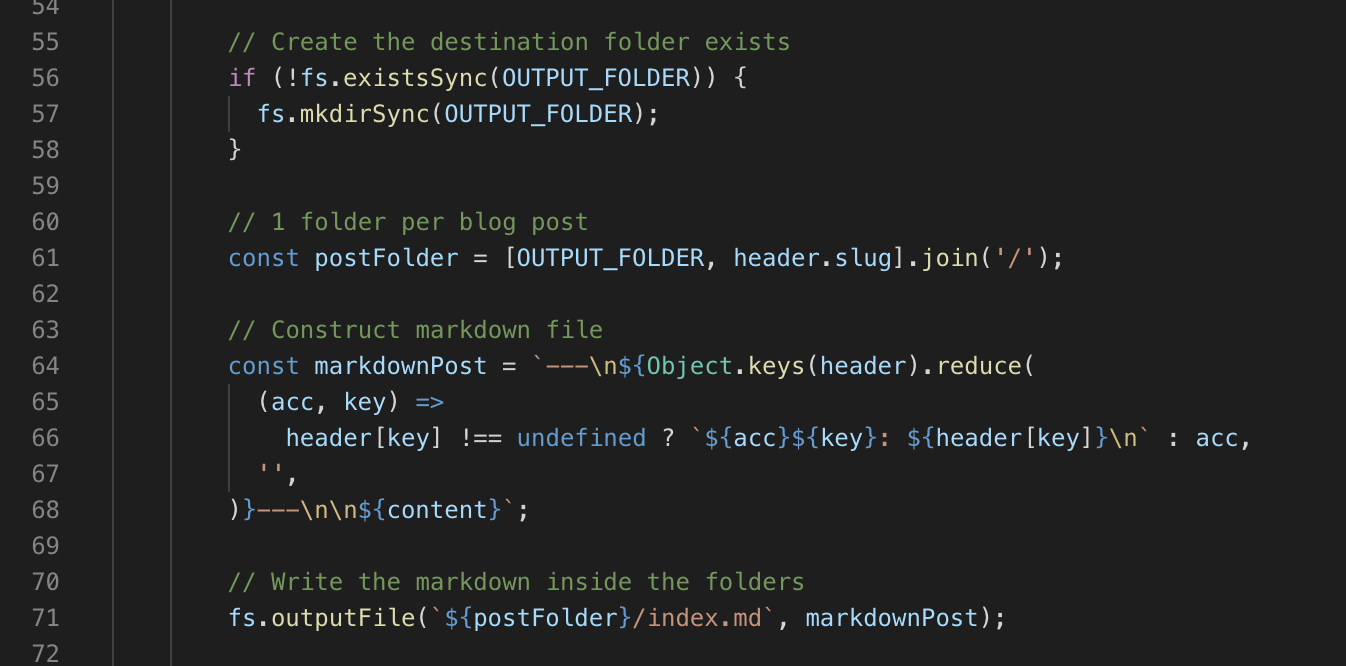
Construct markdown post and create the file
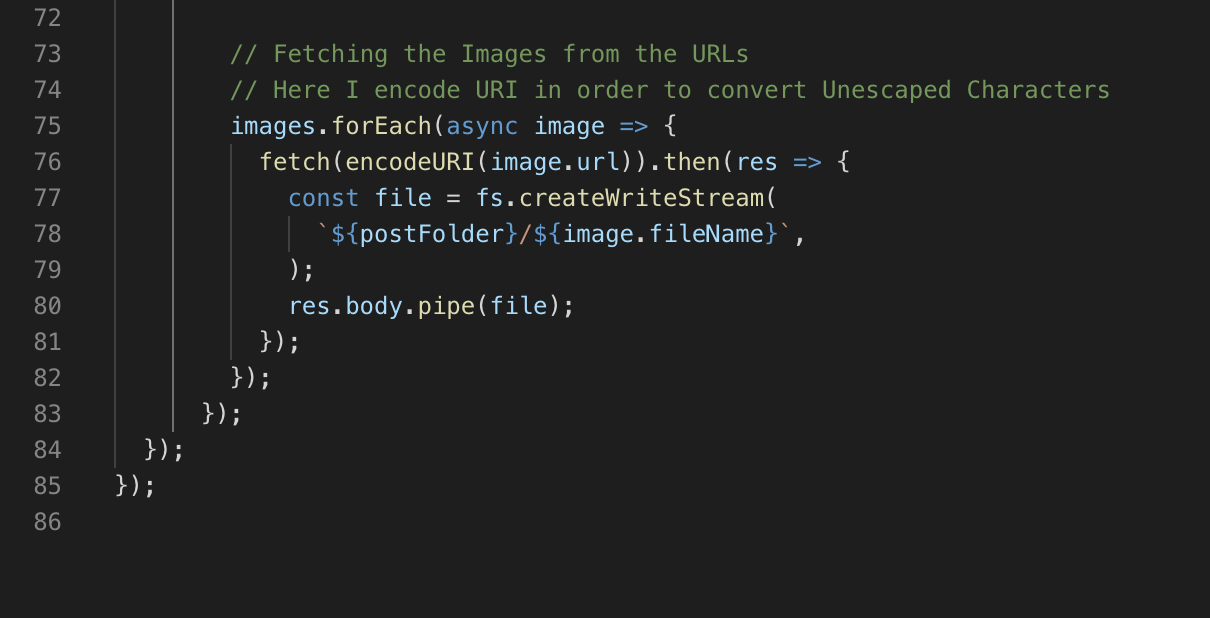
Download images
Result
5) Add your posts to Gatsby
-
Commit, push and deploy
-
Done 🎉
Problems
-
No Author Name
-
No Thumbnails
-
Code formatting is broken
-
Shortcodes not migrated
-
No Paragraph linebreaks
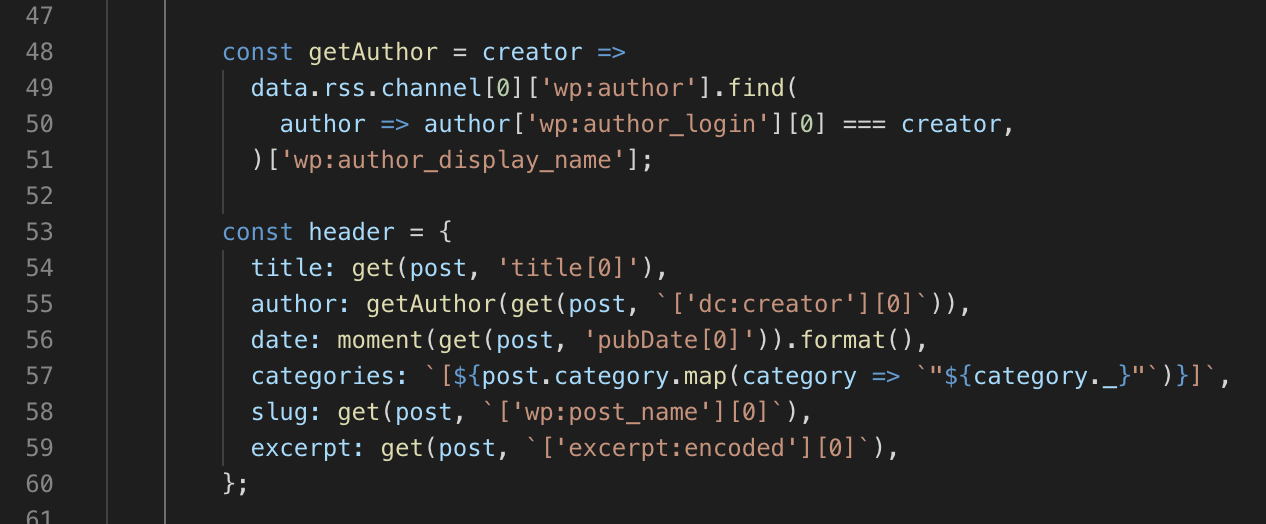
4.1) Get author name
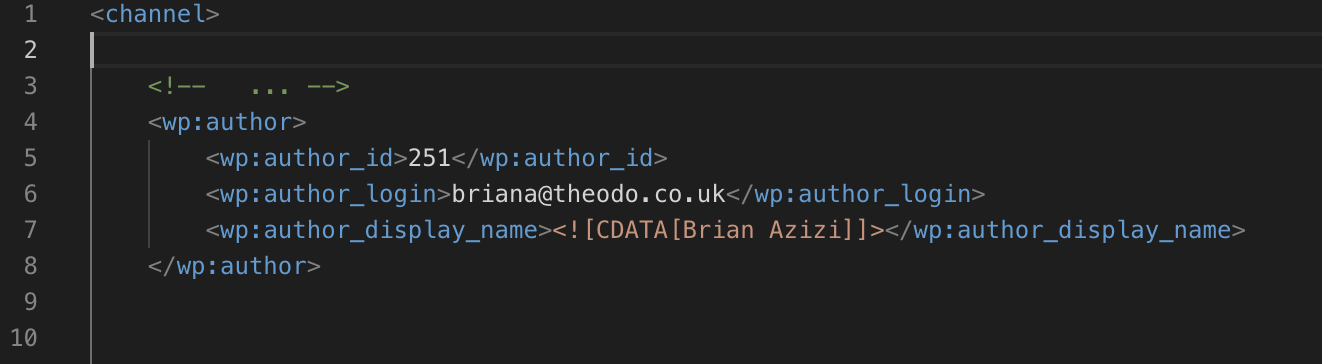
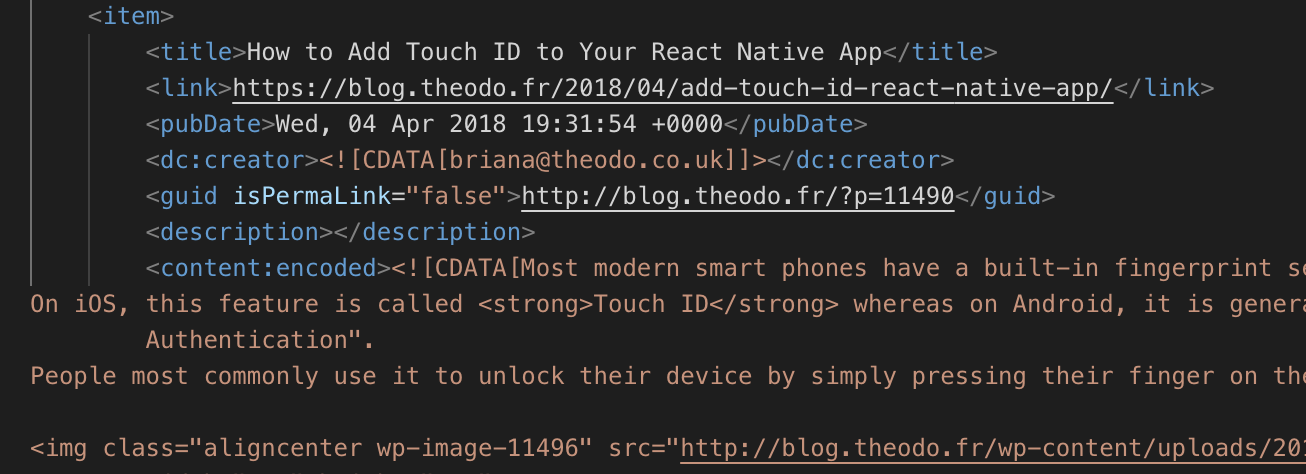
4.1) Get author name
(Similar strategy for thumbnails. Use "_thumbnail_id")
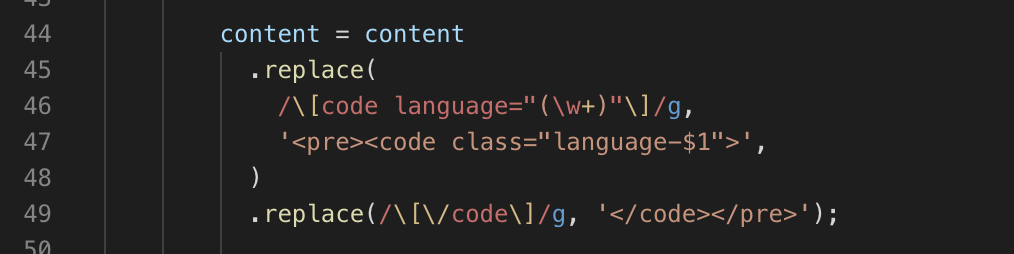
4.2) Migrate shortcodes
-
Replace any shortcodes by HTML, e.g.:
-
[code language="javascript"]
...
[/code]
-
-
replaced by
-
<pre><code class="language-javascript">...</code></pre>
-
[code language="javascript"]
...
[/code]
<pre>
<code class="language-javascript">
...
</code>
</pre>4.2) Migrate shortcodes
-
Other shortcodes:
-
[caption]
-
[bash]
-
[sourcecode]
-
-
Use RegEx
4.3) Add linebreaks
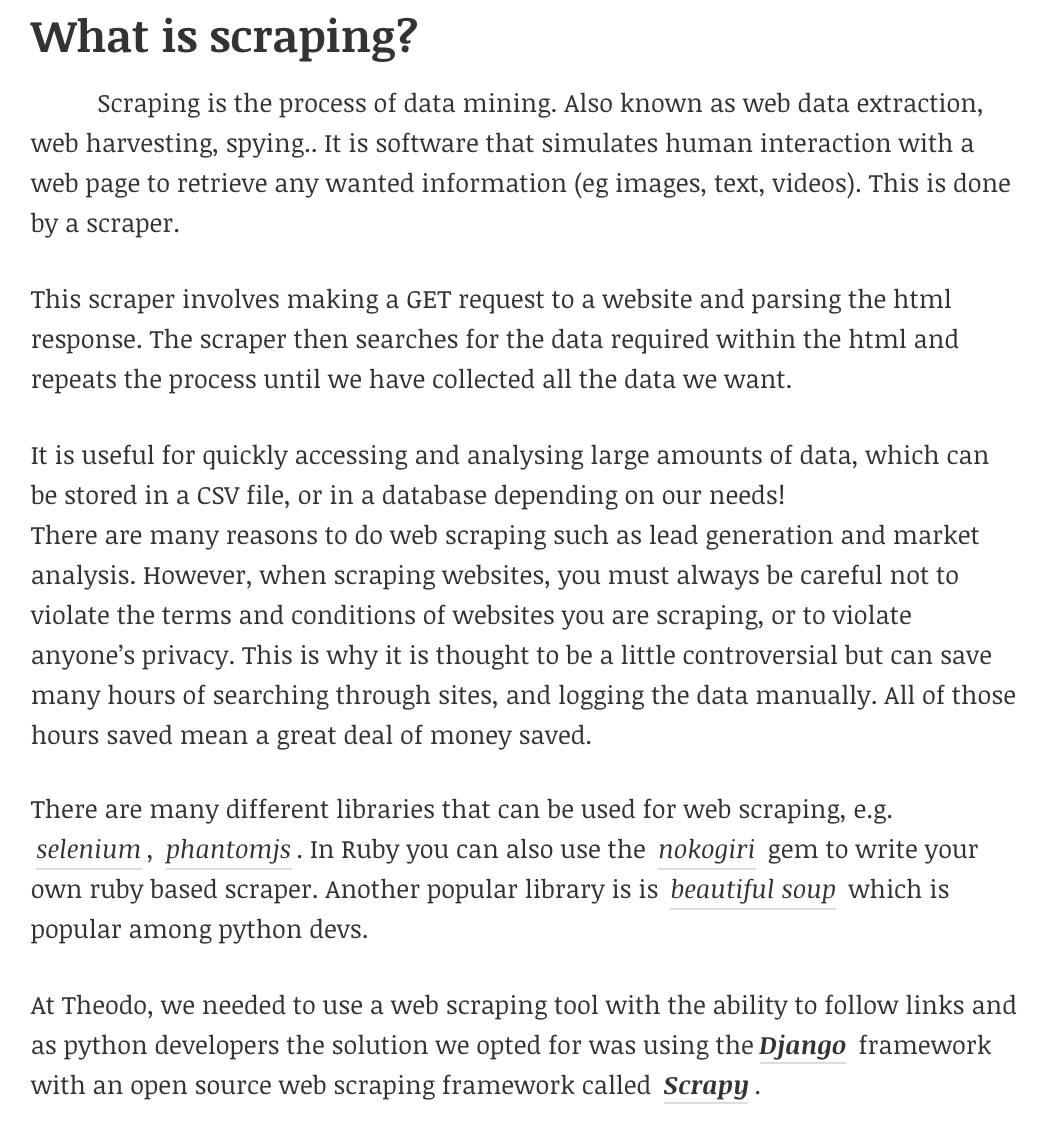
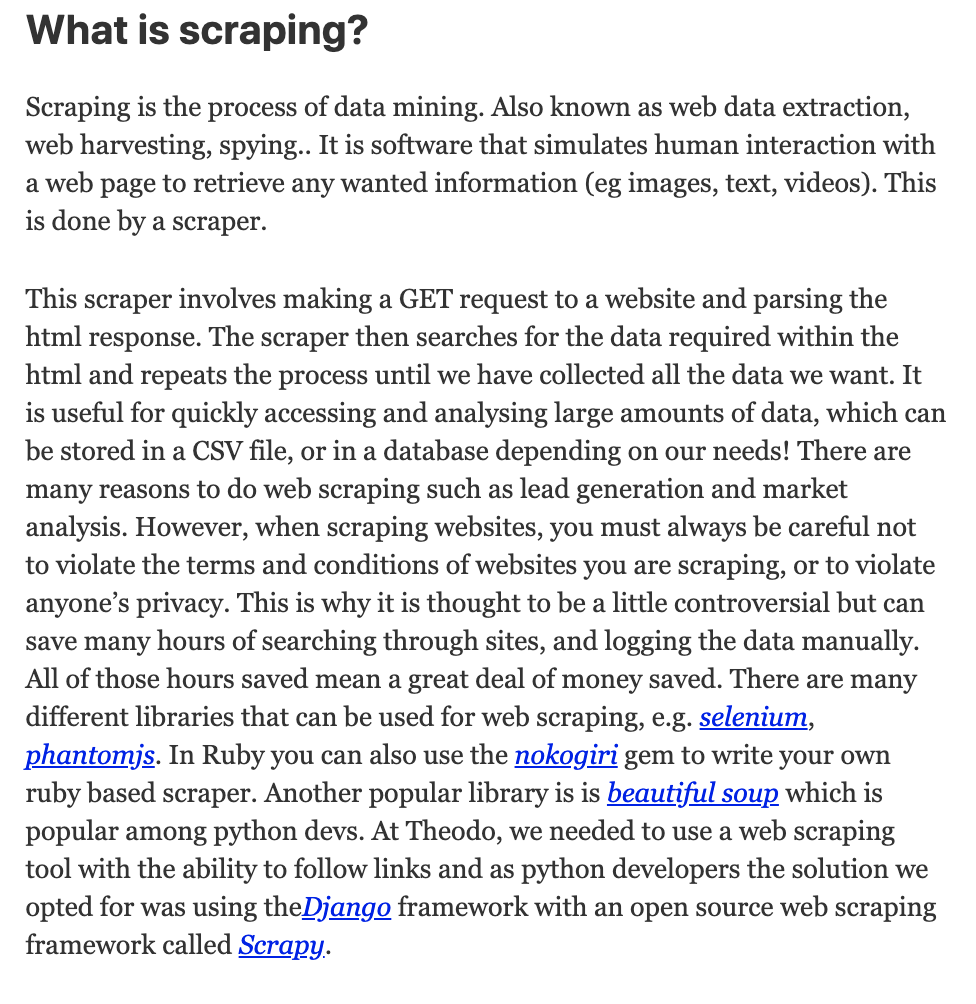
Gatsby
Wordpress
4.3) Add linebreaks
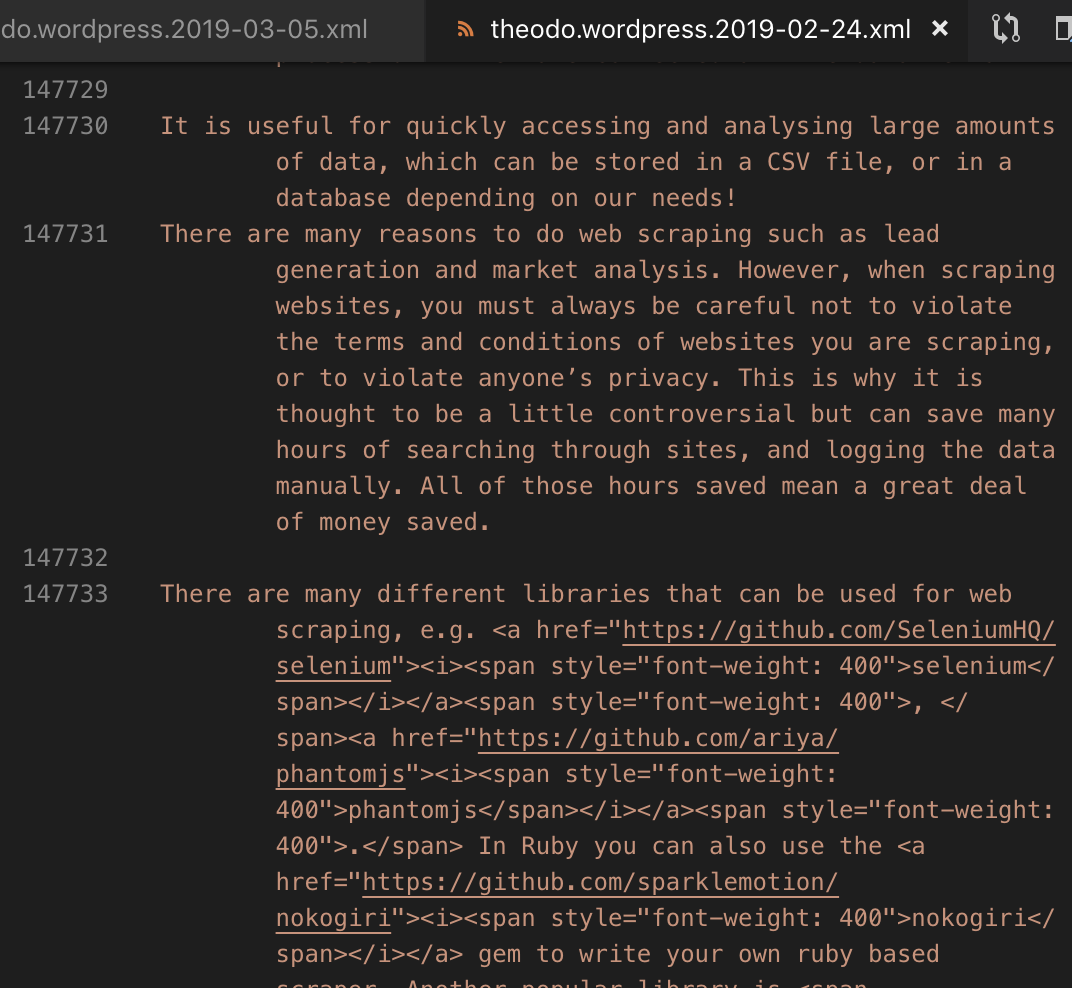
Have:
4.3) Add linebreaks
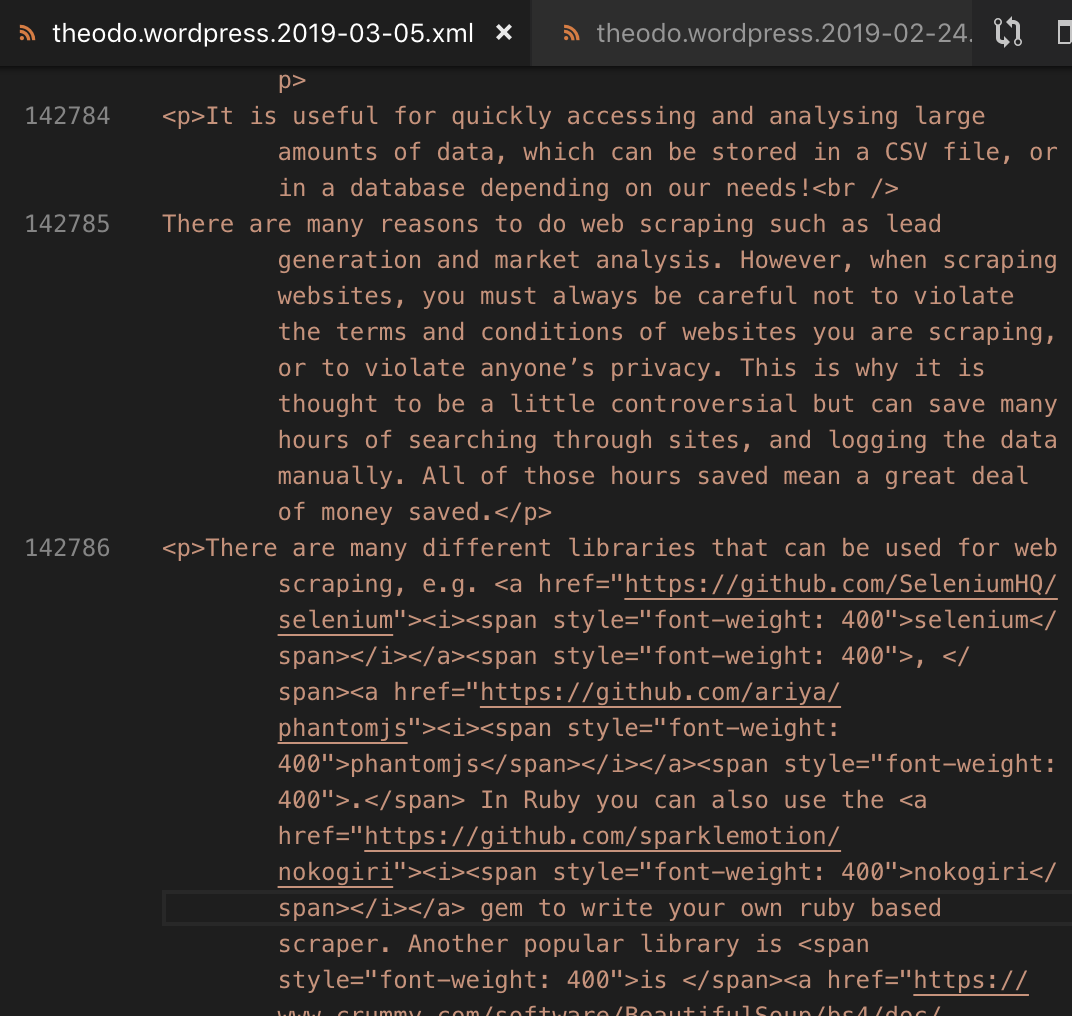
Want:
4.3) Add linebreaks
-
Fix: Read the README
(Result)
4.4) Other random stuff
-
Data from Wordpress plugins
-
Data specific to your Wordpress setup
Good Strategy
-
Maintain your own fork of gatsby-wordpress-migrate 😱
-
Why:
-
Script needs to be adapted to your personal setup
-
Only used once (in theory)
-
-
But:
- Do submit PRs with general fixes and improvements
5) Add your posts to Gatsby
-
Commit, push and deploy
-
Done 🎉
6) Add more features
-
Comments (e.g. Disqus)
-
Improve SEO (react-helmet)
-
Search (e.g. elasticlunr)
-
Analytics (e.g. gatsby-plugin-google-analytics)
-
Author Biographies
-
Progressive Web App
-
Pagination
-
Tags
Check out Gatsby Guides: https://www.gatsbyjs.org/docs/adding-website-functionality/
Benefits for Readers
-
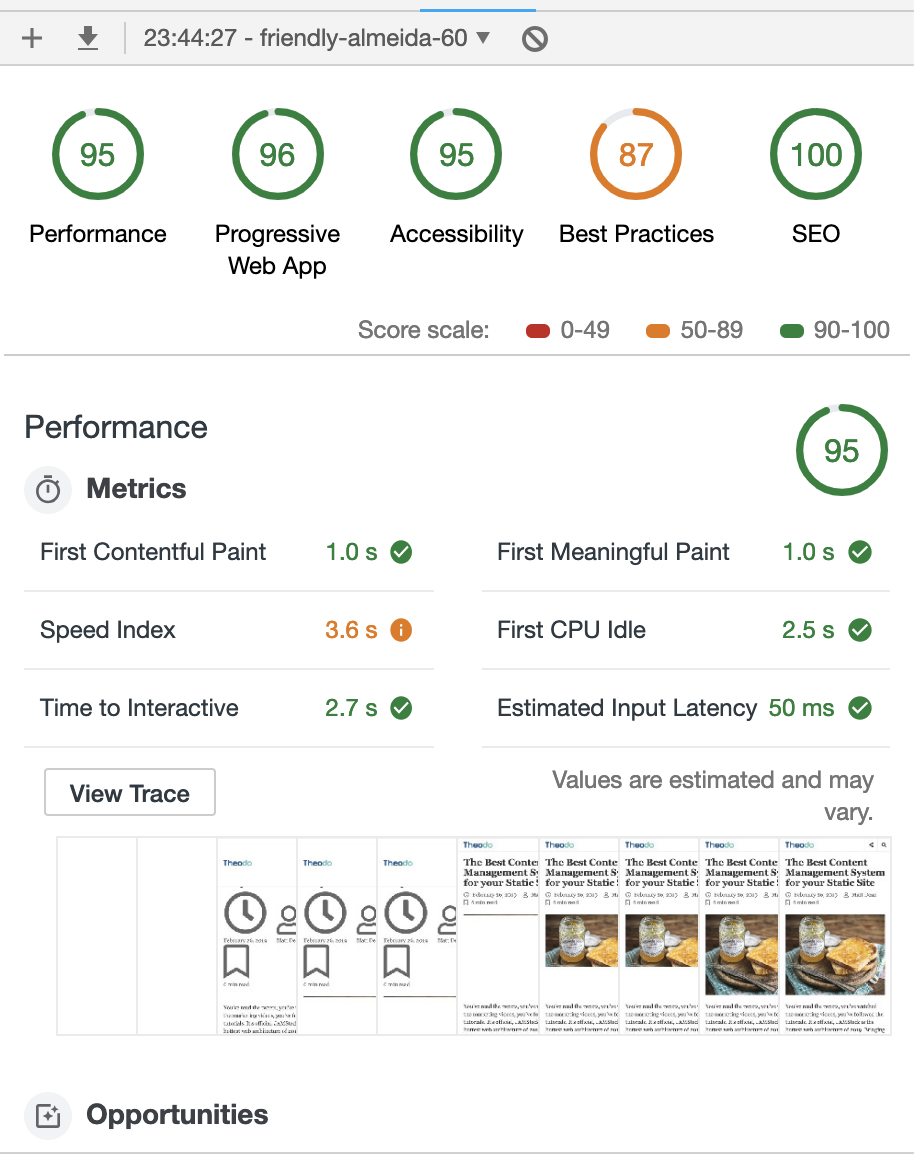
Blazing fast Static site.
-
Instant Page loads
-
Instant Search (careful with bundle size)
-
PWA support
Benefits for Authors
-
Write in Markdown
-
Use Pull Requests to get your drafts challenged
-
deployment previews (thanks Netlify)
-
Content in version control
Benefits for devs
-
Super Easy install:
-
git clone; npm install; npm run dev; Done :)
-
-
React + GraphQl <3
-
Great dev environment
-
Great community
-
Super secure + cheap (all static)
-
Easy Continuous Deployment with Netlify
Thanks :)

XML Post (Top)
XML Post (Bottom)
Migrating a Wordpress to Gatsby
By Brian Azizi