Get touchy-feely with React Native

Brian Azizi

Let's talk about Touch ID
What is Touch ID?

Android:
"Fingerprint Authentication"
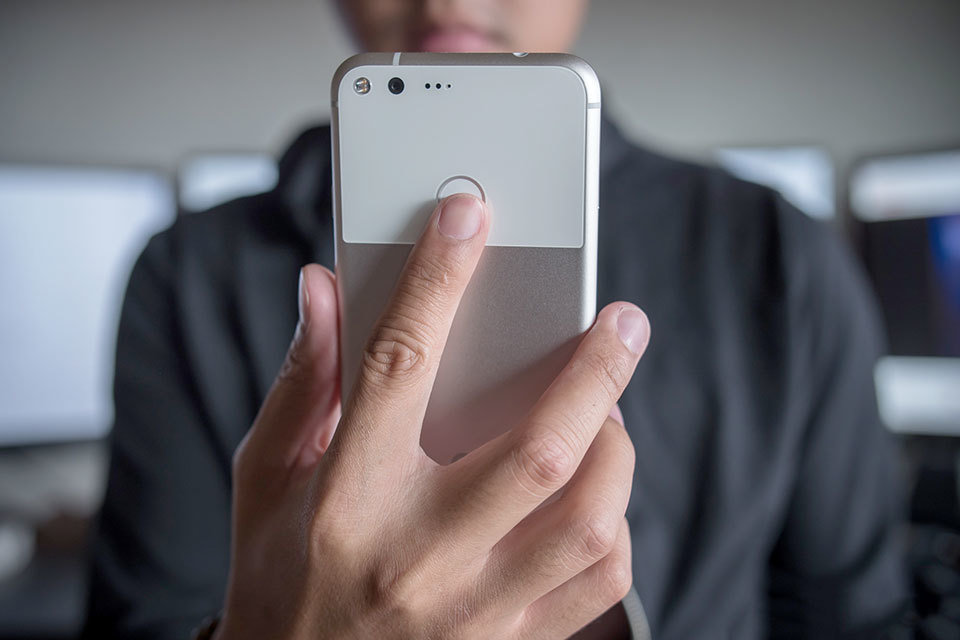
How do I add Touch ID to my React Native App ?
There is a library for that
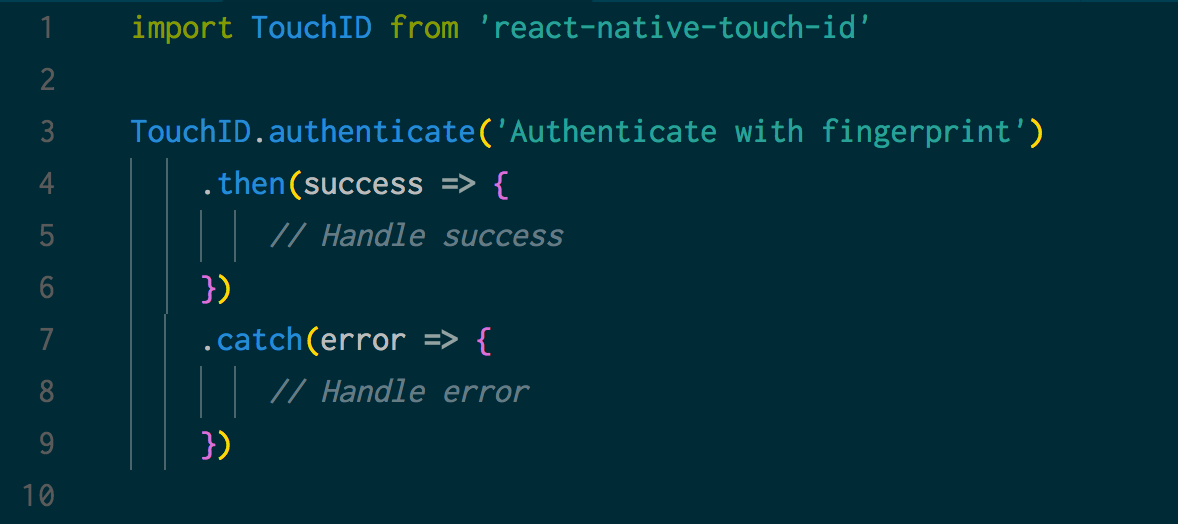
$ yarn add react-native-touch-id
We've got Touch ID!
Thank you!
Just kidding 😜
a) Add Security
b) Improve UX
What can we do with Touch ID?
- Lock Screen for your app
- Login with Touch ID
Use Touch ID to add security
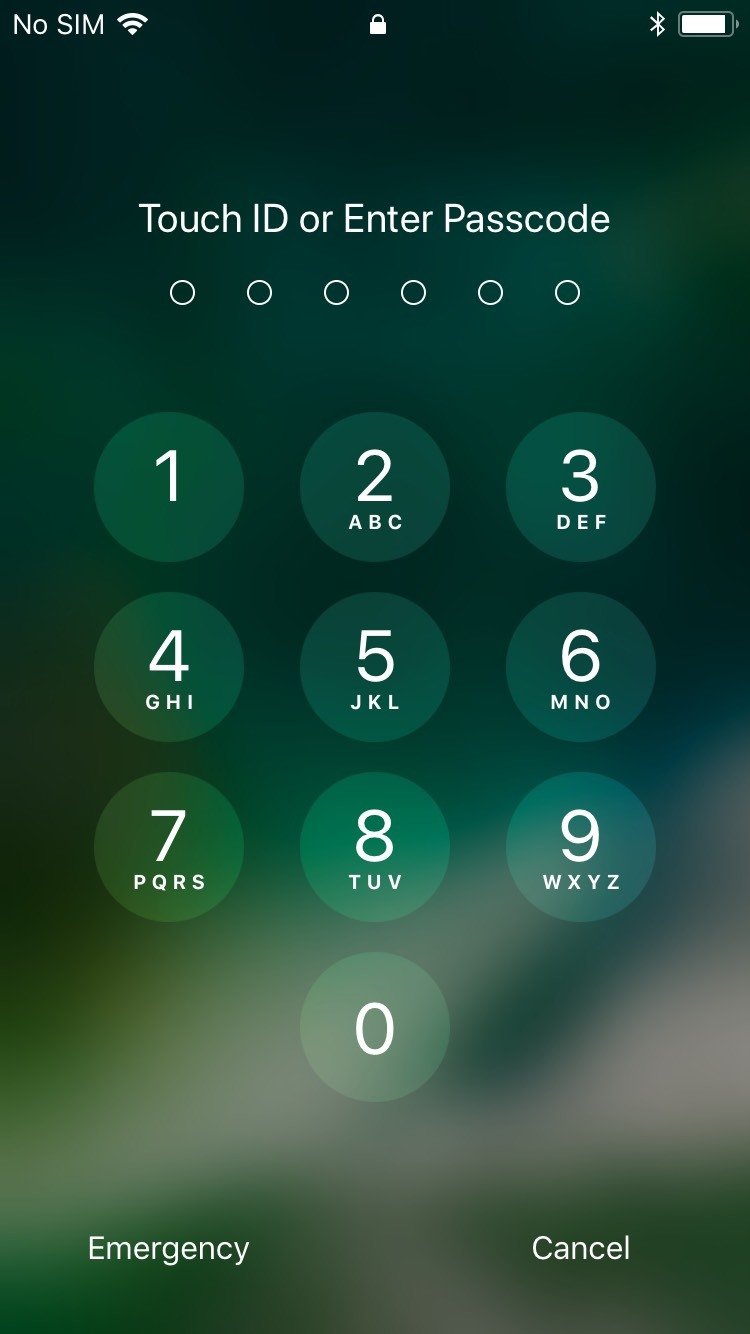
iOS Lock Screen
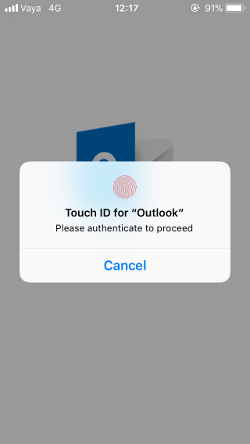
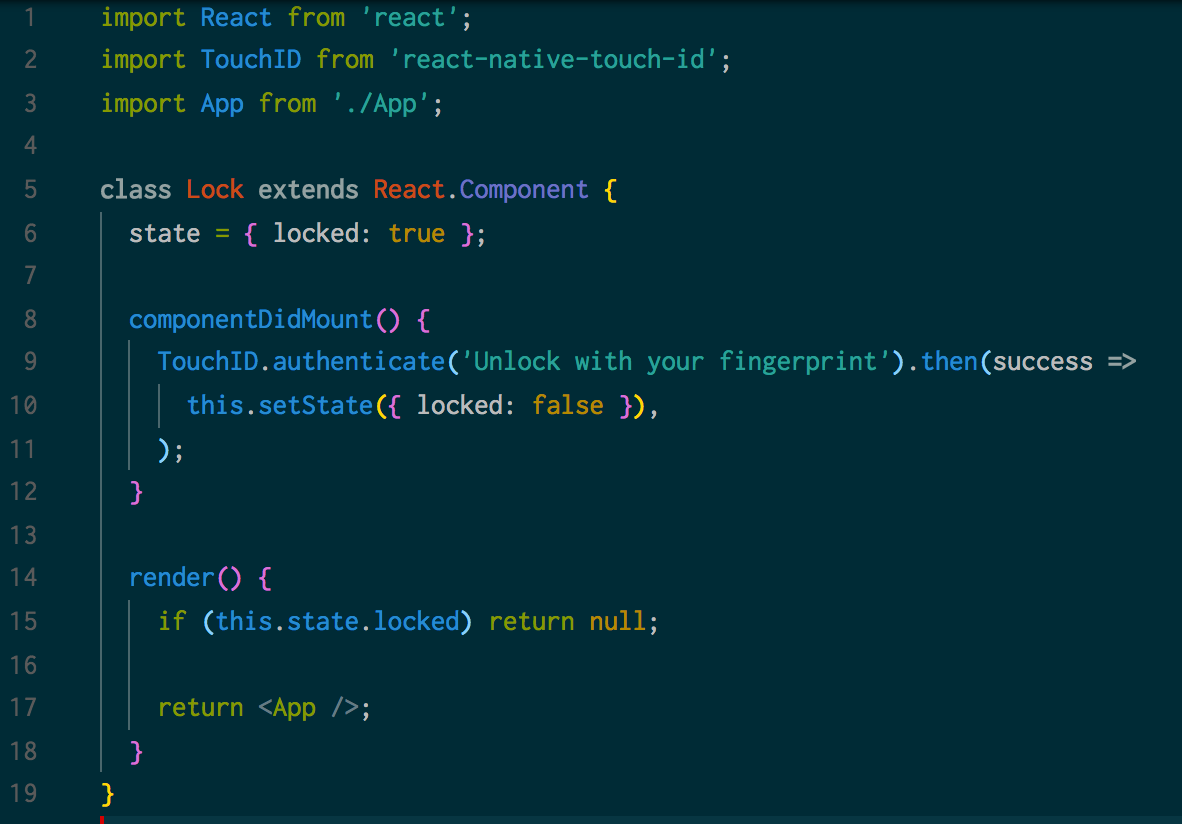
Add a lock to your app
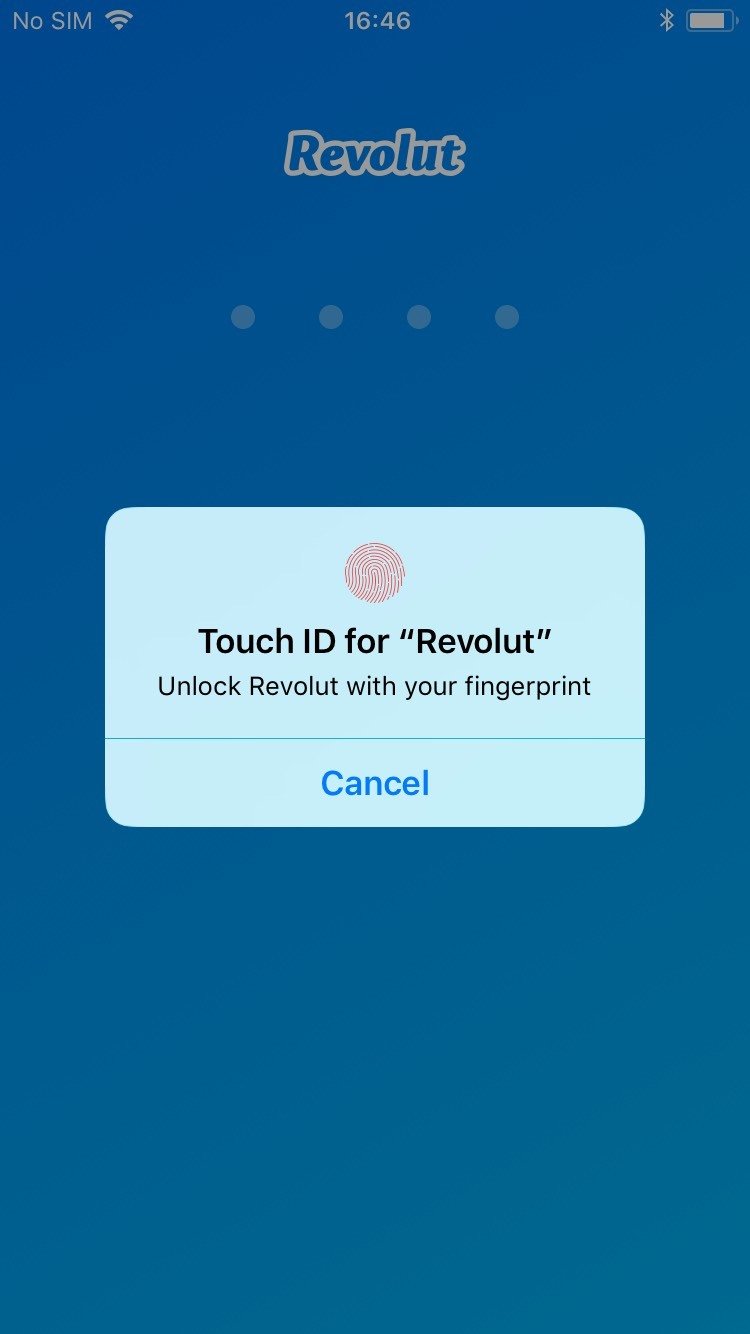
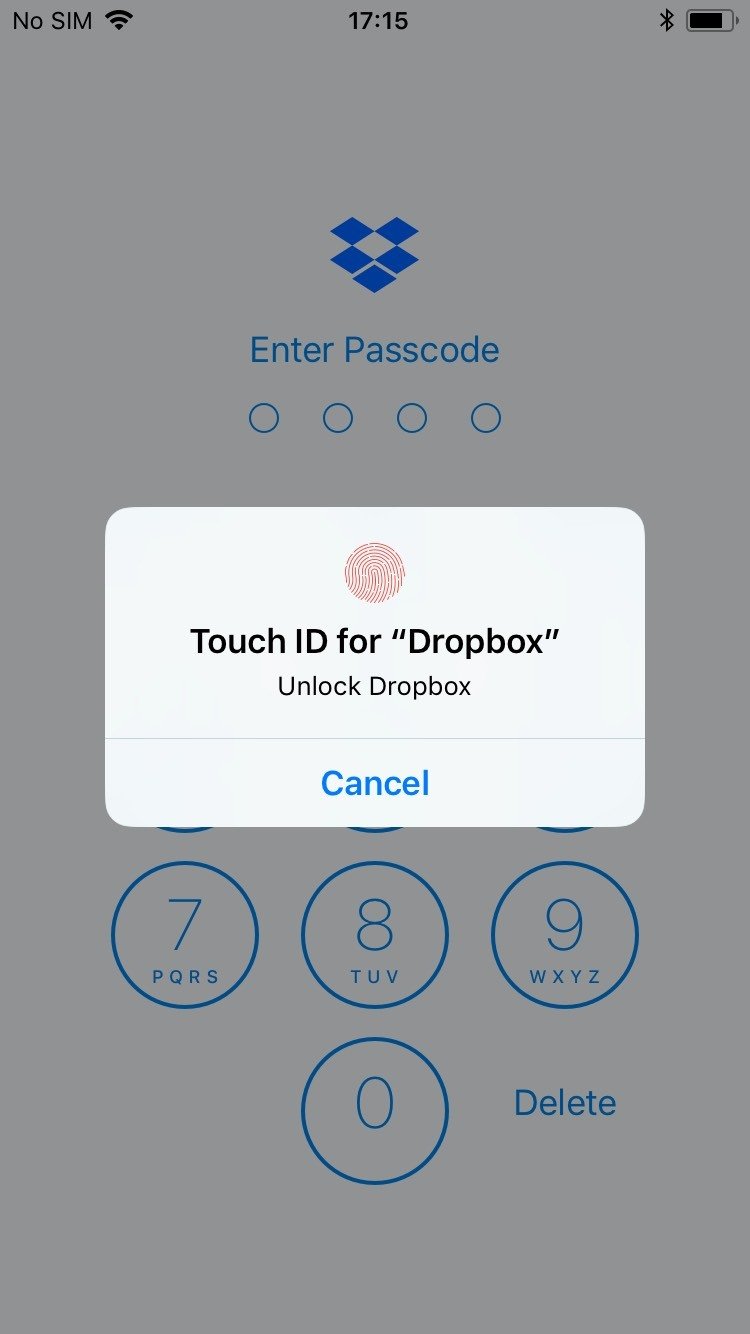
Add a lock to your app...
What if Touch ID no longer works ?
- Wet finger
- Burnt fingers
- Old Device with dodgy hardware
Users are locked out 😨
Solution: You need a good fallback
Something that's easy to use but still secure...
iOS Lock Screen
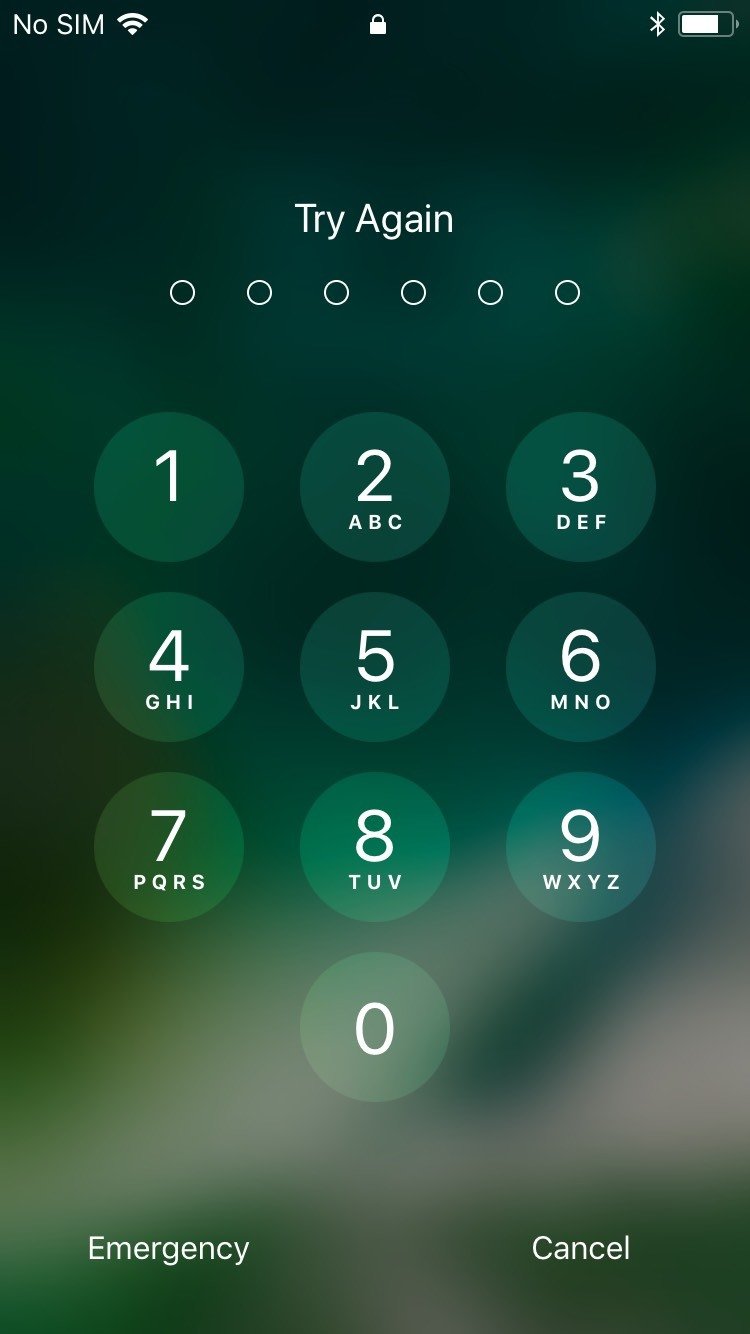
Passcodes are popular
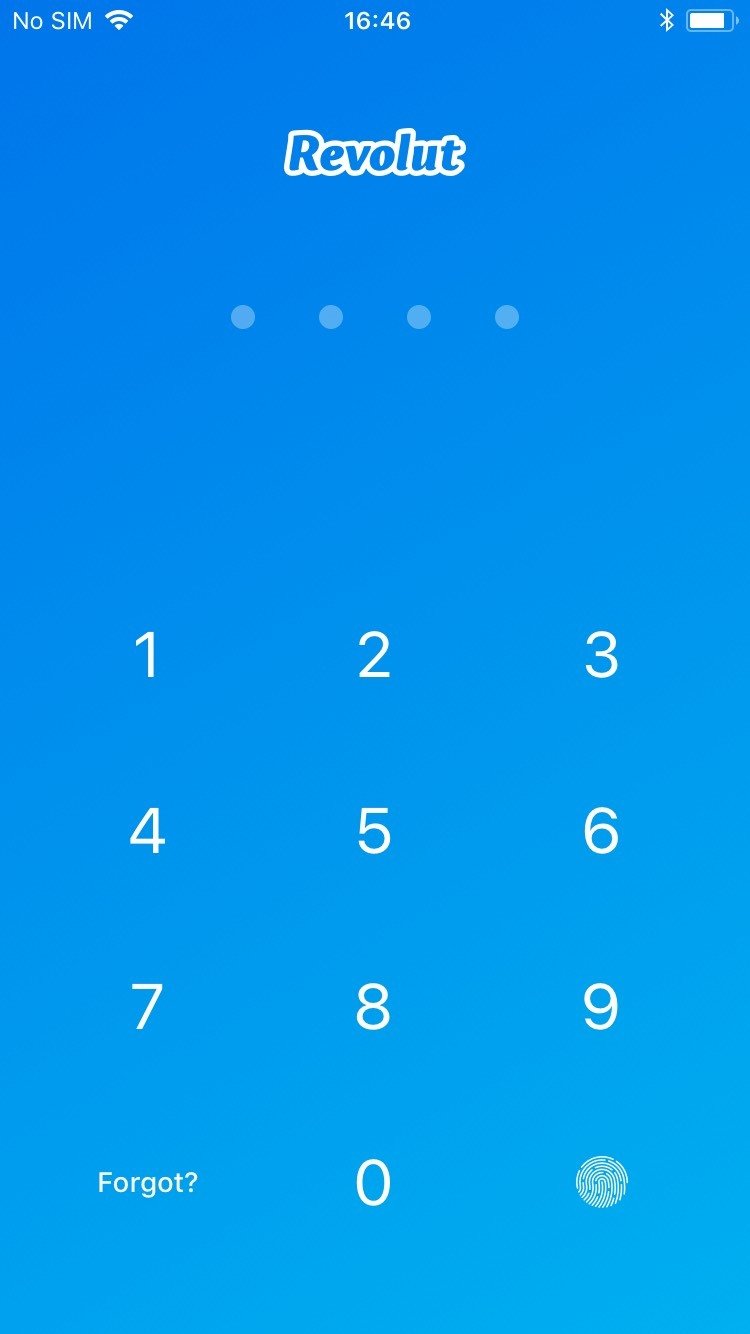
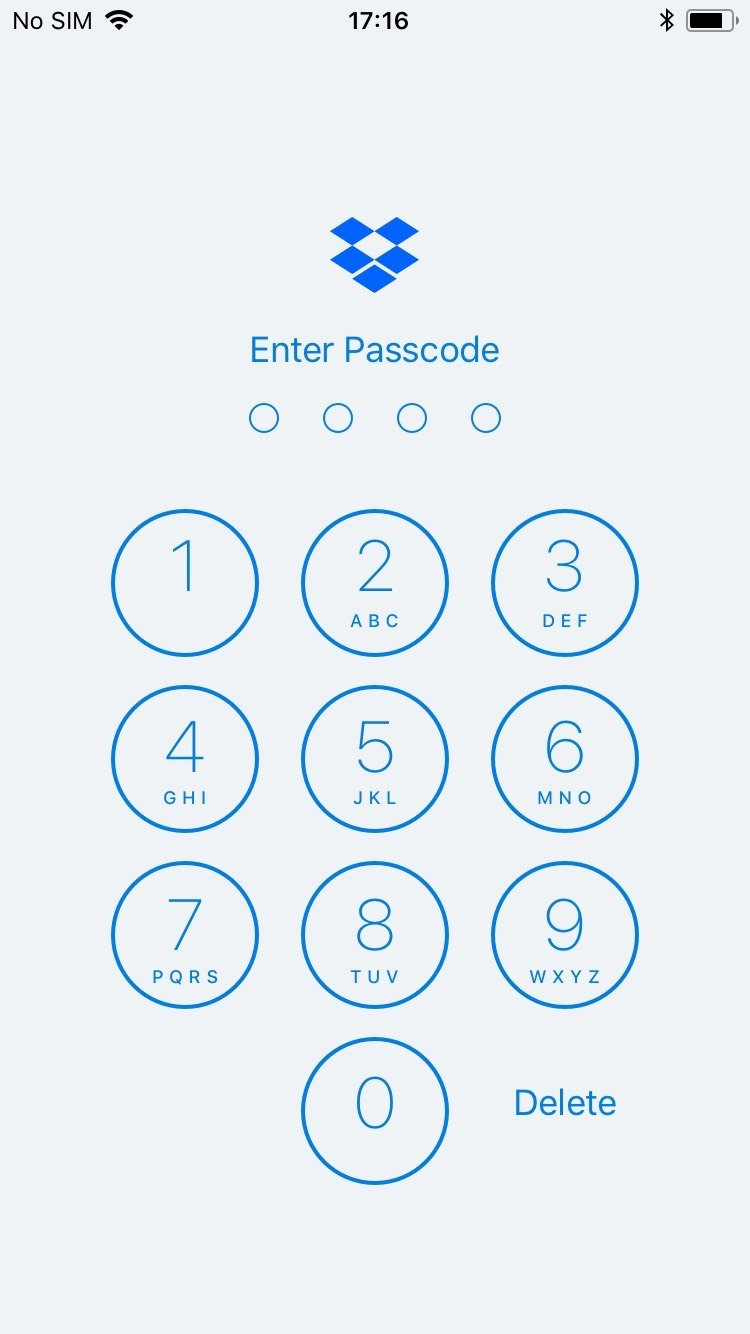
The hard part of a Touch ID lock is the fallback
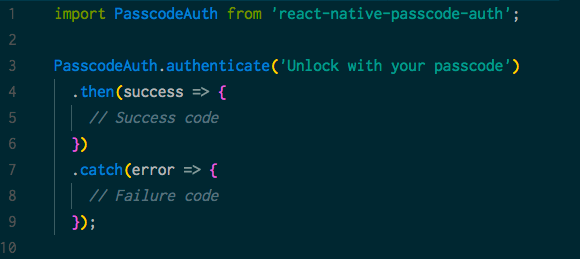
$ yarn add react-native-passcode-auth
Ideally, want to use the user's device passcode
Unfortunately, last commit is from Jan 12, 2016 ☹️
More ways to add security
You can use Touch ID to protect any action
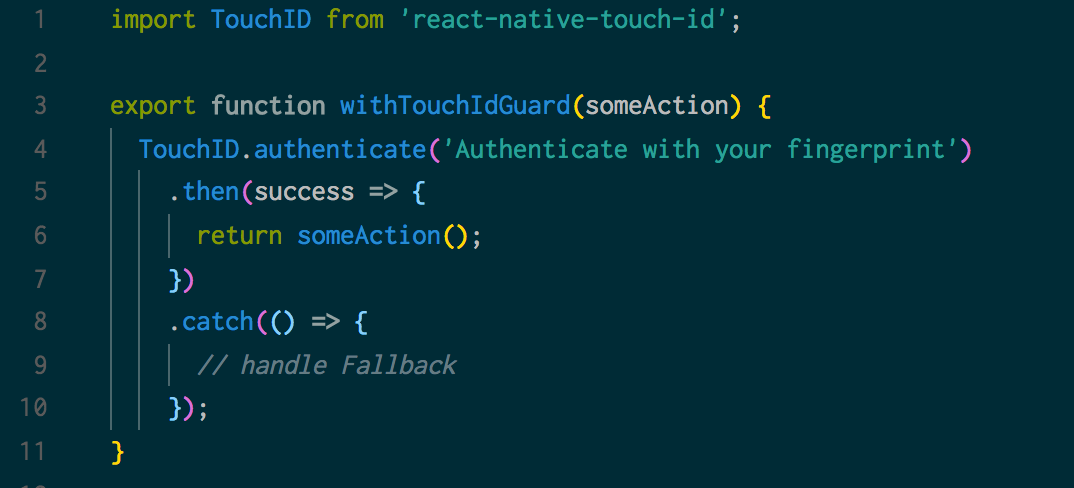
More examples
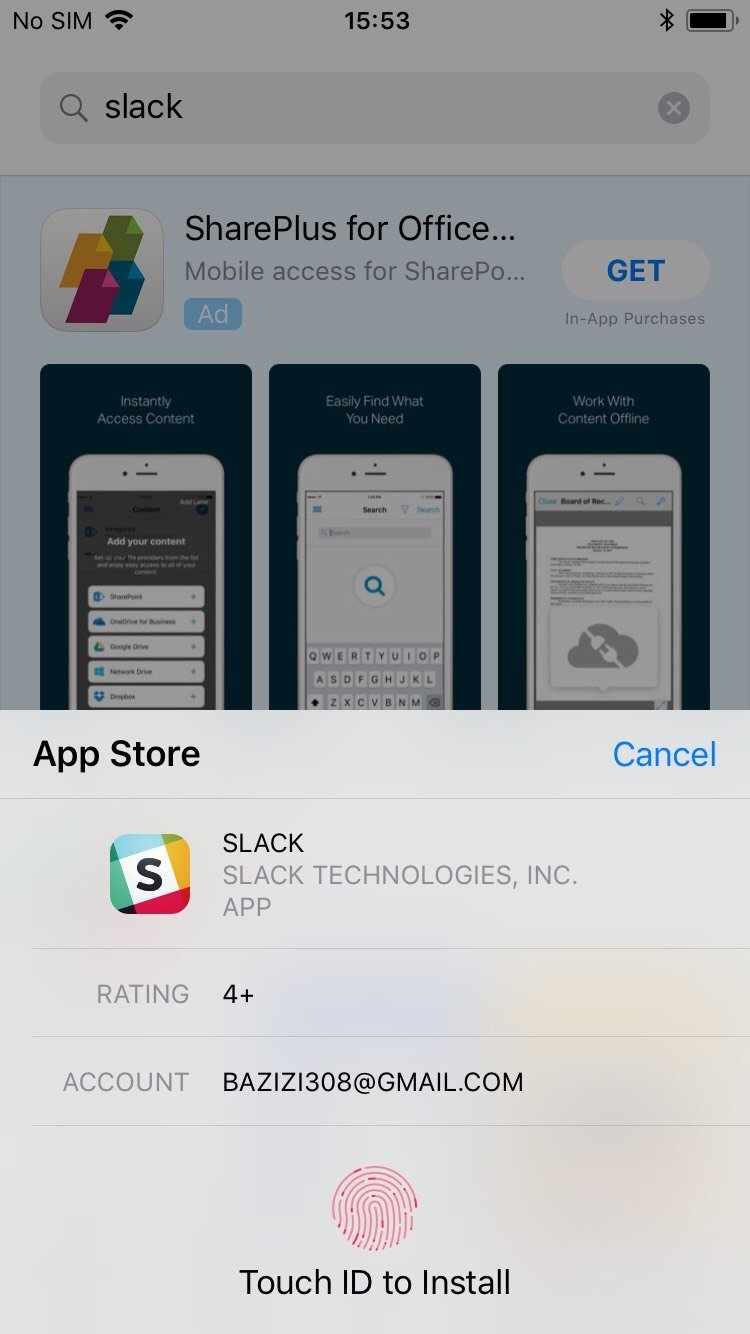
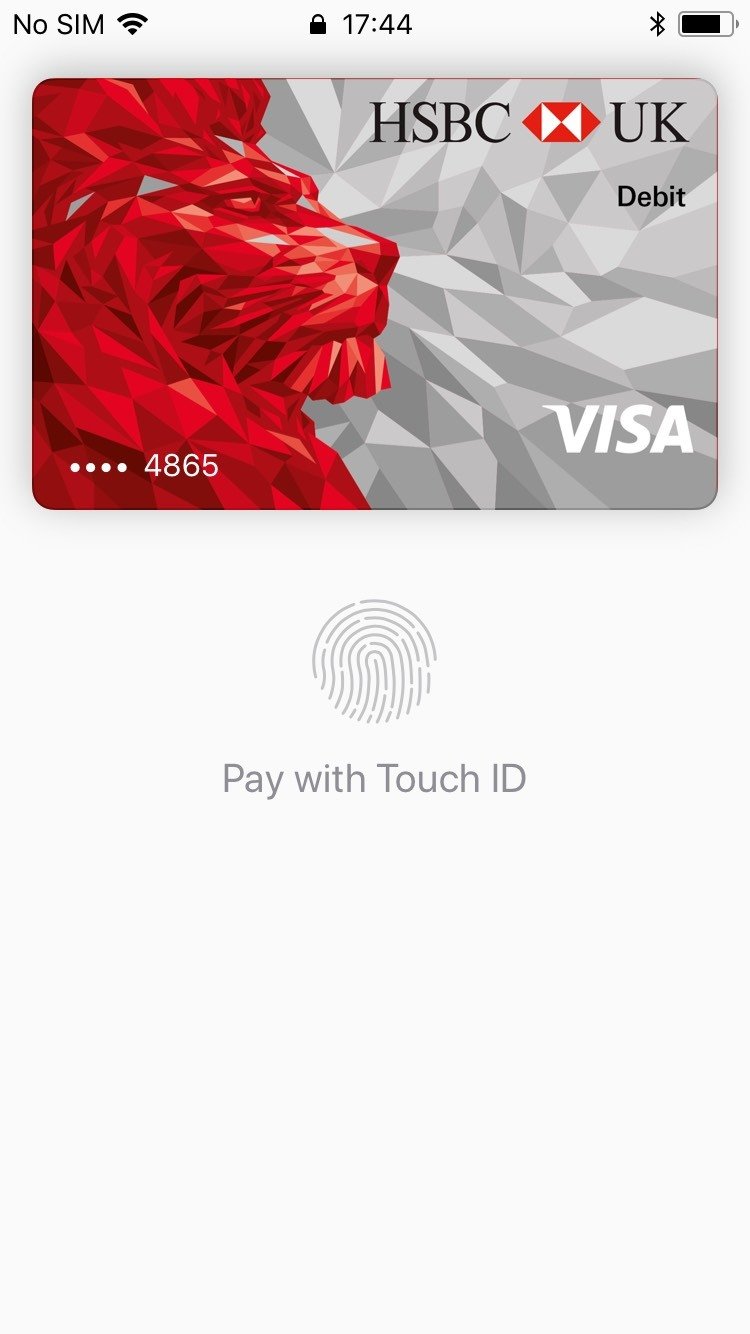
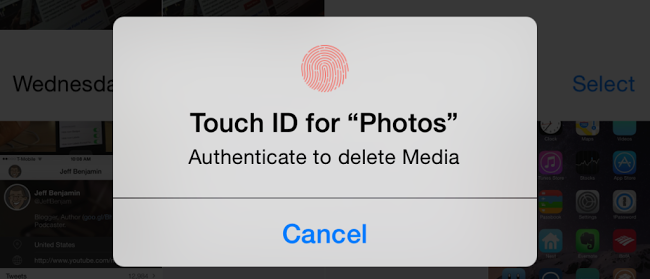
Don't forget the fallback
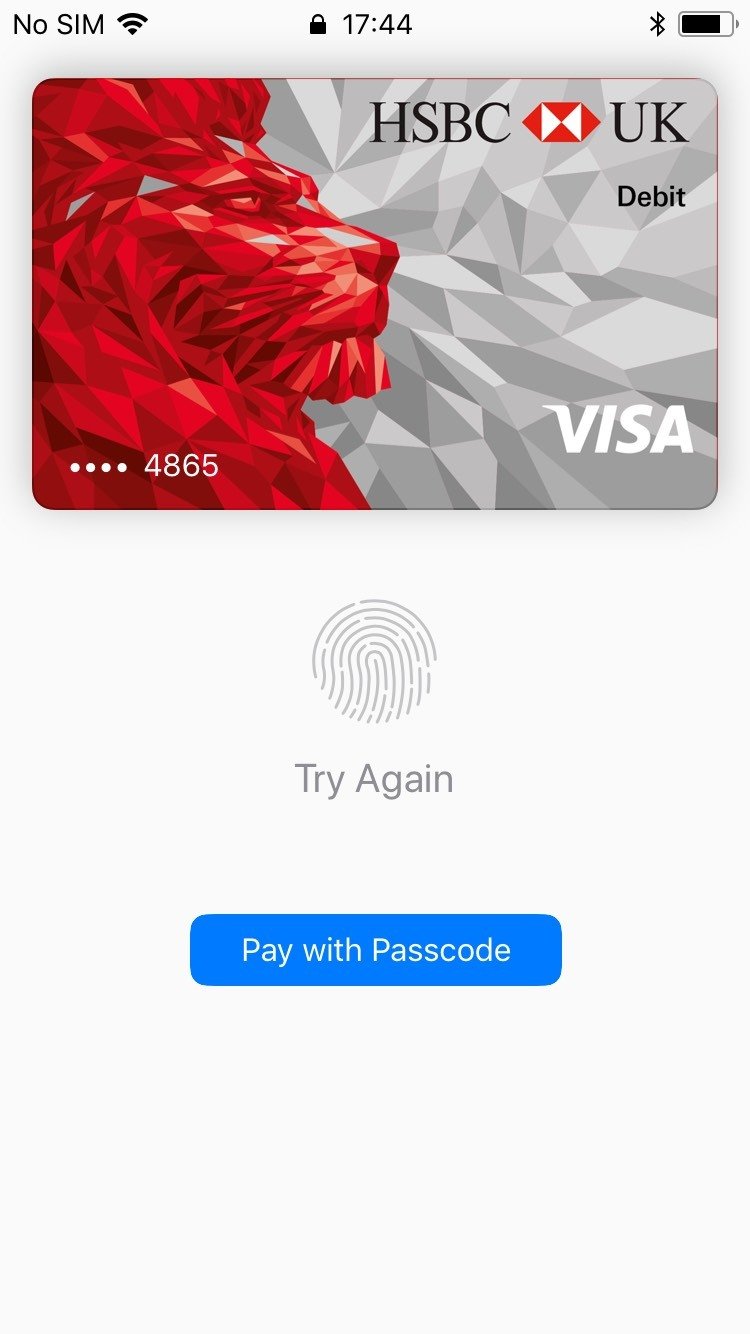
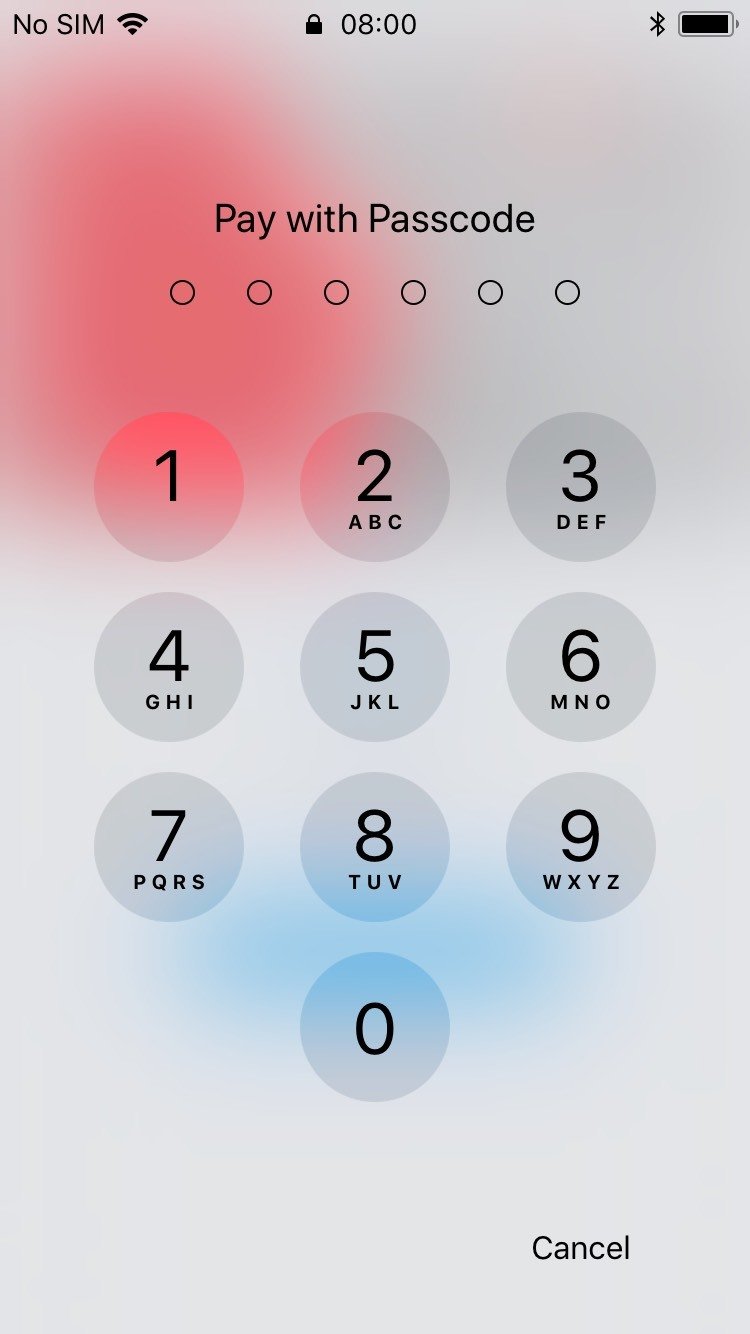
Using Touch ID to add Security
- Lock screen is a really good use of Touch ID
- Add security without massive cost in UX
- Localized
- No need to make changes to the backend
- Need to implement a fallback system (passcode)
Use Touch ID to add Convenience
Example: Login with Touch ID
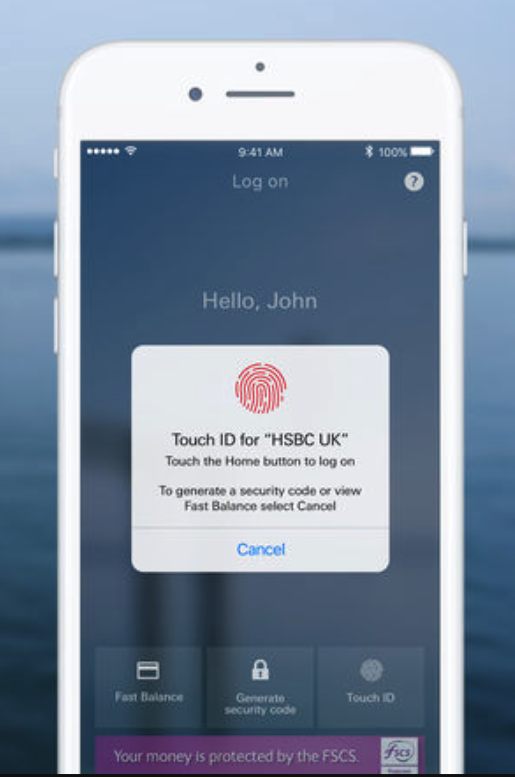
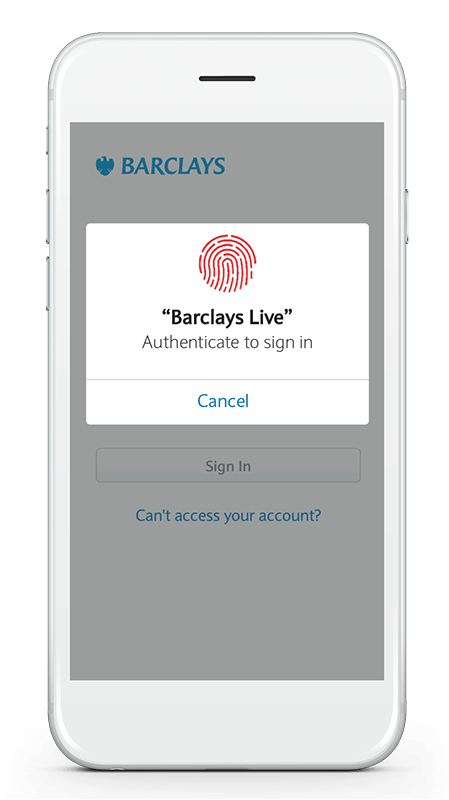
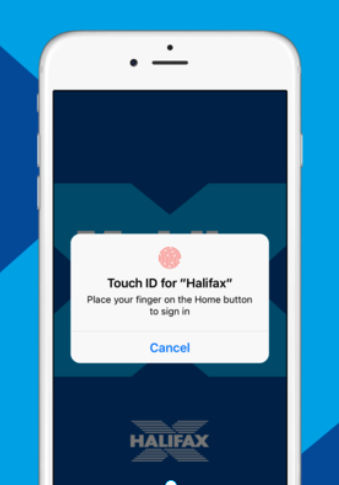
Where is the difference?
- Previously: Protect an action with Touch ID that was unprotected
- Now: Replace the protection of an action by Touch ID
How to add a Touch ID login?
Good News:
Fallback is easy!
It is already there!
Bad News:
Implementing it is tricky!
1) Security
Don't break your existing authentication
2) Need access to credentials
How do you do you access and store credentials in a secure way ?
3) Ensuring credentials are up-to-date
What if the changes don't happen on the app?
What if users change or forget their credentials ?
How do I implement a Touch ID login?
-
Add Touch ID to an existing login flow
-
Use only React-Native
A "Real-World" Example
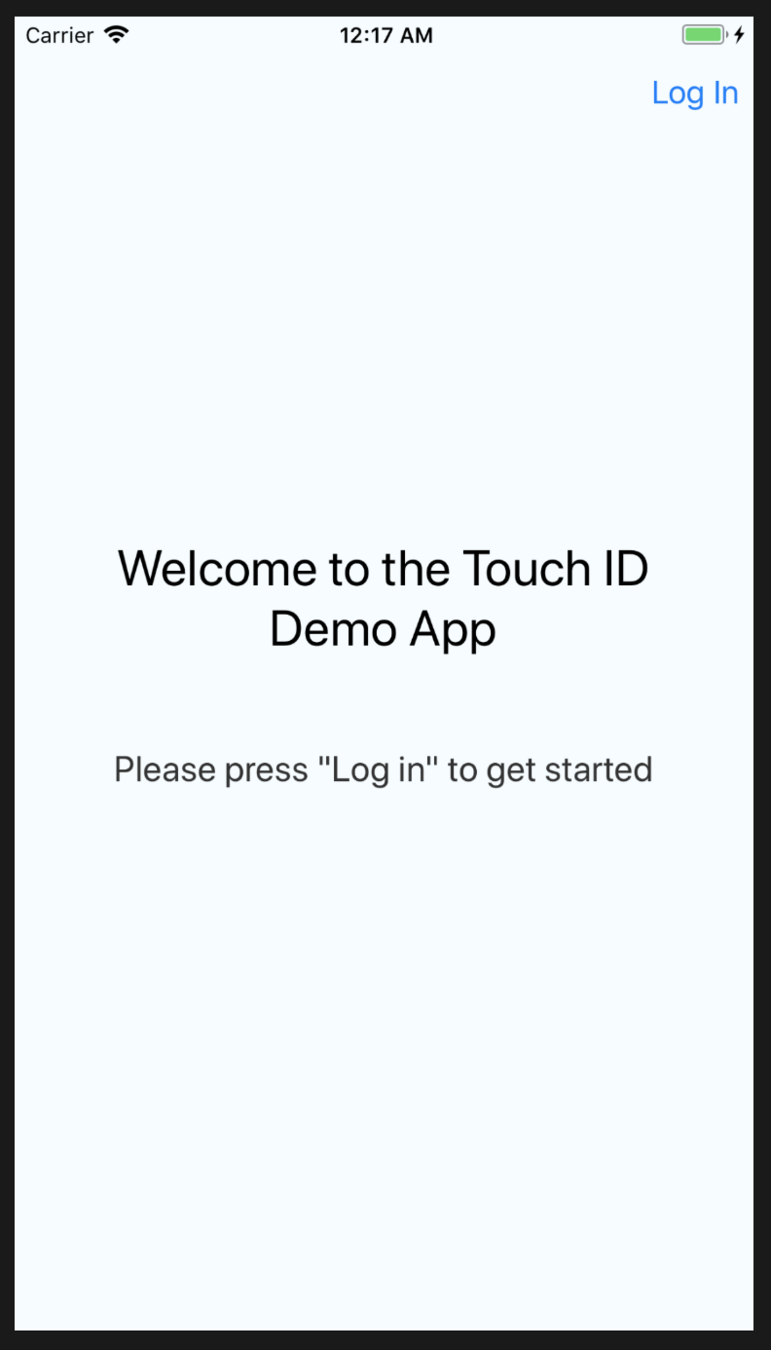
Problem 1
What if a user's device doesn't support Touch ID?
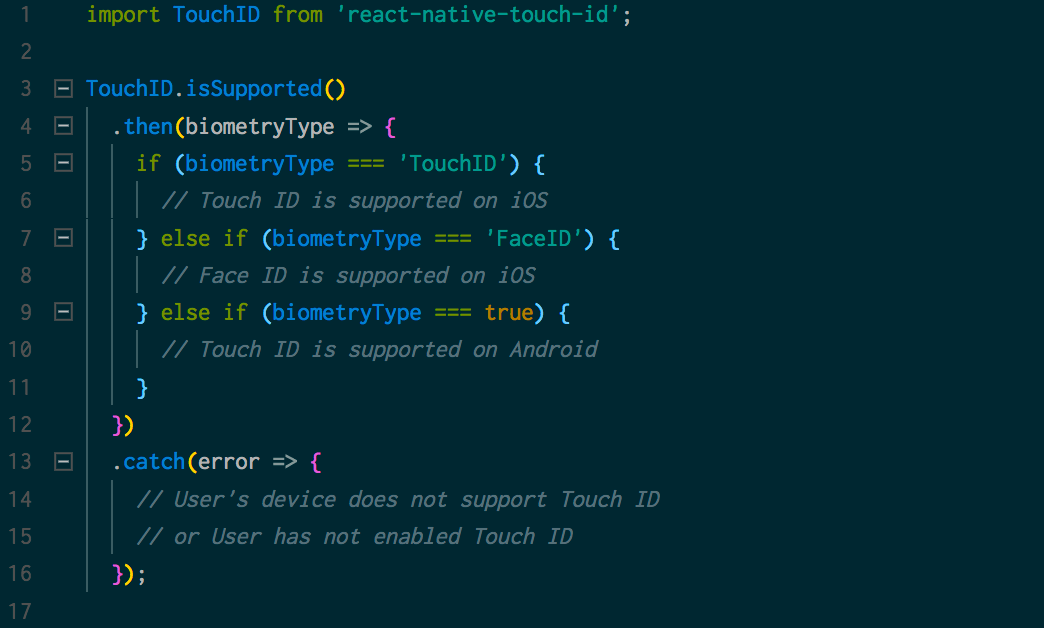
TouchID.isSupported()
Check Touch ID support when App launches
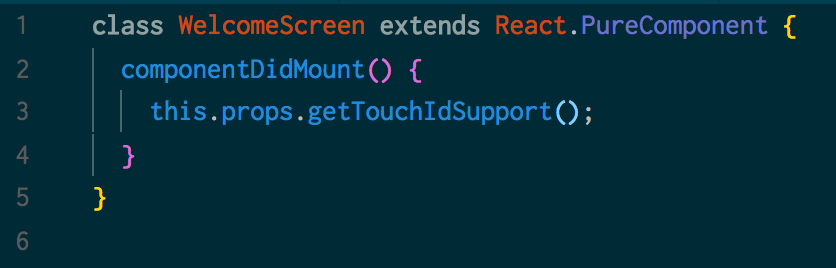
Check Touch ID support when App launches
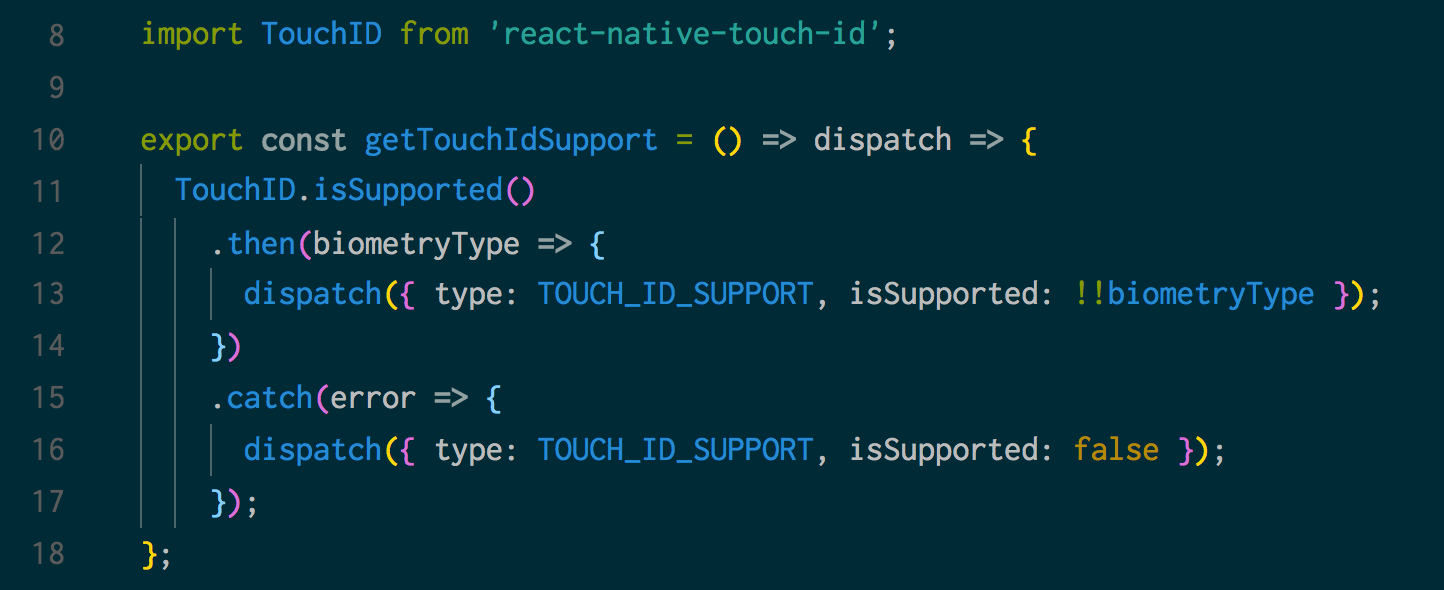
Ask users if they want to enable Touch ID
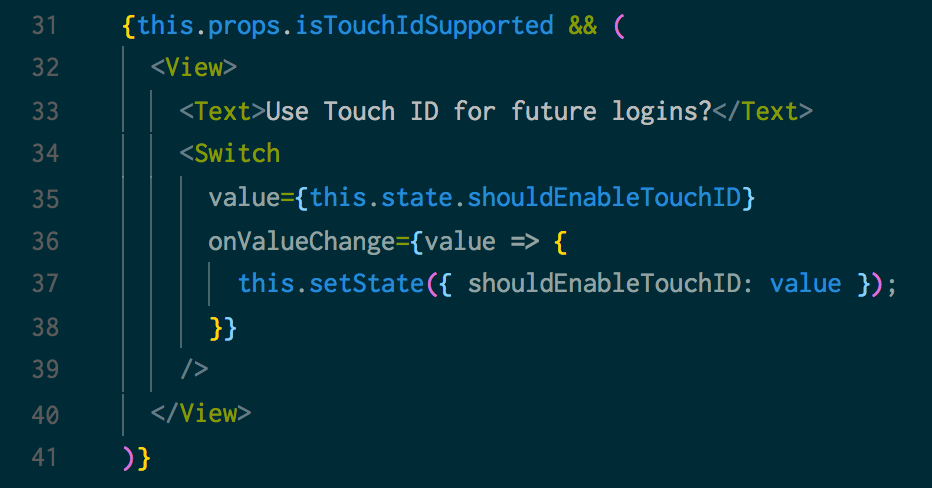
Enable Touch ID if Login succeeds
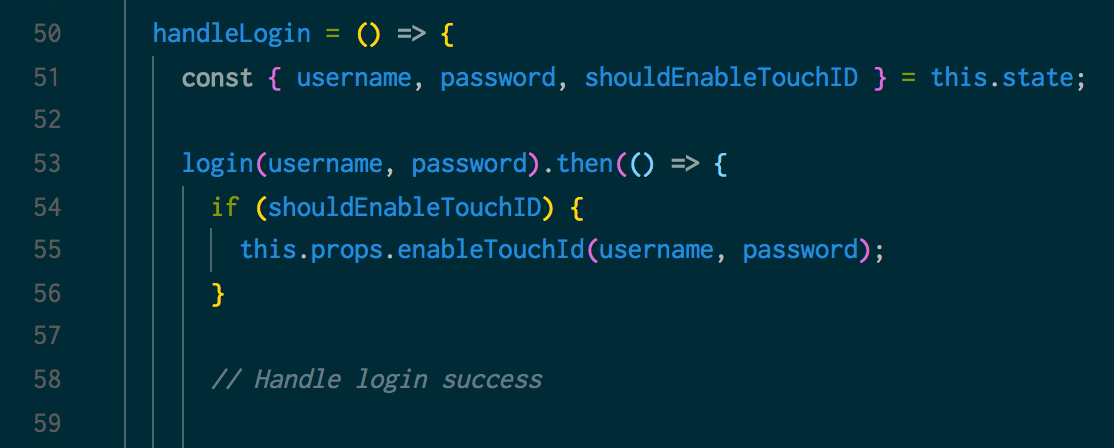
What does it mean to "enable Touch ID"?
Problem 2
Enable Touch ID
===
Store the user's credentials.
Future logins:
-
Get the stored credentials
-
Do the login call behind the scenes
Where do I store the credentials ?
Can I use React-Native's Async Storage ?
Problem 3
Don't use React-Native's AsyncStorage !
It does not encrypt your data 💀
Anyone with access to your users's device can read the credentials
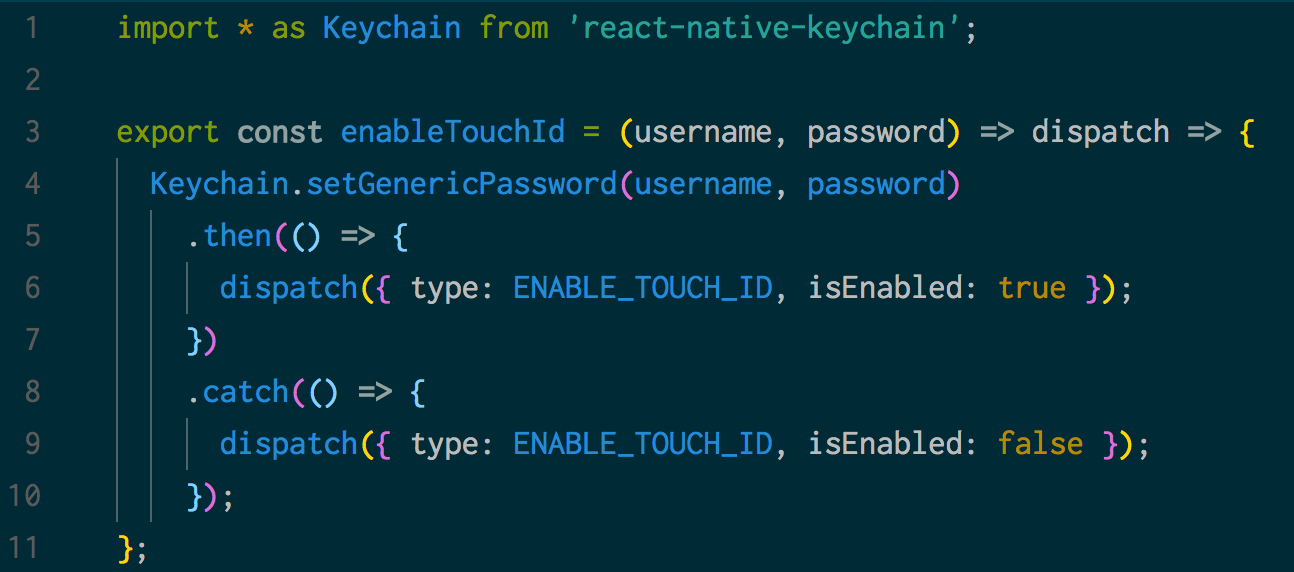
Instead, store the credentials in the keychain/keystore
npm install react-native-keychain
Enable Touch ID !
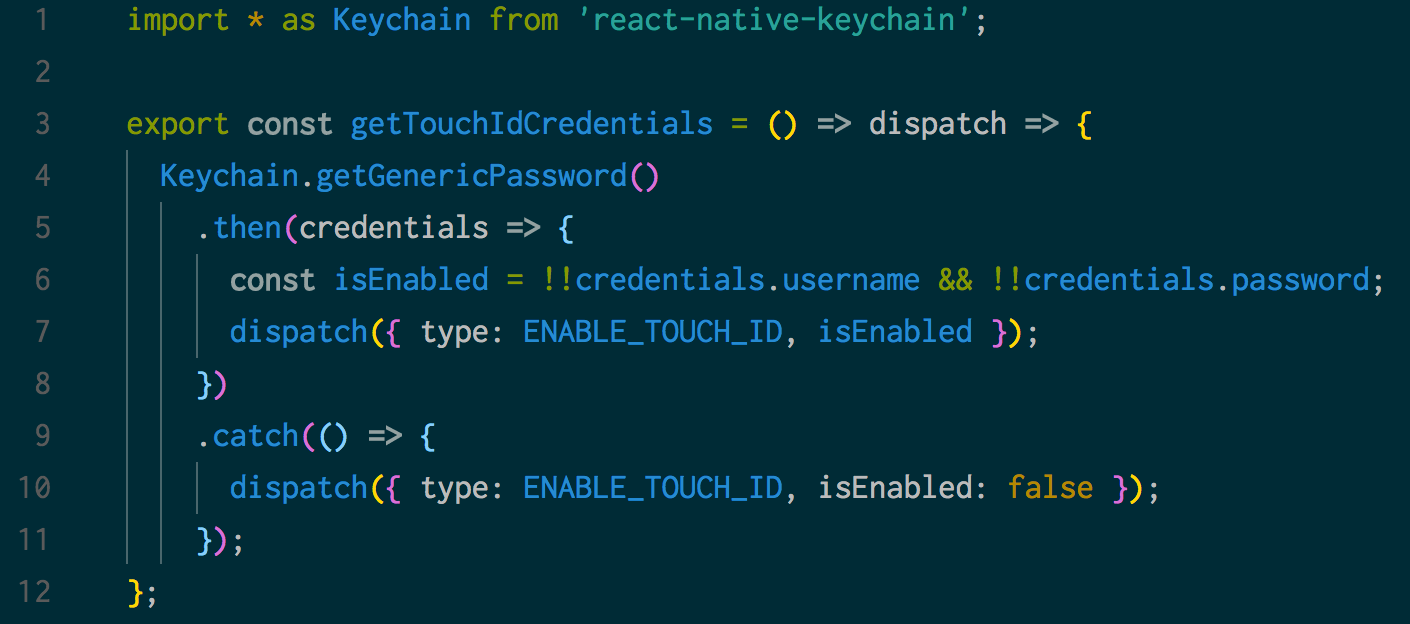
Check if Touch ID is enabled when the app starts
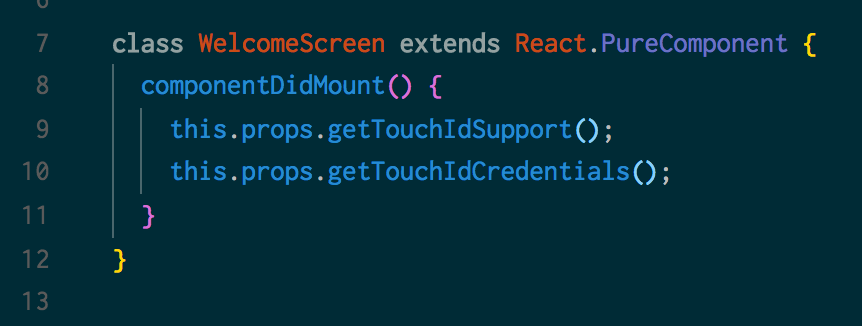
Check if Touch ID is enabled when the app starts
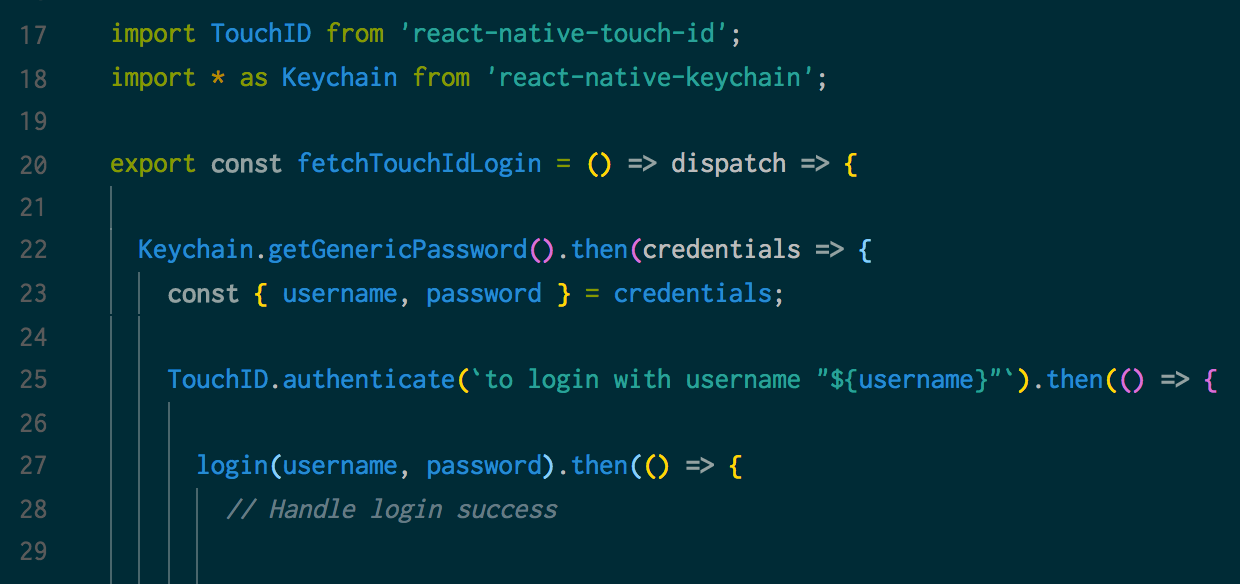
Let users log in with Touch ID
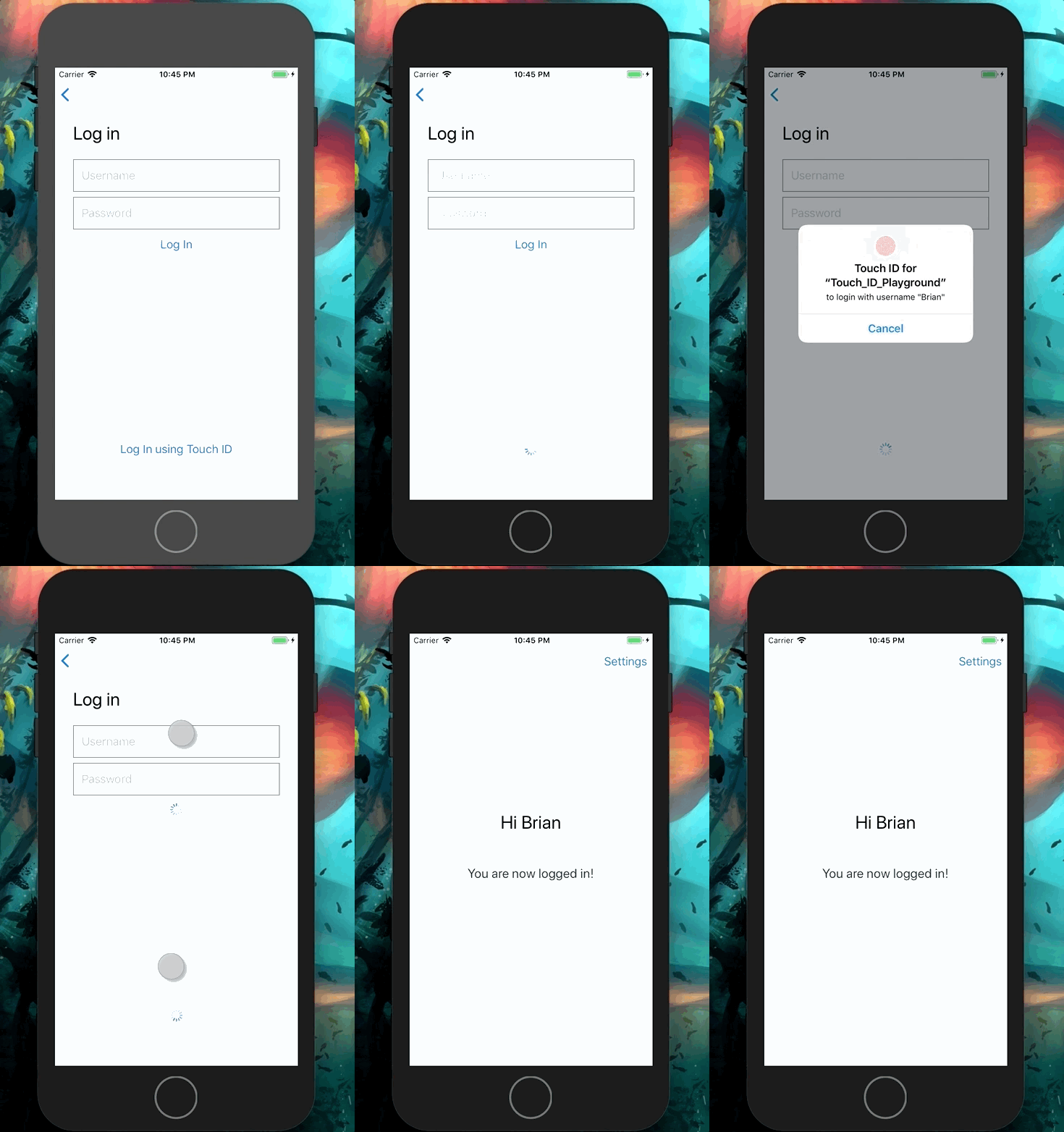
Let users log in with Touch ID
We've done it 🎉
-
Security ✅
-
Access to credentials ✅
-
Ensure up-to-date credentials ❓
How can I make sure the keychain never contains invalid credentials ?
Validate Credentials before storing them
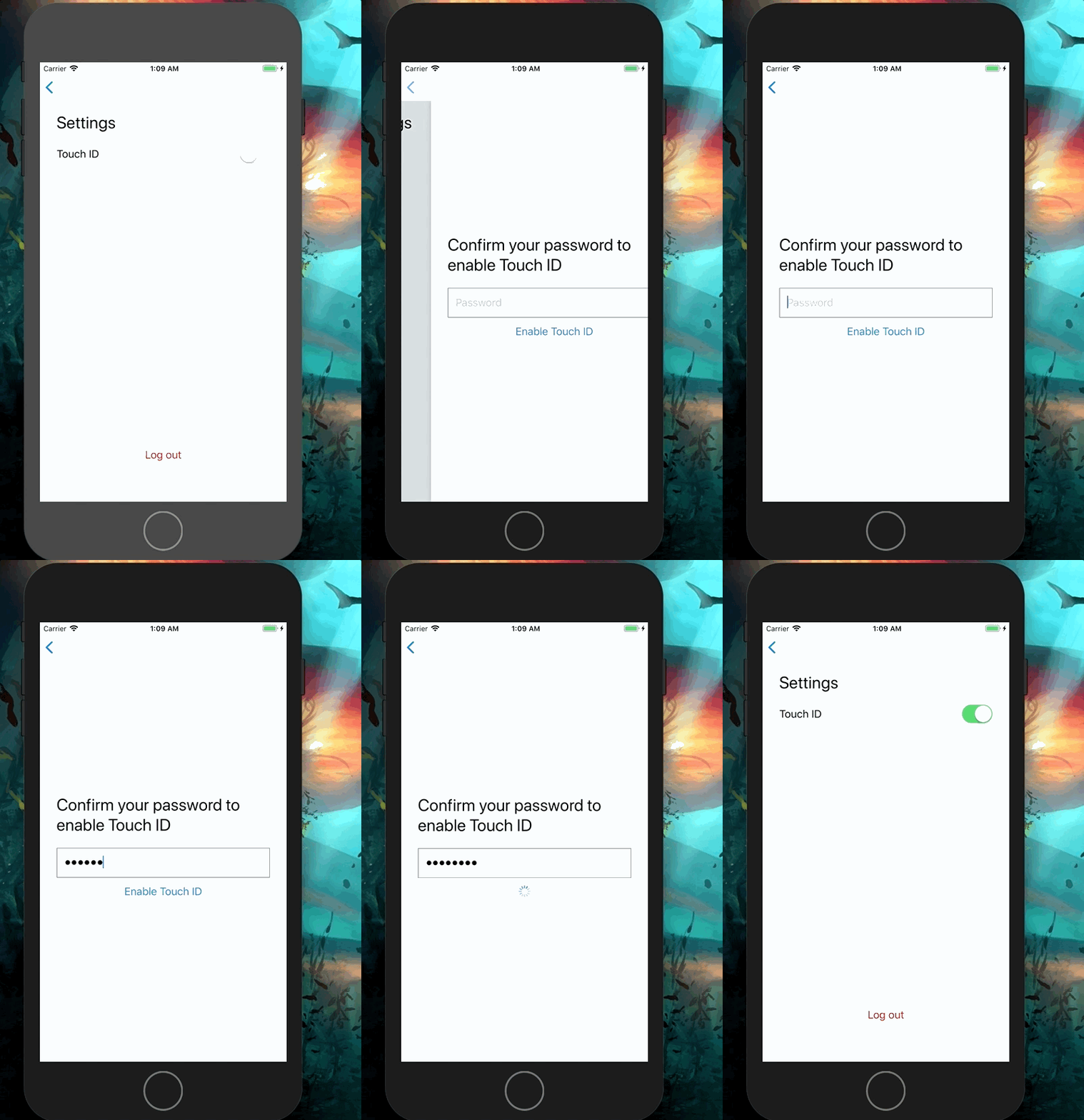
But it's not a guarantee!
Users could change credentials on a different device
What I do if the keychain contains invalid credentials ?
Turn off Touch ID!
Risk of "Too many failed login attempts"
Disable Touch ID
===
Reset the keychain
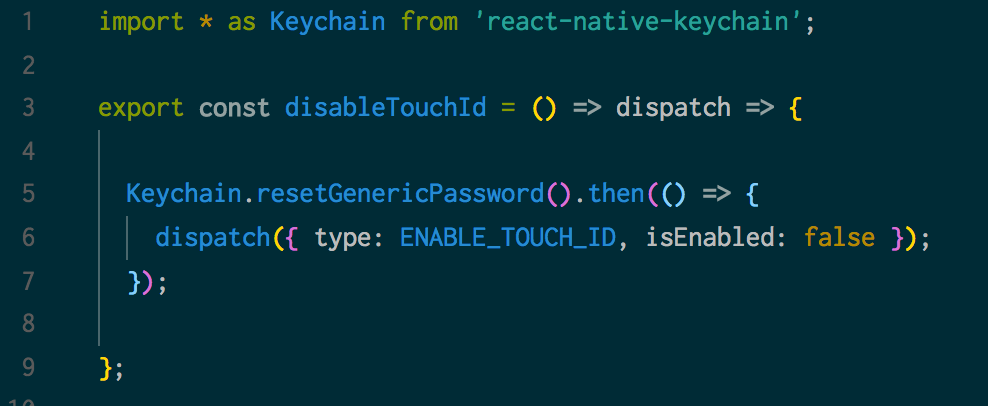
Be careful to handle the correct error!
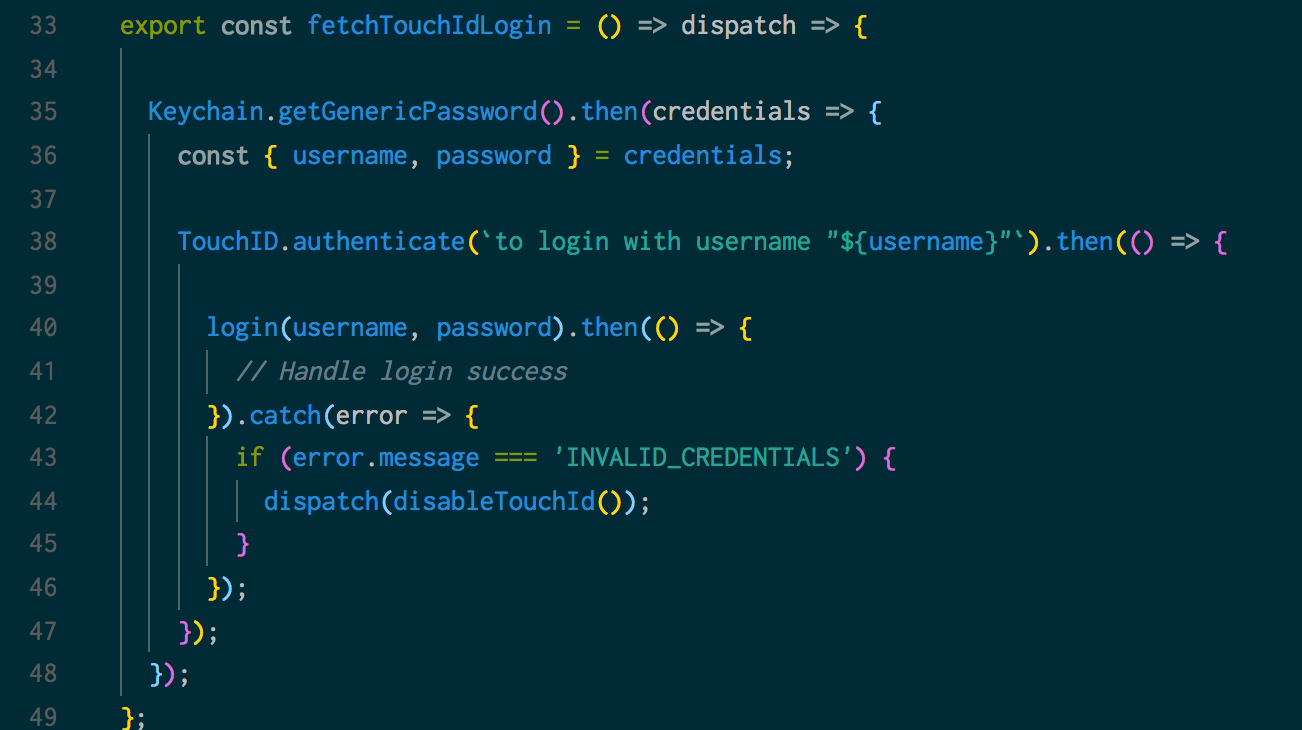
There is an impact on UX
Users will have to login manually
But, you can directly re-enable Touch ID
To summarize
Use the libraries
-
react-native-touch-id
-
react-native-keychain
Adding Touch ID to your app is easy
To summarize
Touch ID Lock Screen
Touch ID Login
+ Large gain in security
− Need to add a fallback
+ Potentially large gain in usability
− Need to keep valid credentials
+ Fallback already there
− Need to think about security
+ Minimal cost in UX
+ Touch ID an awesome addition to your app!
Security vs UX

Use Touch ID to bridge the gap
Thank You !
For real 😄
Touch ID in React Native
By Brian Azizi
Touch ID in React Native
My talk on adding Touch ID to a React Native app. Presented the React Native London Meetup on March 28th 2018