Where is my load? | FMS Mobile Tracking

How Tracking works?
- Each load can have different requirements of tracking
- Tracking can be done using third party apps/devices
- Tracking can be recorded using FMS Mobile App
FMS Mobile Tracking
FMS Mobile App Tracking
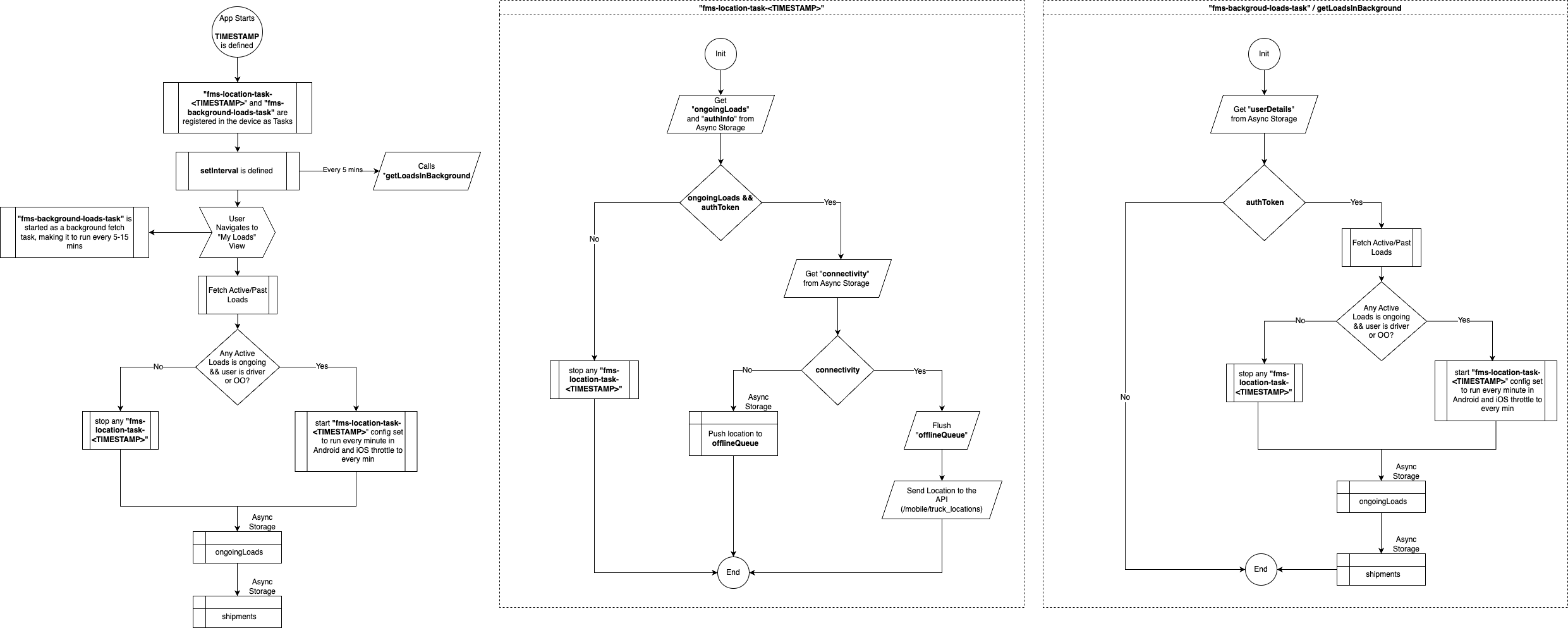
- Apps starts
- Task is registered to run every
5 min, and try to get user loads.
- Task is registered to run every
- Driver/OO logs in in the App
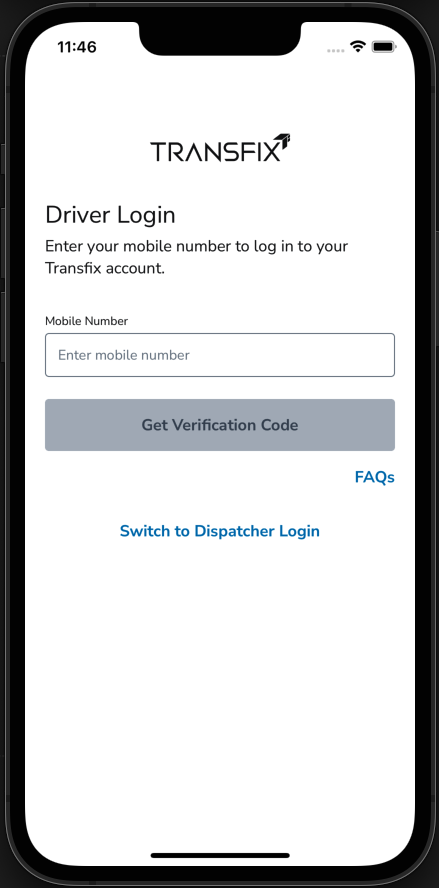
FMS Mobile App Tracking
- Driver/OO gives permission to the
app to get location in their device.
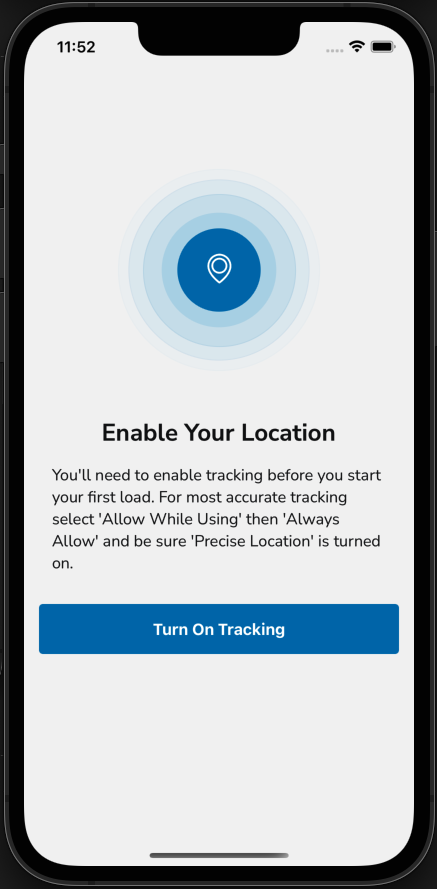
FMS Mobile App Tracking
- Active loads gets fetched from API
in My loads screen
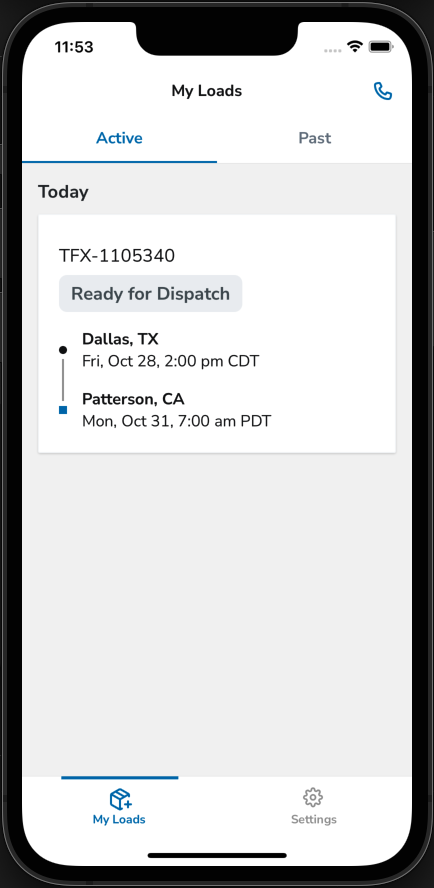
FMS Mobile App Tracking
- Is there any ongoing load?
- Ready for Dispatched
- first pickup in the next 2 h
- Dispatched
- In Transit
- At Pickup
- At Dropoff
- Ready for Dispatched
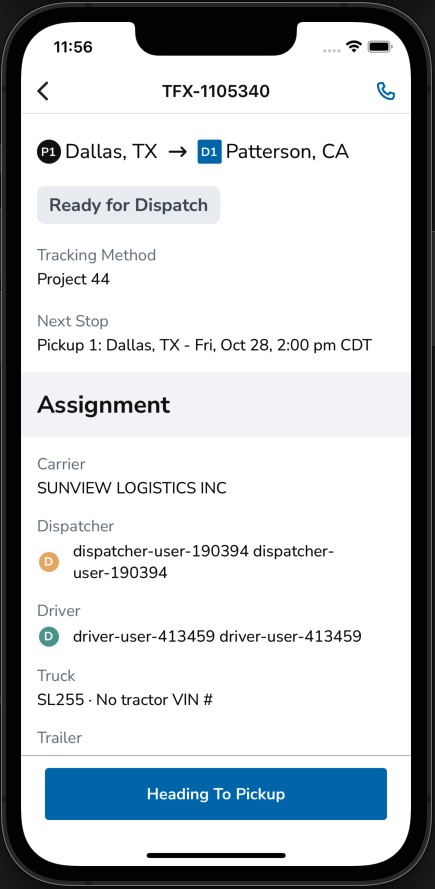
FMS Mobile App Tracking
- Tracking starts
- Records every 1 min position
- Sends position to the Back end
- Position is visible in stark
FMS Mobile App Tracking
- Background task for getting loads is
still running, if we get back that the
load was delivered we stop tracking
Let's see the diagram
Thanks!

FMS Mobile tracking
By Cesar Guerrero Rincon