Connect in a minute
-
Open plugins
In Claude on the web or the desktop app, open Settings › Plugins.
-
Find Slides.com
Search for Slides.com. It's listed in Claude's plugin directory, so there's no URL to paste.
-
Sign in
Click Connect, sign in to Slides, choose Full access and click Allow access.
-
Ask for a deck
Try “Create a five-slide presentation about our product roadmap.”
What you can ask Claude to do
-
Create decks from a prompt
Describe the presentation, or paste notes, a report or an outline, and Claude builds the slides.
-
Edit existing slides
Ask Claude to rewrite a slide, add a section or restructure a deck you already have.
-
Find and summarize
“Summarize my Q3 planning deck” or “List my most recent presentations.”
-
Preview in the chat
Browse the finished slides right in the conversation, then click Edit in Slides.com to open the deck.
-
Share and export
Claude can create private share links and export decks to PDF.
-
Works in Claude Code
Run
claude mcp add --transport http slides https://mcp.slides.com/, then/mcpto sign in.
Claude drafts. You make it yours.
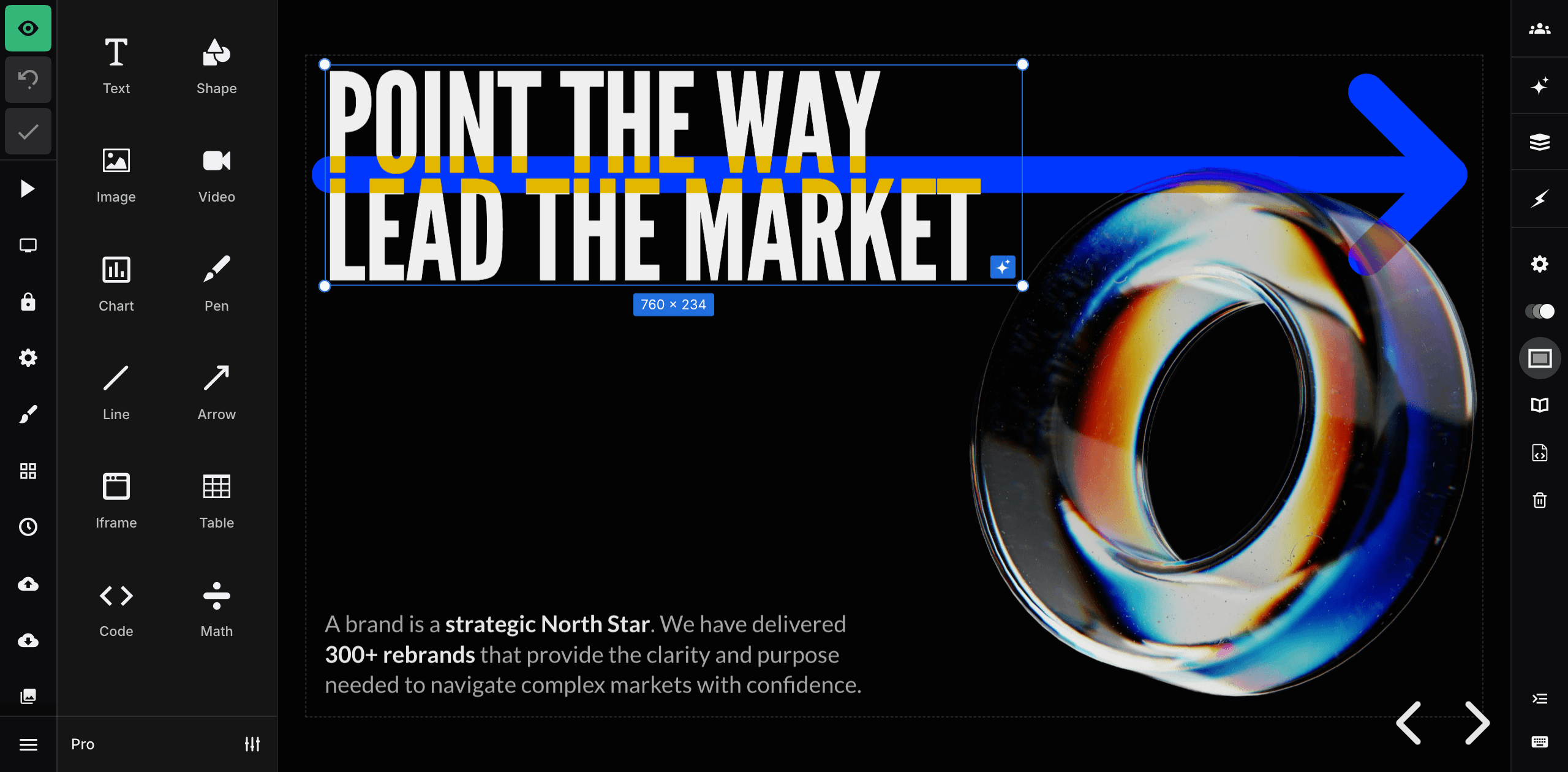
Decks from Claude open in the full Slides editor. Adjust the design, add media and animation, or keep going with the built-in AI agent.
When it's ready, present from the browser with speaker notes, or share it with a link.
- Which Slides plans work with Claude?
-
Connecting AI tools requires a Slides Lite, Pro or Team plan. Compare plans.
- Do I need an API key?
-
No. You sign in to Slides when you connect, and choose whether Claude gets full or read-only access.
- What can Claude access?
-
With Full access Claude can create, edit, share and export your presentations. Read-only lets it view them without making changes. Disconnect at any time in Connected apps.
- Does it work with other AI tools?
-
Yes. Slides works with ChatGPT, Cursor, Codex and any tool that supports MCP servers. See the MCP server docs.