From the editor to your own server
-
Build your deck
Design visually in the Slides editor, with code blocks, custom CSS and embeds whenever you need them.
-
Download HTML
Open the Export panel and select Download HTML to get a ZIP of your presentation.
-
Open or upload
Open
index.htmlin any browser, or upload the folder to any static web host or intranet. -
Present
Present full screen and press
Sfor speaker view with your notes, a timer and the next slide.
Every animation still moves.
A PDF flattens your deck into still pages. An HTML export is the real presentation, with transitions, animations, fragments and video working exactly as they do in Slides.
Images and built-in fonts are bundled in the download. Embedded web content, such as YouTube videos and iframes, may require an internet connection.
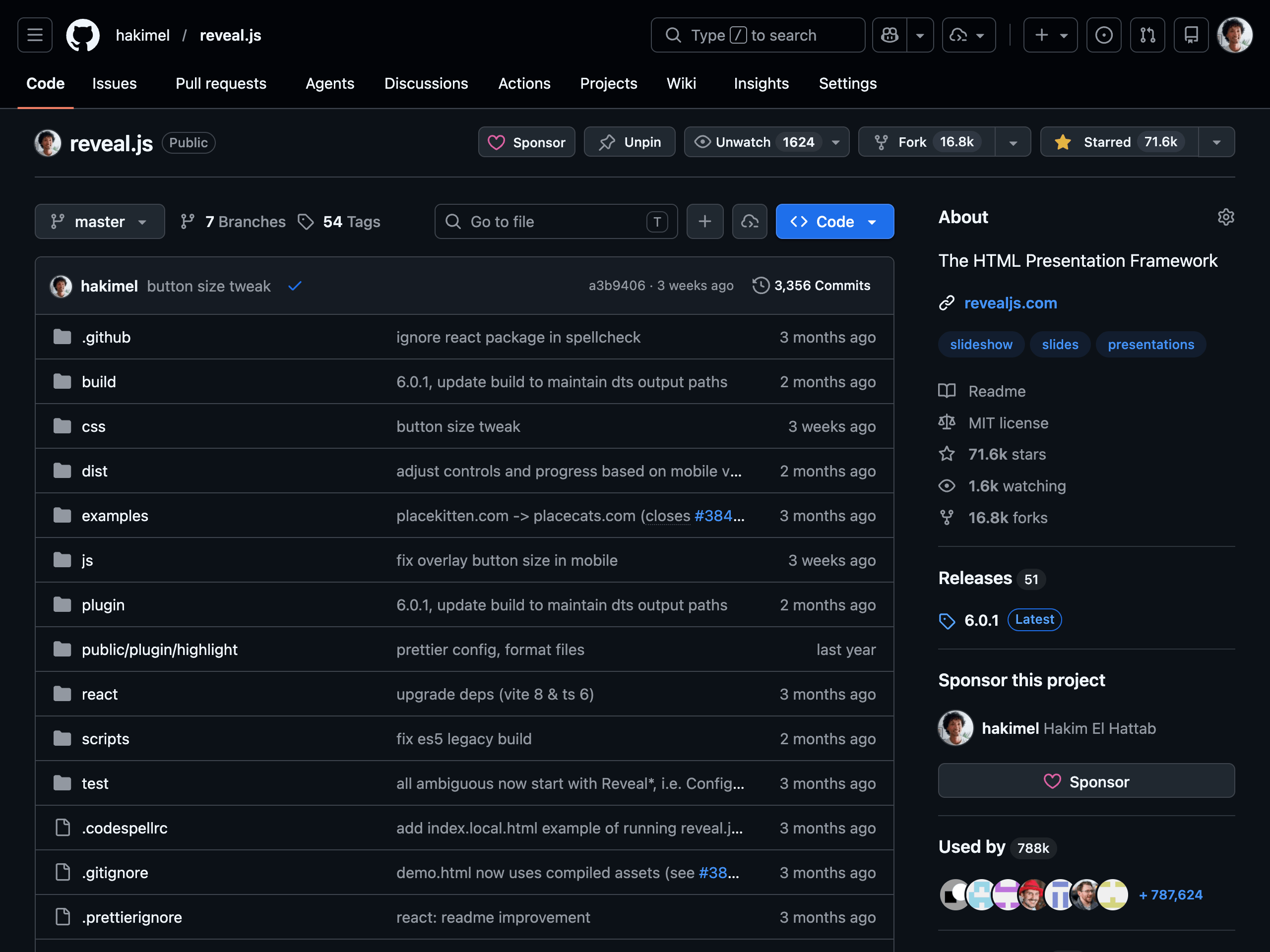
Standard reveal.js under the hood.
The export is a regular reveal.js presentation: an index.html with your slides and custom CSS, a lib folder with the framework, and a folder with your media.
Edit the HTML, add plugins, or commit it to a repository like any other web project. reveal.js is open source and was created by Slides' co-founder.
Presentations that work without us
-
Present offline
Unreliable conference Wi-Fi stops being a problem. The deck runs from your laptop in any modern browser.
-
Host it on your own domain
Upload the files to your website, intranet or any static host, and put them behind your own access controls if you need to.
-
Speaker view included
Your speaker notes come with the export. Press
Sto open the speaker view. -
Kiosks and looping displays
Add
?loop=true&autoSlide=5000to the URL to advance and loop automatically. See all presentation options. -
Keep a copy of every talk
Archive finished presentations as plain files that open in a browser years from now, no account required.
-
Full control of the code
Change the markup and styles after export, or start from custom CSS and HTML in the editor.
- Which plans include HTML export?
-
HTML export is included in the Lite, Pro and Team plans. Compare plans.
- Do I need an internet connection to present?
-
No. Your slides, images and built-in fonts are bundled in the download. Embedded web content, such as YouTube videos or iframes, may require an internet connection.
- How is HTML export different from PDF export?
-
PDF export creates a static document for printing and sharing. HTML export keeps transitions, animations, fragments, video and speaker notes.
- Can I bring an exported deck back into Slides?
-
Changes you make to the exported files don't sync back to Slides, so keep editing in Slides and export again. You can also import reveal.js HTML into a deck.