























Content ITV PRO
This is Itvedant Content department
Learning Outcome
5
Connect provider choice to cost, privacy, and local models
4
Apply invoke, stream, and batch to the right situations.
3
Recognize what an AIMessage carries besides text.
2
Identify System, Human, AI, and Tool messages
1
Understand what a chat model takes in and returns
Imagine a group of students performing a school drama
Director’s Note Sets the Behaviour
Instructions at the top tell every character how to behave, like a system message guiding the overall behaviour.
Each Dialogue Has a Speaker
Every line is assigned to a specific character, just like messages have roles such as system, user, and assistant.
Standard Script Works Everywhere
Because everyone follows the same structure, different actors can use the same script, just like a standard message format can work across different chat models/providers.
Why does the script start with the director's note?
Why is every line written under the speaker's name?
How can a different group of actors perform the same script?
The note sets behaviour, the names show who said what, and the standard format works for any cast.
Similarly, a chat model reads a conversation as a list of messages. A system message sets its role and rules, human messages carry what the user says, and AI messages hold the model's earlier replies.
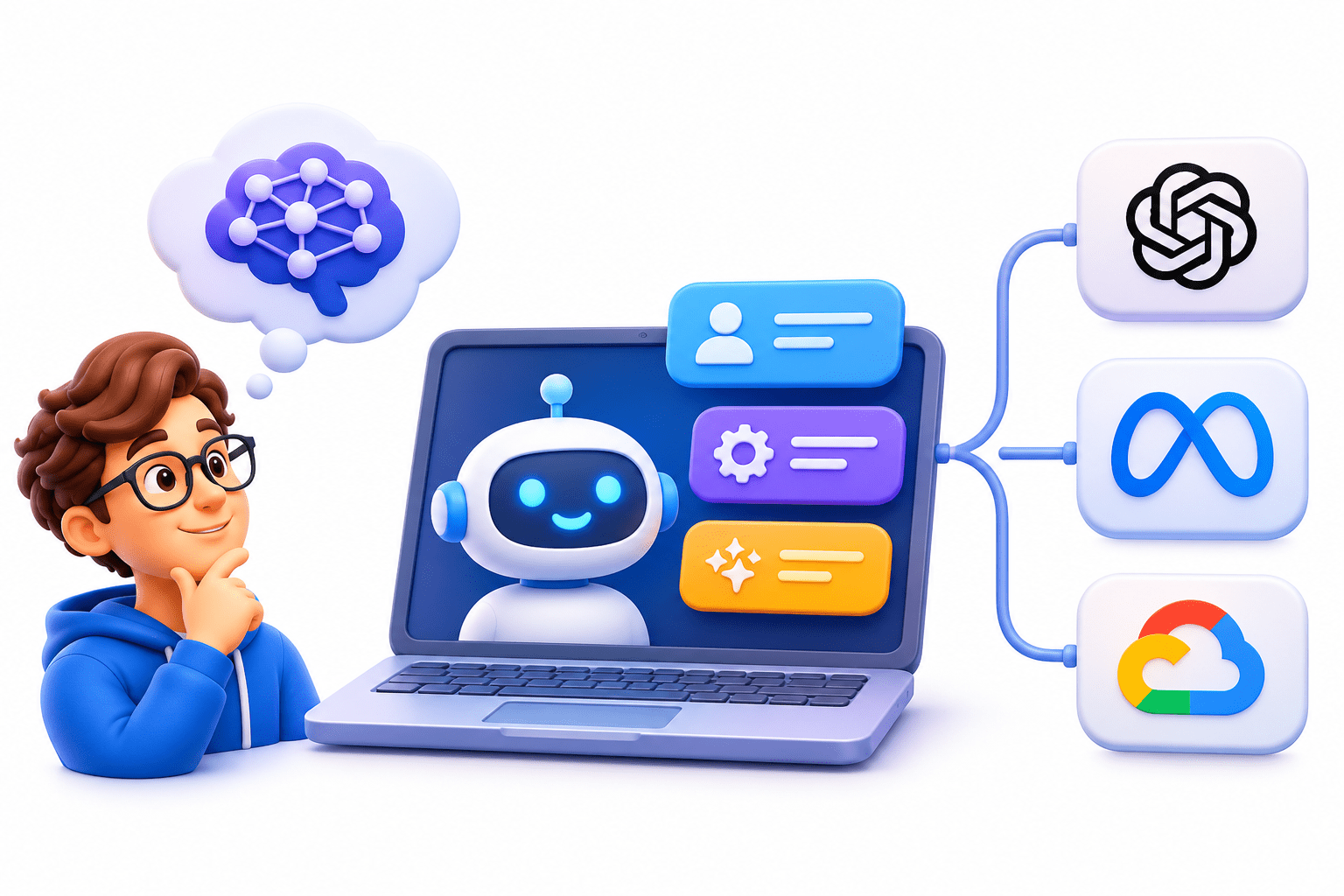
Because LangChain uses the same message format for every provider, the same conversation can be sent to OpenAI, Anthropic, Google, or a local model.
This is called working with Chat Models, Message Types, and Model Providers.
What is a Chat Model?
An LLM that takes a list of messages as input and returns a message as output
Almost all modern LLMs are chat models, because instruction tuning trained them on conversations with marked roles.
02
03
01
Input:
a plain string (treated as one user message) or a list of messages
Output:
an AIMessage with the reply and details about the call.
Standard methods:
invoke, stream, and batch work the same for every provider.
Message Types
HumanMessage
what the user says
SystemMessage
instructions for the whole conversation, e.g., "You are a helpful admissions counsellor. Answer in under 100 words." Usually first; not shown to the user.
Message Types
HumanMessage
what the user says
SystemMessage
instructions for the whole conversation, e.g., "You are a helpful admissions counsellor. Answer in under 100 words." Usually first; not shown to the user.
Message Types
ToolMessage:
the result of a tool the model asked to use (covered in the AI Agents topics)
AIMessage:
what the model replied; earlier ones stay in the history.
Messages can also be dictionaries with roles system, user, and assistant; LangChain accepts both.
Building a Conversation
Step 1: Start with a system message that sets the rules.
Step 2: Add the user's message
Step 3: Call the model and append its reply to the list
Step 4: Add the next user turn and call again; the model now sees the whole exchange
messages = [SystemMessage("You are a friendly counsellor..."),
            HumanMessage("I enjoy maths. What should I study?")]
reply = model.invoke(messages)
messages.append(reply)
the model remembers nothing between calls; the app sends the conversation every time. Example HumanMessage/AIMessage pairs can also show the style you want.
Inside the AIMessage
content
the reply, usually text; sometimes a list of blocks
content_blocks
a standard, provider-independent view: text, reasoning, tool call (LangChain 1.0)
usage_metadata
input_tokens, output_tokens, total_tokens for cost tracking
response_metadata:
exact model name and why generation stopped
tool_calls
any tool requests the model made.
Ways to Call a Chat Model
invoke
one input, waits for the complete reply; for scripts and back-end tasks
stream
reply in small chunks as it's generated; for chat interfaces
batch
many inputs in parallel; for processing many independent items.
ainvoke, astream, abatch
async versions for web services like FastAPI.
for chunk in model.stream(messages):
    print(chunk.content, end="")
Settings at creation
temperature, max_tokens, timeout, max_retries, plus provider-specific options
Transition from Analogy to Technical Concept(Slide 5)
Core Concepts (Slide 6)
Core Concepts (Slide 7)
Core Concepts (.....Slide N-3)
Summary
5
Build strong branding
4
Use different marketing channels
3
Target the right audience
2
Create and communicate value
1
Understand customer needs
Choose cool, soft colors instead of vibrant colors
Max 5 Points for Summary & Min 2
Quiz
Which platform is mainly used for professional networking and B2B marketing ?
A. Facebook
B. Instagram
C. LinkedIn
D. Snapchat
Quiz-Answer
Which platform is mainly used for professional networking and B2B marketing ?
A. Facebook
B. Instagram
C. LinkedIn
D. Snapchat
By Content ITV