

Content ITV PRO
This is Itvedant Content department
From Prompt Engineering to AI Applications
Business Scenario
Welcome!
Today is your final day as a ML Engineer at FusionTech Consulting
In the previous lab, you explored different Generative AI models, designed effective prompts, experimented with various prompting techniques, and learned how to control AI-generated responses
Your responsibility is to build a simple AI-powered application using programming and an API. Instead of typing prompts into a browser, your program will send prompts directly to the AI model and receive responses automatically.
These concepts will help you:
• Connect Python applications with AI models
• Authenticate AI services using an API Key
• Send prompts programmatically
• Build AI-powered software applications
Pre-Lab Preparation
Topic: From Prompt Engineering to AI Applications
1) Large Language Models (LLM)
2) API Key
3) Programming Integration
Git Pull
Task 1: Connect Python to Google Gemini API
git pull origin branchName1
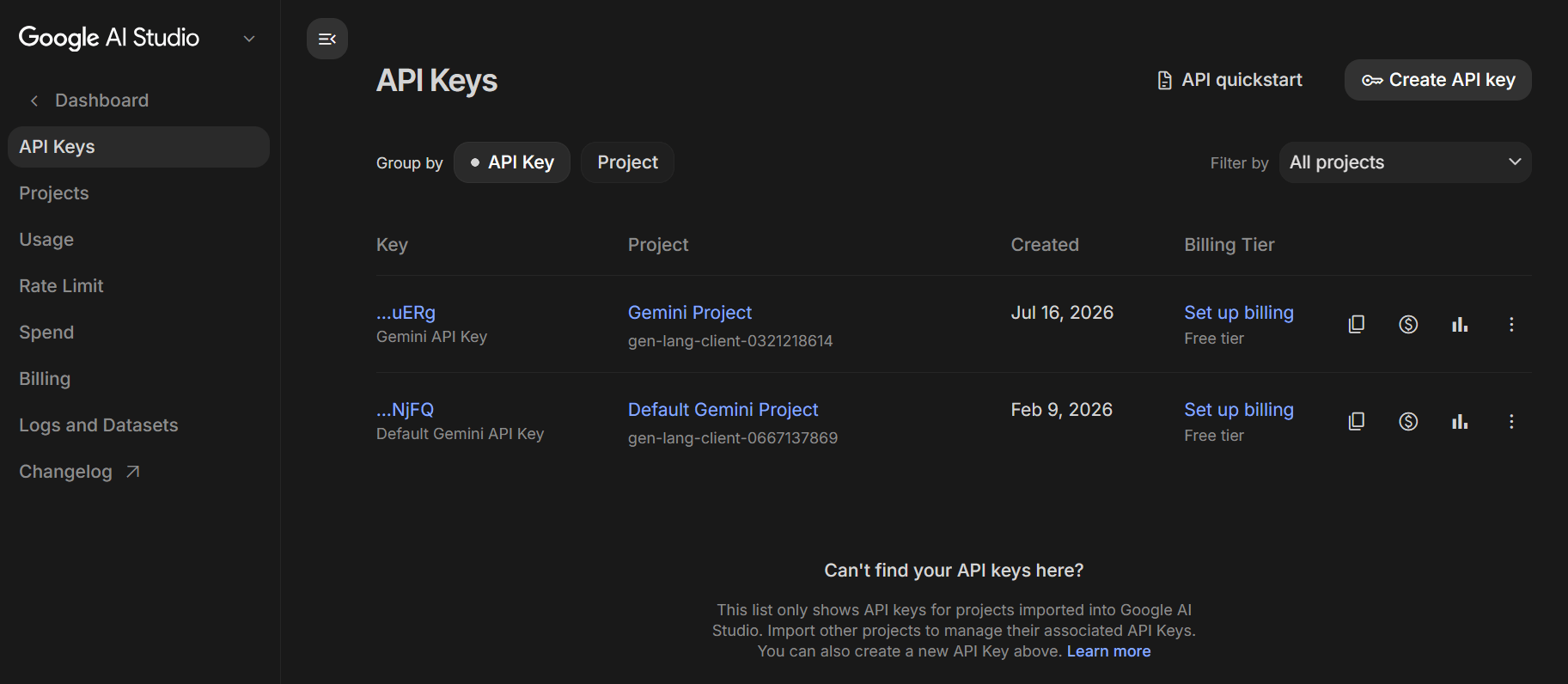
Open Web Browser and visit this website
https://aistudio.google.com
Sign in using your Google Account.
2
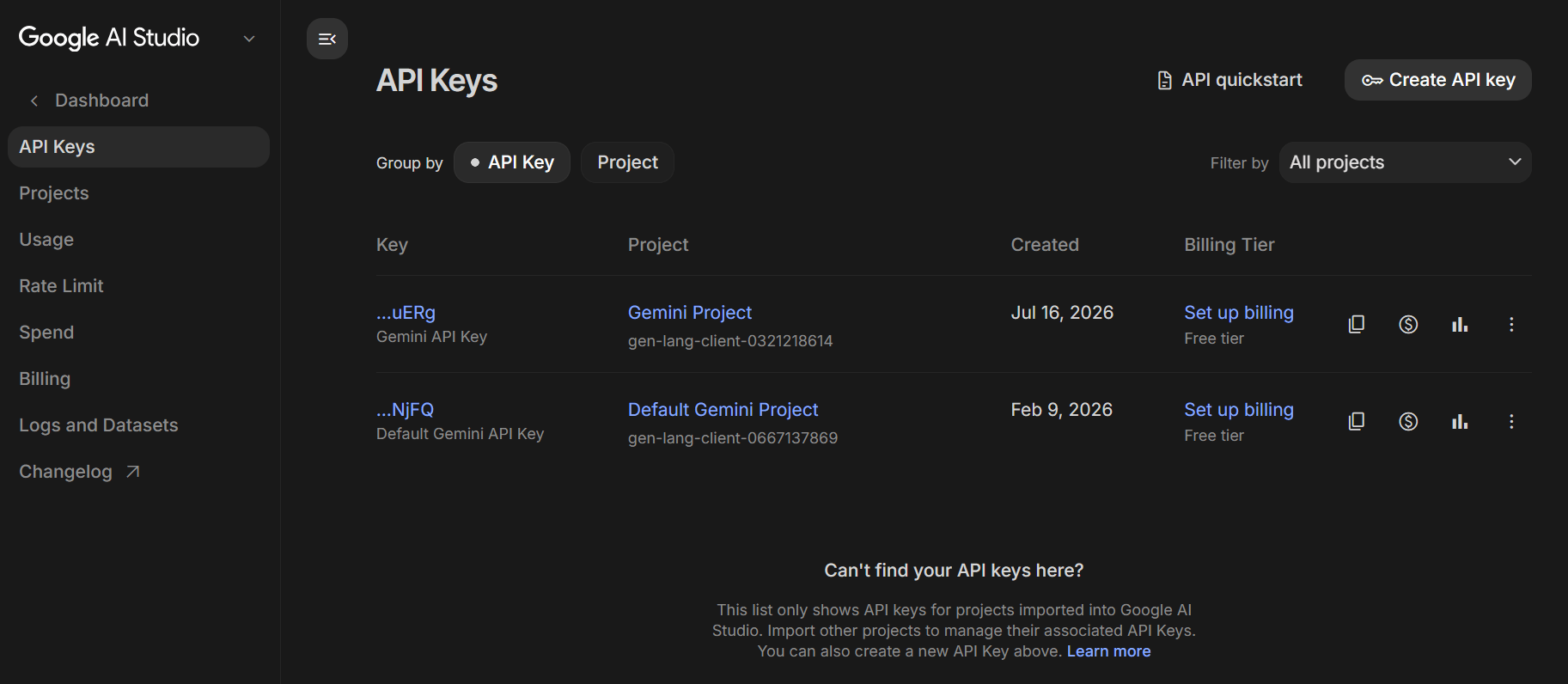
Click Create API Key
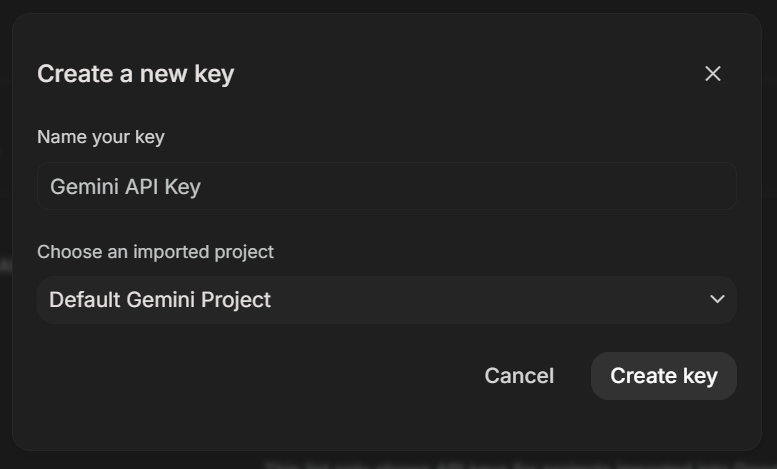
3
Click on Create Key
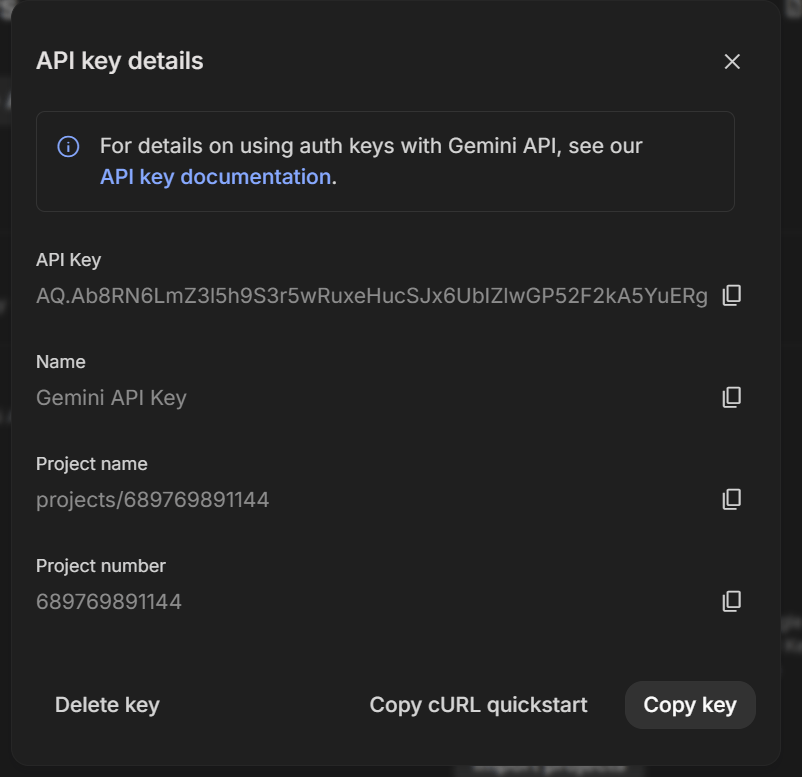
4
API Key will be generated
5
AIzaSyAxxxxxxxxxxxxxxxxxxxxxxxxxxxxxxxxxx
A valid key looks like this :
Open Jupyter Notebook
6
ai_application.ipynb
Create a new Notebook and name it as :
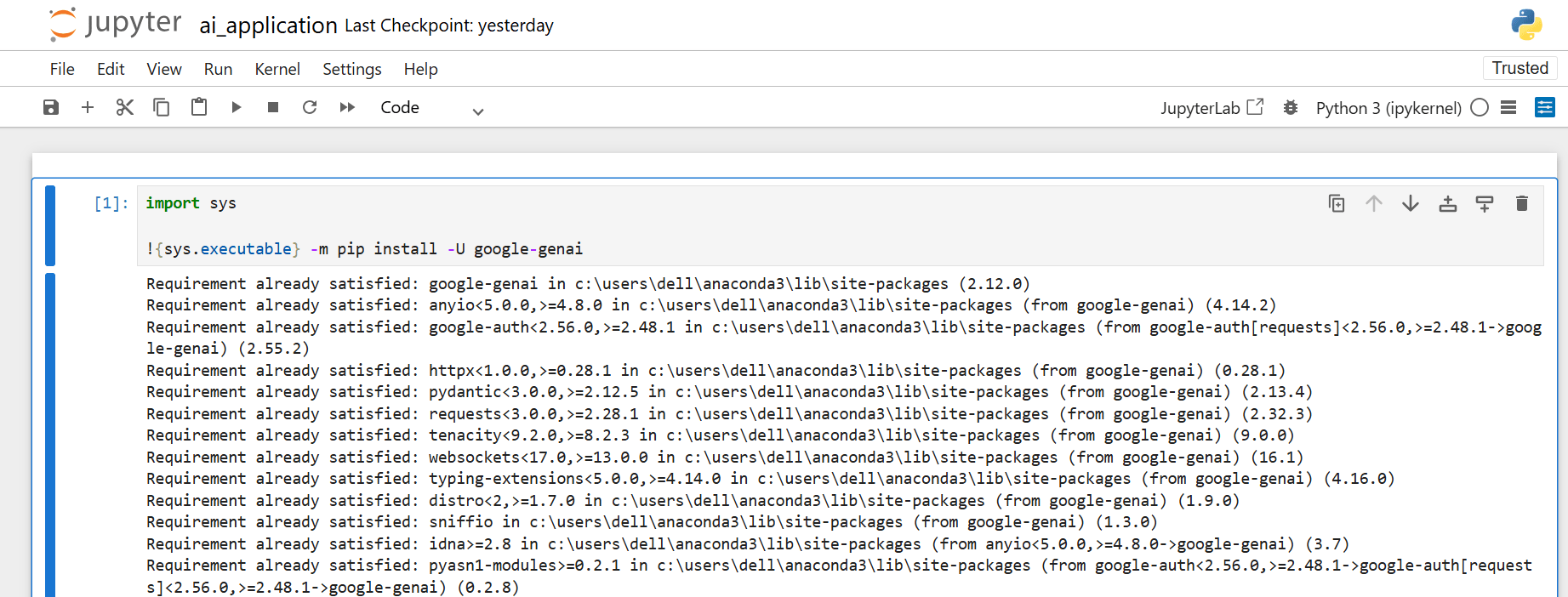
7
Install the Google Gemini Python SDK
8
import sys
!{sys.executable} -m pip install -U google-genai
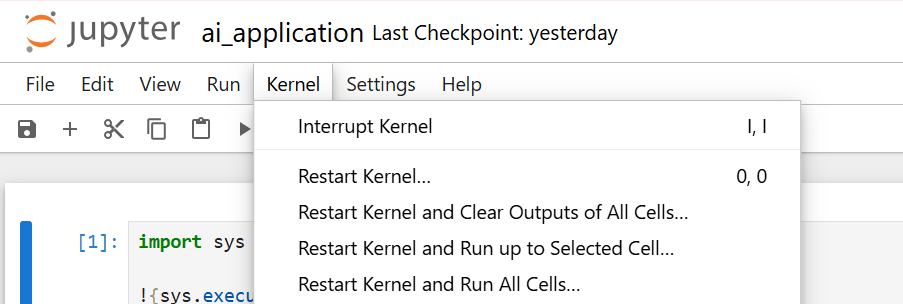
Restart the Jupyter Kernel
9
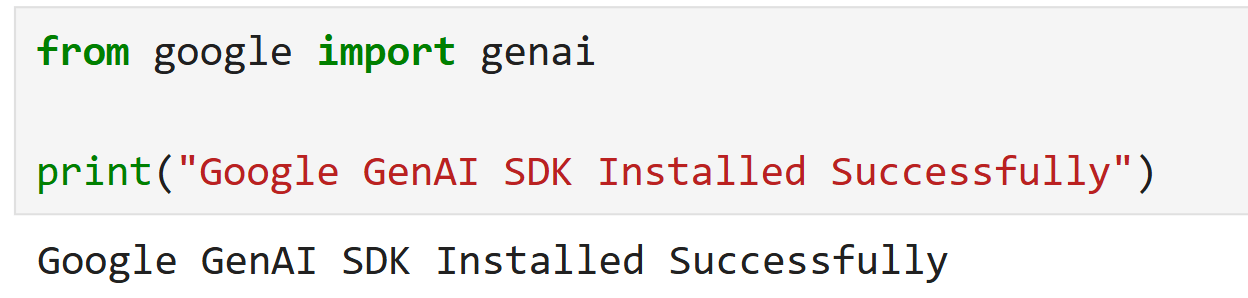
Verify that the SDK has been installed successfully
10
from google import genai
print("Google GenAI SDK Installed Successfully")
Create a new code cell
11
from google import genai

API_KEY = "PASTE_YOUR_API_KEY_HERE"

MODEL_NAME = "gemini-3.5-flash"

client = genai.Client(
 api_key=API_KEY
)

prompt = """
Explain Artificial Intelligence in simple language suitable for beginners.
"""

response = client.models.generate_content(
 model=MODEL_NAME,
 contents=prompt
)

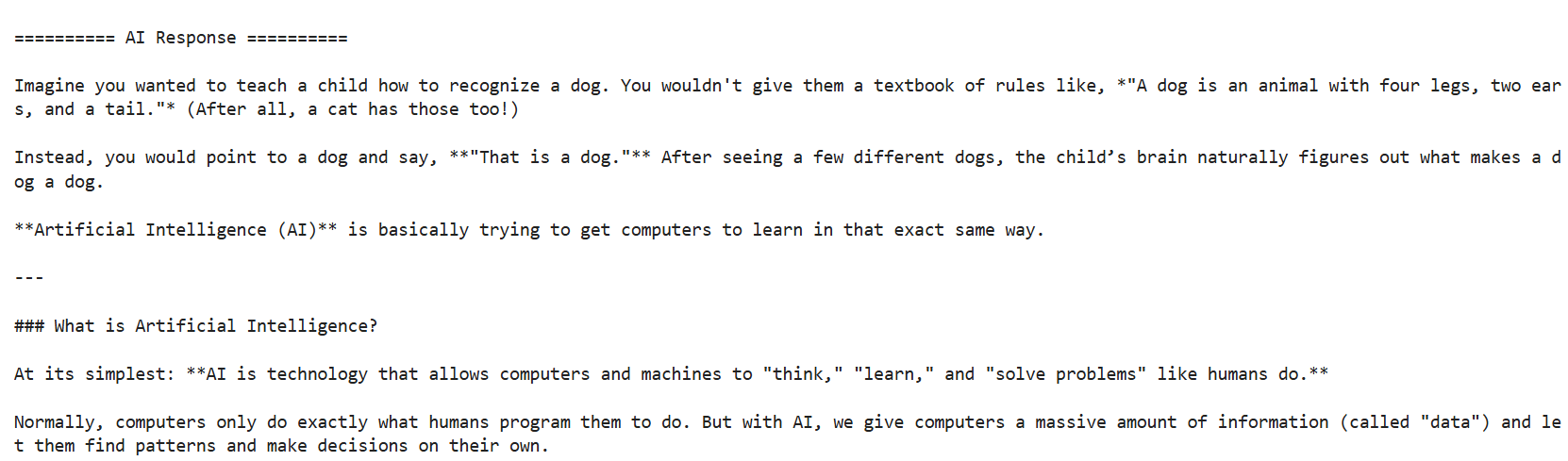
print("\n========== AI Response ==========\n")
print(response.text)
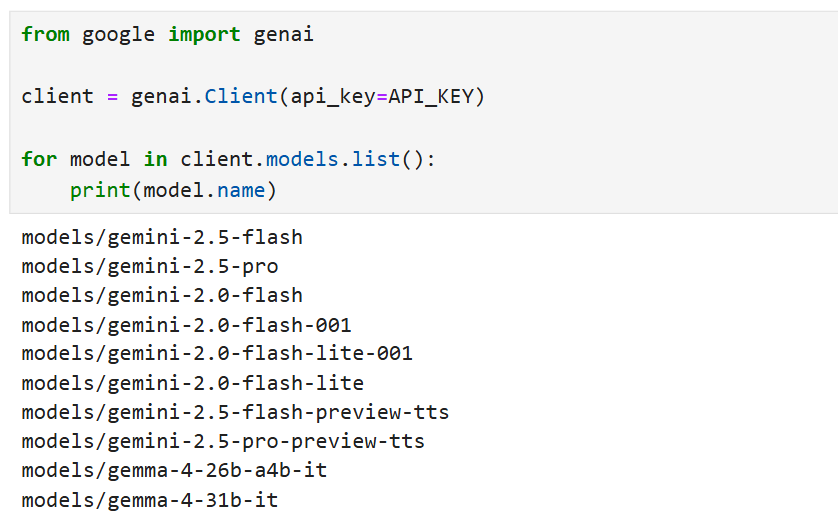
If Program displays error :
12
ClientError: 404 NOT_FOUND
Execute the following code to view the available Gemini models.
from google import genai

client = genai.Client(api_key=API_KEY)

for model in client.models.list():
 print(model.name)
Replace :
MODEL_NAME =
Key Insertion :
13
Replace
With the API Key you created
Example :
API_KEY = "PASTE_YOUR_API_KEY_HERE"API_KEY = "AIzaSyAxxxxxxxxxxxxxxxxxxxxxxxxxxxxxxxxxx"Run the Program & save the Notebook
14
Locate the following prompt
15
Replace it with :
prompt = """
Explain Artificial Intelligence in simple language suitable for beginners.
"""
prompt = """
Explain Prompt Engineering in less than 100 words using bullet points.
"""Run the Program & Observe the output
16
Task 2: Build an AI Topic Explainer
Open the file created in Task 1
1
Locate and Delete the following prompt :
2
prompt = """
Explain Prompt Engineering in less than 100 words using bullet points.
"""Create a variable to accept user input
3
Type the following statement immediately below the client object
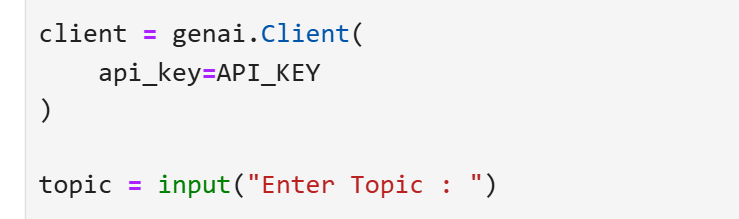
topic = input("Enter Topic : ")Create a reusable prompt template
4
prompt = f"""
You are an experienced Technical Trainer.

Task:
Explain the given topic.

Context:
The explanation is for first-year engineering students who are beginners.

Constraints:
• Maximum 150 words
• Use simple language
• Include one real-world example
• Avoid difficult technical terms

Output Format:
Definition
Key Features
Real-World Example
Conclusion

Topic:
{topic}
"""
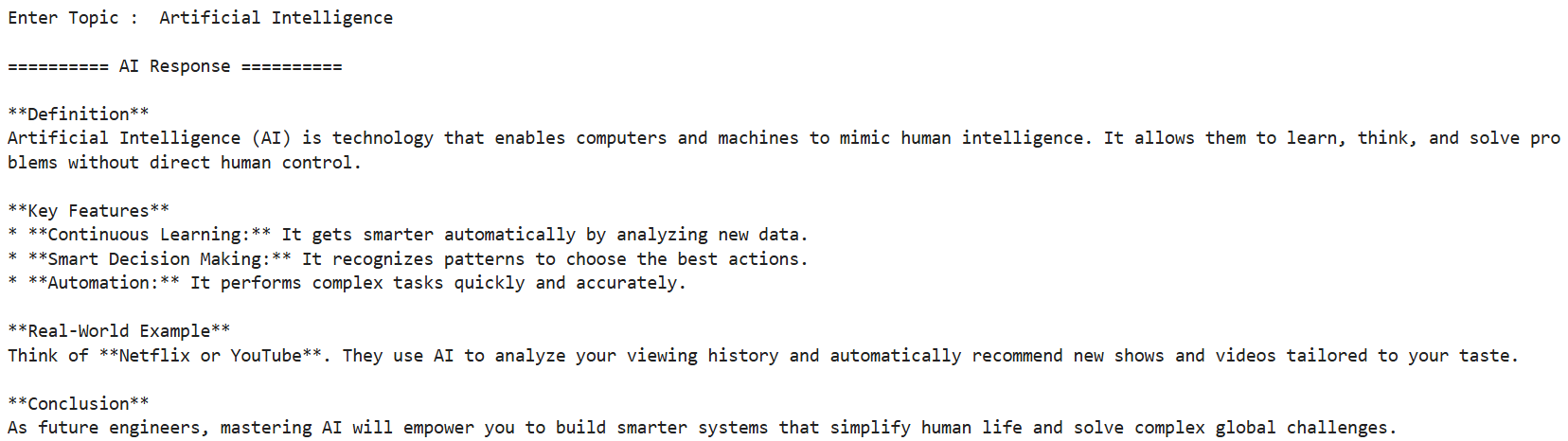
Run the Program, Input the Topic and Save the file
5
Enter Topic : Artificial Intelligence
Try modifying the constraints and observe the response
6
Try modifying output format section
7
Overview
Advantages
Applications
Summary
Task 3: Control AI Responses
1
Open the file and replace the prompt with :
prompt = f"""
You are an experienced Technical Trainer.

Task:
Explain the given topic.

Context:
The explanation is for first-year engineering students.

Constraints:
• Maximum 150 words
• Use simple language

Output Format:
Paragraph

Topic:
{topic}

"""
2
Run the Program
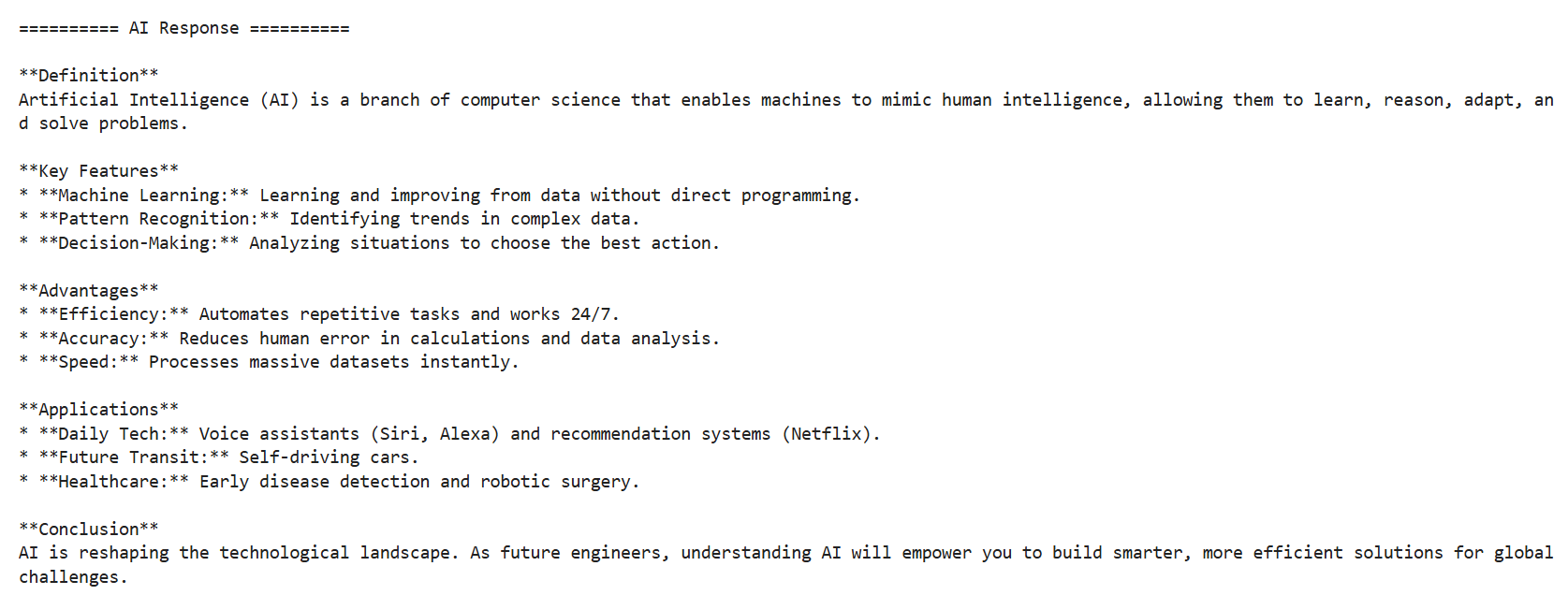
Replace the Output Format
3
Enter Topic : Artificial Intelligence
Output Format:
Definition
Key Features
Advantages
Applications
Conclusion
Try modifying Output Formats
4
Modify Input Section
5
topic = input("Enter Topic : ")
topic = input("Enter Any Technology Topic : ")
Replace with
Task 4: Build your AI Assistant
1
Open the file and replace the prompt with :
prompt = f"""
You are an AI Email Writing Assistant.

Task:
Write a professional email based on the user's request.

Context:
The email should be suitable for workplace communication.

Constraints:
• Use a professional tone.
• Maximum 150 words.
• Generate an email with a Subject and Body.
• Do not use complicated vocabulary.

Output Format:
Subject:
Email Body:
User Request:
{topic}
"""
Locate the following
2
topic = input("Enter Any Technology Topic : ")
topic = input("Enter your Email Request : ")
Replace with
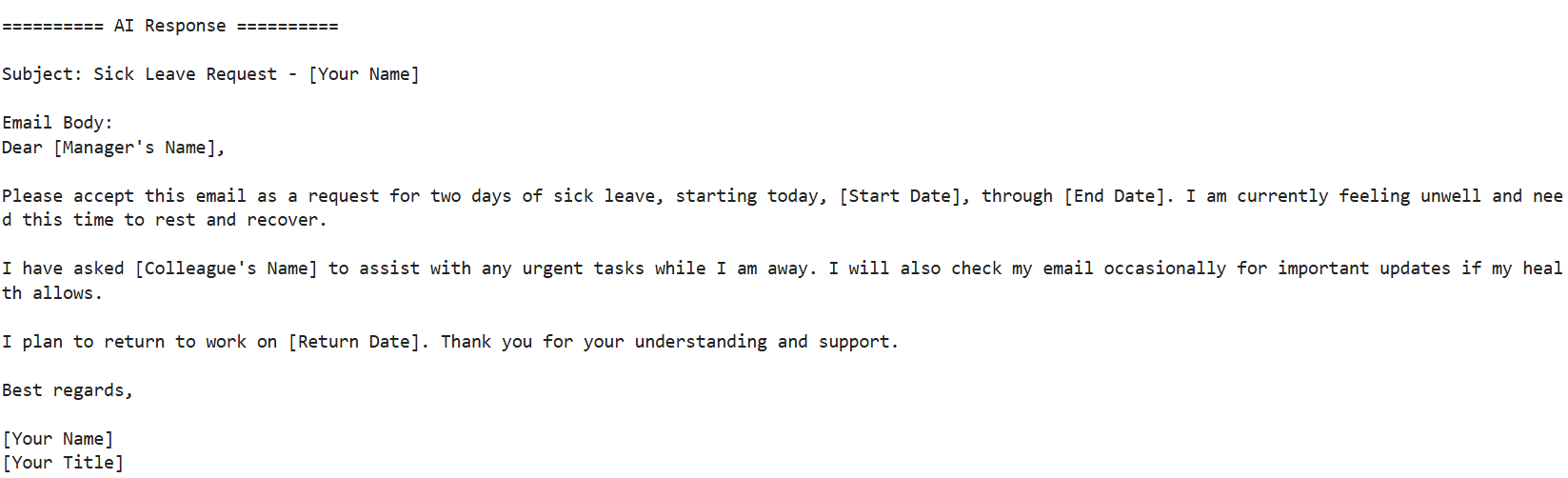
Run the Program
3
Enter Topic : Write an email requesting two days leave due to illness.
Convert the application into an AI SQL Query Generator
4
Replace the prompt with
prompt = f"""
You are an SQL Expert.

Task:
Generate an SQL query.

Constraints:
• Generate only SQL code.
• Do not provide explanation.

User Requirement:
{topic}
"""
Locate the following
5
topic = input("Enter your Email Request : ")
topic = input("Enter SQL Requirement : ")
Replace with
Enter Topic : Display all employees whose salary is greater than 50000
Run the Program
6
Modify the Topic & Run the Program
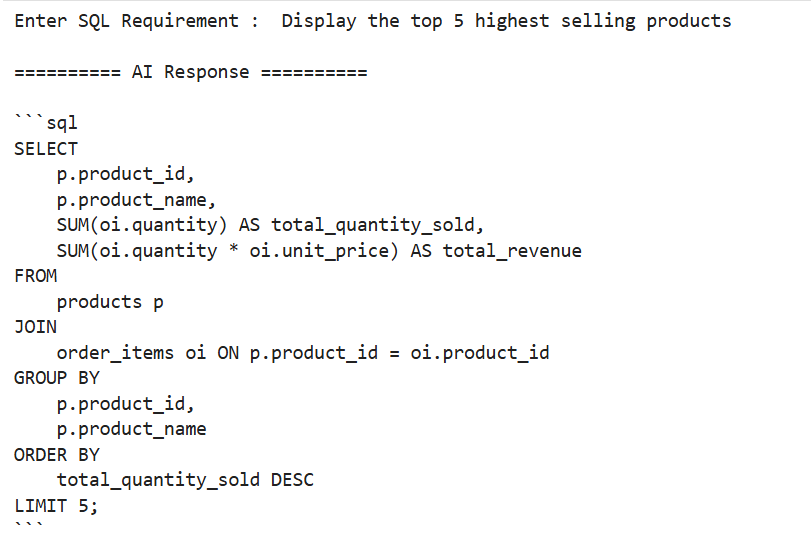
7
Display the top 5 highest selling products.
Great job!
You have successfully completed the final lab and made your own AI application using Programming and API Keys
Checkpoint
Git Push
git push origin branchNameBy Content ITV