



Content ITV PRO
This is Itvedant Content department
Business Scenario
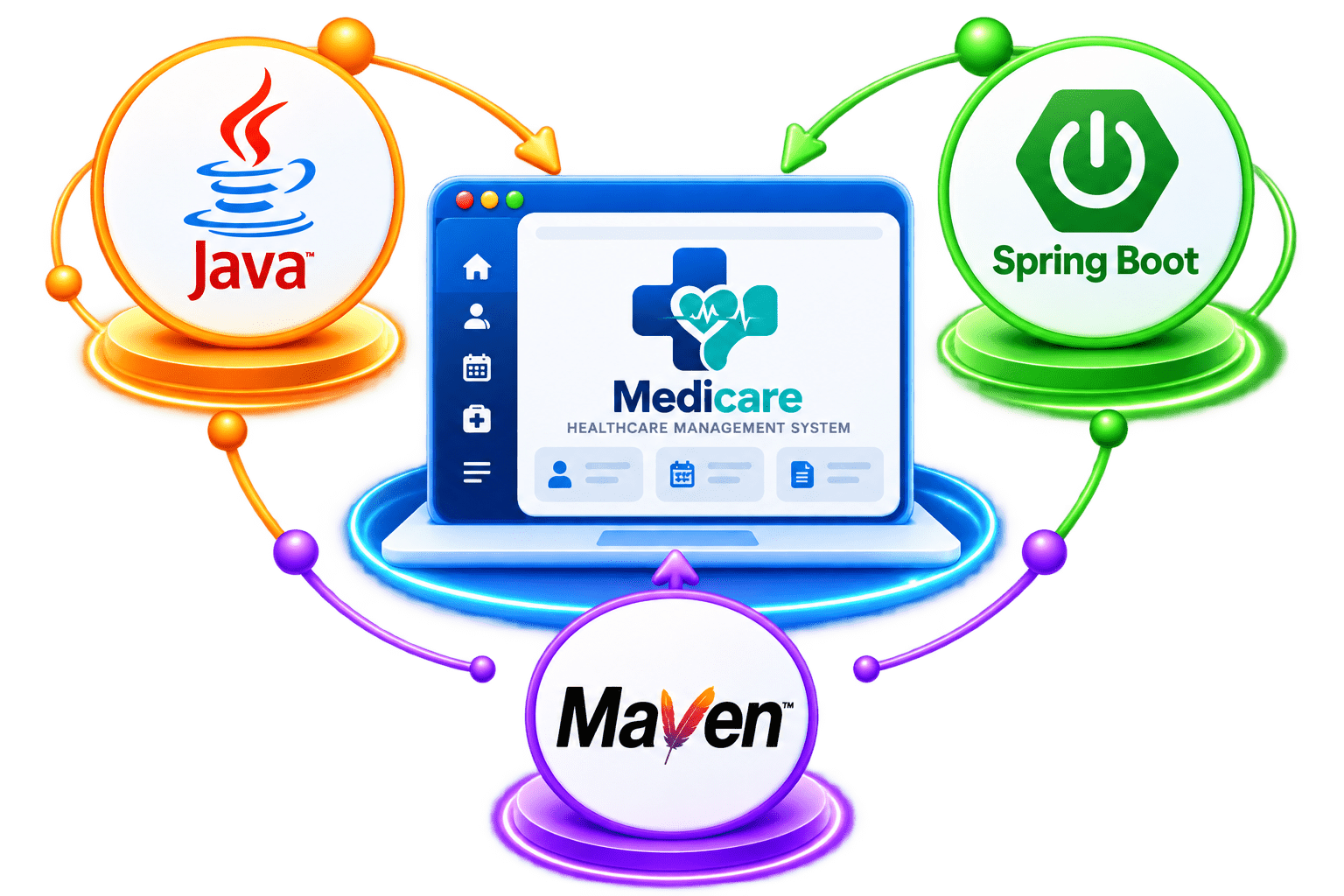
In this lab, we will set up the foundation of the Medicare backend application using Java, Spring Boot, and Maven.
We will configure the Java environment, create and import the Spring Boot project, understand its structure and pom.xml.
Explore the role of the main application class and @SpringBootApplication.
Pre-Lab Preparation
Module:
1) Introduction to Spring Boot
2) Basic Spring data JPA and Rest APi
git pull origin branchNameGit Pull
Check Java
1
Phase 1 — Spring Boot Foundation
java -version
javac -version
Create the Spring Boot project
2
Since your syllabus uses Eclipse + STS, we can use either:
Spring Initializr
Spring Starter Project option inside STS.
Use these values:
| Settings | Values |
|---|
| Project | Maven |
| Language | Java |
| Spring Boot | 4.1.1 |
| Group | com.medicare |
| Artifact | medicare-backend |
| Name | medicare-backend |
| Description | Backend for Medicare Healthcare Management System |
| Package Name | com.medicare |
| Packaging | Jar |
| Java | 21 |
Import into STS/Eclipse
3
Existing Maven Project
medicare-backend/
├── src/
├── pom.xml
├── mvnw
└── mvnw.cmd
Keep the package structure simple
4
com.medicare
│
├── MedicareBackendApplication.java
│
└── controller/
com.medicare
│
├── controller/
├── service/
├── repository/
├── entity/
├── exception/
├── config/
└── security/
Create our first controller
5
Inside: src/main/java/com/medicare create package:
com.medicare.controller
HealthController.java
package com.medicare.controller;
import java.util.Map;
import org.springframework.web.bind.annotation.GetMapping;
import org.springframework.web.bind.annotation.RequestMapping;
import org.springframework.web.bind.annotation.RestController;
@RestController
@RequestMapping("/api")
public class HealthController {
@GetMapping("/health")
public Map<String, String> checkHealth() {
return Map.of( "message", "Medicare Backend is running" );
}
}Run Medicare
6
Right-click on MedicareBackendApplication.java.
Select Run As.
Choose Spring Boot App.
Wait for the application to start.
Test using Postman
7
http://localhost:8080/api/health
{
"message": "Medicare Backend is running"
}
200 OKCheckpoint
Spring Boot project created
Maven project imported
controller package created
HealthController created
GET /api/health works
200 OK received
Great job!
You have successfully set up the Medicare Spring Boot project and created your first REST API.
Checkpoint
Git Push
git push origin branchNameNext-Lab Preparation
Module:
1) Introduction to Spring Boot
2) Basic Spring data JPA and Rest APi
By Content ITV