


































Daniel Haehn PRO
Hi, I am a biomedical imaging and visualization researcher who investigates how computational methods can accelerate biological and medical research.
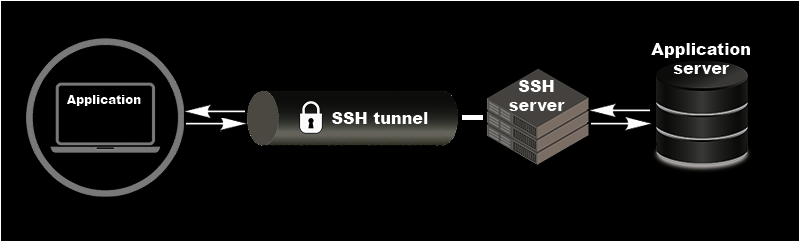
Make sure you have an SSH client installed!
ENTRYTASK
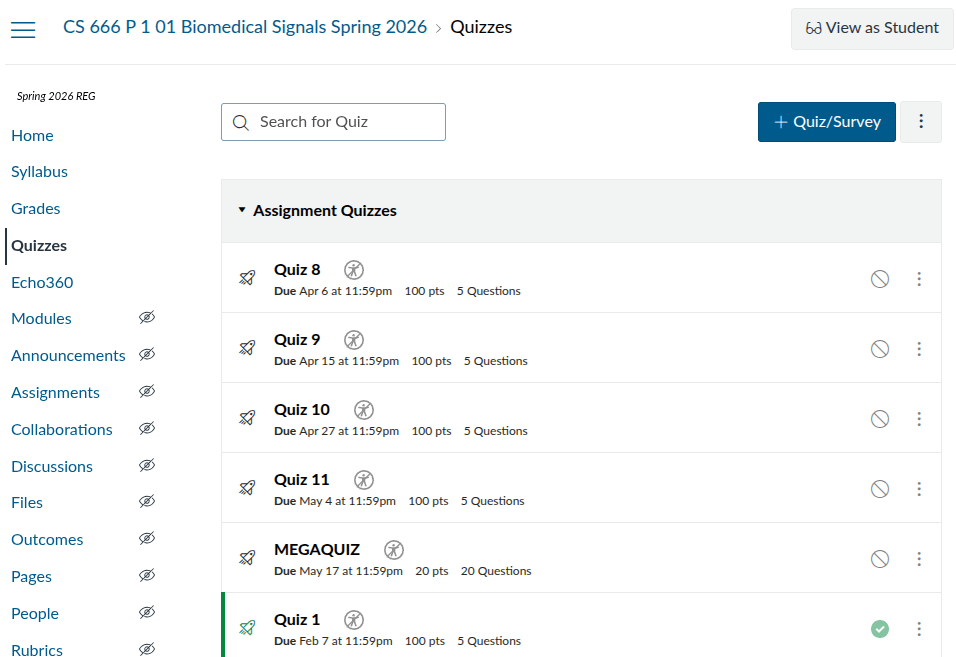
Due 4/20 11:59pm!
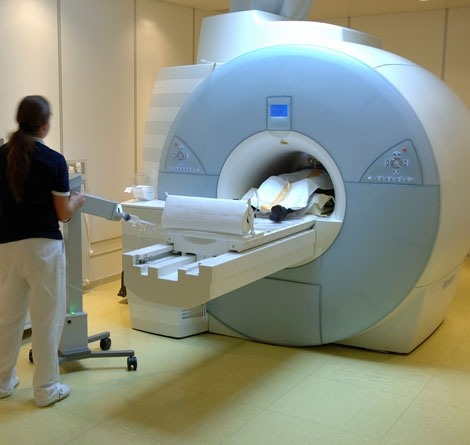
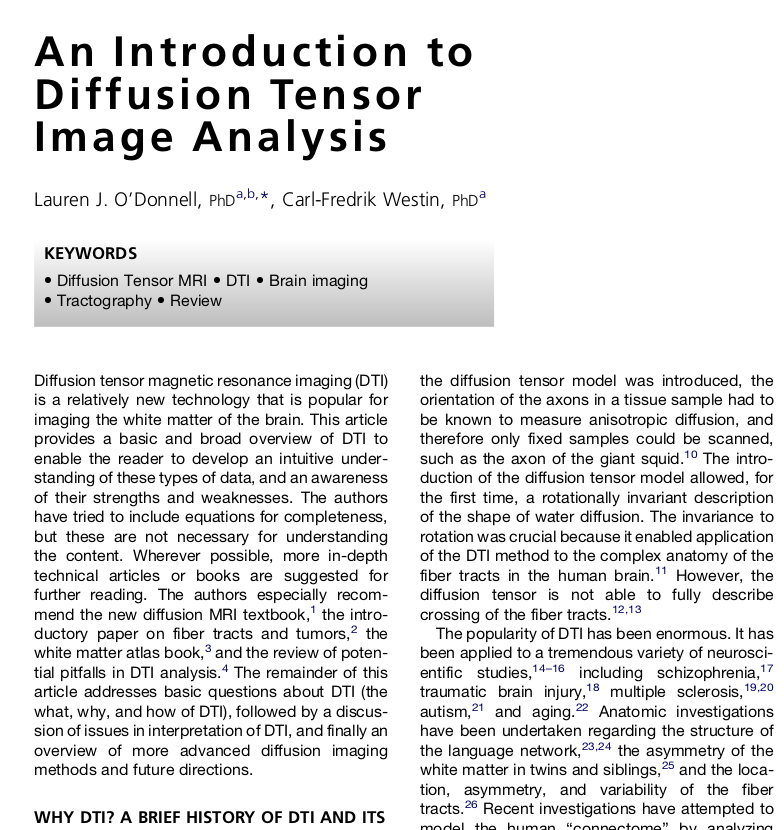
MRI Lecture by Avanith
Wed 4/15
Monday
No class!
Next week: Cluster Assignment!
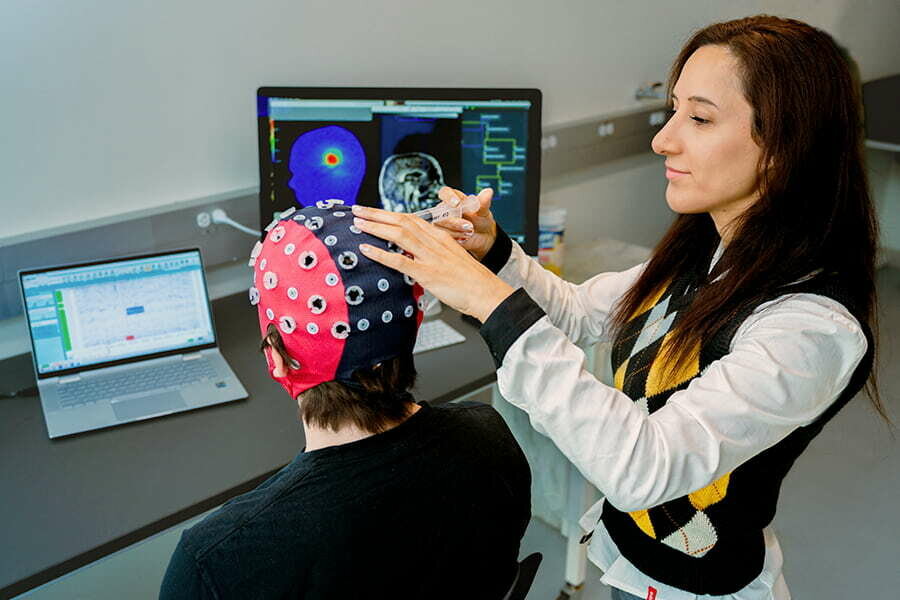
Sumientra Rampersad's EEG Lab!
Wed 4/22 Fieldtrip
Infrastructure and Algorithms for Data Collections
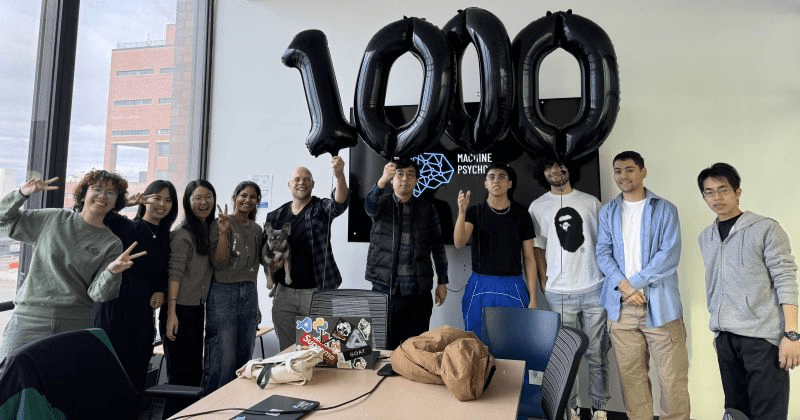
MACHINE
PSYCHOLOGY
DANIELHAEHN.COM
AI Core
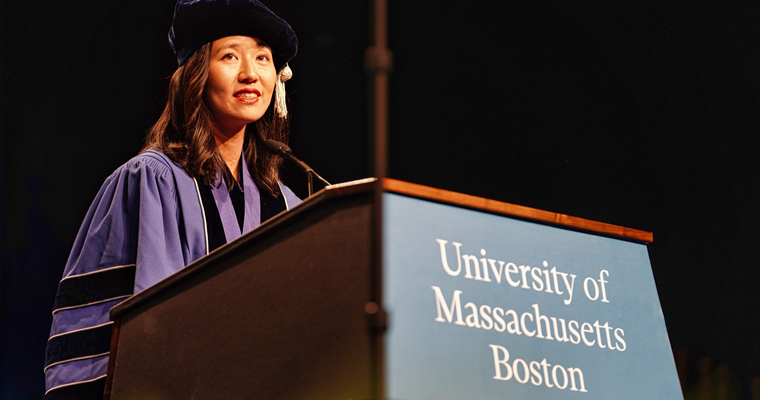
Daniel Haehn
Director
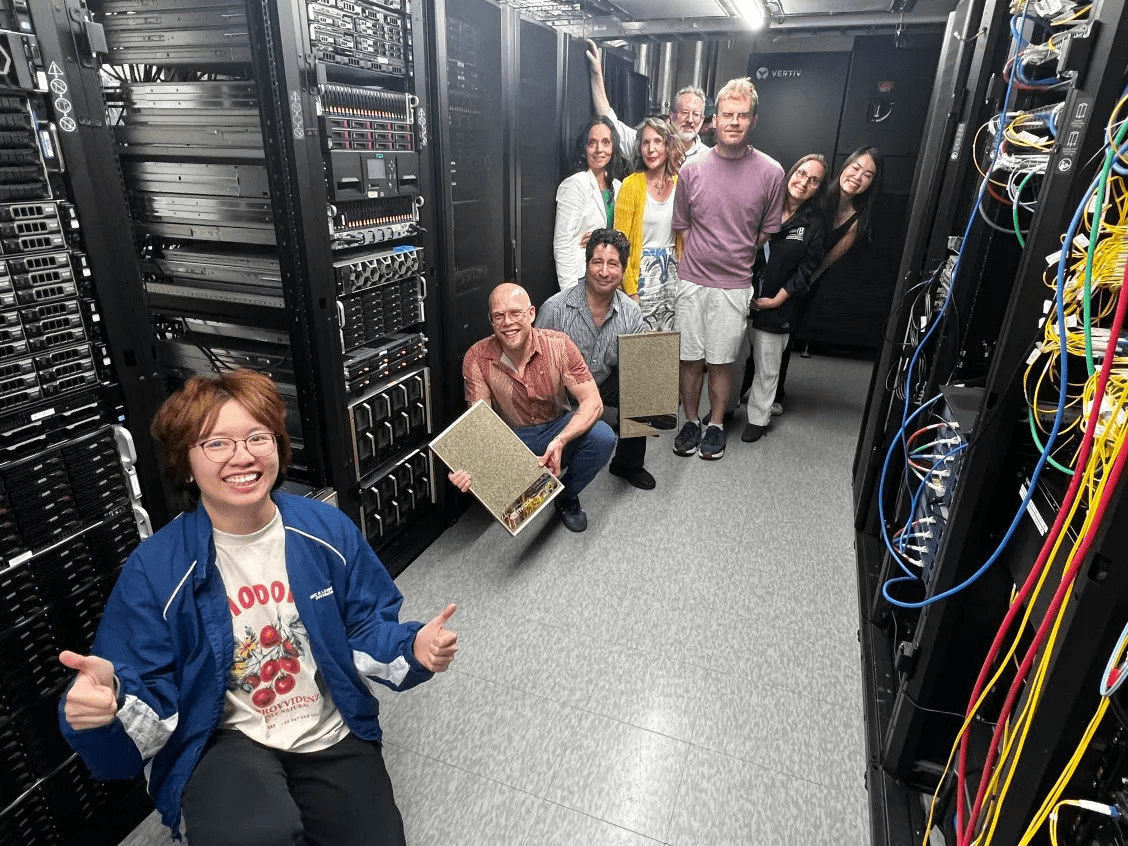
AI Core
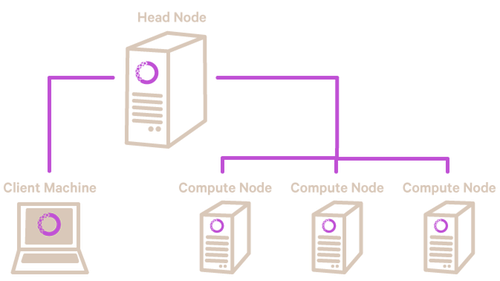
We
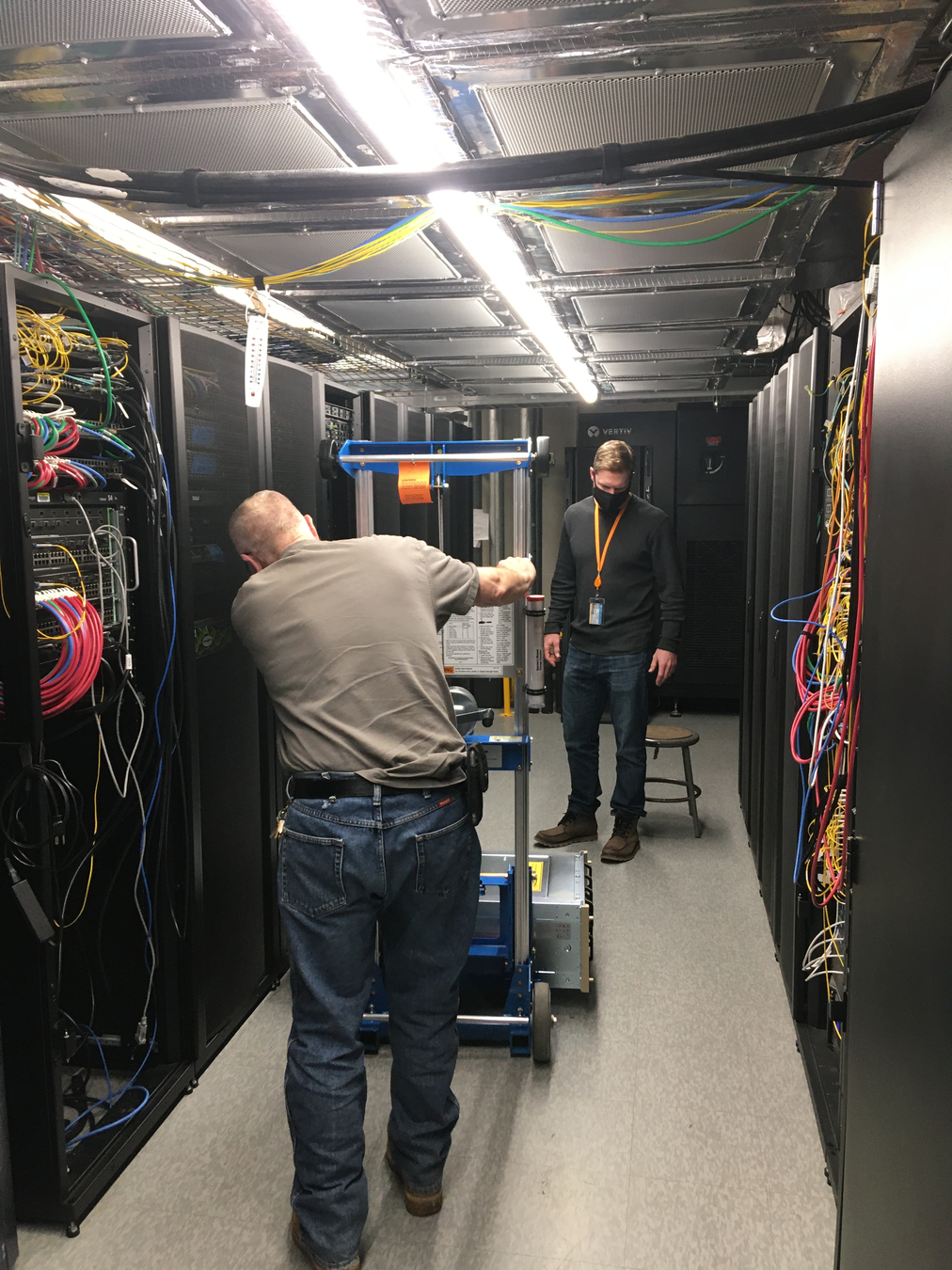
Computers
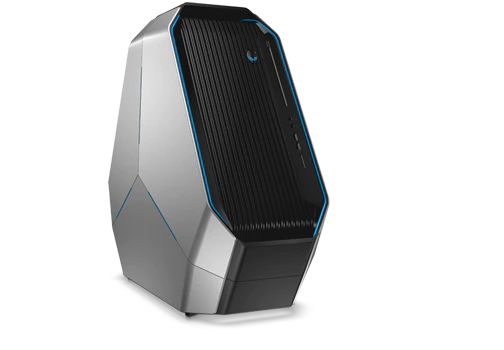
GONZO
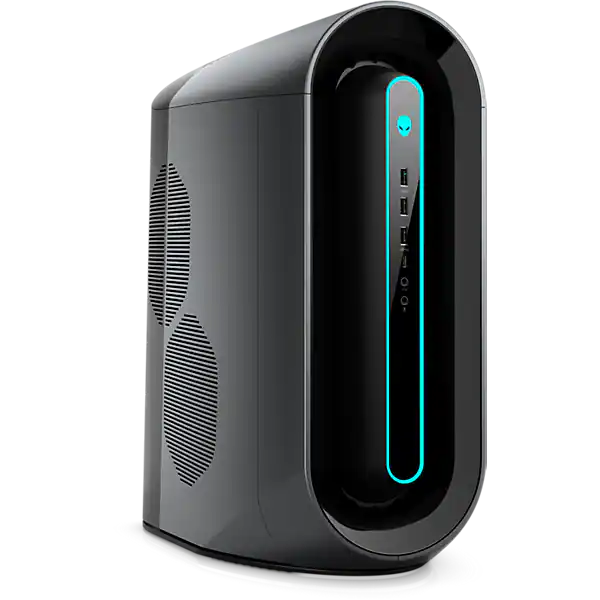
MONSTER
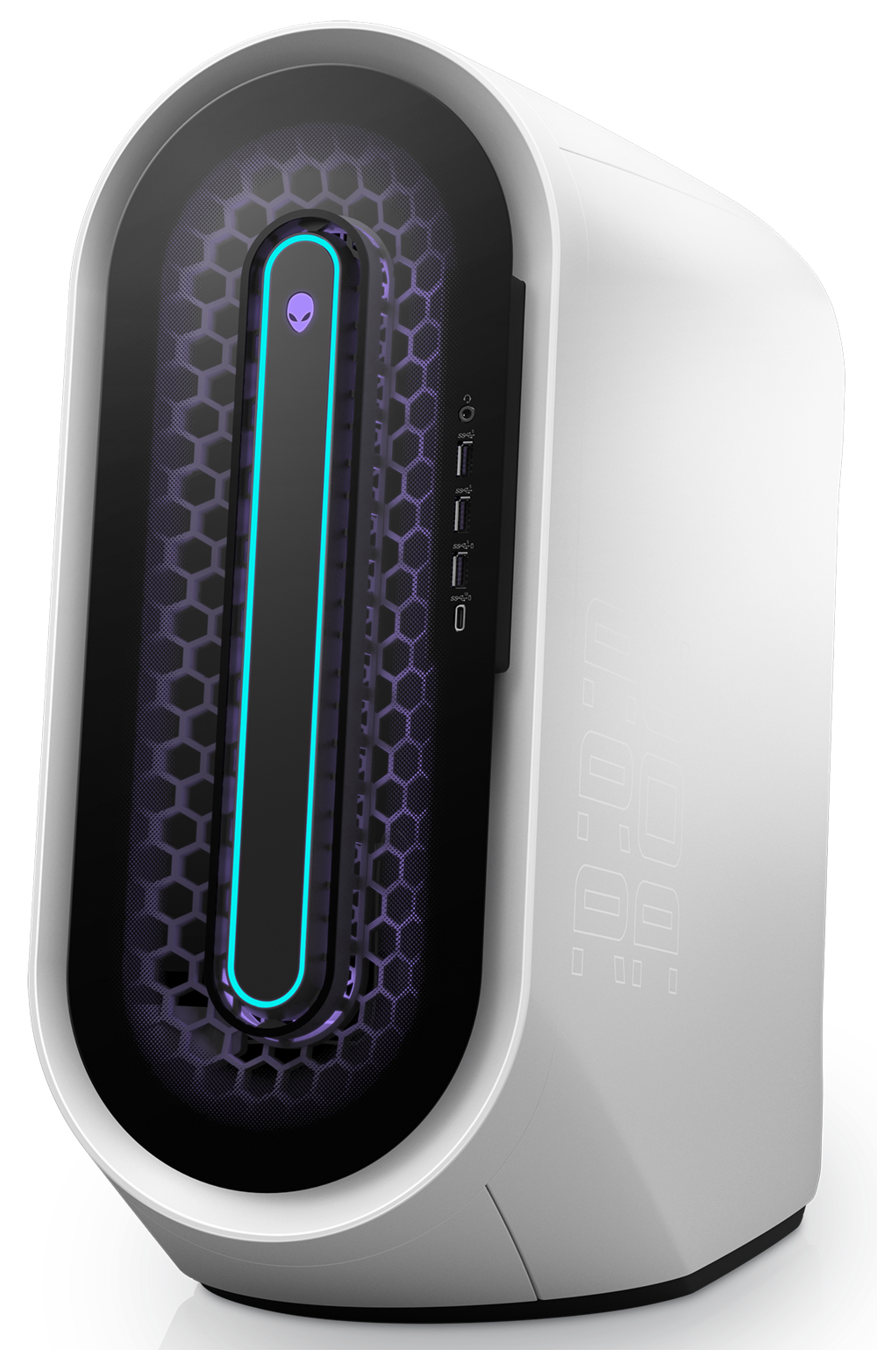
VAMPIRE
ZOMBIE
HYDRA
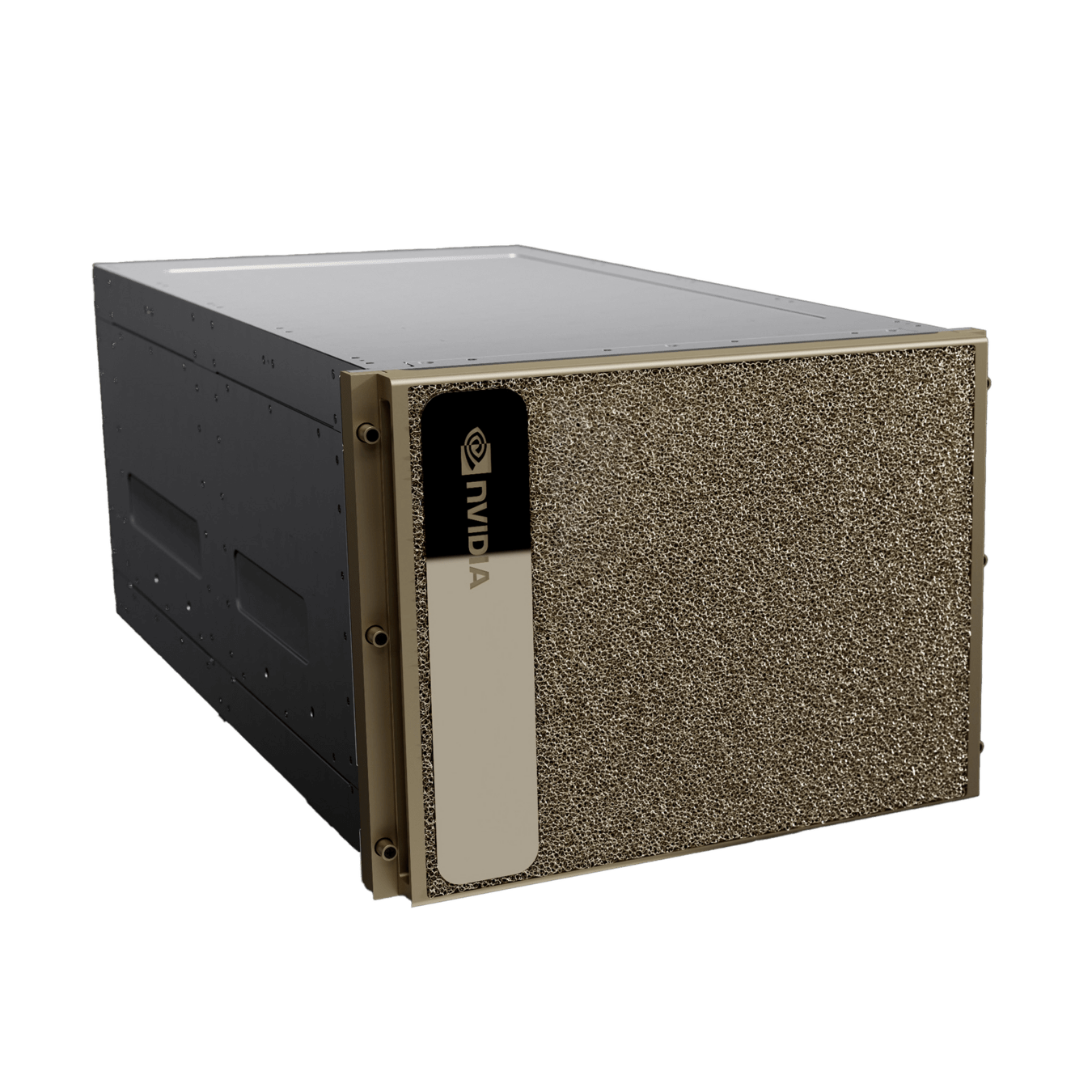
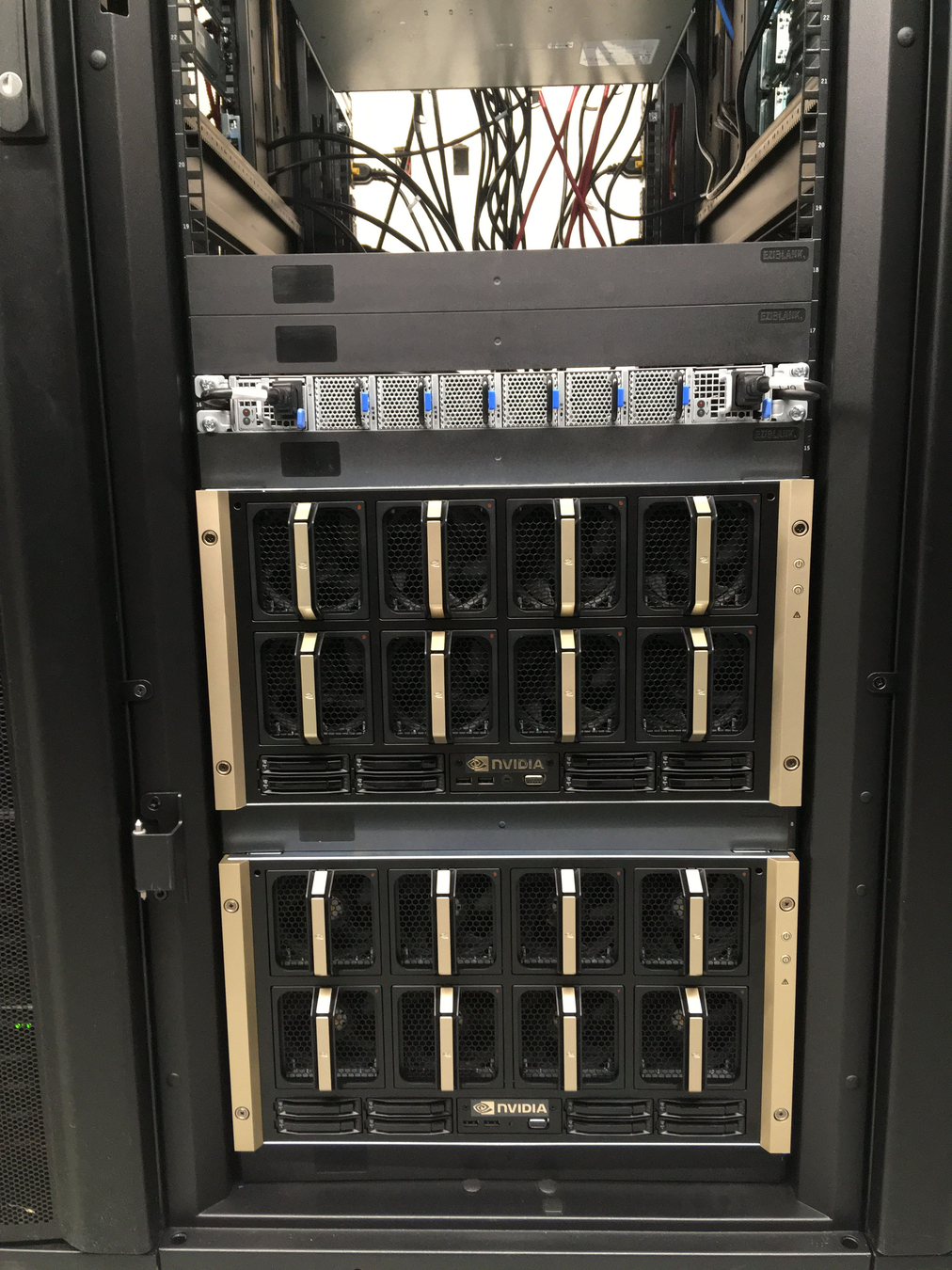
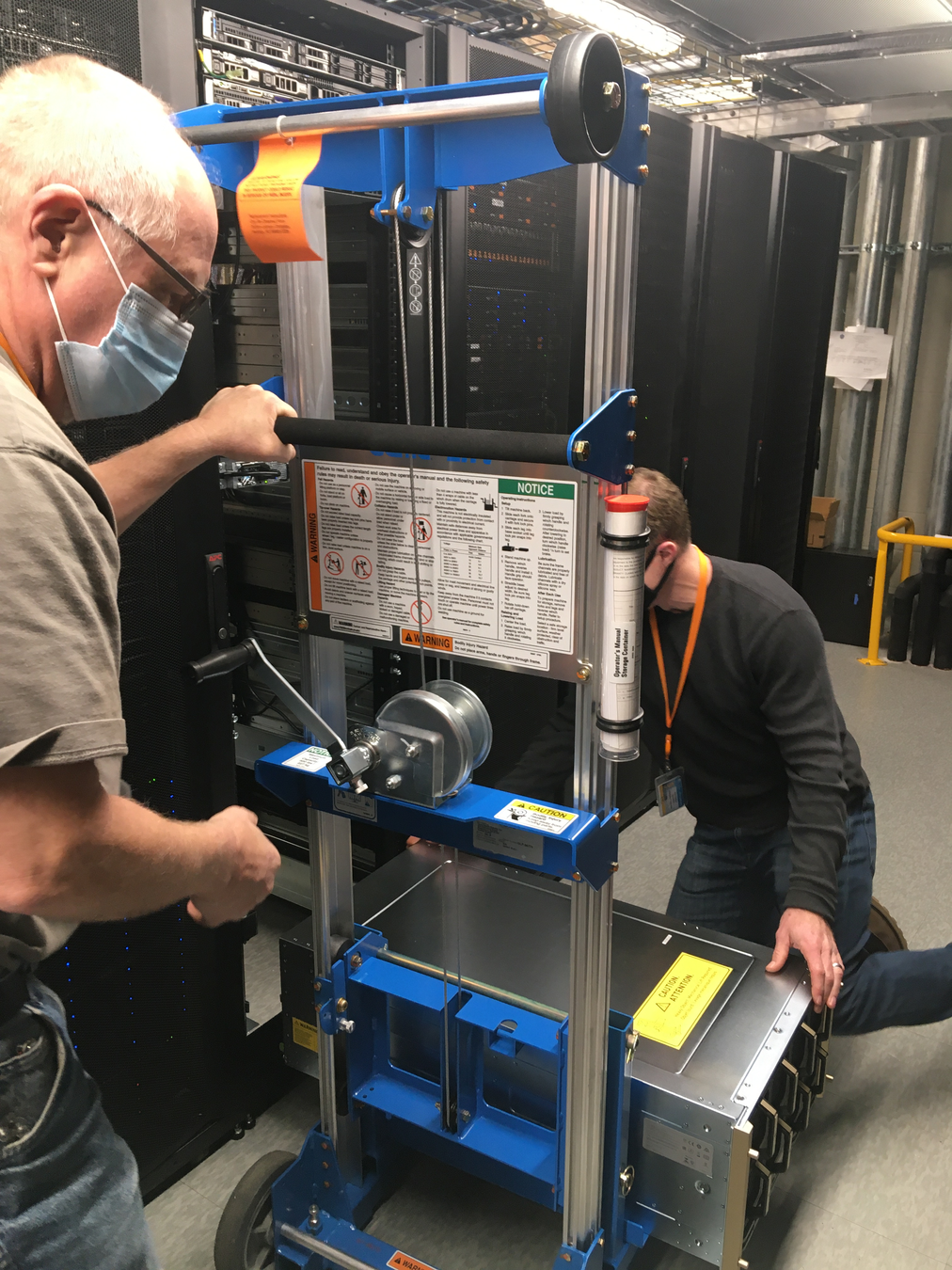
2x NVIDIA DGX A100
2x NVIDIA DGX A100
2 TB RAM
30 TB Storage
8x A100 GPUs
High-Performance Switch
NVIDIA DGX H200
1+ TB GPU Memory
Let's try the DGX H200 machine!
Jeff Dusenberry
Director of Research Computing
at UMass Boston
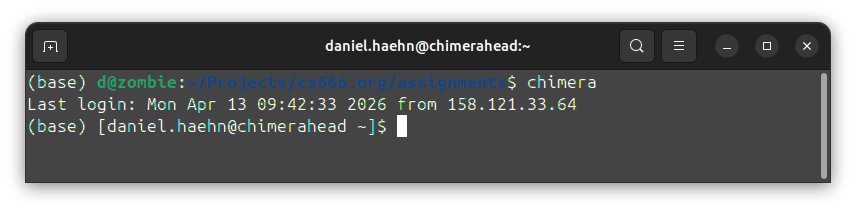
ssh FIRSTNAME.LASTNAME001@chimera.umb.educhimera21
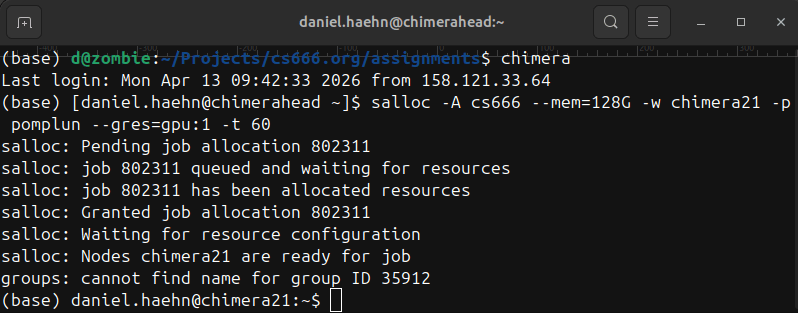
salloc -A cs666 --mem=128G -w chimera21 -p pomplun --gres=gpu:1 -t 60Python Package Manager
curl -O https://repo.anaconda.com/miniconda/Miniconda3-latest-Linux-x86_64.sh

chmod +x Mini*

./Mini*conda create -n CS666 python=3.10
conda activate CS666pip install "tensorflow[and-cuda]"
pip install jupyterlab ipykernel
mkdir -p $CONDA_PREFIX/etc/conda/activate.d
vim $CONDA_PREFIX/etc/conda/activate.d/env_vars.sh
this whole block goes into the env_vars.sh file!
export LD_LIBRARY_PATH=$(python - <<'PY'
import site, os, glob
paths=[]
for p in site.getsitepackages():
    paths += glob.glob(os.path.join(p,"nvidia","*","lib"))
print(":".join(paths))
PY
):$CONDA_PREFIX/lib:$LD_LIBRARY_PATH
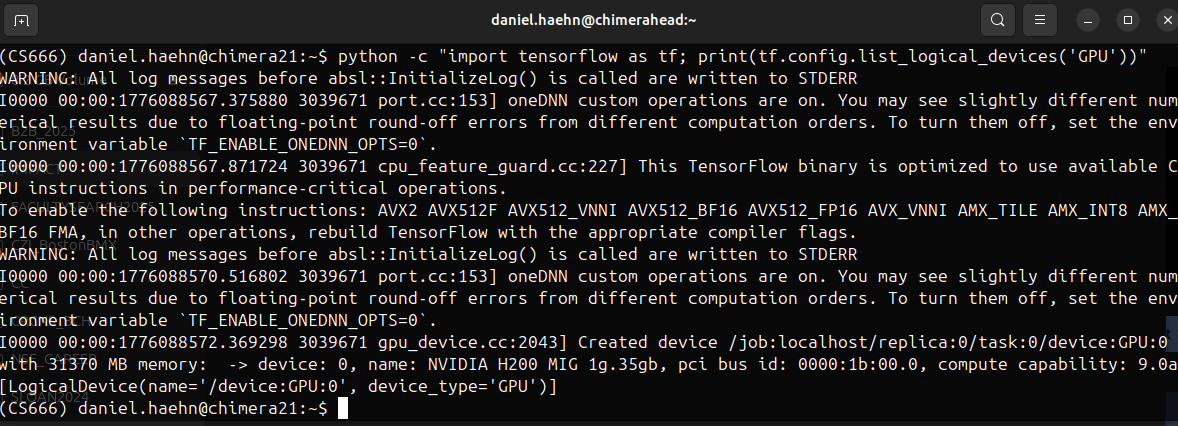
nvidia-smi -Lpython -c "import tensorflow as tf; print(tf.config.list_logical_devices('GPU'))"Check if Tensorflow can reach the GPU!
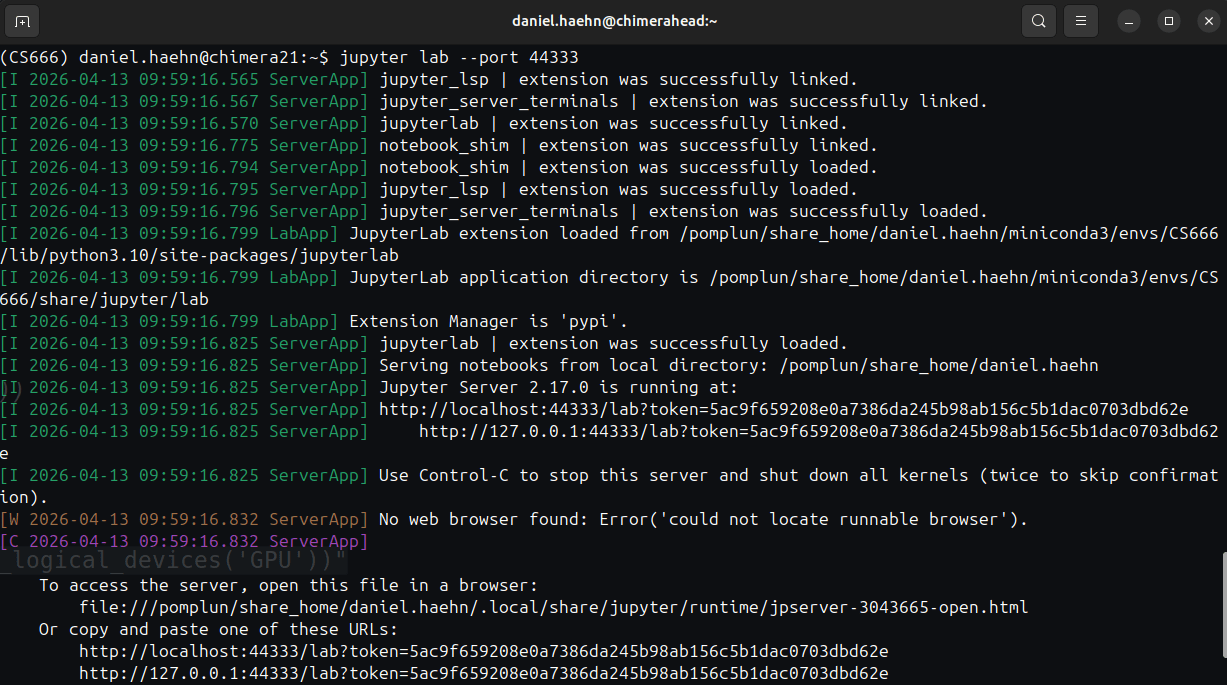
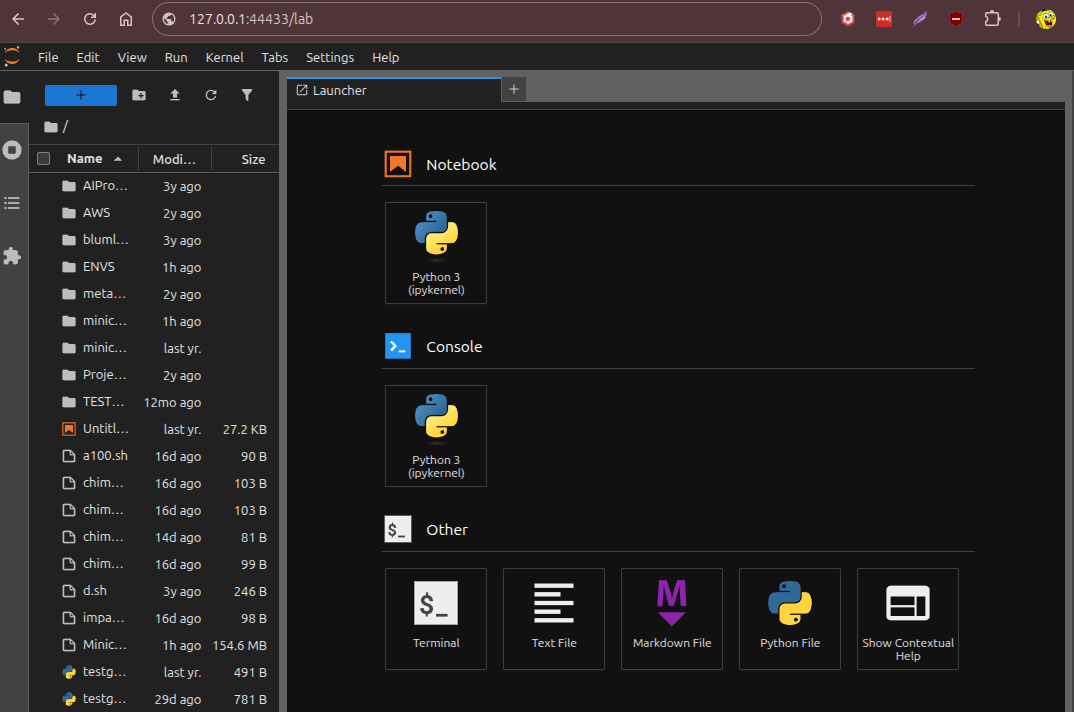
jupyter lab --port 44333 --ip 0.0.0.0HOST=chimera21 PORT=44333 && ssh daniel.haehn@chimera.umb.edu -L $PORT:$HOST:$PORT -N1. Explain the Story
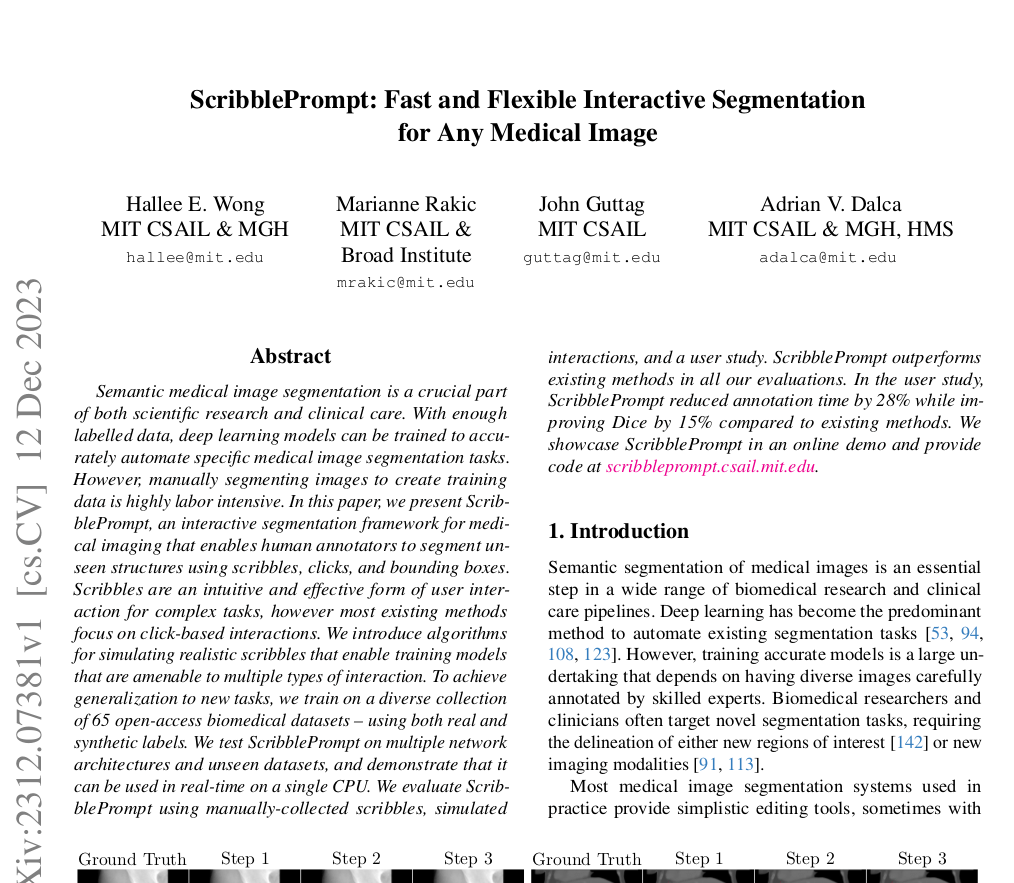
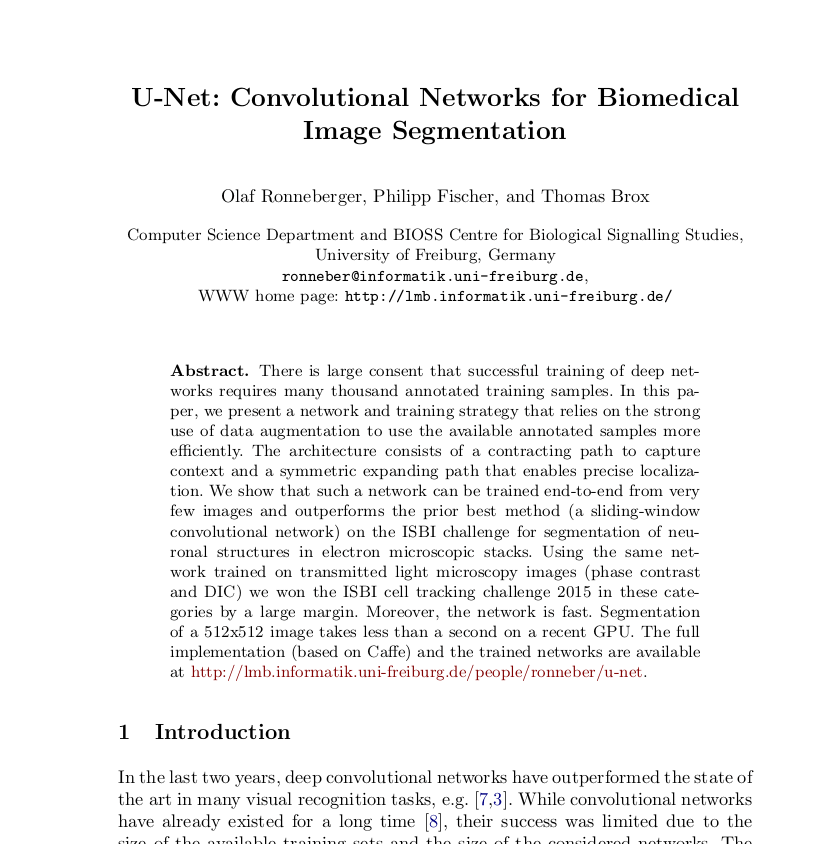
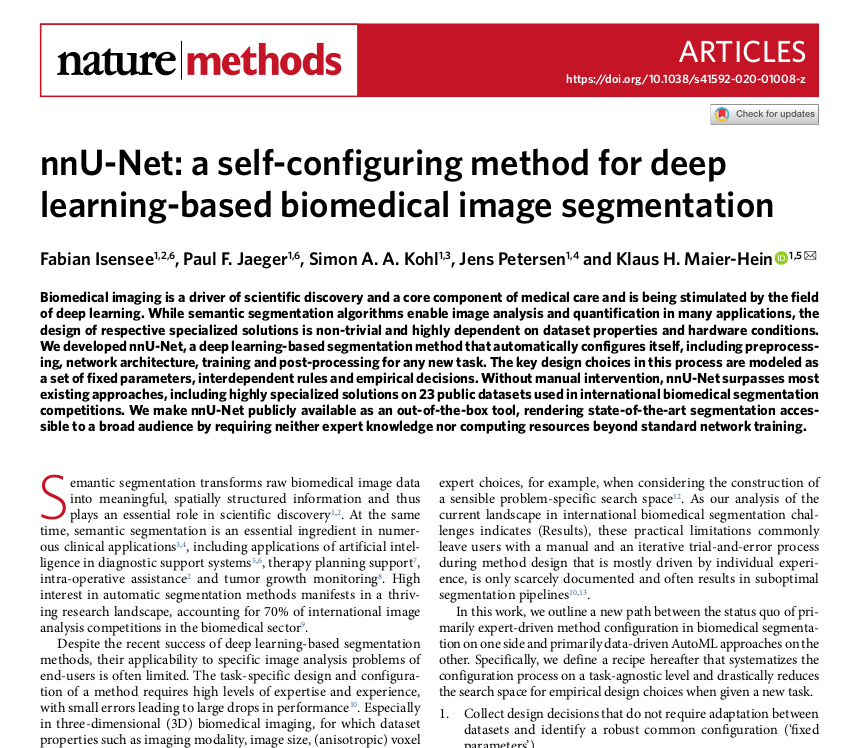
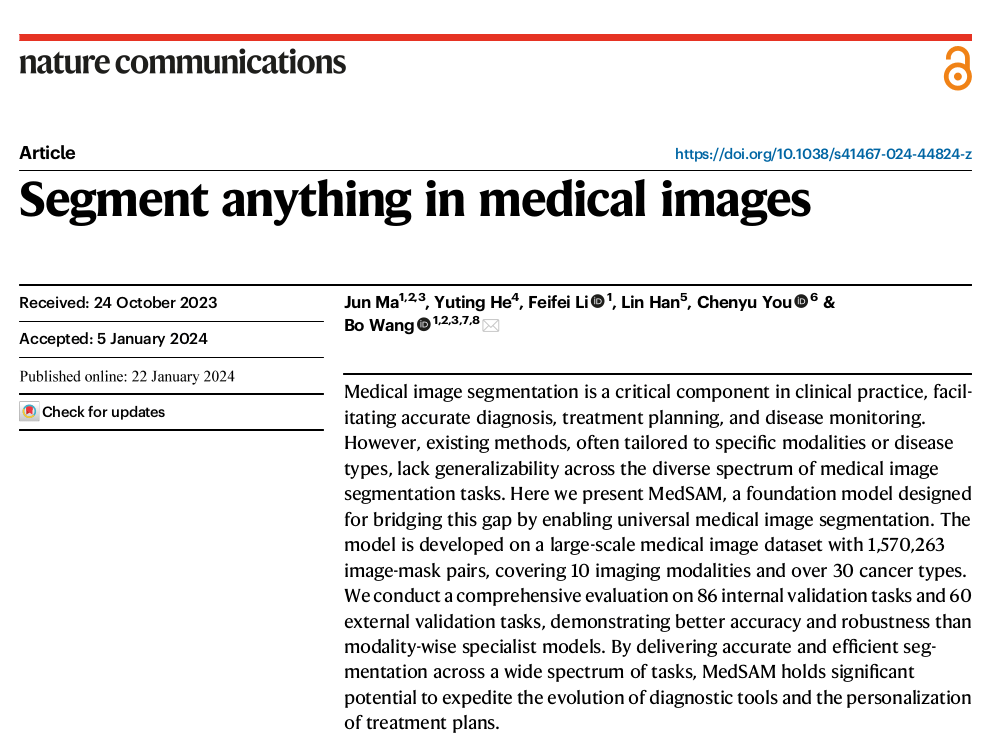
2. Discuss the Paper
By Daniel Haehn
Slides for CS666 Biomedical Signal and Image Processing at UMass Boston. See https://cs666.orghttps://cs666.org