Parallel Path Tracing
Parallel Algorithms
David Mayerich
Scalable Tissue Imaging and Modeling (STIM) Laboratory
Department of Electrical and Computer Engineering
Cullen College of Engineering
University of Houston
David Mayerich
STIM Laboratory, University of Houston

Parallel Path Tracing
Find ways to give your path tracer more work
-
Integration to produce better images
-
Deeper sampling (more bounces)
-
Higher resolution
-
More interesting geometry
David Mayerich
STIM Laboratory, University of Houston
Implement Integration
David Mayerich
STIM Laboratory, University of Houston
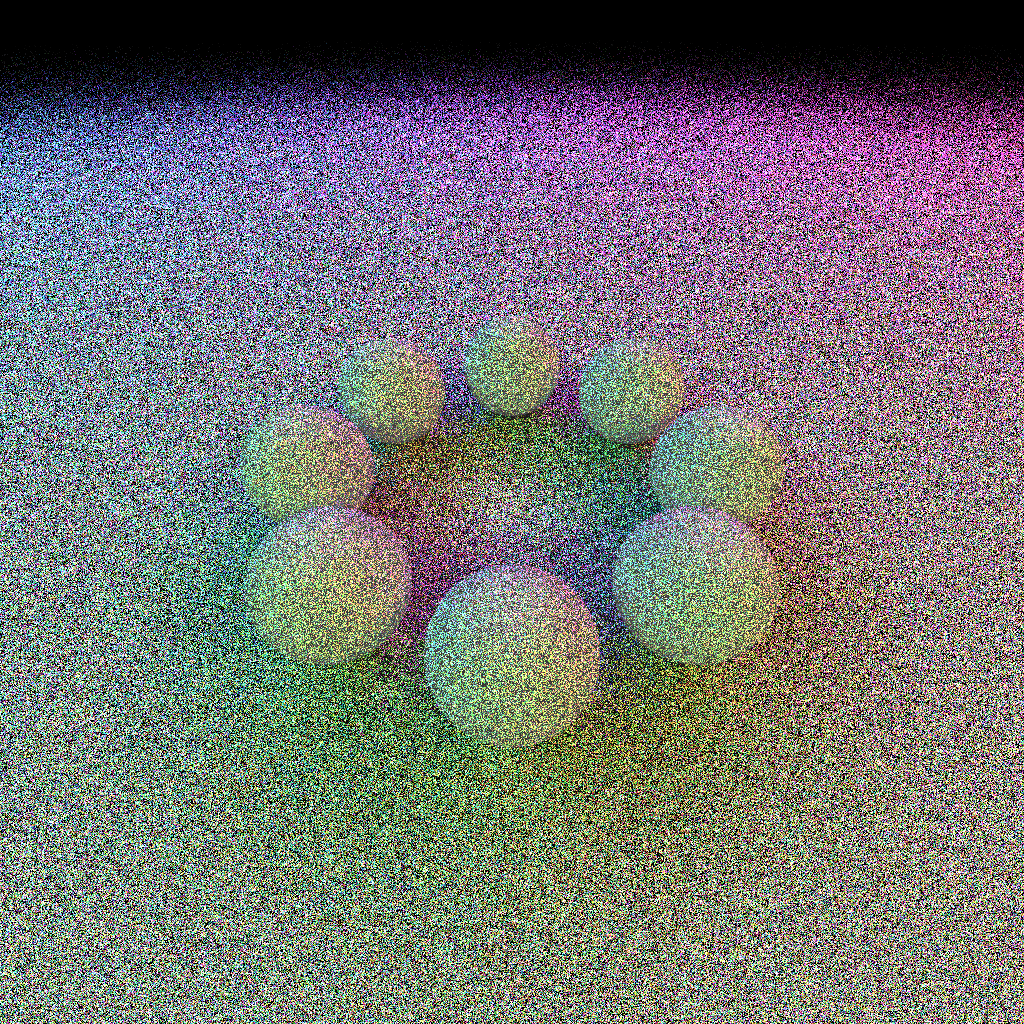
10 samples
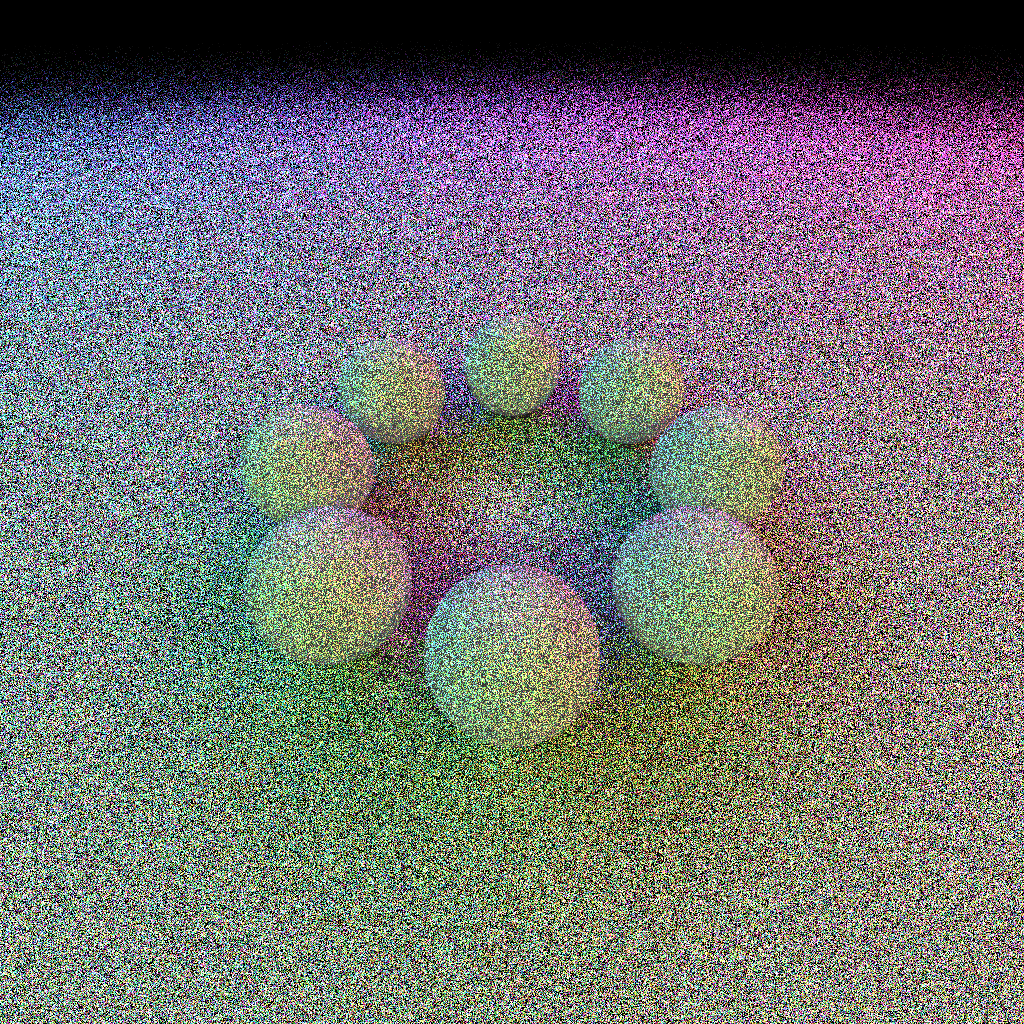
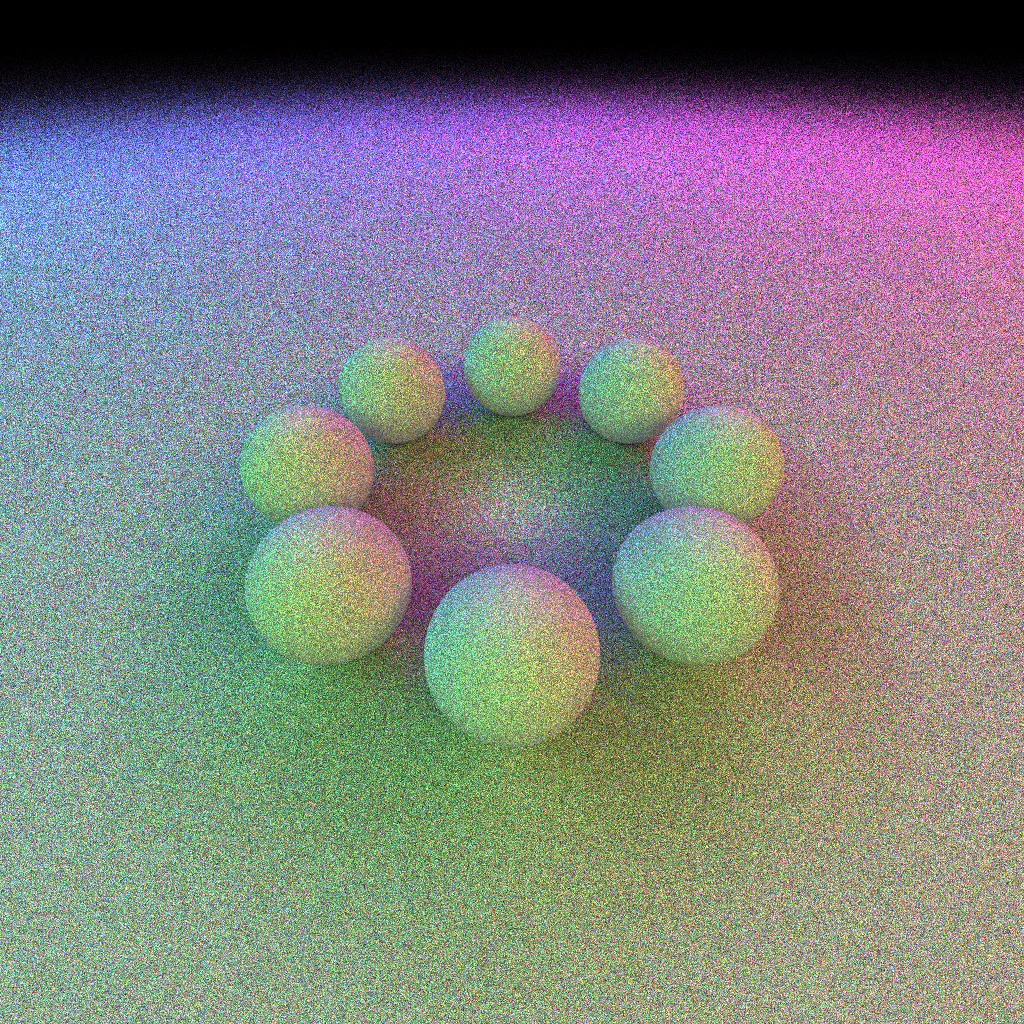
100 samples
1000 samples
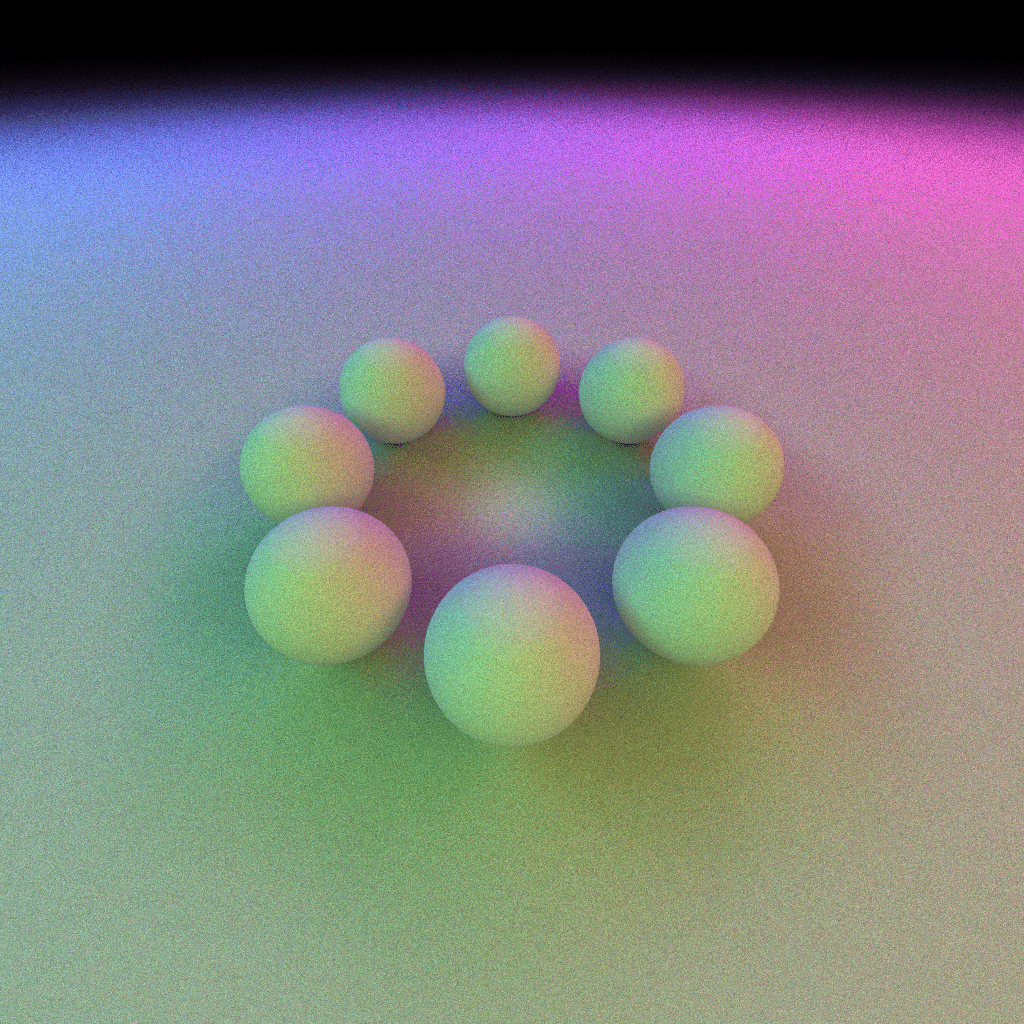
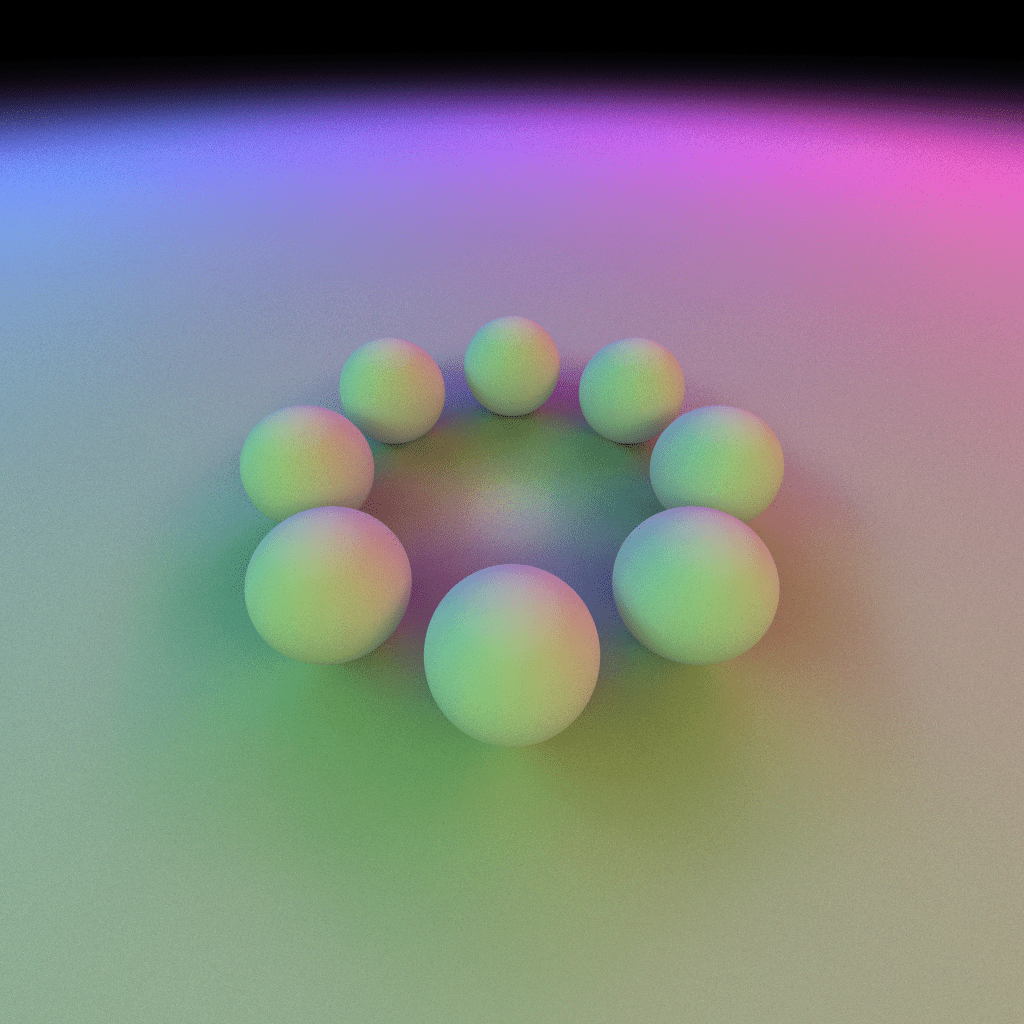
10000 samples
Implement Integration
Acquire multiple samples per pixel
-
Write a thread to perform rendering so that you can see the image updated as the thread is integrating
-
Implement a consistent averaging scheme:
-
Be able to calculate an averaged color after every sample
-
The image buffer only provides 8-bits! You may want to implement an intermediate buffer to store samples
-
David Mayerich
STIM Laboratory, University of Houston
10 samples
10000 samples
\mathbf{c}_n=\frac{n-1}{n}\mathbf{c}_{n-1} + \frac{1}{n}\mathbf{s}
Parallelize Evaluation
-
Once your rendering is threaded, parallelize the render loop
-
Use OpenMP to divide up the image into threads for rendering
-
How will you synchronize?
-
Will all of your threads write pixels at the same time?
-
Will the "number of samples" be the same for each thread?
-
How will you divide up the work?
-
-
Try multiple methods
-
Test round robin, blocking, patches
-
Sample each method and keep a record of differences
-
-
Be able to easily change the number of threads for testing
David Mayerich
STIM Laboratory, University of Houston
D.5a Parallel Path Tracing
By STIM Laboratory