Interactive Style Guides With The Power Of


Vladimir Novick
mail: vnovick@gmail.com
twitter: @VladimirNovick
github: vnovick
facebook: vnovickdev
Web Architect & Independent Consultant
Assumptions
-
You are familiar with React
-
You are familiar with ES2015
-
You like cool tools
-
You want to be productive
How we create
User Interfaces in React
We have lots of reusable components
Our components are functions of state and props
We use component composition and functional programming
We have amazing
tooling
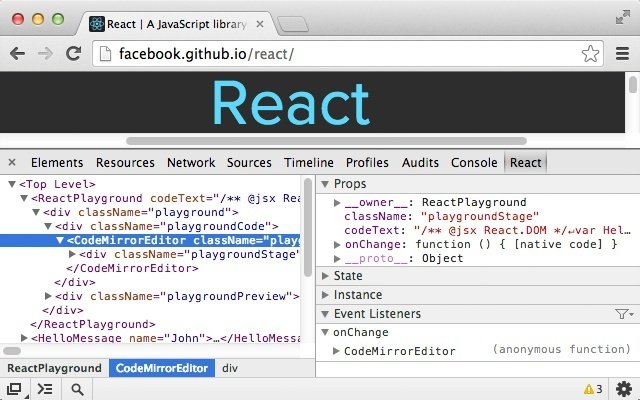
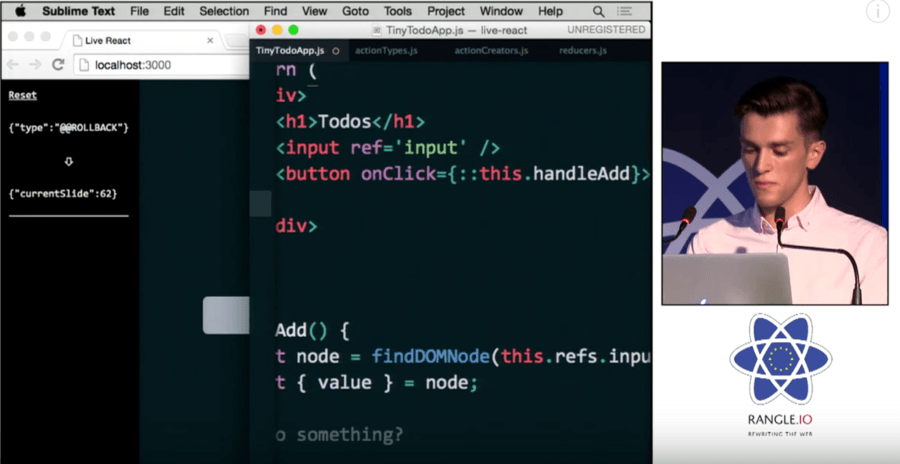
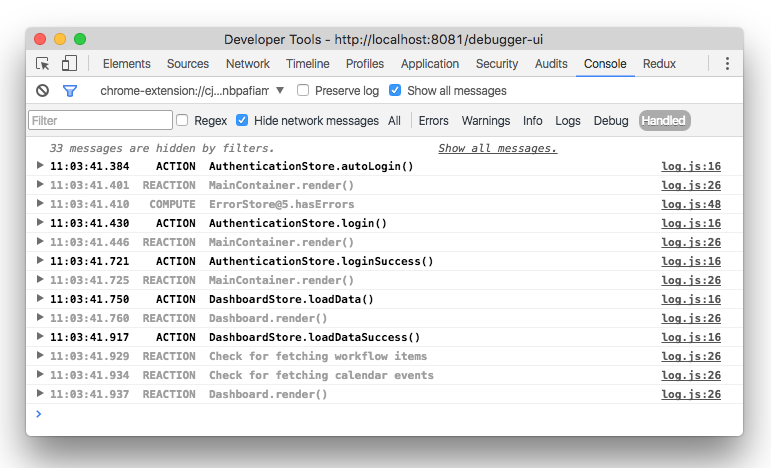

We have Redux
& Mobx

But...
We have a set of problems

Not that kind of problems
-
lots of props in components
-
lots of edge cases
-
components become harder to test
-
harder to mock
-
harder to style
-
we have visual bugs
-
harder for new developers to get in
-
designers and product are not aware what can be reused
-
no documentation
It's time to tell stories
with React Storybook
-
Isolated UI environment outside of your app
-
Where you can create interactive user stories for your components
-
Can be extended with plugin system to enable live documentation and testing
-
A great tool for web developer/web designer/product manager/qa
-
is fun
What is a Storybook
What is a story
Story is a visual state of ui component
Demo time
Let's begin


Install storybook
Run storybook
Generate storybook

What do we get
Isolated environment running on port 9009
environment built by create-react-app with same defaults
Babel, ES2016+, .babelrc, webpack, css, images and static files, json loader
config.js - storybook configuration
stories - all your stories go there
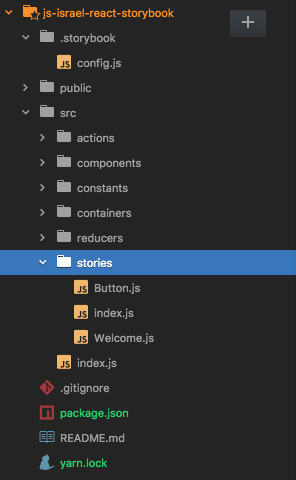
stories/index.js - our stories endpoint
Writing Stories
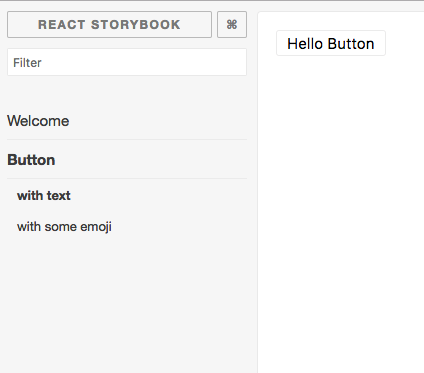
import {
  storiesOf, action, linkTo
} from '@kadira/storybook';


storiesOf('Button', module)
  .add('with text', () => (
    <Button onClick={
        action('clicked')}>Hello Button</Button>
  ))
  .add('with some emoji', () => (
    <Button onClick={
        action('clicked')}>😀 😎 👍 💯</Button>
  ));
Logging Actions
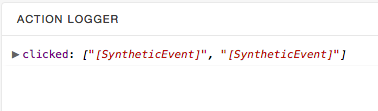
<Button onClick={action('clicked')}>Hello Button</Button>By using action('caption')
we tell storybook to log function arguments to Action logger pannel
Linking stories
storiesOf('Welcome', module)
  .add('to Storybook', () => (
    <Welcome showApp={linkTo('Button')}/>
  ));
By using linkTo('storyOf', 'story name')
we tell storybook to link between stories.
Configuration
import { configure } from '@kadira/storybook';

function loadStories() {
  require('../src/stories');
}

configure(loadStories, module);
.storybook/config.js
-
require stories
-
configure addons
-
import global css styles
Addons
-
live documentation
-
Jest snapshot testing
-
specs panel
-
notes panel
-
dynamic props panel
Demo time
build for later deployment as static site:
npm run build-storybook
run snapshot tests:
npm run test-storybook
Create Powerful Interactive Style Guides With The Power Of React Storybook
By Vladimir Novick