Curating, Collaging, and
the Power of Visual
Narratives with IIIF
Ben Johnston, Princeton U
Adelmar Ramirez, Hood College

To access this presentation, go to:
https://slides.com/adelmarramirez/ben
Flaps in IIIF
Workshop objectives
1) Solve a puzzle to understand how IIIF works
2) Be exposed to the many image collections, viewers, and tools available
3) Curate a Mixtape based on your research/ teaching/ creative interests from IIIF enabled collections (universities, libraries, museums, art galleries around the world)
4) Crop digital images and Make a Collage using IIIF Studio
5) Exit ticket: Export it to a Blackboard page
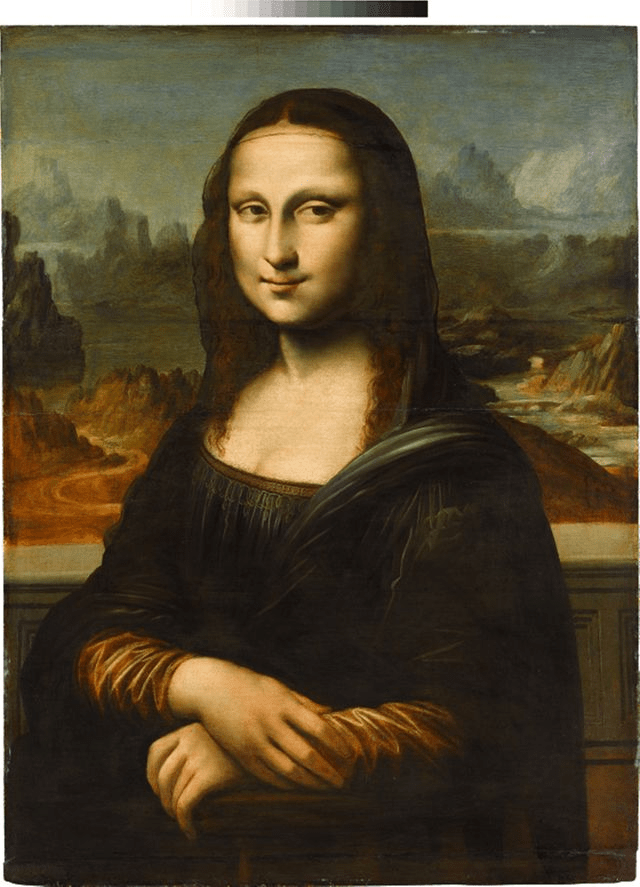
IIIF PUZZLE
Instructions:
1) Scan this QR code to open the puzzle.
2) Tap a fragment of the image to move it to the white space.
3) Raise a hand when you solve the puzzle. Whoever finishes first gets a chocolate!

IIIF For Education (Lab activities, resources, tools)

IIIF:
International
Image
Interoperability
Framework
Curating a list of IIIF objects
Instructions: 1) Take three minutes to think of search terms of your interest and write them down
(i.e. places, historical figures or events, artists or their works, cultures/manuscripts/animals/plants/food/clothing/objects)
Tip: Best search terms are not too general nor too specific.
2) Once you have identified 3-5 search terms, look them up in the following IIIF enabled- collections (in blue):

3) Copy the IIIF Manifest URL and Paste it on a note or word document. Repeat this with every image you found
IIIF: International Interoperability Image Framework
Instructions to create your own Mixtape
•1. Go to https://tripleyefish.com/mixtape/
•2. Click on “New Collection”
•3. Write a title for your Mixtape, brief description, email address, and agree to terms and conditions
•4. Access your email and click on the link to your Mixtape (might take a min)
•5. Paste the IIIF Manifest URL's you found out, one by one, in the blank space &
click on "ADD"
https://ids.si.edu/ids/manifest/NMAH-AHB2013q005703


Other Tools: Exhibit.so
Other Tools: Storiiies
Other Tools: IIIF studio
Instructions to Create a Collage
1) Open https://iiif.studio/ and create an account using your email and
a password or use your Github account to sign in
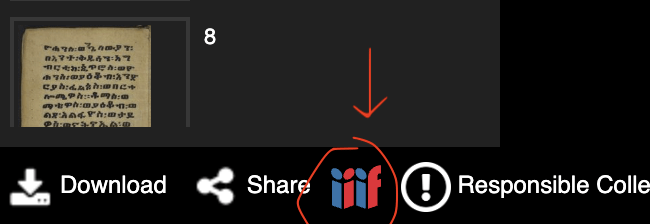
2) Go back to your Mixtape and copy one of the IIIF Manifest URLs by clicking the IIIF icon
3) Paste it into the box, then: "LOAD"
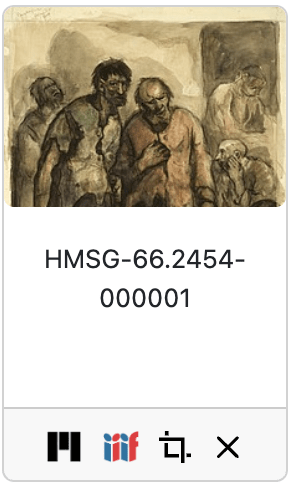
4) Select a detail by drawing a rectangle, then click "Lock region"
5) Add a TITLE and a brief SUMMARY to your collage, then SAVE
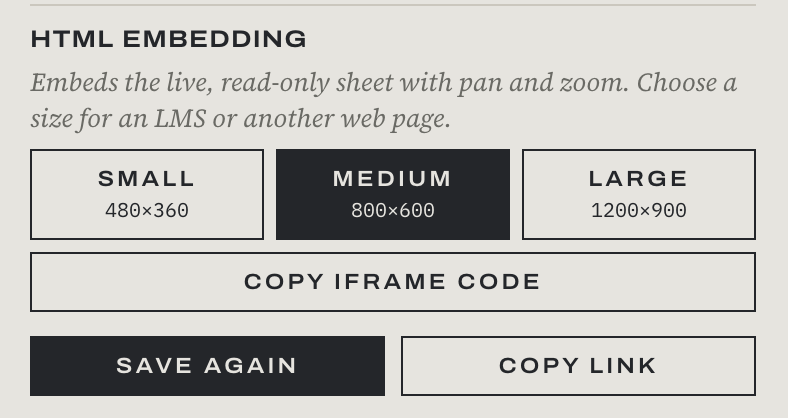
6) Select size of the Iframe (to export your collage to Blackboard)
then click on COPY IFRAME CODE

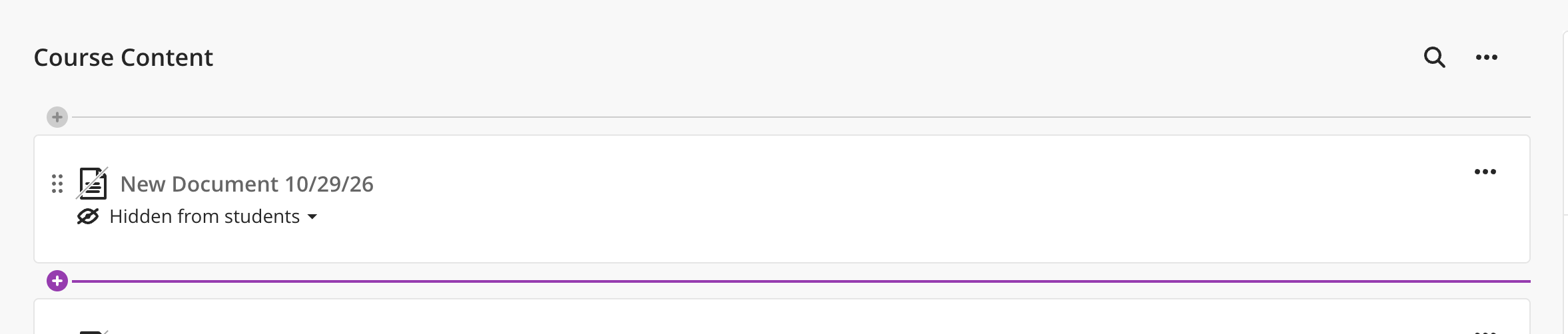
Exit ticket: Export your collage to Blackboard
1) Open any course on Blackboard (preferably one you don't use anymore)
2) Click on the "+" sign and then "create" > "Document"
3) Select HTML <> on the next window and paste the IFRAME code you got from IIIF Studio, then click ENTER

Thanks for coming!
If you have any questions,
email us at:
aramirez@hood.edu
benj@princeton.edu
or Join us every Tuesday from 11 am - 12 pm
we can help you create engaging activities for your classes
Curating, Collaging and the Power of Visual Narratives with IIIF
By Adelmar Ramirez