


Interactive Exercise 1: Obtaining a wallet & transfers

Andreas Park


Background

  • These slides provide you with a series of screenshots for key steps of the interactive exercise
  • Here's what will happen:
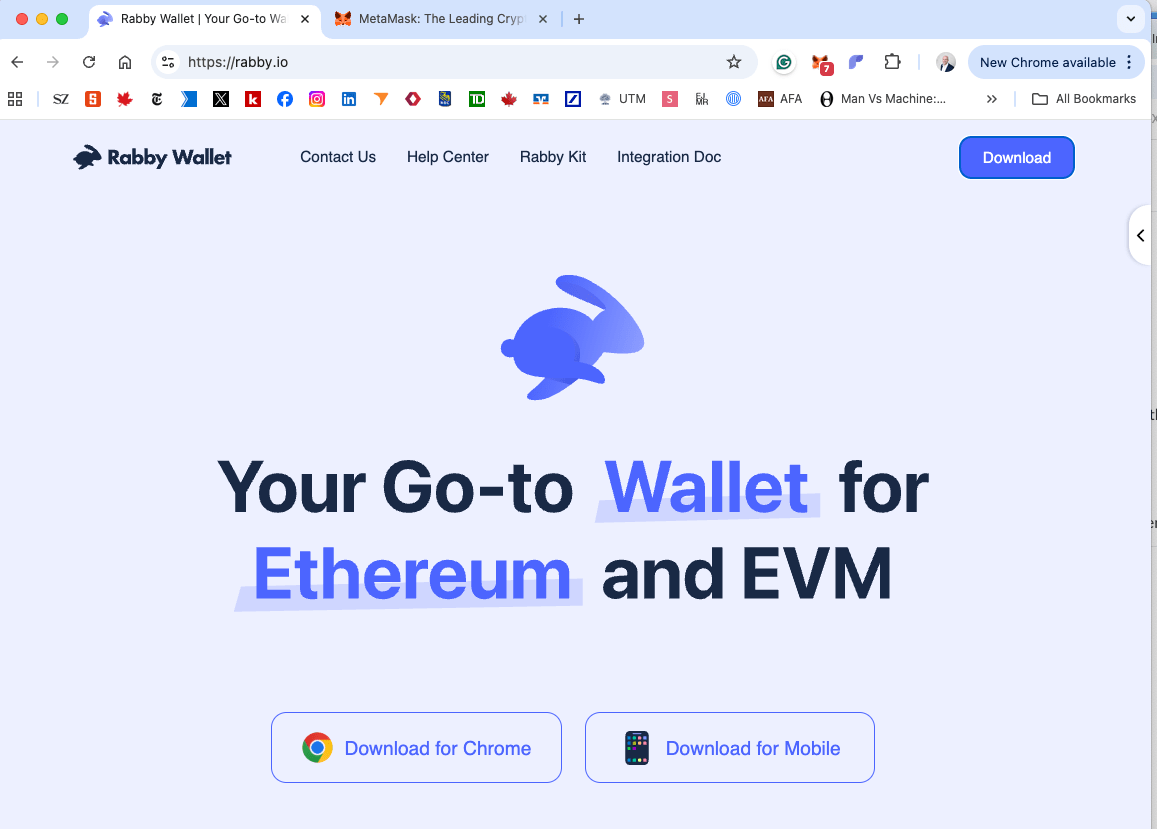
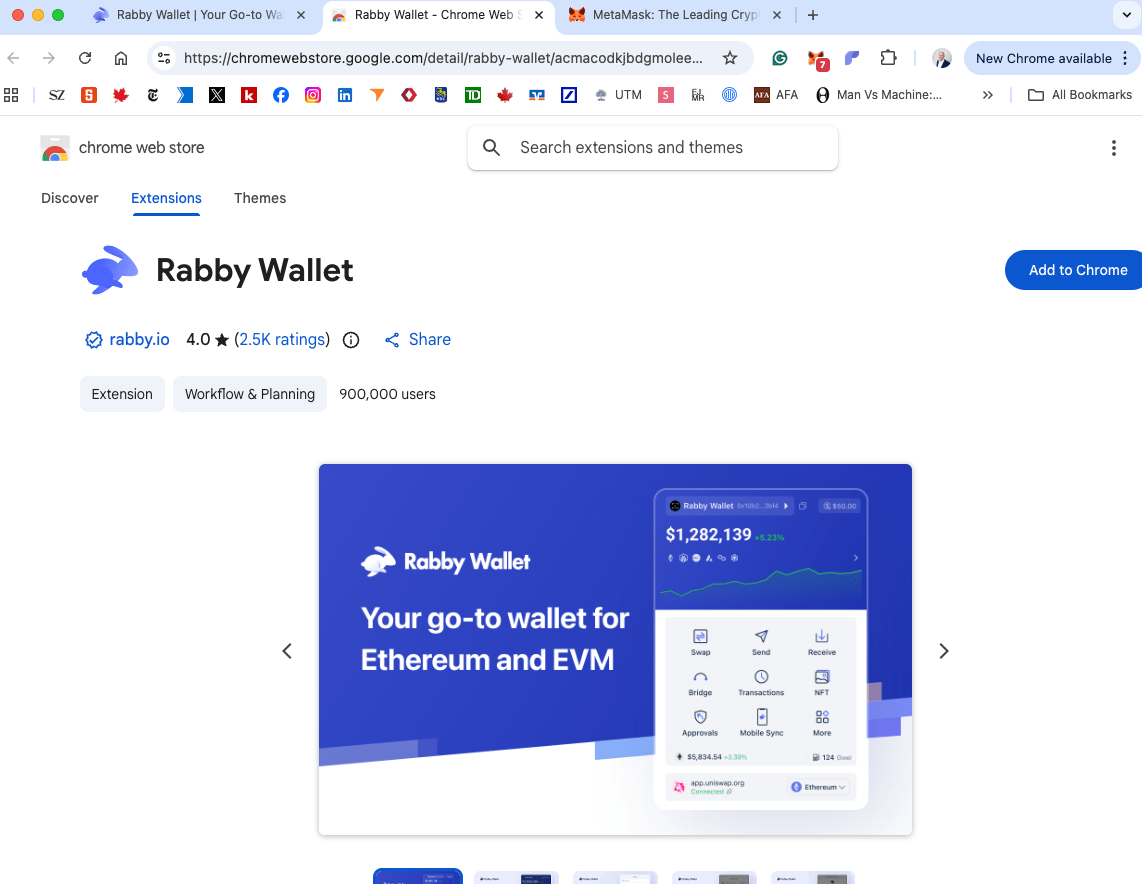
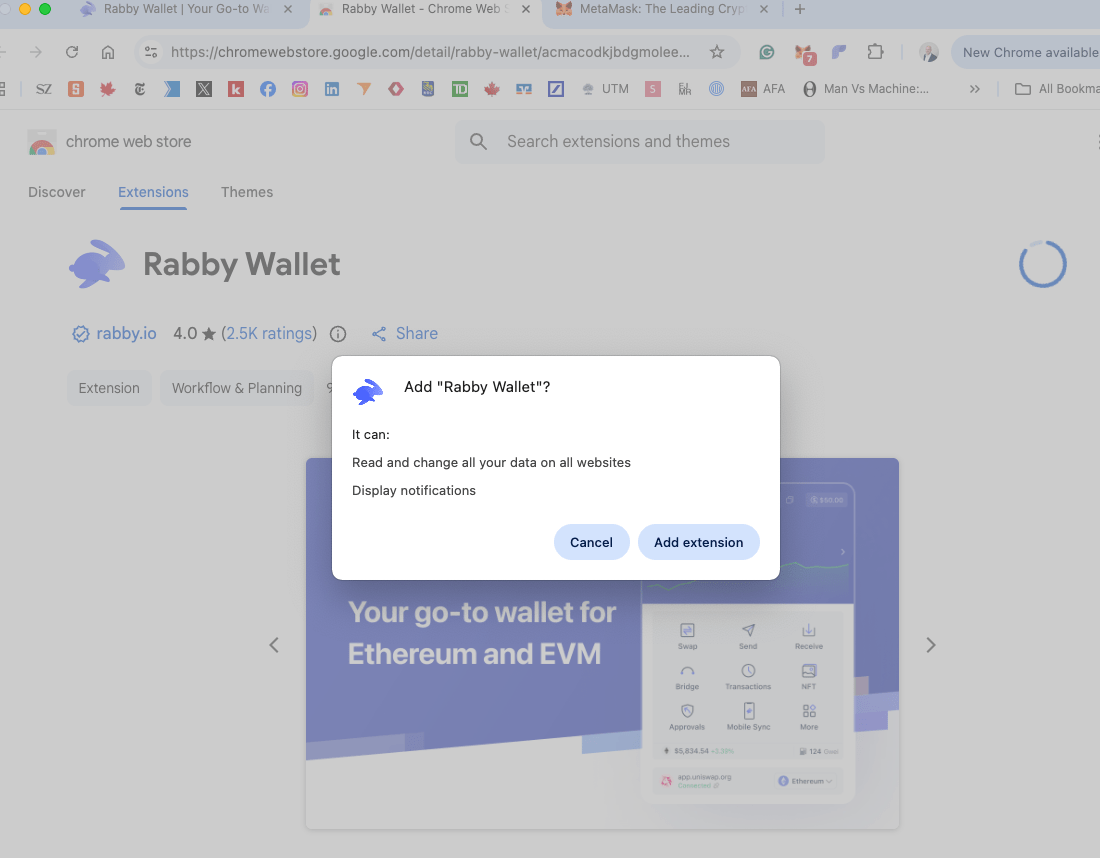
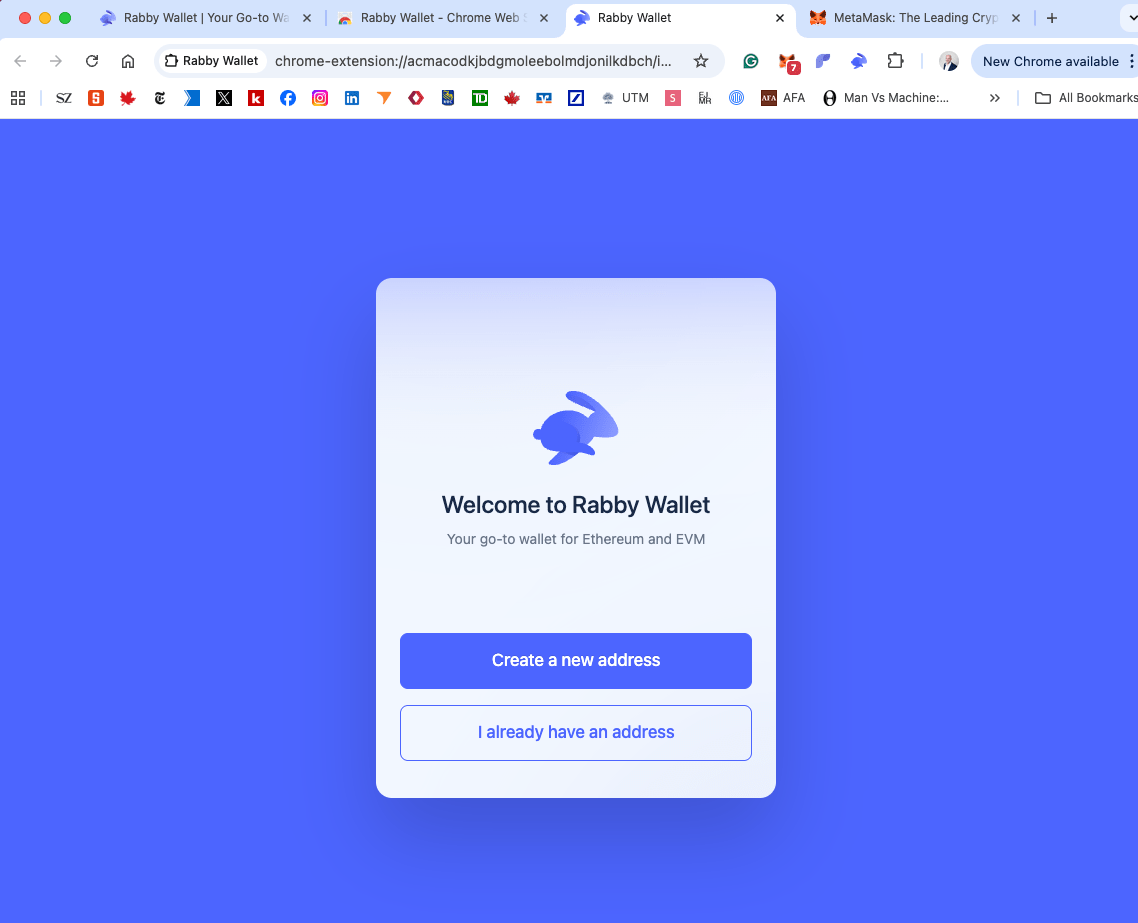
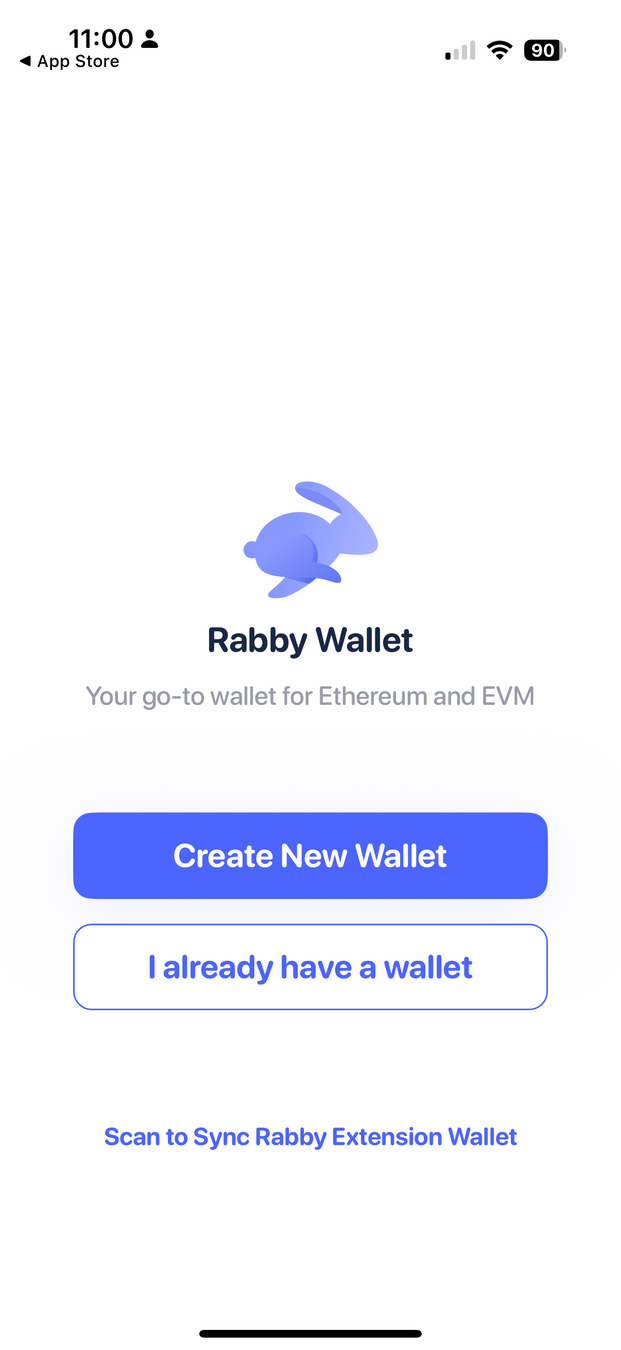
    • You will obtain/install a wallet
    • Receive funds from me.
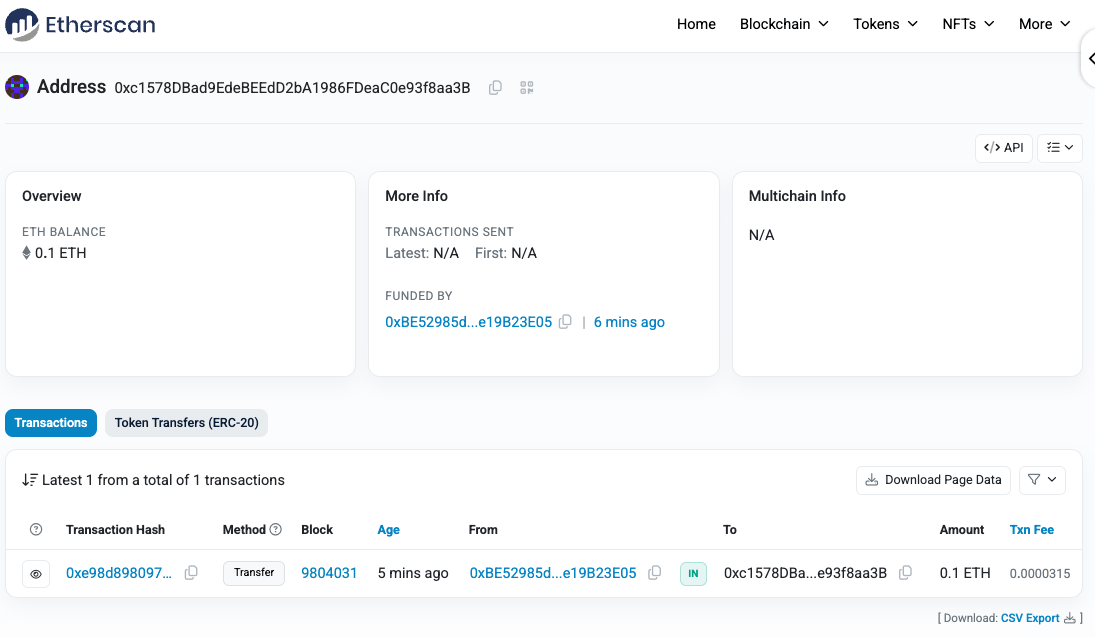
    • Check your info on Etherscan.
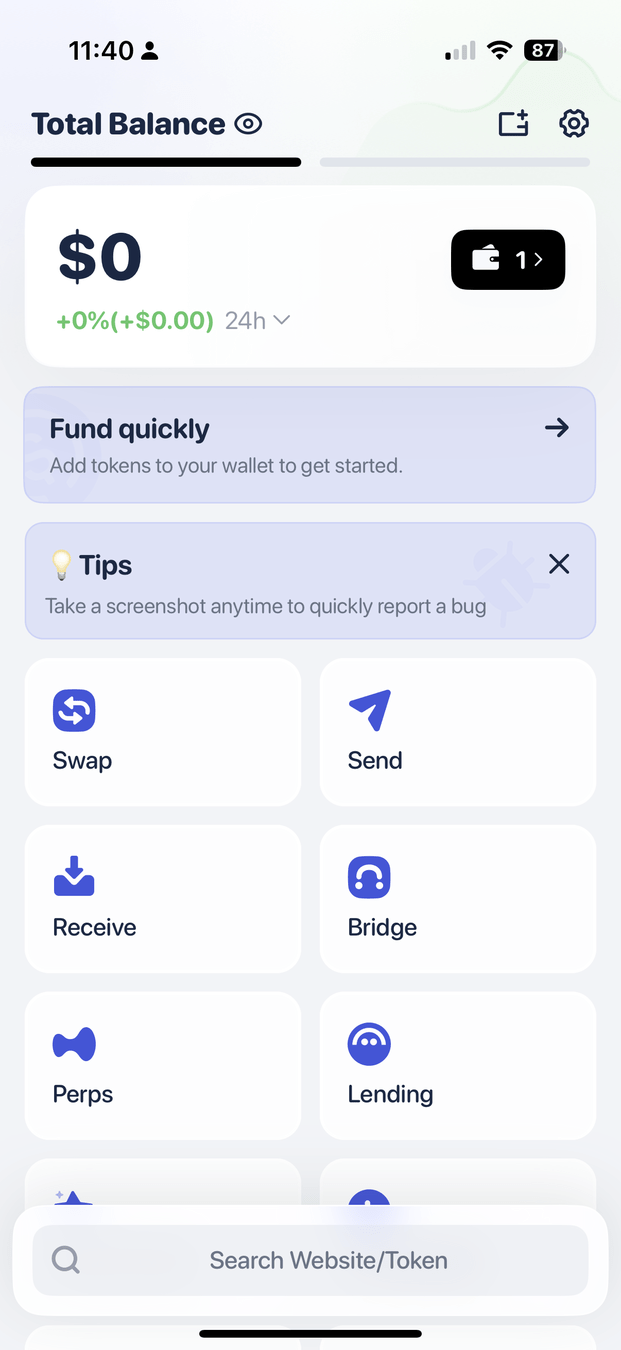
    • Optional: copy your wallet to your phone.
    • Make a transfer to one person.
    • Use a smart contract.

Notes

  • We will use the Ethereum Sepolia testnet.
  • This system is maintained by volunteers to allow developers to test applications.
  • It is a bit finicky and not all functions work well all the time - please be patient. It is similar but slightly worse than the "real thing."
  • The assets will have no value - the environment is entirely simulated.

Websites that we are using

How do you own a blockchain asset? Addresses, Accounts, Wallets, and Public/Private Keys

Smart contract accounts

  • controlled by code
  • decentralized applications
  • tokens

Externally owned accounts

controlled by private keys

private
key

public
key

seed phrase

public
address

wallet = software to keep and use private keys

Part 1: Wallet Creation

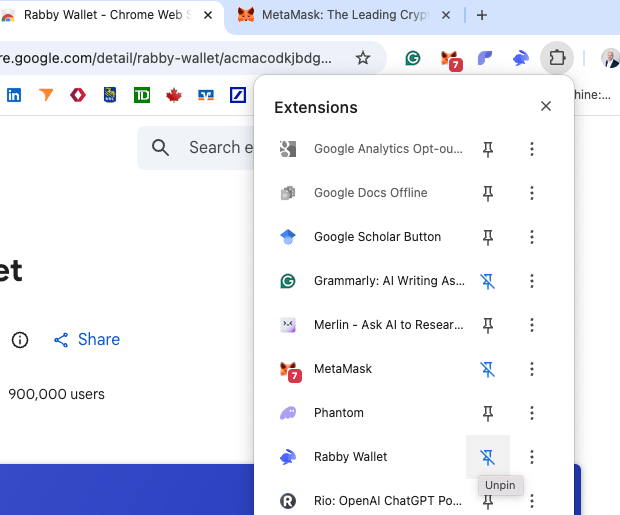
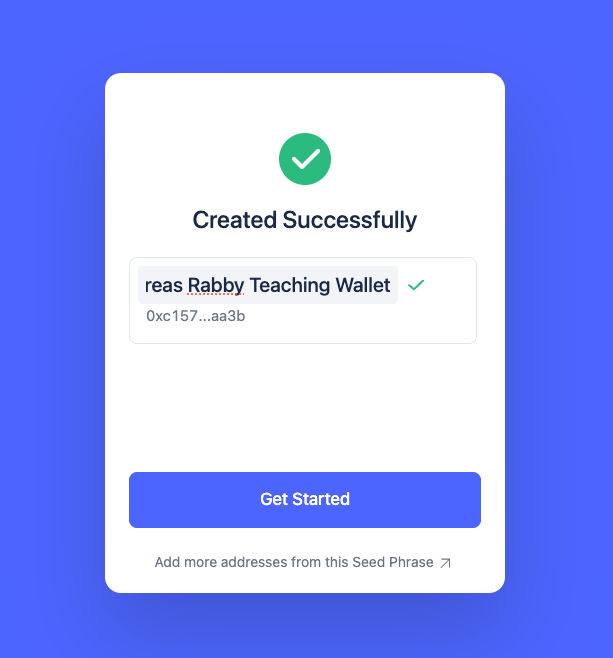
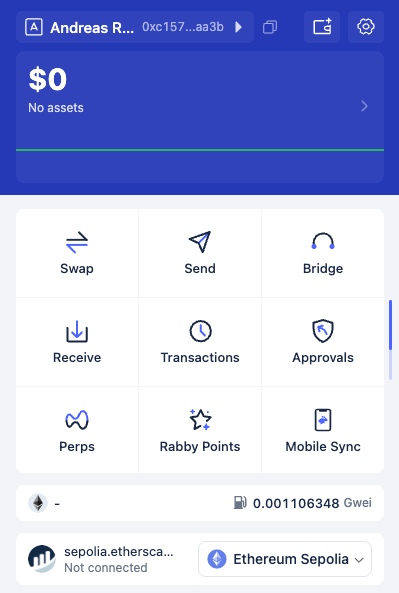
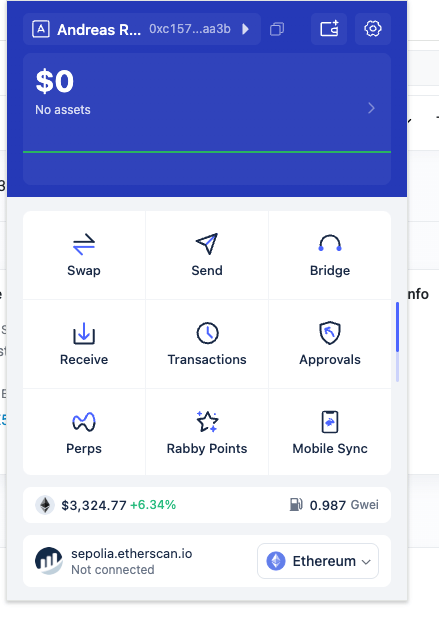
"pin" the wallet so you can see it

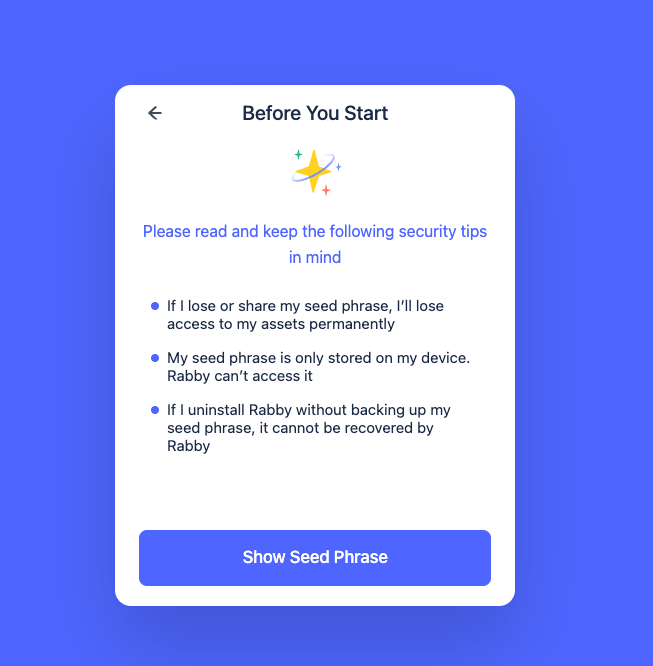
  • the seed phrase creates the private key for your wallet
  • you should copy it, print it multiple times, and keep it at a safe space.
  • never save it into the downloads or documents folders! (that's where hackers will look first)

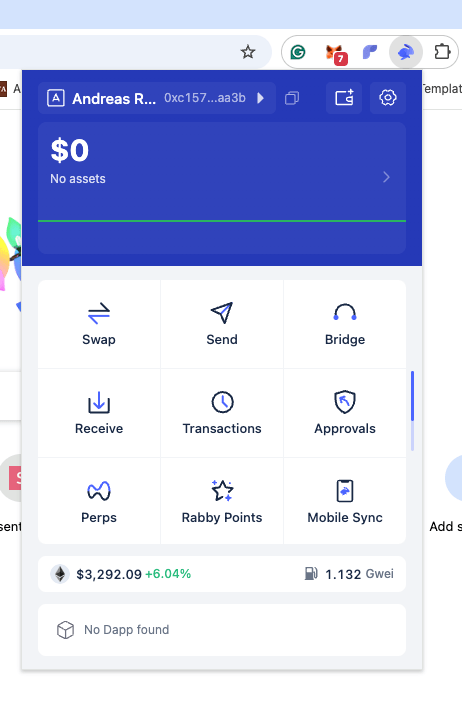
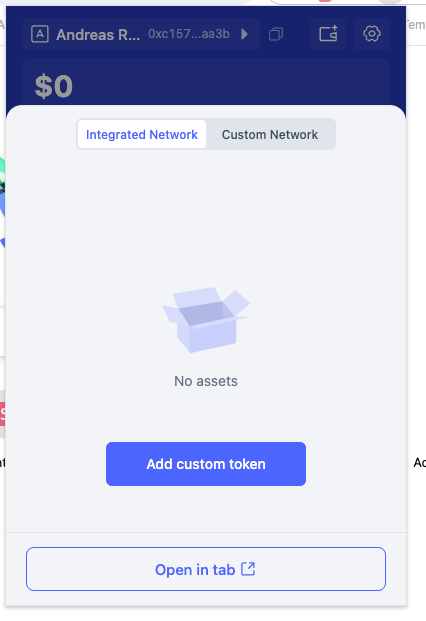
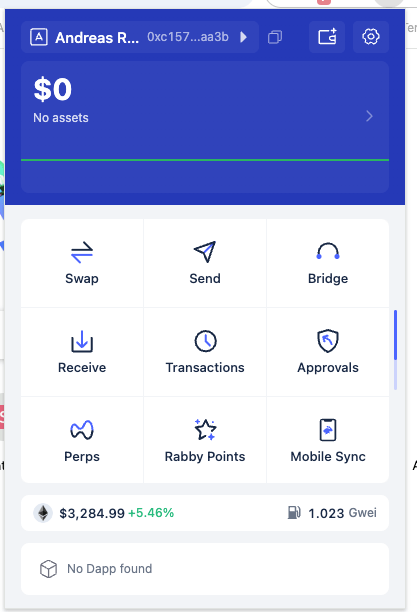
click on the symbol to see your wallet

  • this is your wallet address = account number
  • click on the copy symbol to copy this address
  • paste it into the google sheet, please
  • please click here
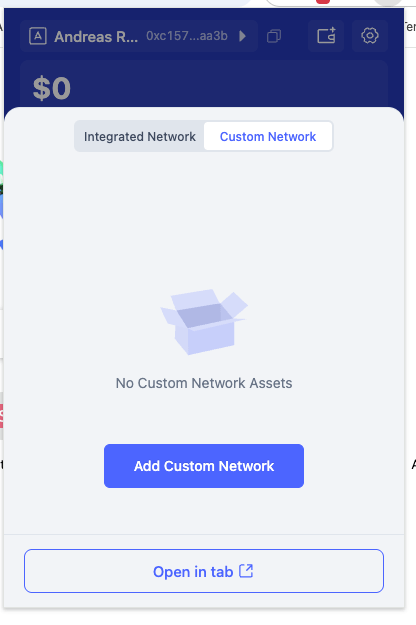
  • now please click on custom network
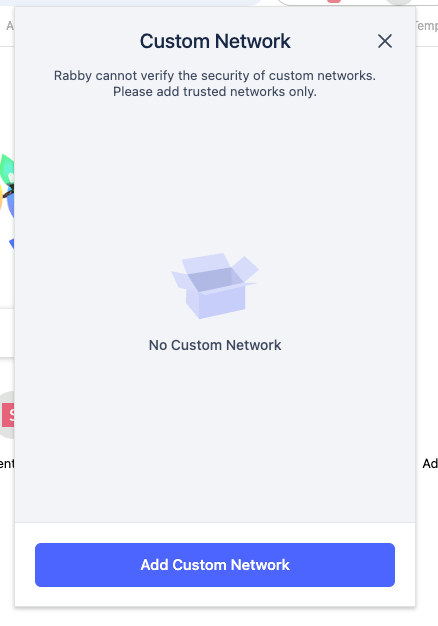
  • now click on  Add Custom Network
  • and again...
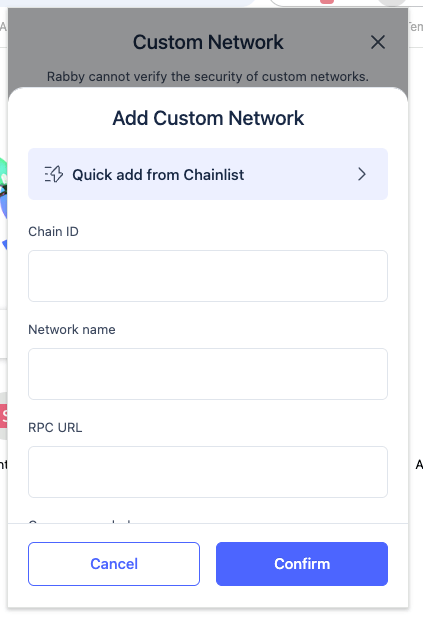
  • now here
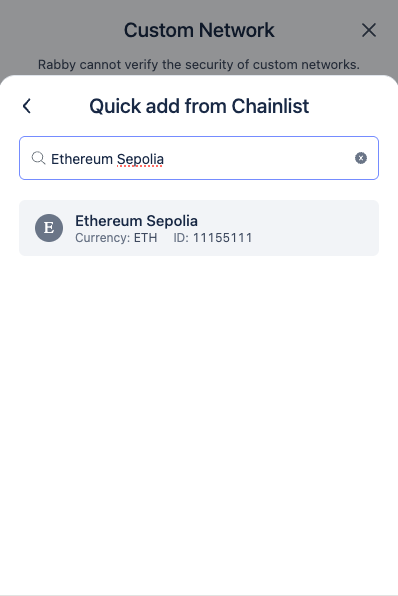
  • type: "Ethereum Sepolia"
  • click on the result
  • and confirm when prompted
  • I will send you testnet SepoliaETH tokens
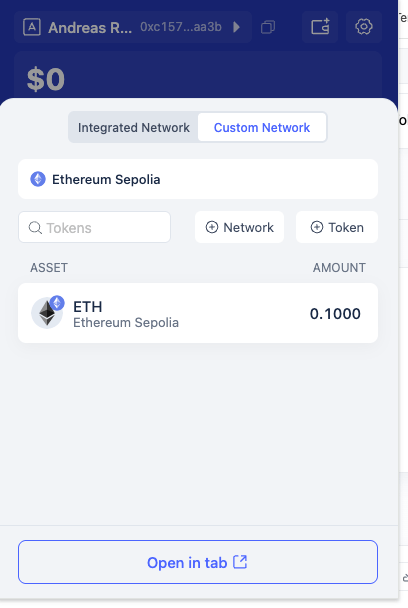
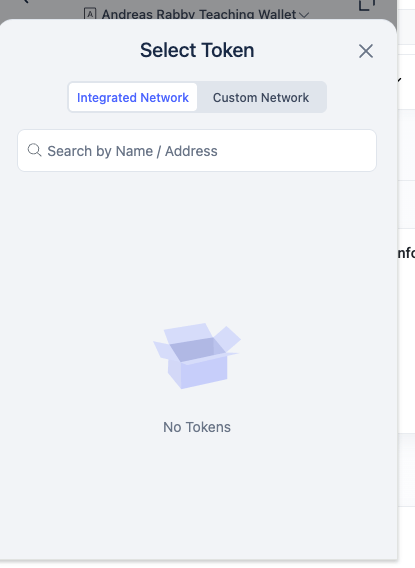
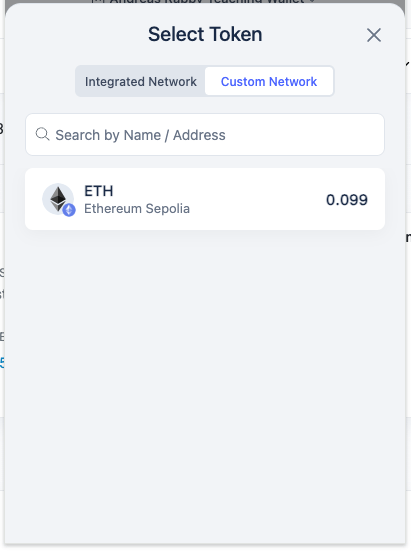
  • click again on "assets"
  • then custom network
  • should show you a positive amount (sent by me)
  • may take a little bit to be picked up by the wallet
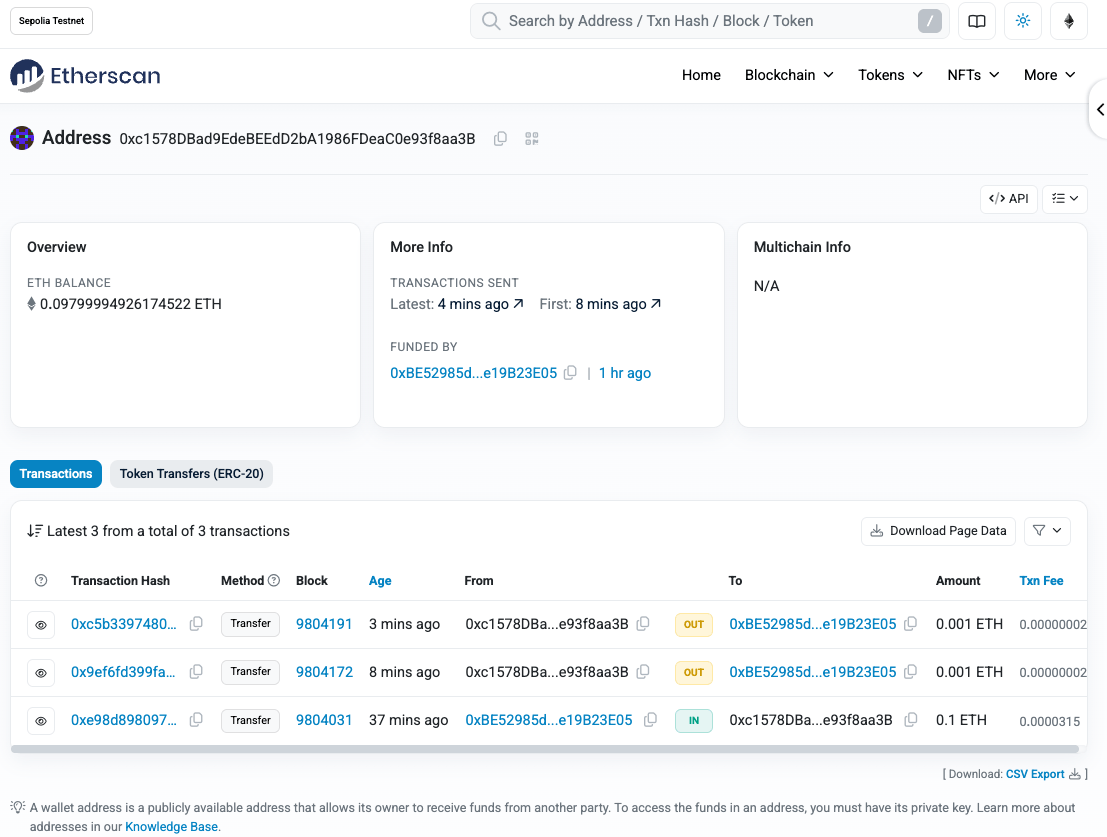
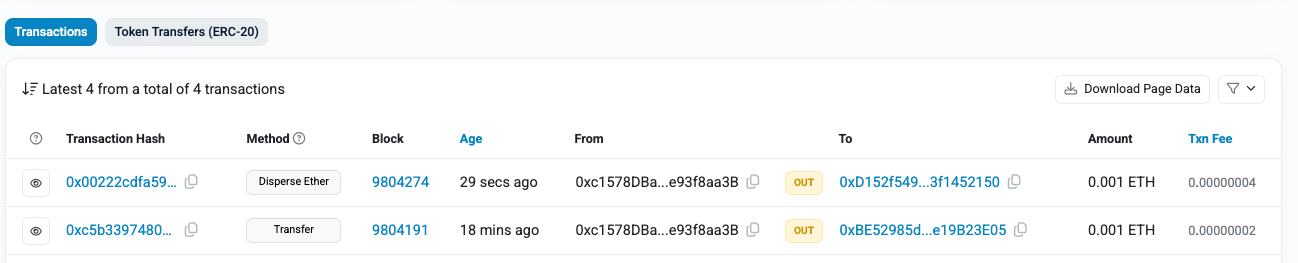
  • you can check for your own wallet's activities
  • copy your wallet address
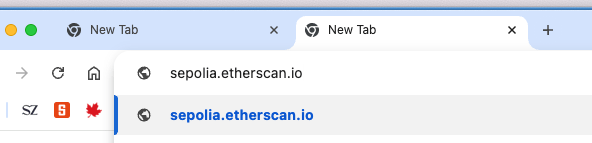
  • navigate to sepolia.etherscan.io
  • paste your address
  • the funding transaction from me
  • this is my address
  • click on it to see all my transactions

Part 2: Sending Funds

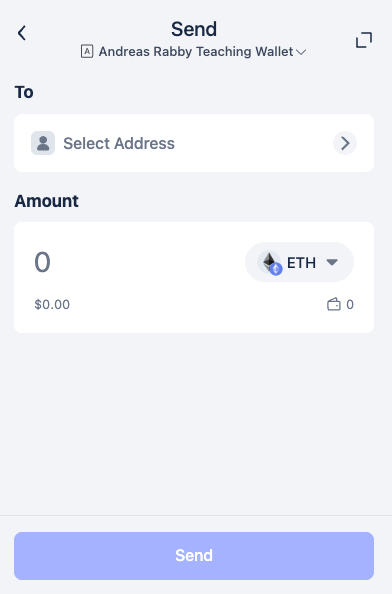
Sending funds

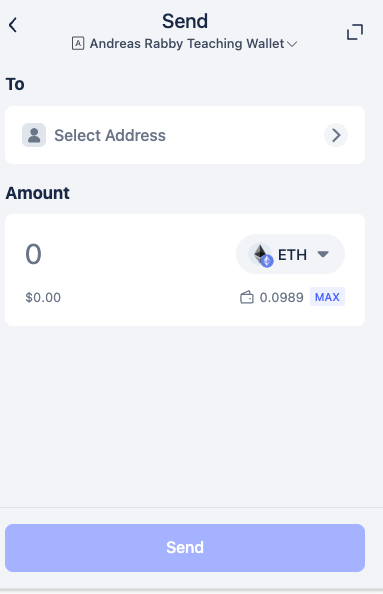
  • copy-paste an address from the google-sheet
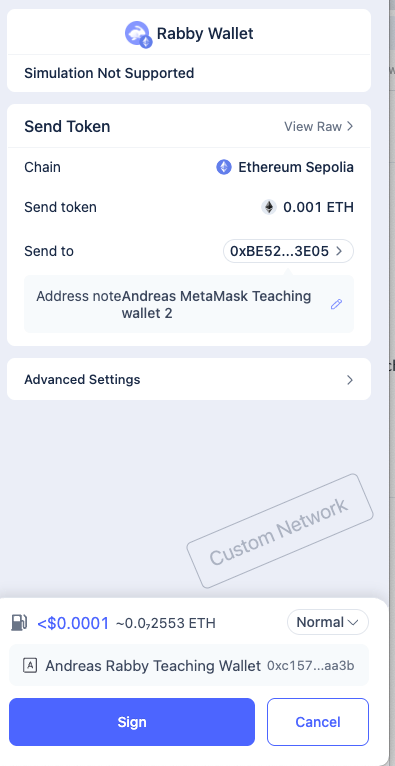
  • send a very, very small amount (0.0001)
  • follow the steps (may require several confirms)
  • return to the Etherscan website and reload to see your transaction

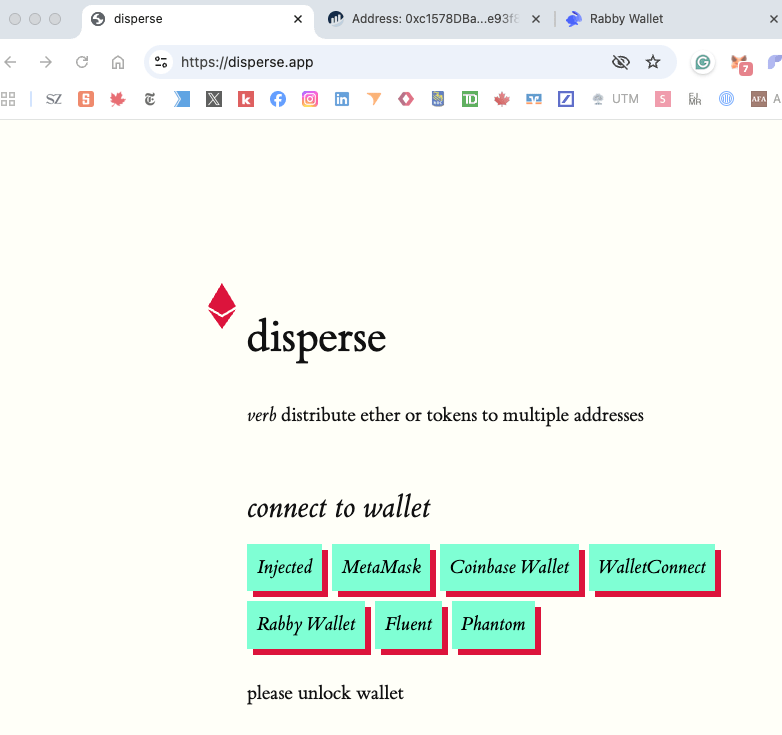
Part 3: Using a Smart Contract (Airdrop)

Using a simple smart contract

  • click and confirm with the popup
  • you are now using "web3"
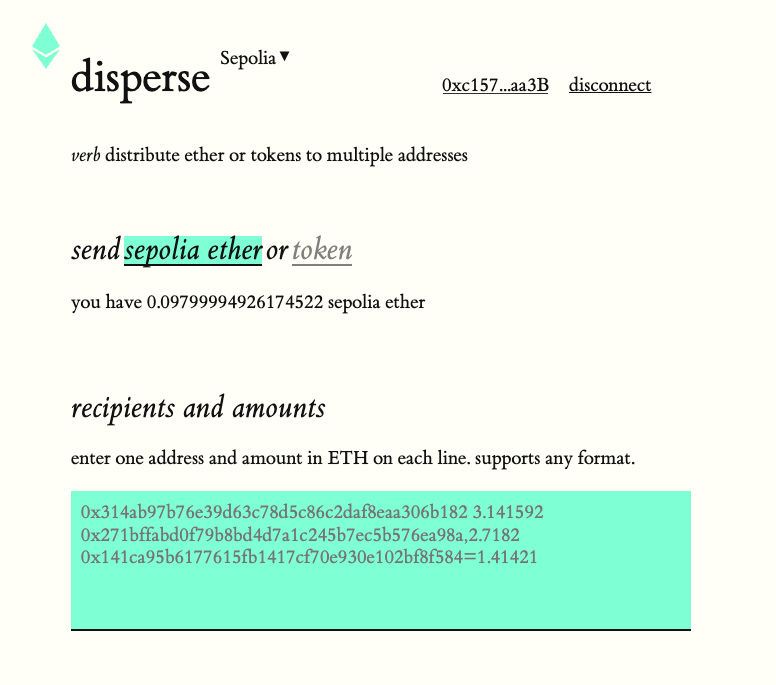
  • the default network is Ethereum
  • change this here to Sepolia (type it)
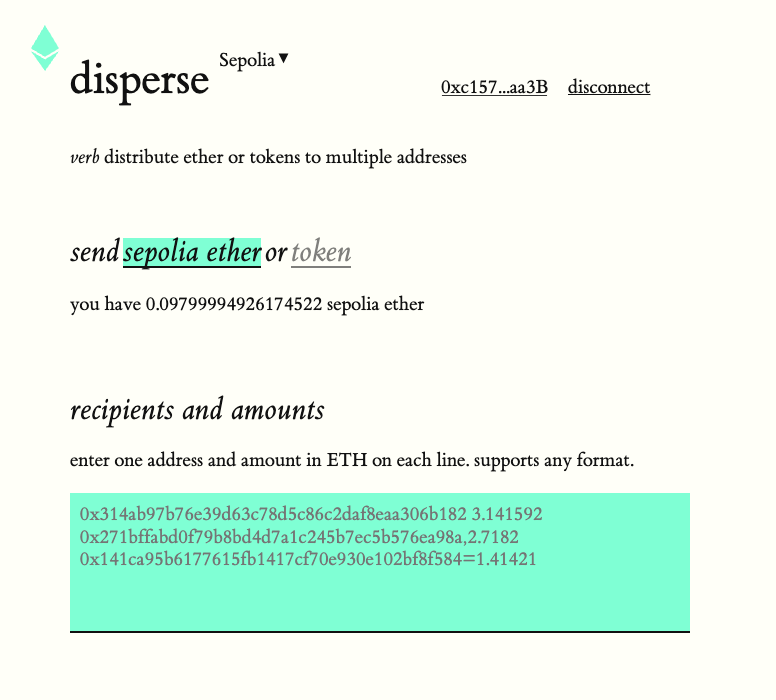
  • navigate to the google sheet
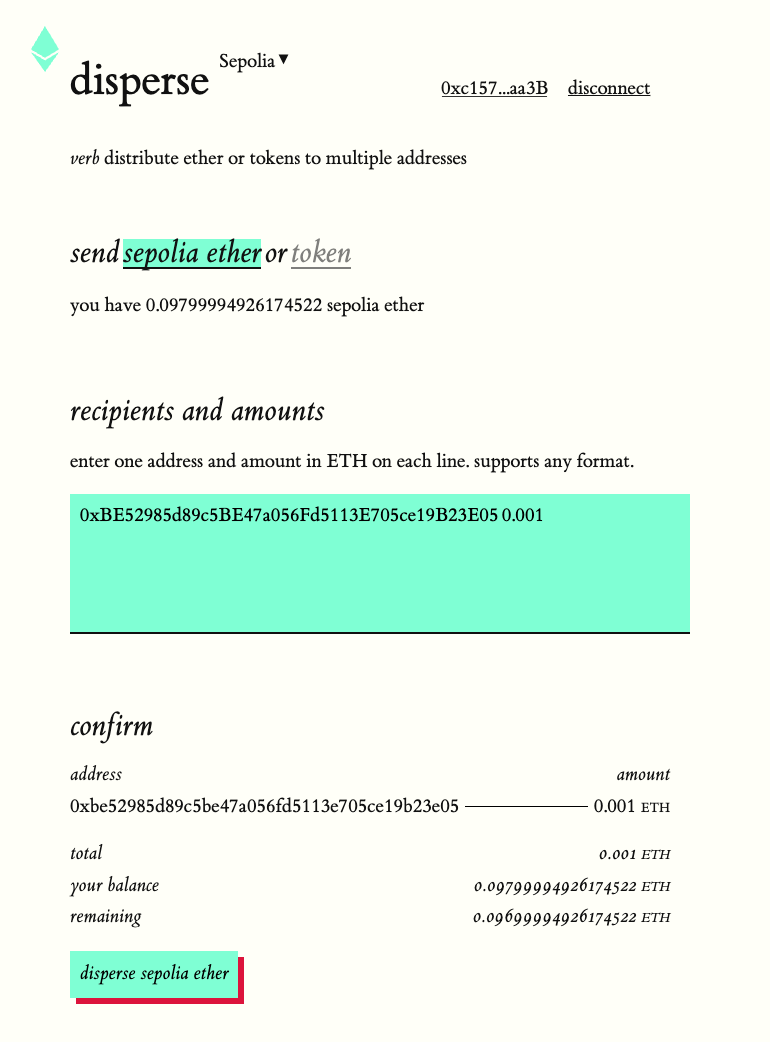
  • copy-paste some addresses and the column next to it with amounts
  • click here and follow steps in the wallet to confirm
  • you have now performed an "airdrop"
  • check back to Etherscan

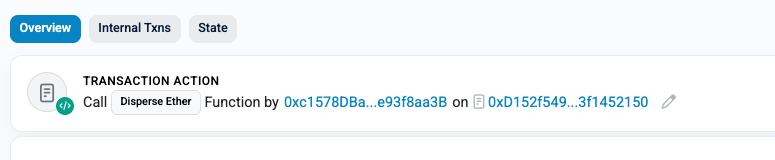
click on the transaction

  • you'll see this at the top of the page
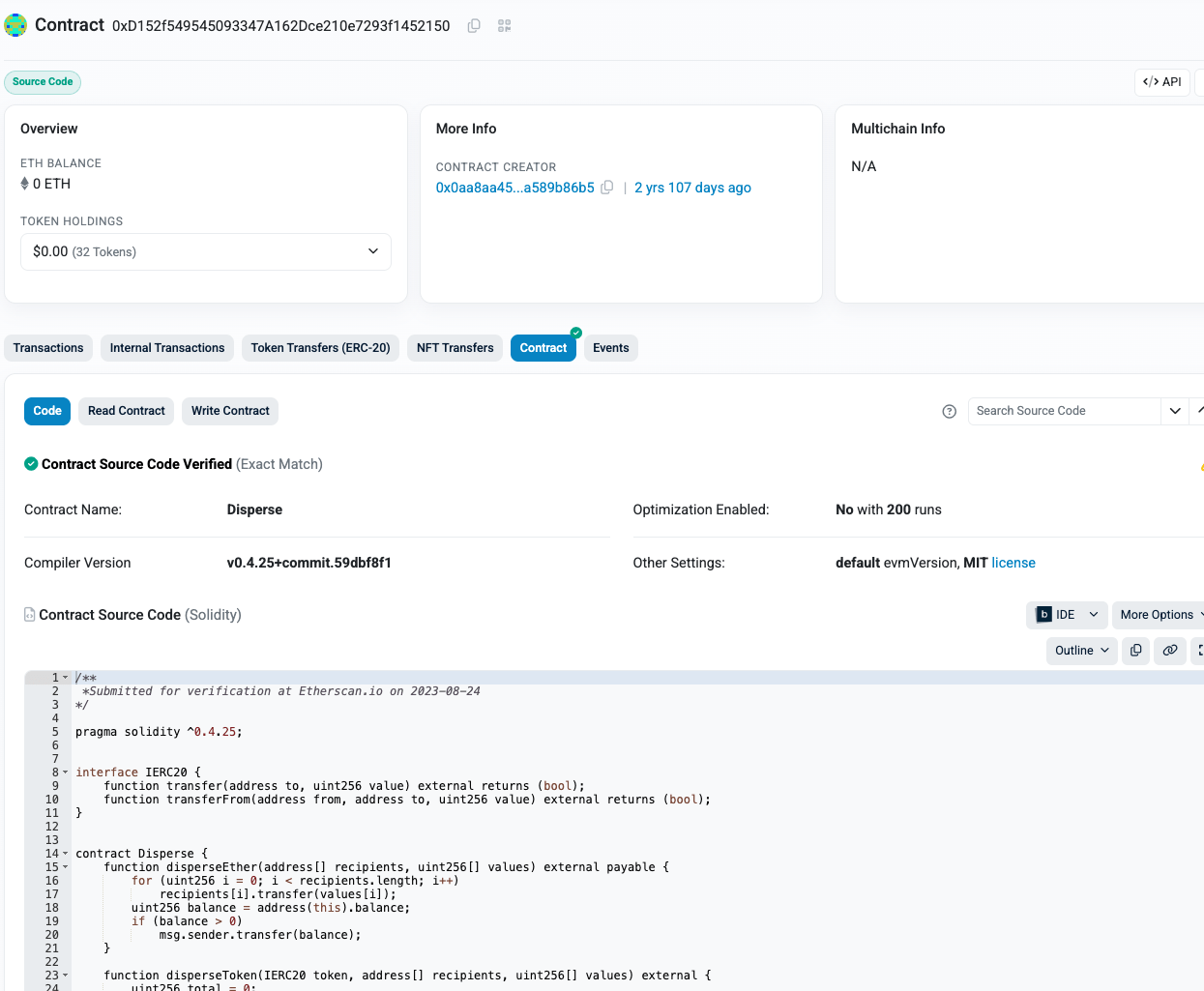
  • this address is the "disperse" smart contract - click on it
  • you can browse the contract code here

Part 4: Connecting the Mobile Wallet

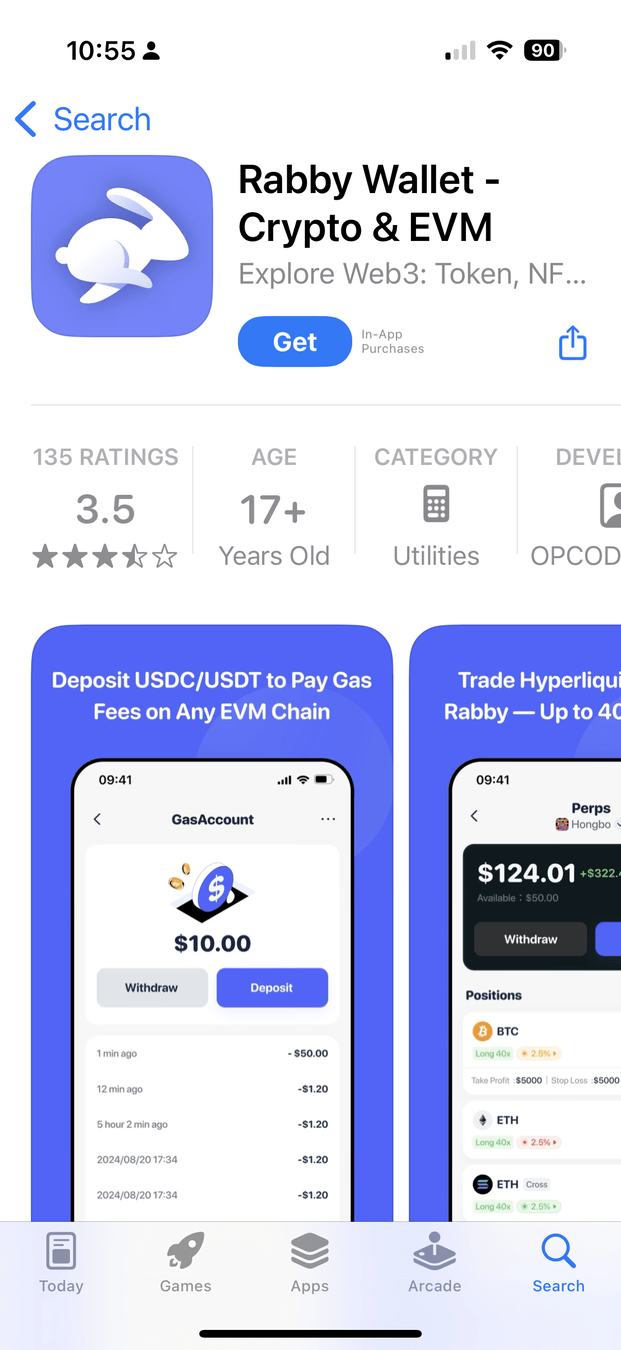
Optional: iOS wallet

  • click here if you want to link your desktop app
  • click here
  • follow the steps on your phone and desktop (self-explanatory)

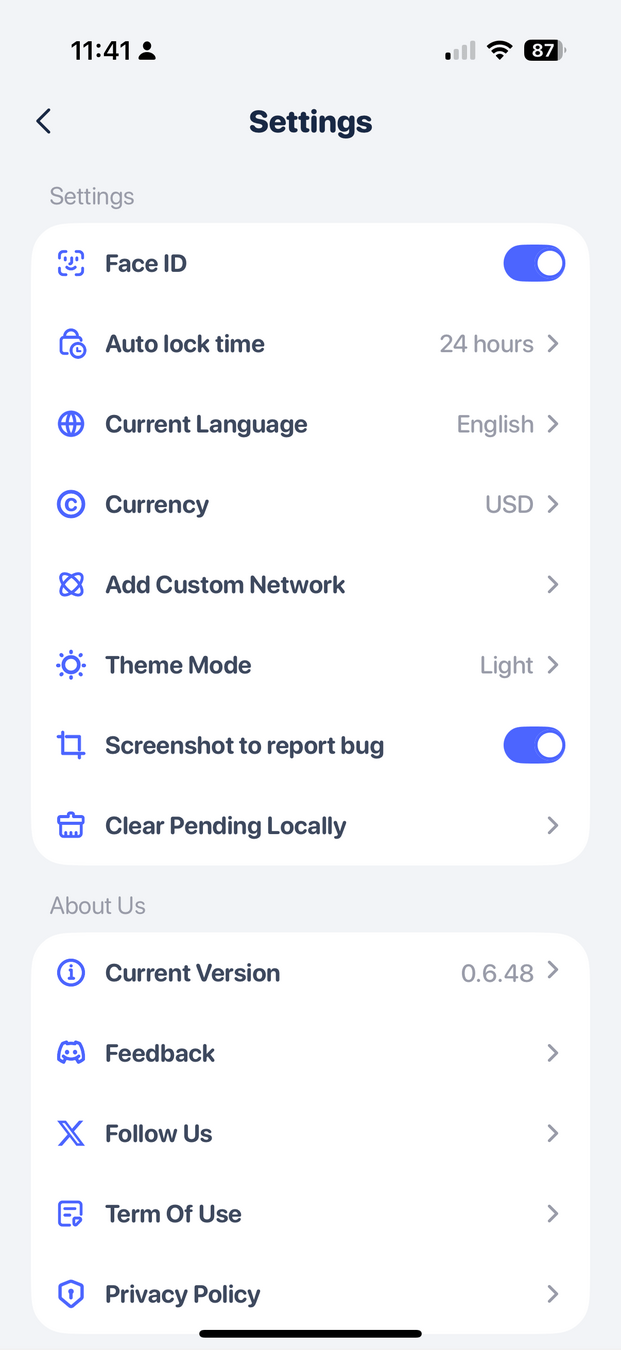
you may want to add Sepolia here like on the desktop

Please note that the wallet may not show you your Sepolia holdings but you can definitely see them when you use "send"

OSC Blockchain Training 2025-26 Interactive Exercise I

By Andreas Park

OSC Blockchain Training 2025-26 Interactive Exercise I

Participants create a blockchain wallet, obtain test tokens, and conduct transactions on Ethereum’s Sepolia test network.


  • 7