









Gleb Bahmutov PRO
JavaScript ninja, image processing expert, software quality fanatic
C / C++ / C# / Java / CoffeeScript / JavaScript / Node / Angular / Vue / Cycle.js / functional programming / testing
🌎 🔥 350.org 🌎 🔥 citizensclimatelobby.org 🌎 🔥
If you like it,
Put a
💍test on it...
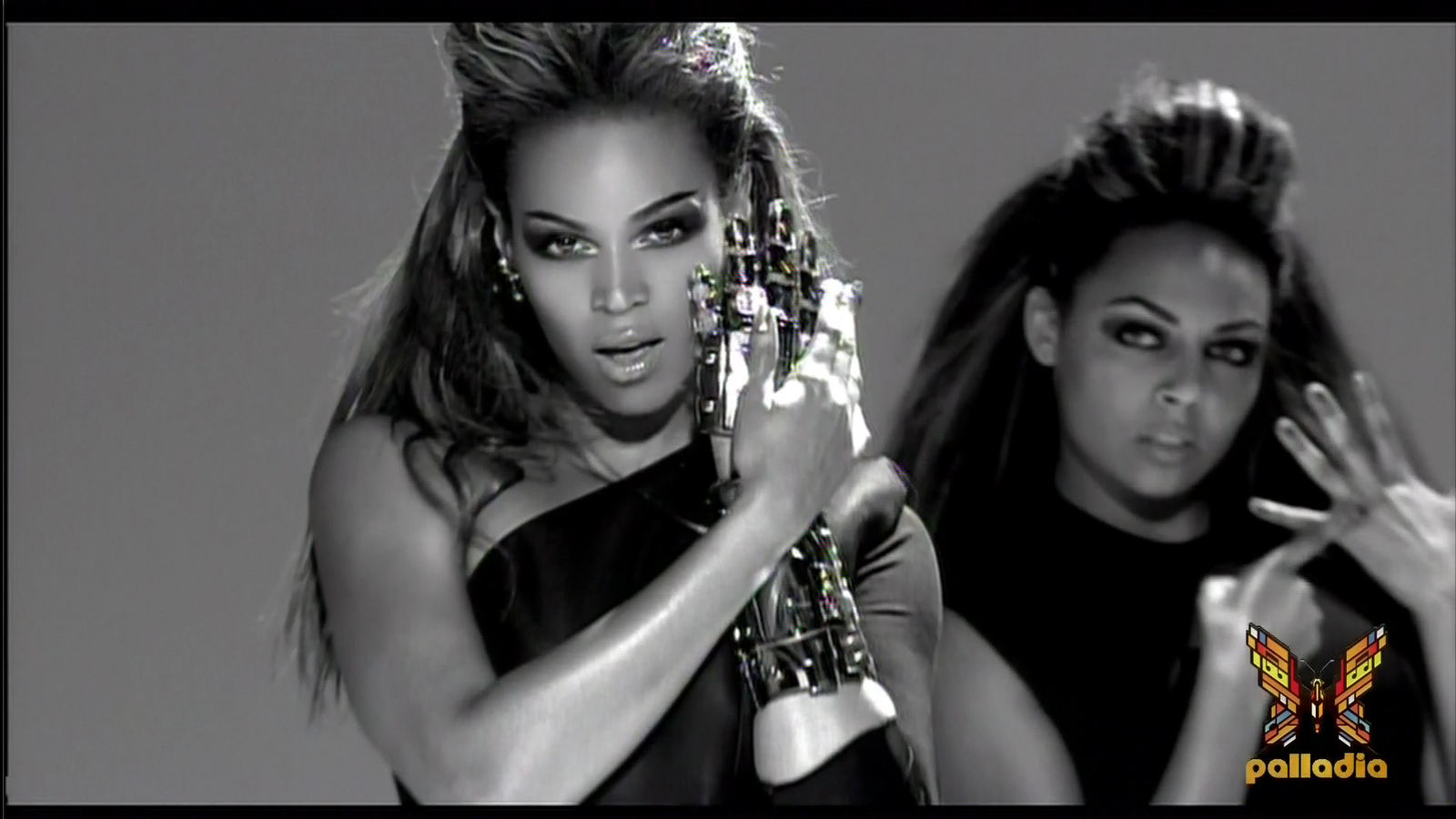
Gleb Beyonce Bahmutov
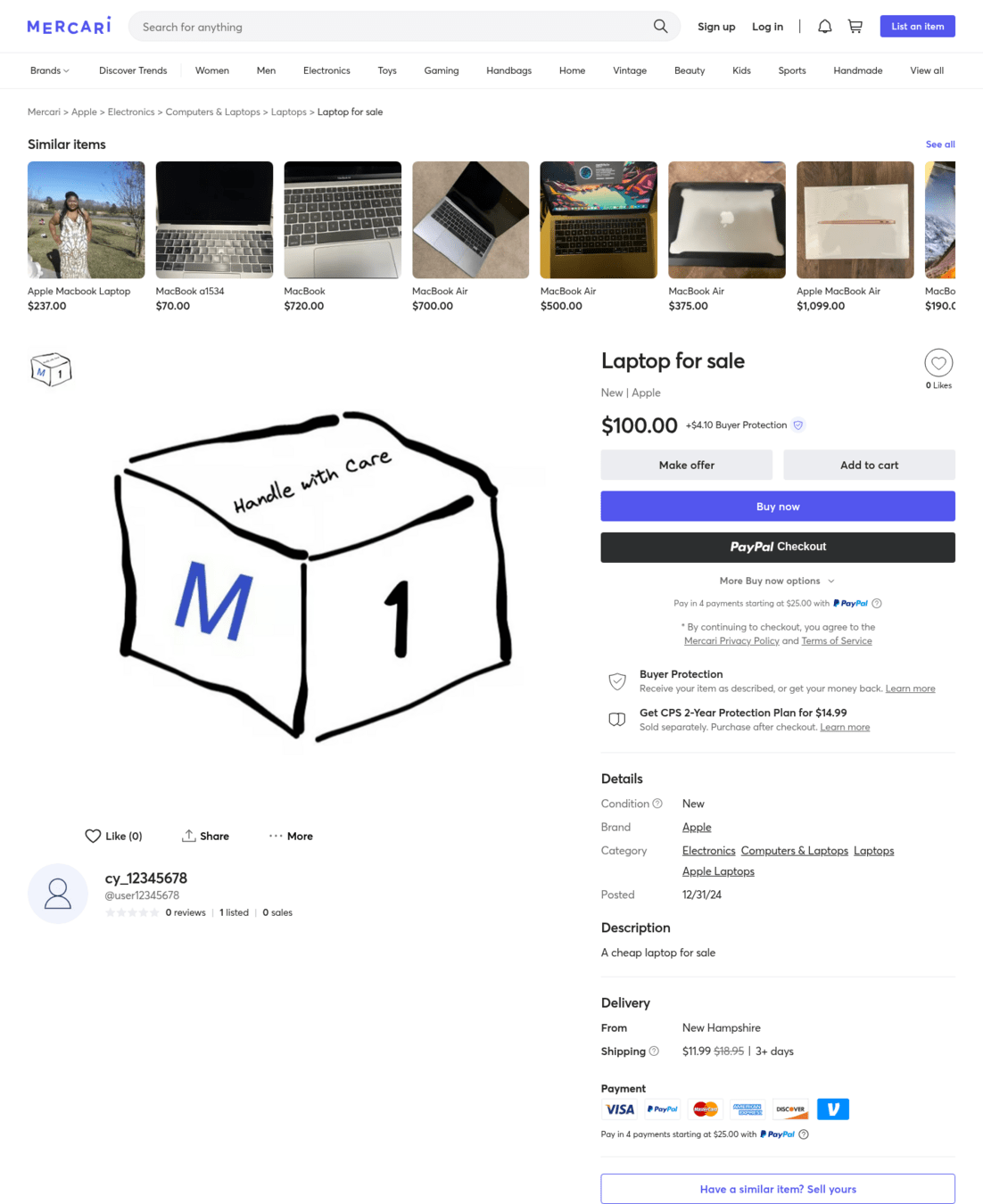
A typical Mercari US Cypress E2E test
Great!
expensive
Humans are human
cy.get('#price')
  .should('be.visible')
.and('have.text', '$100.00')// once we are done with visual diffing, check accessibility
// https://github.com/sclavijosuero/wick-a11y
cy.checkAccessibility(undefined, {
includedImpacts: [],
onlyWarnImpacts: ['critical', 'serious'],
})cy.byTestId('ItemDetailsSellerUserName', userName).invoke(
'text',
'@user12345678',
)
cy.byTestId('ItemDetailsPosted', /^\d\d\/\d\d\/\d\d$/)
// replace the date with a fixed value
.invoke('text', '12/31/24')
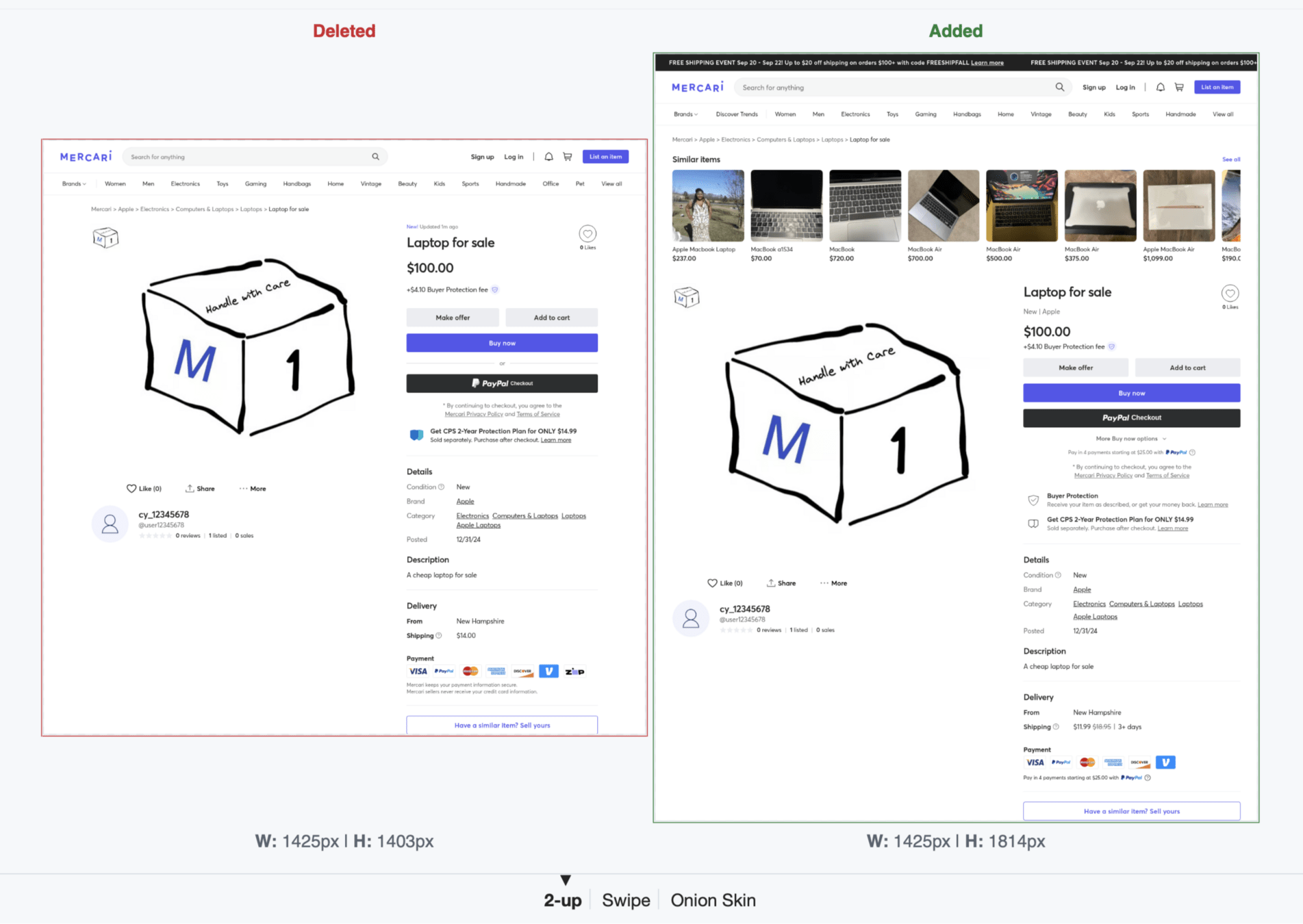
cy.imageDiff('listing-guest-page', {
...VISUAL_TESTING.DESKTOP_COMPARISON_OPTIONS,
ignoreElements: tid('ItemDetailSimilarItemFeed'),
diffPercentage: 0.03,
})cy.byTestId('ItemDetailsSellerUserName', userName).invoke(
'text',
'@user12345678',
)
cy.byTestId('ItemDetailsPosted', /^\d\d\/\d\d\/\d\d$/)
// replace the date with a fixed value
.invoke('text', '12/31/24')
cy.imageDiff('listing-guest-page', {
...VISUAL_TESTING.DESKTOP_COMPARISON_OPTIONS,
ignoreElements: tid('ItemDetailSimilarItemFeed'),
diffPercentage: 0.03,
})dealing with data
storing and updating gold images
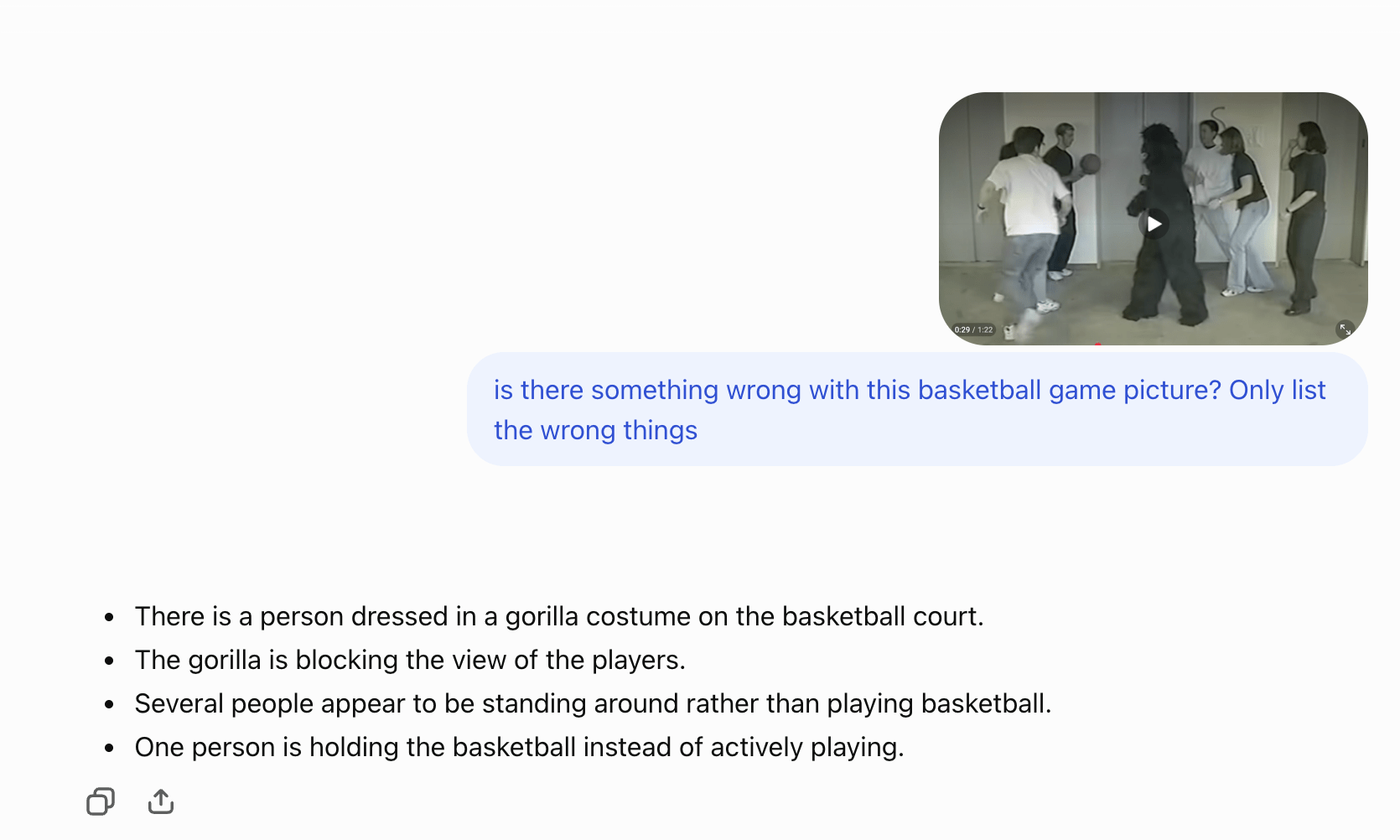
ChatGPT.com
ChatGPT.com
Spot on
ignore
cy.location('pathname').should('equal', '/mypage/profile/')
cy.byTestId('ProfilePartial').should('be.visible')
cy.checkViewportUsingAi({
  label: 'user profile edit',
})const { screenshotName, specName, fullTestName } = getScreenshotName(label)
let filename: string
cy.wrap($el, { log: false })
.screenshot(screenshotName, {
// use extra padding, otherwise AI analysis always complains
// that the element is too close to the edge of the image
padding,
overwrite: true,
onAfterScreenshot($el, props) {
filename = props.path
},
})
.then(() => {
// call Node.js code
doImageAnalysis(...)
})inside cy.checkViewportUsingAi
const instructions = `
	look at the provided image of the web page.
	find any layout or position visual issues that might be present in the web page.
	do not list issues related to whitespace unless they are significant.
	for each issue, label its severity as either "critical", "major", or "minor".

    ${
    	additionalInstructions
    	? `Also, consider the following additional instructions: ${additionalInstructions}`
    	: ''
    }
`

const input = [
  {
    role: 'user',
    content: [
      {
        type: 'input_image',
        image_url: imageDataUri, // screenshot base64 encoding
      },
    ],
  },
]
const answer = await callLiteLLM(instructions, input)
LiteLLM https://www.litellm.ai/
Currently using gpt-5.5
cy.byTestId('DeliveryMethod').should('be.visible')
cy.byTestId('DeliveryMethod').checkUsingAi({
  label: 'Delivery method initial',
  minErrorLevel: 'minor',
  mode: 'warn',
  padding: 5,
})
functional assertion first
visual assertion second
.checkUsingAi({
  label: 'Delivery method initial',
  minErrorLevel: 'minor',
  mode: 'warn',
  padding: 5,
})
Human-readable label for the component or page
.checkUsingAi({
  label: 'Delivery method initial',
  minErrorLevel: 'minor',
  mode: 'warn',
  padding: 5,
}).checkUsingAi({
label: 'Delivery method initial',
minErrorLevel: 'minor',
mode: 'warn',
padding: 5,
}).checkUsingAi({
label: 'Delivery method initial',
minErrorLevel: 'minor',
mode: 'warn',
padding: 5,
})Minor error: an extra line on the top of the component
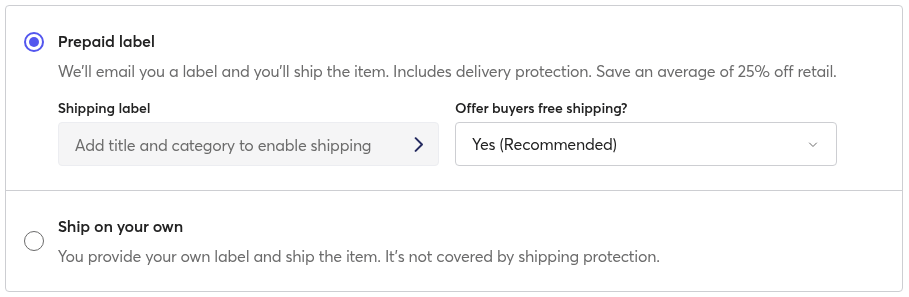
The radio button for the “Ship on your own” option is vertically misaligned; it sits noticeably lower than the option title and is inconsistent with the selected radio button above, which aligns with its title.
The first “Shipping label” field uses a right-facing chevron while the adjacent select field uses a down caret, creating an inconsistent control appearance/alignment for similar dropdown-style inputs.
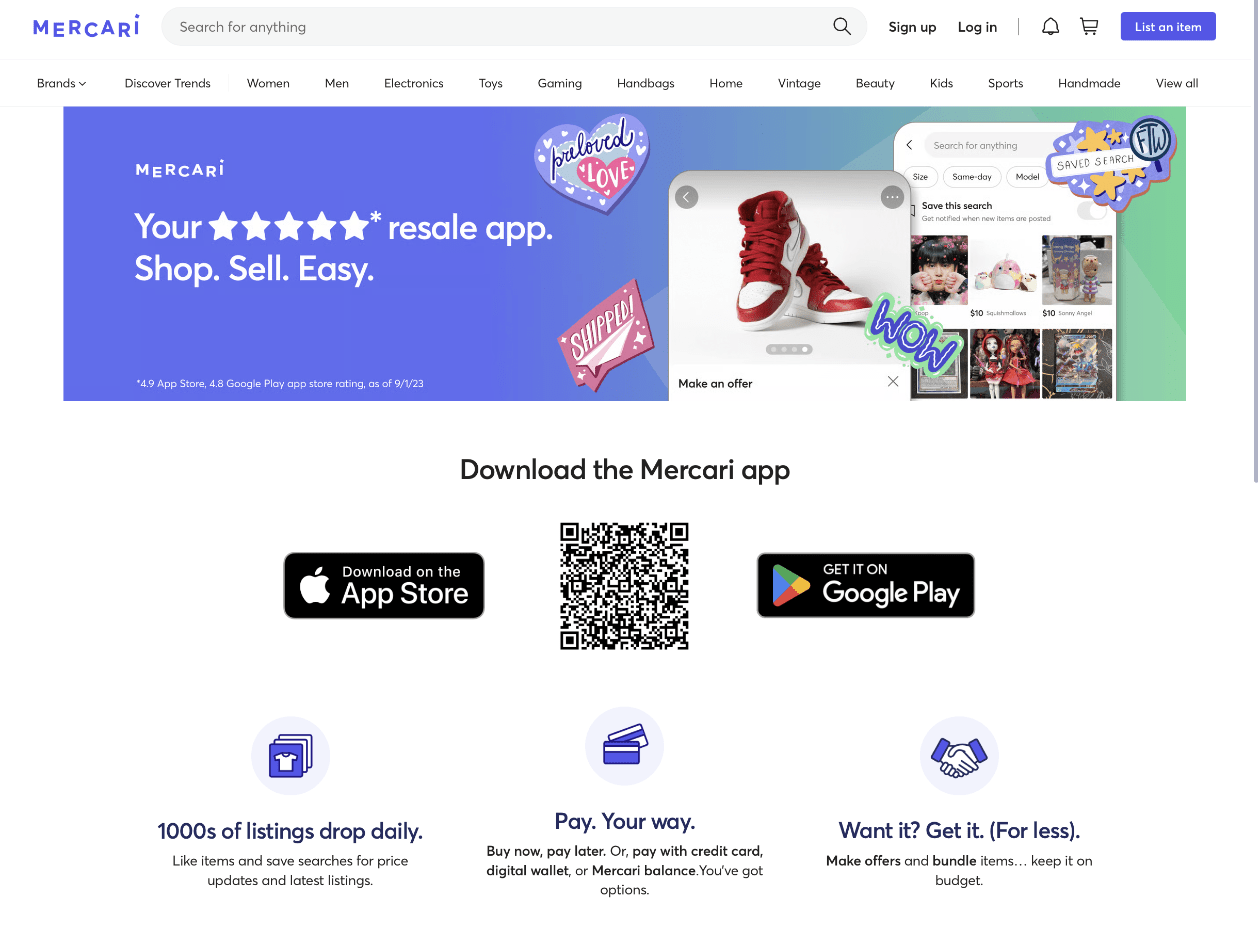
major: Missing space between "Mercari balance." and "You've', causing the text to run together as "balance.You've".
SellPage.visit()
cy.byTestId('DeliveryMethod').checkUsingAi({
  label: 'Delivery method initial',
})
SellPage.addCategory()
hasShippingRecommendationApplied()
cy.byTestId('DeliveryMethod').checkUsingAi({
  label: 'Delivery method picked',
})cy.get('header').invoke('remove')
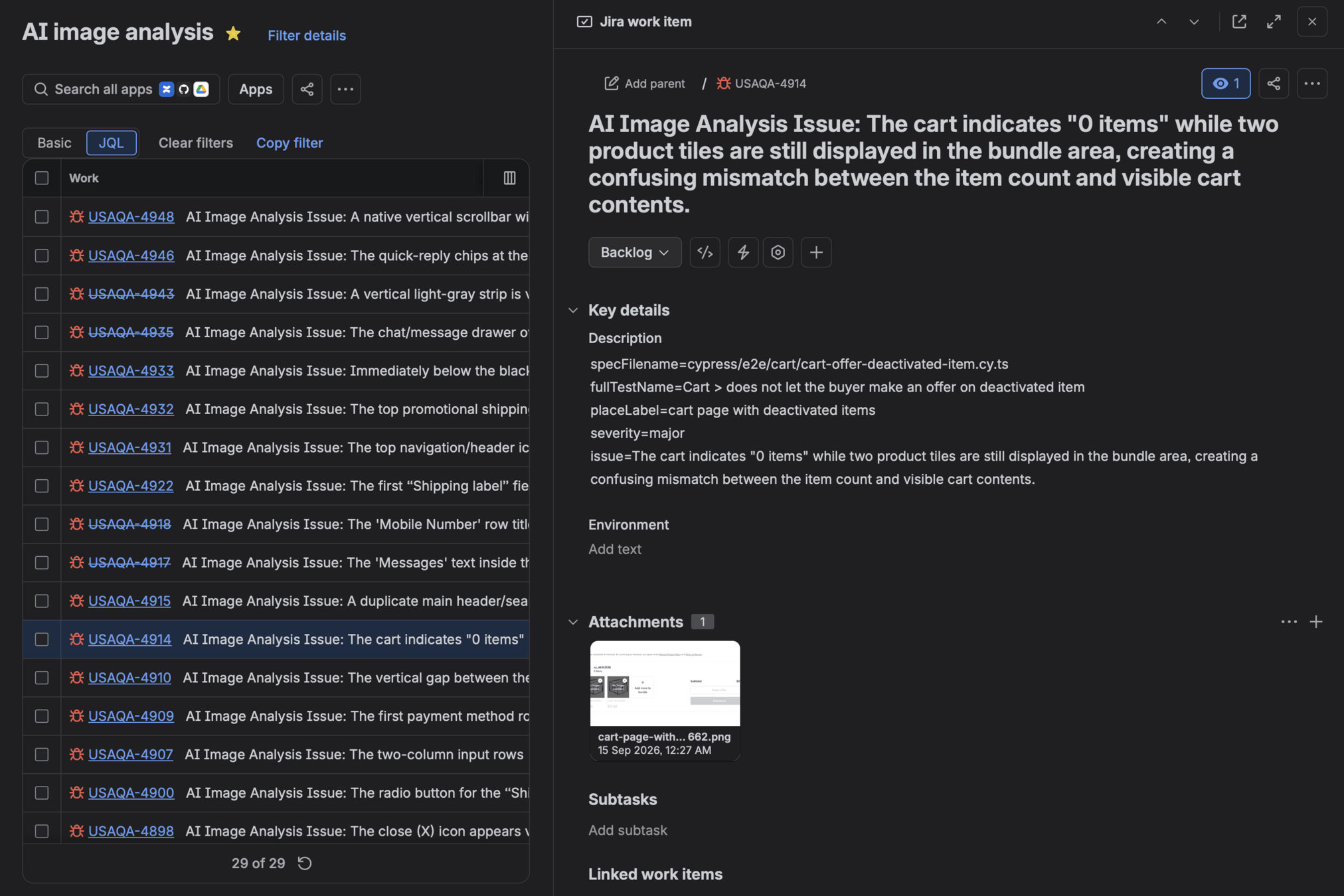
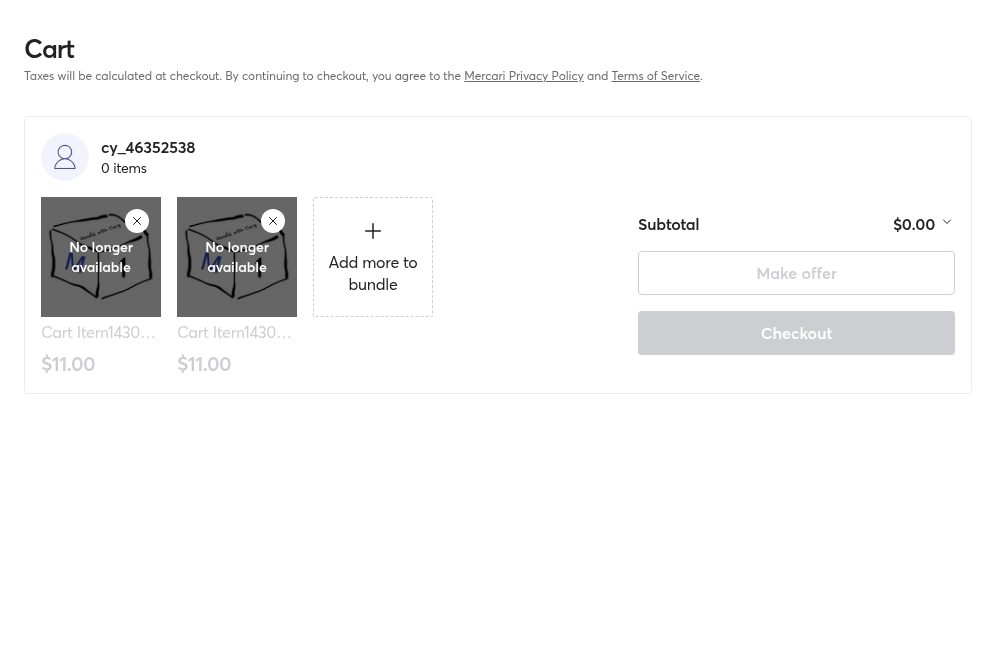
cy.byTestId('CartPageWrapper').checkUsingAi({
label: 'cart page',
padding: 0,
mode: 'warn',
})cy.hideScrollbars()
cy.checkViewportUsingAi({
label: 'user profile edit',
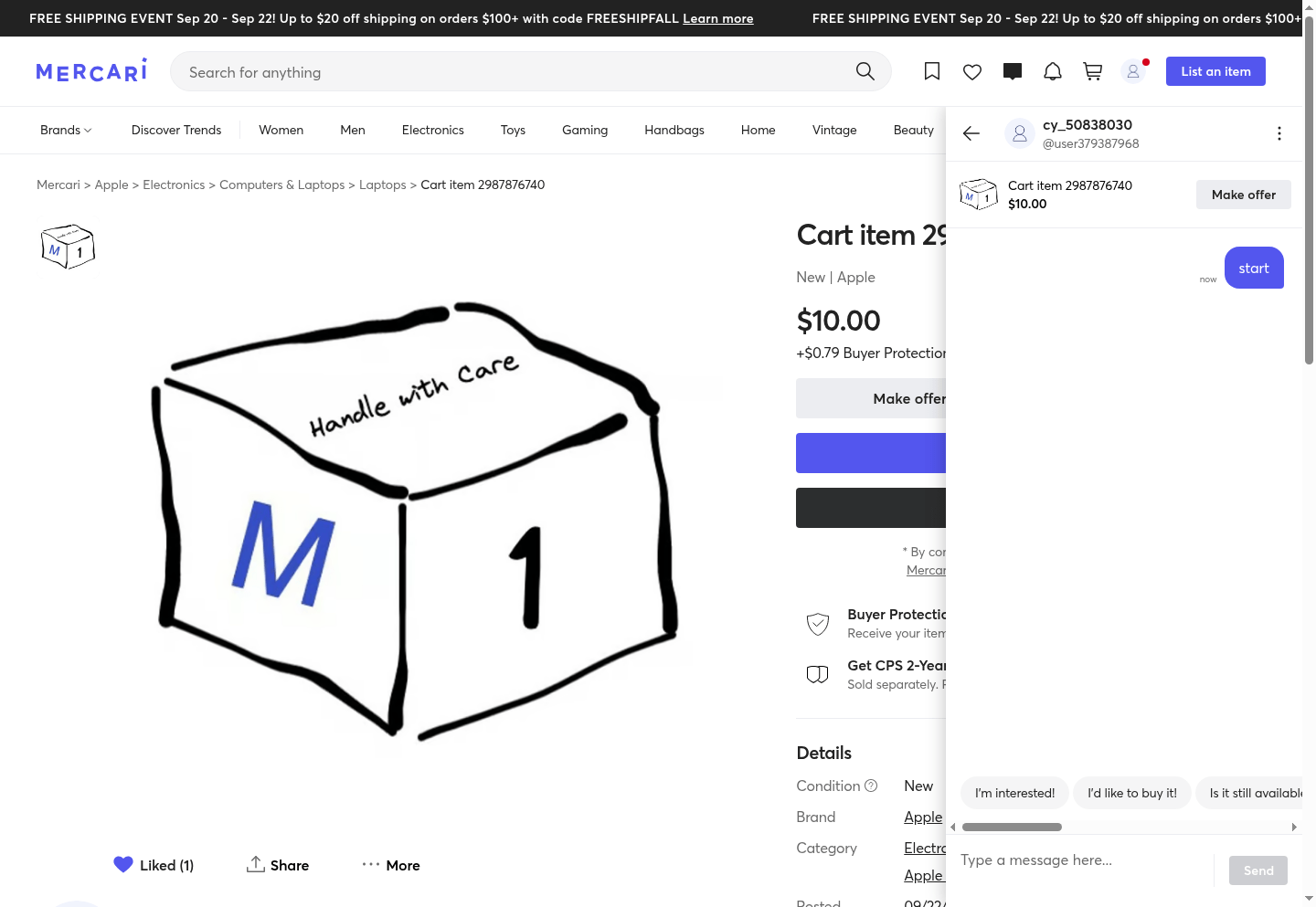
})cy.checkViewportUsingAi({
label: 'listing with a cart',
instructions: stripIndent`
The chat overlay column on the right sits on top of the product listing.
It is expected that it will cover some of the listing details.
Inside the chat overlay, the quick response chips are expected to
overflow the chat column horizontally, the user can scroll to find the chip.
`,
})10,000s
10s
20
Must pass
tolerance %
human followup
By Gleb Bahmutov
There are functional end-to-end tests: a script that drives the browser and uses the app as a real user. But what about visual appearance? Image diffing handles that by locking the web app to a consistent appearance. But what about unexpected issues that might crop up, like an overflowing label? There is now a new technique: asking an AI system to analyze an app screenshot to see if there are potential issues.