






















Content ITV PRO
This is Itvedant Content department
Learning Outcome
5
Connect status checks to reliable code.
4
Apply 200, 401, and 404 to real scenarios.
3
Recognize the five status code categories.
2
Identify the three parts of a GET request URL
1
Understand what HTTP is and how it works.
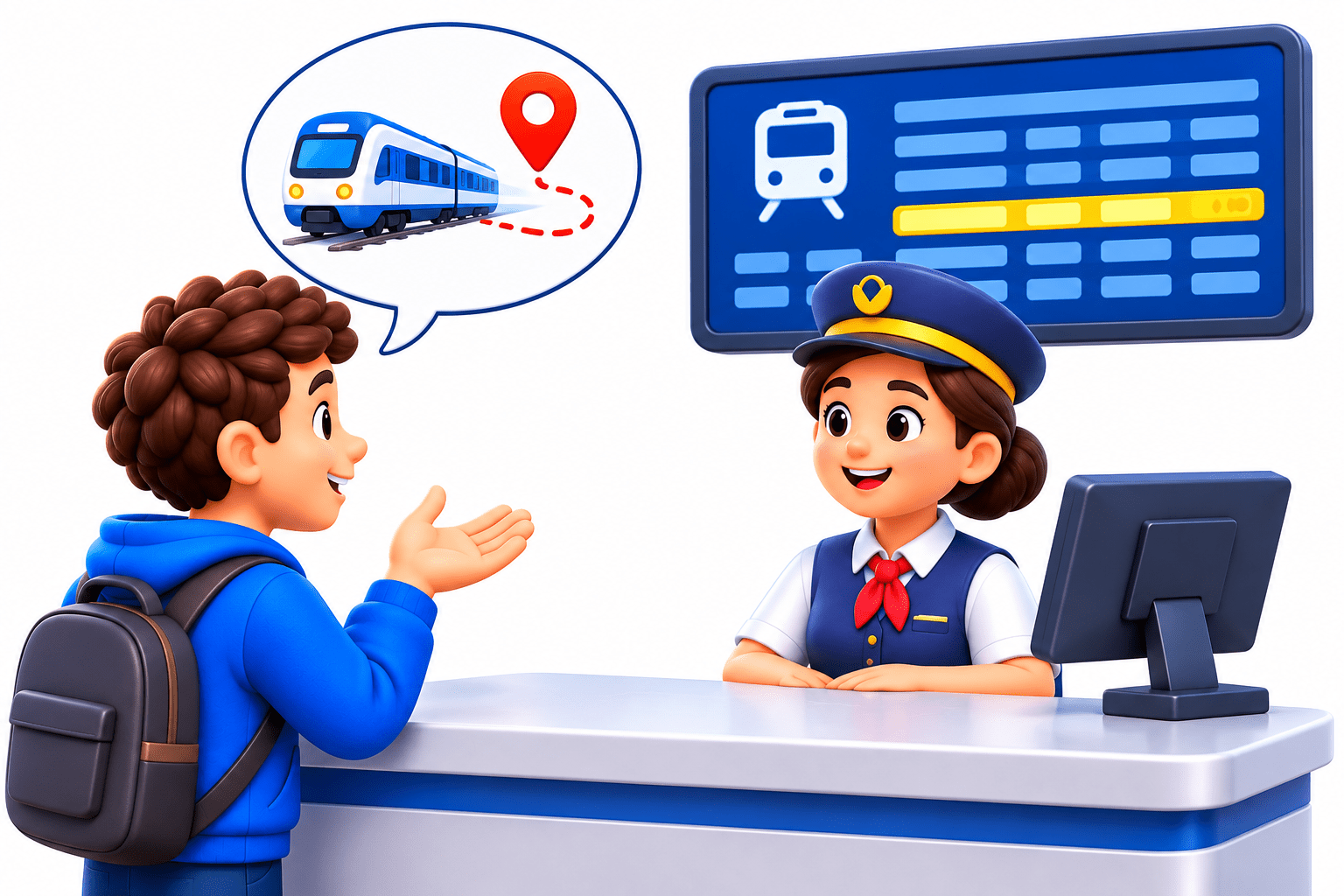
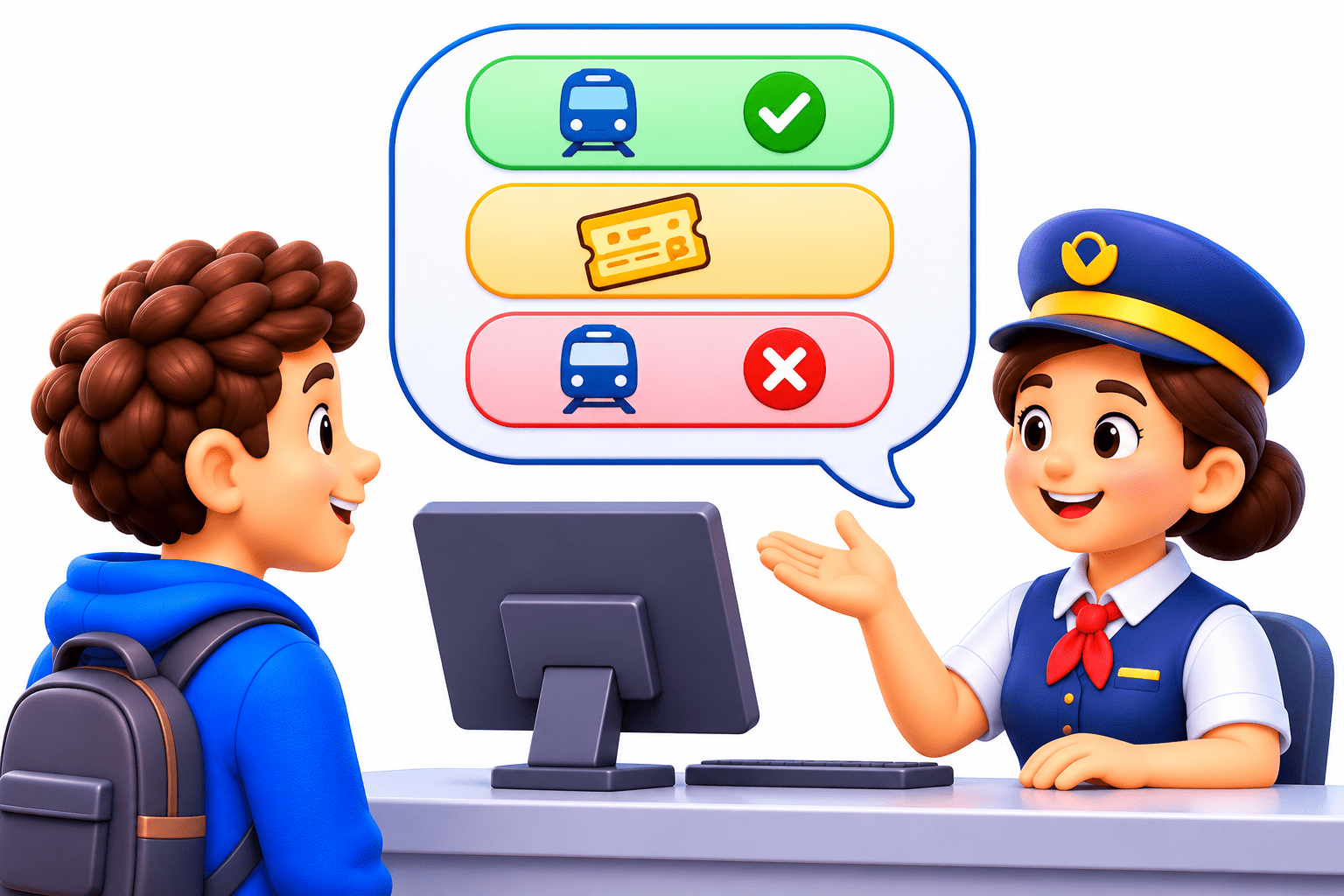
Imagine you go to a railway enquiry counter and ask about a particular train.
Ask About the Train
You only request information without changing anything, just like a GET request.
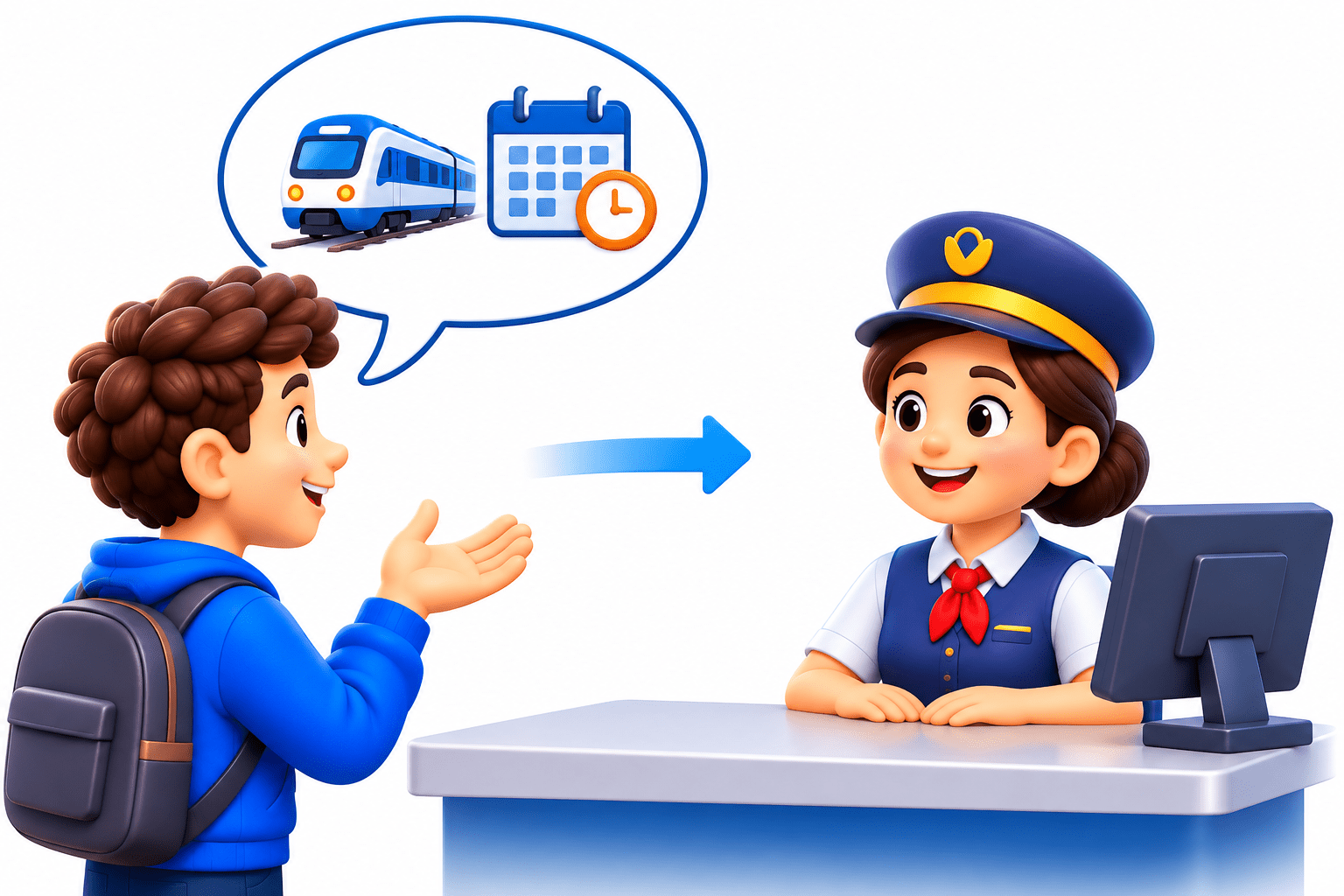
Clerk Checks the System
The clerk processes your enquiry and determines the result.
Clerk Gives a Quick Reply
“On time,” “Show your ticket,” or “No such train” acts like an HTTP status code showing the request result.
asking without changing = GET; the clerk’s signal = status code.
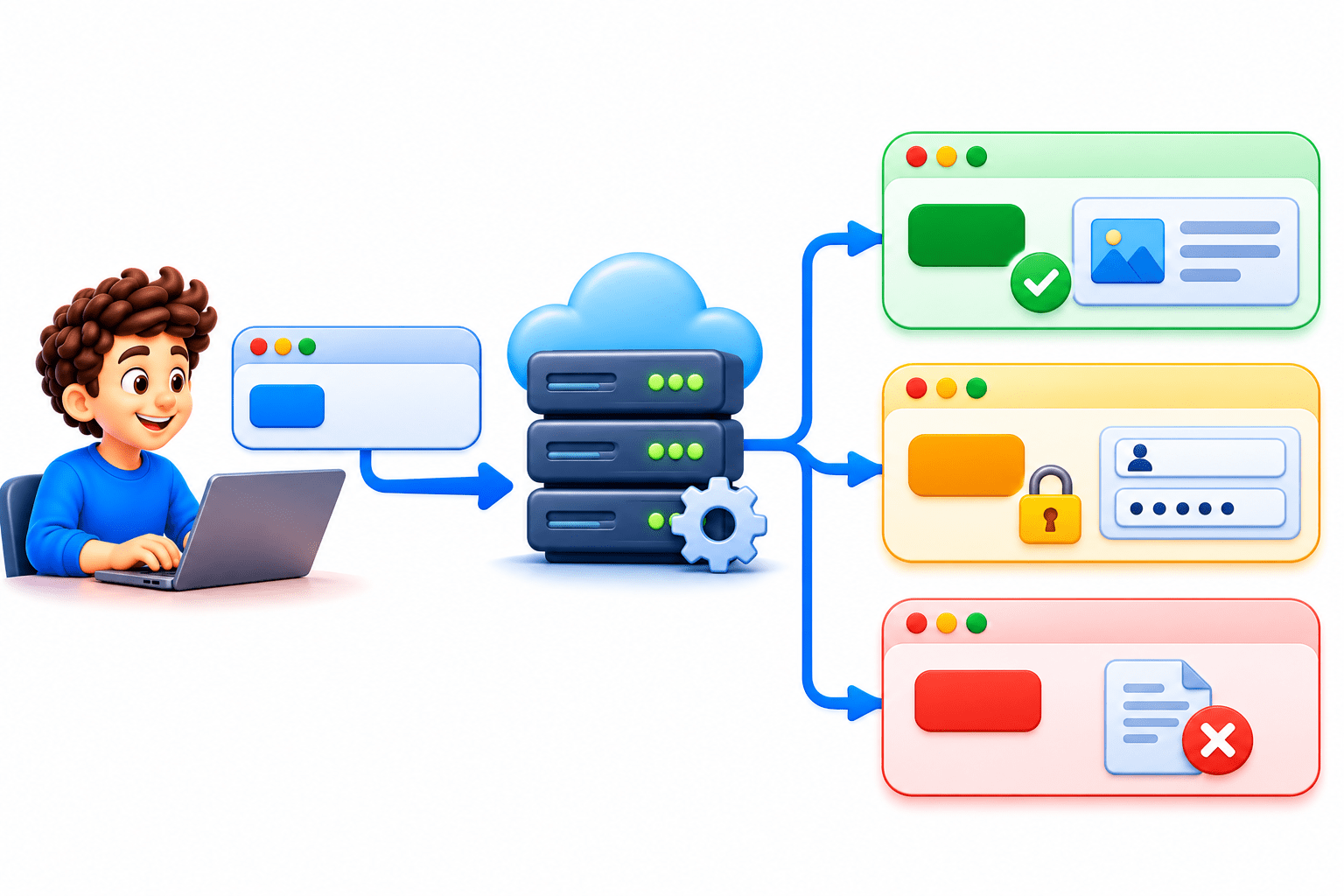
Your script asks a weather API for Mumbai’s forecast. How does it know the reply is the forecast and not “show your ID”?
The status code, the clerk’s quick signal
But first, the rules both sides follow: HTTP.
What is HTTPS
HyperText Transfer Protocol
the rules for how clients and servers talk on the web.
HTTPS
HTTPS is the same rules with encryption, and you should always use it with API keys
GET
POST
PUT
Retrieve
Create/send
Update
DELETE
Remove
Methods
Action
Example
Weather forecast
Prompt to an AI model
Edit phone number
Delete account
What is a GET Request
Fetches data without changing anything and is safe to repeat.
A GET URL has three parts: Base URL + Endpoint path + Query parameters.
Never put passwords in the URL; API keys go in the headers.
Code
optimizer
https://api.weather.example.com/v1/forecast?city=Mumbai&days=3
 = SGD(learning_rate=0.01)
Inside an HTTP Request and Response
|
Method, e.g. GET |
|
URL with query parameters |
|
Header Example : Authentication |
|
Body : None for GET |
|
Status code, e.g. 200 |
|
Headers, e.g. Content-Type: application/json |
|
Body: data (JSON) or an error message |
Request
Response
Status Code Categories
1XX
Still Processing (Rare)
2XX
Sucess
3XX
Moved, go elsewhere
4XX
Client error , fix your request
Code
Meaning
5XX
Server error, wait and retry
Ask “whose fault is it?” 4xx is yours; 5xx is the server’s. A 429 means you’ve hit the rate limit
The 3 codes You'll see most
401 Unauthorized
the server doesn’t know who you are, so send a valid key.
404 Not Found:
wrong endpoint or missing item, so check the URL.
403 Forbidden:
the server knows you, but access isn’t allowed
200 OK
success, and the data is in the body
Check the status before using the body. Even a 200 can return an empty list
Simple Way to Remember
200: “here you go.” 401: “show your ID.” 404: “that doesn’t exist.”
GET puts its data in the URL, where it’s easy to share but ends up in logs. What should never go in a GET request?
Real World Application : 401 or 404 ?
Free trial ended, key expired
401
Student ID 99999 doesn’t exist
404
v1/forcast instead of /v1/forecast 404
API key missing from the headers 401
Summary
5
Always check the status code before using data.
4
200 means success, 401 means bad key, 404 means not found.
3
2xx means success, 4xx means client error, 5xx means server error.
2
A GET URL has a base URL, an endpoint, and query parameters
1
HTTP sets the rules for web requests and responses.
Quiz
An API key copied from an email returns 401. What is the likely cause?
A. Wrong endpoint
B. Extra space in the key
C. Server is down
D. Item doesn’t exist
Quiz-Answer
An API key copied from an email returns 401. What is the likely cause?
A. Wrong endpoint
B. Extra space in the key
C. Server is down
D. Item doesn’t exist
By Content ITV