{Introduction to Web Dev}
Everything you use every day... you're finally going to understand it.
1
The internet
3
Web vs. Internet
5
The Web Architecture
Summary
2
The Web
4
URLs
6
Browsers
7
Protocols
8
APIs
9
Databases
# The Internet
1.The Internet: Our Global Information Highway

What Exactly is the Internet?

# The Internet
If I say "Internet"... what comes to mind?
Wifi? Your phone? Instagram? Cables?
The Internet is...
# The Internet
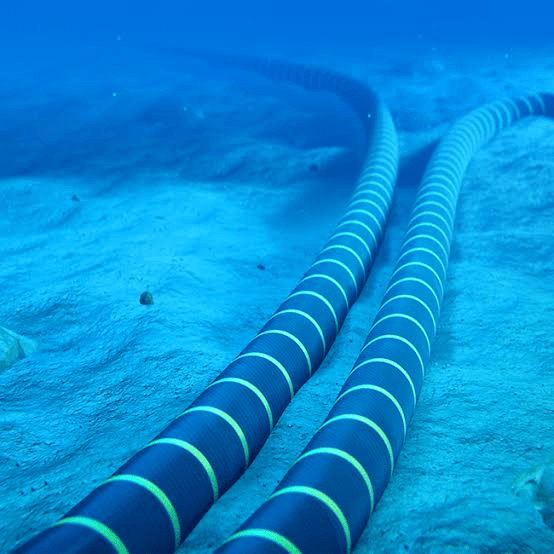
A massive worldwide network of computers, connected by
cables (and sometimes satellites), that lets information
travel anywhere on Earth.
It's the infrastructure. The "pipes." Nothing more.
Analogie Time ✨
Imagine you’re on a road trip...

# Web vs. Internet
# Web vs. Internet

The Highway (Internet)
The Internet is like a giant network of highways and roads that connect cities and towns. It’s the infrastructure that lets you travel from one place to another, carrying information, much like vehicles carry people and goods.
How Does the Internet Actually Work?
When you send a request (for example, to visit a website), your device sends this request in the form of small packets of data across a series of networks (via cables, routers and satellites).
1.Data transmission
These packets pass through several “nodes” (routers) that direct them to the computer-server containing the website or information you want.
2.Route to server
Once the request has been received, the server sends the response (the data from the website) in packets to your device, following the reverse path.
3. Server response
Your device receives the packets and assembles them to display the web page content you requested.
4.Reconstruction and display
# The Internet
# Unveiling the Web
2.Unveiling the Web: Your Window to Online Content

5 minutes ago, you used the Web...
but did you use "the Internet" or "the Web"?
# Unveiling the Web
🤔
The web
The Web, or World Wide Web, is a system that allows people to access and interact with information over the Internet. It's everything you SEE and use: websites, pages, images,
videos, all connected to each other through links (hyperlinks), making it easy to surf and navigate between them.
By using web browsers like Chrome or Firefox, users can view websites and use online services, enabling everything from simple searches to complex applications, all connected in a vast network.
# Unveiling the Web
# Web vs. Internet
Let's Continue our Analogie ✨
Where we were Imagining ourselves on a road trip...
# Web vs. Internet

The Cars (Web)
Now, think of websites as the cars traveling on these roads. Each car (or website) is carrying information or content, like people or cargo, from one place to another.
# Web vs. Internet
3. Web vs. Internet: Understanding the Difference
Internet ≠ Wifi ≠ Web
- Internet → the worldwide network (the infrastructure)
- Wifi → one way to CONNECT to the Internet (without cables)
- Web → one of the SERVICES running on the Internet
# The Web Architecture
3 words we mix up constantly, 3 different things:
# Analogie
Let's Continue our Analogie ✨
Where we were Imagining ourselves on a road trip...
# Analogie
Destinations (Web Pages)
When you visit a website, it’s like reaching a destination on this highway. You might take many roads to get there, but each destination, each website, is unique.
In short
# The Web Architecture
| Internet | The Web | |
|---|---|---|
| What it is | A worldwide network of cables/computers | A system of connected pages and content |
| Role | Transports data | Organizes and displays information |
| Example | Submarine cables, wifi, 4G | A website, a Wikipedia page |
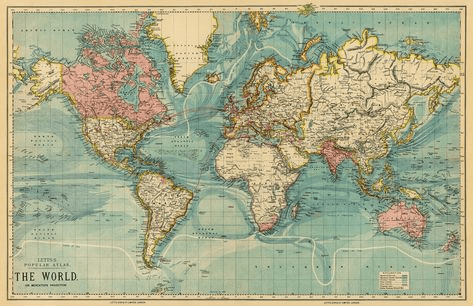
| Analogy | The road network | The destinations on the map |
4.URLs:
The exact address of a destination
# Explaining URLs
# Explaining URLs
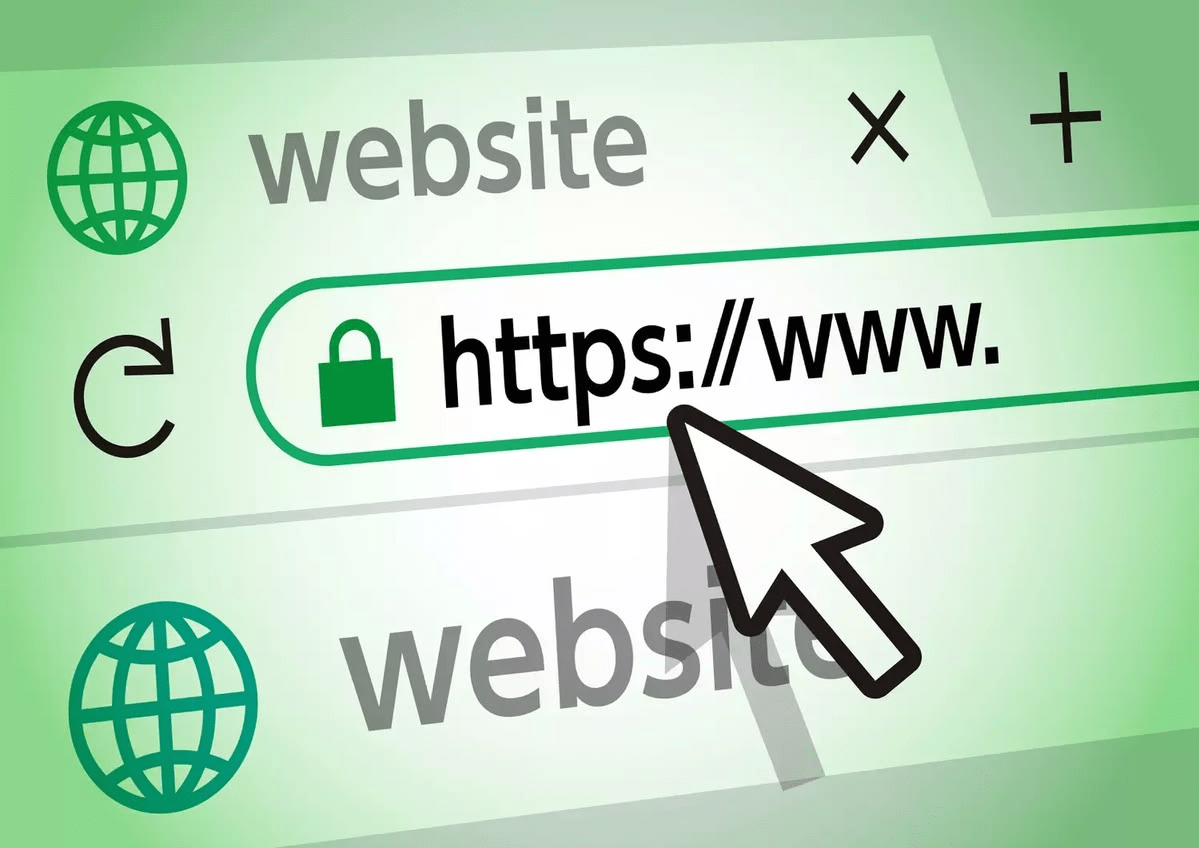
There are billions of pages on the Web. How does it find the right one, every single time?
How does your browser know EXACTLY which page to show you?
🤔
# Explaining URLs
Every URL is built from the same pieces
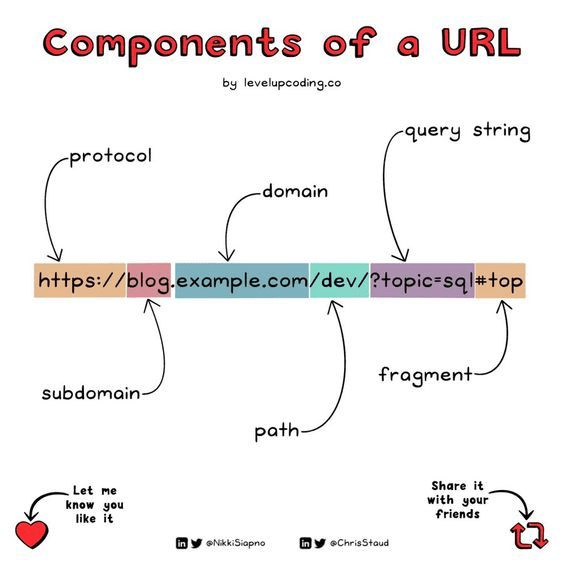
Anatomy of a URL (overview)
- Protocol (Scheme)
- Hostname / Domain
- Path
- Query
- Fragment
# The Web Architecture
5.The Web Architecture
How the Web actually works ?
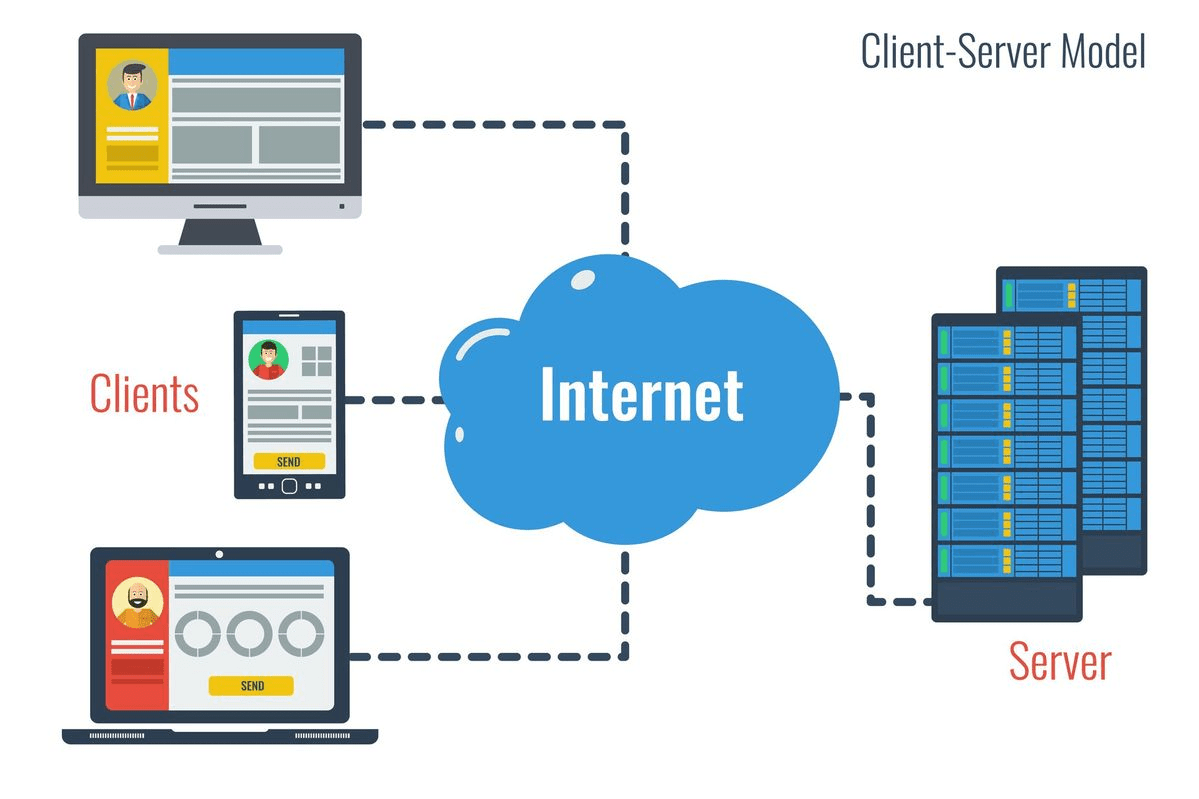
# The Web Architecture
Have you ever ordered on Yassir food ?
What happens between "I click order" and "my food arrives"... is EXACTLY how a website works.

The Client = you
The client is the device that ASKS for something: your phone, your computer, your tablet.

# The Web Architecture
On Yassir: you open the app and place an order.
On the Web: your browser (Chrome, Safari...) asks a website for a page.
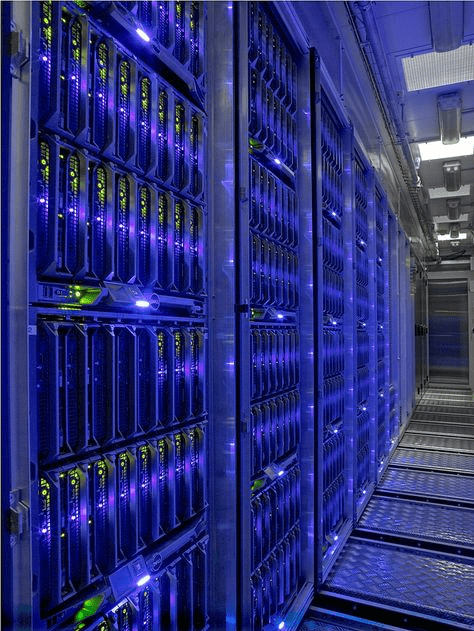
The Server
The server is the computer that RECEIVES the request and responds with what was asked for.
# The Web Architecture
On Yassir: it's the restaurant receiving your order and preparing your food.
On the Web: it's the computer storing the site, sending you the page you asked for.
The full journey
# The Web Architecture
- You open your browser and type an address → like opening Yassir and picking a restaurant.
- Your request travels across the Internet to the right server → like your order heading to the restaurant.
- The server prepares the response (the requested page) → like the restaurant preparing your food.
- The response travels back to your browser, which displays it → like the driver bringing your food to your door
In short
- The client requests information.
- The server responds with the requested information.
# The Web Architecture
# Protocols
6.Protocols: The Language of the web
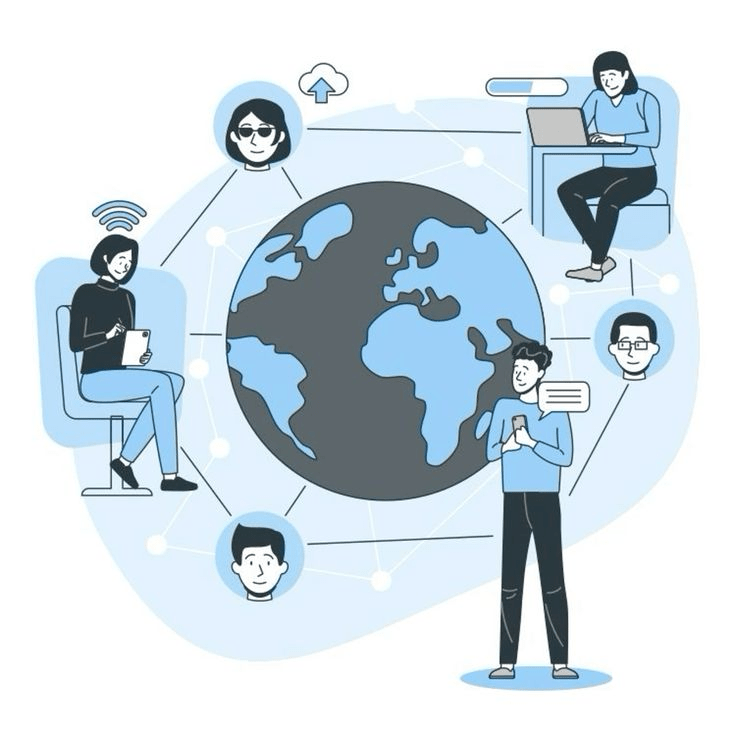
Why doesn't the Internet turn into total chaos?
Millions of devices, all "talking" at once — how does that not break everything?
# Protocols
What is
a Protocol ?
A protocol is a set of rules that defines how data is transmitted and communicated between devices on a network. Think of it as a common language that computers use to understand each other and exchange information efficiently and securely.

# Protocols
Protocols ensure that data is sent, received, and understood correctly across different systems, making the Internet a reliable and secure way to share information.

# Protocols
| Protocol | Full name | Purpose |
|---|---|---|
| HTTP | Hypertext Transfer Protocol | Transfers web pages |
| HTTPS | HTTP Secure | Transfers web pages, encrypted |
| FTP | File Transfer Protocol | Transfers files |
Protocol comparison table
# Protocols
# Analogie
Let's Continue our Analogie ✨
Where we were Imagining ourselves on a road trip...
# Analogie
The Highway (Internet)
The Internet is like a giant network of highways and roads that connect cities and towns. It’s the infrastructure that lets you travel from one place to another, carrying information, much like vehicles carry people and goods.
The Cars (Web)
Now, think of websites as the cars traveling on these roads. Each car (or website) is carrying information or content, like people or cargo, from one place to another.
# Analogie
Destinations (Web Pages)
When you visit a website, it’s like reaching a destination on this highway. You might take many roads to get there, but each destination—each website—is unique.
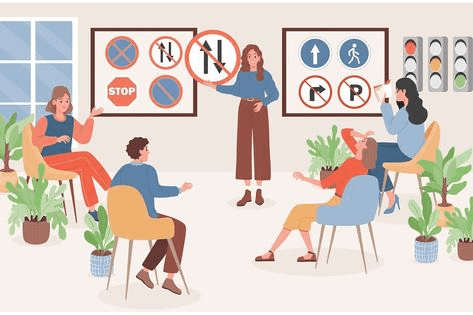
Traffic Rules (Protocols)
Just like highways have rules to keep traffic moving smoothly, the Internet has protocols (like HTTP or HTTPS) that manage how information moves around. These ensure that data reaches its destination without ‘traffic jams’ or collisions
# APIs
7.APIs: Connecting the Dots Between Applications
In a restaurant,
you never talk directly to the kitchen.
# APIs
You order through the waiter (the API), it takes your request to the kitchen (the server), then brings the food (data) back to you.
What is an API?
An API (Application Programming Interface) is a messenger between two pieces of software, it lets one app ask another app for information or actions,
without needing to know how the other one works inside.

# APIs
# Databases
8.Databases: The Organizers of Our Digital World
# Databases
When you log into Instagram on a new phone...
how does it instantly know your posts, your followers, your messages, everything?
# Databases
A database is...
An organized collection of information, stored so it can be found, updated, and retrieved quickly.
Analogie Time ✨
Think of a database like a super-organized drawer system...
# Web vs. Internet
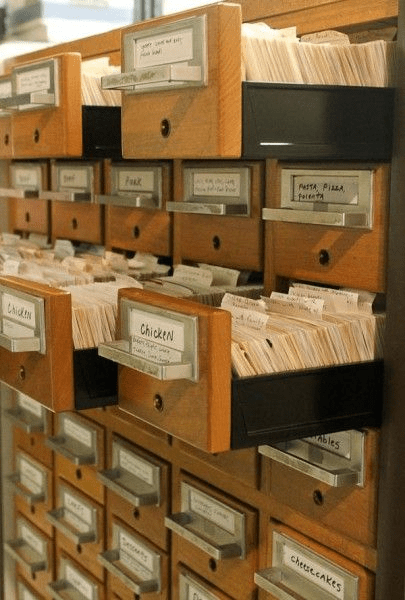
You know how putting similar items (like pens, paper clips, sticky notes) into labeled drawers helps you find them fast?
A database does the same thing, but with information, so you can store a lot of things and always find what you need quickly.
Analogie Time ✨
Or think about...
# Web vs. Internet
- Your phone contacts → organized data about people
- A library catalog → organized data about books
- A recipe book → organized data about recipes
A database does the exact same job, just for websites and apps, at a massive scale.
Without databases...
# Web vs. Internet
Every time you reopened an app, it would forget everything: your account, your messages, your progress.
Databases are what make apps remember.




# Understanding Web Development
9. Understanding Web Development: Bringing Websites to Life
Web Development Overview
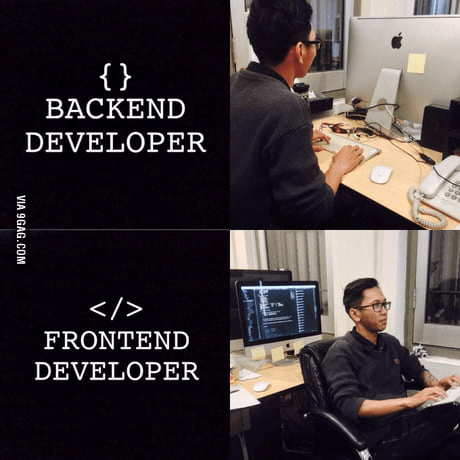
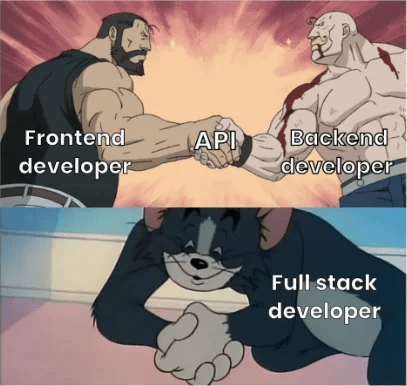
The front-end is the part of a website or application that users interact with directly. It includes everything you see on the screen, like text, images, buttons, and forms, and is built using HTML, CSS, and JavaScript.
1.Front-end
The back-end is the behind-the-scenes part of a website or application that handles data, logic, and server interactions. It stores, processes, and manages data and makes sure everything on the front-end works smoothly. Common back-end languages include Node.js, Python, and PHP.
2.Back-end
# Understanding Web Development
Fullstack
Fullstack refers to a developer who can work on both the front-end and back-end of a website or application. A fullstack developer is skilled in creating the user interface and experience (front-end) as well as handling data, server logic, and databases (back-end). This allows them to build complete, functional applications from start to finish.
# Understanding Web Development
WEB DEV
INTRODUCTION ENDS
Introduction to web dev
By Fatima BENAZZOU