Alternate Format
Accessible Technology Workshop Series
Duties of An Alternate Format Technician
- Providing alternate format textbooks
- Providing or creating alternate format tests
- Meeting with students to ensure they have (and can use) the material
- (Formerly) Captioning video
- In some cases, they help with handouts and other course material
Alternate Format Textbooks
- Many textbooks will be provided when requested from their publishers
- This may take some time
- If a textbook can't be provided, the technician can "cut and scan" the entire book
We Have This Thing:
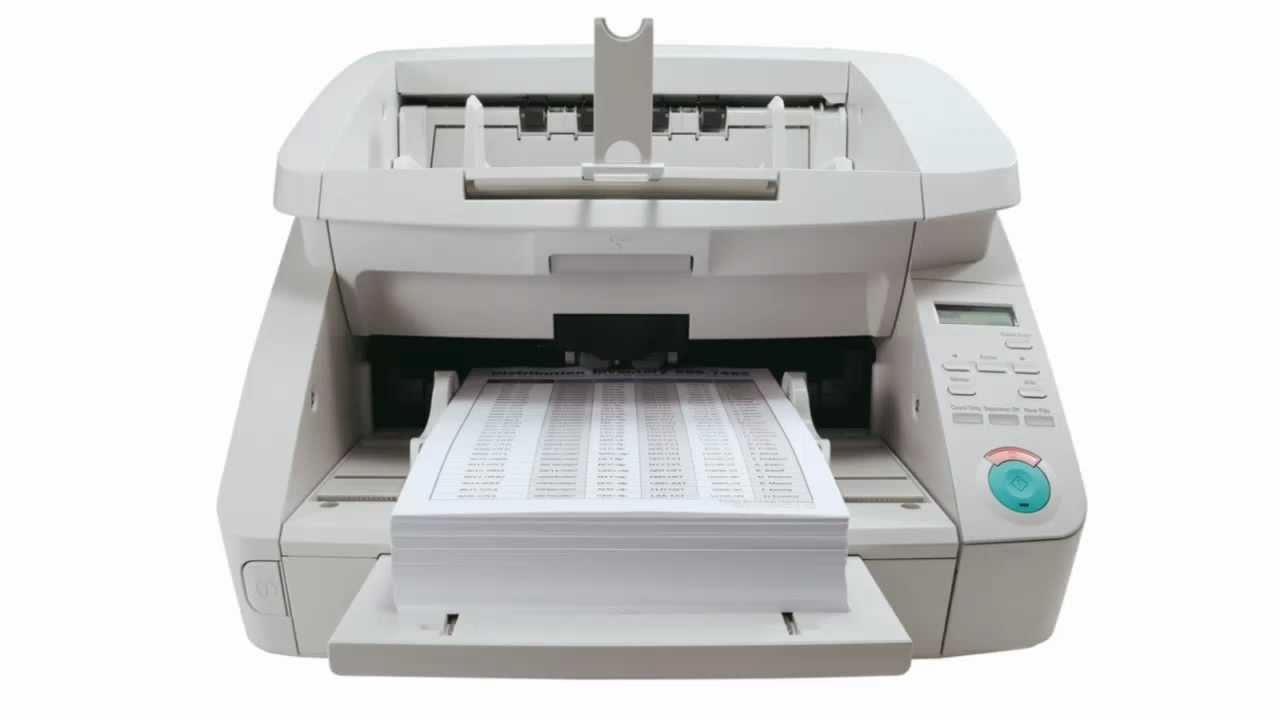
Text
Optical Character Recognition (OCR)
- Attempts to recognize letters in text
- Images, diagrams and tables complicate this
- Contrast and unusual text direction are also problems
OCR Fail
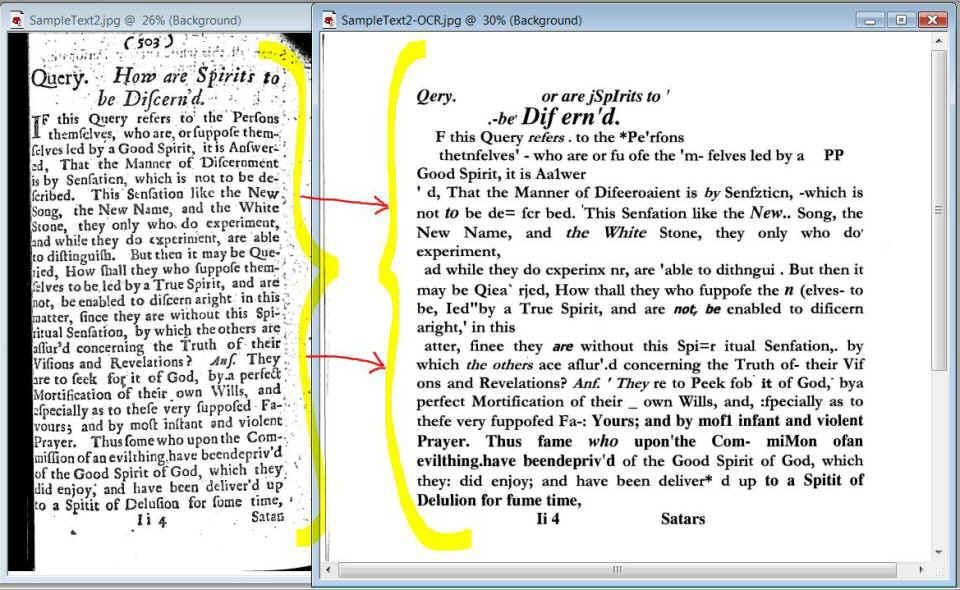
OCR Fail
Sometimes text can be recognized incorrectly due to font confusion.
S0metime$ text can bo recogn1zed incorreclly due to tonto c0nfusi0n
OCR Fail
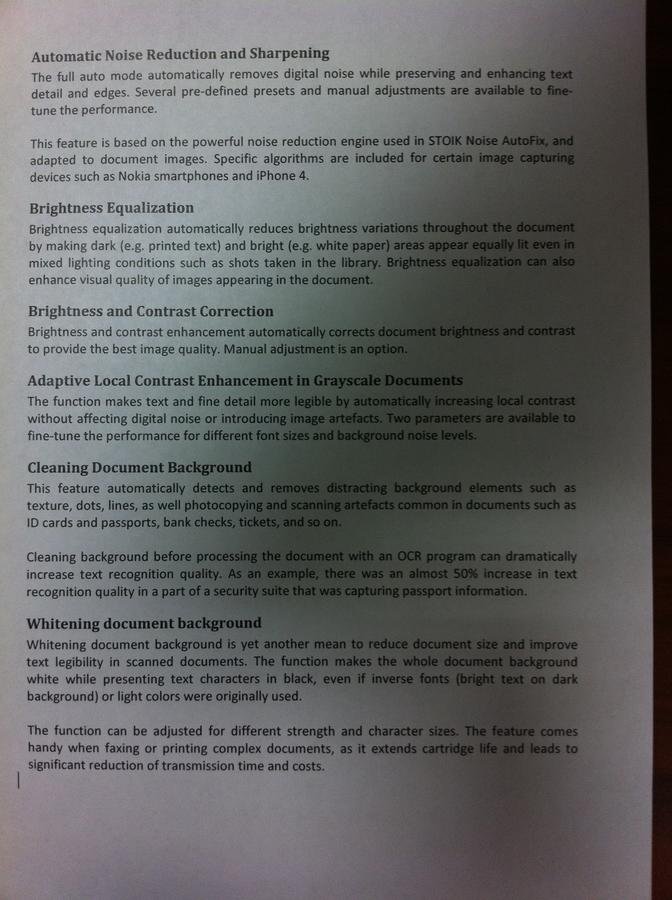
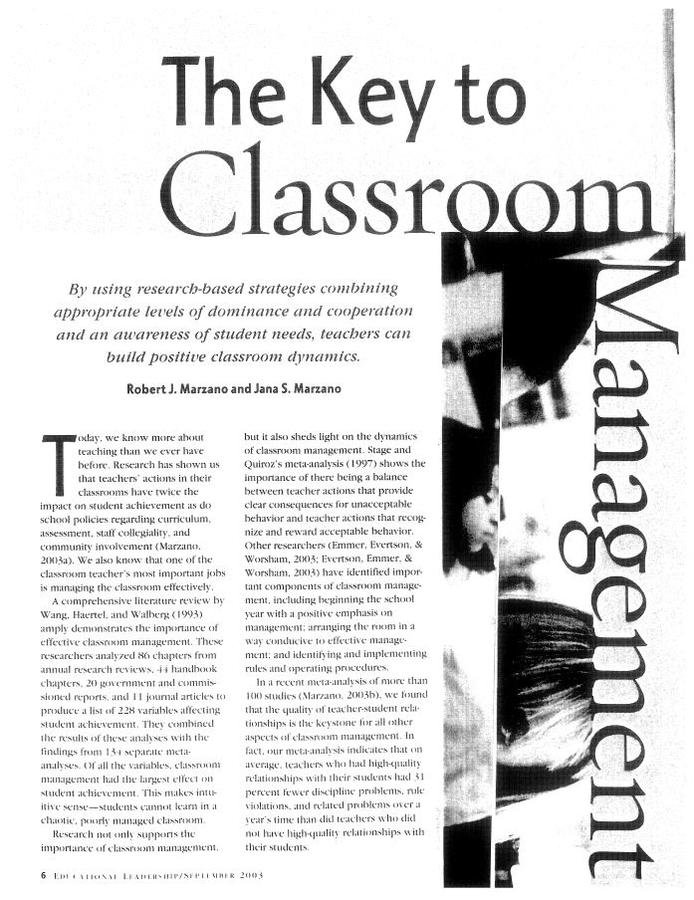
Contrast complicates things
Practice Activity
- What do you think might be the issue with OCRing the above pages?
- What other issues can you come up with that might cause problems? Let's discuss!
Choosing Accessible Texts
- Avoid small publishers and books that pre-date accessibility legislation
- Even e-books are not always perfectly accessible
This Publisher is Too Small
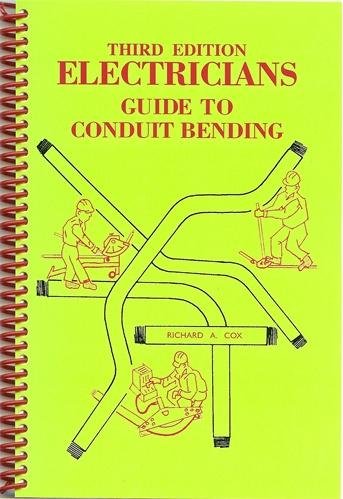
A small publisher like Coxco (who published this book by Richard A. Cox) doesn't have the infrastructure or the external pressure to provide accessible books
This Book is Too Old
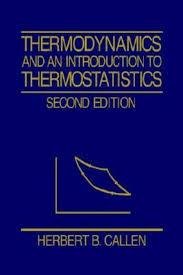
This book is from 1985, still used in courses today; it might be great but it isn't designed for accessibility
It's published by Wiley, a major publisher today, but they don't have accessible copies of older books
This Publisher Has Gone Rogue
Some publishers use their own e-book formats or a proprietary (perhaps web-based) reader that causes accessibility concerns
This Publisher is Juuuust Right
The major, modern publishers rarely have e-books that have problems
Even if they did, it is relatively easy to get useable electronic copies from them



Practice Activity
- With a partner or in a small group, go to https://dc-uoit.bookware3000.ca/ and create a booklist for one of your programs
- Do these books all seems like they would be reasonably good choices?
Alternate Format Tests
- Electronic, for use with reading software
- Large print
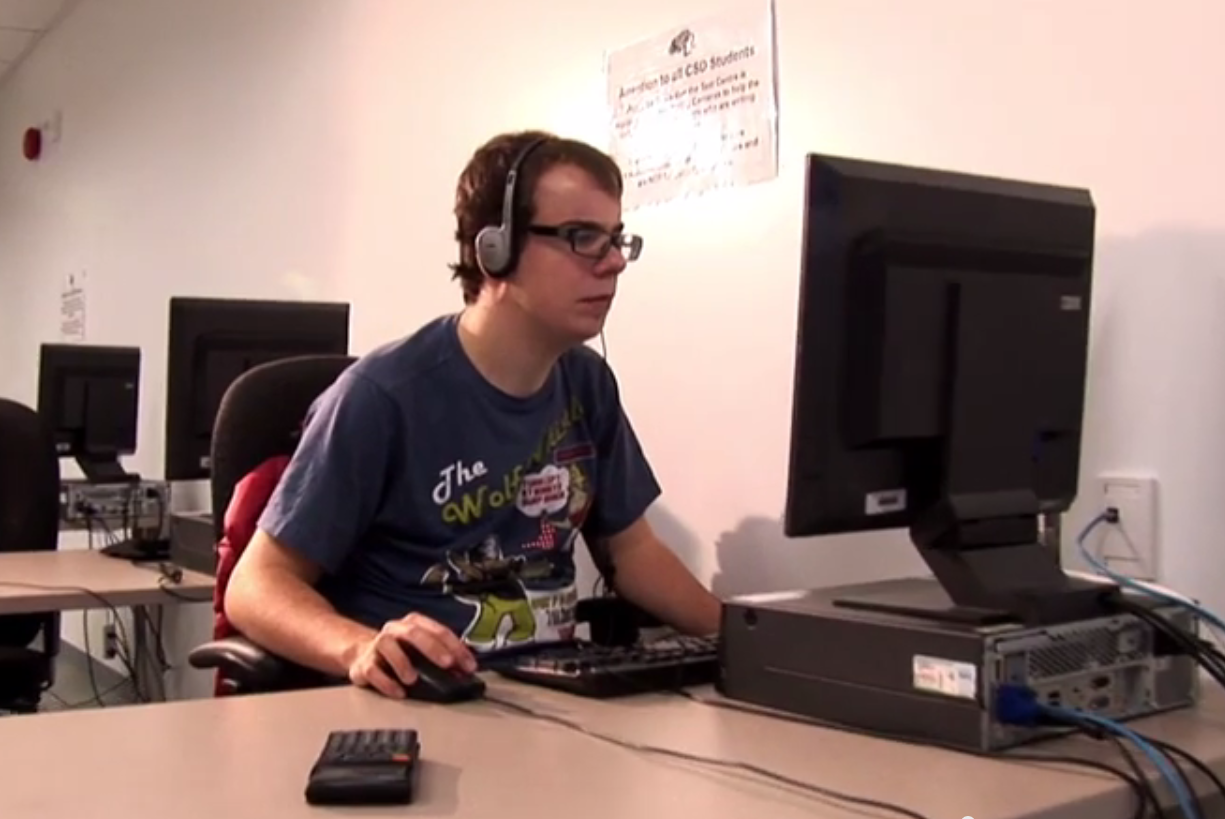
Benefits for Students
PDFs Can Make Things Hard
- Locked or raster PDFs can't be read and in some cases can't be OCRed
- Word documents are easiest for everybody
- Students often like a paper and electronic copy
Old Tests Are Problematic
- If your test is so old that you don't have the file, you might want to revisit it
- Scanned tests can be OCRed, but this is time consuming and may have innaccuracies (see OCR Fails)
- Avoid handwritten notes on tests and quizzes
(...and handwritten tests and quizzes!)
Fully Electronic Tests Work
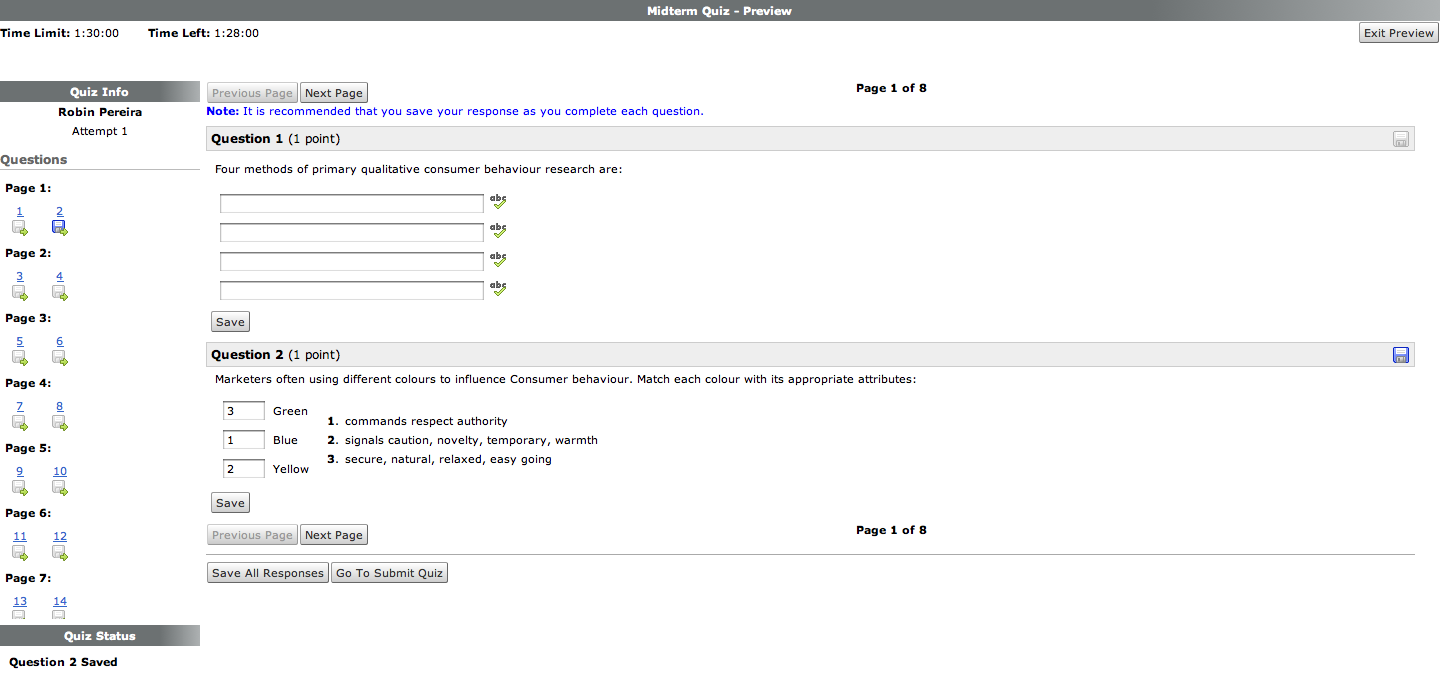
Check out the DC Connect Quizzes tool!
Practice Activity
- What do you think might be the problem with the following scenario?
- A student requires screen-reading software, but the professor has only provided a paper copy, and has dropped it off 1 hour before the test start time.
- How might this problem be avoided?
Accessible Handouts and Documents
- Alternate Format Technicians sometimes have to help make handouts accessible
- It's easy to do this yourself!
...but we have a whole other workshop on the subject.
So we'll be brief!
PowerPoint
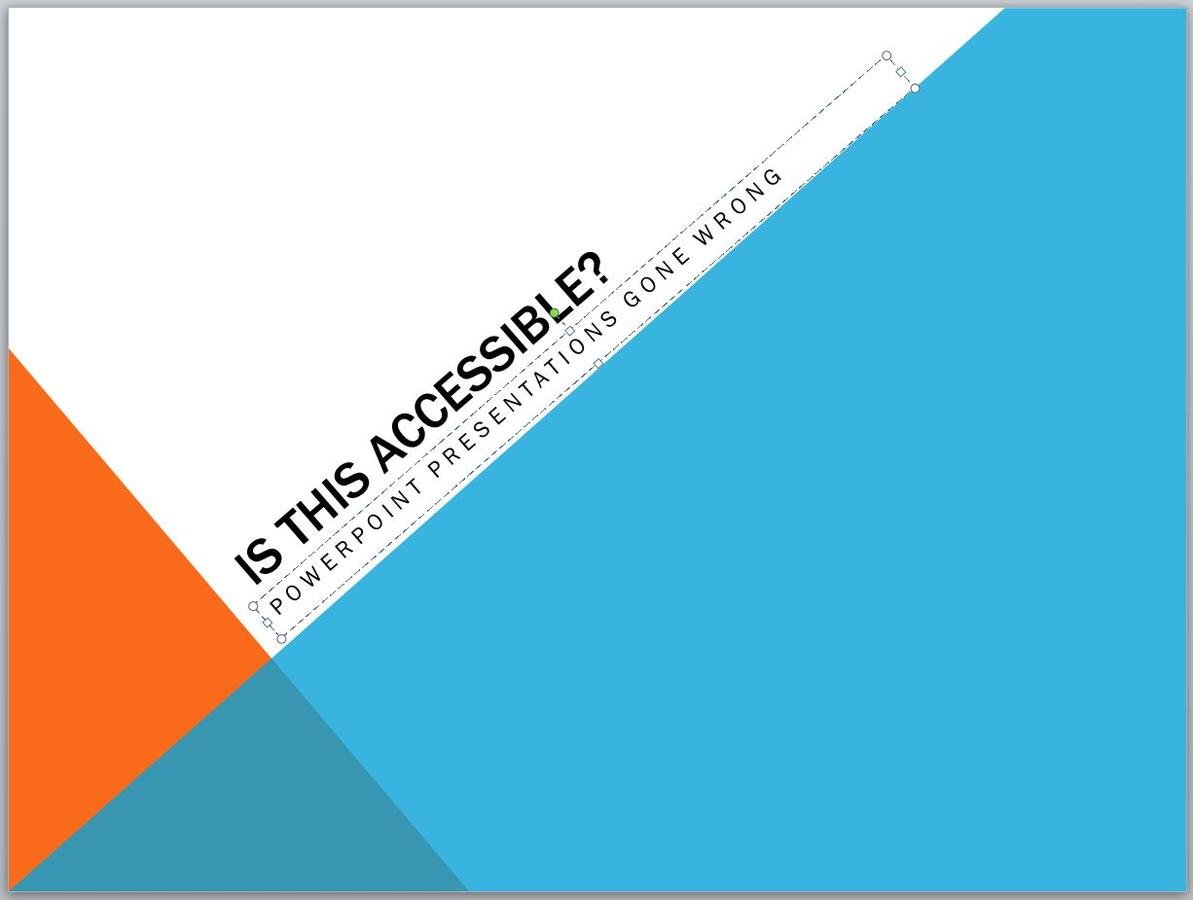
PowerPoint is very tough to use for students who depend on screenreading software
Try choosing designs that have easy-to-read fonts and a comprehensive layout
You may also benefit from using the "create handouts" option to convert your slides to Word files.
Post Your Slides and Handouts
- Students are able to download content before class
- If content is not accessible, the student can prepare it ahead of time so they're prepared during class
- Students are able to print slides for easy note-taking
An Easy, Key Accessibility Feature
- In Word or on the web, use styles and headings
- Headings add clarity and help users with screenreaders to navigate the document
Choosing a Format
- Done right, Word and web content are reasonably accessibile; don't bother with PDF unless you have a good reason
- PDF can also be fine but it may complicate things
- If your students use DC Connect regularly (and they should), just post them as web content using the "Create a File" option
Summary Activity
Alternate Format
By Kyle Chapman
Alternate Format
Discusses the OCR process and its benefits as well as how it can be avoided by choosing accessible textbooks and creating accessible tests. For the Accessible Technology Workshop Series. Intended time: approximately 2 hours with demonstrations and questions