MODE 4201
Mobile Development
- What is Mobile Development?
- Mobile devices
- Mobile operating systems
- Common mobile functionality
- Types of mobile development

What is mobile development?
“Mobile application development is a term used to denote the act or process by which application software is developed for handheld devices, such as personal digital assistants, enterprise digital assistants or mobile phones.”
-https://en.wikipedia.org/wiki/Mobile_application_development
More simply, like any computer, a phone or tablet does not actually do anything without software.
Mobile Devices
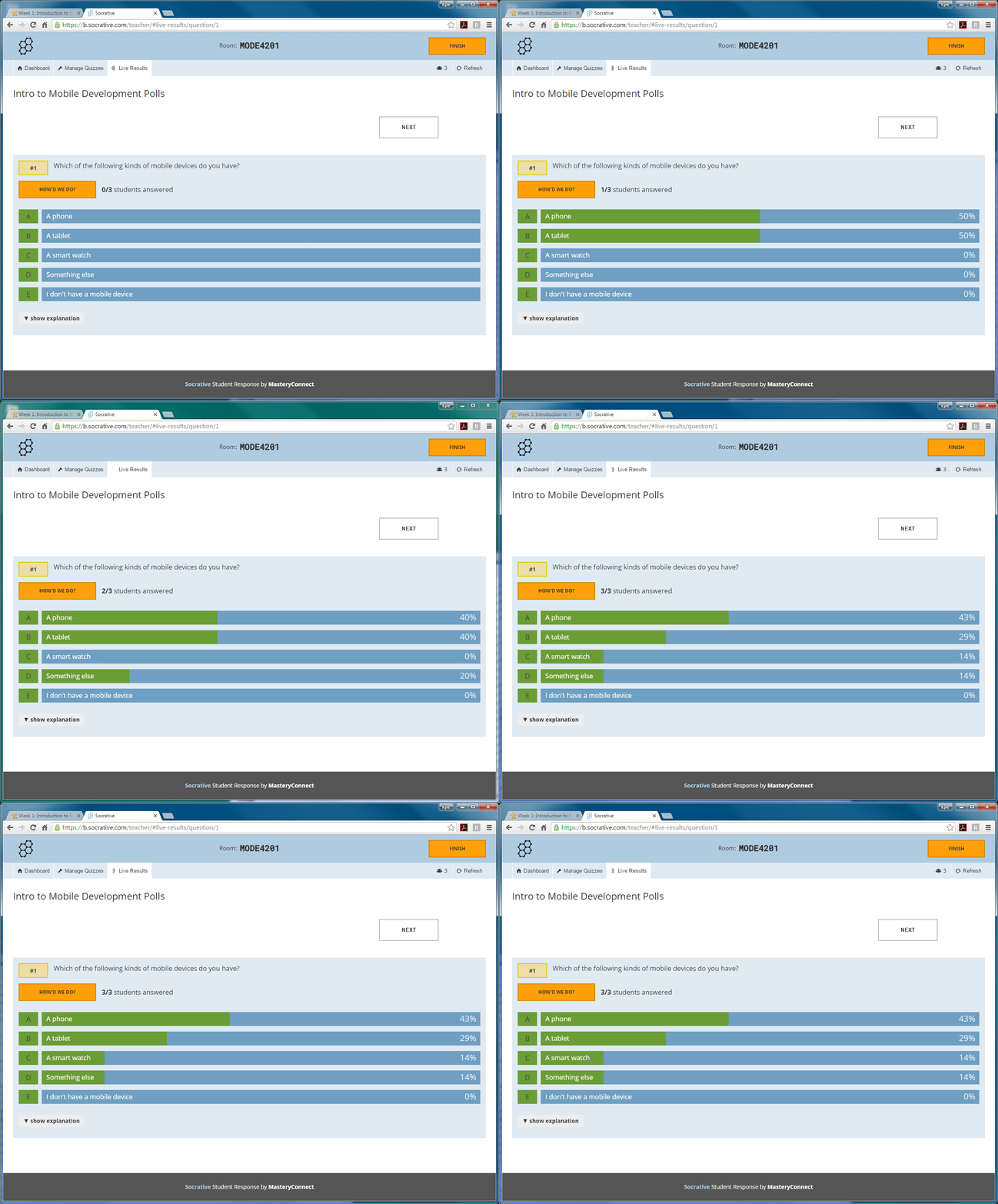
The term “mobile device” can refer to:
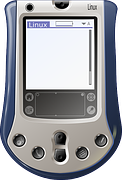
- Personal Digital Assistants
- Cell phones / smart phones
- Tablets
- Smart watches
- eBook readers
- Some game consoles
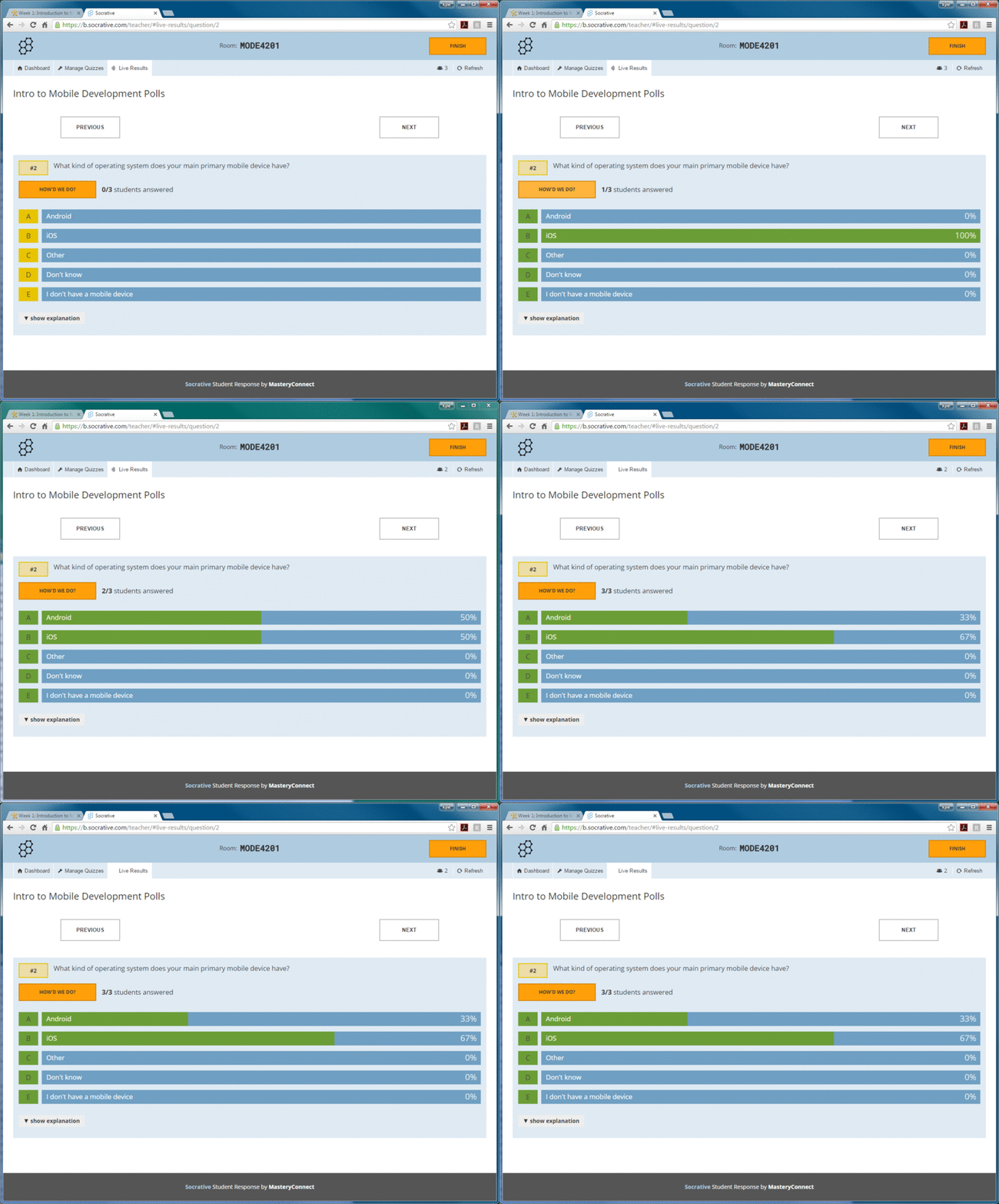
It’s easier to identify mobile devices based on their operating system.
Mobile OS Market Share
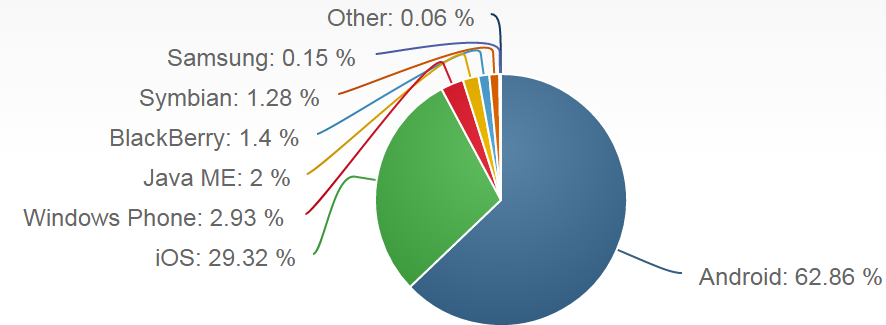
Retrieved from https ://www.netmarketshare.com/operating-system-market-share.aspx
Representing January 2016 through May 2016
Major Mobile Operating Systems
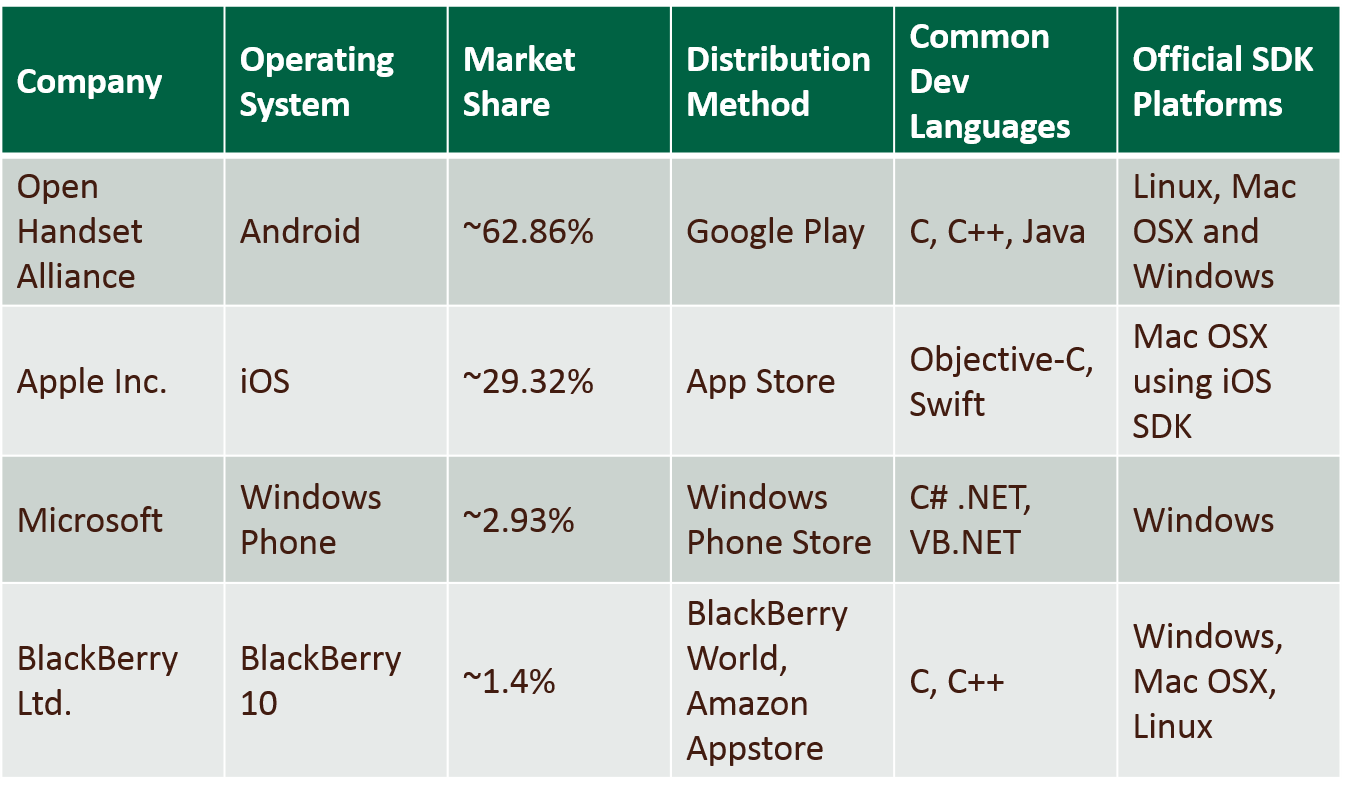
Android vs. iOS
Android is open-source, free and development is easy on a number of platforms using a variety of technologies.
iOS is closed, more restrictive in terms of development, and much more restrictive in terms of deploying software via the App Store.
Common Mobile Functionality
- Microphone
- Camera
- Touch screen / multitouch
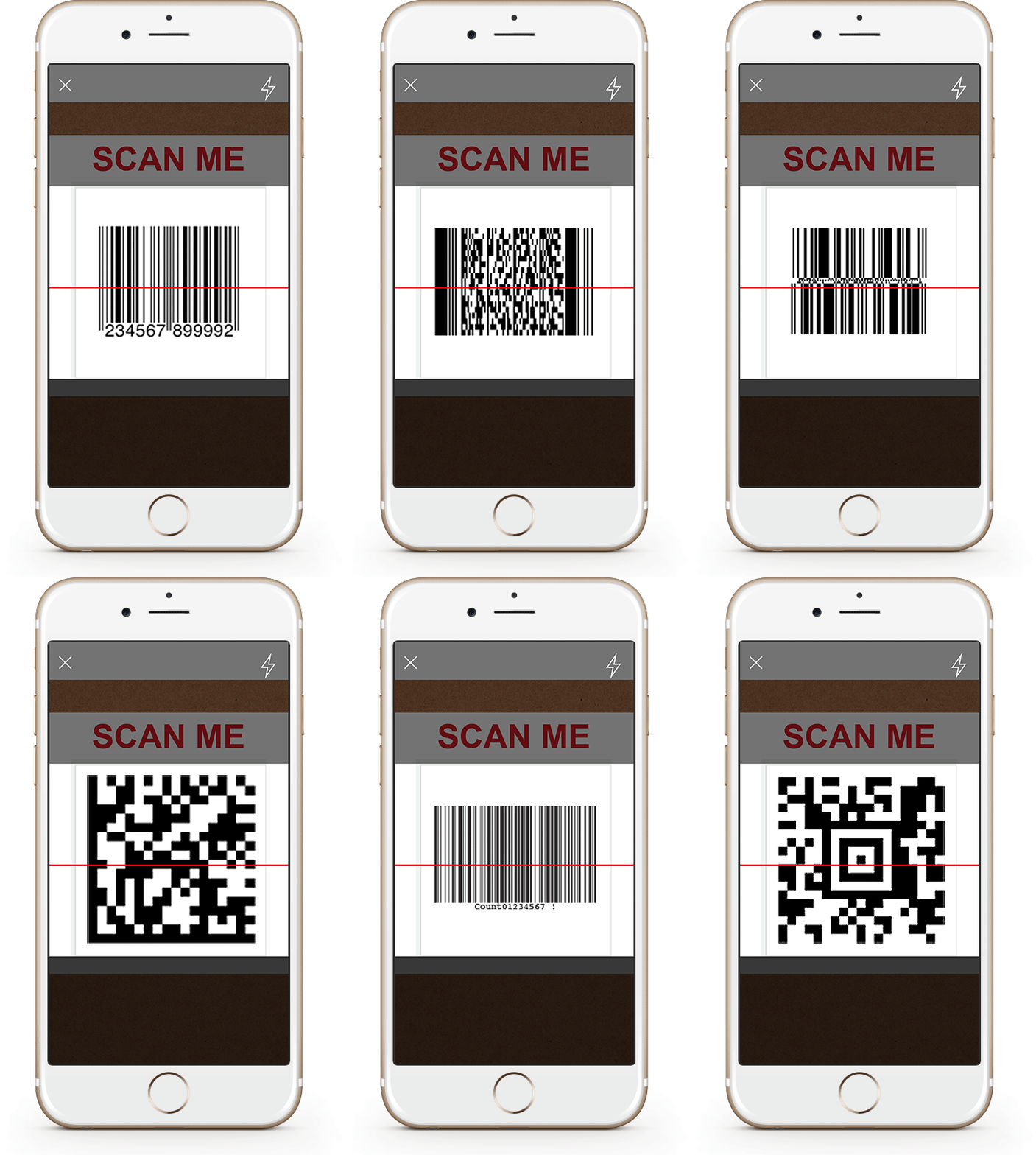
- Barcode and QR code scanning
- Access to contacts
- Phone functionality
- Push/media notifications
- Pedometer
- Accelerometer
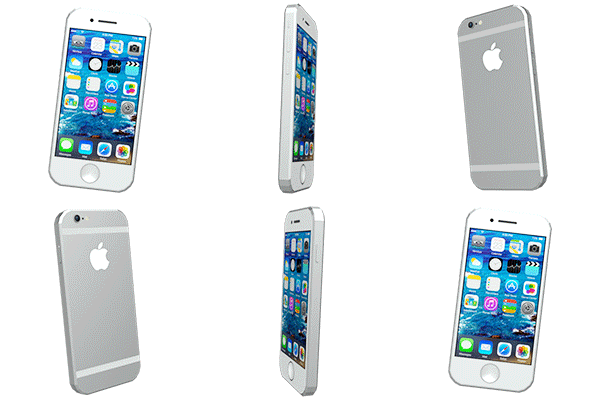
- Gyroscope / orientation sensing
- GPS / location sensing
Types of Mobile Development
- Native Mobile Applications
- More difficult to develop, typically in IDE
- Tend to look and perform best
- Found in a mobile store
- Example: Angry Birds
- Mobile Web Applications
- Web content designed for variant screens
- Easily searchable, no need for a store
- Can’t use most native mobile functionality
- Example: Imgur.com on Mobile
- Hybrid Mobile Applications
- Example: Wikipedia (Official App)
Mobile Development Scenarios
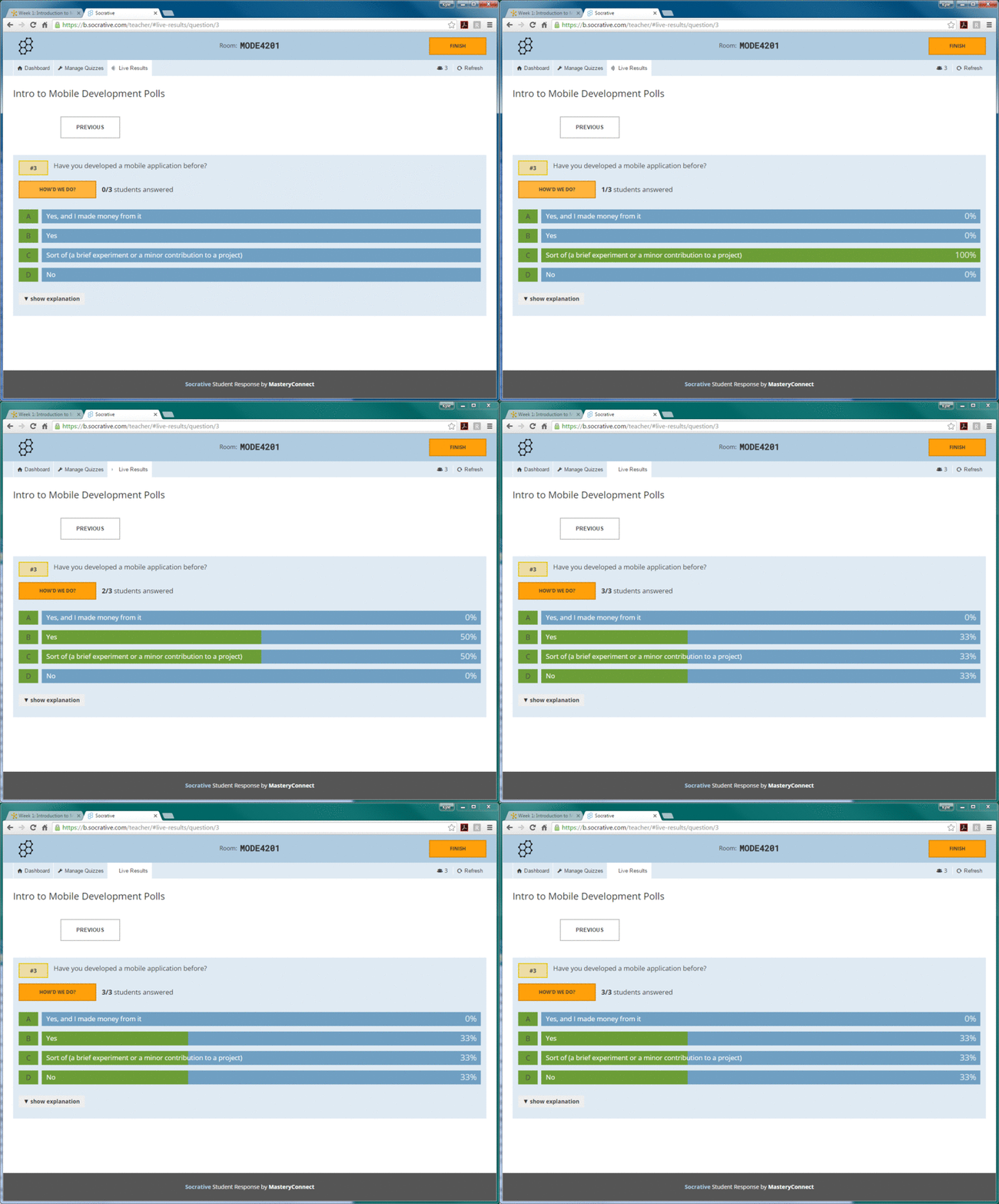
- In groups of 2 or 3, review the scenarios provided via DC Connect (*cough* or on paper).
- Summarize your scenario and answer the questions (with explanations where possible).
- Post your summary with your answers and justifications to the Week 1 Mobile Development Scenarios discussion board.
- Be prepared to discuss these answers in class.
Scenario Discussion
- Should you focus on one platform, or learn a little bit about many platforms?
- Is it always clear whether to develop as a mobile web application, a hybrid application, or a native application?
Break
- Take a break, then we’ll get into the next part: the past and future of mobile devices.
- Post any questions to the Live Question Tool: http://cyber.law.harvard.edu/questions/MODE4201
- If you have some extra time, check out the class Twitter feed!
MODE4201 Week 1
By Kyle Chapman
MODE4201 Week 1
Slide deck for Week 1 of MODE 4201, an introduction to mobile development.