Double Spread Page
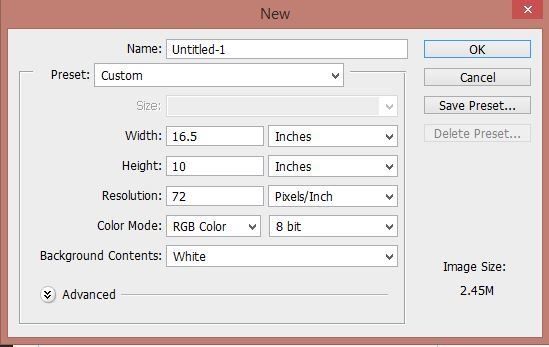
The size I chose for my Double spread is 16.5/10 inches.
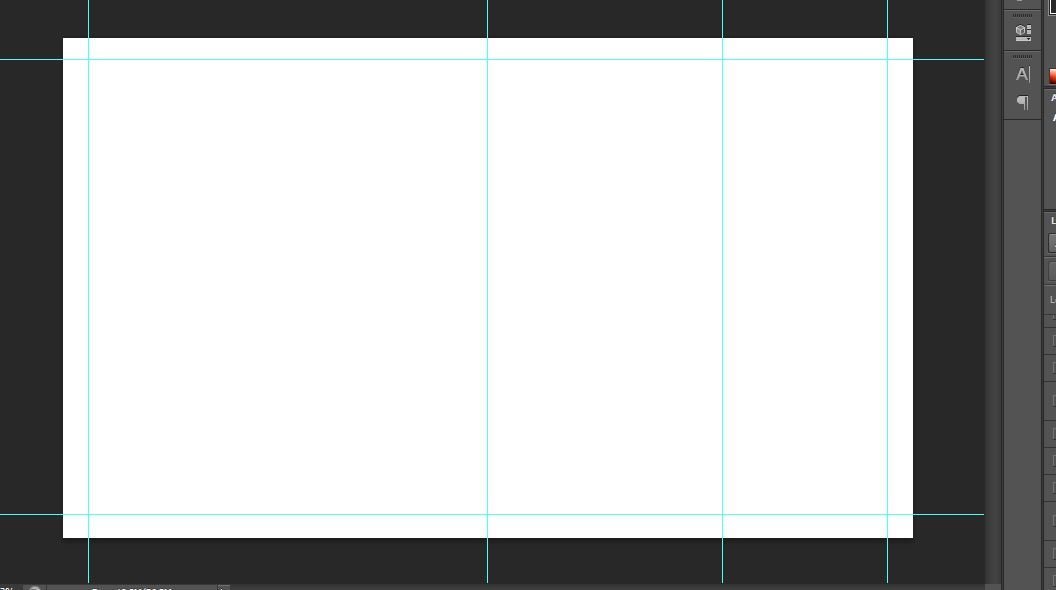
After the new page opened I added lines using control R so I can manage everything easily.
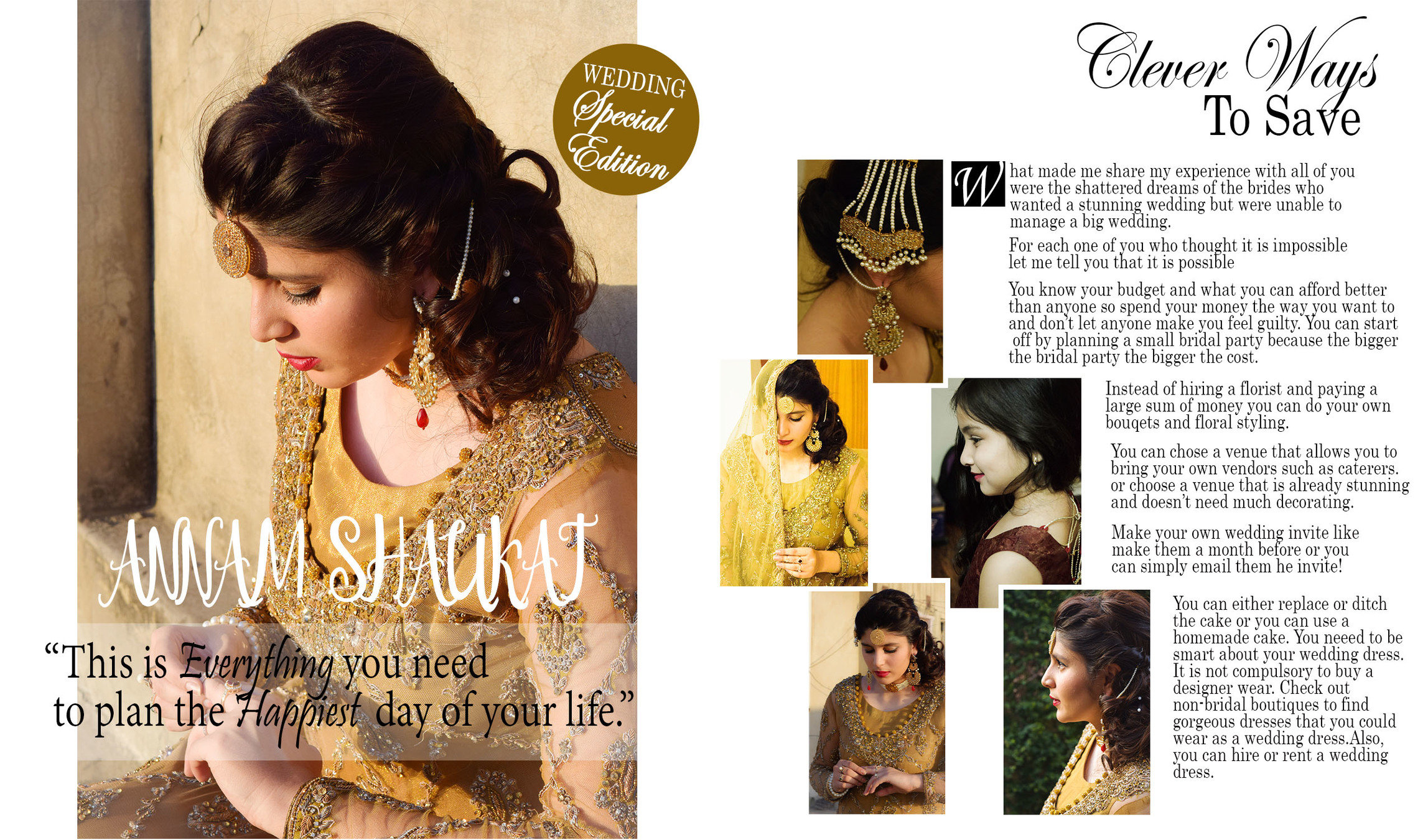
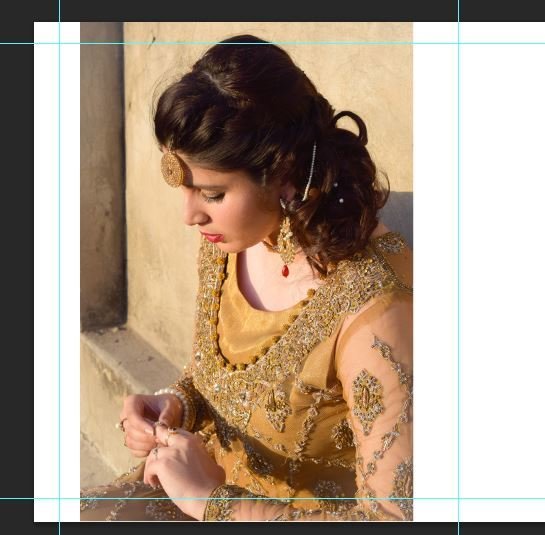
I began with adding the picture and adjusted it using the control T.
After doing that I added a quote on the picture and for the square I used the white colour with keeping the opacity 50. I used century and monotype corsiva font.


Then I added the main line to tell the audience what the guide is about.
Then when I began with the main body using a dropcap.



To attract more audience I added a pug in my magazine using the golden colour to follow the colour scheme.
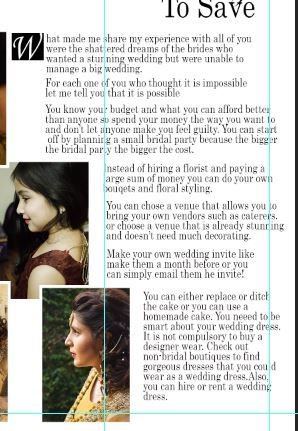
After that I added the main body in and placed it according to the images. And the blue line is the margin line with the help of which I was able to place the text in order.
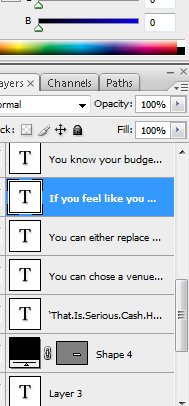
These are the layers from which I edited the text and placed everything in order. I used the opacity tool to lighten the colours.
deck
By ramsha