Q1. How did you integrate technologies – Hardware, Software and online – In project?
By Ramsha Tabassum
Living in the ever changing world of technology, new advancements occur every day which allows even those sitting at home to use modern inventions to achieve breakthroughs. Similarly, the use of different type of technology have helped me in making my final projects, allowing the use of higher quality documents and greater interactive methods.
Introduction
Hardwares
Without hardware there would’ve been no music video, website or a digipak. This is how important a quality hardware is.
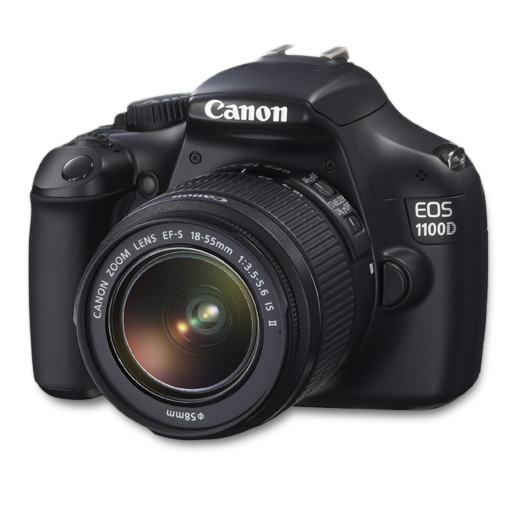
The camera we used for the shoot was Canon 1100D with a few different lens that were portrait lens, 18-55mm lens etc. This camera has numerous features such as scene modes, low light shooting, aperture and a high definition (720p) footage can be recorded by the Canon 1100D at up to 30fps (frames per second). The camera focuses quickly static and moving subjects. The usual range of automatic scene programs are available such as Portrait, Landscape, Sports, etc were there too and all these features helped us achieve what we wanted to. The end result of the shoot turned out to be amazing because of the detailing and extreme focus on the main subject/object.
Camera DSLR
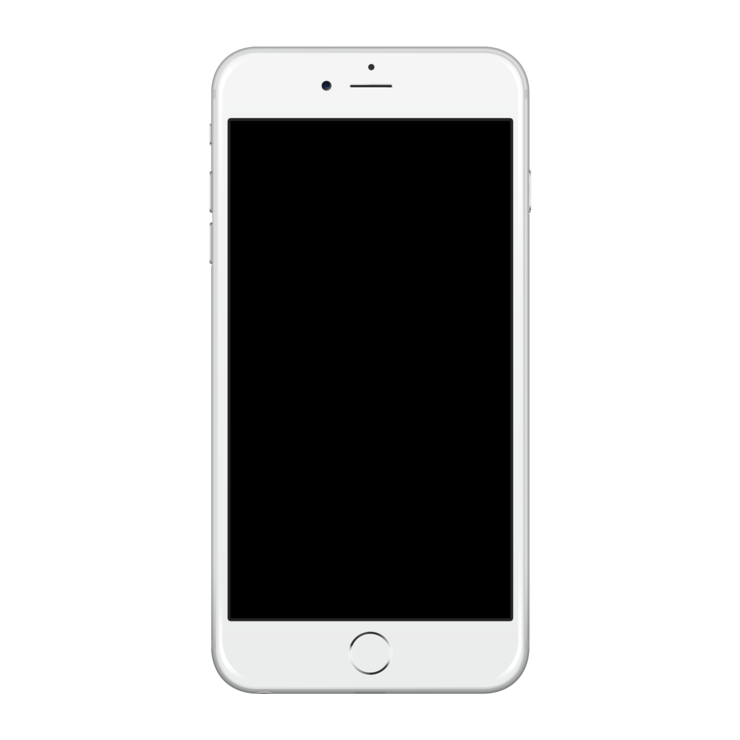
The second hardware used was a mobile, which was an iphone 6s. It was used to capture the Behind the scenes of every scene. I mainly used my mobile to interact with my group members, to decide everything. I used my 6s for the evidence that I uploaded in my posts. I also, used it to take screenshots of the feedback that was required after the final cut. I used all my social apps such as facebook, youtube, instagram etc on my iphone 6s to reach people.
Mobile (6s)
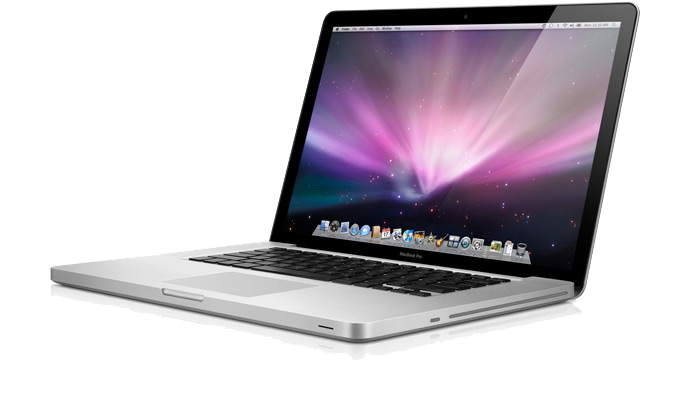
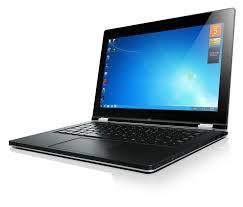
My laptops have played an immense role in my whole journey of the A2 Project. I downloaded all the softwares on my laptop, the utmost ones being Adobe Premiere where I made the music video and Adobe photoshop where I made the whole digipak and not to forget the most important thing, my weebly blog. Blogging wouldn’t have been possible without my laptops. I used Hp laptop and Macbook Pro to get done with my Project and my blog. Since laptops are portable and light weight, I easily carried it anywhere I wanted to. Since, in my country, Pakistan there are power shortage and energy crisis, the long battery time of both the laptops helped me do everything. I also stored all my files here as well, to serve as a backup device.
Laptop
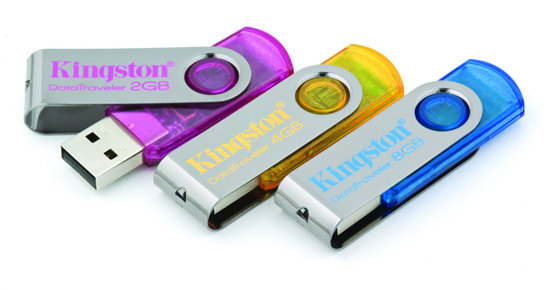
I used a Kingston 16 Gb usb to keep the backup of all my videos, bts and pictures of my music videos shoot. I also used a usb to transfer stuff from one media to another. The usb was of great help when my internet didn’t work or when my laptop ran out of battery. I had all the stuff transferred in it beforehand so in case of any problem, I just opened the work in another laptop.
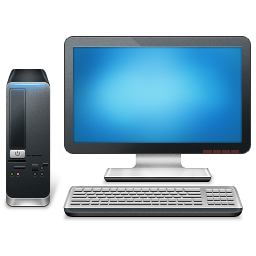
I used my schools desktops to keep a backup there and I edited the music video on the desktop since the computer cannot deal with such heavy files.
Desktop
A USB
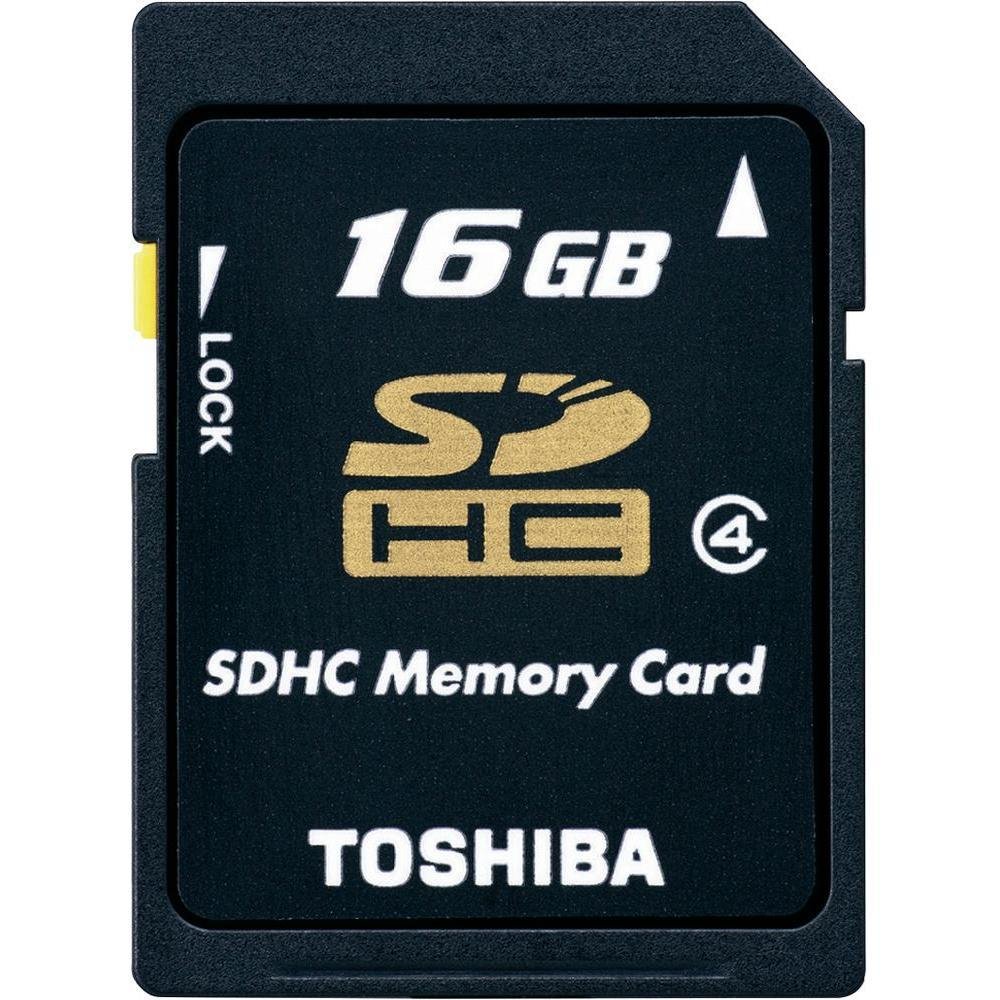
I used two memory cards both of them were 16 GB memory cards. I kept an extra memory card with me since the videos were heavy files and the memory got full with in the first 2 hours and we had to format the cards again and again. So the extra one kept us going.
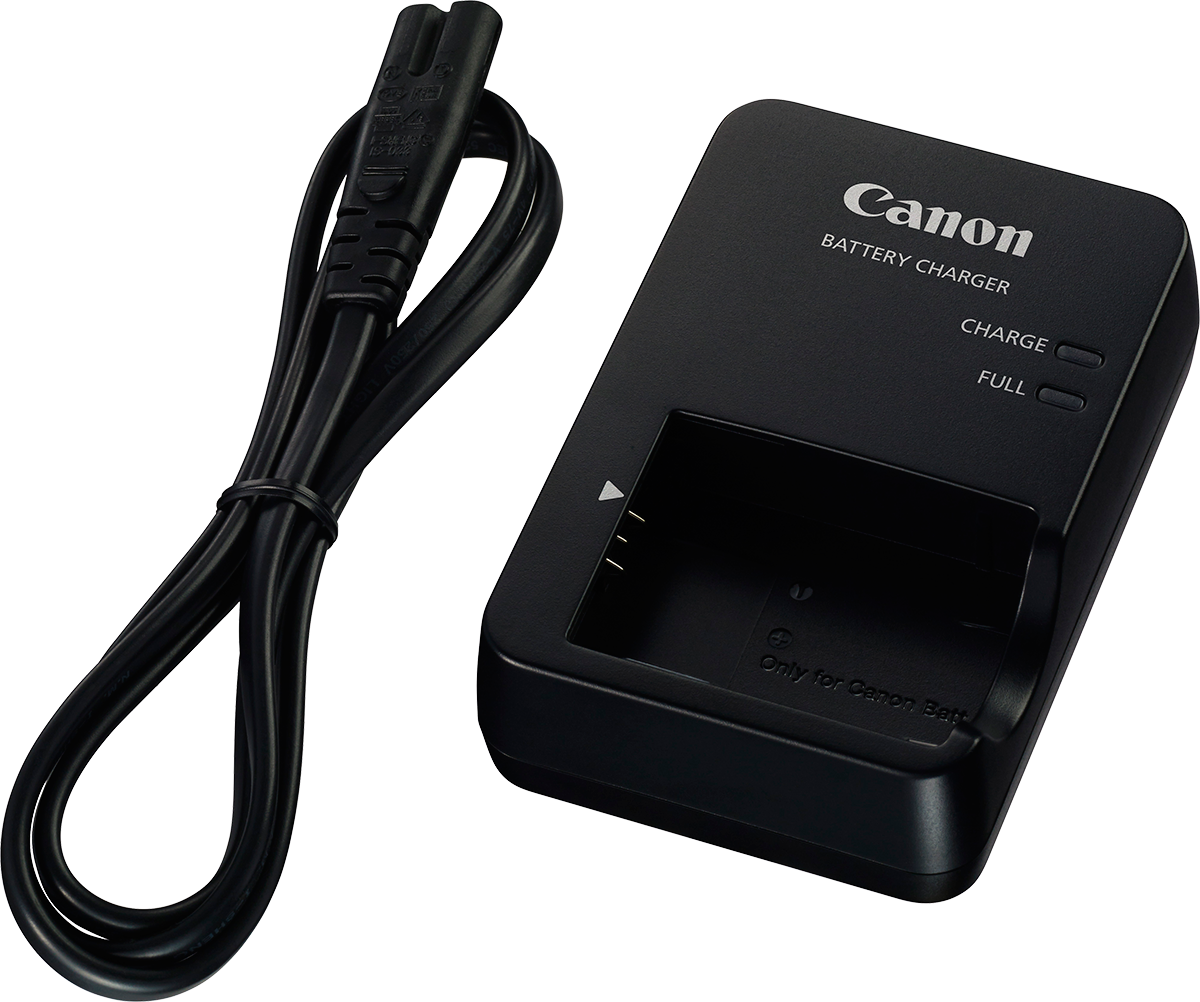
The camera charger was a must since the camera consumes a lot of battery while on video mode. Without it there wouldn’t have been any shoot.
Memory Card
Charger
Most of the video was made using a handheld camera but there were some clips that were shot with the steady camera such as the placard scene of all three narrative, for that a tripod was needed and the camera was fixed one place to get the perfect shots. All the movements such as a pan and tilt were made using a ball head tripod since it helped the camera to stay in focus and capture neat videos. Apart from this the tripod was needed for the photoshoot of the digipak and the website.
Tripod

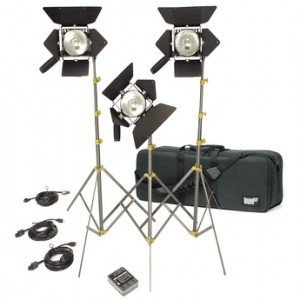
Three-point lighting is a standard method used in visual media such as theatre, video, film, still photography and computer-generated imagery.
3 point lighting was used for the indoor shoot that was help in the basement room and there was no natural light. The 3 point lighting ensured that there was no variation in the lighting throughout the shoot.
3 Point Lights
Softwares
I have used a lot of online tools beginning with the ones I used for presentations. I have almost used all the online tools in my As blog so I am already familiar with them.
This is something I have worked with before. I have used this software for the construction of my As project. I am familiar with all the tools and I know how to work with it but this time when I made the digipak, I got more exposure of what else can be done with Photoshop. I made the entire digipak using Photoshop. Photoshop helped me edit the pictures and I made a better version of them. I used a lot of tools and filters such as polygonal lasso tool to crop the record label. I used the ellipse tool to construct my Cd. I used the selective tool that is made for editing pictures to make sure that the colour balance and contrast everything is on point. I rasterized my layers, added the mask to the layers etc.
Adobe Photoshop
I have used many video editing software and have used many softwares by adobe but they have never been this easy to handle. Adobe premiere is the most friendly video editing software which offers a wide range of filters. effects and tools that automatically enhance your video and make your work presentable. There were no extra efforts put in to learn how adobe premiere works. Once you get hold of it, you can do wonders literally!
Adobe Premiere
I used Microsoft word to make all the rough sketches of the posts that I have to blog. Writing in online tools sometimes makes the work vanish and whenever the internet goes, the posts are left undone and we aren’t able to save work. This gave me an edge over other since this never happened with me and I always recheck my work before posting it.
Apart from rough sketches, I made my scene structure, synopsis, shoot schedule on Microsoft word but later uploaded it in Slideshare.
Microsoft Word

My presentation skills first developed by making presentations on PowerPoint. I have always worked on PowerPoint for presentations. PowerPoint has polished my presentation skills so much that now I can easily use the online presentation tools in the best way possible. I made the role of members on PowerPoint using the clipart and combined the inspirational digipaks into one picture.
I have used a lot of online tools beginning with the ones I used for presentations. I have almost used all the online tools in my As blog so I am already familiar with them.
PowerPoint
Emaze is a user-friendly online presentation tool that gave me the exposure to learn new ways of making the presentations since it has a lot of templates.
Prezi
Emaze

I have made most of my extensive research posts using visme since it offers you a wide range of styles. It is easy to use that makes your work more presentable.
I used have used slides lot of time throughout my blog since it allows you to make blank presentations and design it your way. Also it’s similar to PowerPoint so I found it very easy to use.
Visme
Slides
Canva
I used Canva to make a few of my presentations because canva has a lot of features starting from numerous text fonts to numerous shapes.
Slideshare
I used slideshare to get an embed code for the posts I did on Microsoft word and powerpoint.

Weebly
Weebly played another important role in my whole journey because it gave me a platform to blog all my work. To write everything I did throughout this year. I chose weebly because of the user friendly element and because it has a different blog page for every phase of the journey.
Flipagram
Flipagram was used to combine all the small videos and images to covert them into a video form, which was then put up on the blog using vimeo.
Facebook came in use when I had to get feedback. I posted my music videos rough cut and people commented what they thought about. Viewing different singers official pages help me analyse the way they market their product.
Snapchat
I used this application when I wanted to make short 10s videos for my evidence. It allowed me to quickly capture moments and add captions on the go.


Youtube
I used YouTube a lot mainly to look for the covers of the song I selected and for uploading our first cut, final video and our introduction video. I even used youtube for tutorials of something I did not understand.
Vimeo
Vimeo works just like YouTube does. We uploaded our Bts on vimeo.

The most used application in relation to my project was WhatsApp. I made groups to convey messages to multiple people at the same time. Everything for our shoot and products was planned on our whatsapp group with the help of voice notes, images, videos, loacations etc.
Survey Monkey
Survey Monkey helped me make a survey about what my target audience wants.


Wix
www.wix.com is a website construction platform. I made my band website using this site. Wix was the easiest website making tool. The drag and drop options made my task a piece of cake.
Google Drive/Mail
Both the online tools were used to transfer stuff between the group members. In case of no Usb, Mail and google drive were used.


Conclusion
This question made me realise the importance of technology. I didn't realize that I combined so many technologies while developing only one product.
This just shows how attached and connected the whole technological world is and I have gained a lot of knowledge throughout my project. I got the opportunity to take advantage of this to boast up my skills. I can now easily work on any hardware,software or presentation tool.
deck
By ramsha