Angular 2 - advanced
Routing
One app, multiple screens
What is routing?
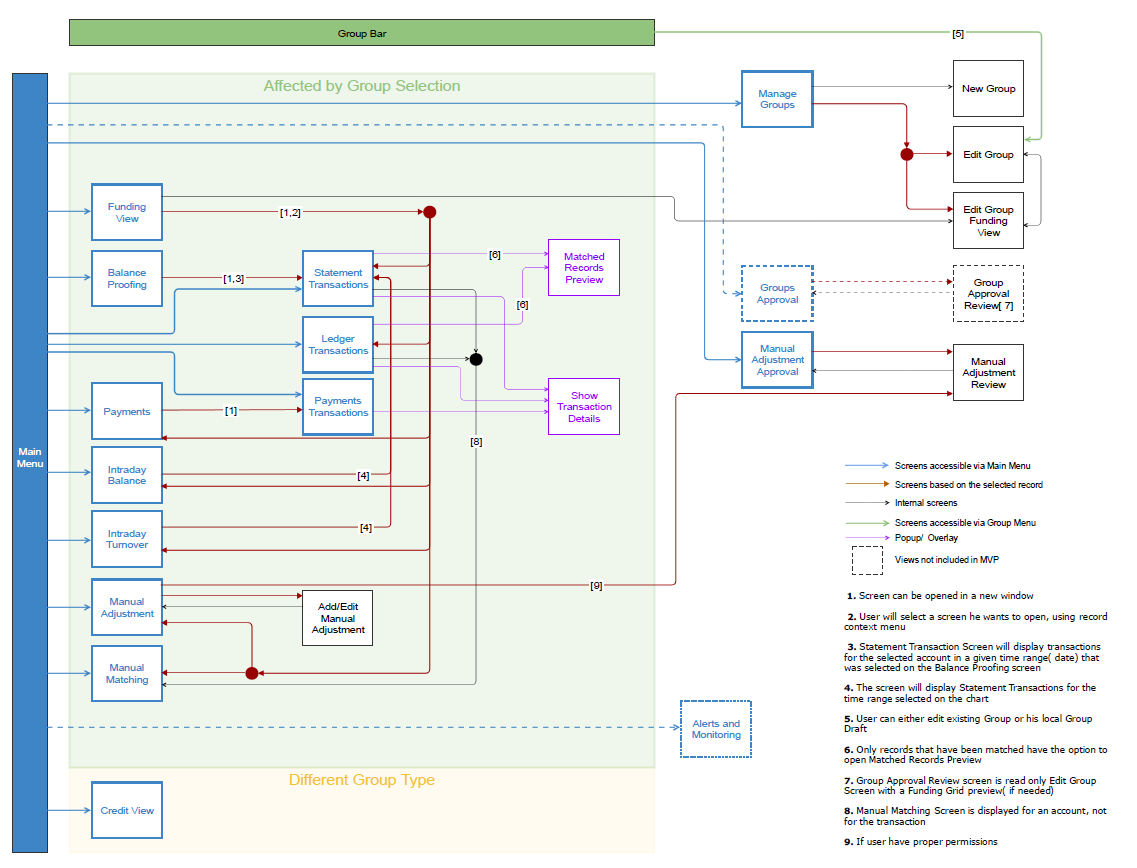
Why routing?
- Integrates with the browser history
- User can use "back" and "forward" buttons
- Every screen/state is accessible (represented) by the link
- Easier to navigate and to share resources
Setting the router in Angular 2
//index.html

<head>
  <base href="/">
Creating AppRoutingModule
import { NgModule } from '@angular/core';
import { Routes, RouterModule } from '@angular/router';

const appRoutes: Routes = [

];

@NgModule({
  imports: [RouterModule.forRoot(appRoutes)],
  exports: [RouterModule]
})
export class AppRoutingModule { }
Import AppRoutingModule
import { AppRoutingModule } from './app-routing.module';
import { AppComponent } from './app.component';

@NgModule({
  declarations: [
    AppComponent
  ],
  imports: [
    AppRoutingModule
  ],
  providers: [],
  bootstrap: [AppComponent]
})
export class AppModule { }
Configure main Routes (Lazy Loading)
const appRoutes: Routes = [
  { path: 'dashboard', loadChildren: 'path/to/dashboard.module#DashboardModule' },
  { path: 'transactions', loadChildren: 'path/to/transactions.module#TransactionsModule' },

  { path: '',   redirectTo: '/dashboard', pathMatch: 'full' },
  { path: '**', component: PageNotFoundComponent }
];

@NgModule({
  imports: [RouterModule.forRoot(appRoutes)],
  exports: [RouterModule]
})
export class AppRoutingModule { }
Configure child Routes
import { NgModule } from '@angular/core';
import { RouterModule, Routes } from '@angular/router';
import { TransactionsComponent } from './transactions/transactions.component';

let moduleRoutes: Routes = [
    {
        path: '',
        component: TransactionsComponent
    }
]

@NgModule({
  declarations: [
    TransactionsComponent
  ],
  imports: [
      RouterModule.forChild(moduleRoutes)
  ],
  providers: []
})
export class TransactionsModule { }
Displaying a routing view
<h1>App Header</h1>

<a [routerLink]="['/dahsboard']">Dashboard</a>
<a [routerLink]="['/transactions']">Display list transactions</a>

<router-outlet></router-outlet>
Let's code
Application routing
Parametrized routes
{
  path: 'user/:id',
  component: UserDataComponent
},

// creating a link

<a [routerLink]="['/user', person.id]">

<a [routerLink]="['/user', 666]">

// ...

this.router.navigate(['/user', this.selectedPerson.id]);
Working with Router
Extracting parameters
Extract parameters
import { Component, Input, OnInit } from '@angular/core';
import { ActivatedRoute, Params }   from '@angular/router';


export class UserDataComponent implements OnInit {

    constructor(
      private route: ActivatedRoute
    ) {}


    ngOnInit(): void {
      this.route.params
        .subscribe((params: Params) => {
            console.log(params['id']);
        });
    }
}
Let's code
Display user data (id)
Life cycle hooks
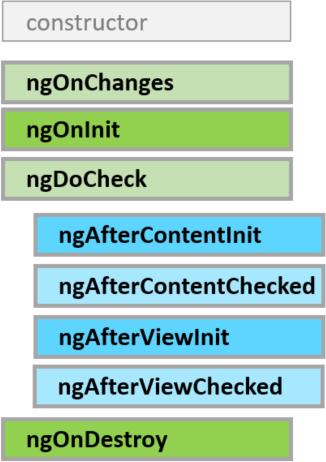
List of hooks
Overview
- ngOnChanges - Respond when Angular (re)sets data-bound input properties. Called before ngOnInit and whenever one or more data-bound input properties change.
-
ngOnInit - Initialize the directive/component after Angular first displays the data-bound properties and sets the directive/component's input properties. Called once, after the first ngOnChanges.
-
ngOnDestroy - Cleanup just before Angular destroys the directive/component. Unsubscribe observables and detach event handlers to avoid memory leaks. Called just before Angular destroys the directive/component.
Server communication
HTTP Requests
Add Http module
import { NgModule }      from '@angular/core';
import { BrowserModule } from '@angular/platform-browser';

import { HttpModule }    from '@angular/http';

import { AppComponent }  from './app.component';

@NgModule({
  imports: [
    BrowserModule,
    HttpModule,
  ],
  declarations: [
    AppComponent,
  ],
  bootstrap: [ AppComponent ]
})
export class AppModule { }
Using http
import { Injectable }     from '@angular/core';
import { Http, Response } from '@angular/http';
import { Observable }     from 'rxjs';
import { UserData }     from './user-data';

@Injectable()

export class UserssHttpService {

  constructor(private http: Http) {}

  loadAll(): Observable<UserData[]> {
    return this.http
               .get(`data/users.json`)
               .map((r: Response) => r.json() as UserData[]);
  }
}
In the component
export class UsersComponent {
    records: UserData[];

    constructor(private service: UsersHttpService) {

    }

    ngOnInit() {
        this.service.loadAll().subscribe((records: UserData[]) => {
            this.records = records;
        });
    }
}

// template


<div>
    <div *ngFor="let user of records">
      {{user.name}}
    </div>
</div>
Using | async pipe
export class UsersComponent {
    records: Observable<UserData[]>;

    constructor(private service: UsersHttpService) {

    }

    ngOnInit() {
        this.records = this.service.loadAll()
    }
}

// template


<div>
    <div *ngFor="let user of records | async">
      {{user.name}}
    </div>
</div>
Why Observables/Streams?
ngOnInit(): void {
    this.heroes = this.searchTerms

      .debounceTime(300)        // wait for 300ms pause in events

      .distinctUntilChanged()   // ignore if next search term is same as previous

      .switchMap(term => term   // switch to new observable each time

        // return the http search observable
        ? this.heroSearchService.search(term)
        // or the observable of empty heroes if no search term
        : Observable.of<Hero[]>([]))
      .catch(error => {

        // TODO: real error handling
        console.log(error);
        return Observable.of<Hero[]>([]);

      });
  }
Let's code
Loading data from assets/data.json
Angular Change Detection
Every Component has it's own change detector
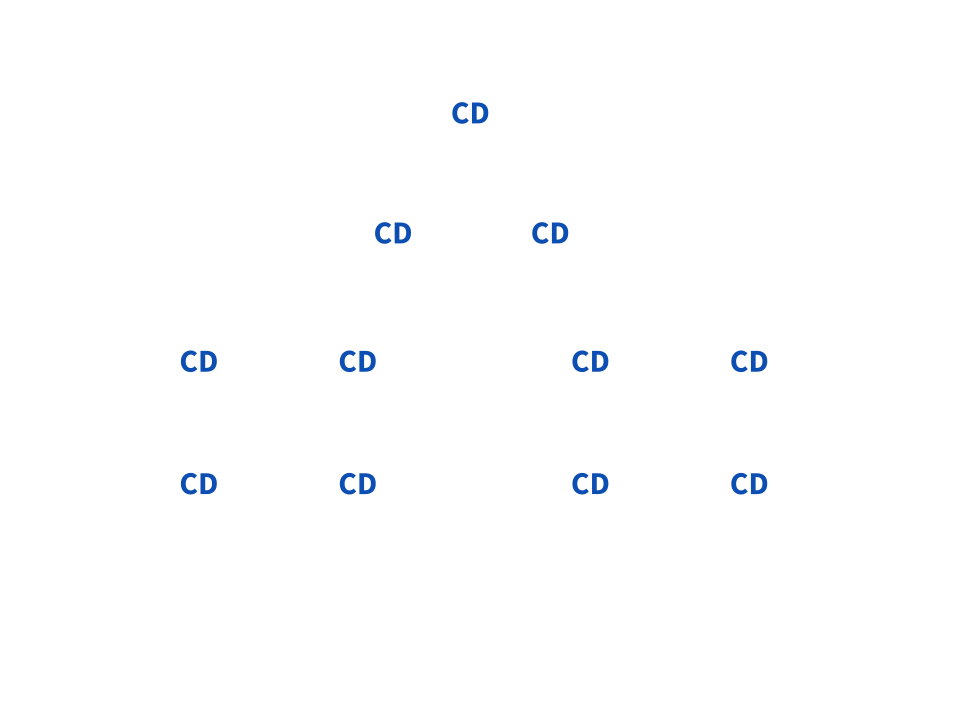
When some event occurs, CD is triggered
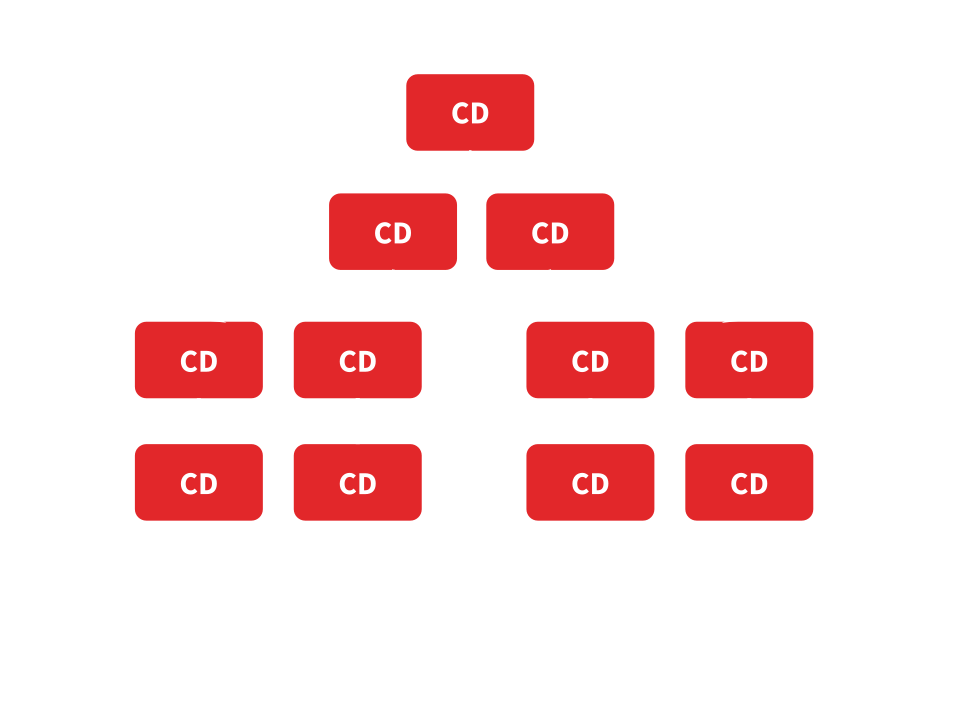
Optimization
- Only one run
- Data flows from top to bottom
- CD code is generated and JIT friendly
- Possible: Primitive components
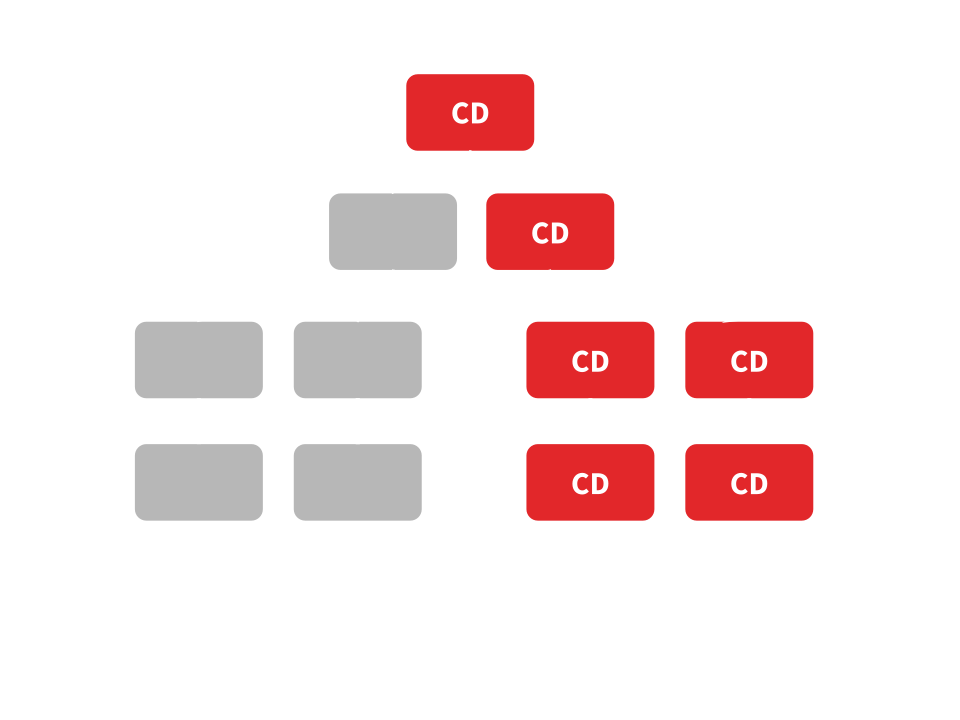
On Push Change Detection
@Component({
  template: `
    <h2>{{vData.name}}</h2>
    <span>{{vData.email}}</span>
  `,
  changeDetection: ChangeDetectionStrategy.OnPush
})
class VCardCmp {
  @Input() vData;
}
On Push Change Detection
Angular 2 - advanced
By sosnowsd