







speedcubing
ckcsc
沒有用過discord的你就別來了吧
APP? Bot? API?
Pycord? JDA? discord.js ?
官方提供的HTTP API/ WebSocket Gateway
直接對接官方API不容易
Community 提供的 Wrapper,能更輕鬆控制Bot
Discord (Central)
Bot Client
(你要寫的東西)
User
Discord API
websocket
互動
很簡單
你做的互動,會丟給Client
Client處理,丟回去。
(GW)
所以,如果要讓Bot 24/7 運行
你的Bot Client (你寫的code) 不能停下。
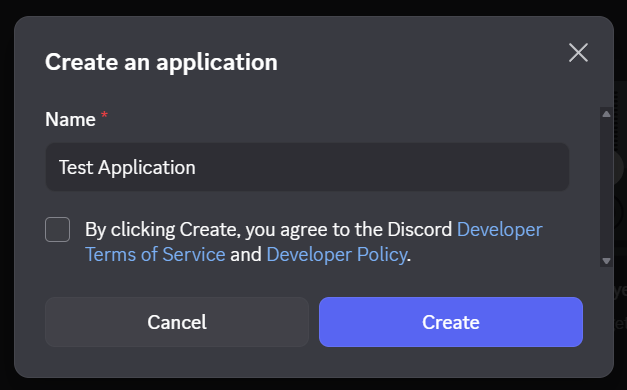
2. New Application
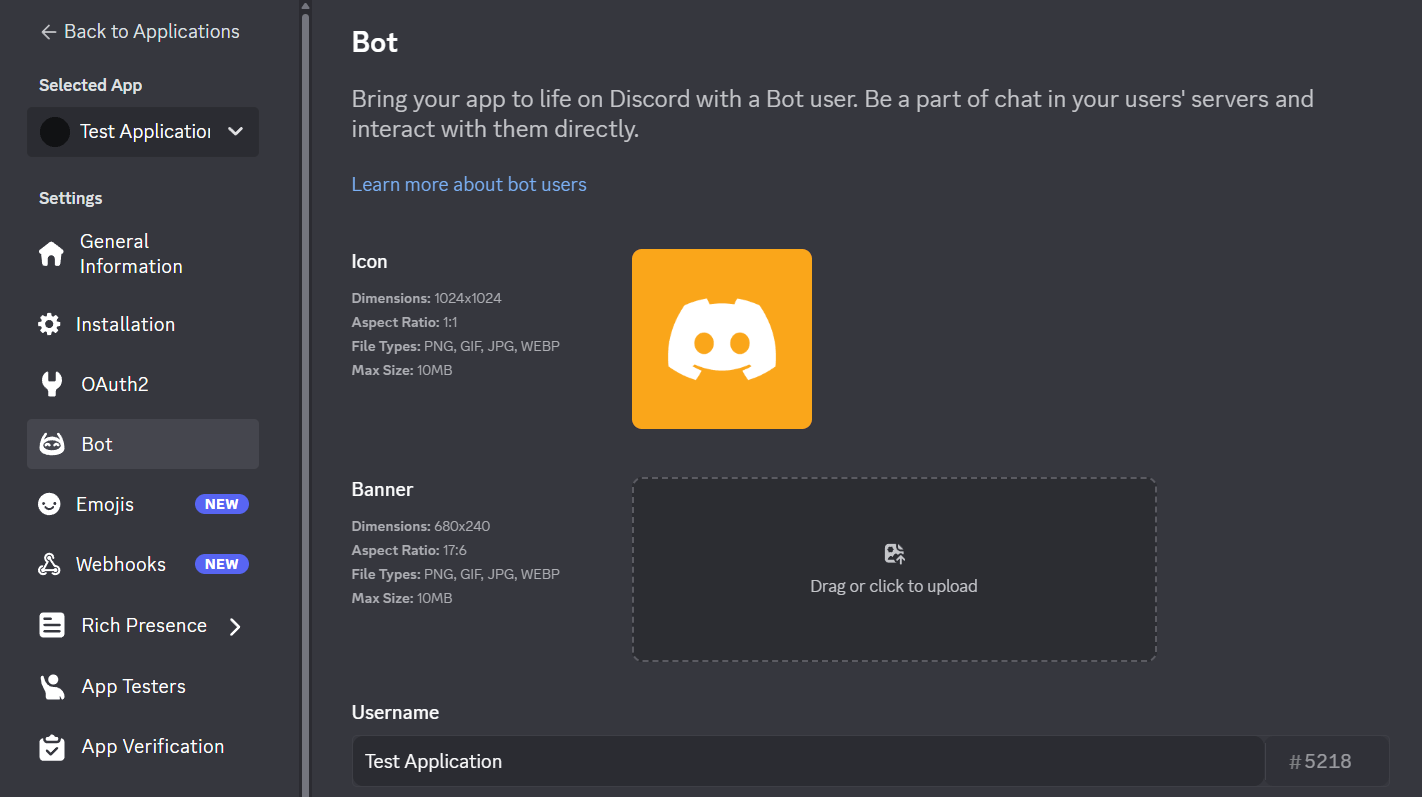
左邊去Bot Settings
可以更改
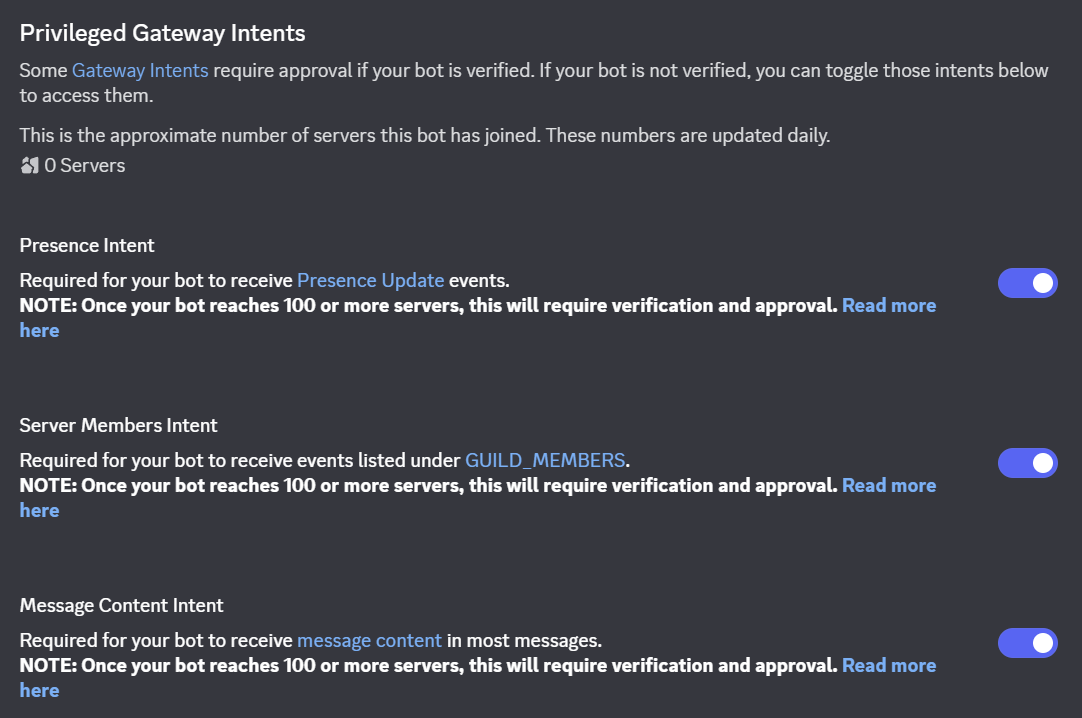
Discord Gateway會傳大量事件給你的Bot,
Intents設定可以篩選說: 你只想接收哪些事件
分成兩種:
所以我們去開Privileged Intents。
但我們沒有
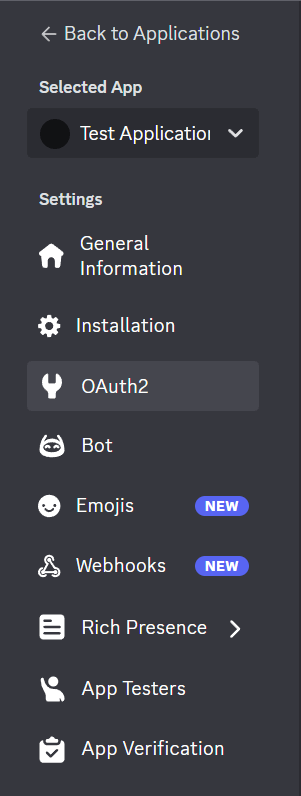
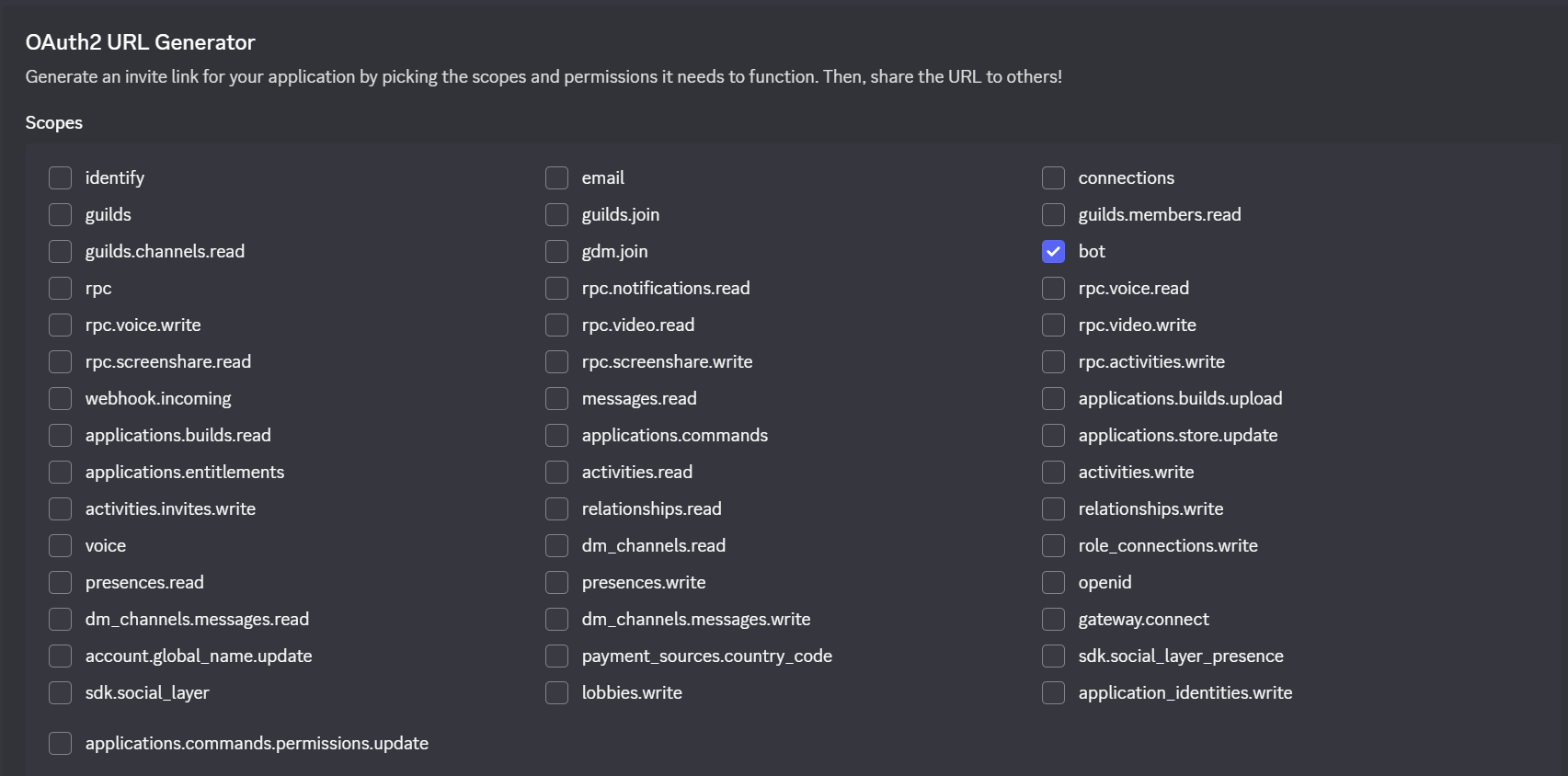
左邊去OAuth2
OAuth2 URL Generator
check "bot"
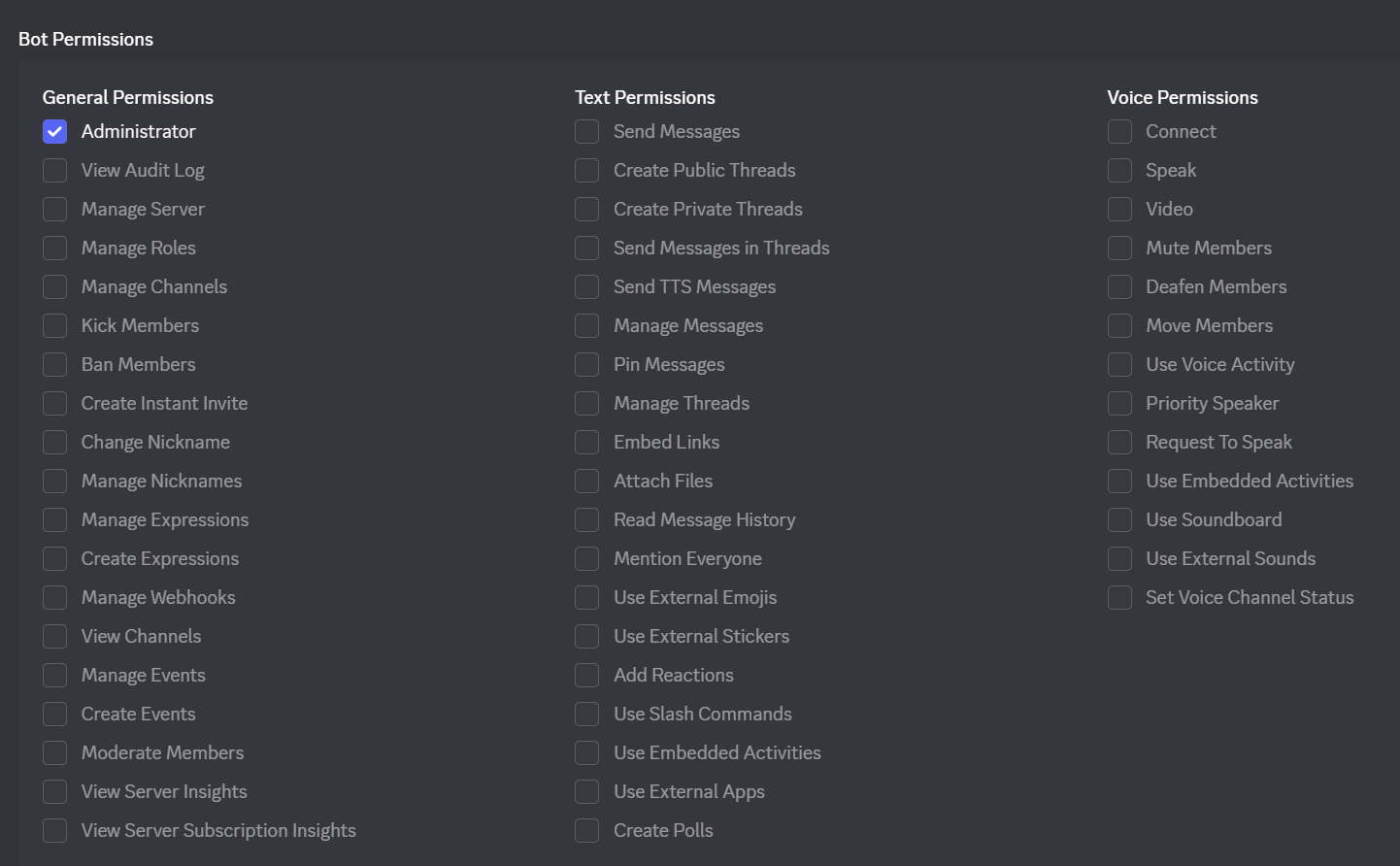
再來,勾選Bot Permission
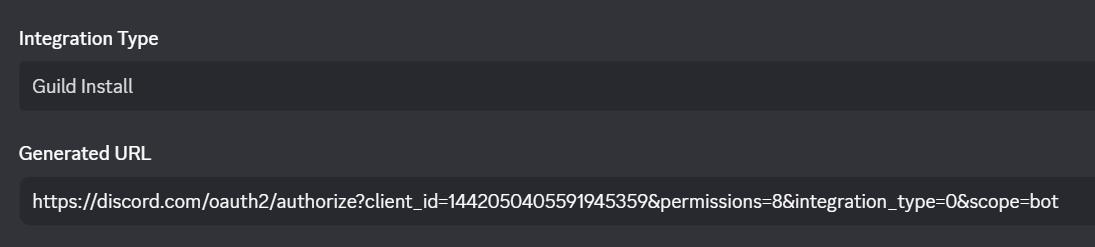
底下應該就會看到你的Invite URL了
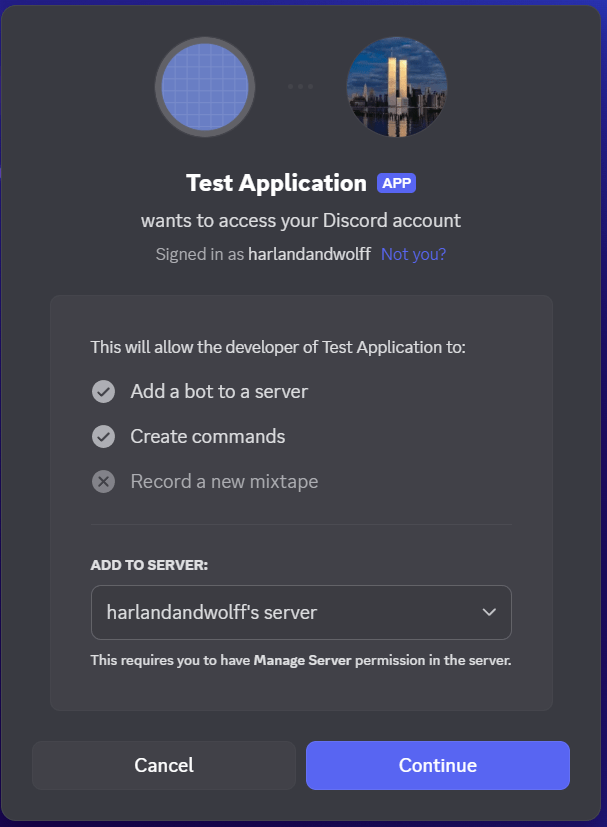
開啟Invite URL,把Bot邀入你的Server.
///
# Linux/macOS
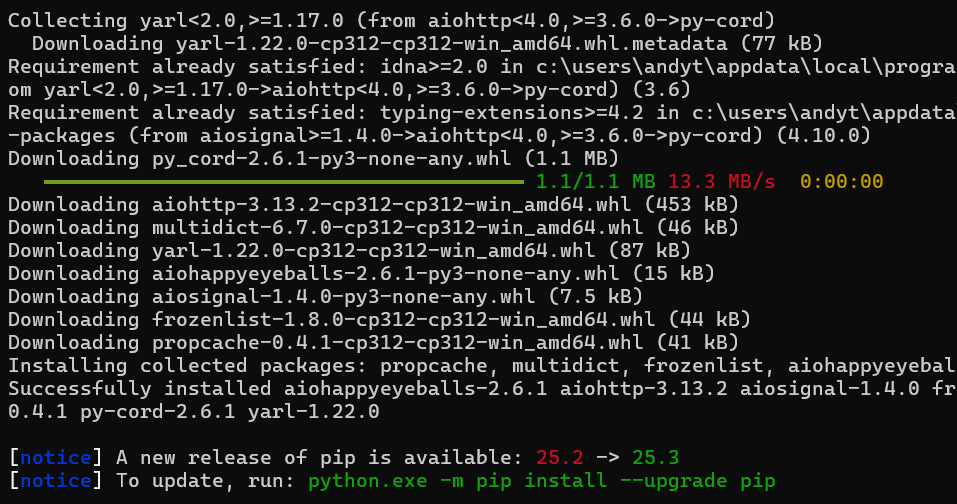
python3 -m pip install -U py-cord

# Windows
py -3 -m pip install -U py-cord# Linux/macOS
python3 -m pip install -U dotenv
# Windows
py -3 -m pip install -U dotenv///
這裡有一個Token, 點Reset建立一個
(請勿外洩自己的Token, Token用於控制你的Bot)
像這樣,Copy起來。
建立.env
寫 DISCORD_TOKEN=<token>
(.env 環境變數, 避免在code內寫token)
import discord
import os
from dotenv import load_dotenv

load_dotenv()
TOKEN = os.getenv("DISCORD_TOKEN")

bot = discord.Bot(intents=discord.Intents.all())

if __name__ == "__main__":
    bot.run(TOKEN)
in yor main.py (or bot.py, whatever)
讀取.env, run你的bot
執行看看,
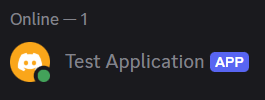
你就能看到你的Bot是Online State了
///
User
Guild
Member
Discord 用戶
Discord 伺服器
Discord 伺服器內的用戶 (可以轉成User)
以Discord Bot的視角來看:
python剛學兩週,qq
pycord也是
簡單講python怎麼threading
插入一點
在這邊不怎麼重要就是了
async def helloworld():
	print("Hello")

    // time consuming tasks
    await asyncio.sleep(1)

    print("World")

asyncio.run(helloworld())
async
await
Coroutine不能直接呼叫,呼叫只會拿到Coroutine物件
必須使用 await 或是交給 EventLoop !!!!!
asyncio.run(coro)
- 直接在 "同步" 啟動EventLoop執行Coro
- block
asyncio.create_task(coro)
- Wrap成Task,交給EventLoop執行Coro
- caller non-block
anyway
你只需要知道
Pycord這個Lib是非同步架構
提供的一些function都要有
async / await
可以寫一些function來Listen一些發生的"Event"
on_ready
on_member_join
on_message
...
當client完成初始化
當member加入guild
當message被發出
Docs: Pycord Event Ref
@bot.event
async def on_ready():
	# your code
當client完成初始化
@bot.event
async def on_ready():
print("The bot is ready.")@bot.event
async def on_member_join(member: discord.Member):
# your code當member加入guild
@bot.event
async def on_member_join(member: discord.Member):
    channel = bot.get_channel(1442049122986229843)
await channel.send(f"welcome {member.mention}")@bot.event
async def on_message(message: discord.Message):
await message.channel.send("shut up")喔不,不對勁
他把自己算進去了
@bot.event
async def on_message(message: discord.Message):
    if message.author == bot.user:
        return
    await message.channel.send("shut up")
    # await message.reply("shut up")
///
@bot.command()
async def hello(ctx):
    await ctx.send("Hello!")
簡單範例
@bot.command()
async def hello(ctx, name: str):
    await ctx.send(f"Hello, {name}!")
指令參數
@hello.error
async def hello_error(ctx, err):
    if isinstance(err, commands.MissingRequiredArgument):
          await ctx.send("missing args")
參數Error Handling
bot = commands.Bot(
    command_prefix="!",
    intents=discord.Intents.all()
)
在setup bot的時候要設定prefix
Article: Slash Commands FAQ
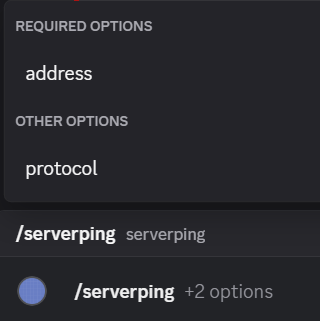
@bot.slash_command()
async def ping(ctx):
    await ctx.respond("pong")
簡單範例
Alternatively...
you can specify the command name instead of using the function name.
@bot.slash_command(name="ping")
async def ping_command(ctx):
    await ctx.respond("pong")
ctx 有些什麼?
插入一點
def f(name="Andy"):
	print(f"Hello {name}!")

f("Kevin") // "Hello Kevin!"

f() // "Hello Andy!"
= fallback
來fallback參數
def f(name=None):
	if name is None:
    	name = "Andy"
	print(f"Hello {name}!")

f("Kevin") // "Hello Kevin!"

f() // "Hello Andy!"
= None
來動態處理各種Behavior
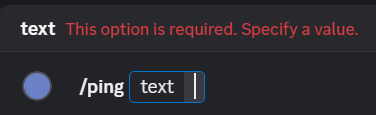
寫法: 寫在宣告function的地方,直接是參數
@bot.slash_command(name="ping")
async def ping_command(
    ctx,
    text: str
):fallback 讓option變成是optional的
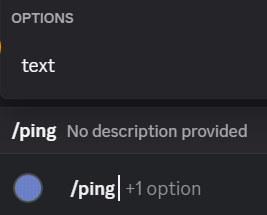
@bot.slash_command(name="ping")
async def ping_command(
    ctx,
    text: str = "hi"
):(當然,也可以fallback成None)
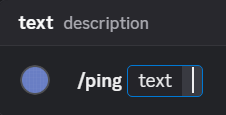
當你想要有description,事情會變得麻煩起來...
@bot.slash_command(name="ping")
async def ping_command(
    ctx,
    text: Option(str, "description")
):fallback 寫法一樣
@bot.slash_command(name="ping")
async def ping_command(
    ctx,
    text: Option(str, "description") = "hi"
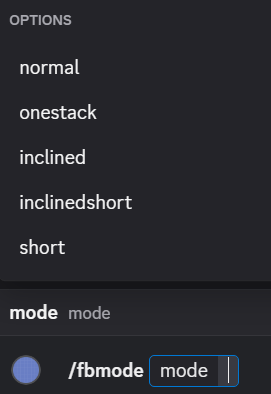
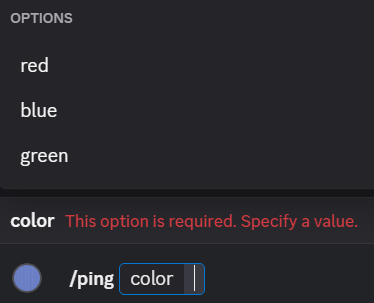
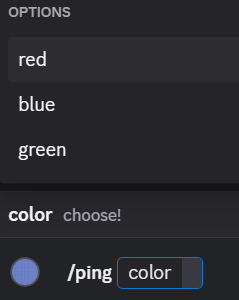
):color: Option(str, choices=["red", "blue", "green"])color: Option(str, "choose!", choices=["red", "blue", "green"])optional就不廢話了,一樣的fallback法
Src: Pycord Embed Source
embed = discord.Embed(
	title: str,
    description: str,
    url: str,
    color: discord.Color,
    timestamp: datetime.datetime
)
(the params are all optional btw)
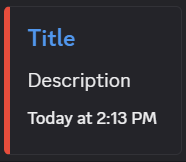
embed = discord.Embed(
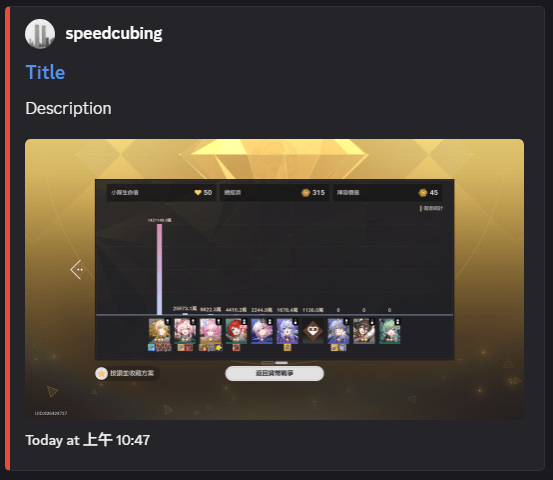
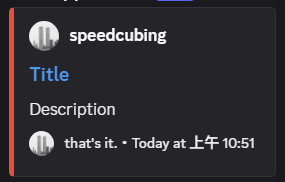
    title="Title",
    description="Description",
    color=discord.Color.red(),
    url="https://github.com/",
    timestamp=datetime.datetime.now(datetime.UTC)
)discord.Color.random()
discord.Color.red()
discord.Color.from_rgb(0xAA, 0, 0)
discord.Color.from_str("0xAA0000")
discord.Color.from_str("#AA0000")
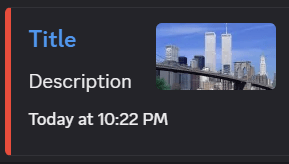
discord.Color.from_str("0x#AA0000")embed.set_thumbnail(url: str)embed.set_thumbnail(url="https://...")file = discord.File("file.png", "filename.png")
embed.set_thumbnail(url="attachment://filename.png")
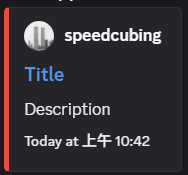
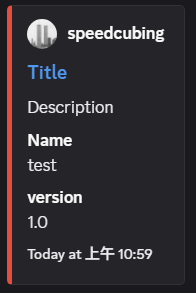
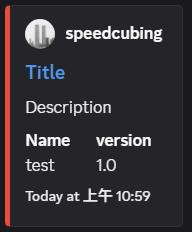
await ctx.respond(embed=embed, file=file)embed.set_author(name: str, url: str, icon_url: str)embed.set_image(url: str)embed.set_footer(text: str, icon_url: str)embed.add_field(name: str, value: str, inline: bool)await ctx.respond(embed=embed)await ctx.respond(embeds = [e1, e2])class TestView(discord.ui.View):
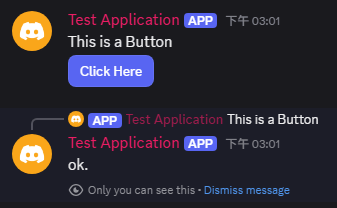
@discord.ui.button(label="Click Here", style=discord.ButtonStyle.primary)
async def click_me(self, button: discord.ui.Button, interaction: discord.Interaction):
# 行為
await interaction.response.send_message("ok.", ephemeral=True)建立一個Class, 繼承discord.ui.View
裡面寫一個@discord.ui.button的 async Function
@bot.event
async def on_message(message: discord.Message):
    if message.author == bot.user:
        return

    if message.content == "hi":
         await message.channel.send(content="This is a Button", view=TestView())
找個時機把Button傳出去
像這裡是在on_message: "hi"
By speedcubing