Web Presence & Personal Brand pt. 1
As we start searching for jobs, it is very valuable to have a strong personal brand.

Imagine how many emails we will send to companies, employers, and recruiters when we start the job hunt

Hundreds!
Now, Imagine how many emails companies, employers, and recruiters receive from developers like us looking for a job!

Even more hundreds!
We need a way to stand out!

We can achieve this by using email signatures!

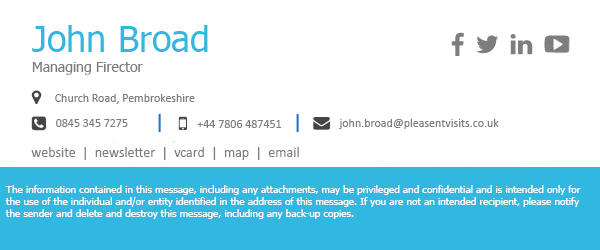
Which email would you rather reply to?
Exactly!
What if...
I told you that you already know how to make them?!


HTML
& inline CSS
Heres my signature!
<div style="border-left: 3px solid black; float: left; display:inline; width:260px; padding-left:15px;
margin-left:12px; font-family:Courier New, Courier, monospace; font-size:14px; padding-bottom: 2px">

  <p style="font-size:12.5px; margin-top:0; margin-bottom:0;">
    <a style="color: black !important; text-decoration:none" href="what-is-a-full-stack-developer/">
        Full Stack
    </a>
    <span style="color: black !important;">
     Student
    </span>
    <a style="color:orange !important; text-decoration:none"
      href="http://galvanize.com">
        @galvanize
    </a>!
  </p>


  <p style="font-size:12.5px; margin-top:5px; margin-bottom:0;">
    <a style="color: #0073aa !important; text-decoration:none;" href="https://wordpress.org/">
        Wordpress
    </a>
    <span style="color: black !important;">
        Web Designer!
    </span>
  </p>


  <p style="font-size:12.5px; margin-top:5px; margin-bottom:0;">
    <a style="color:red !important; text-decoration:none" href="http://tommygaessler.com">
        tommygaessler.com
    </a>
  </p>

  <p style="font-size:12.5px; margin-top:5px; margin-bottom:0;">
    <span style="color:black !important text-decoration:none !important;">
        303-565-0001
    </span>
  </p>
</div>
<div style="clear:both; margin-bottom:40px"></div>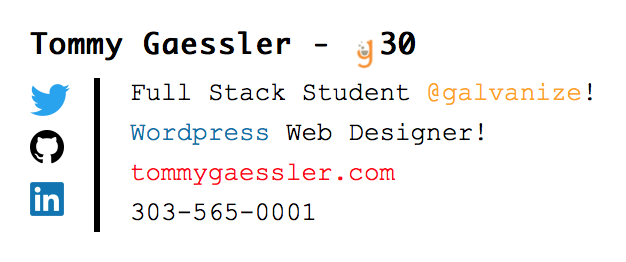
Tips
- Keep it simple
- HiRes PNG's
- No SVG's
- Clear Floats
- Add Links
- inline CSS Only
But How?
Open Mail > CMD , > Signatures
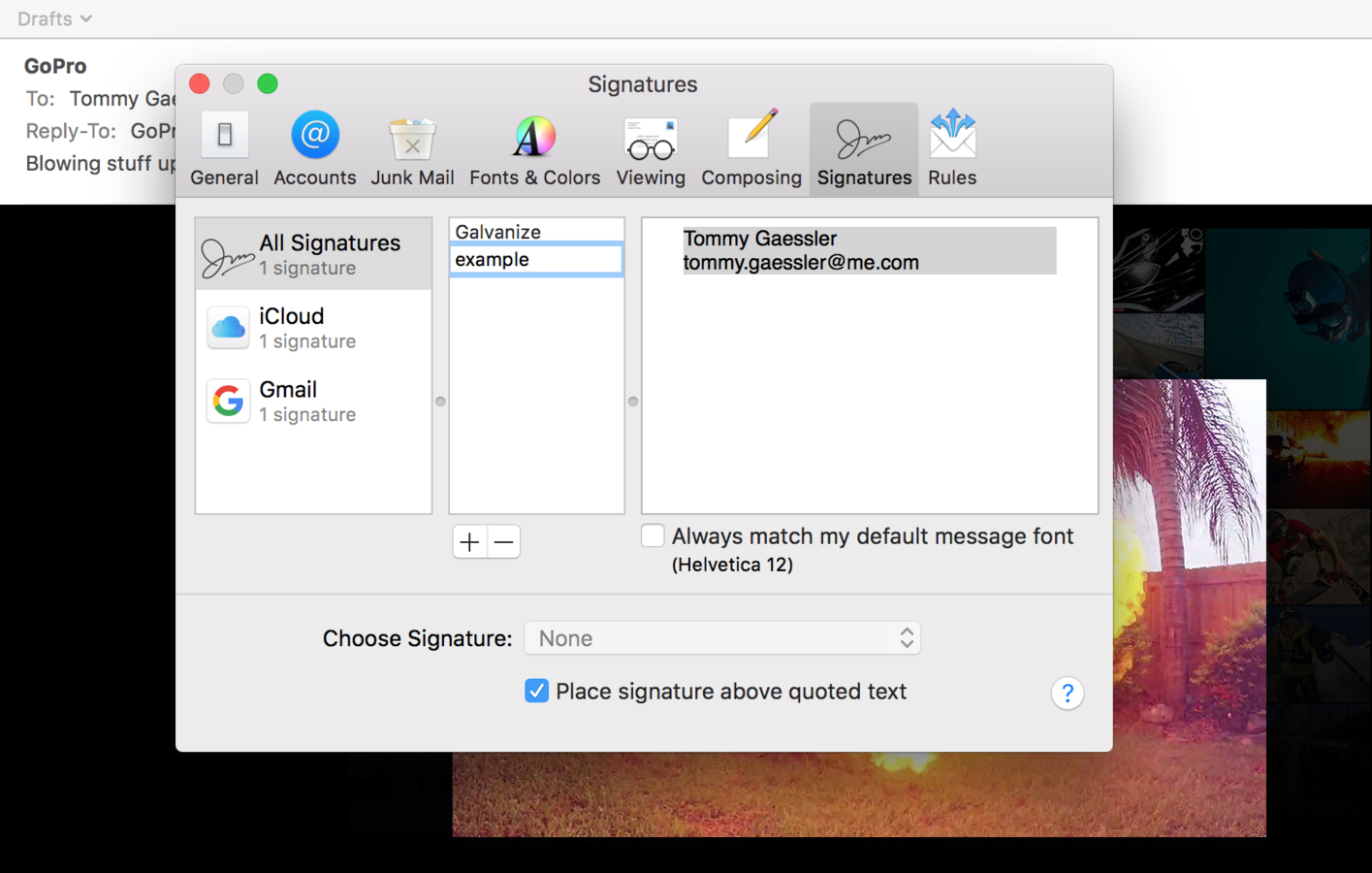
> All Signatures > + (delete content inside)
Select & Drag new signature to desired mailbox/mailboxes
Quit Mail
Hold option > go > library
Mail > v3 > data > signatures
Right click > get info (on new signature) > unlock
Right click > open with atom
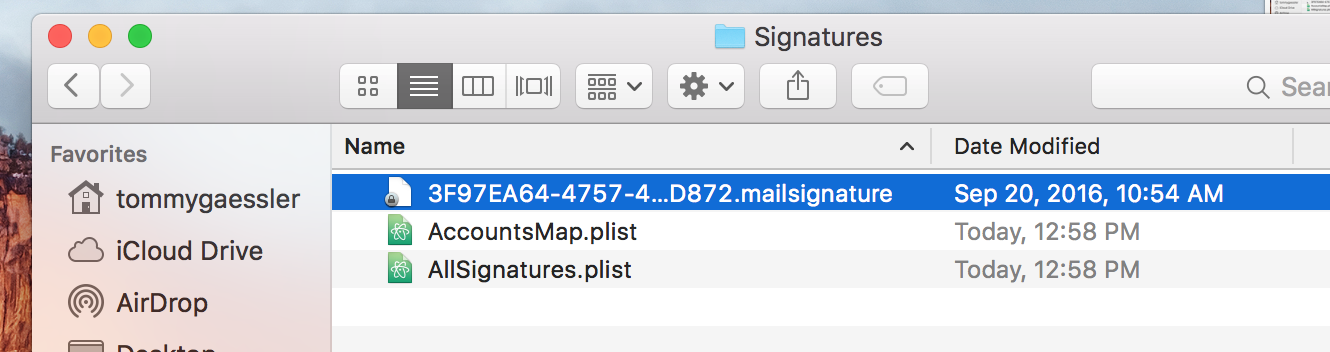

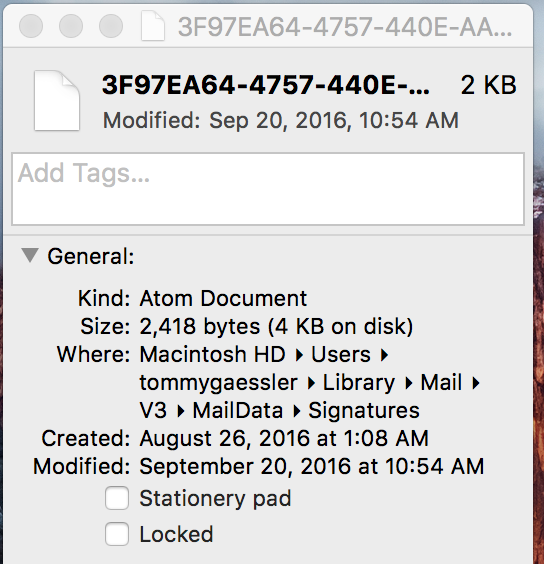
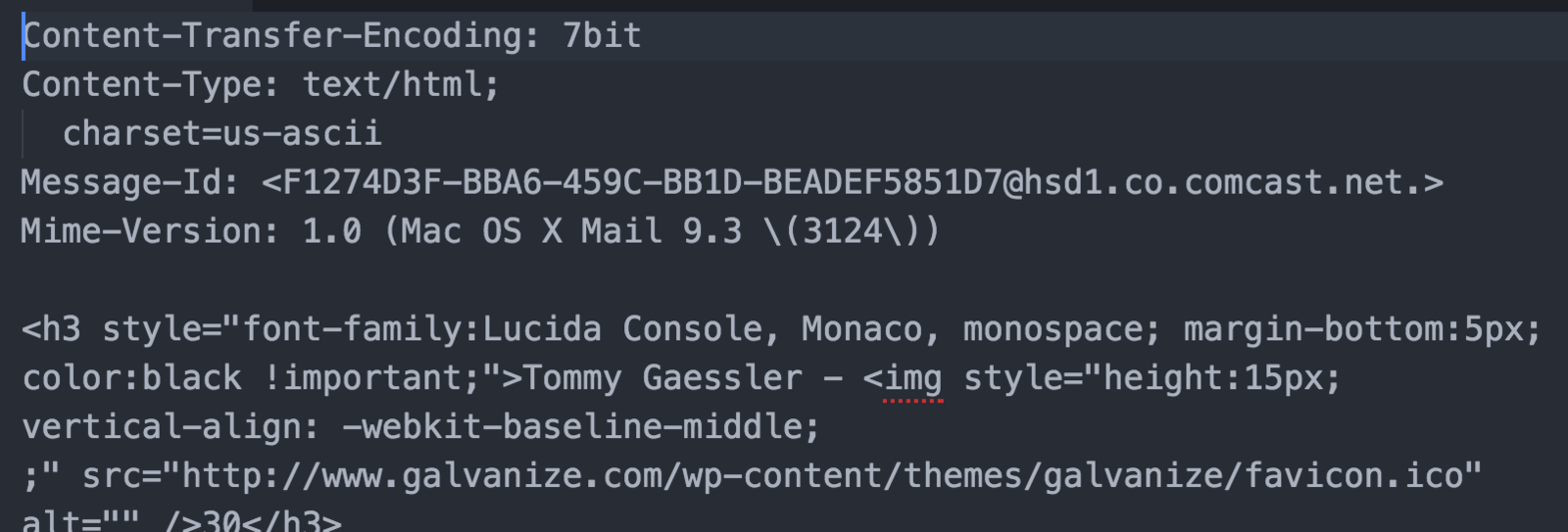
Paste/Write your code below meta data
save, then lock in get info
Open mail
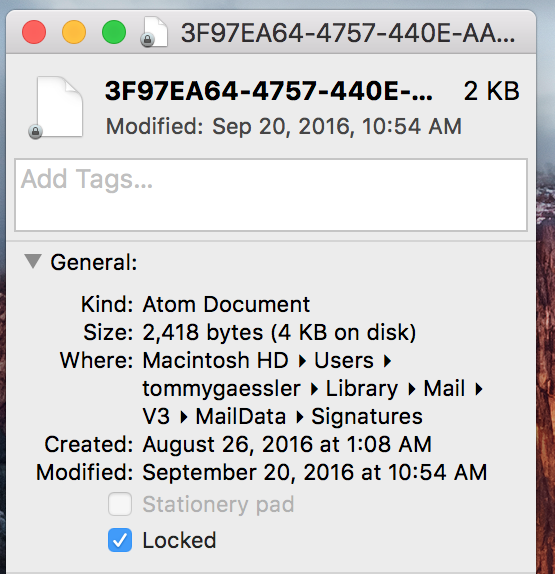
Tadaaaaaa!
Now send those emails!
Web Presence & Personal Brand pt. 1
By Tommy Gaessler
Web Presence & Personal Brand pt. 1
Custom Email Signatures