p5.js Quick Start
p5js.org

What is p5.js (p5js.org)?
A JavaScript library for Processing (processing.org)
Easier coding for artists, designers, educators & beginners
Add-ons interact with other HTML5 objects, including text, input, video, webcam, and sound
Base library interacts with a drawing canvas
- Click on URL to open a new browser tab
- In the new tab, click Begin to play the video
- Switch back to the current browser tab to continue
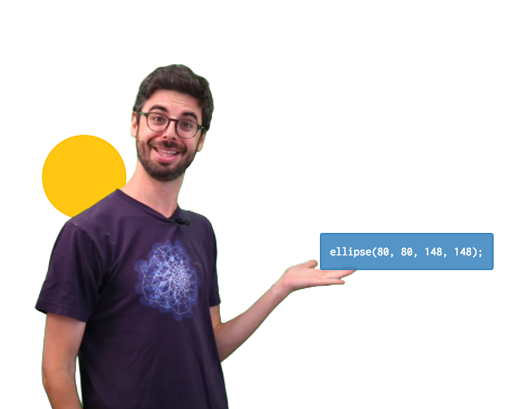
p5js Hello Video
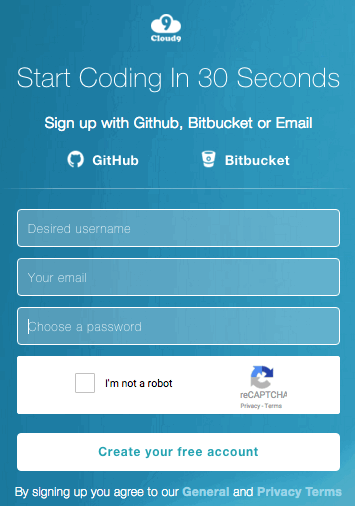
Sign up for Cloud9 (http://c9.io)
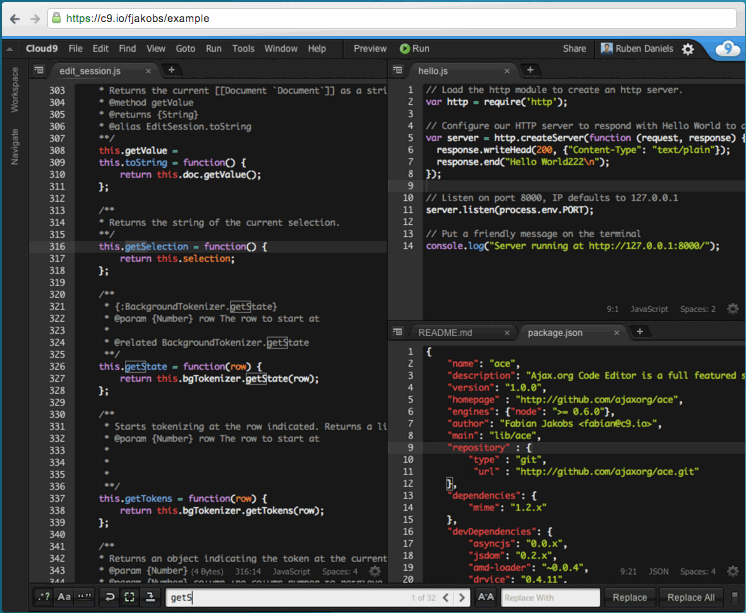
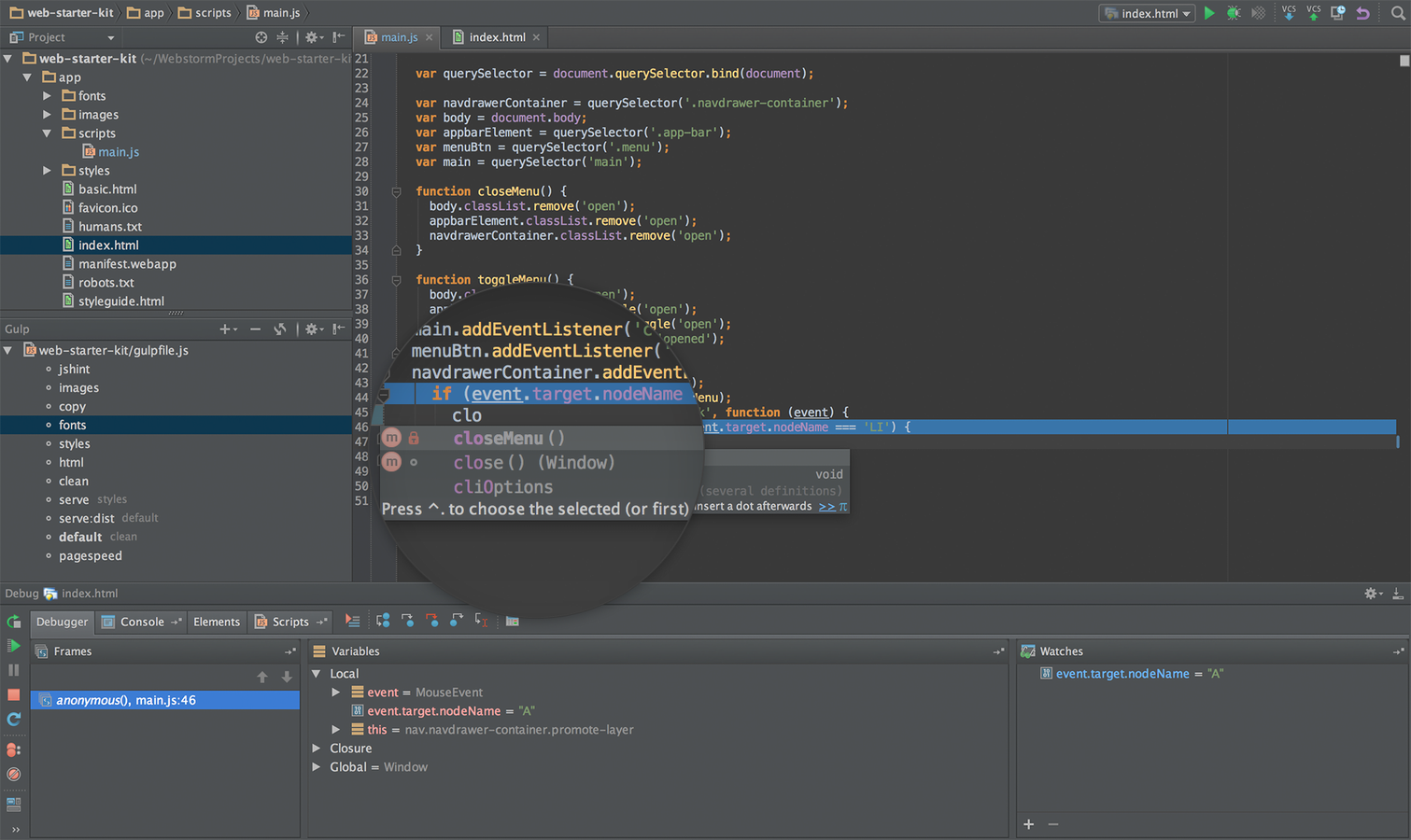
Download & Install IDE
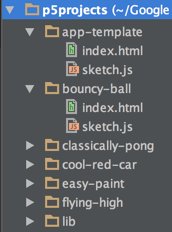
Setup Project Folder & Library
- Download p5projects.zip and unzip into the folder p5projects/
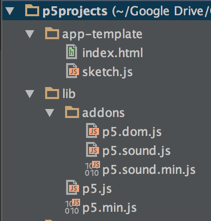
- Copy the folder app-template/ into a new folder for your application (e.g. bouncy-ball)
Test Run Template
-
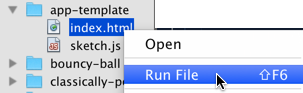
NetBeans:
- Right mouse click on index.html file
- Select Run File
-
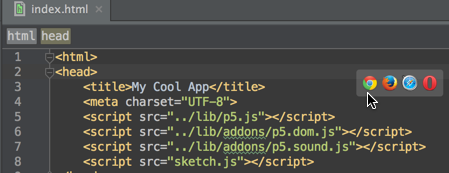
Webstorm:
- Open index.html file
- Move mouse to the right and select a browser
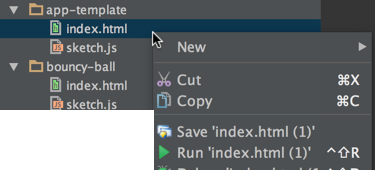
- Or
- Right click on index.html
- Select Run index.html
Test Run Result
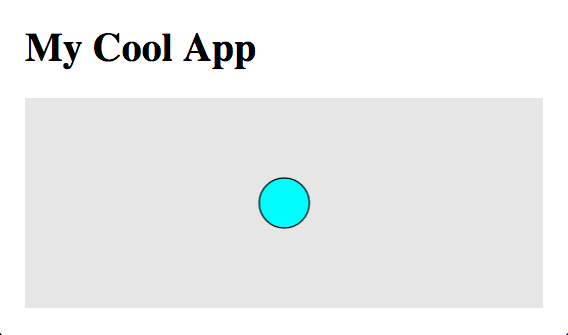
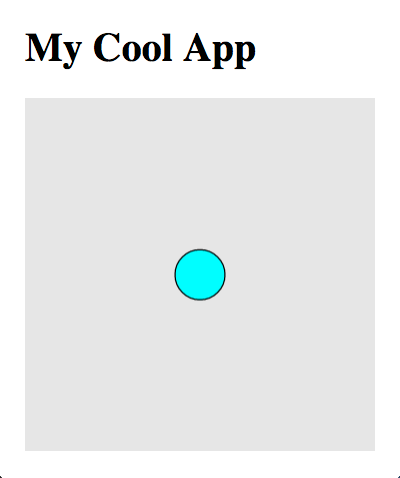
- Success: Blue circle in the middle of a gray canvas
- Resize the browser window and reload the page
- Notice change in frame size
- Circle is still in the middle
References
p5.js Quick Start
By Tâm Nguyen