開發人員工具
DevTools
臺北市立建國高級中學 電子計算機研習社 溫莎
Title Text
- Bullet One
- Bullet Two
- Bullet Three
網頁
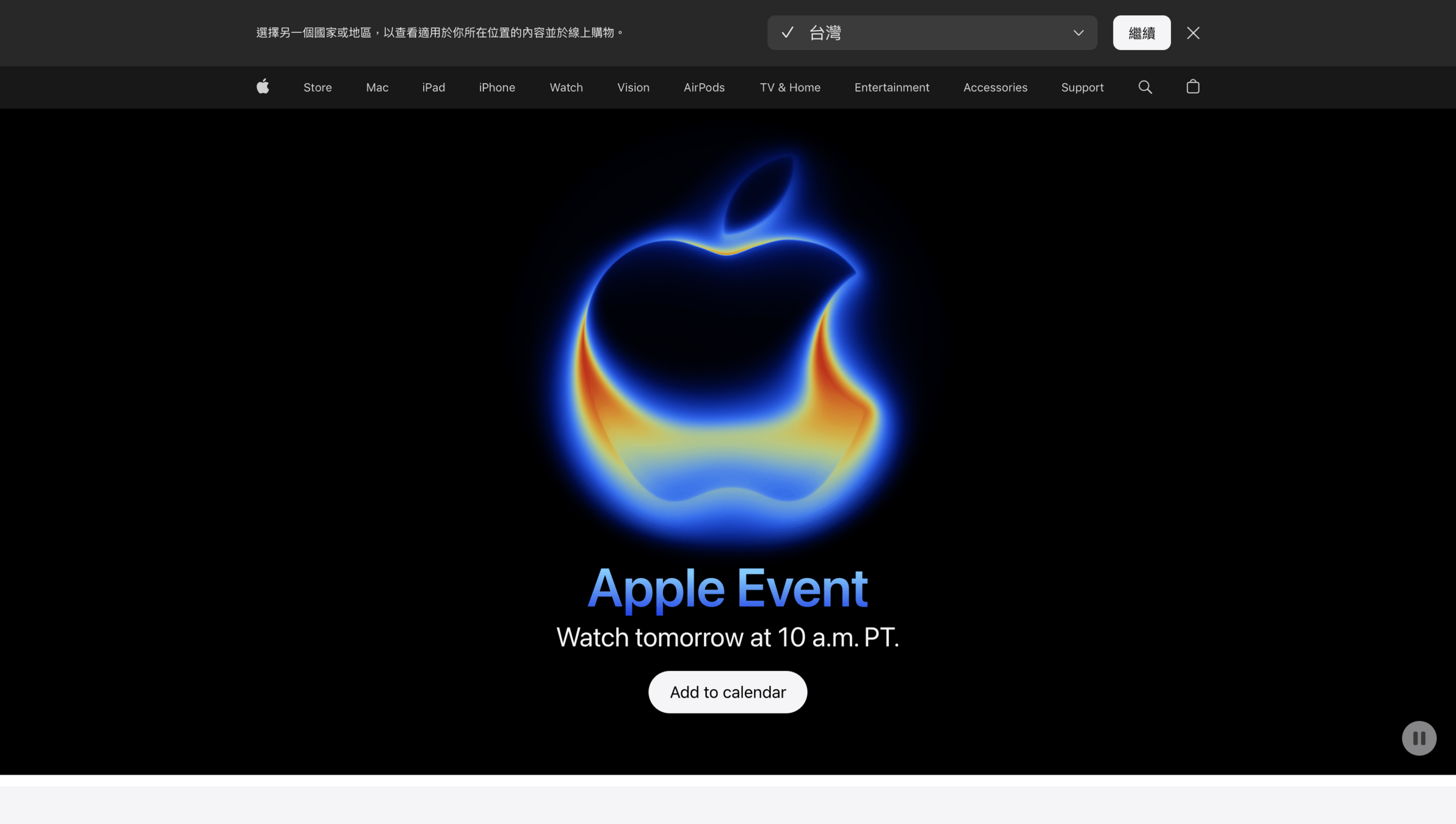
大家應該都知道網頁是啥
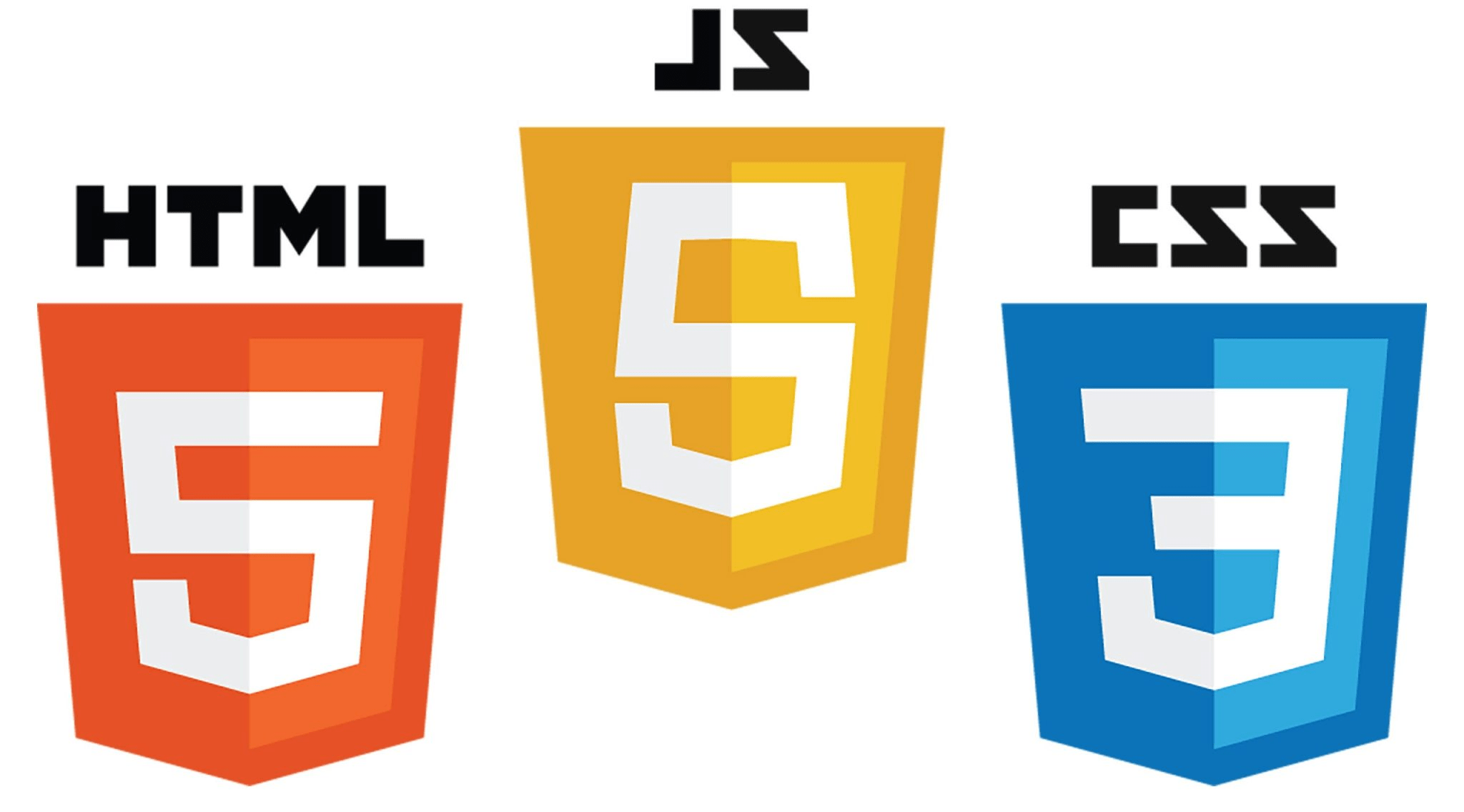
網頁前端
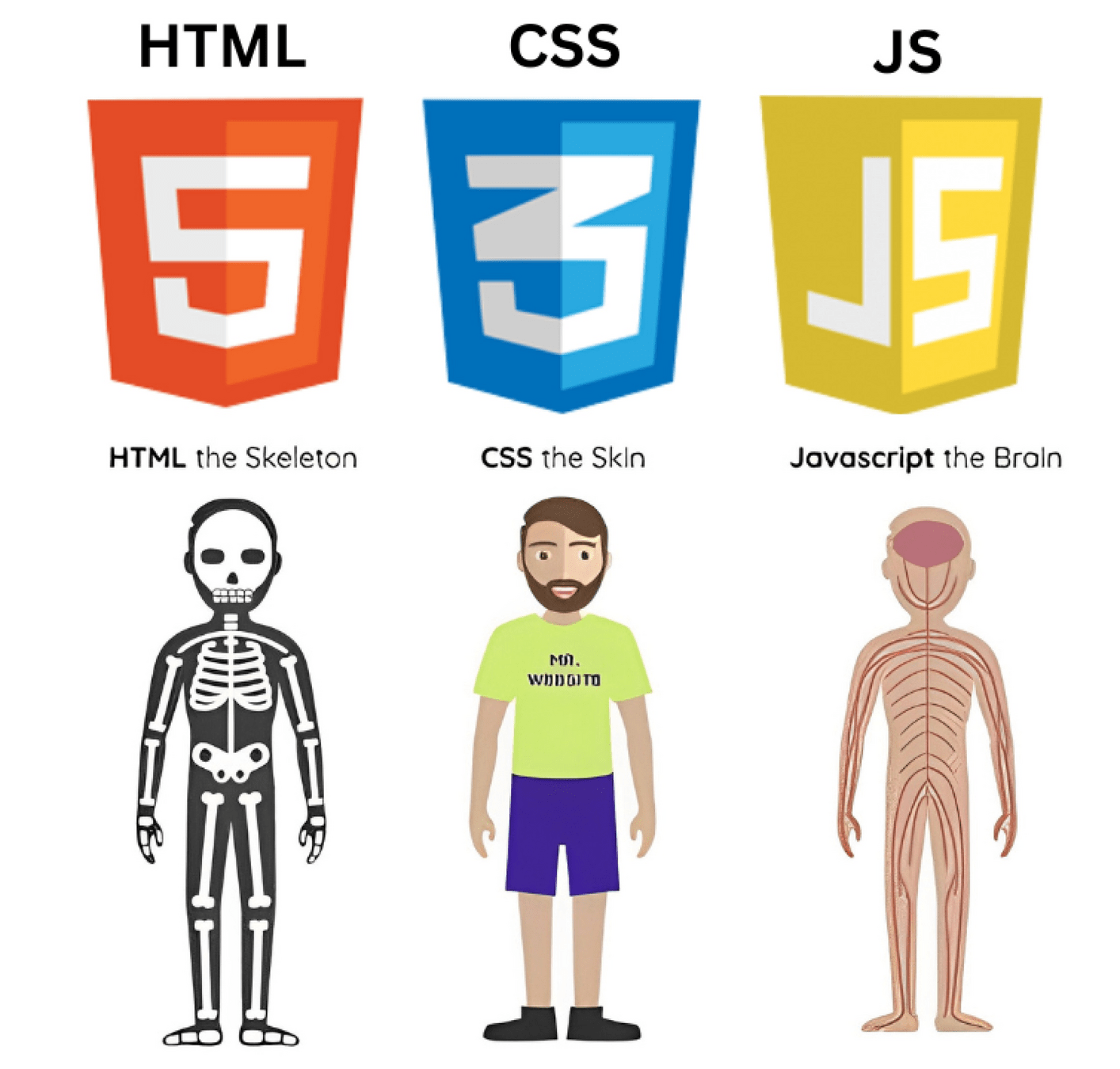
骨架
皮膚
大腦
誒不對啊這裡畫的明明就是神經系統

Hypertext Markup Language
超文本標記語言(英語:HyperText Markup Language,簡稱:HTML)是一種用於建立網頁的標準標記語言。
網頁瀏覽器可以讀取HTML檔案,並將其渲染成視覺化網頁。
- 維基百科
網頁裡的主要內容、結構
<!DOCTYPE html>
<html lang="en">
<head>
    <meta charset="UTF-8">
    <meta name="viewport" content="width=device-width, initial-scale=1.0">
    <title>Minesweeper classic by Windsor Yeh</title>
</head>
<body>
    <h1>Minesweeper</h1>
    <h2>
        <img src="./tile_textures/flag.png">
        CLASSIC
    </h2>
    <h2>by Windsor Yeh</h2>
    <div class="newGameSettings">
        <input type="button" id="easy" value="Easy (10x10, 10 mines)" class="defaults" onclick="init(10,10,10)">
        <input type="button" id="intermediate" value="Intermediate (16x16, 40 mines)" class="defaults" onclick="init(16,16,40)">
        <input type="button" id="hard" value="Hard (30x16, 99 mines)" class="defaults" onclick="init(30,16,99)">
        <form>
            <inputLabel>Width:</inputLabel>
            <input type="number" id="width" value="16" min="1" max="50" class="custom customInput" placeholder="Width (1-50)">
            <inputLabel>Height:</inputLabel>
            <input type="number" id="height" value="16" min="1" max="50" class="custom customInput" placeholder="Height (1-50)">
            <inputLabel>Mines:</inputLabel>
            <input type="number" id="mines" value="40" min="1" max="2491" class="custom customInput" placeholder="Mines (1-2491)">
            <input type="button" id="submit" value="Generate" title="Generate Custom Field" class="custom">
        </form>
    </div>
    <div id="portal">
        <b>
            <a href="./sweepHome.html">
                <img src="./tile_textures/-1.png">
                Switch to Sweep Mode
            </a>
        </b>
    </div>
</body>
</html>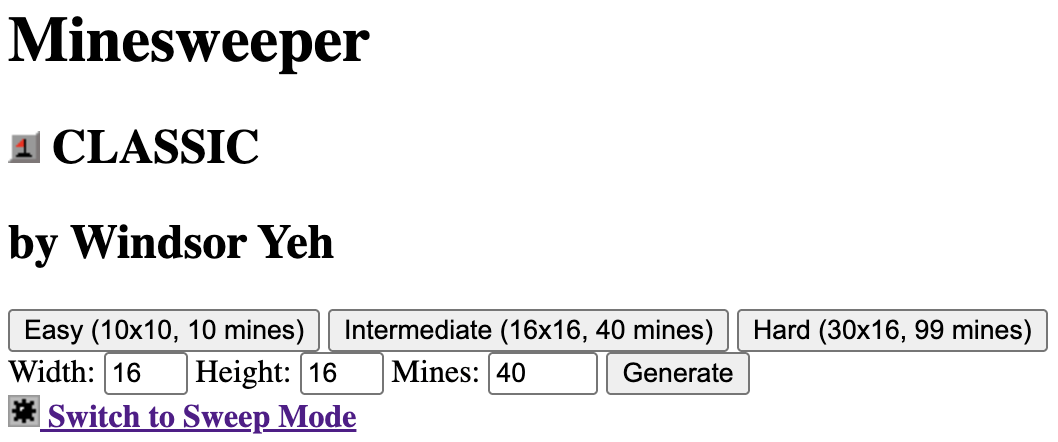
醜死人
Cascading Style Sheets
階層式樣式表(英語:Cascading Style Sheets,縮寫:CSS;又稱串樣式列表、級聯樣式表、串接樣式表、階層式樣式表)是一種用來為結構化文件(如HTML文件或XML應用)添加樣式(字型、間距和顏色等)的電腦語言
- 維基百科
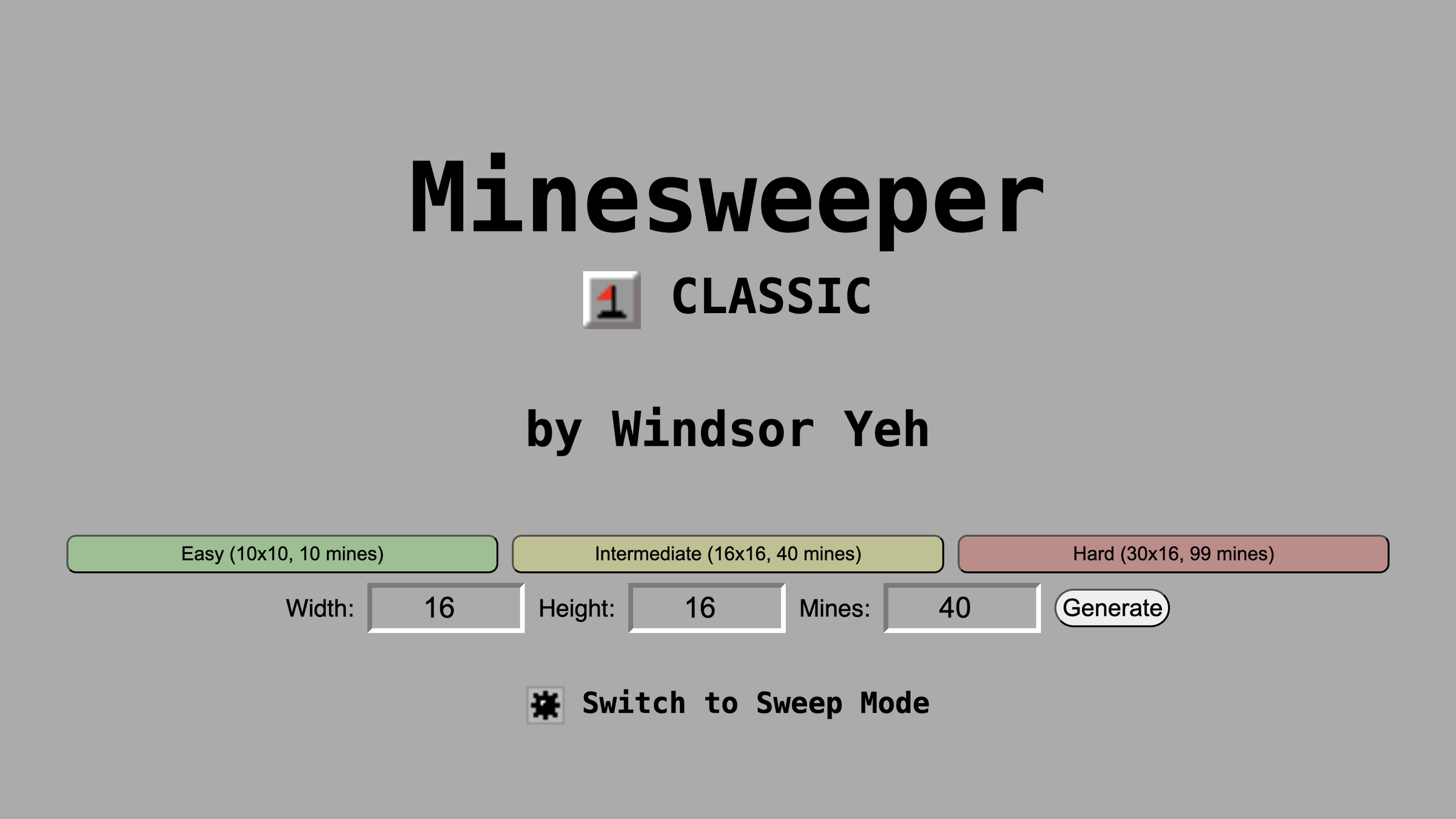
幫網頁加上視覺效果
body {
    background-color: #ababab;
}

h1 {
    text-align: center;
    font-size: 100px;
    font-family: monospace;
    margin-top: 150px;
    margin-bottom: 15px;
}

h2 {
    text-align: center;
    font-size: 50px;
    font-family: monospace;
    margin-top: 0px;
    margin-bottom: 75px;
}

input:hover {
    cursor: pointer;
    filter: brightness(0.8);
    transition: filter 0.3s;
}

input.customInput:hover {
    cursor:text
}

input {
    transition: 0.3s;
}

.display {
    font-size: 40px;
    vertical-align: middle;
    font-family: monospace;
}

.defaults {
    height: 40px;
    width: 30%;
    margin: 5px;
    font-size: 20px;
    border-radius: 10px;
}

.defaults#hard {
    background-color: #ff000040;
}

.defaults#intermediate {
    background-color: #ffff0040;
}

.defaults#easy {
    background-color: #00ff0040;
}

.custom {
    height: 40px;
    width: 10%;
    margin: 5px;
    text-align: center;
    font-size: 30px;
}

.customInput {
    border-radius: 0px;
    background-color: #ababab;
    border-color: #7b7b7b #fff #fff #7b7b7b;
    border-style: solid;
    border-width: 5px;
    vertical-align: middle;
}

.custom#submit {
    height: 40px;
    width: 120px;
    vertical-align: middle;
    border-radius: 20px;
    font-size: 25px;
}

inputLabel {
    font-size: 25px;
    font-family: sans-serif;
    margin: 5px;
    vertical-align: middle;
}

.newGameSettings{
    display: inline-block;
    width: 100%;
    vertical-align: top;
    user-select: none;
    text-align: center;
}

#portal {
    width: fit-content;
    margin: 50px auto;
}

#portal>b>a {
    text-decoration: none;
    color: #000;
    font-size: 30px;
    font-family: monospace;
    vertical-align: middle;
}

a>img {
    width: 40px;
    vertical-align: middle;
}

h2>img {
    width: 60px;
    vertical-align: middle;
}
Javascript
JS是讓使用者可以和網頁互動的程式語言,
例如:輸入文字、點擊按鈕、送出表單等等,
也可以更動網頁上的內容、樣式等。
網頁上需要用到數學計算、邏輯判斷等的功能,大多都是利用 JS 完成的。
讓網頁動起來
想了解更多,
敬請期待我們週五的網頁小社課。

Chrome DevTools
DevTools 是啥,能吃嗎?
Chrome 開發人員工具是直接內建在 Google Chrome 瀏覽器中的網頁開發人員工具。開發人員工具可讓您即時編輯網頁並快速診斷問題,更快打造出更優質的網站。
打開 DevTools
方法一
STEP 1 找到你的鍵盤
STEP 2 找到鍵盤頂端右側的F12鍵
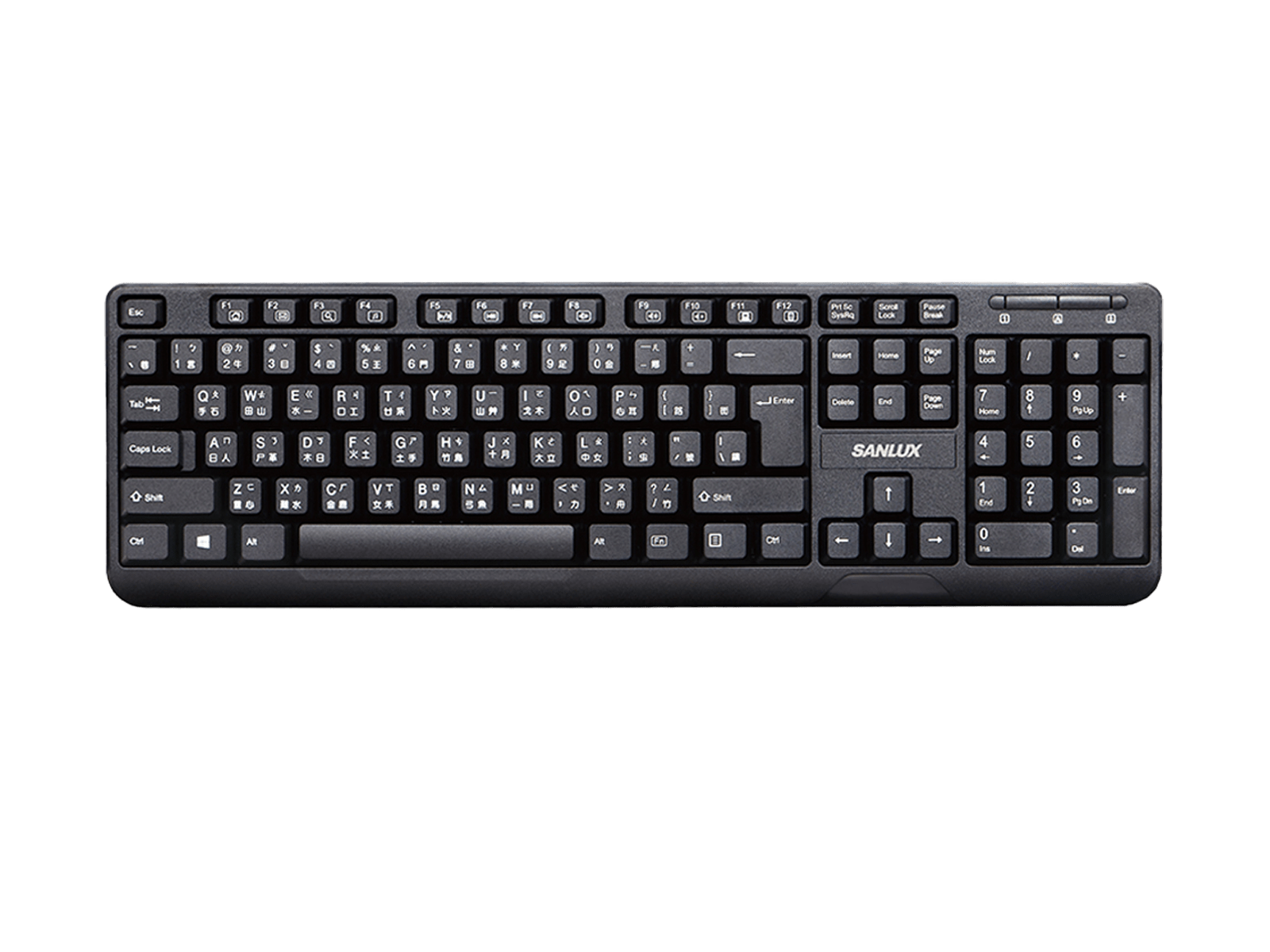
STEP 3 豪邁地按下去
打開 DevTools
方法二
STEP 1 找到你的滑鼠
STEP 2 找到滑鼠的右鍵
STEP 3 豪邁地按下去
打開 DevTools
方法二
STEP 4
找到選單底部的「檢查」
STEP 5
豪邁地按下去
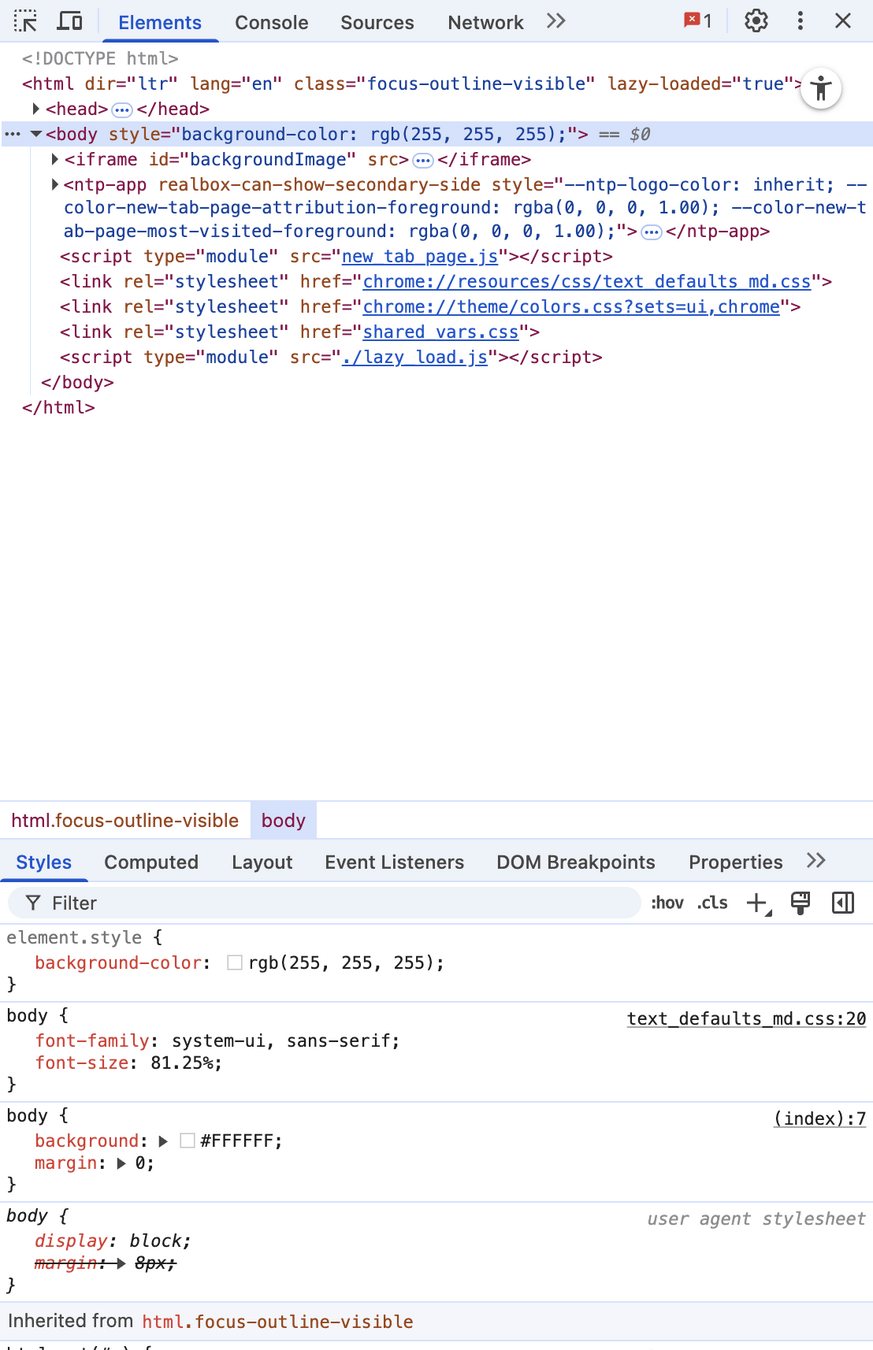
DevTools
頁面內容
樣式
DevTools
想了解更多,
敬請期待我們週五的網頁小社課。
今天的時間不多,
只會講到 很小 很小 很小 的一部分。
學網頁的第一步
惡搞
惡搞網頁
免責聲明(?
請不要用開發人員工具進行非法(例如:詐欺、誹謗)的行為。
你可以用 DevTools 在自己的電腦上亂改、自嗨,
但是絕對不要觸碰到法律的界線。
惡搞網頁
當你打開 F12 惡搞網頁時,其實就是在「拆解」網頁的結構。你看到每一段文字、每一個按鈕背後的 HTML 標籤,觀察樣式是如何用 CSS 調整的,甚至可以直接改動來測試效果。雖然這些修改不會真的保存,但正因如此,你能放心大膽地嘗試,快速理解程式碼與畫面之間的關聯。這種「惡改」的過程,其實就是最直接的實驗,讓你從玩樂中學會如何建構一個真正的網站。
- ChatGPT
惡搞網頁
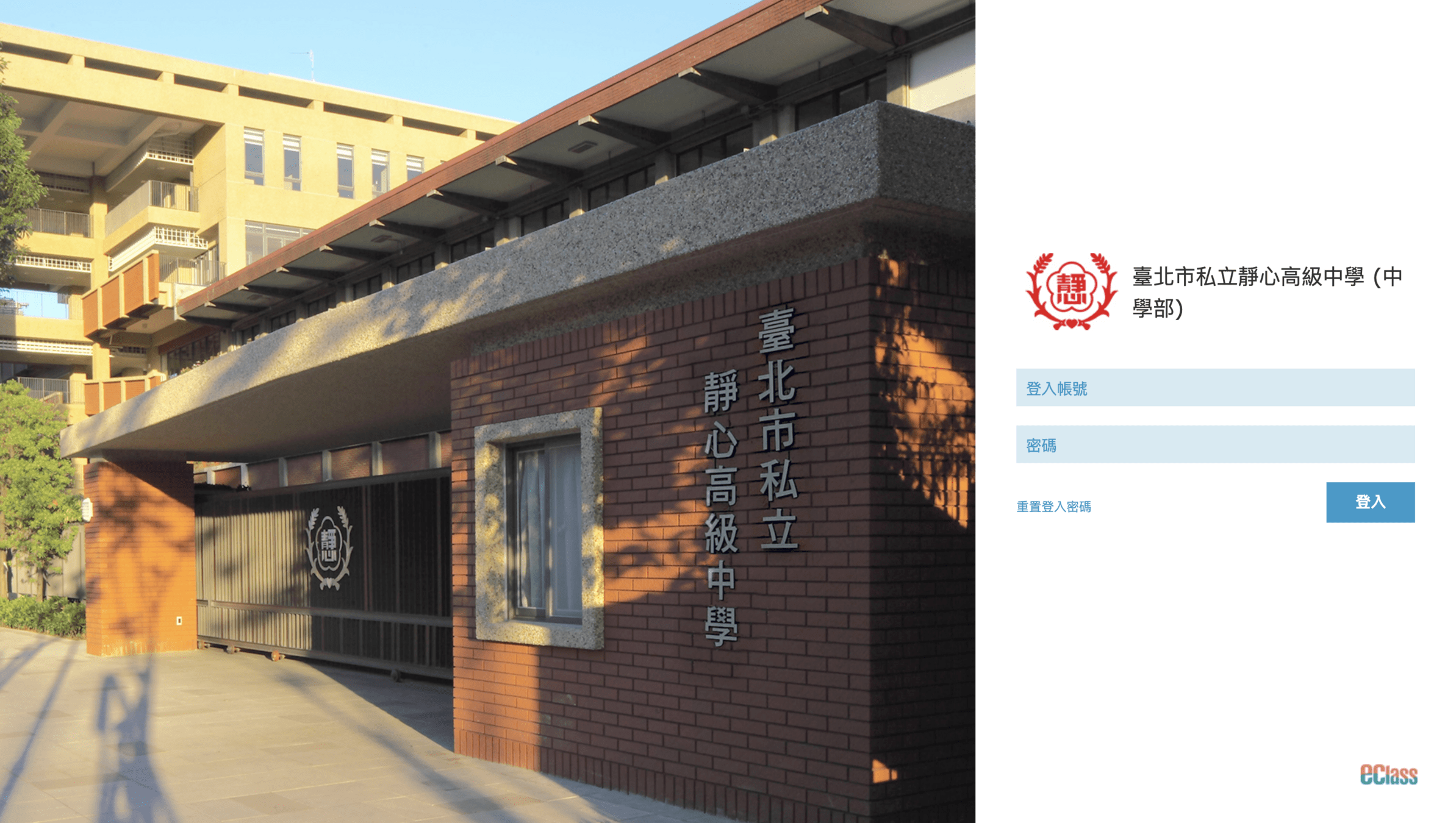
舉例
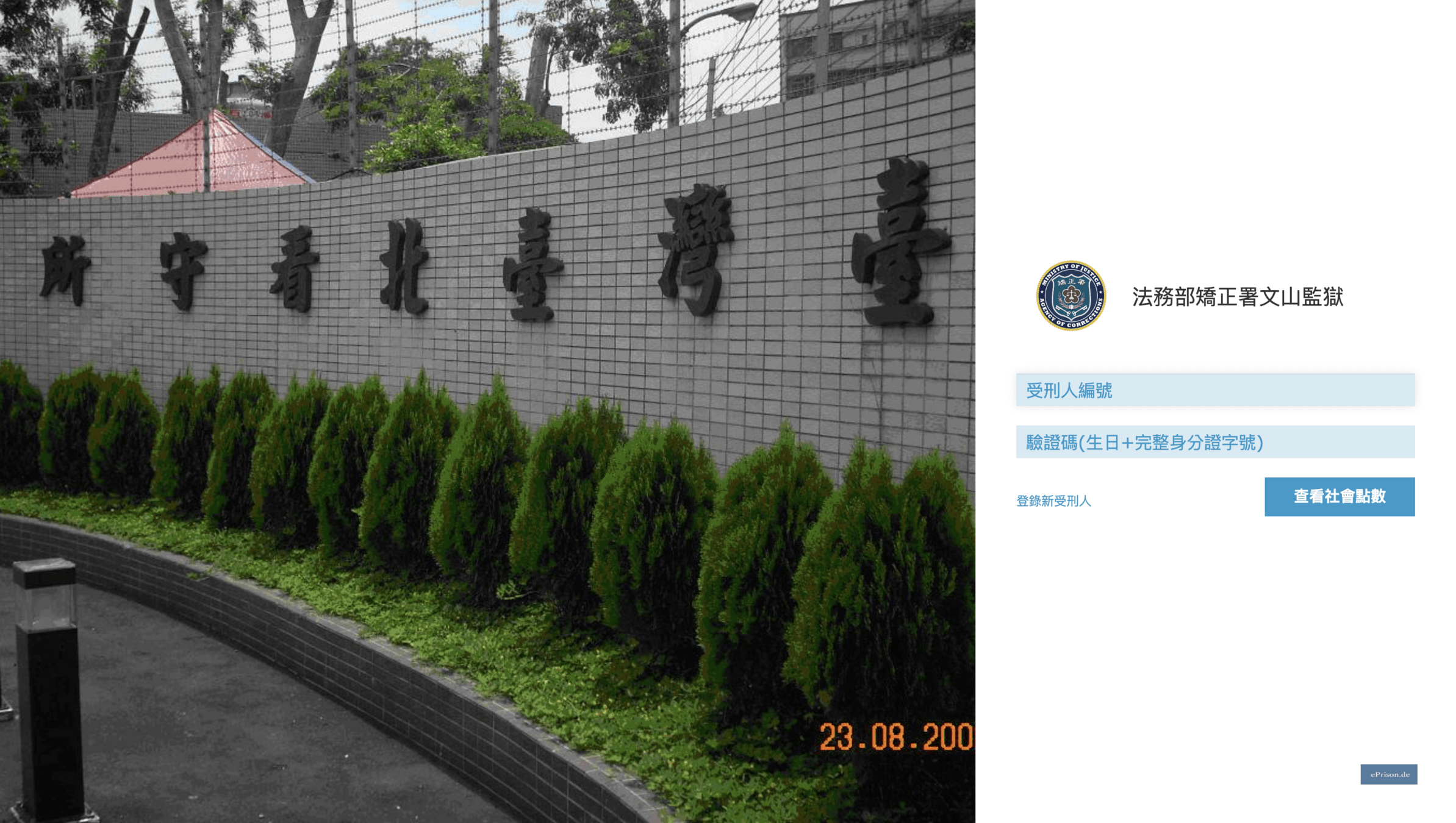
惡搞網頁
挑戰一
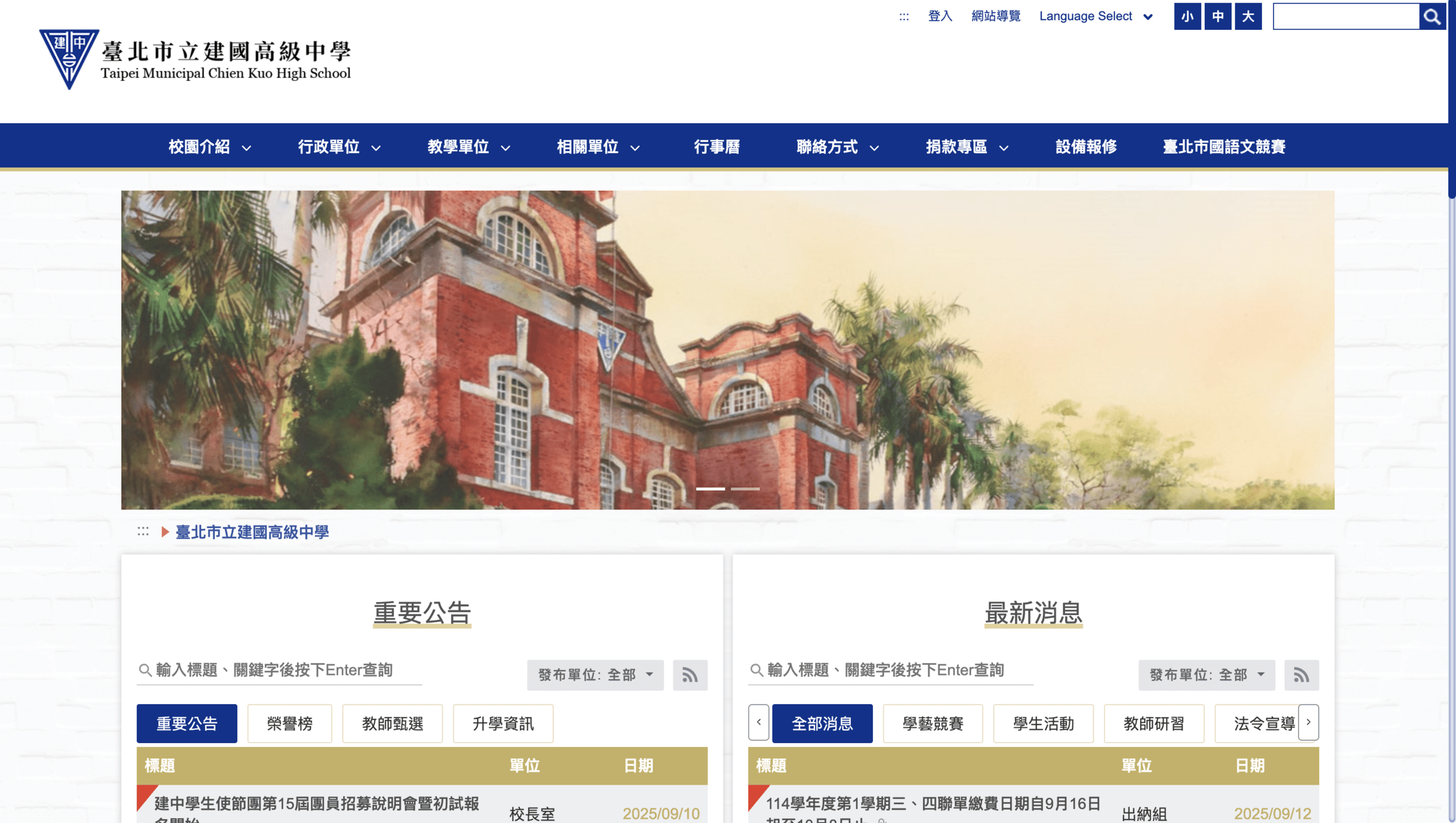
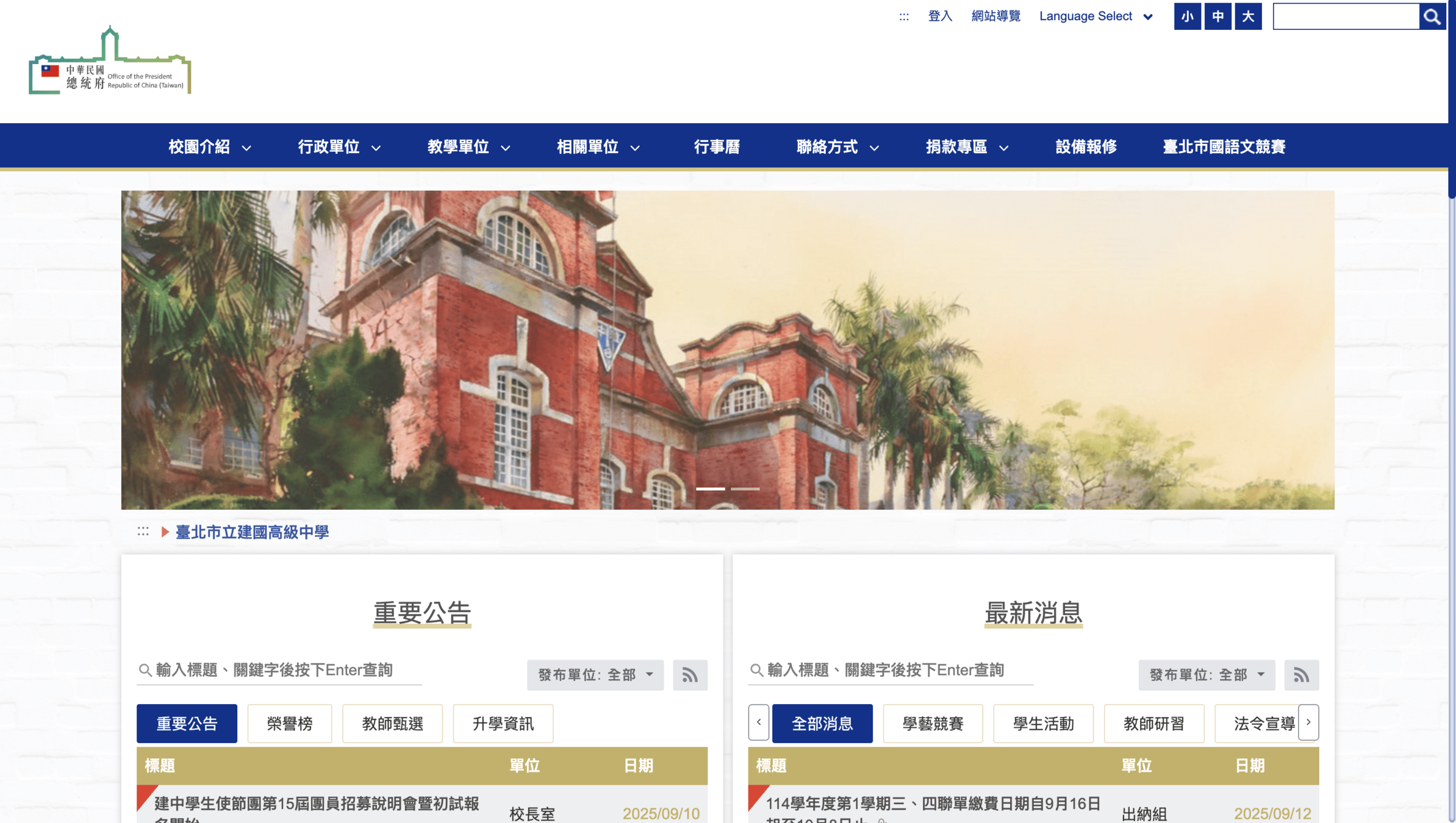
惡搞網頁
挑戰二
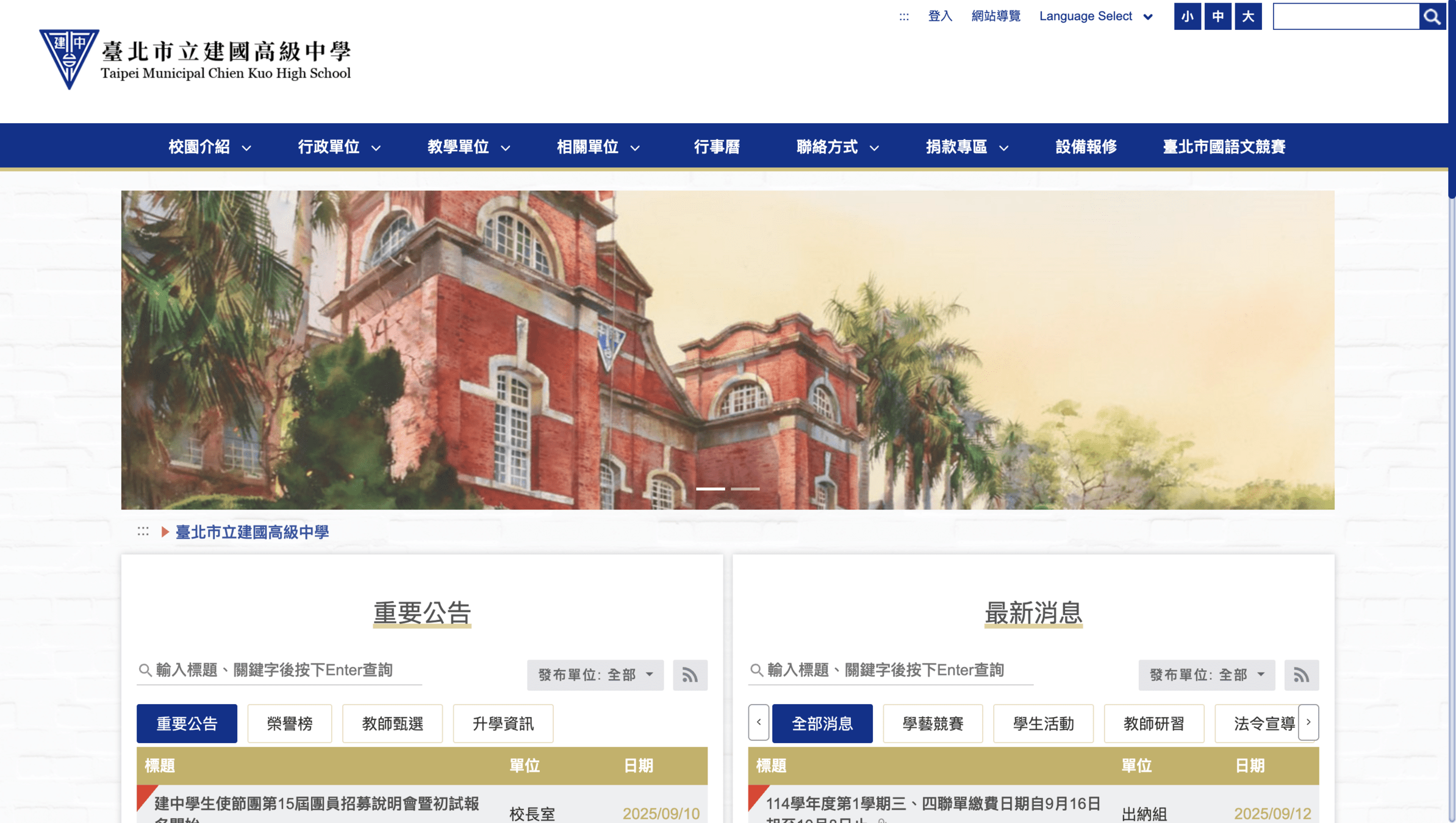
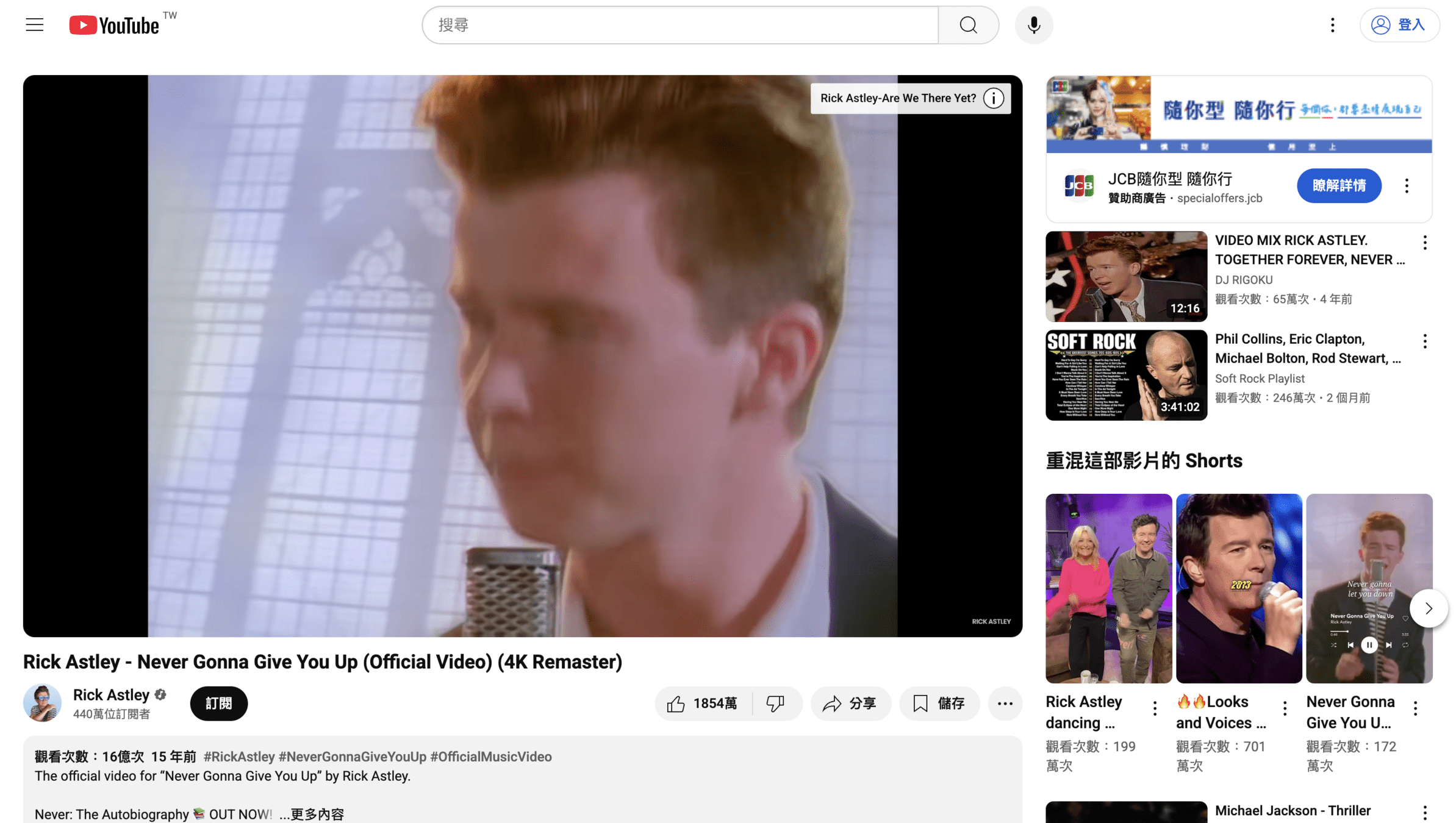
惡搞網頁
挑戰三


F12
By Windsor Yeh