Jeff Wainwright
If so—SO YES ✨
This talk discusses CI setup, road to benefits, and benefits.
This talk summarizes what continuous integration (CI) is, basic frontend setup, and how it can benefit engineers.
Continuous Integration is the practice of merging all developer working copies to a shared mainline several times a day.
—Wikipedia
Continuous Integration is a pattern of programming combining testing, safety checks, and development practices to confidently push code from a development branch to production ready branch continuously.
—Me
Defining CI: Talk setup with comments from experts and CI explanation
Testing: Description of unit testing and integration with example(s)
CI Tooling: Exploration into using safety checks and doc templates
CI Setup: A walk through of setting up CI today
Take-aways: A few ideas and the code repository
Testing is one of these things that people don't talk about it a lot because people don't do it. ...People that do do testing are extremely passionate about it—like crossfit. ...I have a feeling a lot of people don't test.
—Wes Bos
Releasing software is too often an art; it should be an engineering discipline.
—David Farley
Documentation is a key part of implementing CI. There are many patterns for documentation. The great news is that Github provides standard templates and there is a lot of content that can be copied to get documentation setup quickly.
Unit Tests test small blocks of code to ensure that what is expected is the result.
Unit tests provide a lot of help with CI. They define code quality and provide developers with feedback without having to push/merge/host code.
Integration tests go through particular tests flows to define passing or failing scenarios of a small part of an application.
Integration tests are different than Unit Tests because they test part of a compiled feature rather than a unit of a feature.
Integration tests are different than End-to-end Tests because they only test a compiled feature rather than an entire system
Safety Checks are a catch-all for this talk. Safety Check help communicate code and code quality.
Documentation, Document Templates, Linting, Spell Checking, and Type Checking are all Safety Checks. These tools can be automated to run during commits, in development, or during CI.
Most tests and safety checks are run via shell commands or cli tools. Shell commands are commands that can be run in an application.
The commands can be read from package.json files or config yml files.
Getting CI started for a repository takes minutes or even less!
CI can be auto setup if and when test runner scripts are executable and can be found. For JavaScript, this means having a test script within a the package.json file of a repository.
If more custom testing is required, this can be done via configuration yml files.
One of the huge benefits of basic CI is automatic dependency updates with tools like Greenkeeper.
This means that if a dependency package publishes a new version, Greenkeeper will submit a Pull Request trigging CI automatically—without an developer time involved at all!
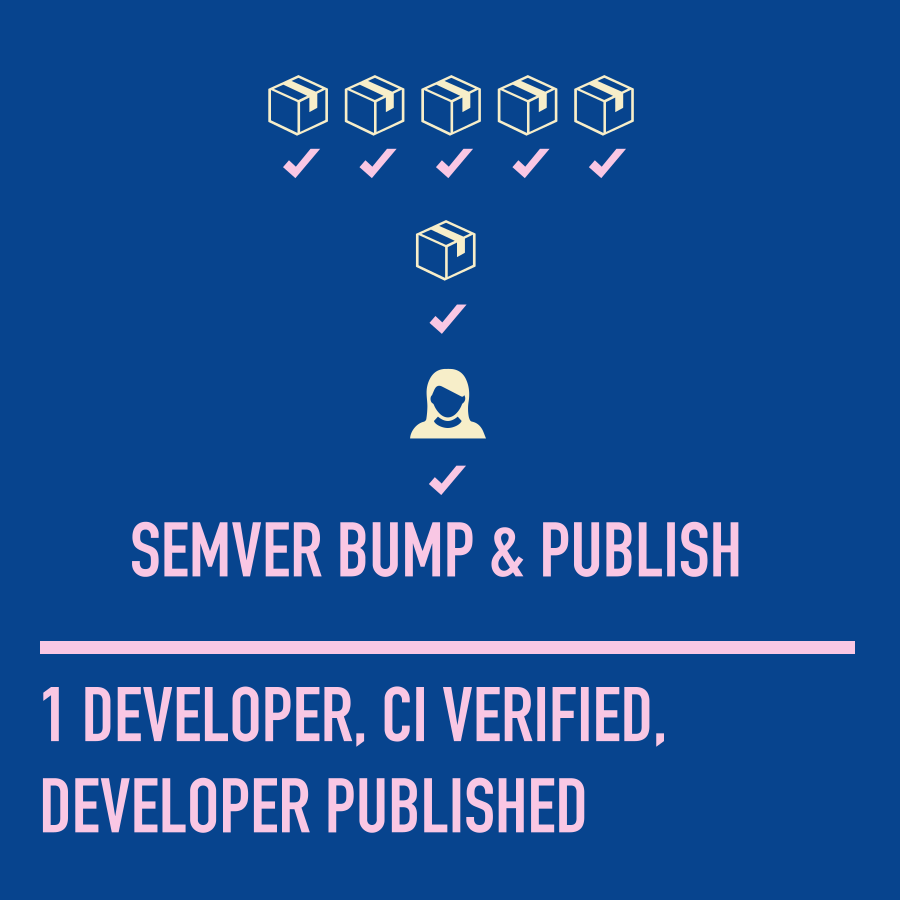
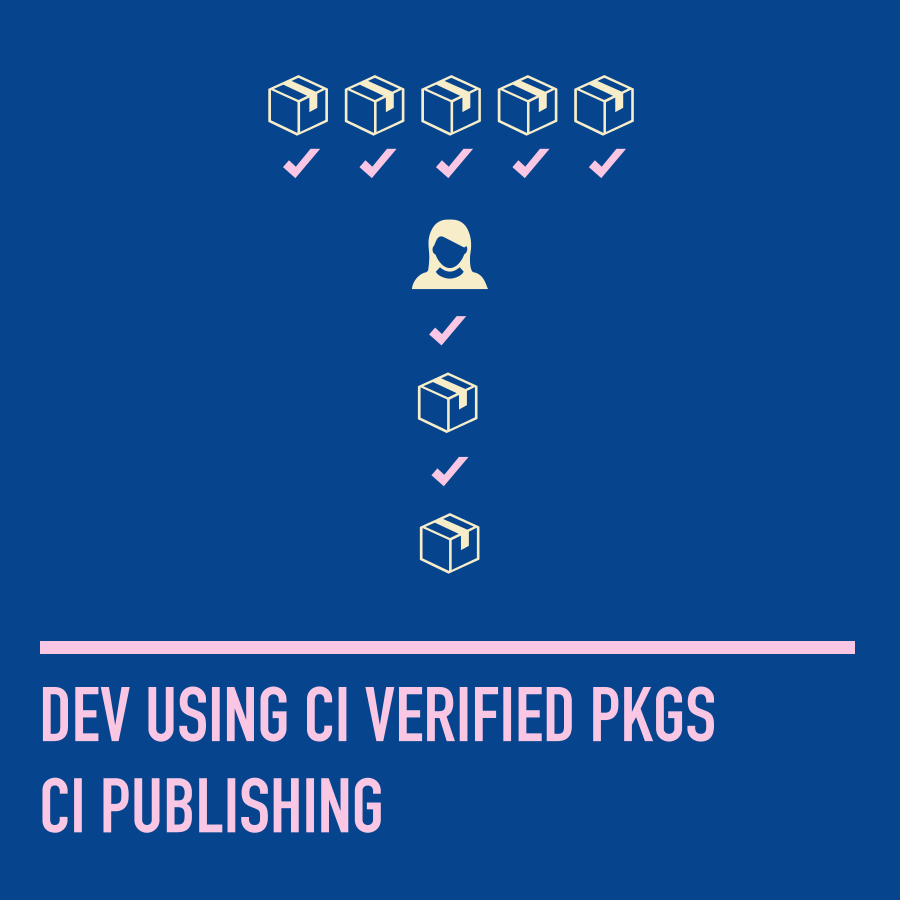
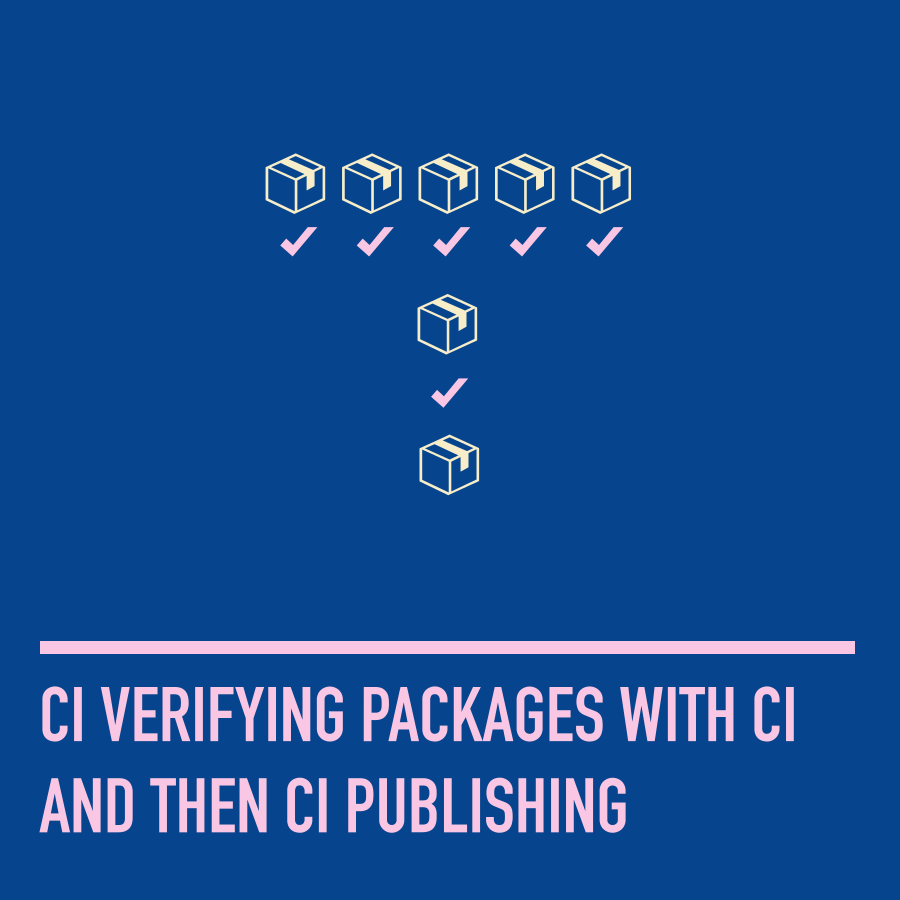
Publishing packages, even if the only dependents of an organization's dependents can be very valuable. With a few steps packages can be published publicly or privately.
Optimizing builds can be approached in many ways beyond what has previously been discussed in this talk.
In this talk, CI setup and benefits where discussed. There may be a lot of review but the goal of this talk is to provide parity with quick opportunities to speed up developer workflow with CI.
Please submit Github issues or pull requests for this talk/subject to:
yowainwright/developer-ci-benefits
Help me on Open Source Projects by reaching out to me on Twitter @yowainwright or Github @yowainwright
By Jeff Wainwright
This talk covers basic to conclusive points about implementing CI. It will reference my experiences learning about, implementing, and enjoying CI.