










Content ITV PRO
This is Itvedant Content department
Learning Outcome
4
Apply the right format to real-world tasks.
3
Request multiple formats in a single prompt.
2
Identify common output formats and their uses.
1
Understand output formatting in prompt engineering.
Recall
Before learning Formatting Outputs,
let's quickly recall:
Prompt Engineering Techniques so far – small, deliberate changes to how you phrase a prompt shape the quality and usefulness of an AI's response.
We've seen that what you ask matters. But have you thought about how much how the answer looks matters too?
Let's understand Formatting Outputs.
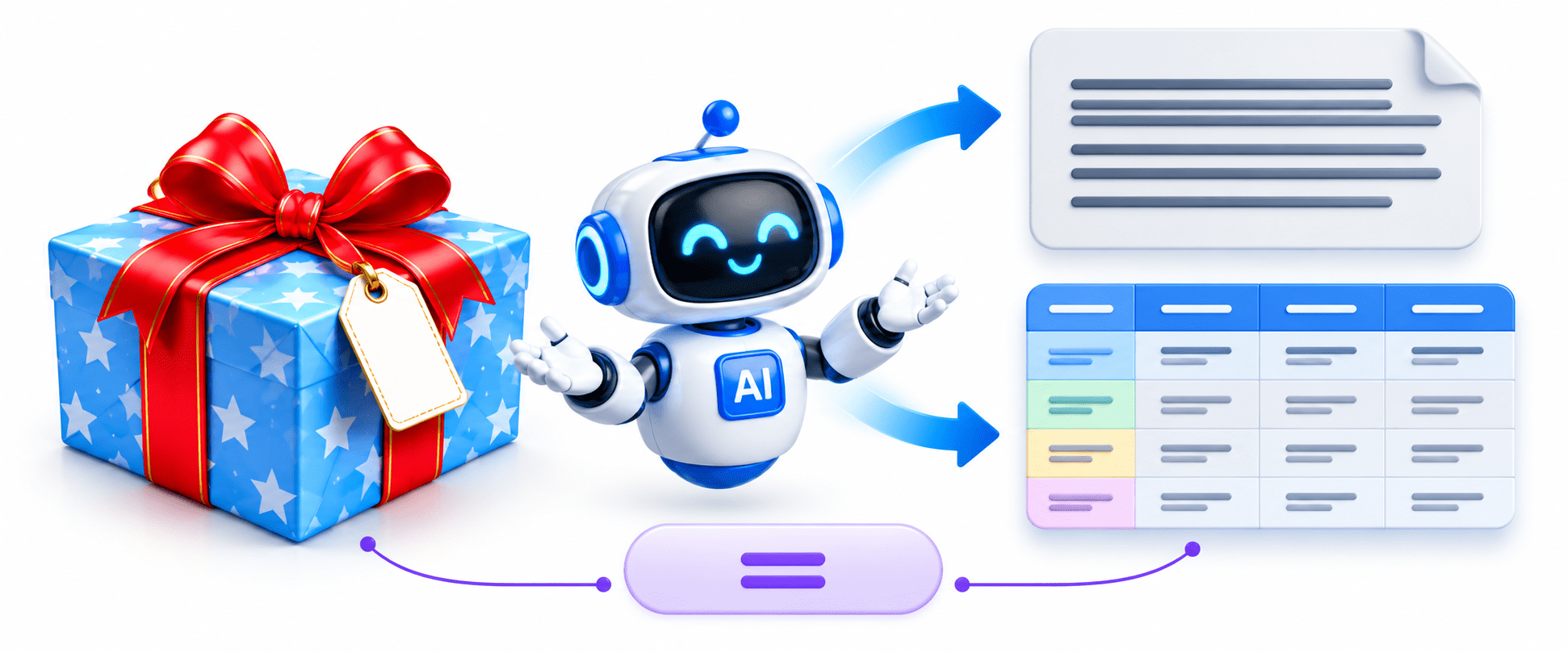
The Gift Wrapping Analogy
Imagine you buy the same gift for two friends.
The gift inside is exactly the same —
only the presentation has changed.
The first gift is handed over without any wrapping.
The second is beautifully wrapped in decorative paper with a ribbon and a card.
The format = the gift wrapping
The information = the gift
The information = the giftGood formatting makes information easier to understand, more professional, and more pleasant to use.
Transition to Technical Concept
Imagine you ask an AI: "Explain Machine Learning." It gives you one long paragraph.
Now imagine you ask: "Explain Machine Learning in a table with definitions, examples, applications, advantages, and disadvantages." This time, the AI organises the same information into a neat, easy-to-read table.
What changed? You told the AI how to present the answer.
The gift-wrapping idea was just an easy example to help us understand this. Now let's break down what Formatting Outputs really is.
What is Formatting Outputs?
Definition
Formatting Outputs is the practice of instructing an AI model to present its response in a specific structure or layout — such as tables, bullet points, JSON, code blocks, emails, reports, or presentations.
The same information can become significantly more useful when presented in the right format for the right purpose.
Why it matters:
Common Output Formats (Part 1)
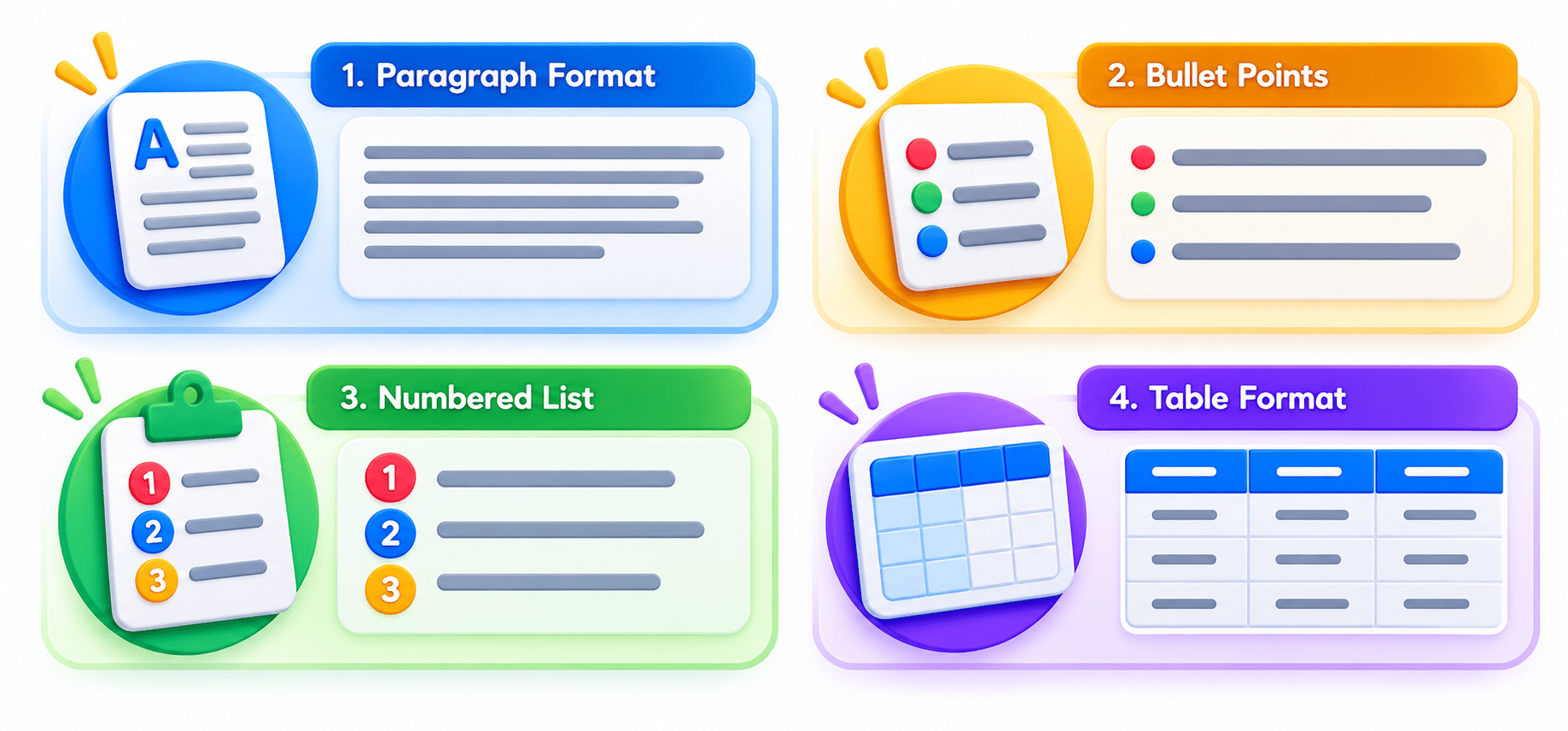
1. Paragraph Format – for explanations and descriptions.
Prompt: "Explain Artificial Intelligence in one paragraph."
2. Bullet Points – for summaries and quick revision.
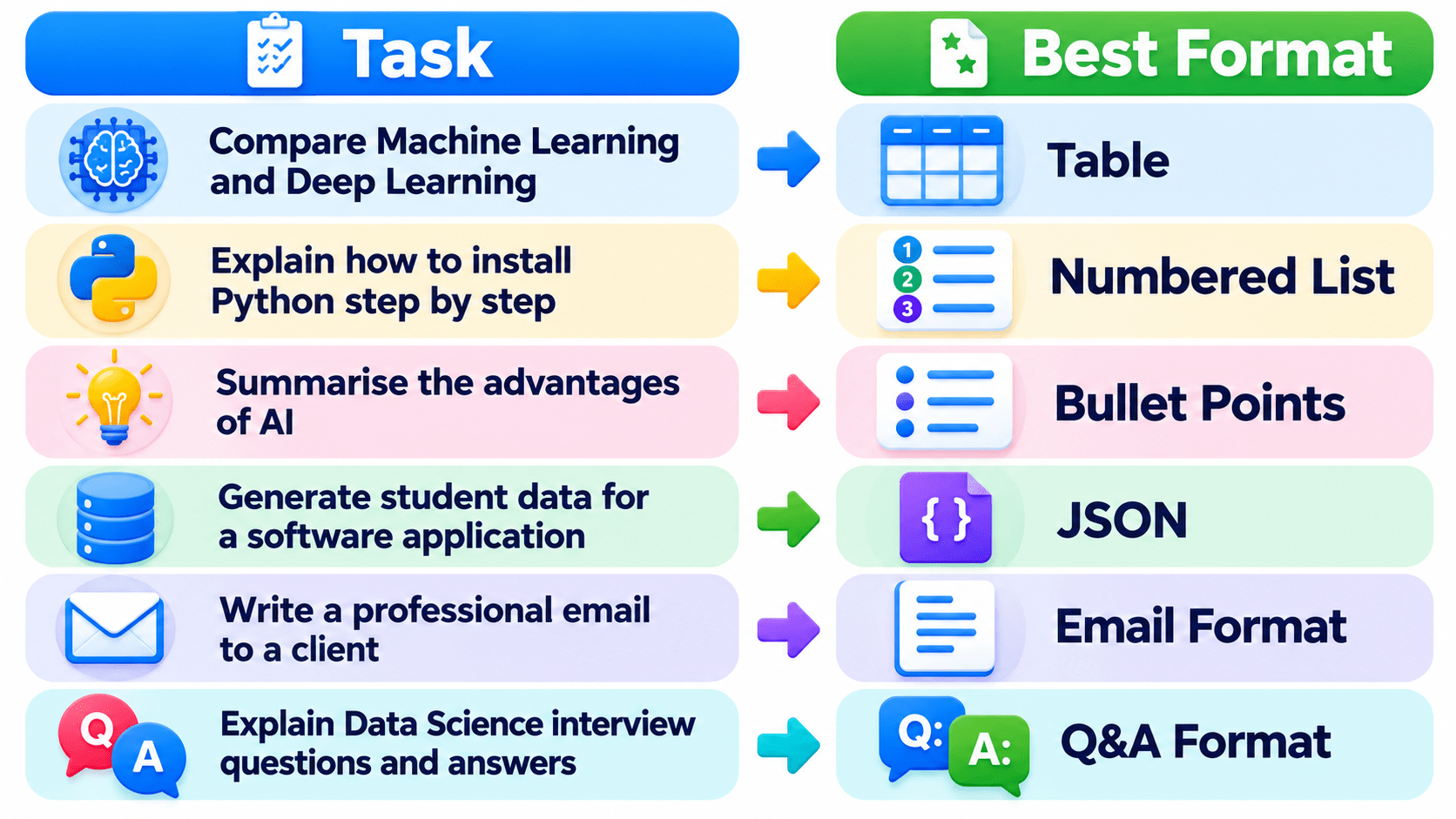
Prompt: "Explain the advantages of AI using bullet points."
Common Output Formats (Part 1)
3. Numbered List – for steps or procedures.
Prompt: "Explain how to install Python using numbered steps."
4. Table Format – for comparisons.
Prompt: "Compare Machine Learning and Deep Learning in a table."
Common Output Formats (Part 2)
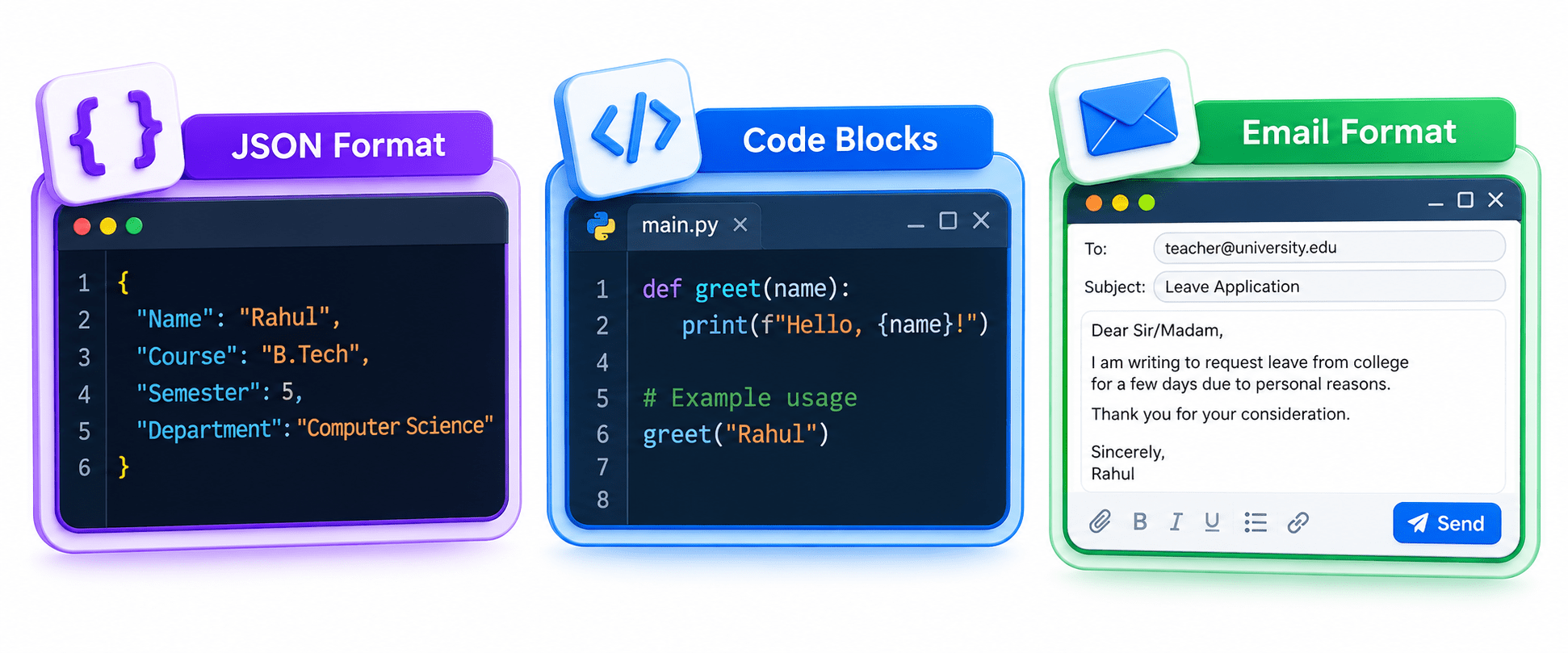
5. JSON Format – used by developers when responses need to be processed by software.
Prompt: "Provide student information in JSON format." → {"Name": "Rahul", "Course": "B.Tech", "Semester": 5, "Department": "Computer Science"}
6. Code Blocks – for programming tasks, clean and properly indented.
Core Concepts (Slide 6)
7. Email Format – for professional communication (subject, greeting, body, closing).
Prompt: "Write a professional leave application email."
Common Output Formats (Part 3)
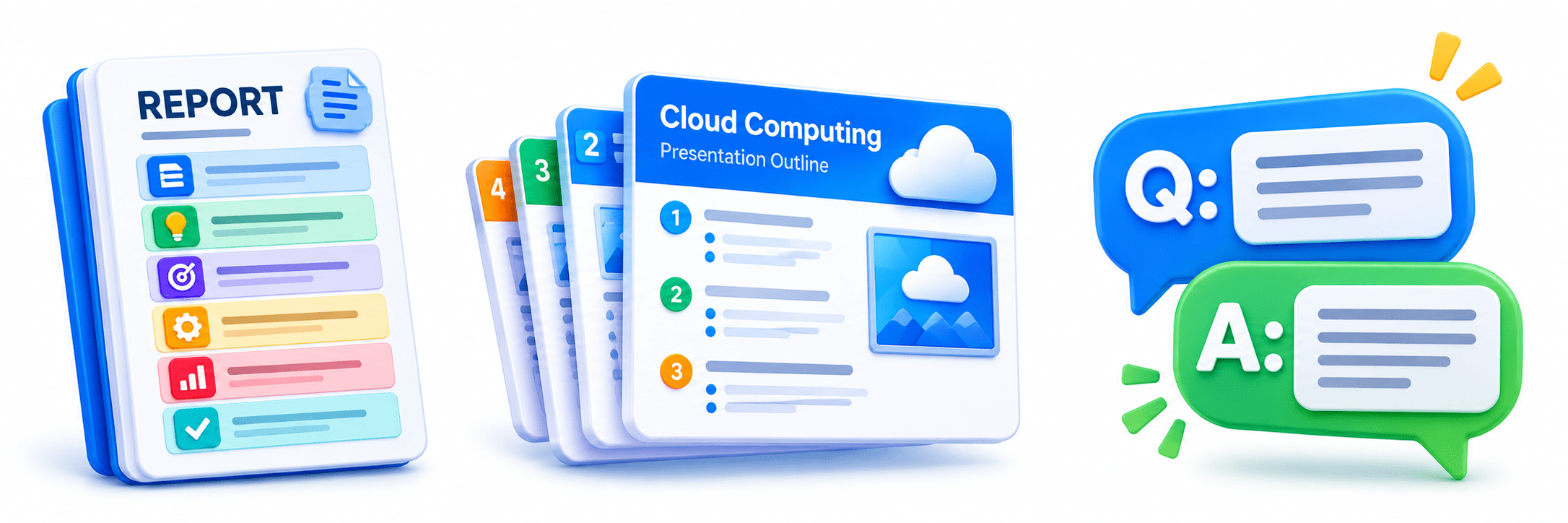
9. Presentation Format – for teaching and seminars.
Prompt: "Create a 10 slide presentation outline on Cloud Computing." → slide titles with key bullet points.
8. Report Format – for business and research: title, introduction, objectives, methodology, results, conclusion.
10. Question and Answer Format – for FAQs and interview prep.
Prompt: "Explain Data Science in Question and Answer format."
Combining Multiple Formats
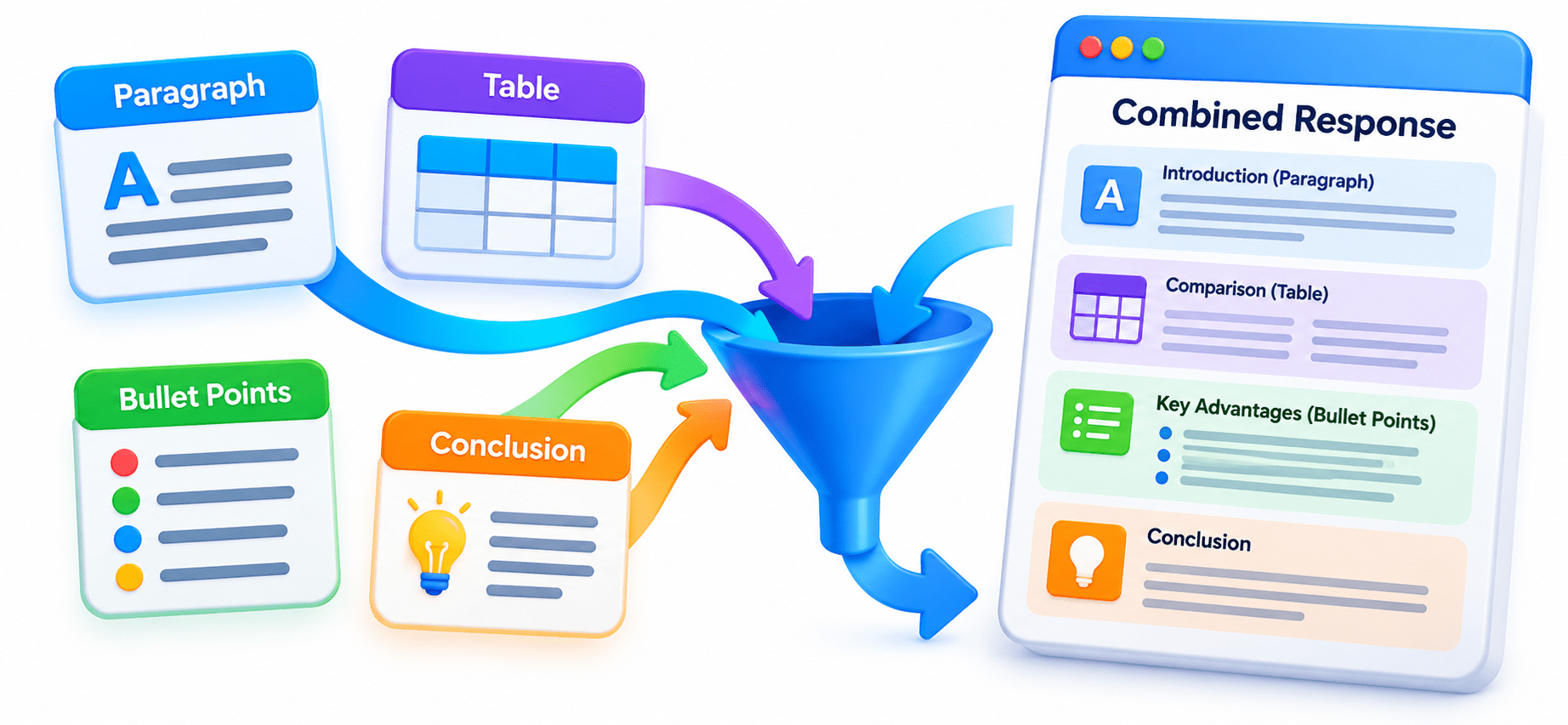
You can request more than one format in a single prompt.
The AI combines all requested formats into one well-organised response.
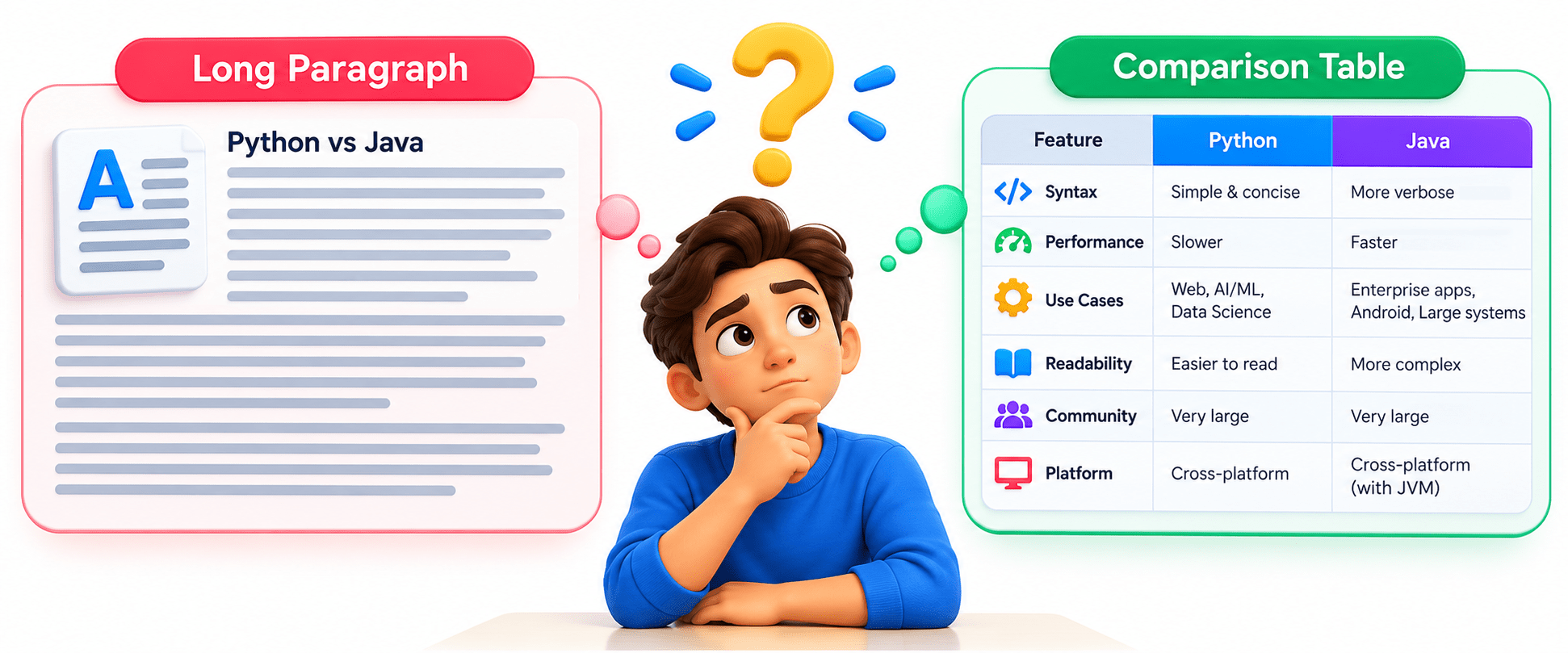
Think about this: If your teacher asks you to compare Python and Java, would a long paragraph or a comparison table make the differences clearer? Why?
Example: "Explain Machine Learning by giving a one paragraph introduction, a comparison table, five advantages in bullet points, and a short conclusion."
An Easy Way to Remember
Similarly, information stays the same when you change the format. What changes is how clearly and quickly others can understand it.
Think of organising clothes in a cupboard —
shirts, trousers, shoes, and accessories arranged by type.
Choosing the Best Format (Comparison)
Formatting in Action
Identify the purpose → Choose the matching format → Add the format instruction to your prompt → AI delivers a clearer, purpose-fit response.
Formatting in Action
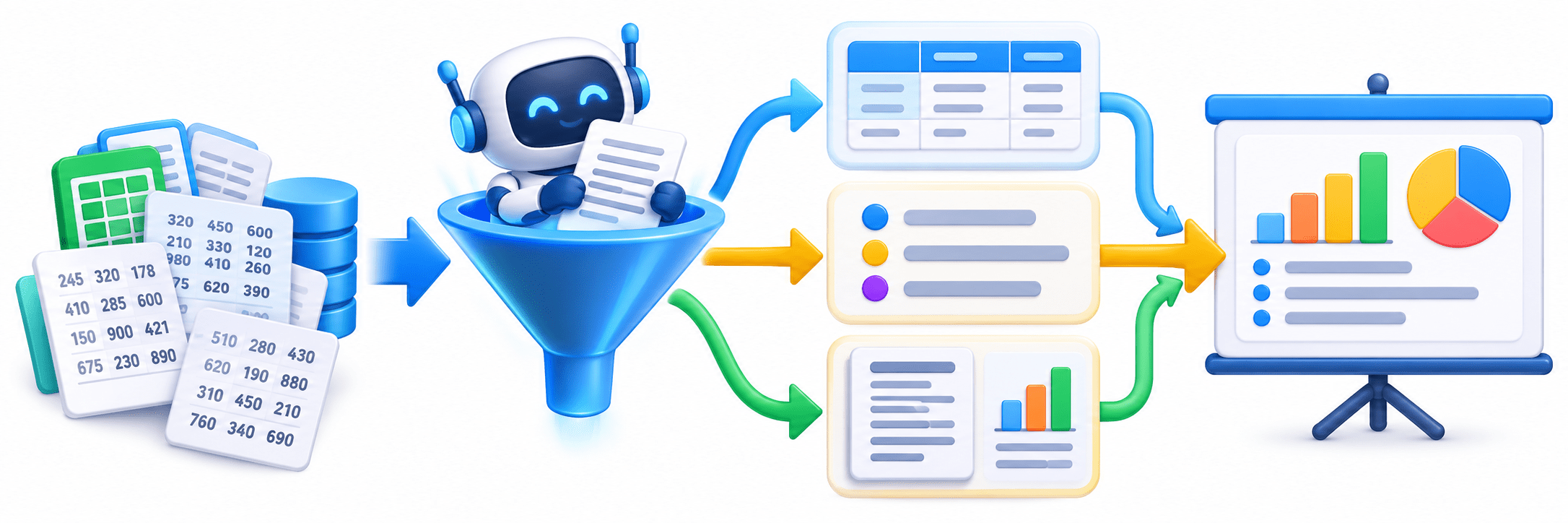
Scenario: Your manager asks you to present last month's sales data to the team. You have raw numbers but need to make them easy to understand quickly.
Step 1: Identify the goal —
quick comparison and clarity for a live presentation.
Step 2: Match the format —
a table for the numbers, bullet points for key highlights, possibly a short report summary for context.
Step 3: Combine —
request all three in one prompt so the AI organises the sales data into a table, highlights insights in bullets, and adds a brief summary.
Key Point: The right format choice turns raw data into something your audience can grasp immediately.
Where Formatting Matters (Applications)
Teaching – presenting concepts as tables, numbered steps, or Q&A for easier learning.
Business Reporting – structuring data into reports and tables for decision-making.
Where Formatting Matters (Applications)
Software Development – generating JSON or code blocks that plug directly into applications.
Professional Communication – drafting emails, resumes, and meeting minutes in the correct format.
Daily Life Applications
Examples around us:
Summary
4
Mix multiple formats in one prompt.
3
Better formatting improves clarity.
2
Content stays the same; format changes.
1
Tell AI how to format the response.
Quiz
Does changing the output format change the information?
A. Yes, it changes the meaning.
B. No, it only changes the presentation.
C. Only JSON changes the information.
D. It only matters for developers.
Quiz-Answer
Does changing the output format change the information?
A. Yes, it changes the meaning.
B. No, it only changes the presentation.
C. Only JSON changes the information.
D. It only matters for developers.
By Content ITV