GETTING REAL
WITH ELIXIR
& PHOENIX FRAMEWORK
ME
- Tawsif Aqib
- FullStack Polyglot Developer
- Engineering Manager
- Pathao



We'll Cover
- Elixir
- WebSocket
- Phoenix Framework
- Realtime App
- Code Example
Elixir
PROGRAMMING LANGUAGE

Elixir is a dynamic, functional language designed for building scalable and maintainable applications.
Ruby
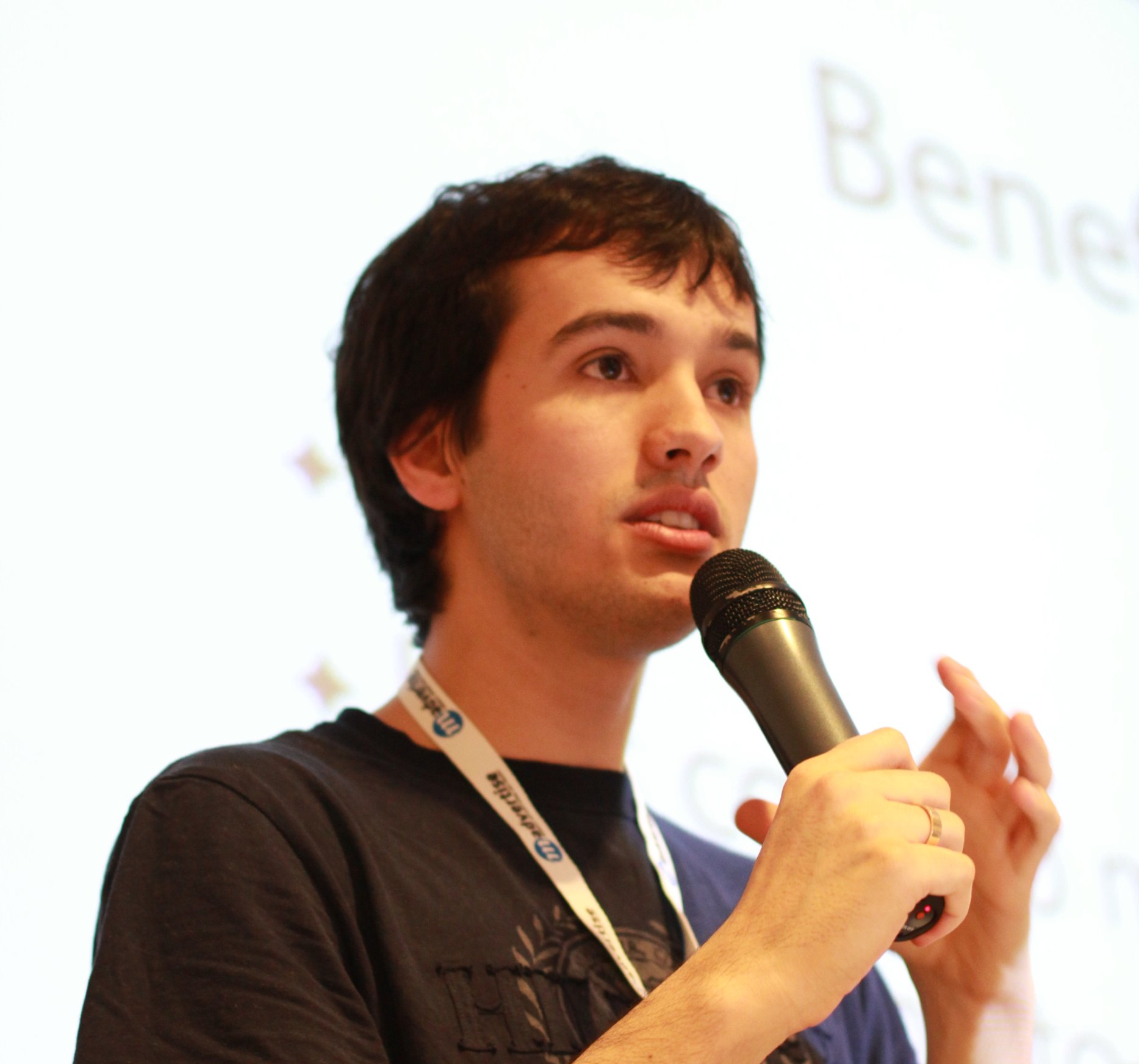
Jose Valim
Erlang
Elixir
- Created on 1986
- Ericsson Computer Science Lab
- Open Telecom Platform (OTP)
- Open sourced on 1996
- Fault-tolerant
- Concurrent
- Distributed
- Functional

Elixir Features
- Functional
- Pattern Matching
- Pipe Operator
- Immutable Data
- Actor Model
- OTP
- Let it Crash
USING ELIXIR/ERLANG
- Amazon
- Yahoo!
- Heroku
- RabbitMQ
- League of Legends
Code Sample
WRITE SOME ELIXIR
WEBSOCKET
REALTIME WEB
Traditional WEb
Request
Response
Browser/Client
Server
RealTime WEb
Connect
Data/Payload
Browser/Client
Server
WebSocket
- TCP
- Full-duplex
- Event/PubSub
- Example
- Google Map
- Uber
- FourSquare
Phoenix Framework
MVC WEB APPLICATION FRAMEWORK

Why phoenix?
- Fast Response Time (Microsecond)
- Scalable
- Fault Talerant
- Maintainable
- Concurrent
- MVC
- No Magic
Controller
defmodule MvcExampleWeb.UserController do
  use MvcExampleWeb, :controller

  alias MvcExample.Accounts
  alias MvcExample.Accounts.User

  def index(conn, _params) do
    users = Accounts.list_users()
    render(conn, "index.html", users: users)
  end

  def new(conn, _params) do
    changeset = Accounts.change_user(%User{})
    render(conn, "new.html", changeset: changeset)
  end
end
Model
defmodule MvcExample.Accounts.User do
  use Ecto.Schema
  import Ecto.Changeset
  alias MvcExample.Accounts.User


  schema "users" do
    field :age, :integer
    field :name, :string

    timestamps()
  end

  @doc false
  def changeset(%User{} = user, attrs) do
    user
    |> cast(attrs, [:name, :age])
    |> validate_required([:name, :age])
  end
end
View
<%= form_for @changeset, @action, fn f -> %>
  <div class="form-group">
    <%= label f, :name, class: "control-label" %>
    <%= text_input f, :name, class: "form-control" %>
    <%= error_tag f, :name %>
  </div>

  <div class="form-group">
    <%= label f, :age, class: "control-label" %>
    <%= number_input f, :age, class: "form-control" %>
    <%= error_tag f, :age %>
  </div>

  <div class="form-group">
    <%= submit "Submit", class: "btn btn-primary" %>
  </div>
<% end %>
Router
defmodule MvcExampleWeb.Router do
  use MvcExampleWeb, :router

  pipeline :browser do
    plug :accepts, ["html"]
    plug :fetch_session
    plug :fetch_flash
    plug :protect_from_forgery
    plug :put_secure_browser_headers
  end

  scope "/", MvcExampleWeb do
    pipe_through :browser # Use the default browser stack

    get "/", PageController, :index

    # Users resoruceful endpoints
    resources "/users", UserController
  end
end
Migration
defmodule MvcExample.Repo.Migrations.CreateUsers do
  use Ecto.Migration

  def change do
    create table(:users) do
      add :name, :string
      add :age, :integer

      timestamps()
    end

  end
end
Generator
# Generates a Phoenix channel
mix phx.gen.channel

# Generates a context with functions around an Ecto schema
mix phx.gen.context

# Generates an embedded Ecto schema file
mix phx.gen.embedded

# Generates controller, views, and context for an HTML resource
mix phx.gen.html

# Generates controller, views, and context for a JSON resource
mix phx.gen.json

# Generates a Presence tracker
mix phx.gen.presence

# Generates an Ecto schema and migration file
mix phx.gen.schema
Test
defmodule MvcExample.AccountsTest do
  use MvcExample.DataCase

  alias MvcExample.Accounts

  describe "users" do
    alias MvcExample.Accounts.User

    test "list_users/0 returns all users" do
      {:ok, user} =
        attrs
        |> Enum.into(%{age: 42, name: "some name"})
        |> Accounts.create_user()

      assert Accounts.list_users() == [user]
    end
  end
end
Channel
defmodule Chat.RoomChannel do
  use Phoenix.Channel

  def join("rooms:lobby", message, socket) do
    send(self, {:after_join, message})
    {:ok, socket}
  end

  def handle_in("new:msg", msg, socket) do
    broadcast! socket, "new:msg", %{user: msg["user"], body: msg["body"]}
    {:reply, {:ok, %{msg: msg["body"]}}, assign(socket, :user, msg["user"])}
  end

  def handle_info({:after_join, msg}, socket) do
    broadcast! socket, "user:entered", %{user: msg["user"]}
    push socket, "join", %{status: "connected"}
    {:noreply, socket}
  end
end
More
- GenServer
- Supervisor
- Process
- Agent
- Task
- Macro
- Node
REALTIME ELiXIR APP
WRITE THE CODE
WRITE COPY/PASTE THE CODE
BUILDING Chat App
IN 10 MINUTES
New Phoenix App
mix phx.new chat --no-ecto

cd chat

cd assets

yarn

cd ..

mix phx.server
Prepare the View
# lib/chat_web/templates/page/index.html.eex

<!-- The list of messages will appear here: -->
<ul id='msg-list' class='row' style='list-style: none; min-height:200px; padding: 10px;'></ul>

<div class="row">
  <div class="col-xs-3">
    <input type="text" id="name" class="form-control" placeholder="Your Name" autofocus>
  </div>
  <div class="col-xs-9">
    <input type="text" id="msg" class="form-control" placeholder="Your Message">
  </div>
</div>
Create the channel
mix phx.gen.channel Room# lib/chat_web/channels/user_socket.ex
defmodule ChatWeb.UserSocket do
use Phoenix.Socket
## Channels
channel "room:lobby", ChatWeb.RoomChannel
# ...
endAdd the JavaScript
# assets/js/app.js

import socket from "./socket"

// connect to chat "room"
var channel = socket.channel('room:lobby', {});

// listen to the 'shout' event
channel.on('shout', function (payload) {
  var li = document.createElement("li");
  var name = payload.name || 'guest';
  li.innerHTML = '<b>' + name + '</b>: ' + payload.message;
  ul.appendChild(li);
});

// join the channel.
channel.join();

var ul = document.getElementById('msg-list');
var name = document.getElementById('name');
var msg = document.getElementById('msg');

// "listen" for the [Enter] keypress event to send a message:
msg.addEventListener('keypress', function (event) {
  if (event.keyCode == 13 && msg.value.length > 0) {
    channel.push('shout', {
      name: name.value,
      message: msg.value
    });
    msg.value = '';
  }
});
did it work?
Elixir for the future
Slide Link
QUESTION
FROM THE AUDIENCE
Thanks
FOR YOUR ATTENTION
Getting Real with Elixir
By Tawsif Aqib
Getting Real with Elixir
SoftExpo 2018, Dhaka, Bangladesh