Panopto For Personal Capture


Aim and Objectives
- Panopto Overview
- Download and install Panopto on your personal device, i.e. PC, Mac and mobile devices
- Use the recorder to do recordings
- Use Learn Plus portal to edit and preview a Panopto recording
- Use Panopto tools on Learning Central to share videos with students
The aim of this training is to provide a good foundation and understanding of the fundamentals of the lecture capture software ‘Panopto’ from the perspective of personal capture.
Panopto - The Power of Video
What is Panopto
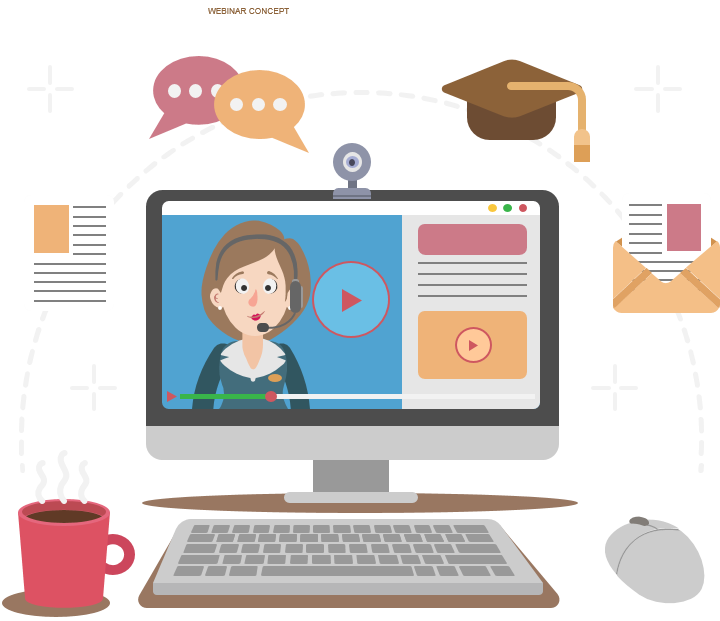
- Panopto is available to all University staff as a way of recording lectures, demonstrations, flipped learning materials and events.
- Simultaneously capture audio, video and desktop applications. Record, webcast, manage, search and analyse video content.
Panopto and Learn Plus
The Learn Plus project is powered by the Panopto video platform
Learn Plus Programme
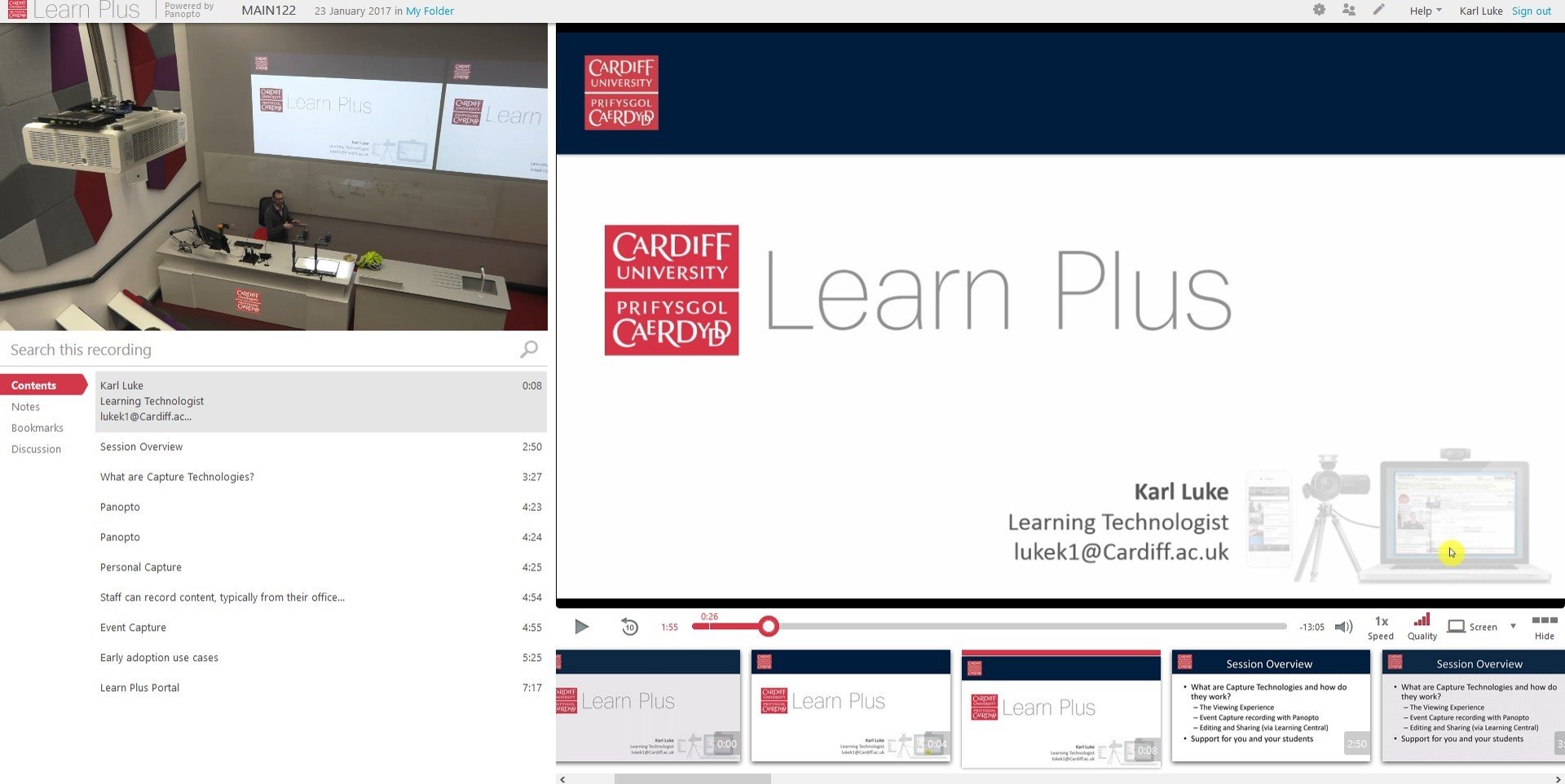
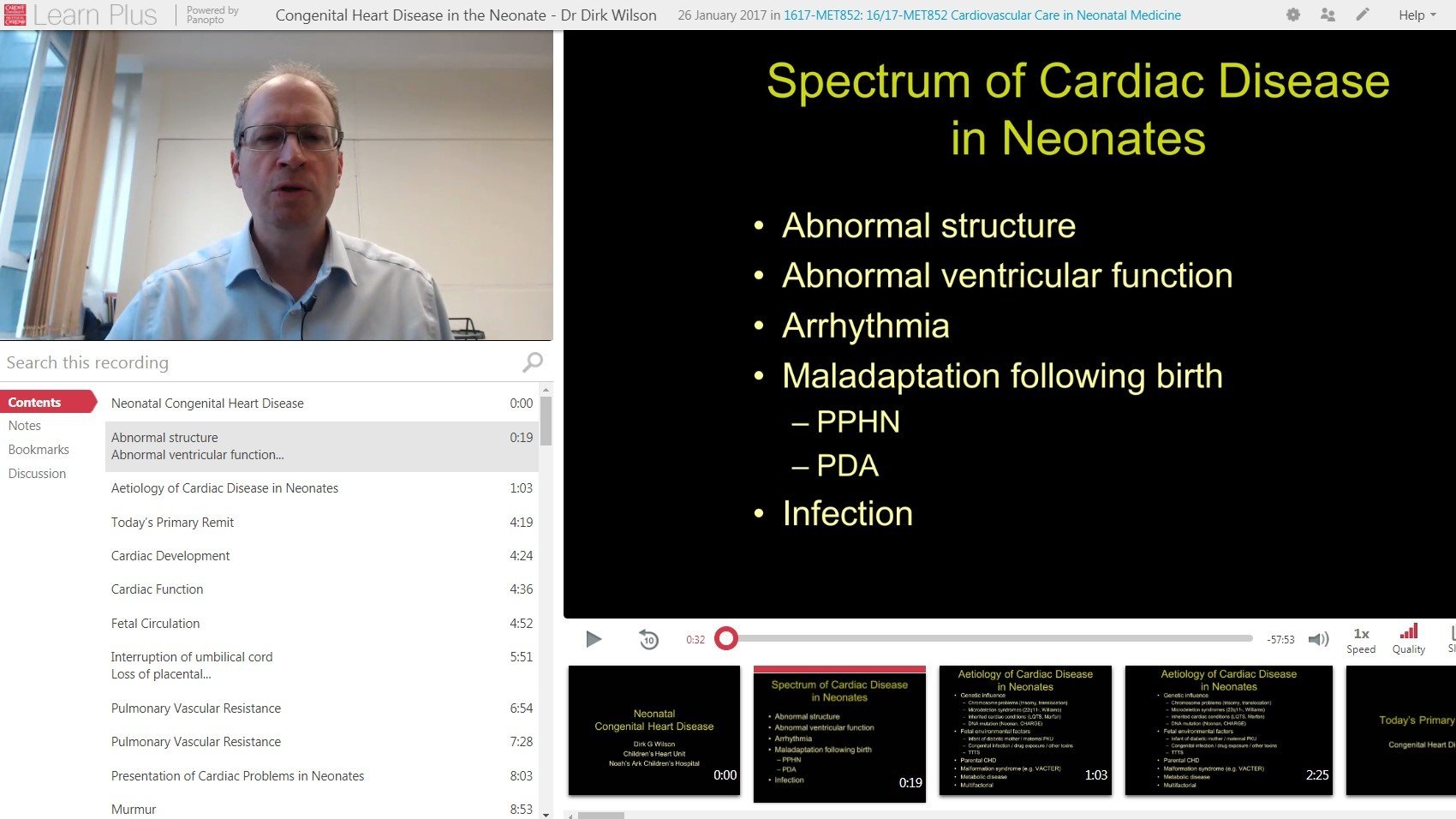
Event Capture
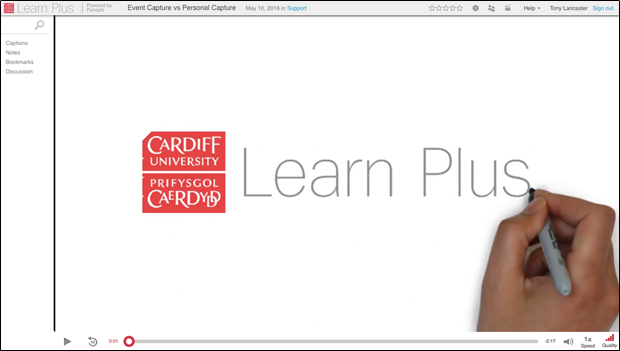
Personal Capture
Schedule and record teaching activities, training sessions or any other events that take place in selected spaces, such as lecture theatres and pool rooms.
Desktop and mobile capture solutions to record teaching activities in other teaching environments, such as offices, workshops, laboratories and field locations.
Learn Plus & Panopto
Features


Video editing
Add webpage
Interactive Quizzing
Youtube Video
Video Players
Video analytics
Search inside videos
Video Library Search
Use Cases
- Capturing live events e.g. lectures or classes
- Preparation for on-campus activities such as group discussions or activities (eg. using flipped learning techniques)
- Delivering video feedback to groups & individuals
- Capturing of video to support online and distance learning
- Software and tool demonstrations and video guides
- Student-created recordings
- Capturing materials off-campus (ie. field recordings)
- Broadcasting live sessions (webcasting)
Examples
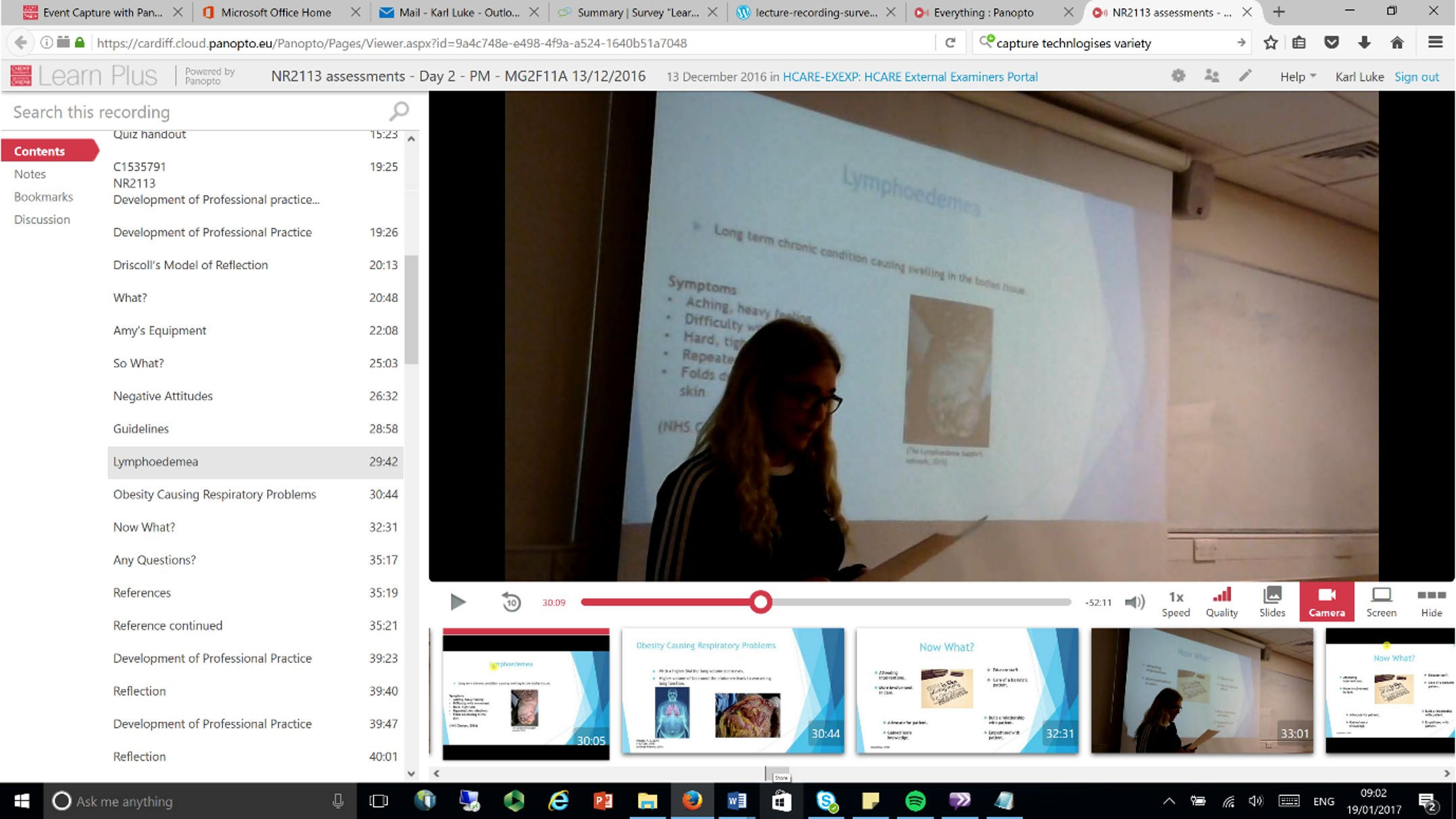
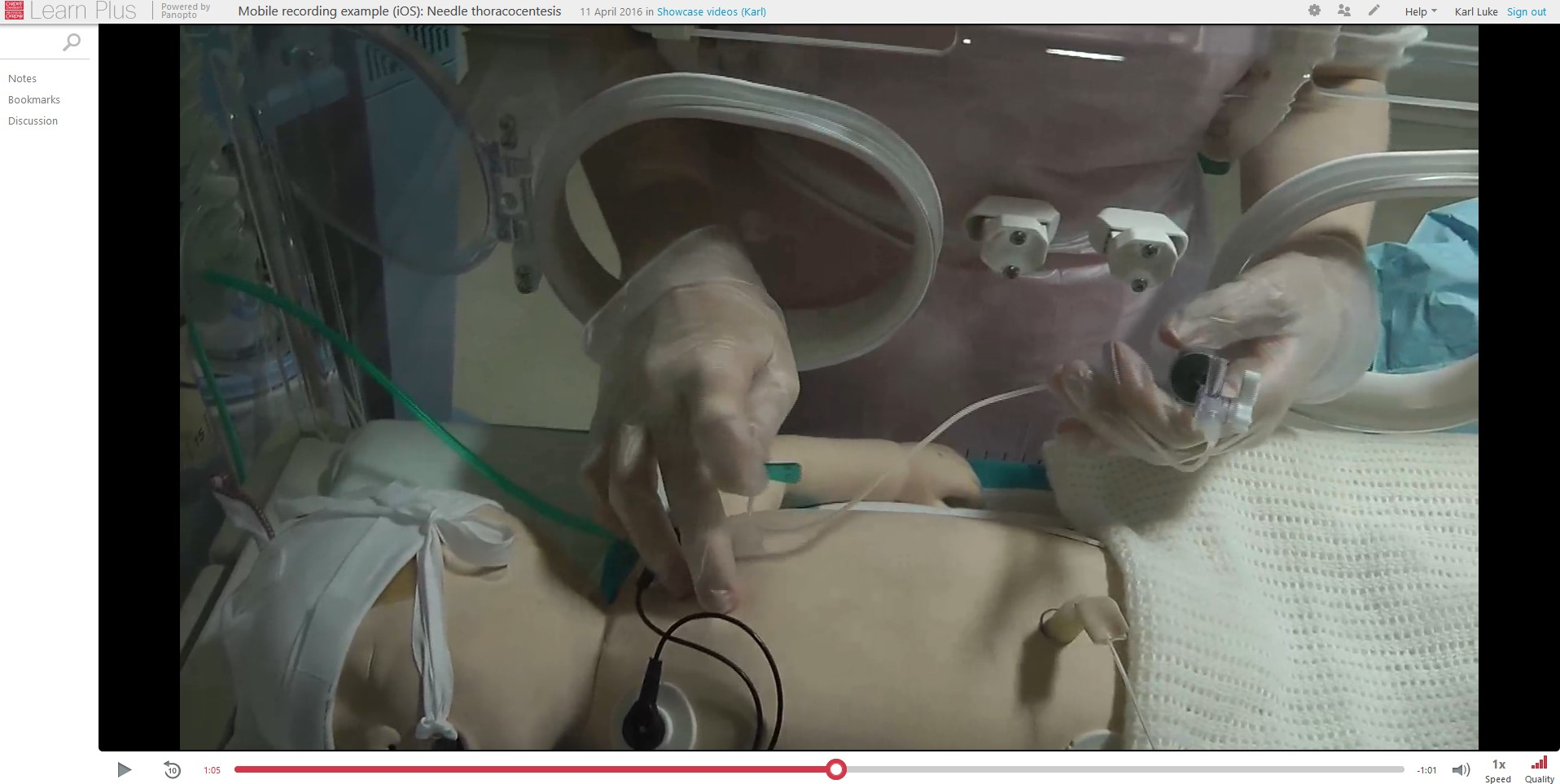
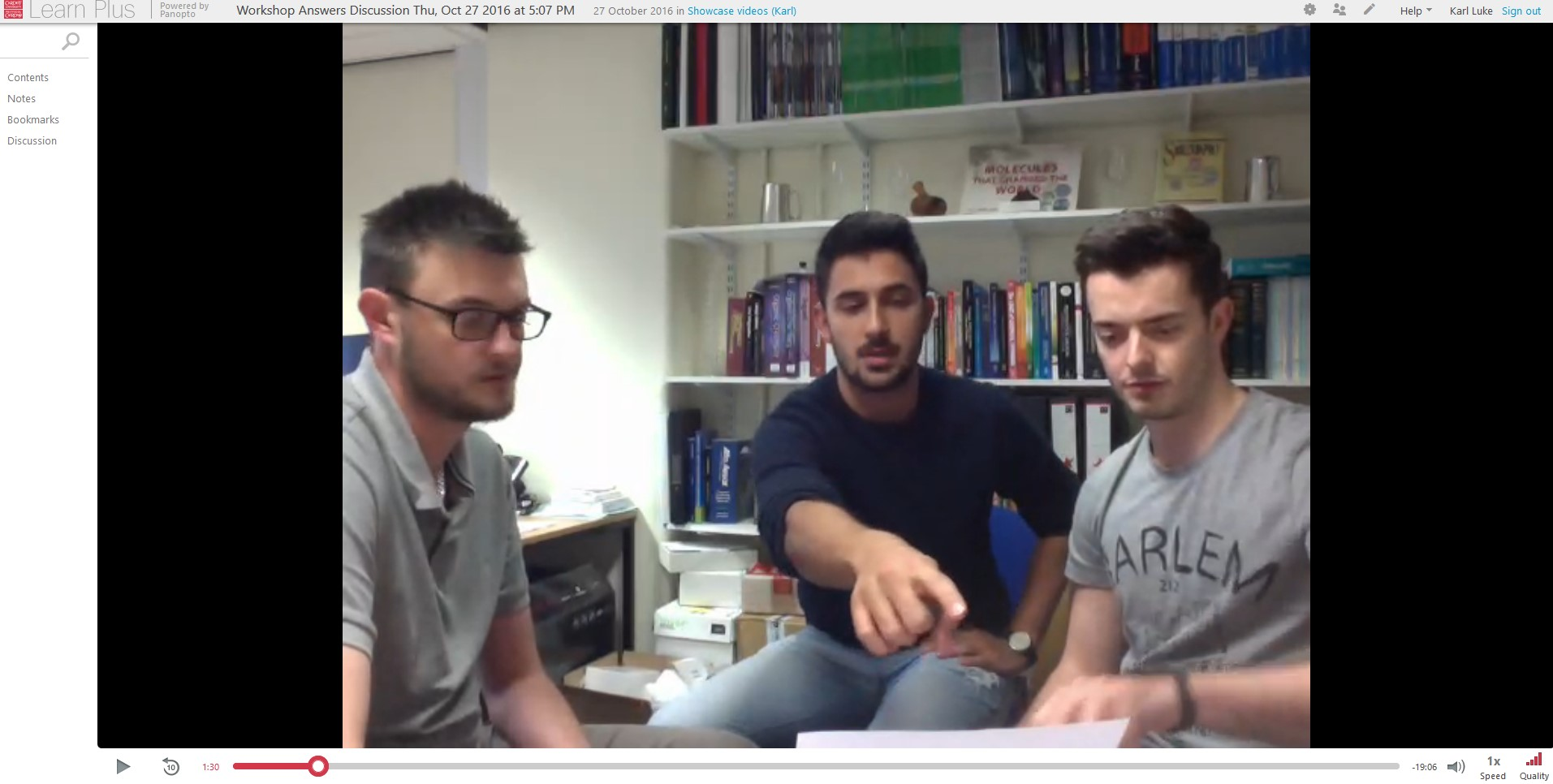
Recording summative student presentations (Healthcare Sciences)
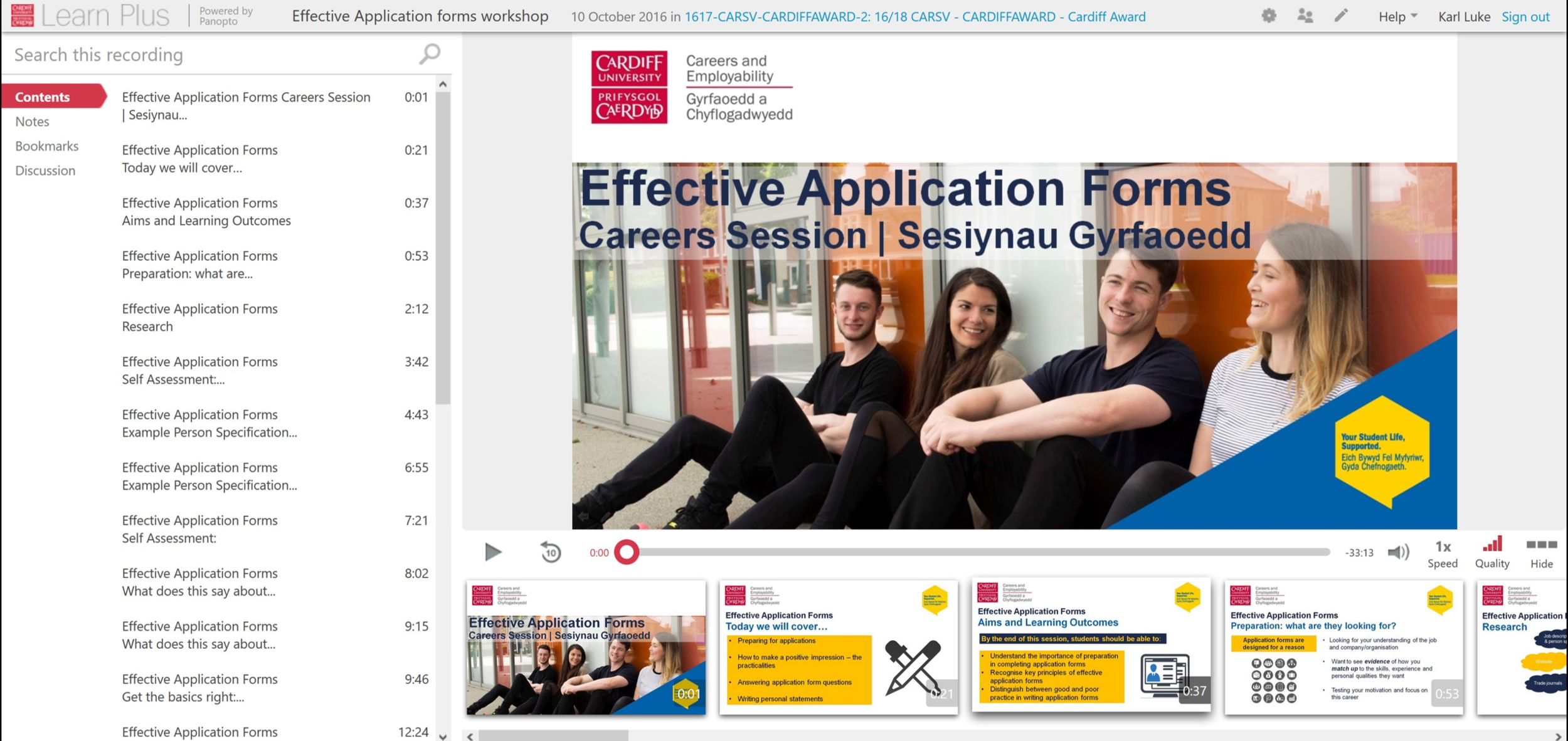
Recording webinars and voiceover presentations (Cardiff Award)
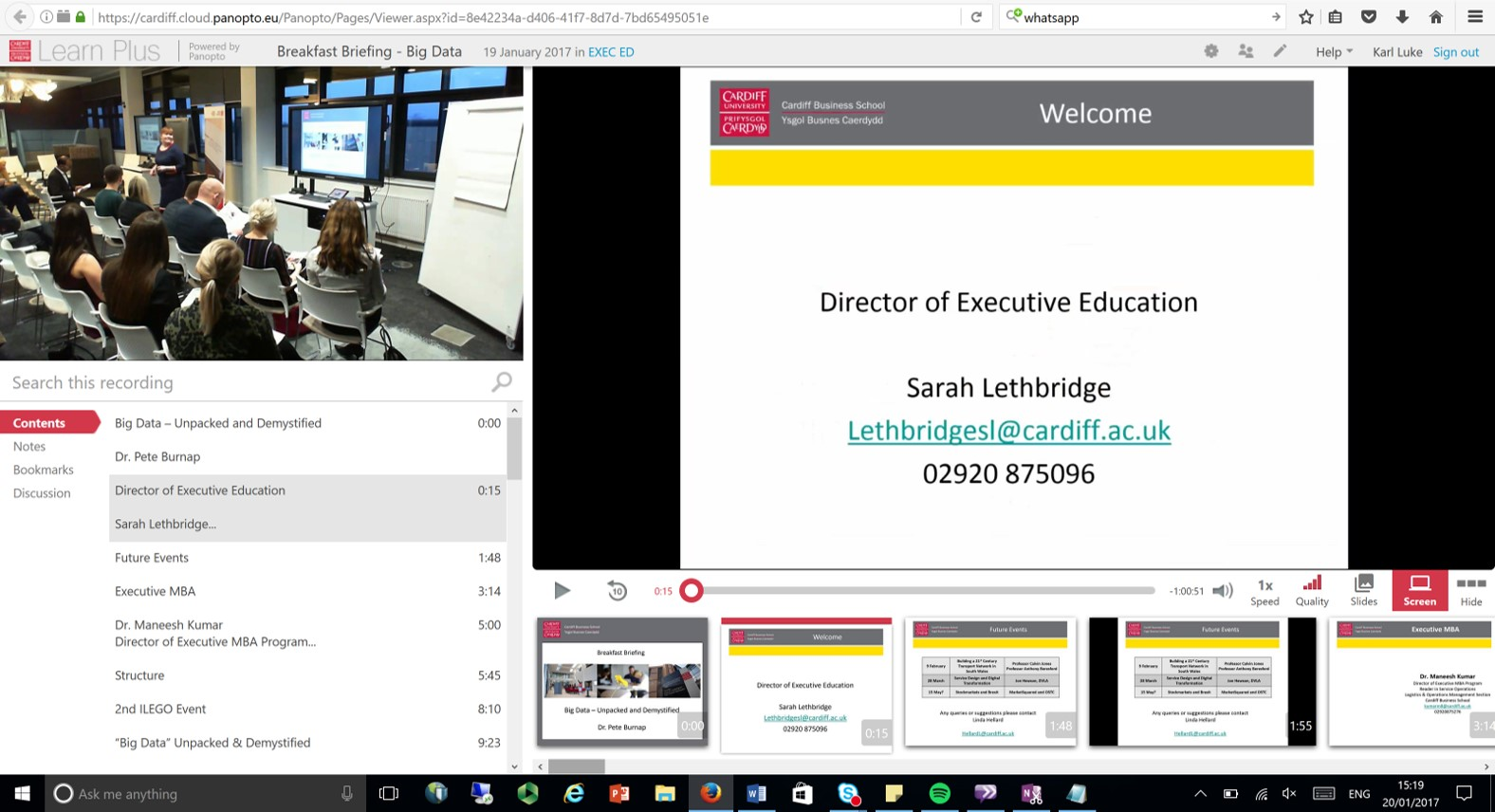
Live webinars and presentations (Cardiff Business School)
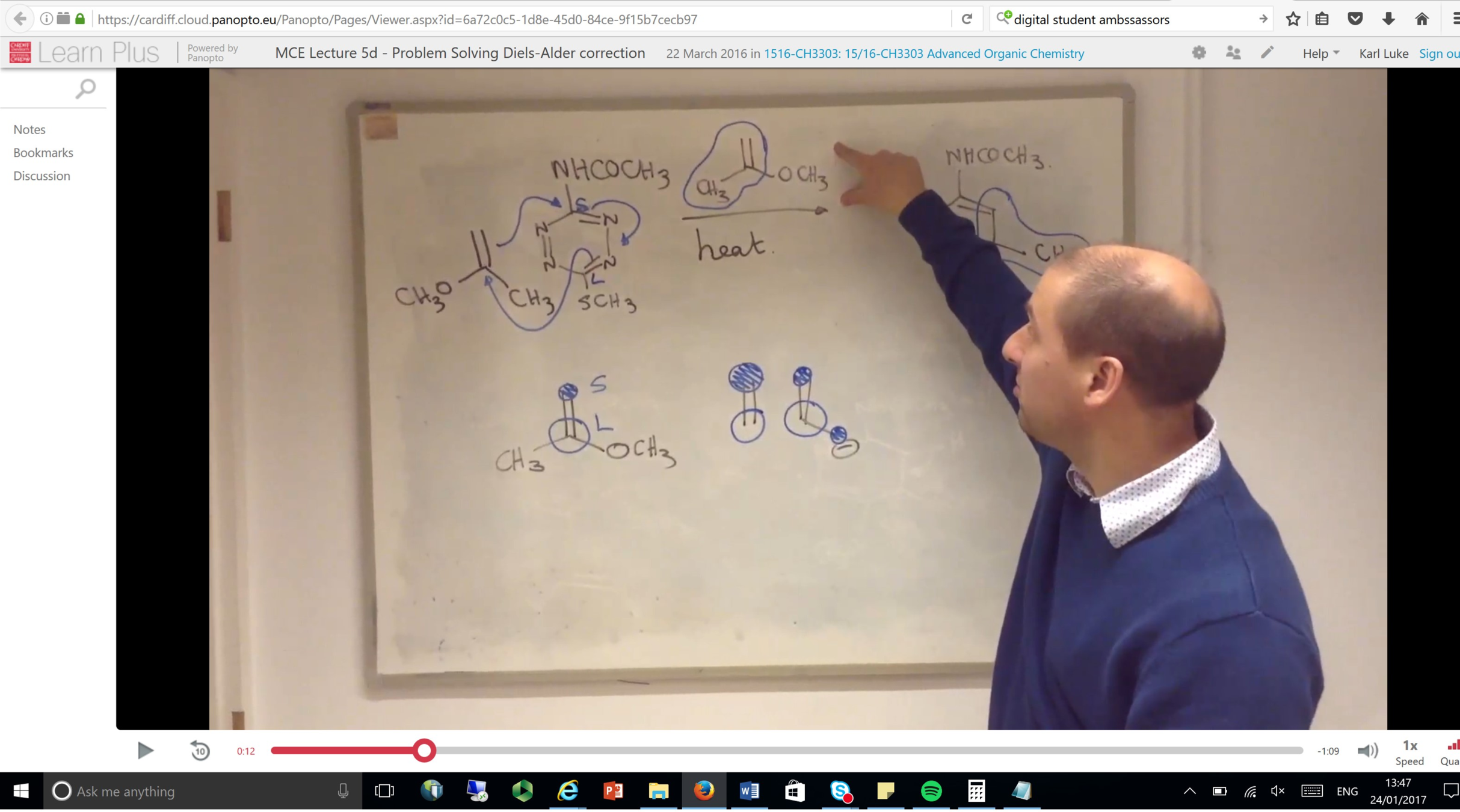
Trialling a flipped classroom approach (Chemistry)
Recording of simulation activities and feedback, using mobile capture (Medicine)
Recording student feedback sessions (Chemistry)
Mobile Applications
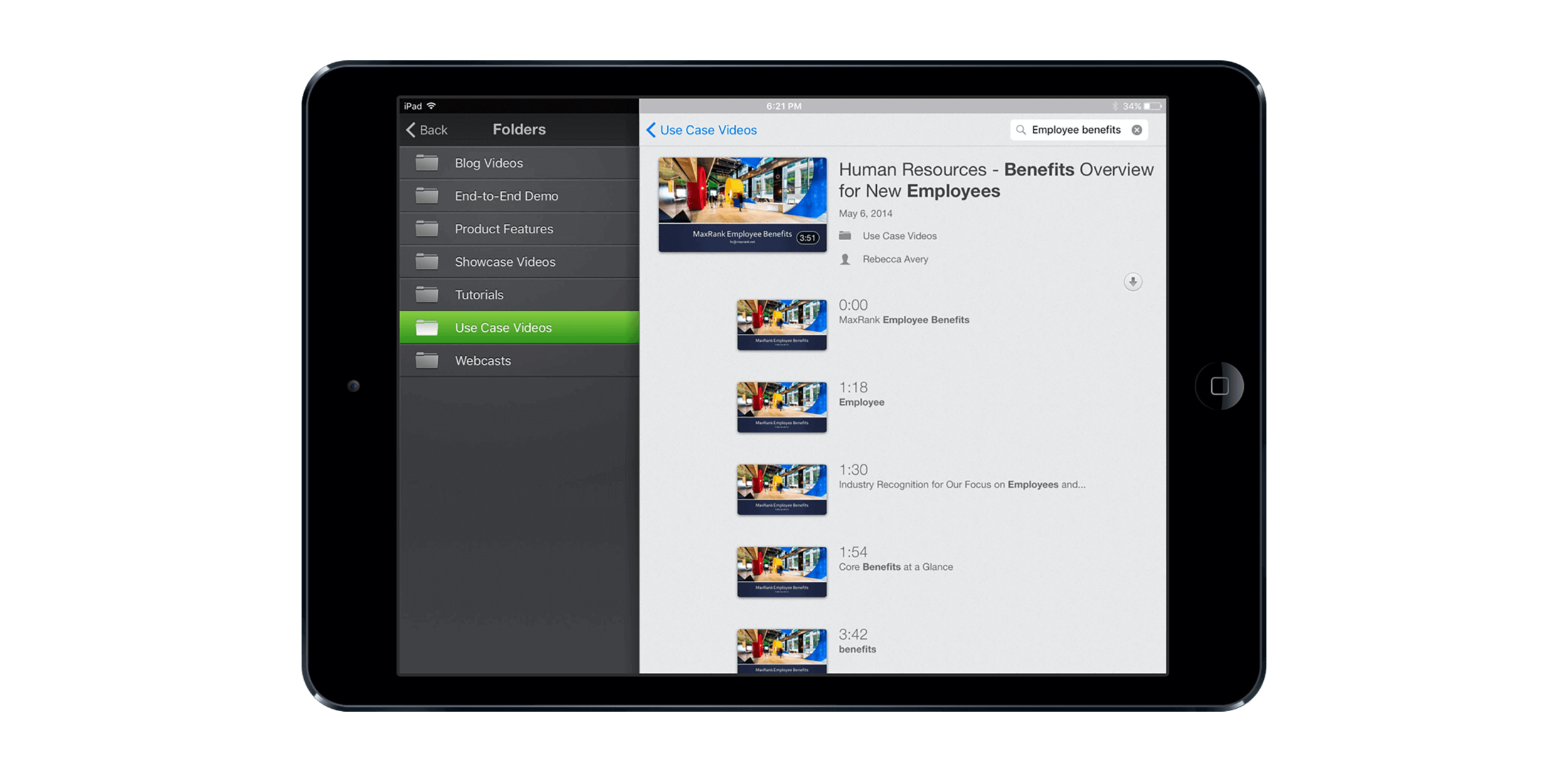
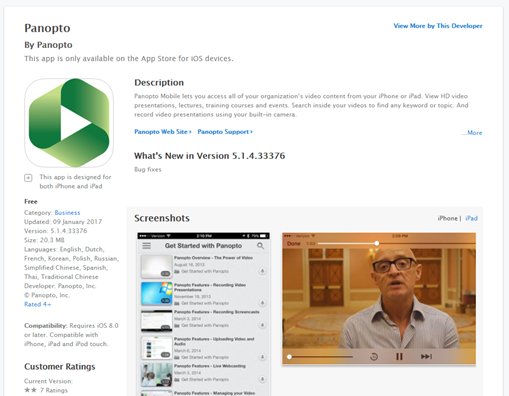
- Watch recordings on iPhone/Android mobile and tablet devices.
- Creator can record and upload video content directly from your mobile device.
- Google Play / Apple App store.
Workflow
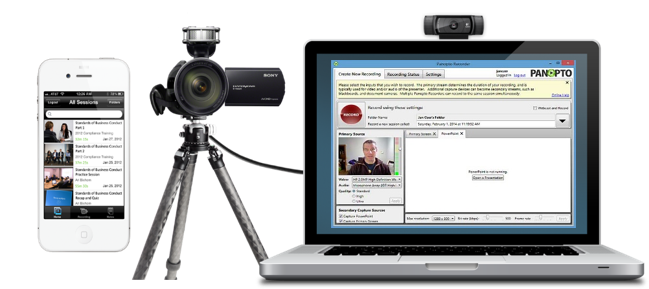
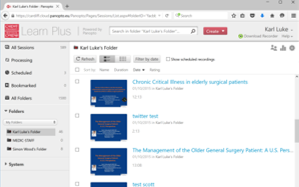
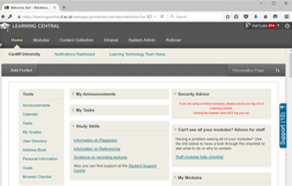
1. Capture & Record using Panopto Event Capture Recorder or Personal Capture Recorder
2. Store, manage, track and edit online via the Learn Plus Portal (https://cardiff.cloud.panopto.eu/)
3. Share your finished recordings to students via Learning Central and other websites
Event Capture
Policy
- From September 2018, all lectures will be automatically recorded unless the presenter opts out of lecture capture.
- Scheduled timetabled recordings will be automatically released to registered viewers after 7 calendar days of the original teaching event, unless the session has been released earlier or if the global folder availability settings have been altered (ie. immediate release).
- To opt-out of lecture recording, you must submit a lecture capture opt-out form.
- Request a recording on other teaching activities.
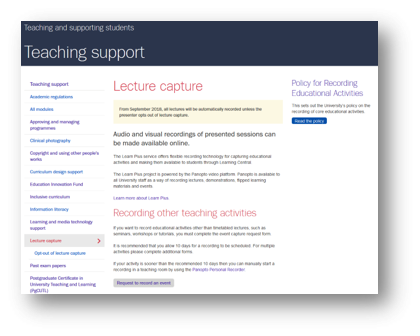
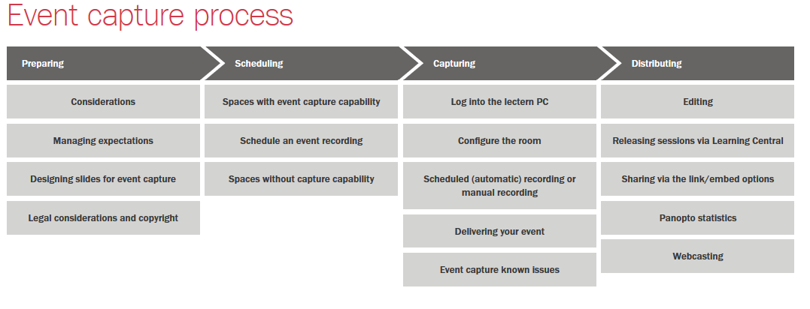
Event capture process
Personal Capture
Process
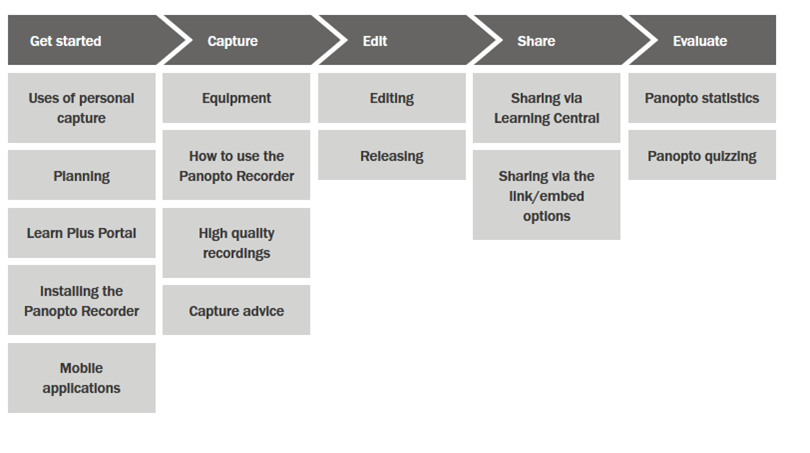
To Get Started



Panopto Creator account
Panopto Personal Recorder installed
Audio visual equipment
Installing the Personal Recorder
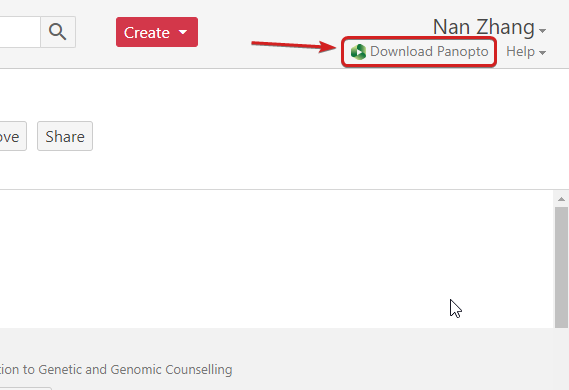
Video Tutorial
Panopto Recorder
Using the Desktop Recorder (WINDOWS)
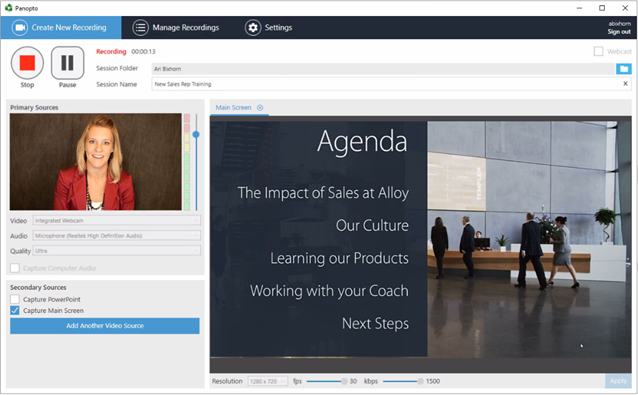
Panopto Recorder
Reviewing, editing and releasing
THE LEARN PLUS PORTAL
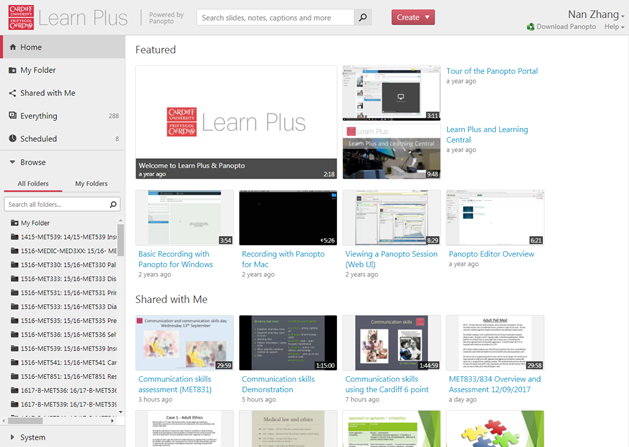
All Panopto recordings are uploaded to the Learn Plus Portal where you can create, manage, search, edit and share all your video content.
Logging in
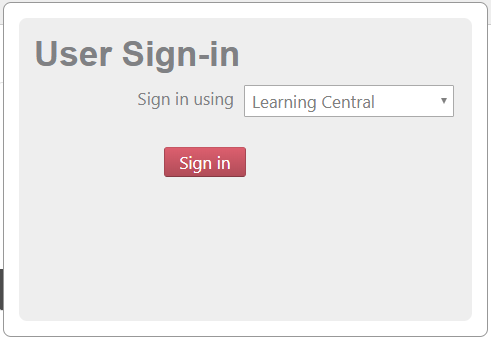
To get started, go to the Learn Plus Portal and use the Learning Central entry, logging in with your University credentials.
Quick Tour
Tour of the Interface
- Search
- Create
- Help
- My Folder
- Browse - All Folders
- Manage your sessions
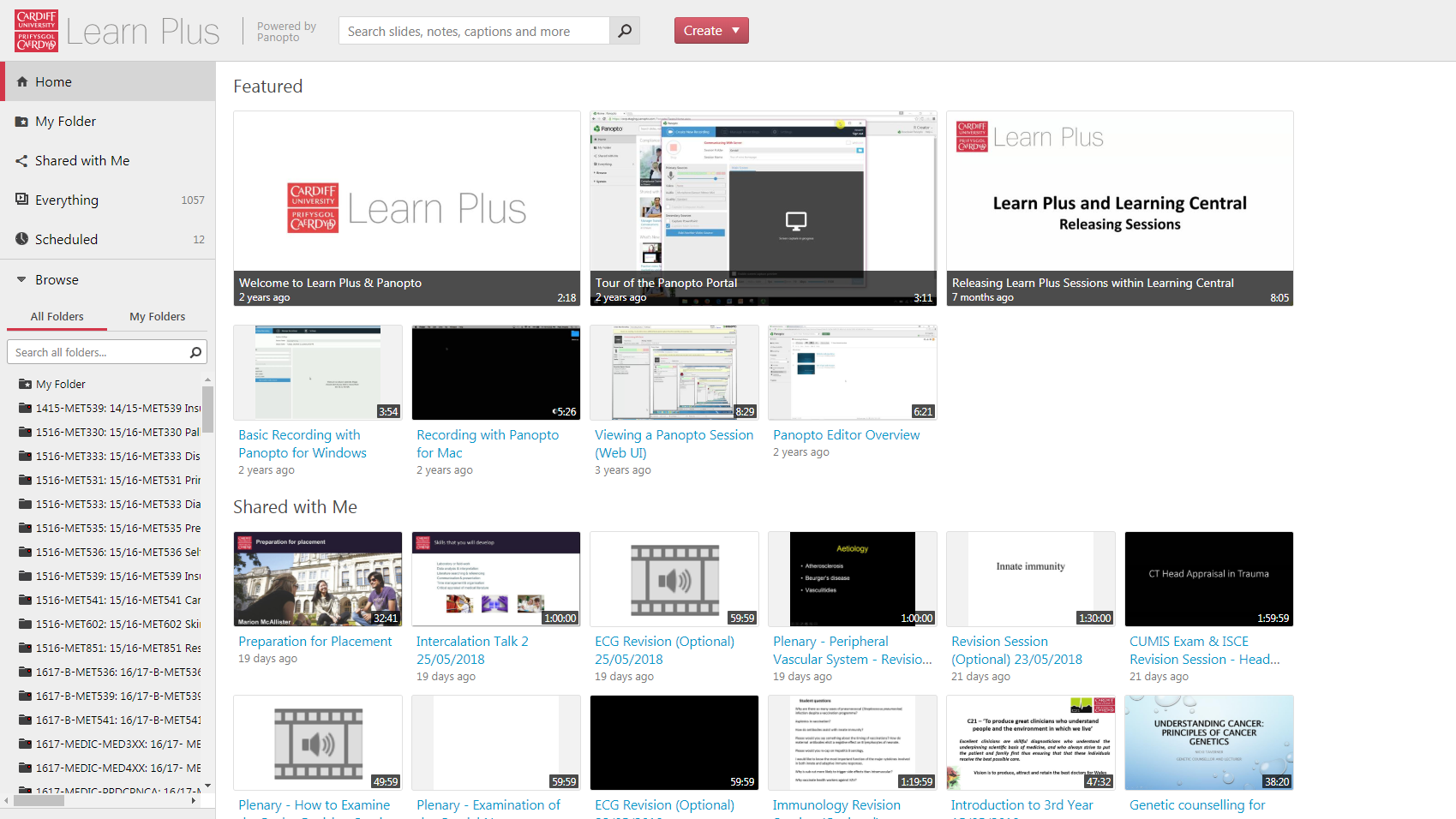
Video Tutorial
The Online Editor
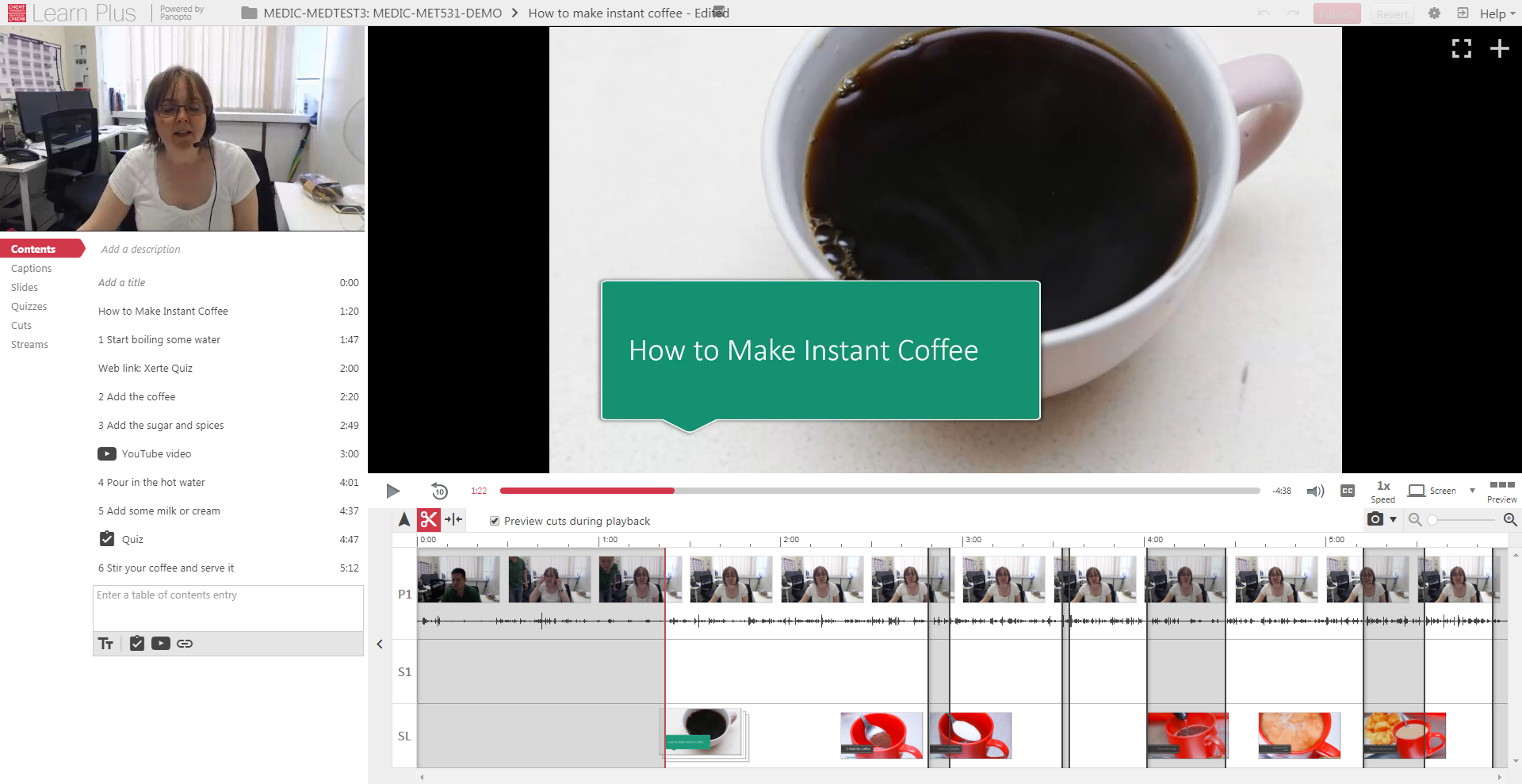
Editor
- The interface
- Using the cut tool to trim beginning/end/middle
- Tidy up the contents
- Add a quiz
- Add a youtube video
- Add a webpage - Xerte Quiz
Access the Online Editor
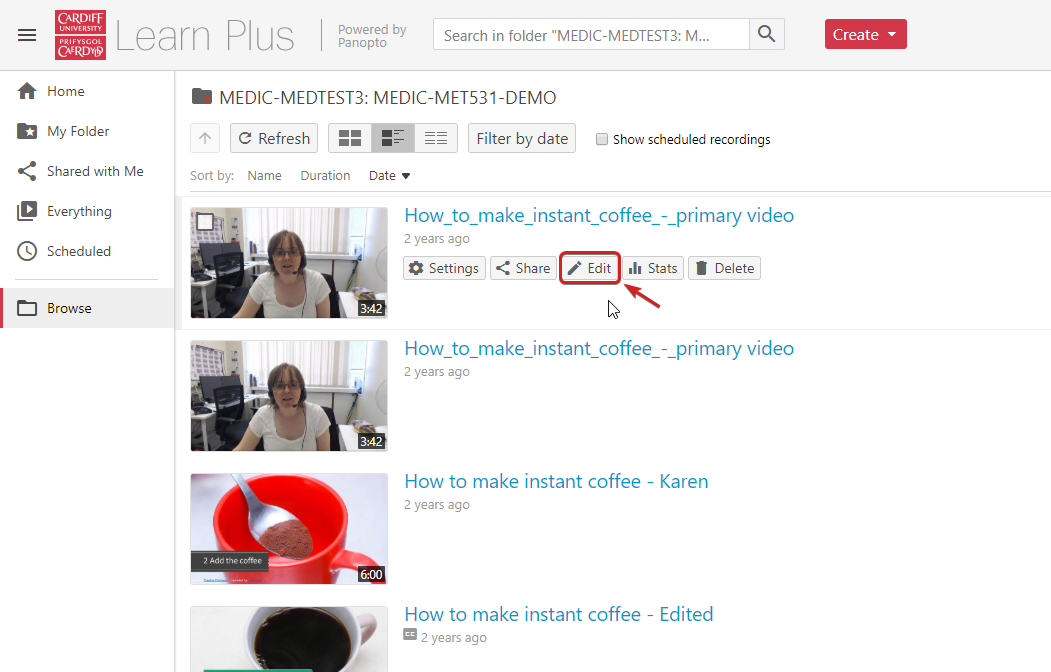
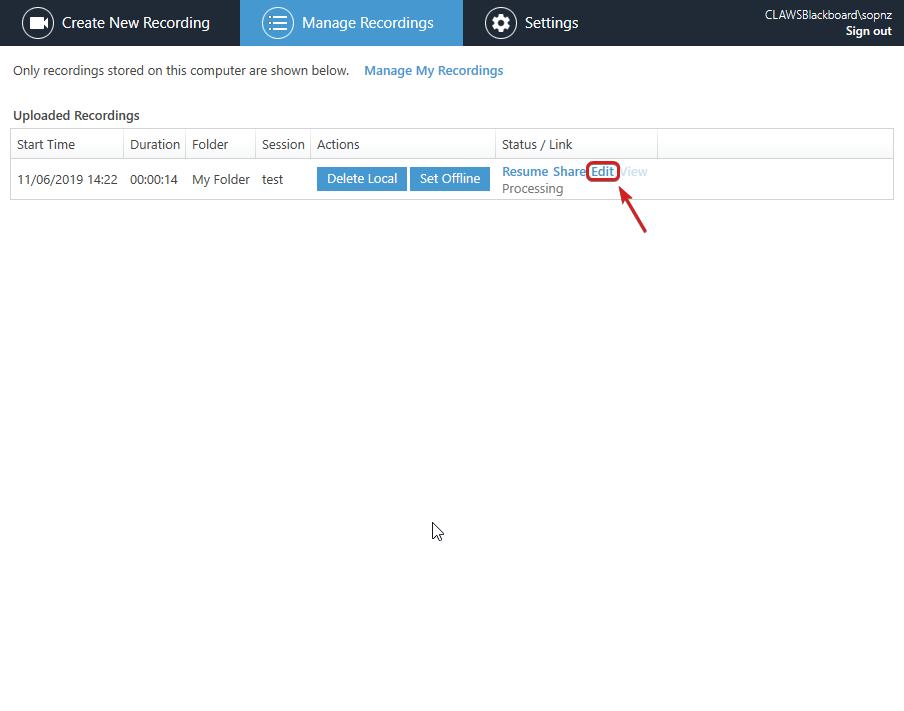
The Interface
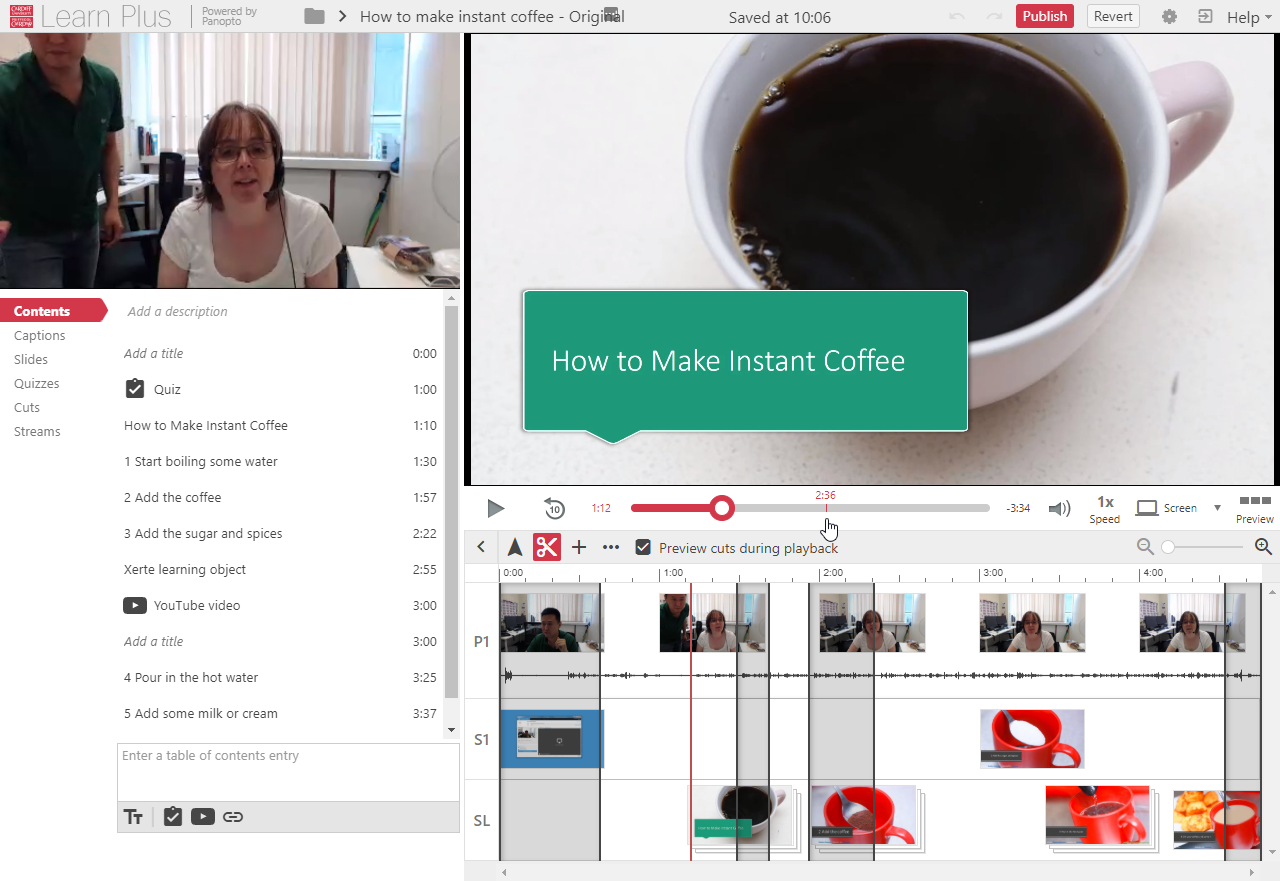
- Primary source
- Secondary source
- Video control
- Timeline
- Contents
Basic Editing
Adding Quizzes
Adding YouTube Video
Releasing the Video
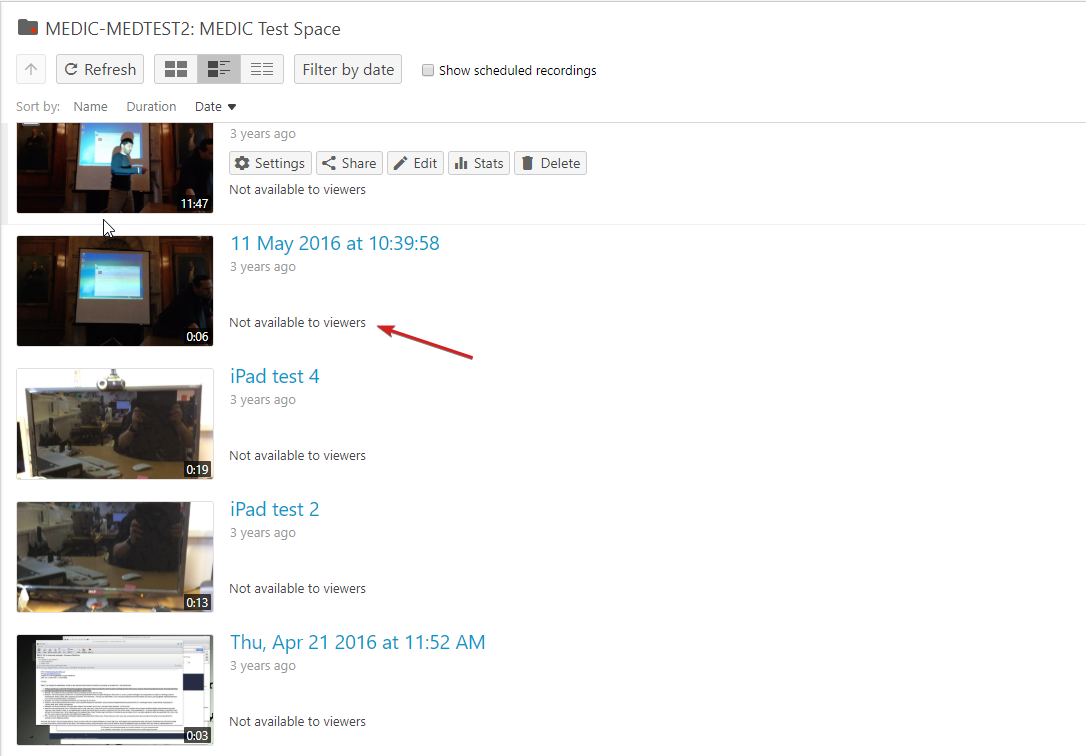
Releasing the Video
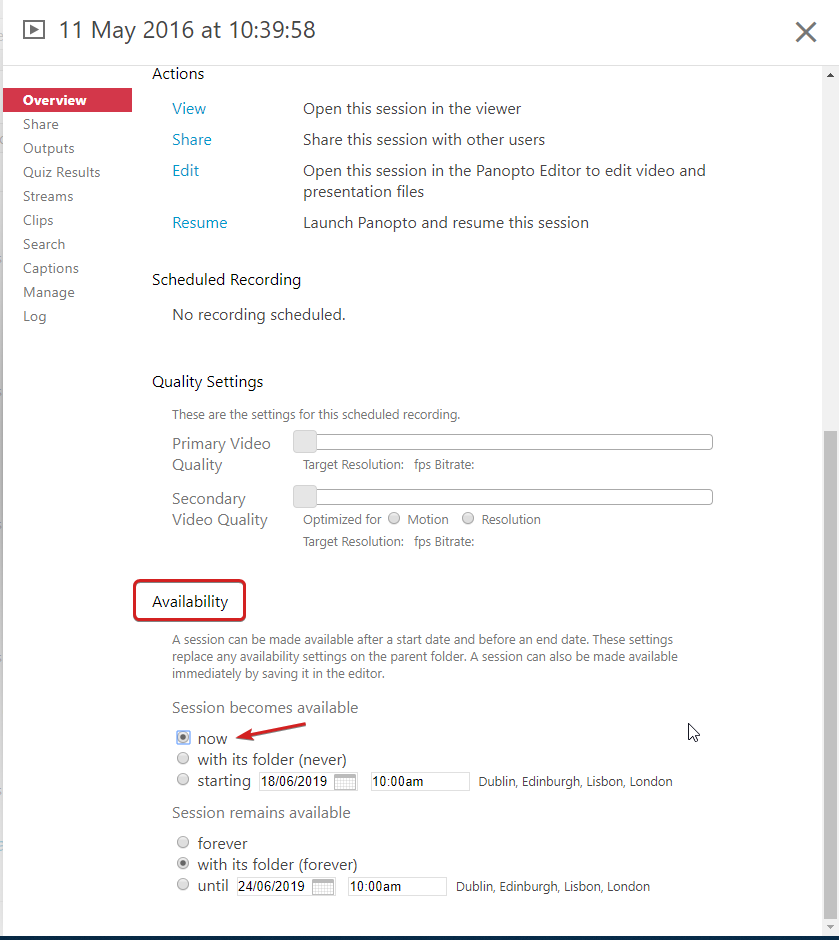
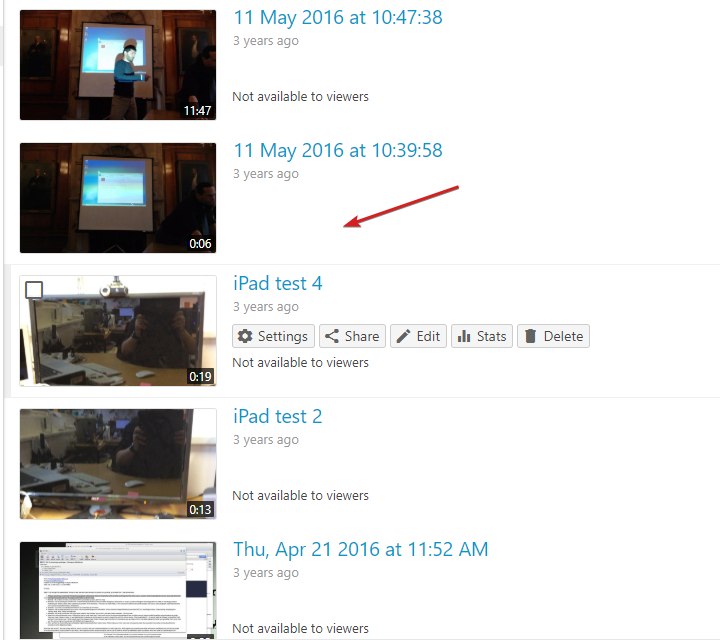
Publishing & Sharing
- Via Learning Central
- Intranet
- External websites
- Social networking platforms
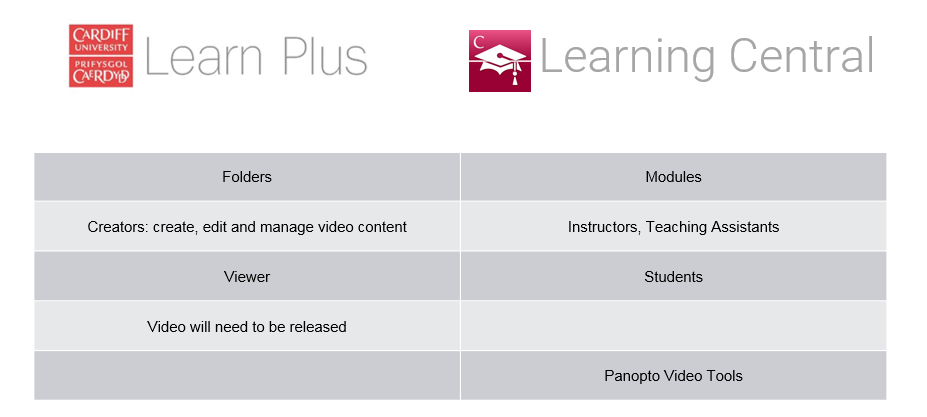
Learn Plus & Learning Central
Generally the availability of your Learn Plus recordings to individuals is governed by the enrolments in the associated Learning Central module to which your Learn Plus folder is provisioned.
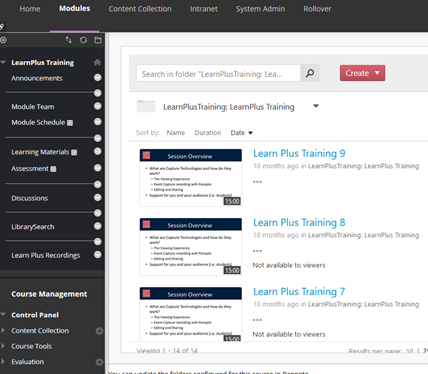
Access Recordings from Learning Central
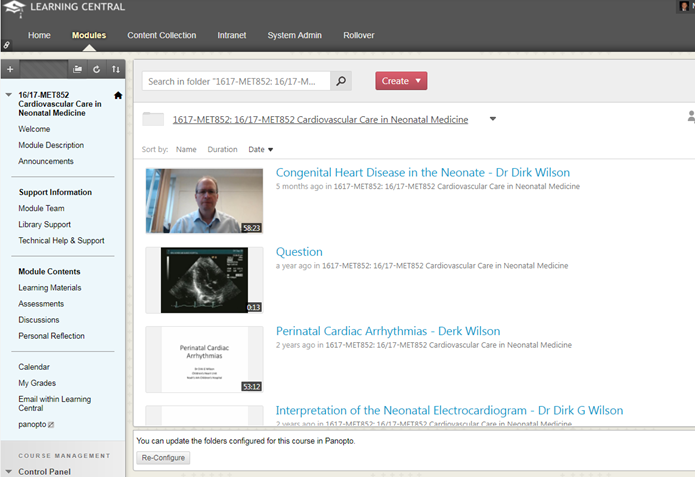
Panopto Course Tool Application
- Allows Instructors to automatically display an indexed view of all recorded Panopto sessions contained within a Panopto folder.
- This method affords minimum input by Instructors and this process only needs to be completed once for a Learning Central module.
- Once set-up and configured, Panopto recordings will be available for students to view when the availability release settings have been adjusted on the individual sessions.
- Adding a Learn Plus menu item
Panopto Video Link tool
- Individual links to video sessions
- Associate a session with additional items, materials and activities.
- Allows Instructors to assign Adaptive Release criteria to items
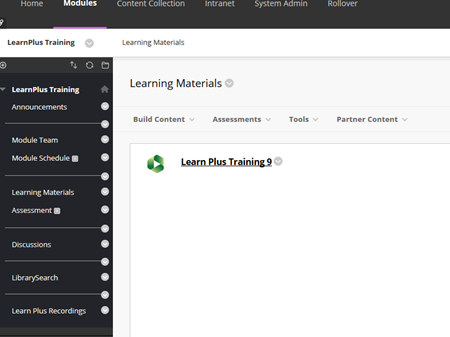
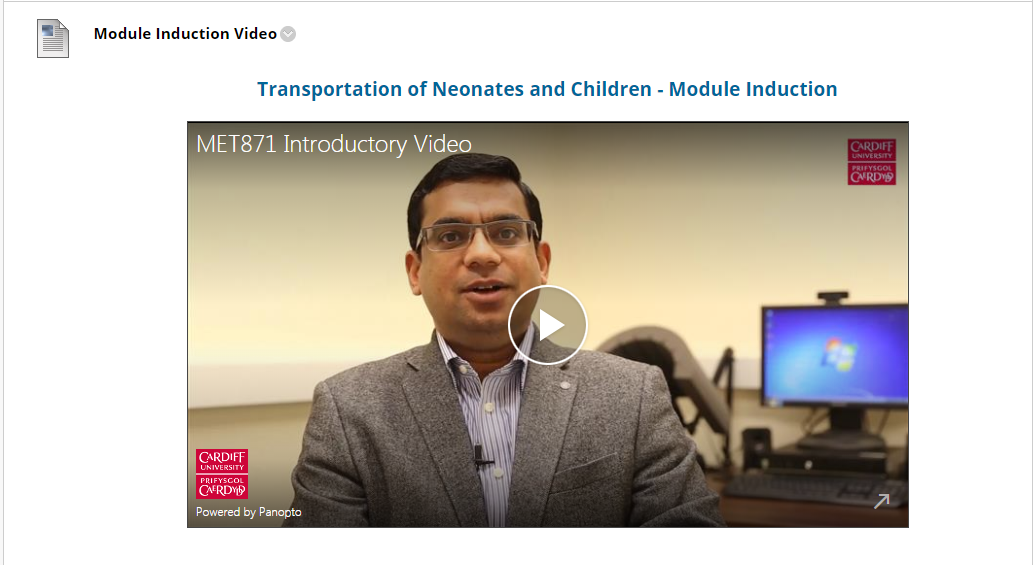
Embedding
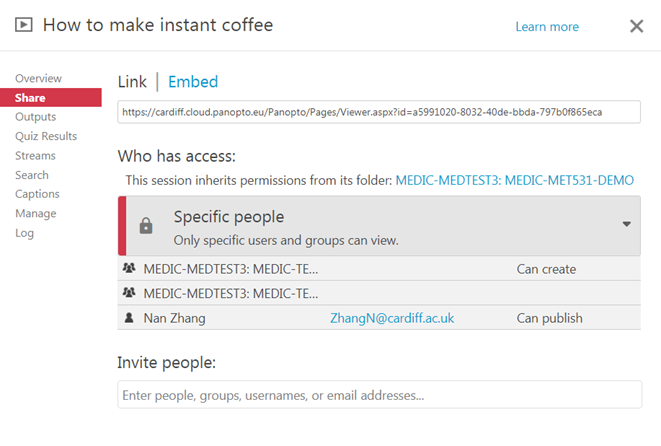
- Check permission
- Grab the embedding code
- Create new LC content
- Paste the embedding code in the online editor
Rollover and content management
Rollover Content
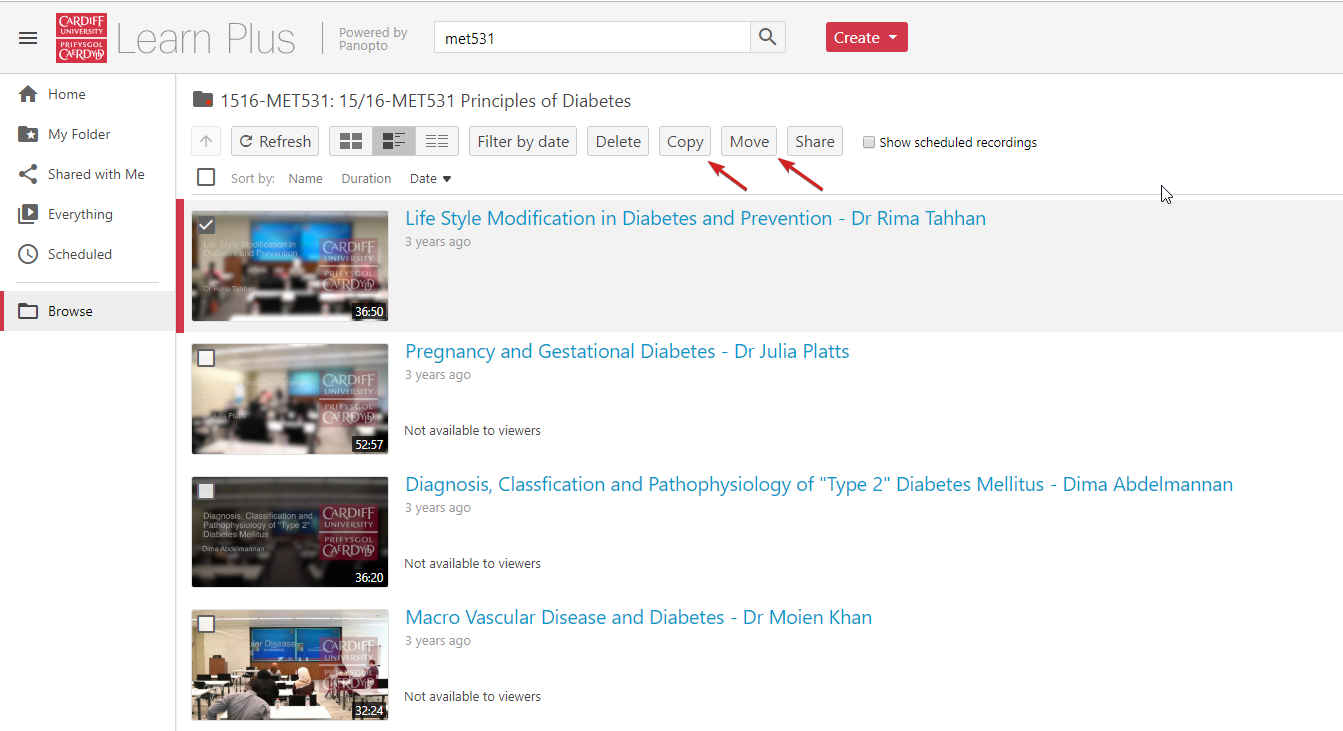
- COPY Learn Plus content across modules from cardiff.cloud.panopto.eu
- Permissions to access Learn Plus folders will be removed in line with the School’s rollover process
Summary
-
All timetabled lectures are automatically scheduled to record
-
Timetable data is instrumental for event recording
-
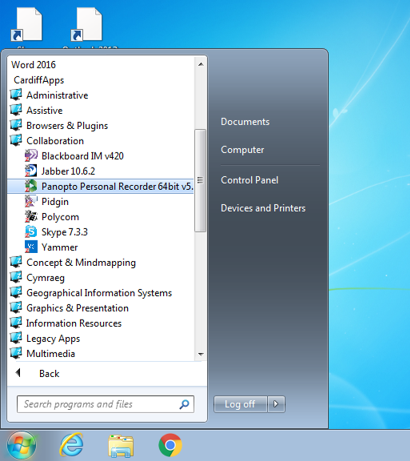
Manual recording is possible via the Personal Recorder (CardiffApps > Collaboration)
-
Recordings can be accessed directly inside your Learning Central module
-
Instructors and TAs can edit and release recordings
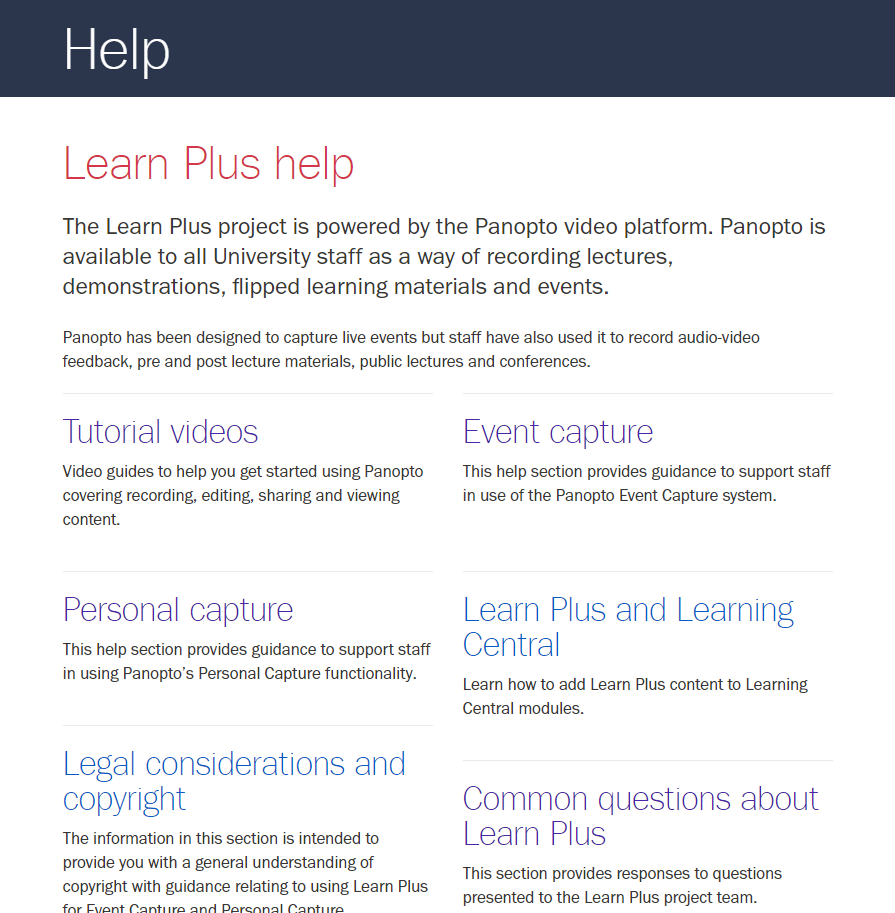
Learn Plus Help
- Comprehensive support resources and good practice guidance:
- Policy and common questions
- Tutorial videos
- Event Capture workflow
- Guidance for Personal Capture
- How to edit and share content
- Legal and copyright considerations
Additional Support
Panopto For Personal Capture
By Nan Zhang
Panopto For Personal Capture
Panopto essential training for personal capture purposes