unity
楓資 鄭云晶
-2
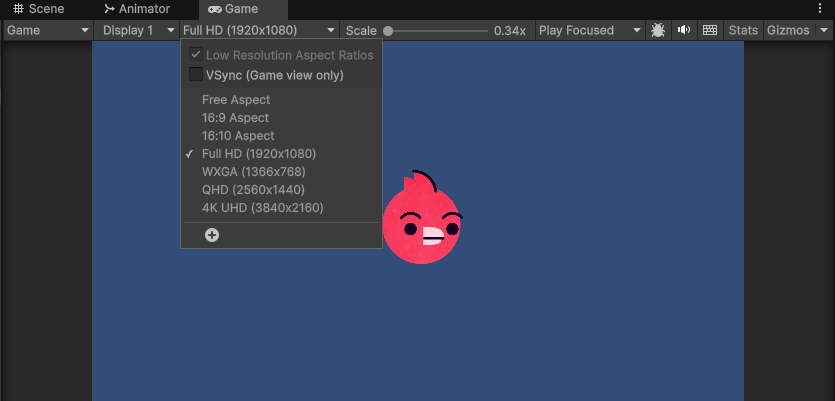
解析度及螢幕比例
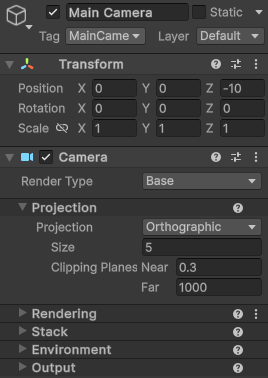
相機大小
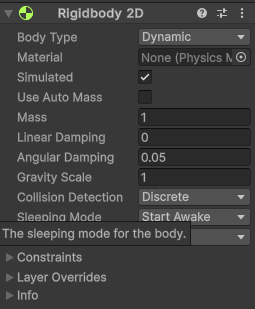
2D鋼體
加入重力
對撞機
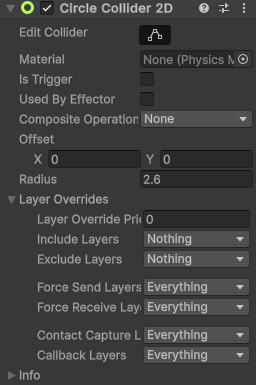
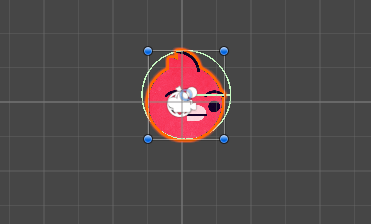
比圖像小更容易通過
腳本
組件清單自訂元件
雙擊
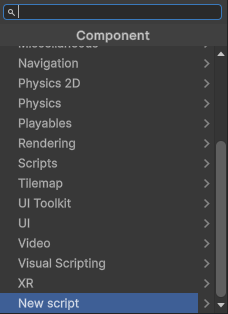
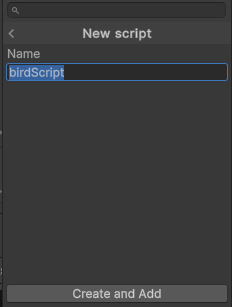
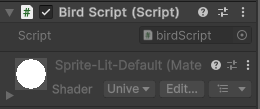
取名
腳本
引入
public Rigidbody2D myRigidbody2D;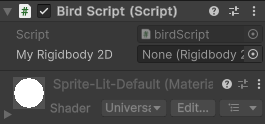
將Rigidbody2D拖入
向上飛
void Update(){
	myRigidbody.velocity=(vector2.up*10);
}
void Start():啟用後運行一次
(0,1)
速度
二維向量表示鳥的飛行方向
void Update():每一幀反覆執行
空格向上飛
條件判斷
if (Input.GetKeyDown(KeyCode.Space) == true) {
            myRigidbody2D.linearVelocity=Vector2.up*10;
}
按下空格
修改鳥的跳躍高度
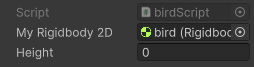
public float height;if (Input.GetKeyDown(KeyCode.Space) == true){
myRigidbody2D.linearVelocity=Vector2.up*height;
}新增公共插槽
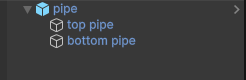
管子
父對象(parents)
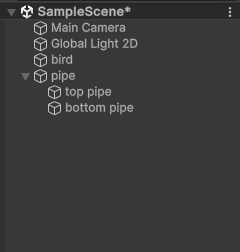
子對象(child)
子對象
父對象
添加元件
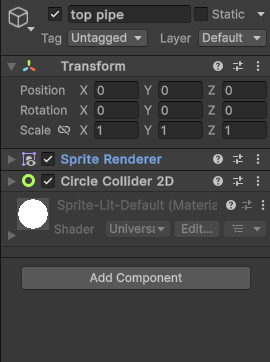

管子
x維持在0
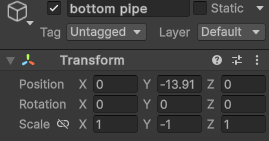
圖片翻轉
管子
新增pipemove腳本
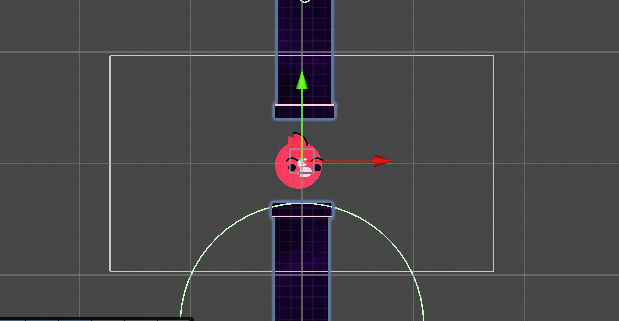
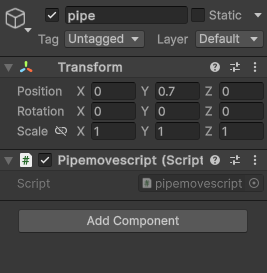
管子移動
public float movespeed=2;創建移動速度變數
transform.position = transform.position + (Vector3.left*movespeed); 管子移動
不同電腦運行速度可能不同
transform.position = transform.position + (Vector3.left*movespeed)* Time.delTatime; 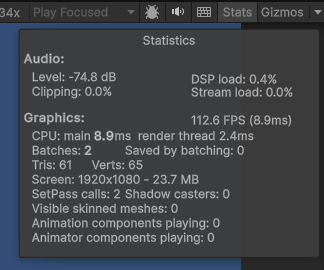
創建新管子
創建一個預設(預製)遊戲物件
Prefabricated
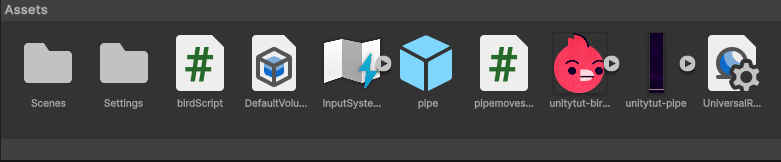
創建新管子
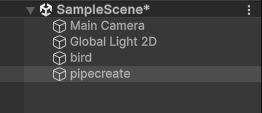
創建一個物件pipecreate
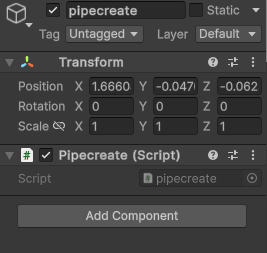
創建一個腳本pipecreate
創建新管子
將pipecreate放到攝影機右邊
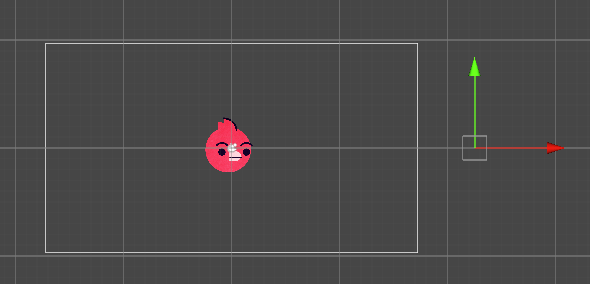
每隔一段時間產生pipe(剛剛預製好的)
創建新管子
引用預製物件
public GameObject pipe;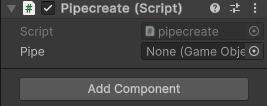
Instantiate
物件實例化
可以生成場景中不存在的物件
Instantiate(prefab, transform.position, Quaternion.identity);
Instantiate(pipe,transform.position,transform.rotation);生成在生成器的位置
創建新管子
public float createrate=2;幾秒生成一個管子
private float timer=0;計時器
創建新管子
if (timer < createrate) {
    timer=Timer+Time.deltaTime;
}
else {
	Instantiate(pipe,transform.position,transform.rotation);
    timer=0;
}
條件假設
創建新管子
  void Start()
    {
        Instantiate(pipe,transform.position,transform.rotation);
    }
等待第一個管子....

創建新管子
void createpipe() {
	Instantiate(pipe,transform.position,transform.rotation);
}
函數
void Start(){
	createpipe();
}
改變管子高度
隨機高度
X不變 y隨機值
生成器
高度偏差
public float height=10;改變管子高度
float lowestpoint = transform.position.y - height;
float highestpoint = transform.position.y + height;
lowestpoint
highestpoint
transform.position
void createpipe() {
	Instantiate(pipe,transform.position,transform.rotation);
}
new Vector3(transform.position.x,Random.Range(lowestpoint,highestpoint),0)產生隨機數 (整數或浮點數)
改變管子高度
private float death=-40;
   if (transform.position.x < death){
	Destroy(gameObject);
}
刪除物件
刪除管子
刪除螢幕外管子
Debug.Log("pipe deleted");顯示在Console
刪除管子
Debug
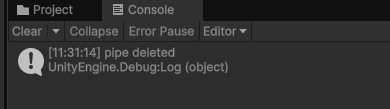
開啟文本UI
玩家分數
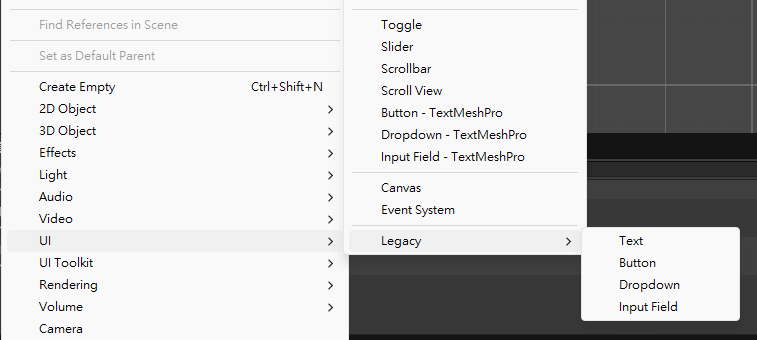
玩家分數
隨螢幕大小縮放
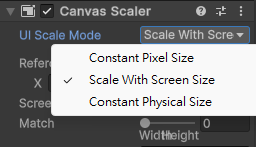
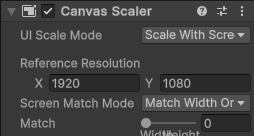
解析度1920x1080
玩家分數
調整文字內容/大小/粗細
調整長寬
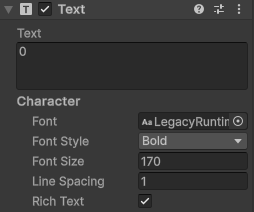
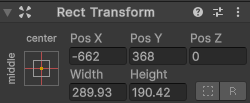
玩家分數
新增一個物件
創建腳本
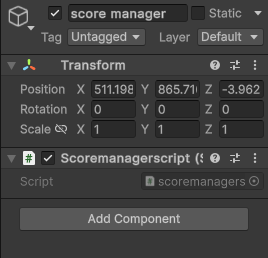
玩家分數
引用文本
public int score;using UnityEditor.UI;public Text Score;玩家分數
public void addscore()
{
	score=score+1;
    Score.text=score.ToString();
}
轉成字串
分數計算
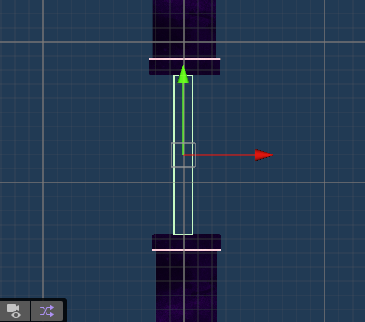
在預製pipe新增middle物件
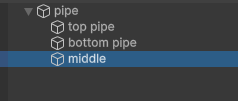
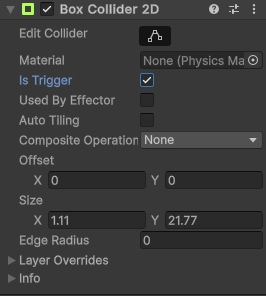
在穿過管子時分數加一
盒子碰撞器
觸發器
分數計算
把形狀調整成長方形在管道間
分數計算
第一次進入碰撞器就會運行
private void OnTriggerEnter2D(Collider2D collision) {

}
分數計算
引用addscore函數
public LogicScript logic;需要使用程式碼來引用
分數計算
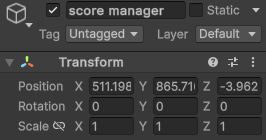
找到邏輯腳本
Add Tag:logic
分數計算
找到分數計算的腳本
void Start(){
	logic = GameObject.FindGameObjectWithTag("Logic").GetComponent<Logicmanager>();
}
分數計算
引用函數
void OnTriggerEnter2D(Collider2D collision){
	logic.addscore();
}
分數計算
檢查碰撞的是否屬於bird層級
if (collision.gameObject.layer == 3){
	logic.addscore(1);
}
playerscore = playerscore + scoretoadd;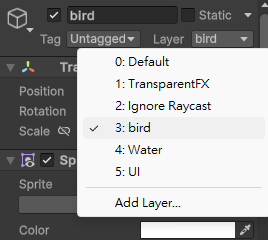
分數計算
檢查碰撞的是否屬於bird層級
if (collision.gameObject.layer == 3){
	logic.addscore(1);
}
playerscore = playerscore + scoretoadd;失敗重啟
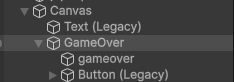
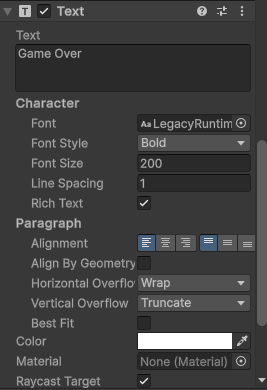
新增gameover文字 & playagain按鍵
調整大小、顏色、位置
重啟腳本
public void restart(){
        SceneManager.LoadScene(SceneManager.GetActiveScene().name);
}
using UnityEngine.SceneManagement;重新讀取同一個場景 重新開始
重啟腳本
向按鍵新增事件
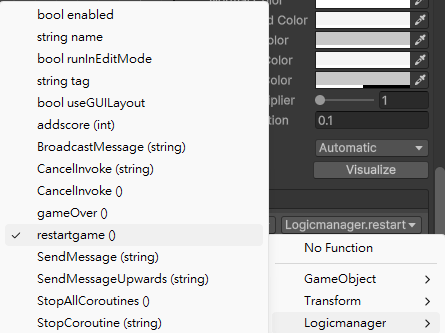
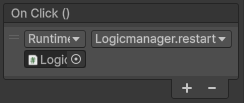
將logic腳本拖曳到插槽
重啟腳本
將GameOver物件拖曳到插槽
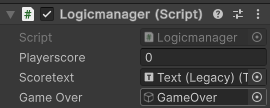
public void gameOver(){
	GameOver.SetActive(true);
}
public GameObject GameOver;失敗時出現
碰撞判斷
碰撞時觸發遊戲腳本
void Start(){
	logic = GameObject.FindGameObjectWithTag("Logic").GetComponent<Logicmanager>();
}
碰到管子顯示失敗
private void OnCollisionEnter2D(Collision2D collision){
    logic.gameOver();
}
碰撞判斷
public bool bird = true;
鳥在碰撞後掉落
private void OnCollisionEnter2D(Collision2D collision){
    logic.gameOver();
	bird = false;
}
if (Input.GetKeyDown(KeyCode.Space)&&bird){
myRigidbody.linearVelocity = Vector2.up * FlagStrength;
}碰撞判斷
public bool bird = true;
鳥在碰撞後掉落
private void OnCollisionEnter2D(Collision2D collision){
    logic.gameOver();
	bird = false;
}
if (Input.GetKeyDown(KeyCode.Space)&&bird){
myRigidbody.linearVelocity = Vector2.up * FlagStrength;
}Unity-2
By shiny0515