Cross browsing
CROSS BROWSING!
웹 표준 기술을 채용하여 다른 기종/플랫폼에 따라 달리
구현되는 기술을 비슷하게 만듬과 동시에
어느 한쪽에 최적화되어 치우치지 않도록
공통요소를 사용하여 웹 페이지를 제작하는 기법을 말합니다.
그냥!!
여러가지 접속 환경에서 각 환경에 맞게 잘 보이도록 작업하기
how to Cross browsing?
-
모질라 크로스브라우징 가이드
http://www.mozilla.or.kr/docs/web-developer/standard/
-
웹 접근성 연구소
http://www.wah.or.kr/Board/brd_list.asp?brd_sn=4
Tip
바른 DTD(Document Type Definition)를 사용할것.
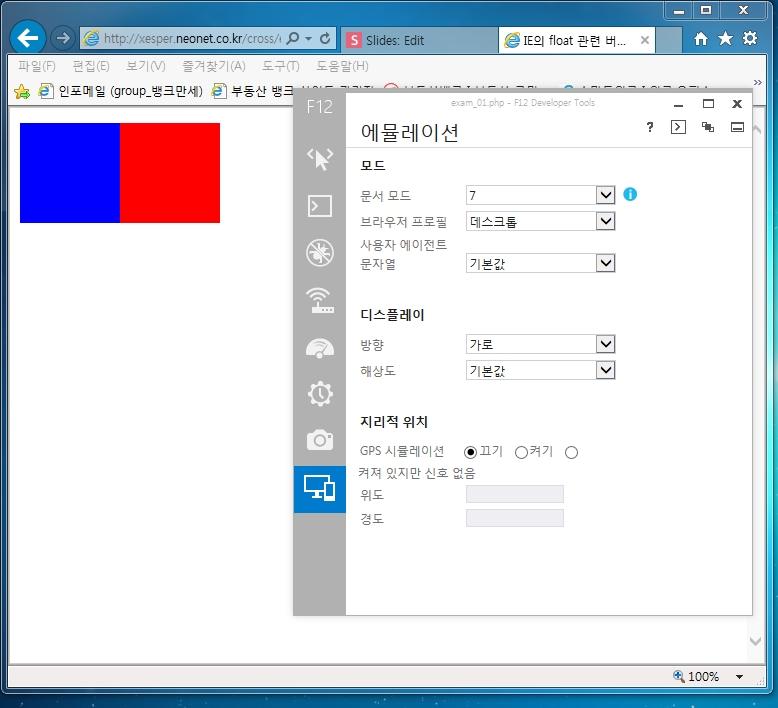
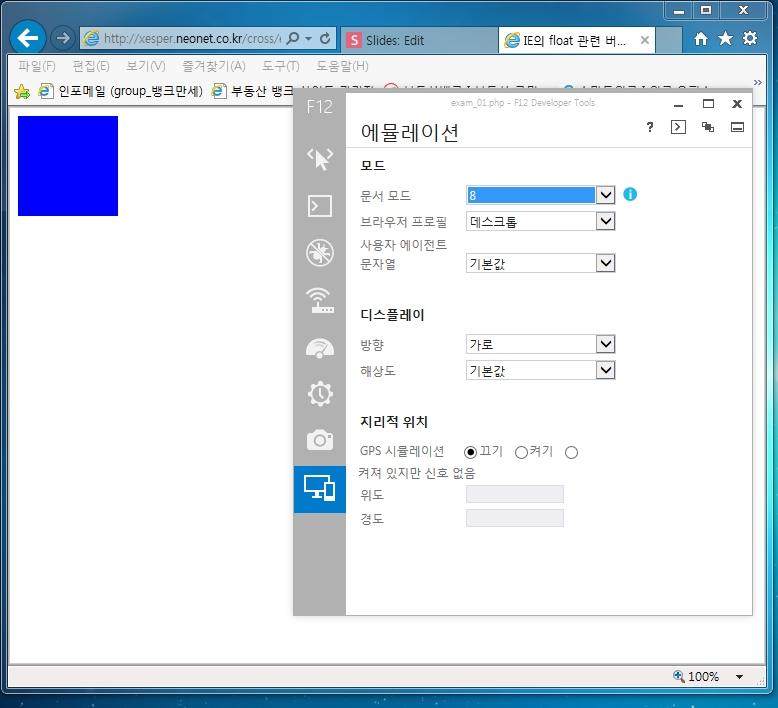
의도하지 않았던 여백이 발생하는 경우 inline 을 의심하거나 또는 그 면적을 float 으로 없애줄것.
면적을 차지하는 것과 그렇지 않은 element 이해하기.
<html>
<head>
<meta http-equiv="Content-Type" content="text/html; charset=utf-8" />
<title>IE의 float 관련 버그 확인</title>
<style type="text/css">
#a { float:left; width:100px; height:100px; background:#00F}
#b { width:100px; height:100px; background:#F00}
</style>
</head>
<body>
<div id="a"></div>
<div id="b"></div>
</body>
</html>
ie 7
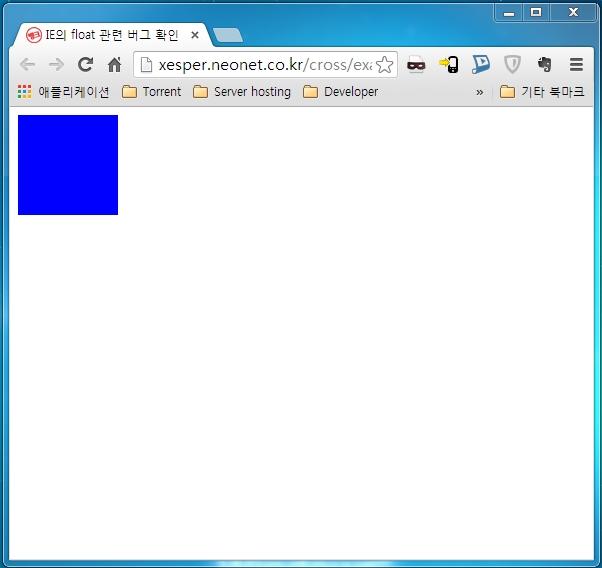
IE (>8) & the other
저는 이렇게 합니다.
정답은 아닐 수 있습니다.
그냥 요새 이렇게 많이 하는거 같더라고요..
목차
- Cross browsing
1) css initializing
2) semantic markup
3) 부록 - modernizer
1) css initializing
CSS 초기화!
웹브라우저는 제각각 해당하는 엘리먼트에 대한 기본 속성값을 부여하고 화면에 표시합니다.
다른 종류의 웹브라우저라도 대부분 같은 모양을 나타내기는 하지만 다르게 표현되는 경우도 있어 웹브라우저에 상관 없이 같은 모양이 나오도록 설정하기 위해 CSS 초기화를 합니다
How to?
RESET.CSS
제일 유명한 것.
noralize.css
http://necolas.github.io/normalize.css/
bootstrap
HTML5
bootstrap
HTML5
<link rel="stylesheet" type="text/css" href="static/lib/normalize.css" />
참고하실만한 사이트
http://www.cssreset.com/
2) semantic markup
Semantic ?
- [주로 명사 앞에 씀] (언어) 의미의, 의미론적인
html5 semantic element
header, footer,
nav, section, article
nav, section, article
javascript
(function(){css
if(!/*@cc_on!@*/0) return;
var e = "abbr,article,aside,audio,bb,canvas,datagrid,datalist,details,dialog,
eventsource,figure,footer,hgroup,header,mark,menu,meter,nav,output,
progress,section,time,video".split(','),i=0,length=e.length;
while(i<length){
document.createElement(e[i++])
}
})();
article, aside, dialog, footer, header, section, footer, nav, figure {
        display: block;
}
html5shiv
http://code.google.com/p/html5shiv/
<!--[if lt IE 9]>
<script src="//html5shiv.googlecode.com/svn/trunk/html5.js"></script>
<![endif]-->
부록
Modernizr
http://m.mkexdev.net/78
부록
그래도 안되면!!???
꼼수
다음에서 사용하고 있는 방법
html .box2 { height:158px; width:158px; border:1px solid #ff00ff; padding:20px; }
* html .box2 { height:200px; width:200px; height:158px; width:158px; }
Cross Browsing
By xesper