Deploy an Angular app on GKE

-
You got $300 credit which can be used for a 3 month period from the account creation. There is no restriction on the resources and the number of nodes for creating a cluster.
- Extras: you can add Istio and Try Cloud Run (Knative)
- Requirements: a Credit Card is required for signing up, but you will not be charged if your credit runs out.
- Link: https://cloud.google.com/free/

Before we start
Let's create a service account
That can :
- Interact with the GCP Artifactory/Registry
- Interact with Kubernetes Engine
Service Account
gcloud iam service-accounts create SA_NAME --description="DESCRIPTION" \
--display-name="DISPLAY_NAME"

gcloud iam service-accounts add-iam-policy-binding SA_NAME@PROJECT_ID.iam.gserviceaccount.com \
    --member="user:USER_EMAIL" \
    --role="roles/iam.serviceAccountUser"
The roles you should assign to this service account are:
- Cloud Storage Admin
- Kubernetes Admin
- Service Account User
Build & Push Docker image
First
Build the image
// M1 chip
docker buildx build --platform linux/amd64 -t eu.gcr.io/{NAME OF REPOSITORY}/{NAME OF THE IMAGE}:{VERSION} .

// Other chip
docker build -t eu.gcr.io/{NAME OF REPOSITORY}/{NAME OF THE IMAGE}:{VERSION} .
1) You can choose between several registries:
- gcr.io
- eu.gcr.io
- us.gcr.io
-
asia.gcr.io
2) Tag the image with its target path in Container Registry and the project ID

The image is created
Deploy the image

docker push eu.gcr.io/jmblog-f76d7/jmblog-front:1.0.0-beta
And the image is now available in the container Registry
Create & deploy in a cluster

Create a deployment

1- Choose Deploy
2- Select the container image & choose the region & the zone for your deployment
Create a deployment

3- Go to Workloads and you will see your deployment

You can see in details the 3 pods of the application running
But no exposing services, my application it's not accessible from outside
Expose a deployment
kubectl expose deployment jmablog --name=jmablog-service --type=LoadBalancer --port 80
/ --target-port 8080 -n jmablog
Expose the deployment "jmablog" with a LoadBalancer in the namespace "jmablog"

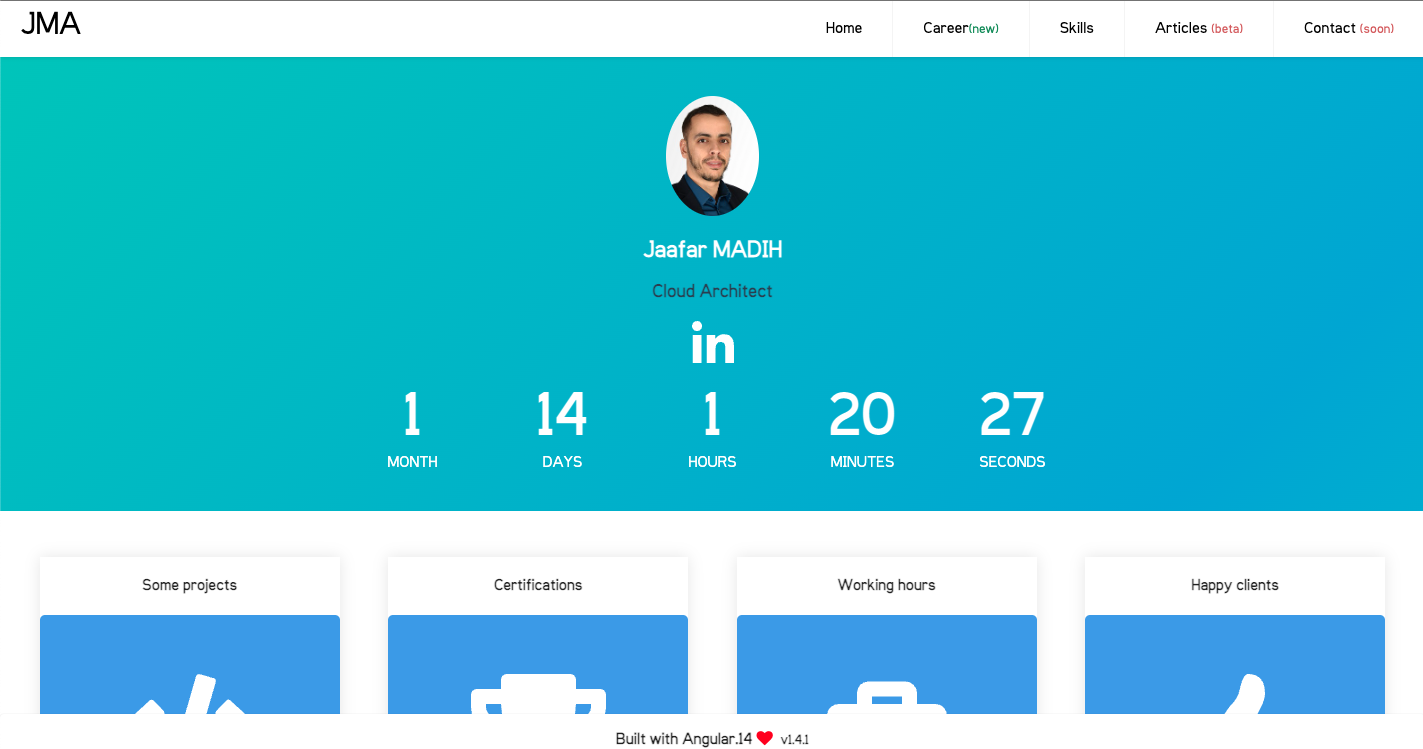
Now my application is accessible from an external IP Adress
CleanUp
gcloud container clusters delete --zone=europe-west9-c jmablog-cluster

gcloud container images delete eu.gcr.io/jmblog-f76d7/jmblog-front:1.0.0-beta
Or you can dot it from the GCP interface
While these steps may seem simple, there are many nuances and best practices to consider when deploying an app on GKE.
It's important to have a good understanding of Kubernetes and containerization to ensure your app is deployed correctly and can scale effectively.
Deploy an Angular app on Google Kubernetes Engine
By Sydelab - Shaping Tomorrow