












Content ITV PRO
This is Itvedant Content department
Learning Outcome
4
Apply port mapping to reach an API inside a container.
3
Recognize how containers differ from virtual machines.
2
Identify images, containers, and registries.
1
Understand what Docker solves for deploying ML services.
5
Connect Docker to shipping GPU-ready LLM services.
What is Docker?
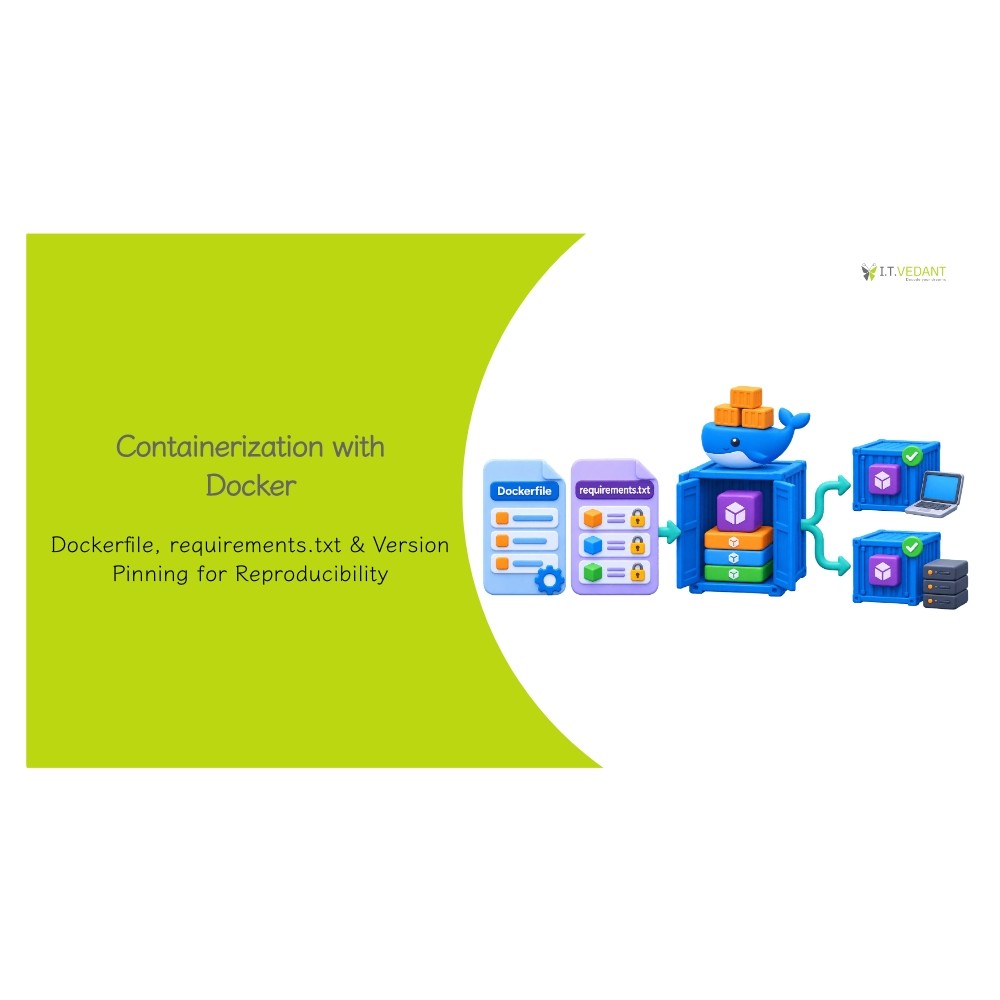
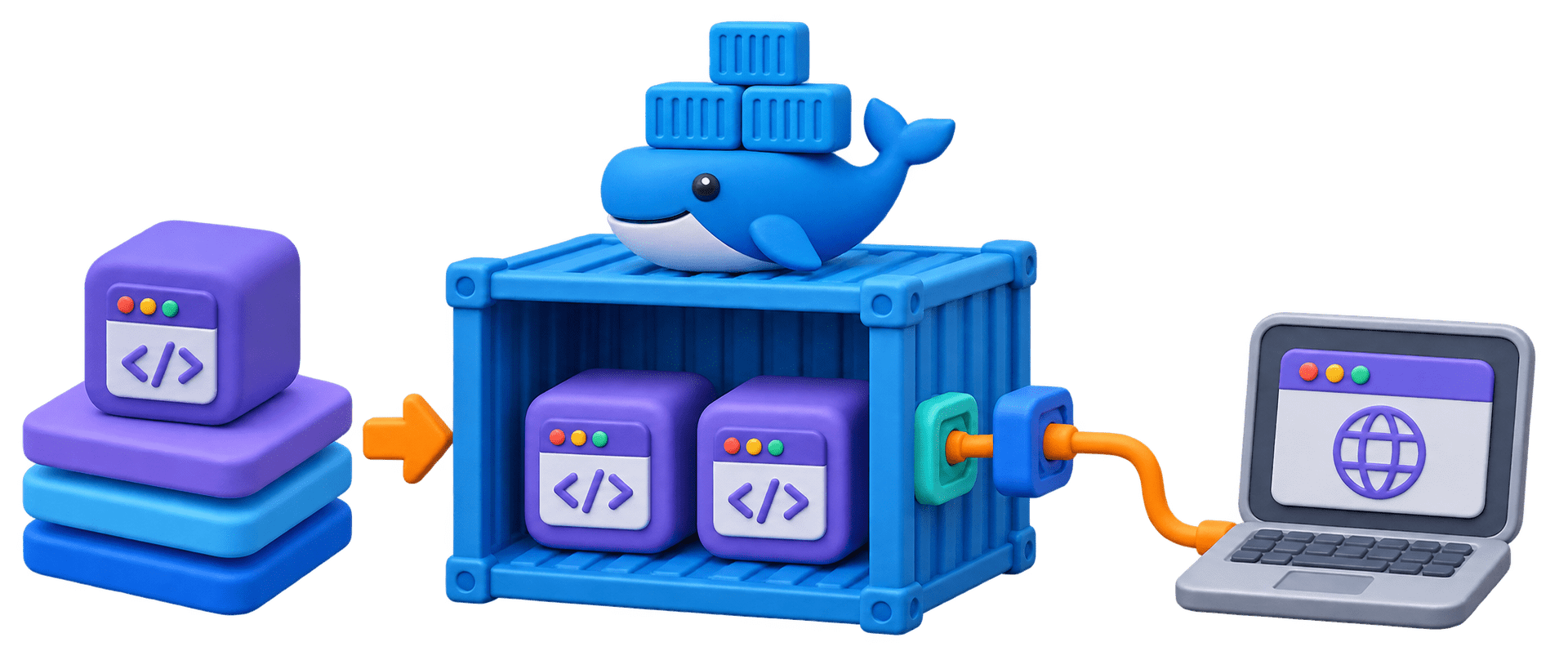
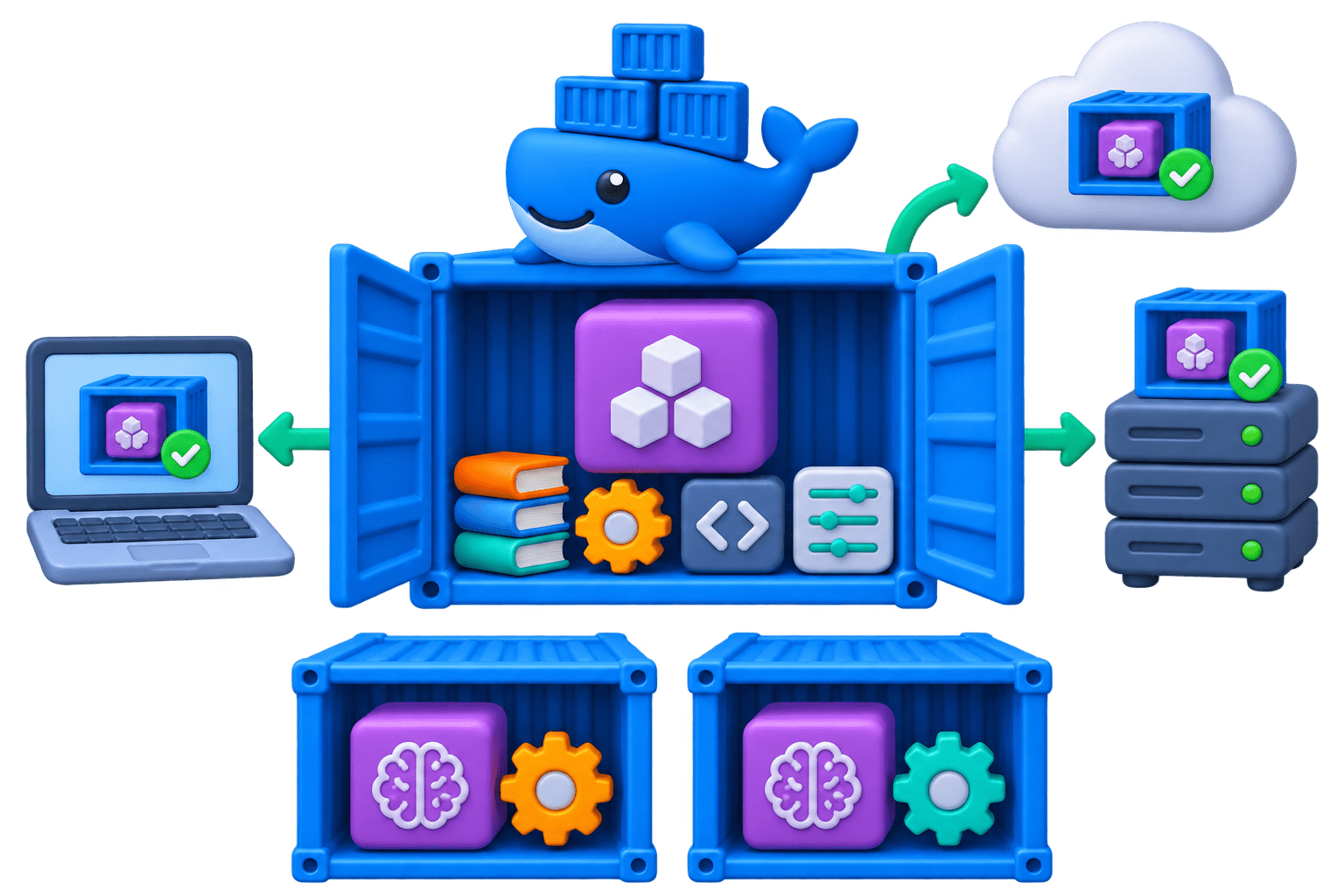
An open-source platform (2013) that packages an app with everything it needs (OS libraries, runtime, packages, code, config) into one portable container.
Consistency
Isolation
Portability
Runs the same on a laptop, a test server, and the cloud.
Two models needing different scikit-learn versions run side by side.
Any machine with Docker can run it: Windows, macOS, or Linux.
Why it matters ?
Bad data is stopped at the door, so the model only ever sees clean input.
Why it matters ?
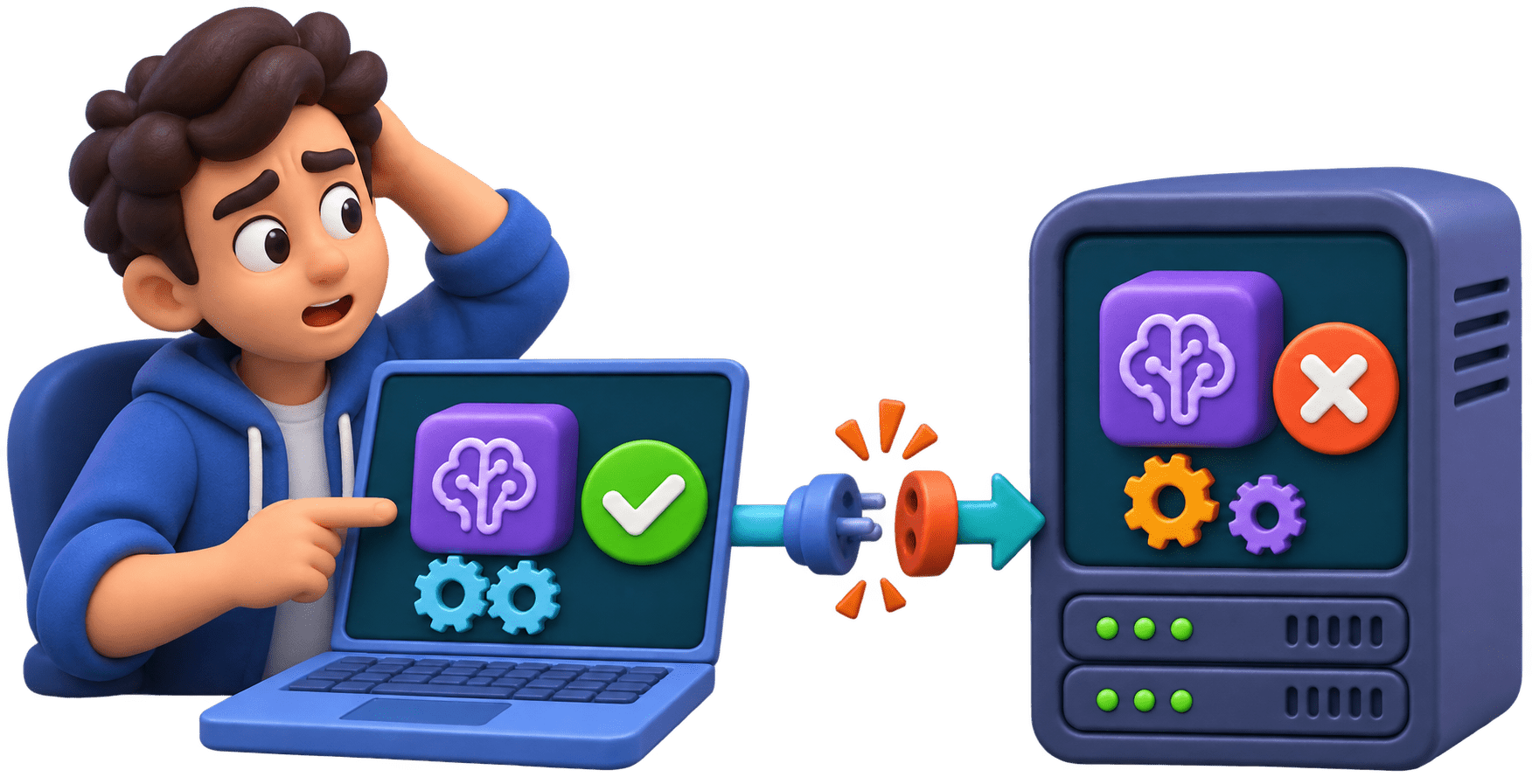
"It works on my machine" has stopped more ML projects than bad models have.
What is a Docker Image?
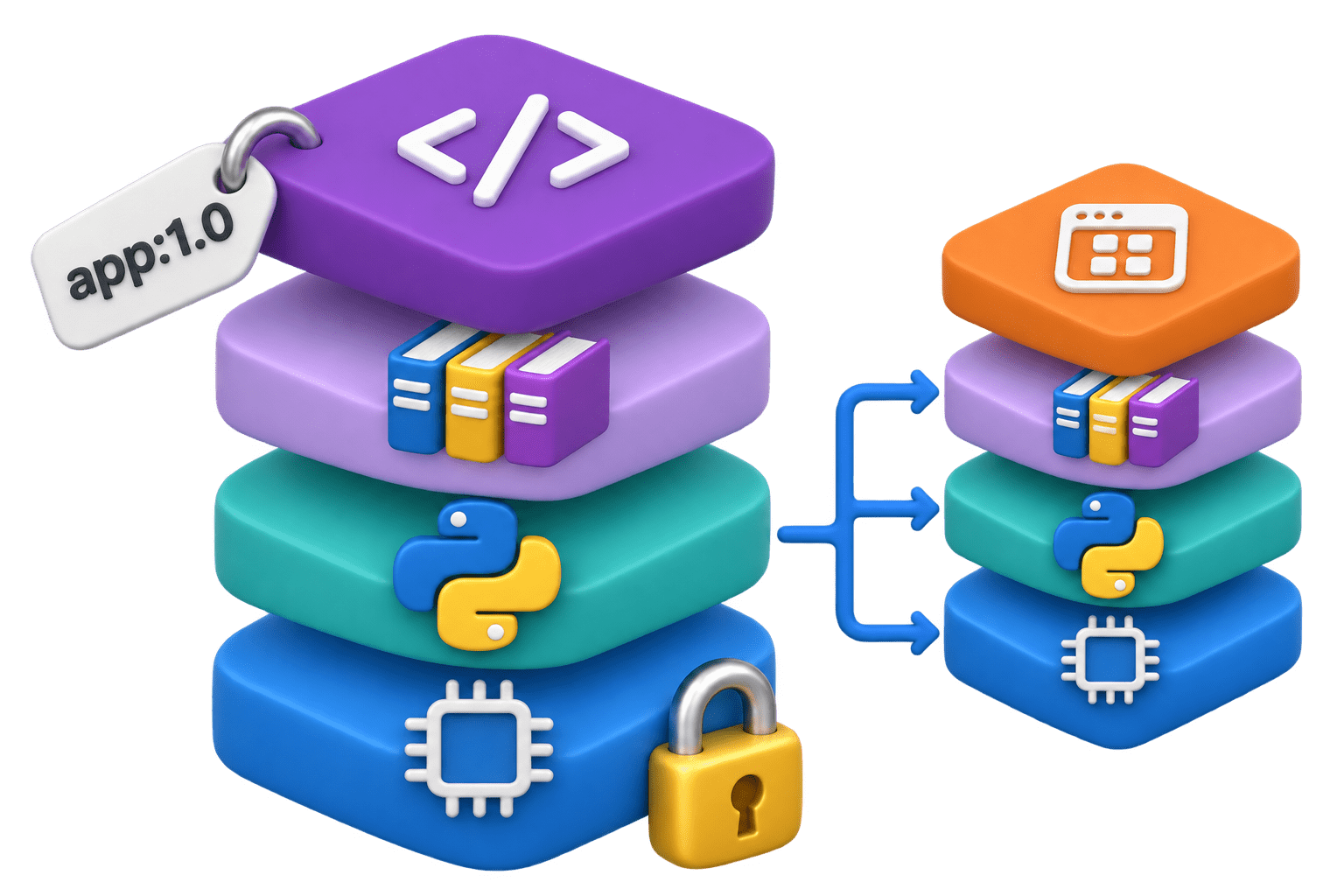
A read-only template holding the app and its environment. Built once, never changes.
Made of stacked layers:
base OS → Python → libraries → your code.
Unchanged layers are reused between images, saving space and build time.
Identified by name:tag, e.g., python:3.11-slim; the tag is the version.
What is a Container?
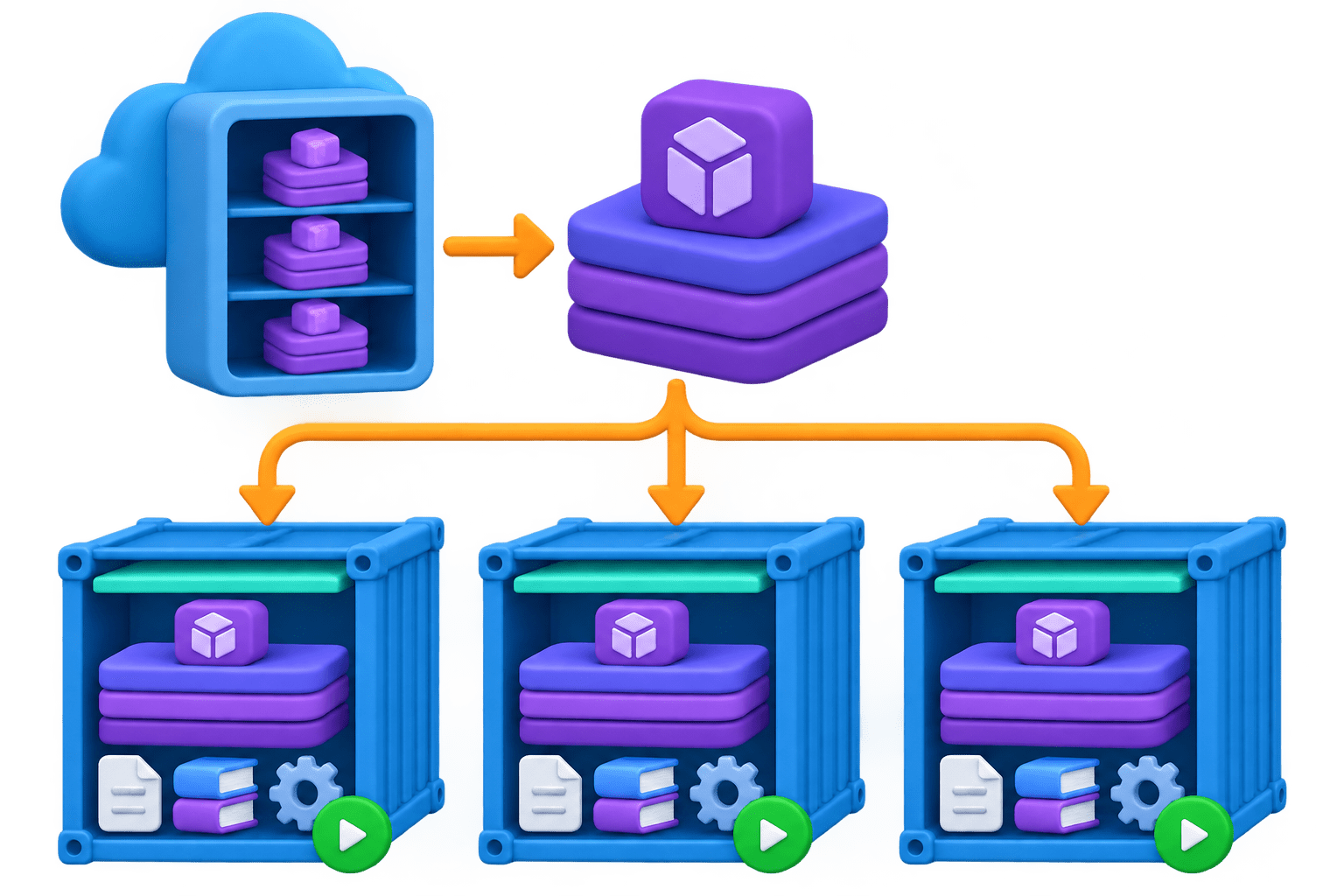
A running instance of an image, with its own small writable layer on top.
A running instance of an image, with its own small writable layer on top.
A running instance of an image, with its own small writable layer on top.
Many containers can start from one image, like many objects from one class.
A running instance of an image, with its own small writable layer on top.
Each has its own files, libraries, and processes.
A running instance of an image, with its own small writable layer on top.
Registry: stores and distributes images. Docker Hub is the default
Everyday Docker Commands
Docker pull
docker logs / docker exec -it … bash
docker images / docker ps -a
docker stop / docker rm
docker run
Download an image from a registry.
List images; list containers, including stopped ones.
create and start a container (-d background, --name, -p port).
Read output; open a shell inside for debugging.
Stop, then remove the container.
docker pull python:3.11-slim
docker run -d --name churn-api -p 8000:8000 churn-api:1.0
docker logs churn-api
Code
Port Mapping (Core Mechanism)
FastAPI listens on port 8000 inside the container's private network; nothing outside can reach it yet.
p HOST_PORT:CONTAINER_PORT opens a door from your machine into the container.
p 9000:8000 serves the same app at localhost:9000; the container doesn't change.
Two copies of one image run together as -p 8001:8000 and -p 8002:8000.
Inside a container the app must listen on 0.0.0.0. On 127.0.0.1 it only accepts connections from inside, and the mapping appears to do nothing.
Code
uvicorn main:app --host 0.0.0.0 --port 8000Containers Are Disposable
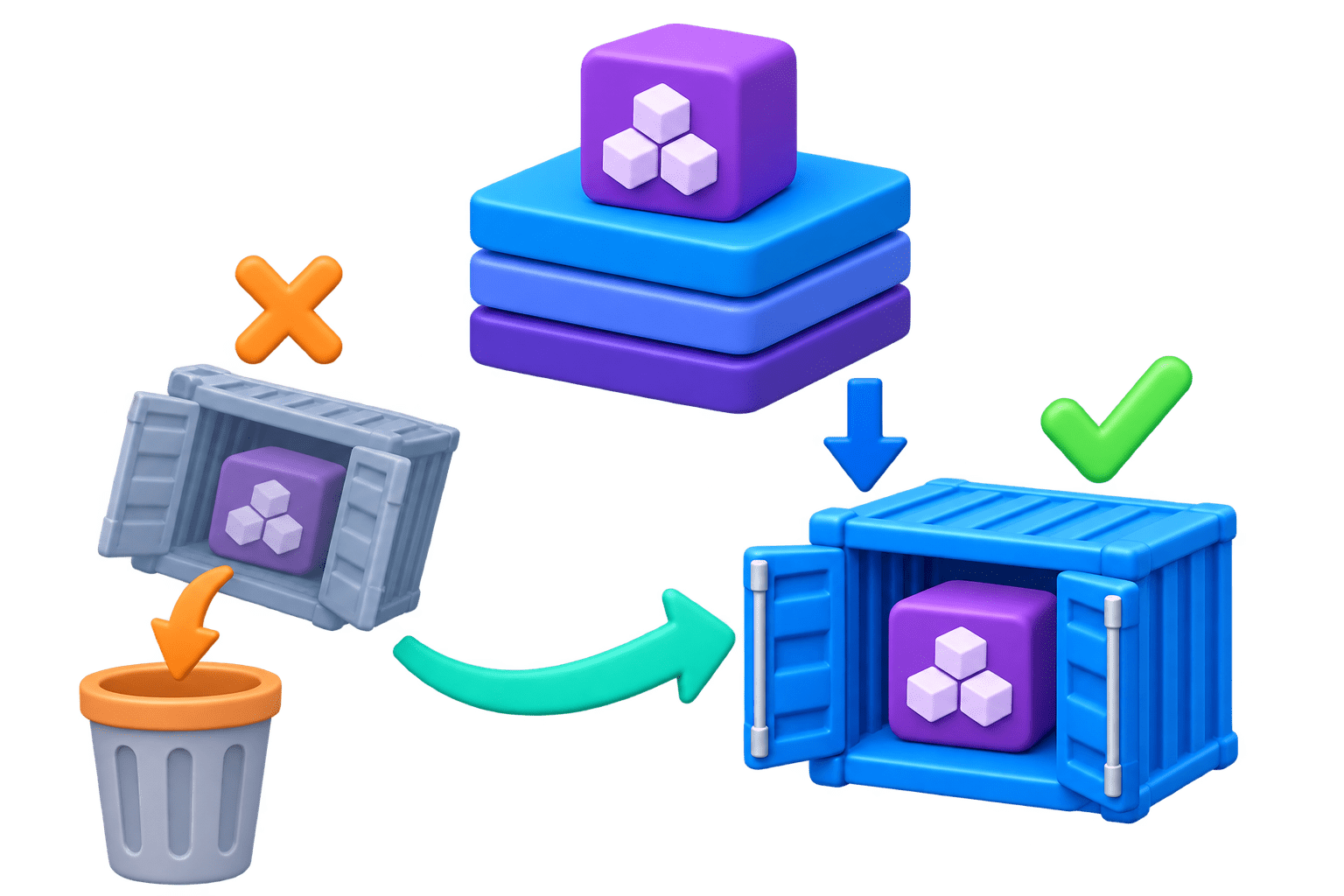
Anything a container writes to its own file system is lost when it's removed.
This is deliberate: containers are replaced, not repaired.
Data that must survive (log files, a local database) goes in a volume (-v) or an external service.
Treat every container as temporary and every important file as living outside it.
GET Endpoint vs POST Endpoint (Comparison)
| Aspect | Virtual Machine | Container |
|---|---|---|
| What it includes | Full guest OS plus the app | App and libraries; shares the host kernel |
| Size | Several gigabytes | Tens to hundreds of megabytes |
| Startup time | Minutes | Seconds |
| Isolation | Very strong, hardware level | Strong, process level |
| Typical use | Different OSes, strict isolation | Shipping APIs, ML models, microservices |
| Analogy | Building a new kitchen wherever you eat | Carrying one packed tiffin |
Think About This: Spotting the Difference
The read-only package churn-api:1.0 stored after a build
A built template that hasn't started.
Churn-api-blue, answering requests on port 8001
A live process created from an image.
Its writable layer is deleted; the image stays.
The thing that loses its log files on docker rm
The image is the packed tiffin; the container is the tiffin opened and in use.
Container
Container
Image
Real-World Applications
Team onboarding
A new teammate runs one docker run instead of a day of installs.
Side-by-side models
Two APIs needing different scikit-learn versions share one server.
Debugging live
Docker logs shows prediction logs; docker exec inspects files and settings.
GenAI serving
Most LLM servers ship as GPU-ready images, run with --gpus on NVIDIA machines.
Summary
5
LLM servers ship as GPU-ready images.
4
-p host:container; listen on 0.0.0.0.
3
Containers share the host kernel.
2
Image is read-only; container runs it.
1
Docker packs the app with its environment.
Quiz
You run docker run -p 9000:8000 churn-api:1.0, and Uvicorn inside listens on 127.0.0.1:8000. http://localhost:9000 doesn't respond. Why?
A.The mapping should be -p 8000:9000
B.App only accepts connections from inside container
C.The image needs EXPOSE 9000 to be rebuilt
D.The container needs a volume attached
Quiz-Answer
You run docker run -p 9000:8000 churn-api:1.0, and Uvicorn inside listens on 127.0.0.1:8000. http://localhost:9000 doesn't respond. Why?
A.The mapping should be -p 8000:9000
B.App only accepts connections from inside container
C.The image needs EXPOSE 9000 to be rebuilt
D.The container needs a volume attached
By Content ITV