



















Content ITV PRO
This is Itvedant Content department
Learning Outcome
4
Apply login, tag, push, and pull to ship an image.
3
Recognize why deploying latest is risky.
2
Identify registry, namespace, repository, tag, and digest.
1
Understand what a container registry stores and why.
5
Connect registries to distributing LLM serving images.
Imagine a housing society where everything runs smoothly because there is a proper rulebook. The security guards and staff members don't depend on memory; they follow written instructions to complete their daily tasks.
When a delivery arrives, the guard checks ID and calls the flat.
On the 1st of every month, the maintenance bill goes out.
Every duty in the society has a specific set of steps. The guard or staff member simply follows those instructions to complete the assigned work.
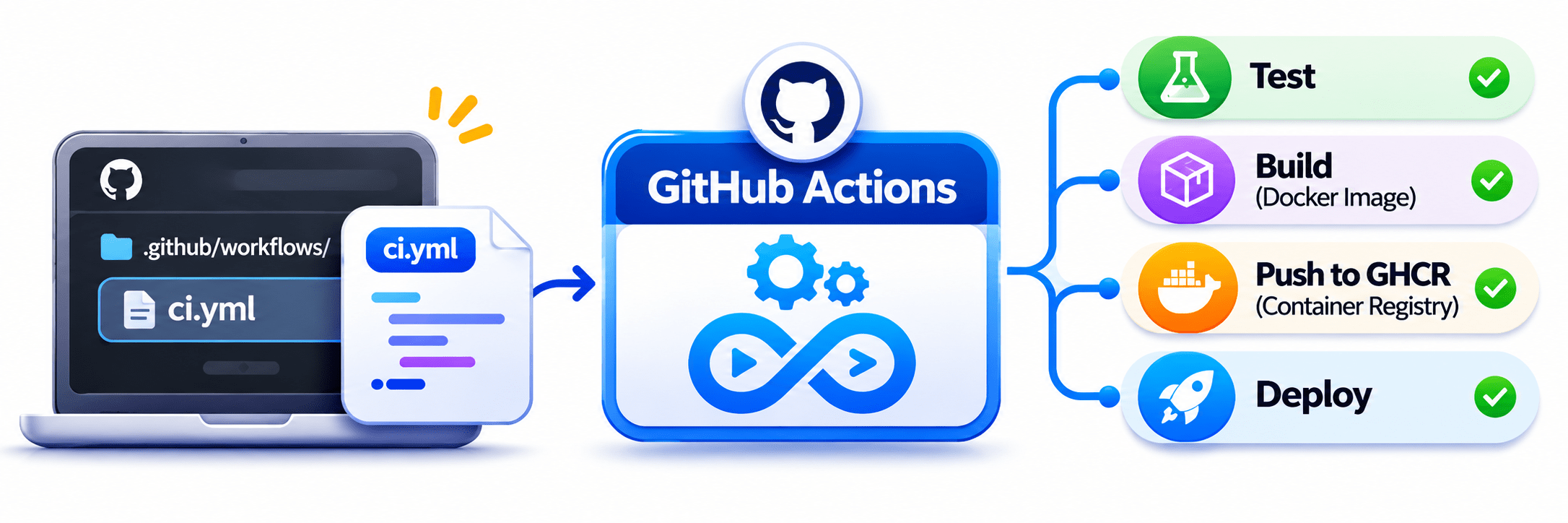
Imagine that every time a developer raises a pull request, they have to remember a series of tasks: run the tests, build the Docker image, and push it to the registry.
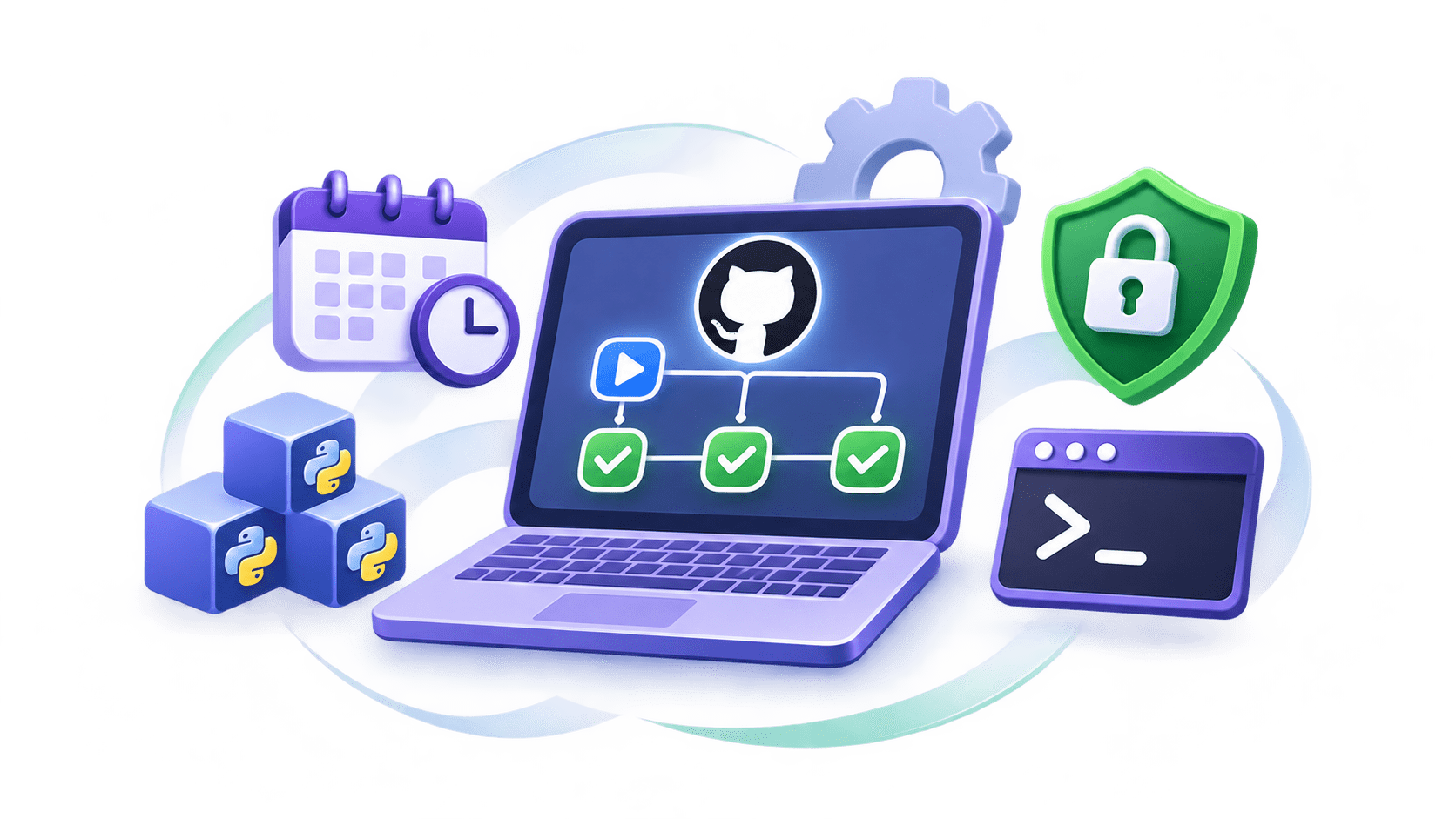
This is where GitHub Actions comes in!
Instead of depending on developers to remember and perform every task manually, we can write all the instructions in a workflow file.
Now, what happens if the developer forgets one of these steps? Or what if a different developer takes over the project?
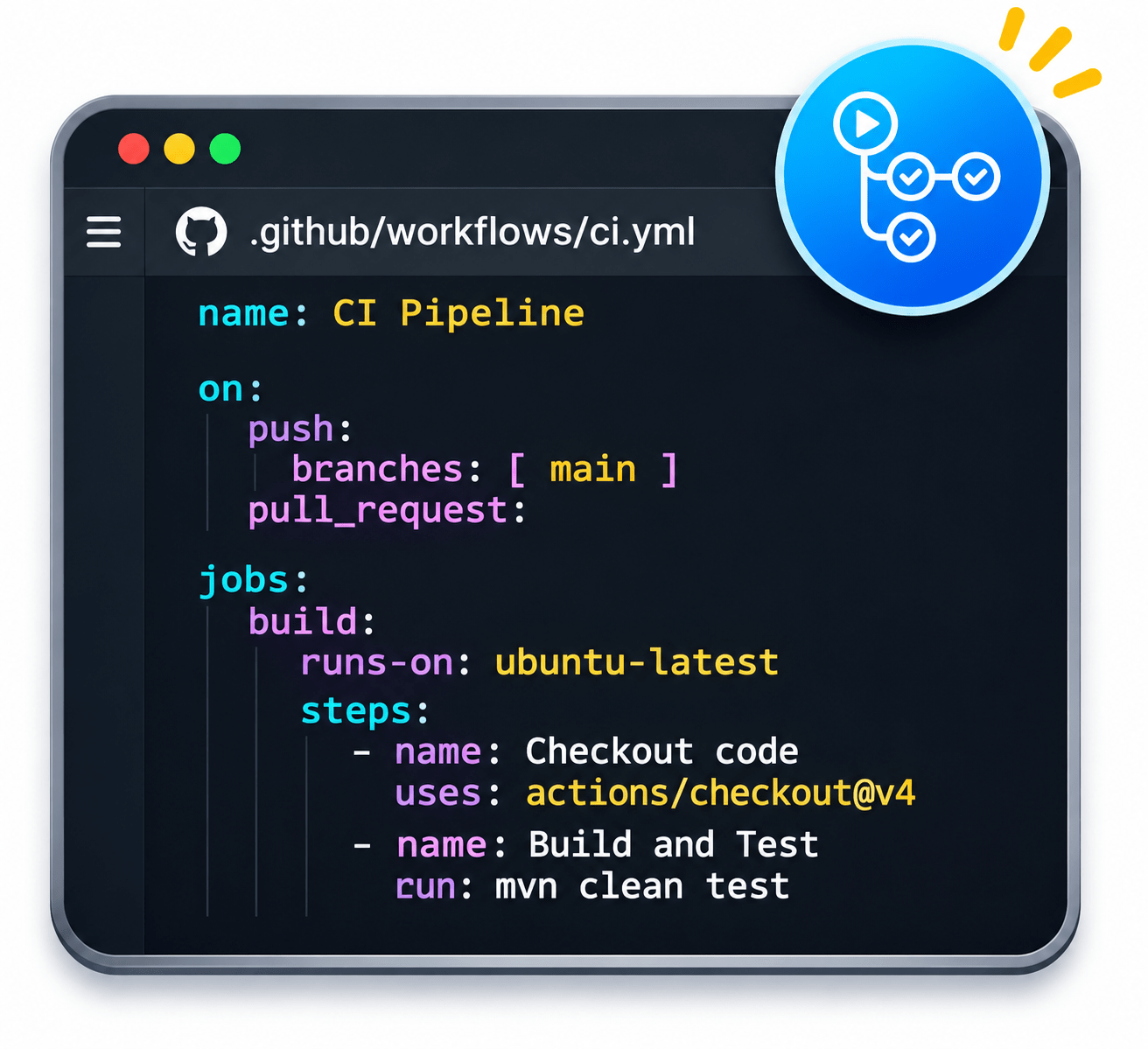
An automated process defined in a YAML file (e.g., ci.yml).
Workflow
What starts the workflow, such as:
push
pull_request
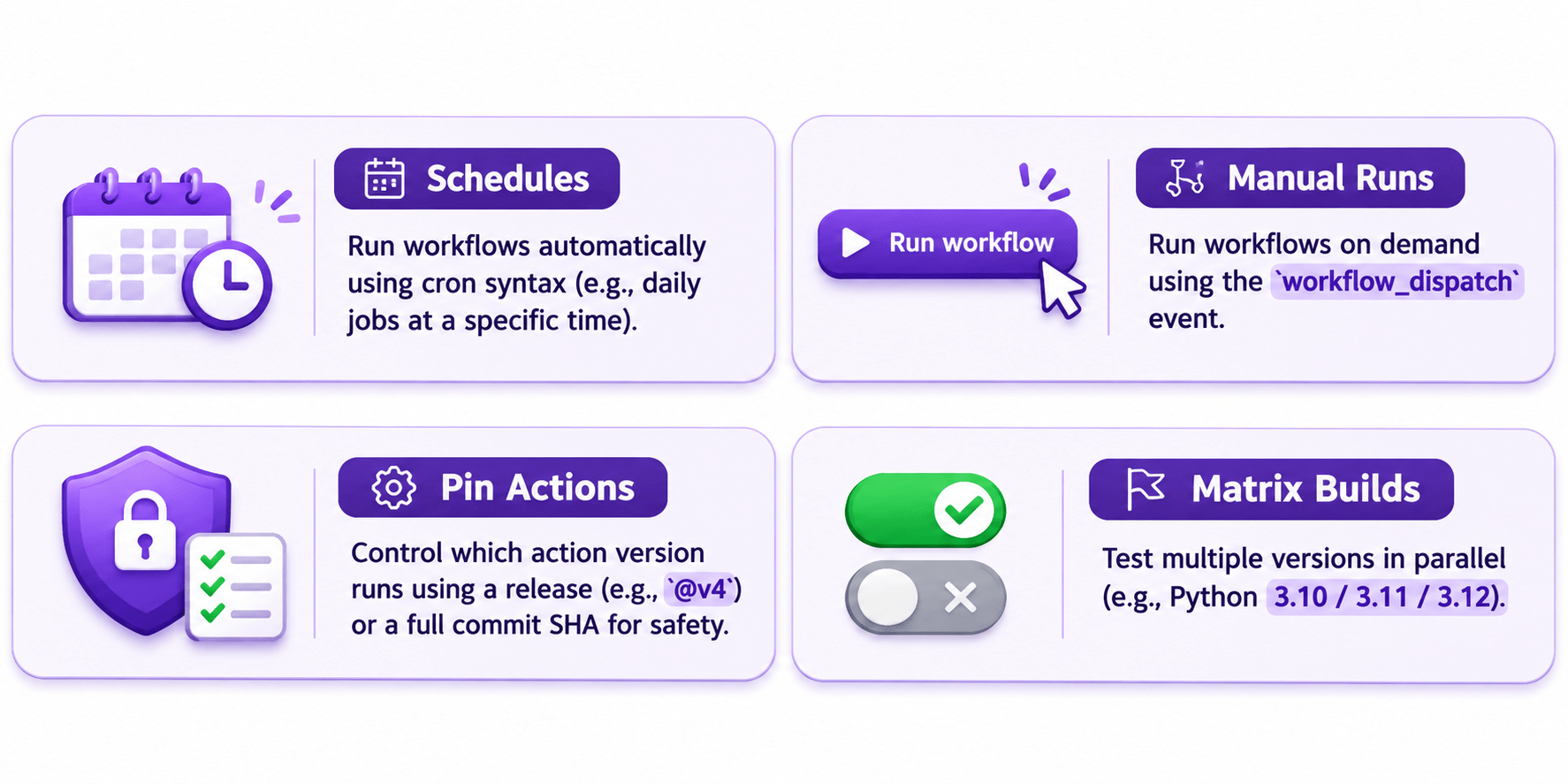
schedule (cron)
workflow_dispatch (manual button)
Event (Trigger)
A set of steps that run in parallel or sequentially.
Each job does a specific task.
Job
The machine where the job runs.
Examples: ubuntu-latest, self-hosted runner.
Runner
Individual commands or actions that run inside a job.
Examples: checkout, build, test.
Steps
format this code :
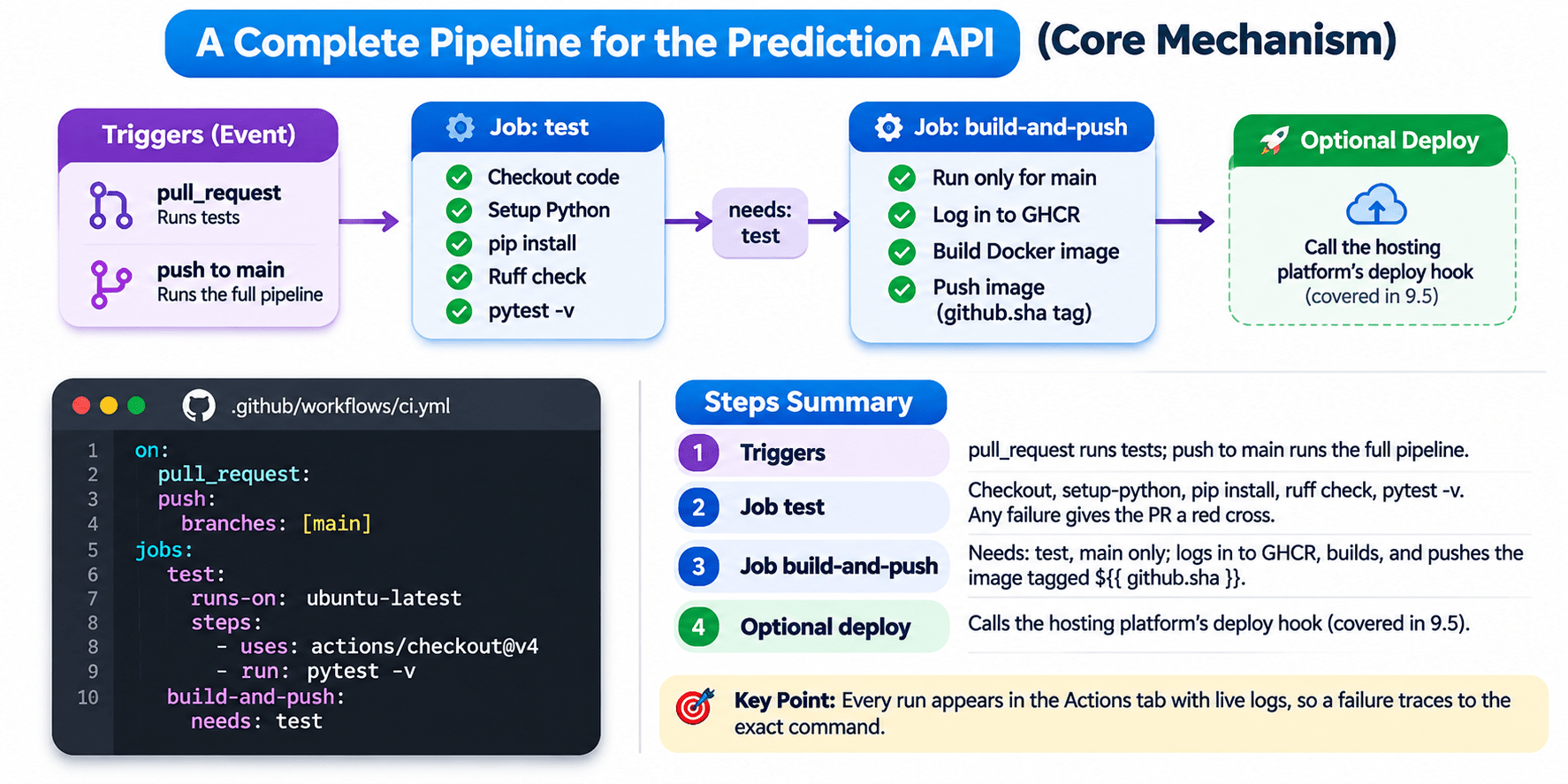
on:
  pull_request:
  push:
    branches: [main]
jobs:
  test:
    runs-on: ubuntu-latest
    steps:
      - uses: actions/checkout@v4
      - run: pytest -v
  build-and-push:
    needs: test
Create
Settings → Secrets and variables → Actions.
Once saved, the value can't be viewed, only replaced.
Use
${{secrets.DOCKERHUB_TOKEN }} as an action input or step environment variable.
Masked
Printed values appear as *** in logs.
Level
Repository, organisation, or environment.
What is GITHUB_TOKEN?
What is GITHUB_TOKEN?
GitHub automatically generates a temporary access token for every workflow run.
It expires automatically when the workflow run finishes.
It allows workflows to interact with GitHub services without storing a personal password.
What Can It Do?
Publish Images
Push container images to GHCR for the same repository.
PR Interaction
Perform permitted actions such as adding comments to pull requests.
No Stored Password
Authentication is handled using the automatically generated token.
Least Privilege Principle
Give the token only the permissions required to complete its task.
Use the permissions block to control what the workflow can access.
What Can It Do?
Publish Images
Push container images to GHCR for the same repository.
PR Interaction
Perform permitted actions such as adding comments to pull requests.
No Stored Password
Authentication is handled using the automatically generated token.
Least Privilege Principle
Give the token only the permissions required to complete its task.
Use the permissions block to control what the workflow can access.
GitHub Variables
Store non-sensitive configuration values such as image names, Python versions, and environment names.
Access them using ${{ vars.VARIABLE_NAME }}.
Unlike secrets, variables are not intended for sensitive information and can be visible in plain text.
Code Example
permissions:
contents: read
packages: write
Allows the workflow to read repository contents.
Allows the workflow to publish packages to GHCR.
GitHub Variables
Store non-sensitive configuration values such as image names, Python versions, and environment names.
Access them using ${{ vars.VARIABLE_NAME }}.
Unlike secrets, variables are not intended for sensitive information and can be visible in plain text.
Code Example
permissions:
contents: read
packages: write
Allows the workflow to read repository contents.
Allows the workflow to publish packages to GHCR.
| Aspect | run: | uses: |
|---|---|---|
| What it does | Runs shell commands on the runner | Runs a reusable action |
| Example | run: pytest -v | uses: actions/checkout@v4 |
| Who writes the logic | You, in the workflow | The action's author, on the Marketplace |
| Inputs | Env variables and arguments | Named inputs under with: |
| Main risk | Typos, missing setup | Trusting third-party code; pin versions |
| Analogy | Guard following a written step | Hiring a certified service for the job |
Summary
4
Secrets: ${{ secrets.NAME }}, masked as ***.
3
run: for commands; uses: for actions.
2
1
5
Keep GITHUB_TOKEN permissions minimal.
Event → workflow → jobs → runners → steps.
Workflows live as YAML in the repo.
Quiz
In a workflow, the build-and-push job starts even when the test job fails. What's missing from build-and-push?
A. runs-on: ubuntu-latest
B. permissions: packages: write
C. needs: test
D. uses: actions/checkout@v4
In a workflow, the build-and-push job starts even when the test job fails. What's missing from build-and-push?
A. runs-on: ubuntu-latest
B. permissions: packages: write
C. needs: test
D. uses: actions/checkout@v4
Quiz-Answer
By Content ITV